What is the workflow timezone in n8n?
Updated · By Robert Breen
The workflow timezone is the setting that tells n8n which local clock to use for a workflow's schedule and dates. A trigger set to 7am fires at 7am in that timezone, so if it doesn't match where your business is, the workflow runs at the wrong hour.
Why it matters for a small business
Scheduled automations are only useful if they run when people need them. A morning job list that arrives at 6am or 8am instead of 7 is annoying; a reminder that goes out at 2am is worse. Because n8n runs on a server, it can't guess where you are. It uses the workflow's timezone setting, and if you never change it, you get the default.
This is one of those settings that trips everyone up once, because nothing looks broken. The schedule says 7am, the test runs fine, and the first real run still happens at the wrong time. Setting the timezone before you build the schedule takes thirty seconds and saves that confusion.
In a real lesson: Daily Job Alerts: Email Each Tech Their Jobs from Google Sheets with n8n
The Daily Job Alerts lesson gives the timezone its own chapter, before any nodes are added. You are the office at Rapid Flow Plumbing, a made-up plumbing company on Central time. The voice-over warns that a schedule runs on the workflow's timezone, that it defaults to New York, and that if you're not on Eastern time, 7am will be the wrong 7am.
So after Create workflow, you click the ··· next to the workflow name, choose Settings, open the Timezone dropdown, pick America/Chicago and click Save. The lesson adds: for your own business, pick your own timezone.
Only then do you add the On a schedule trigger, leave it on every 1 day, and change Trigger at Hour from midnight to 7am, which the voice-over notes is 7am in the Central timezone you just set.
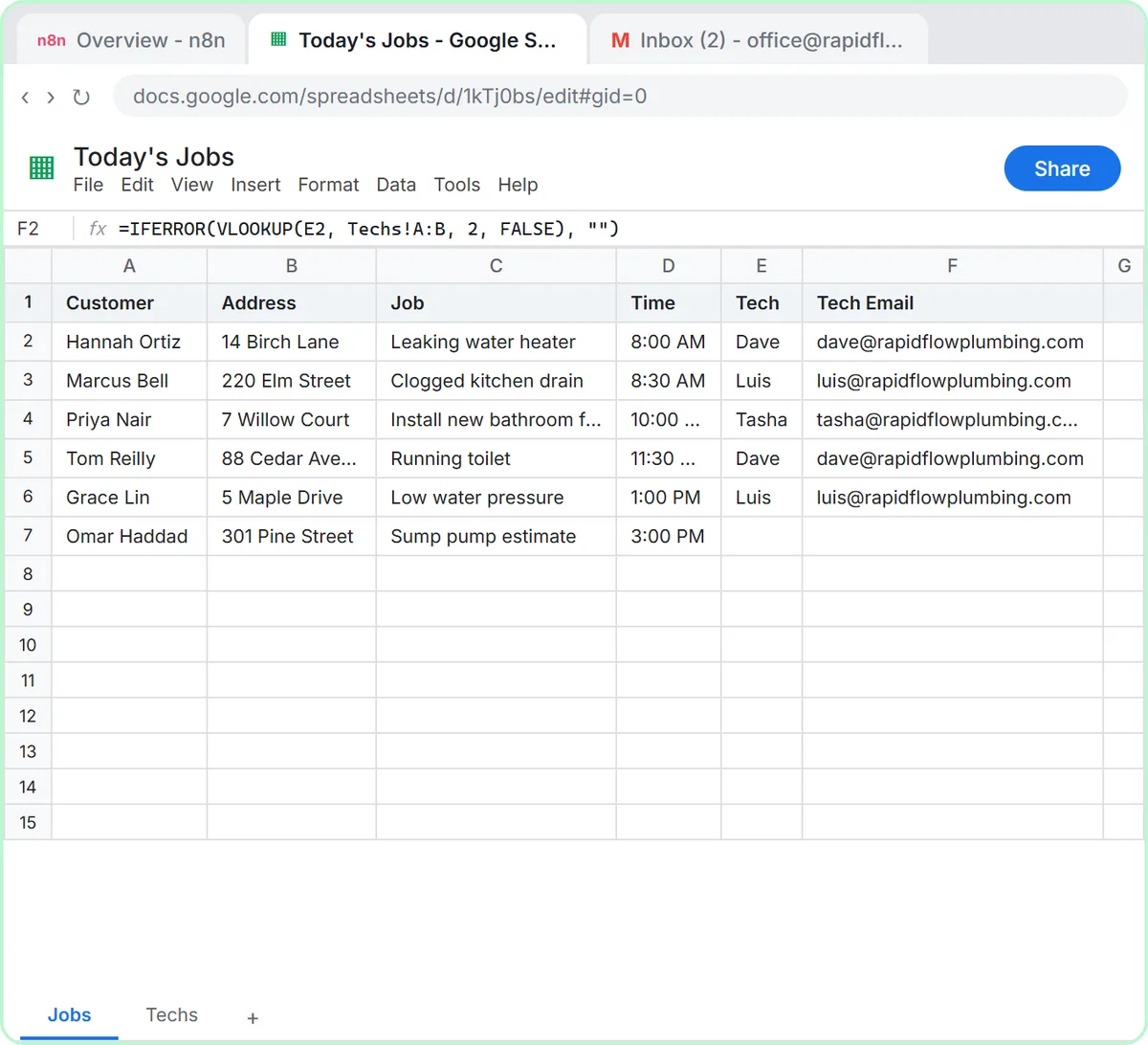
Try this lesson free or read the step-by-step guide.
Common confusions
Workflow timezone vs your computer's clock
Your laptop's time zone doesn't matter. The workflow runs on n8n's server and follows the workflow's timezone setting, even when your computer is off.
Workflow timezone vs a cron expression
A cron expression or the schedule fields say when (7am every day). The timezone says whose 7am. You need both to be right.
Tips
- Set the timezone first, then build the schedule.
- Check it again after importing a workflow or template someone else built.
- Daylight saving time is handled when you pick a named zone like America/Chicago rather than a fixed offset.
Related terms
Where you use it: free lessons
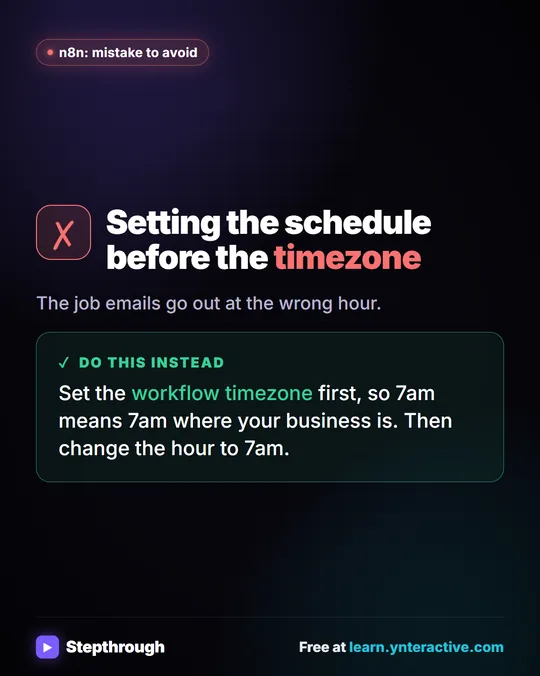
Visual guide
Workflow timezone in a few slides, with the same guide written out as text.
Frequently asked questions
- Why did my n8n schedule run at the wrong time?
- Usually the workflow timezone doesn't match your location. Open the workflow menu, choose Settings and set Timezone to your own zone, then save.
- Can different workflows use different timezones?
- Yes. The timezone is set per workflow in its settings, so a workflow for a team in another region can follow their clock.