Updated . Built against the tool’s current screens and checked step by step. How we check this lesson
Small accounting, consulting and agency firms rarely lose clients to a competitor. They lose them to a quiet inbox: an enquiry arrives, the week gets busy, and nobody follows up. That costs real money, and the fix is a business habit, not a bigger marketing budget: every enquiry gets an owner and a next step. Capsule is a CRM, a single place to keep every client, deal and follow-up, with a free plan to start. In this free business-case lesson you use a practice copy to price what dropped follow-ups cost, then use Capsule to add a client, check the pipeline stages, add a deal with a value and a close date, set a follow-up task, and read a forecast you can trust.
At a glance
| Question | Answer |
|---|---|
| What you build | A business case for a small firm: price what dropped follow-ups cost, then use Capsule CRM to give every enquiry an owner and a next step: add a client, check the pipeline stages, add a deal with a value and close date, set a follow-up task, and read a forecast you can trust. |
| Tools | Capsule CRM |
| Time | About 18 minutes, 41 steps in 8 parts |
| Level | Beginner, no coding needed |
| Cost | Free |
| Ways to learn it | Practice it step by step |
The 8 parts, in short
- The cost of a dropped follow-up: Count the quiet enquiries, Put a price on it, Meet Capsule.
- Add the client: Open Contacts, Add the company first, Name the organization, Save it, and 5 more steps.
- Check your pipeline: Find where the pipeline stages live, Open Account Settings, Open Sales Pipelines, Open your pipeline, and 1 more step.
- Add the opportunity: Add an opportunity, Name the work, Who is it for?, Pick the company, and 4 more steps.
- Set the follow-up: Add a task, Describe the follow-up, Pick the due date, Open Category, and 2 more steps.
- Where Capsule’s AI fits: Open your account menu, Open Account Settings, Open Capsule AI, See where Capsule’s AI fits.
- See the whole pipeline: Back to the pipeline, Open the Dashboard, Read the forecast.
- What this saves you: Check your day, What this saves you, Next: Transpond.
Start here first: Build an n8n AI Agent That Writes Deal Follow-Ups (module 1 of AI Automation for Sales)
Part of: AI Apps Worth Knowing (step 13 of 17). Next up: Turn Instagram Comments into Booked Consultations using Manychat
The business case: what a dropped follow-up costs a small firm
Picture Priya, a partner at Merrin & Cole, a made-up four-person accounting firm. Enquiries arrive by email, by phone and through the website form. She keeps track in a spreadsheet and her inbox. In October, 14 enquiries came in and 5 never got a follow-up. Nobody decided to ignore them. A tax deadline hit, a client called, and the enquiry slid down the inbox.
Here is the arithmetic, using example numbers you should replace with your own. Say the average first-year fee is $4,800 and the firm wins one in four of the enquiries it follows up. Five quiet enquiries is then about 1.25 clients, or roughly $6,000 of work every month, and $72,000 a year. The firm did not need more enquiries. It needed a reliable next step on the ones it already had.
That is the job of a CRM (customer relationship manager). Every enquiry gets a contact record, a value, an expected close date, and a task with an owner and a due date. The question 'who is following up with Dana, and when?' always has an answer, even in a week when Priya is out.
Who this is for, and what it costs to start
Partners and owners of small accounting, consulting, legal, design and agency firms with a handful of staff, who win work through enquiries and referrals and track them in a spreadsheet or an inbox. You do not need any sales or technical background.
Capsule has a free plan. Its pricing page and our check of a real Free account agree on 250 contacts, 2 users and 1 sales pipeline (the account also showed a limit of 50 opportunities). The paid plans (Starter, Growth, Advanced and Ultimate) have a 14-day free trial with no card needed. In our check the Free plan had AI Email Assist switched on, no AI Summaries box, and a locked Add Pipeline button. Capsule's own announcements say AI Summaries are on Growth and above and the AI Pipeline Generator is on Starter and above, and its pricing page does not list which plan includes AI Email Assist, so check the pricing page before you plan around any one of them. A new account already has a Sales Pipeline with six stages, so you can start without building anything.
Contacts, organizations and why you link them
Capsule keeps two kinds of contact: people and organizations. A person can belong to one organization, and an organization can have many people. The history from each person also shows on their organization, so the whole relationship, across everyone you speak to there, is in one place. Capsule's help notes that a person and their organization count as two records toward your plan's contact limit.
A new enquiry does not have to be typed in by hand forever. Capsule can create contacts from emails you forward to its mail drop box, from a website form, from the Gmail and Outlook add-ins, and from accounting integrations. The lesson adds one by hand so you see every field.
Opportunities, stages and the forecast
An opportunity always belongs to a contact and sits at a milestone (a stage). Each milestone carries a probability of winning, set by your Capsule administrator. Capsule multiplies each open deal's value by its stage's probability to build the pipeline forecast. That is why the dashboard shows two numbers: Pipeline Value, which is weighted by chance of winning, and Total Value, which assumes you win everything.
In the lesson's example, four deals worth $17,000 in total give a weighted forecast of $4,260 using Capsule's default stage percentages. The numbers are made up. The point is that a forecast is only as good as the values, dates and stages you keep current, so the follow-up task is what keeps the rest true.
Capsule's AI features (not taught in this lesson)
- AI Summaries: on a contact, opportunity or project, Capsule summarises the most recent activity into a few bullets, for context before a call. Capsule says AI Summaries are on Growth and above and that it uses OpenAI to process the data, so make sure that suits your clients' confidentiality. Always check a summary against the history before you rely on it.
- AI Pipeline Generator (Beta): describe your business and how you sell, and Capsule suggests stages. We could not find it on the Free plan, where you get one default pipeline, so we did not teach it. If you have it, treat it as a first draft and edit the stages to match how your firm really works.
- AI Email Assist: Capsule says it helps you write emails and templates. It was switched on in the Free account we tested, but sending email needs a connected mailbox, which we did not connect, so we did not test it. Read any draft before it goes out.
- Capsule also offers AI Meeting Prep and an AI connection to ChatGPT, and says other AI tools such as Claude can connect as a custom connector. Those are beyond this lesson, and plan availability varies.
What this saves you
- Dropped follow-ups: every enquiry has a contact, a value, a close date and a task with an owner, so nothing lives only in an inbox. In the example, the quiet enquiries were worth about $6,000 a month.
- A reliable next step: the follow-up task shows on Home under Next 7 days, so the question who is following up and when always has an answer.
- Guessing: the pipeline shows what is at each stage, and the forecast weights it by the chance of winning.
- What it does not do: it does not win the work, and it does not replace reading what the AI writes. A CRM only helps if someone keeps the dates and stages current.
What we checked in a real Capsule account
We ran every step of this lesson, from adding the organization and person through the pipeline stages, the opportunity, the follow-up task, the board and the dashboard, in a real Capsule Free-plan account in October 2026, and the practice screens match what we saw. AI Summaries and AI email drafting need Capsule's Growth plan, so they are only mentioned, not taught.
Next business case: stay in touch with Transpond
Once follow-ups are under control, the next gap is staying in touch with the people already in your CRM: a tax deadline reminder, a newsletter, a thank-you after a project. Transpond is Capsule's marketing add-on for email and SMS campaigns, and it uses the same contacts. It is a separate paid add-on with its own pricing. A lesson on it is the natural next step.
Links
- Capsule CRM (affiliate link): the CRM this lesson teaches. It has a free plan, and the paid plans have a 14-day free trial with no card.
- Capsule pricing: current plans and limits. Check which plan includes each AI feature before you rely on it.
- Capsule AI: Capsule's own page on AI Summaries, the AI Pipeline Generator and AI Email Assist.
- Adding opportunities (Capsule help): the fields behind a deal: name, contact, milestone, value and close date.
- AI Summaries (Capsule help): how to switch the summaries on and what they cover.
Disclosure: links marked "affiliate link" are partner links. If you sign up through one, Stepthrough may earn a commission at no extra cost to you. The lesson is free either way and does not depend on it.
Try it yourself, free
Reading the steps is a start. Doing them is how it sticks. The interactive module walks you through every click in a practice copy of Capsule CRM, checks each step, and never touches your real accounts.
Start “Never Lose a Client Follow-up using Capsule CRM”Step by step: Never Lose a Client Follow-up using Capsule CRM
All 41 steps of the interactive module, in order. In the module you watch each one, then do it yourself in a practice copy that checks your work.
1. The cost of a dropped follow-up
- Count the quiet enquiries. Priya Shah is a partner at Merrin & Cole, a four-person accounting firm. Enquiries arrive by email, phone and a website form, and she tracks them in a spreadsheet. This month 14 came in. Click the row that shows 5 with no follow-up.
Priya is a partner at a four person accounting firm. Enquiries come in by email, phone and the website form. She keeps track in a spreadsheet. This month, fourteen came in. Five of them never got a follow up.
- Put a price on it. Say her average first-year fee is $4,800 and she wins 1 in 4 enquiries she follows up. Those 5 quiet ones are about $6,000 a month of work, or $72,000 a year. These numbers are an example, so swap in your own. Click the total.
Say the average first year fee is forty eight hundred dollars. And she wins one in four of the enquiries she follows up. Five quiet enquiries is about six thousand dollars of work, every month. That is seventy two thousand a year. These are example numbers, so use your own.
- Meet Capsule. Capsule is a CRM, a place to keep every client, deal and follow-up. It has a free plan (250 contacts, 2 users, 1 sales pipeline), and the paid plans have a 14-day free trial with no card. Click the Capsule card to open it.
Capsule is a C R M. That is a single place for every client, every deal, and every follow up. It has a free plan, with two hundred fifty contacts, two users, and one sales pipeline. The paid plans have a fourteen day free trial, with no card.
2. Add the client
- Open Contacts. This is Capsule’s home screen. The menu runs down the left side. Click Contacts.
This is the Capsule home screen. The menu runs down the left side. A dental group just emailed. Let us add them.
- Add the company first. A new enquiry is Dana Whitfield, who runs three dental practices at Brightside Dental Group. Capsule keeps people and companies as two kinds of contact. Click Add Organization, top right.
The enquiry is from Dana Whitfield. She runs three dental practices, called Brightside Dental Group. Capsule keeps the company and the person as two contacts, and links them. Company first.
- Name the organization. Type Brightside Dental Group in the Name box. Capsule opens a full page for this, not a pop-up.
Brightside Dental Group.
- Save it. Everything else on this page is optional. Scroll down and click Save. Capsule takes you to the new company’s record.
Everything else here is optional. Capsule takes you to the company’s record.
- Now add Dana. On the company’s record, find People at this company in the left column. Click the + beside it.
Now Dana herself. In the left column, find People at the company, and click the plus beside it.
- First name. Type Dana in First Name. Notice Primary Organization already shows the company, so Dana is linked to it.
Dana. Notice the company is already filled in, so she is linked to it.
- Last name. Type Whitfield in Last Name.
And her last name. Whitfield.
- Add her email. Scroll to Email Addresses and type: [email protected].
- Save Dana. Click Save. Anything about Dana now also shows on the company’s record.
Now, anything about Dana also shows on the company.
3. Check your pipeline
- Find where the pipeline stages live. A pipeline is the path an enquiry follows from first contact to client. Each step is a milestone. A new account already has six, so you do not build them from scratch. To see them, click your picture at the top right.
A pipeline is the path an enquiry follows, from hello to client. Each step is a milestone. A new account already comes with six, so you do not build from scratch. To look at them, click your picture, top right.
- Open Account Settings. Click Account Settings.
- Open Sales Pipelines. Account Settings is a grid of cards. Click Sales Pipelines.
This is a grid of cards.
- Open your pipeline. You have one pipeline. Add Pipeline has a padlock: more than one pipeline is on the Growth plan. Capsule also has an AI Pipeline Generator (Beta) for building stages from a description, but we could not find it on the Free plan, so it is not covered here. Click Sales Pipeline.
You have one pipeline. The add pipeline button has a padlock, because more than one is a paid feature. Capsule also has an A I pipeline generator, but it was not on the free plan, so we skip it.
- Back to the board. These are the six milestones: New 10%, Qualified 20%, Meeting 30%, Proposal 50%, Negotiation 70%, Contract 90%. The percentage is the chance of winning, and it drives your forecast. You can rename them or Add Milestone to match how your firm sells. The defaults will do. Click Sales Pipeline in the menu.
These are the six milestones. Each has a chance of winning, from ten percent up to ninety. That percentage drives your forecast. You can rename them, or add your own, to match how your firm sells. The defaults will do.
4. Add the opportunity
- Add an opportunity. The same six milestones are the board’s columns. An opportunity is one possible piece of work, with a value and a date. Click Add Opportunity.
The six milestones are the columns of the board. An opportunity is one possible piece of work, with a value and a date. This is where the money lives.
- Name the work. Type Annual accounts and tax as the opportunity name.
Name the work. Annual accounts and tax.
- Who is it for?. Click Opportunity Relates To, and start typing the company name. Every opportunity belongs to a contact.
Every opportunity belongs to a contact.
- Pick the company. Pick Brightside Dental Group from the list.
Pick Brightside Dental Group.
- Set the value. Scroll down and type 4800 in Expected Value. This is what feeds your forecast.
Now the value. This is what feeds your forecast.
- Set the expected close date. Type 10/30/2026 in Expected Close Date. Capsule uses the month, day, year order, and also gives you a calendar.
And the date you expect to hear back. Month, day, year.
- Save the opportunity. The milestone is already New, the first one. Click Save. Capsule drops you on the board, with the new card in the New column.
The milestone is already New, the first one. The new card lands in the New column.
- Open the opportunity. The board shows the value and the close date on the card. Click the Annual accounts and tax card to open its own page.
The card shows the value and the close date.
5. Set the follow-up
- Add a task. This is the opportunity’s page. The deal is only safe once someone owns the next step. Click Add Task on the right.
This is the opportunity page. A deal is only safe once someone owns the next step.
- Describe the follow-up. Type Follow up with Dana on the proposal as the description.
Say what needs doing. Follow up with Dana on the proposal.
- Pick the due date. Click the date and pick the 15th in the calendar, or type 10/15/2026. Capsule switches Due to Custom Date.
Set the due date.
- Open Category. Click Category. It starts at None.
- Choose Follow-up. Pick Follow-up. Categories let you filter your tasks later.
- Save the task. It is assigned to you by default. Click Save.
It’s assigned to you by default.
6. Where Capsule’s AI fits
- Open your account menu. Capsule’s AI settings live in Account Settings. Click your picture at the top right.
Capsule’s A I settings live in Account Settings.
- Open Account Settings. Click Account Settings.
- Open Capsule AI. Click Capsule AI.
- See where Capsule’s AI fits. This is the Capsule AI page. On the Free plan we tested, AI Email Assist was already ticked, and Contact Enrichment was off. On Capsule’s Growth plan and above you also get AI Summaries and AI email drafting. We will add a hands-on lesson for those. Click the note to move on.
This is the Capsule A I page. On the free plan we tried, A I Email Assist was already switched on. On Capsule’s Growth plan and above, you also get A I Summaries and A I email drafting. We will add a hands on lesson for those.
7. See the whole pipeline
- Back to the pipeline. A week later, Priya has added three more prospects from her old spreadsheet. Click Sales Pipeline.
A week later, Priya has added three more prospects from her old spreadsheet.
- Open the Dashboard. Each column is a milestone, with the total value on top, and you drag a card to the next column as the deal moves. Top right shows Projected Value and Total Value. Click the Dashboard tab.
Each column is a milestone, with the total value on top. You drag a card to the next column as the deal moves.
- Read the forecast. Pipeline Value weights each deal by its milestone’s chance of winning, so it is a forecast. Total Value assumes you win everything. Click the Pipeline Value.
Pipeline Value weights each deal by its chance of winning. So it’s a forecast. Total Value assumes you win everything.
8. What this saves you
- Check your day. Back on Home, the Tasks card has tabs: Today, Next 7 days and Overdue. The follow-up to Dana is under Next 7 days. Click that tab.
Back on Home, the Tasks card has three tabs. Today, next seven days, and overdue. The follow up to Dana is under next seven days.
- What this saves you. Click What this saves you.
Here is what it saves.
- Next: Transpond. Click Next business case: Transpond.
Next up, email marketing with Transpond.
Frequently asked questions
- What is Capsule CRM?
- Capsule is a customer relationship manager (CRM) for small businesses. It keeps your contacts, sales opportunities, tasks and the history of your emails and notes in one place, so enquiries do not get lost in an inbox or a spreadsheet.
- Is Capsule CRM free?
- Capsule has a free plan. Its pricing page says the free plan covers 250 contacts, 2 users and 1 sales pipeline. The paid plans have a 14-day free trial with no card needed. Check capsulecrm.com/pricing for current limits.
- Which Capsule AI features need a paid plan?
- Capsule's announcements say AI Summaries are on Growth plans and above and the AI Pipeline Generator is on Starter and above. In our check of a Free plan, AI Email Assist was already switched on, AI Summaries did not appear, and Add Pipeline was locked. Capsule's pricing page does not say which plan includes AI Email Assist, so check the pricing page for the plan you are considering.
- How do I set up a sales pipeline in Capsule?
- Open Sales Pipeline in the left-hand menu. A new account already has one pipeline with six milestones: New, Qualified, Meeting, Proposal, Negotiation and Contract. To look at or change them, open Account Settings, then Sales Pipelines, then your pipeline, where you can rename a milestone, change its probability of winning, or Add Milestone. Each milestone's probability feeds your forecast. More than one pipeline needs a paid plan.
- What is the difference between Pipeline Value and Total Value in Capsule?
- Total Value adds up every open opportunity as if you win them all. Pipeline Value weights each opportunity by the probability of winning at its current stage, so it is a more realistic forecast.
- Is it safe to let AI summarise my clients' emails?
- Capsule says it uses OpenAI as a sub-processor to process the data for AI Summaries, and the feature is switched off until you enable it. Check that this suits your clients' confidentiality and your firm's rules, and always check a summary against the original history before you rely on it.
- Is this lesson free, and has it been tested in the real Capsule app?
- The lesson is free and the practice copy needs no account. Every step was run in a real Capsule Free-plan account in October 2026. Capsule is a third-party product and screens change, so yours may differ slightly.
More in AI Automation for Sales
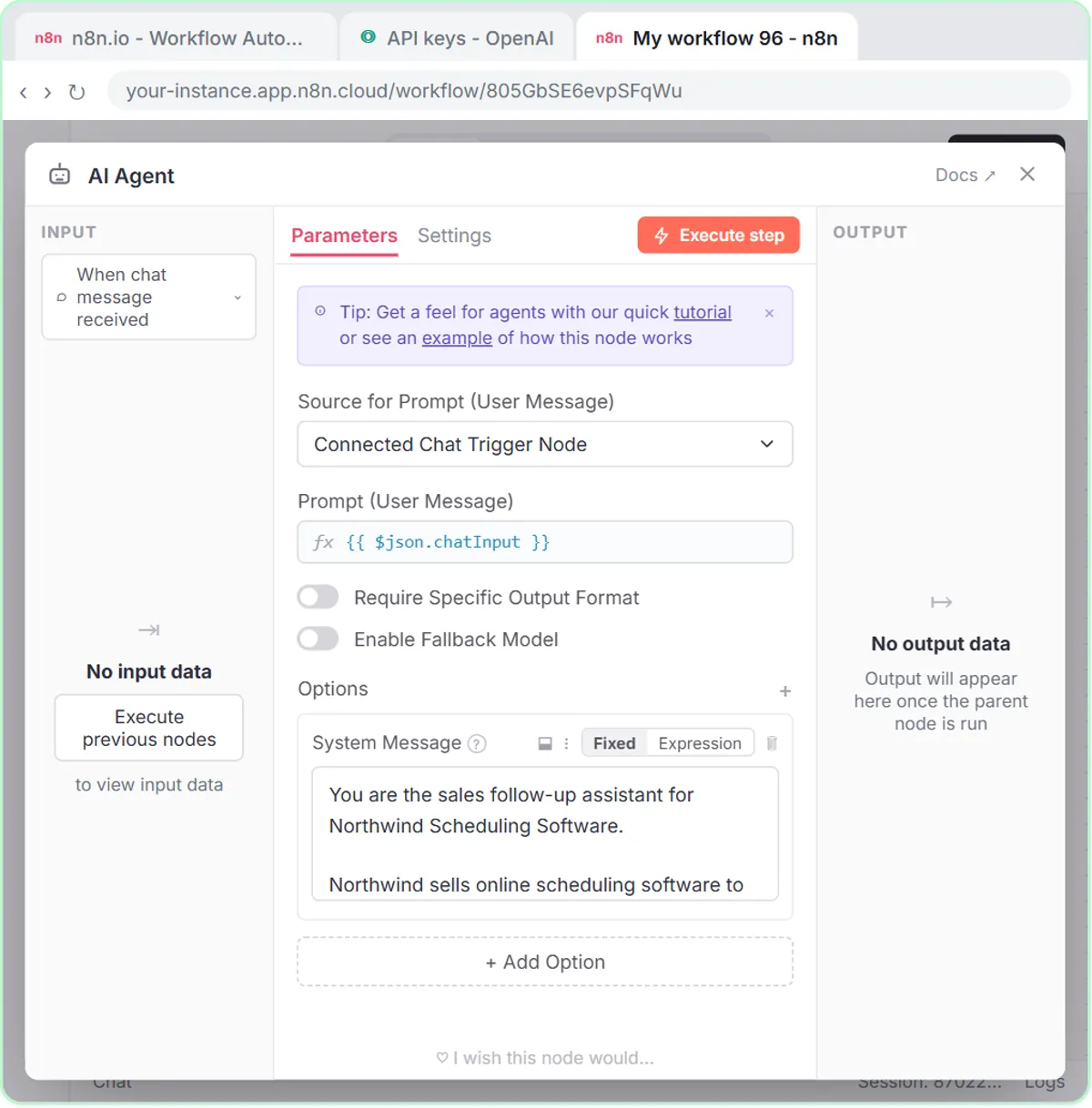 Build an n8n AI Agent That Writes Deal Follow-Ups
Build an AI agent for Northwind Scheduling Software that writes follow-up messages for your open deals and saves them to Google Sheets — chat trigger, AI Agent, system…
Free · Live ~12 min Intermediate
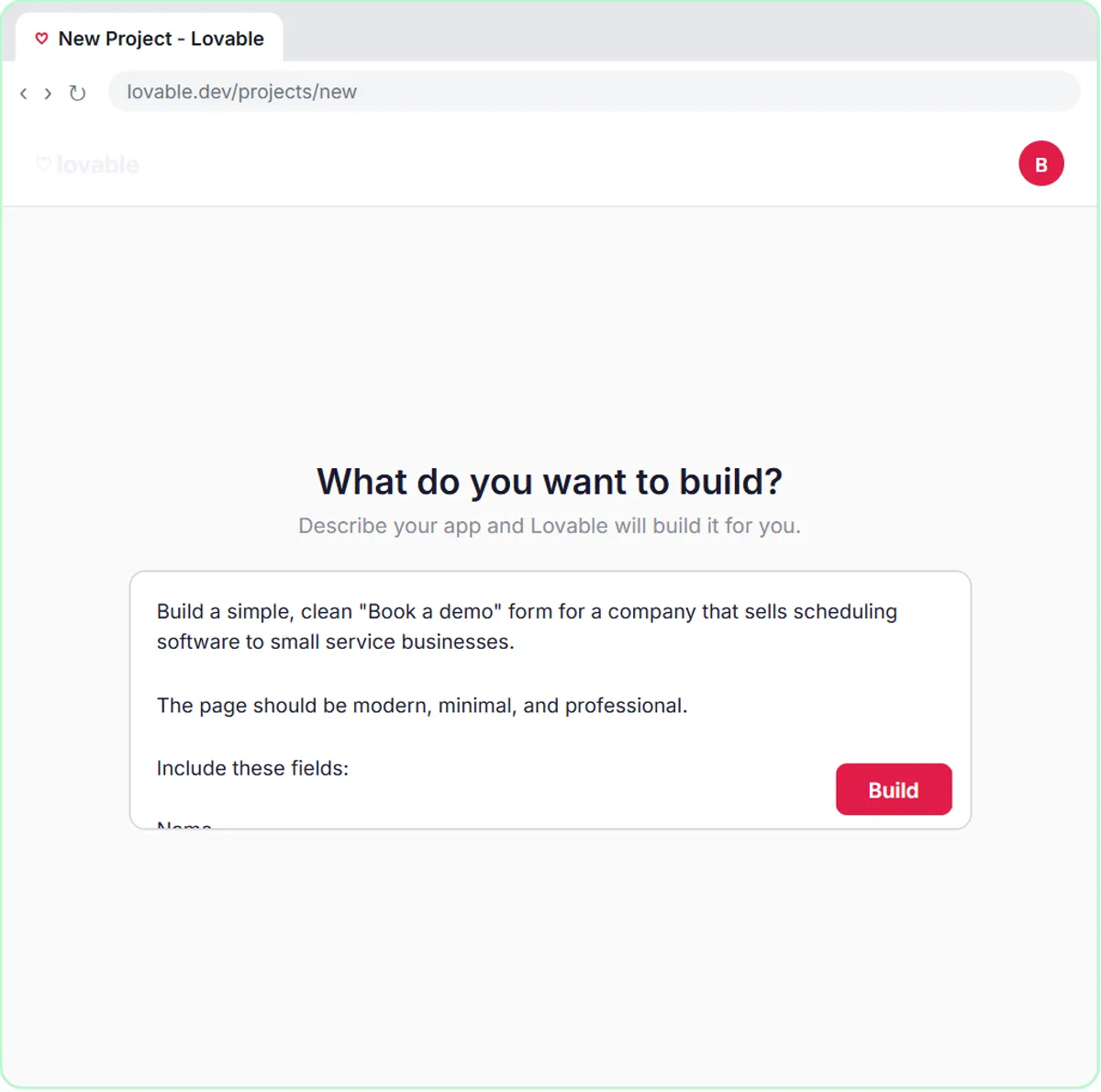 Build an AI Demo Request Form That Qualifies Leads
Build a "Book a demo" form in Lovable for Northwind Scheduling Software and connect it to n8n — the AI agent rates each lead hot, warm or nurture, saves it to Google…
Free · Live ~15 min Advanced
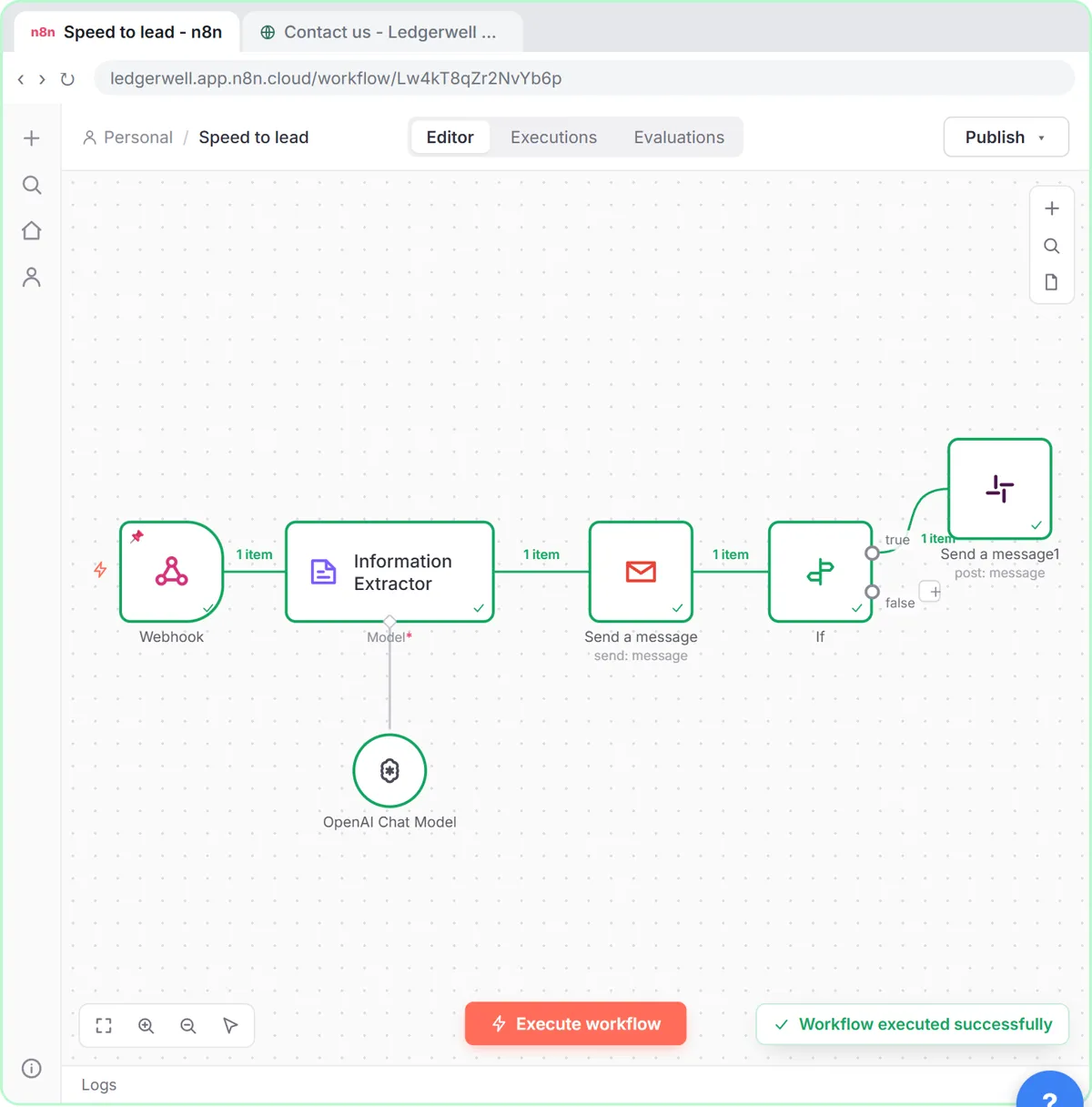 Speed-to-Lead Agent: Answer Every Web Lead in 60 Seconds
Build an n8n workflow that scores every website lead with AI, emails a personal first reply within seconds, and pings Slack only when a lead is hot.
Free · Live ~15 min Advanced
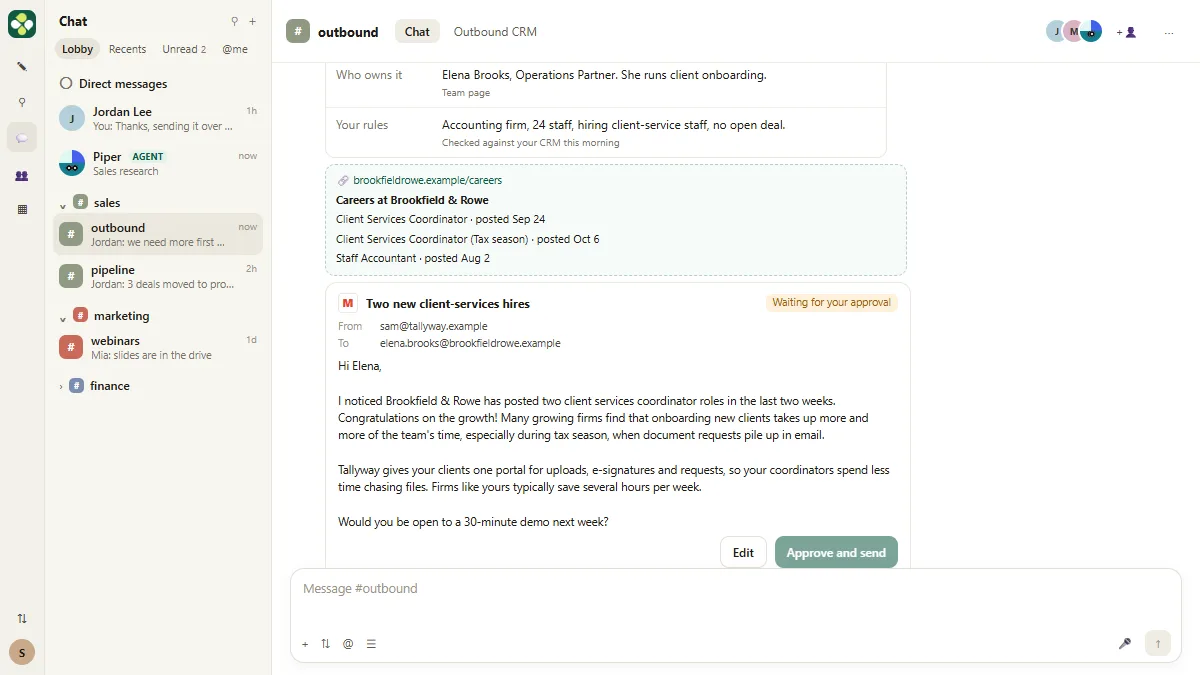 Kylon AI Sales Agent: Find the Reason to Reach Out
Add a sales agent to your Kylon workspace, teach it what a good account looks like, check its sourced reason for one firm, approve a short first email, then make it a…
Free · Live ~8 min Intermediate
All 6 modules in AI Automation for Sales
Terms in this lesson
Plain-English definitions, each with an example from a free lesson.