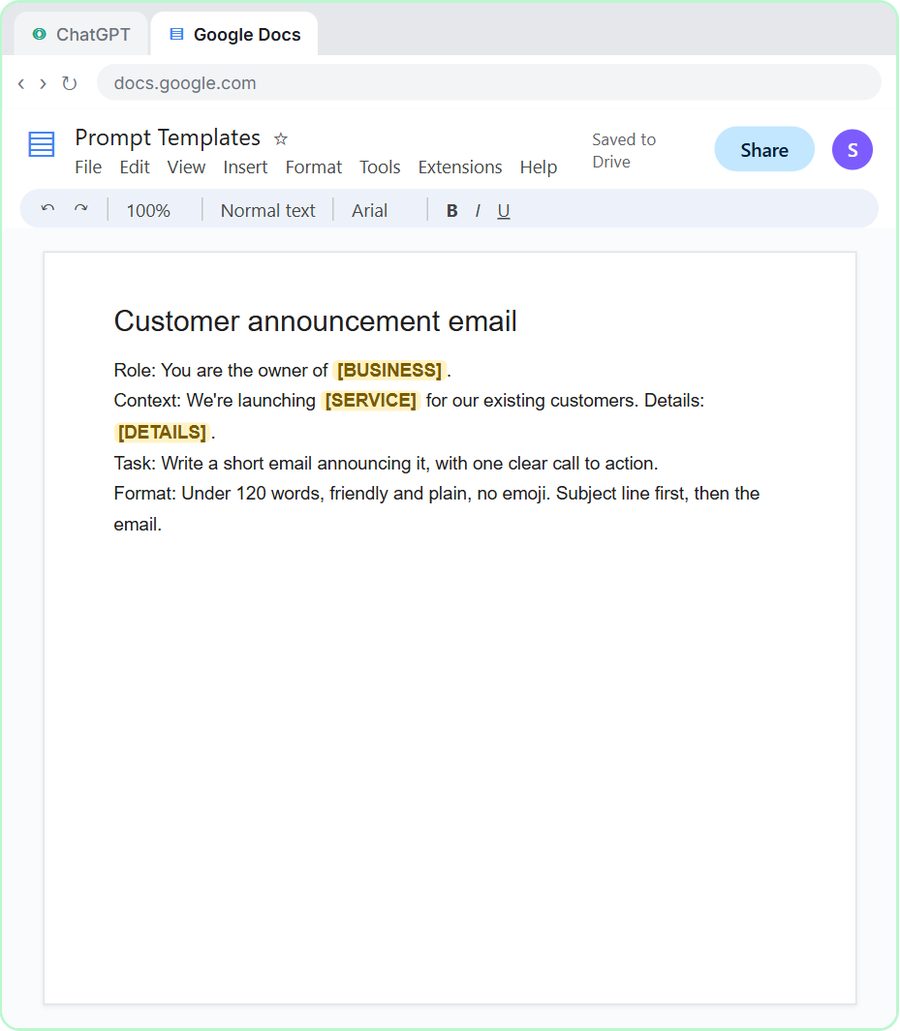
Start here · Free course
Intro to AI Automation
Learn AI automation from zero: three everyday AI jobs (pick your assistant, sum up a meeting, answer a tricky email), then a Custom GPT, an AI agent and a web form that answers leads.
Free · Interactive · No sign-up to start
The largest free AI training
Watch a step, then do it yourself in a practice copy of the real tool. Stuck? Press “Do it for me.”
Free access. No credit card. New lessons every week.
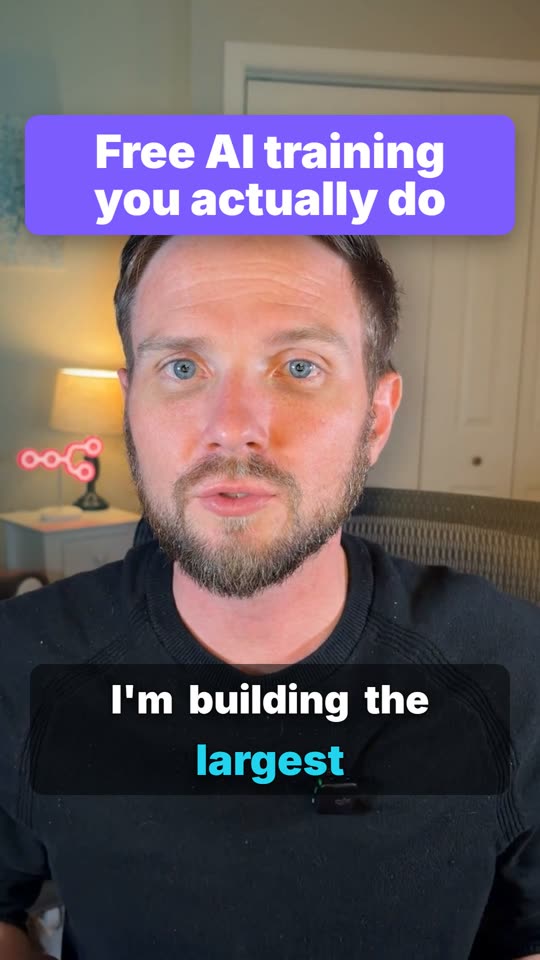 0:15
Stepthrough is a free site of hands-on AI courses for office work, made by Robert Breen for small-business owners, office staff and teams. You learn ChatGPT, n8n, Claude, Lovable, Higgsfield and Runable by doing every step yourself in a safe practice copy that checks your work. There are 93 free courses and 347 free lessons today, no coding needed, and no sign-up to start.
Top free courses: Intro to AI Automation, n8n for Beginners: Your First Automations, AI Automation with n8n: From First Workflow to AI Agents, AI Automation with Make, Excel and Word for the Web Jump Start, ChatGPT for Everyday Work.
- 347free lessons
- 93free courses
- 9,136guided steps
Learn by topic
Pick a topic to see its free courses in order, each with a one-page cheat sheet.

AI
ChatGPT, Claude, prompts, n8n automations and AI agents, beginner first.
9 courses · 72 modules
Accounting (Wave)
Wave accounting on real screens: transactions, invoices, bills and reports.
2 courses · 23 modules
BI
From a spreadsheet export to a Tableau chart and a dashboard people filter themselves.
2 courses · 9 modules
Digital Marketing
Social scheduling, short video, AI search visibility and campaign automations.
3 courses · 38 modules
Project Management
Jira sprints and Kanban on real screens, and meetings that turn into action items.
3 courses · 21 modules
Microsoft 365
Excel and Word for the web on real screens: budgets, PivotTables and client updates.
1 course · 3 modules
Google Workspace
A Google Sheets tracker on real screens, Gmail filters and Gemini answers from your docs.
1 course · 9 modules
Python
Total, combine and clean exports with pandas, typed and run in the free Google Colab.
1 course · 3 modules
SQL
Monthly revenue, top customers and quiet accounts, typed and run in the free DB Fiddle.
1 course · 3 modules
JavaScript
A quote calculator, invoice reminders and live API data, typed and run in the free JSFiddle.
1 course · 3 modules
Popular free courses
Short courses that take you from your first prompt to agents and automations, in order. Each module is a hands-on lesson.
AI at Work: Start Here
Use AI on real office work this week, without leaking client data.
14 modulesBetter Prompts
Turn vague AI answers into work you can send, with prompt habits that work in…
8 modulesChatGPT for Everyday Work
Answer emails, recap meetings, read spreadsheets and write SOPs in a fraction…
13 modulesMaster ChatGPT for Work
Go from safe first chats to ChatGPT that knows your job, reads your files and…
15 modulesClaude Jump Start
Get Claude to remember your business, research with sources, check contracts…
11 modulesn8n Jump Start
Hand the repeat jobs to n8n: reports, routing, status emails and AI steps that…
22 modulesAI Agents 101
Know when an agent beats a chatbot, then build agents that onboard clients…
11 modulesMake & Zapier Jump Start
Connect your apps with no code in Zapier and Make: a first zap, a first…
8 modulesLovable Jump Start
Build real web pages with Lovable by describing them: a landing page, a…
7 modulesAI for Marketing Teams
On-brand content in less time, then automations that turn posts and comments…
32 modulesAI for Sales Teams
Same-day follow-ups after every call, held prices and agents that answer new…
21 modulesAI Governance for Small Business
Put simple AI rules in place for a 5 to 50 person office: what data never goes…
12 modules
Most-used lessons
The lessons our guides, courses and blog send people to most. Each one is a real build that takes about 12 minutes.
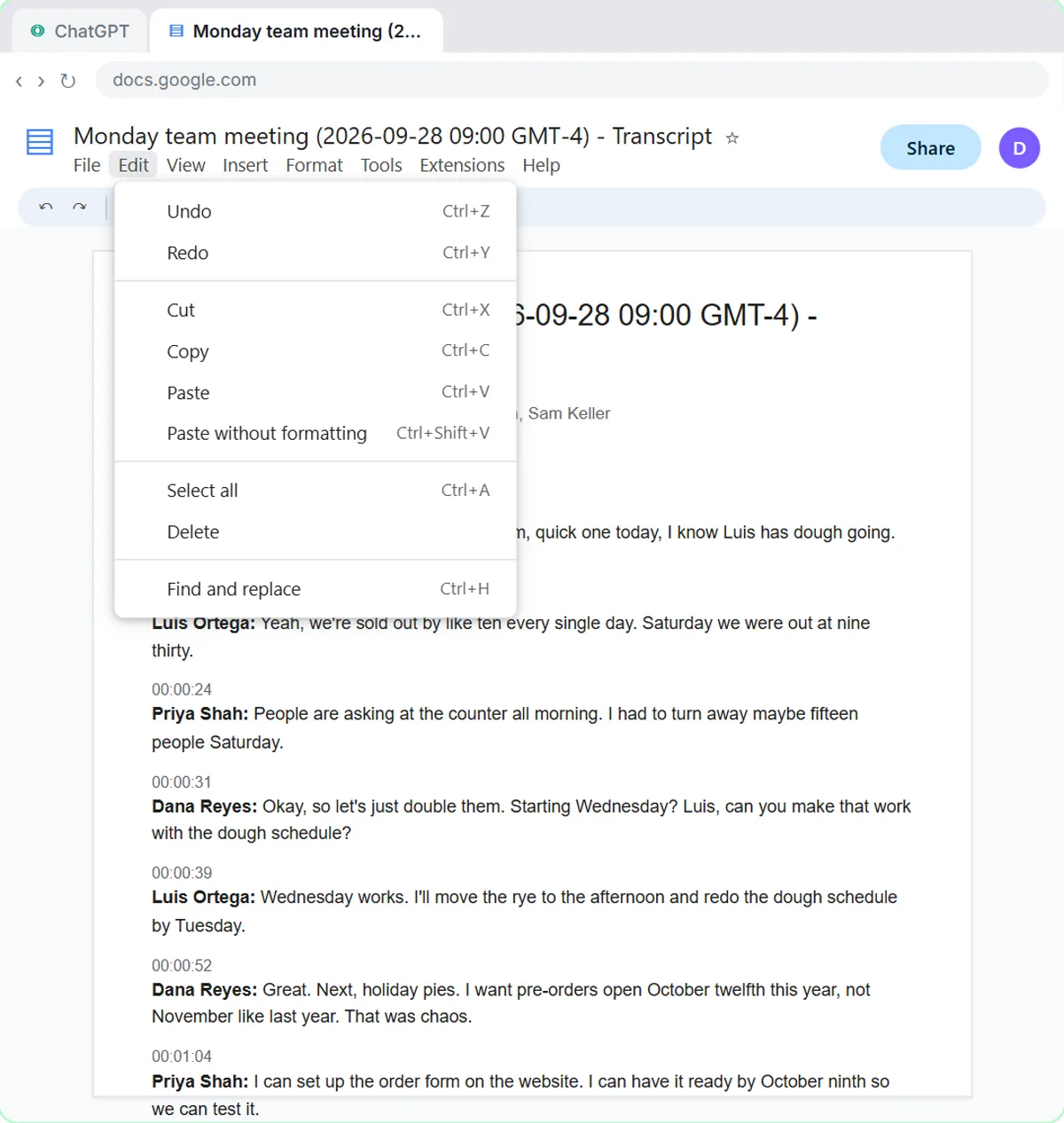
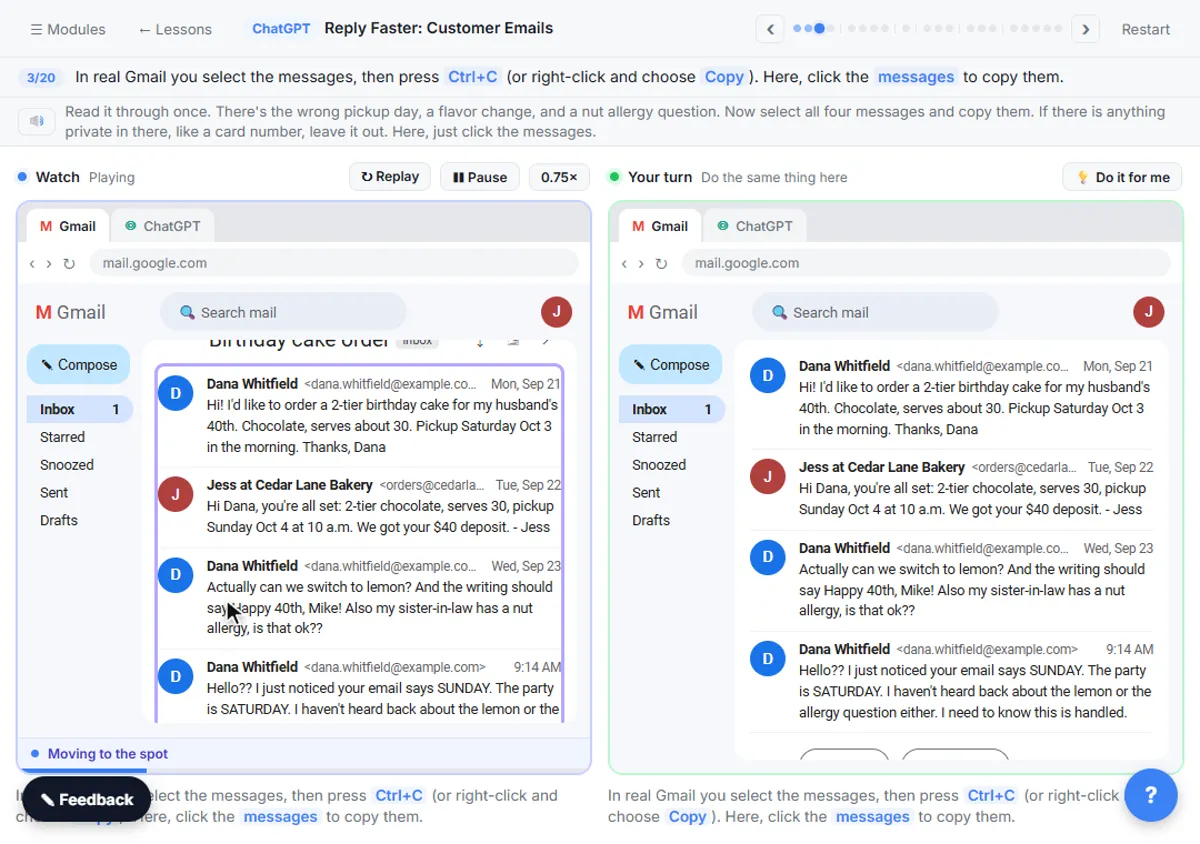
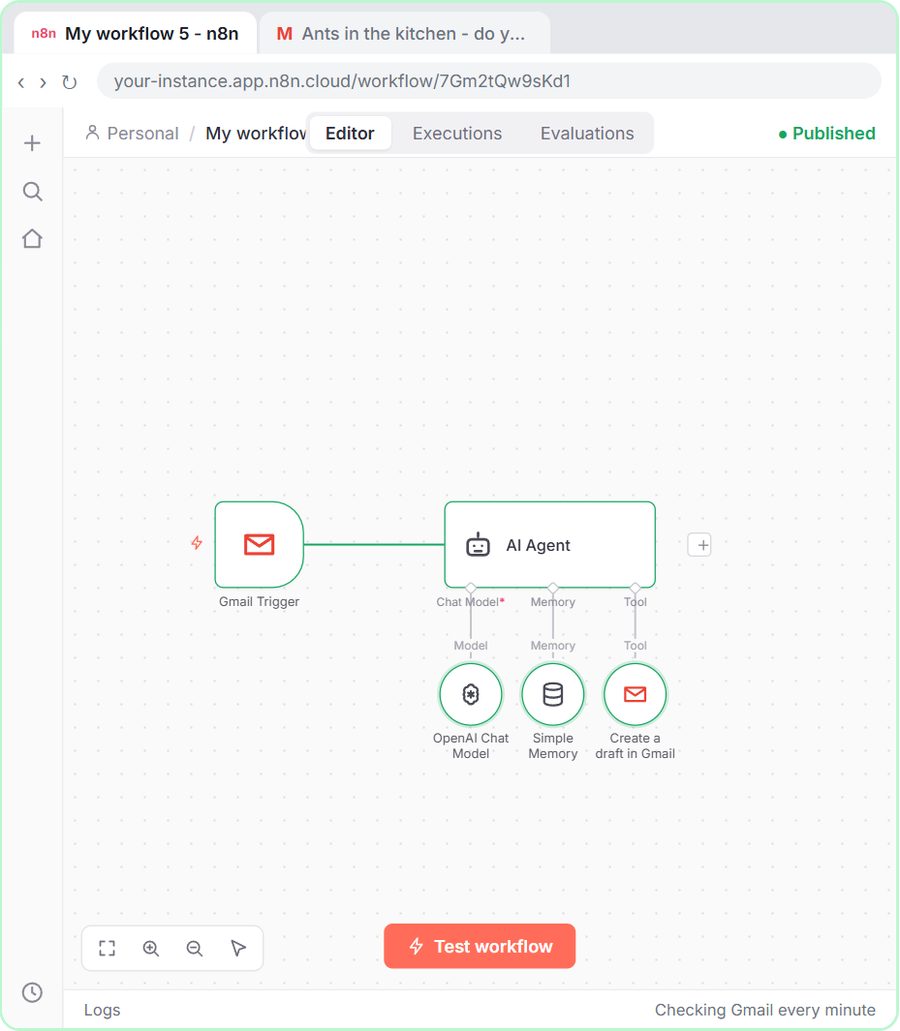
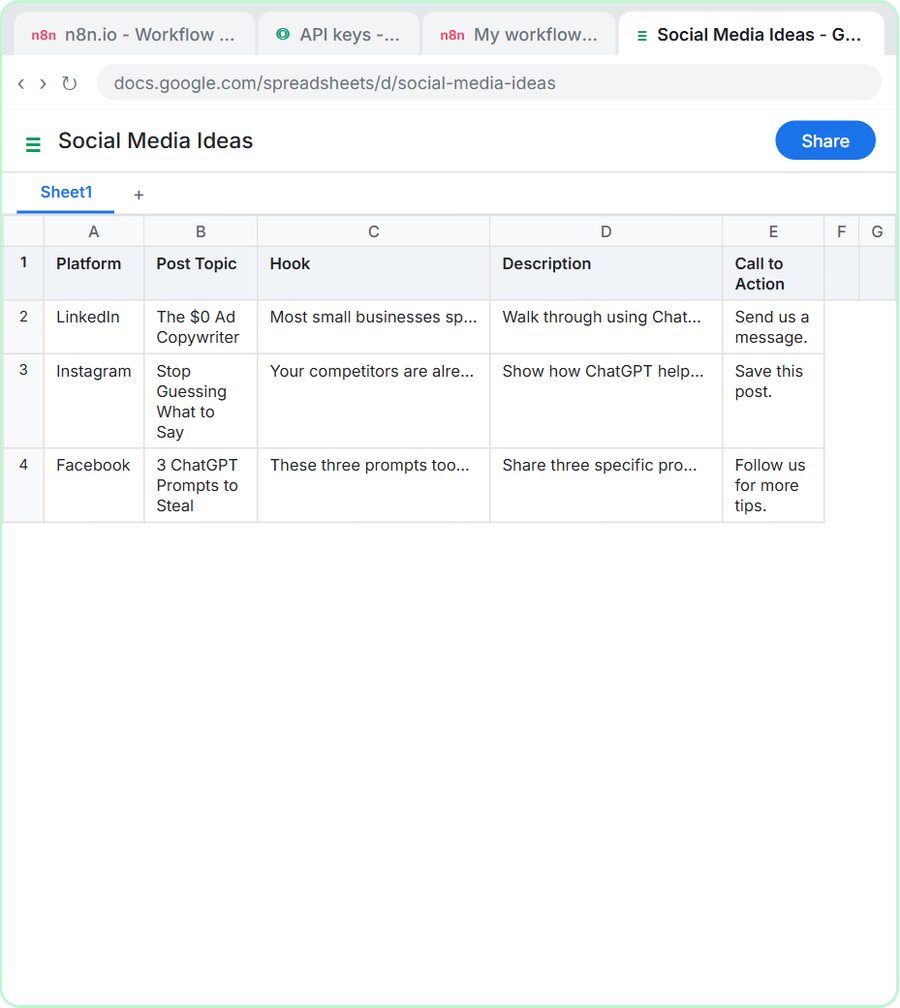
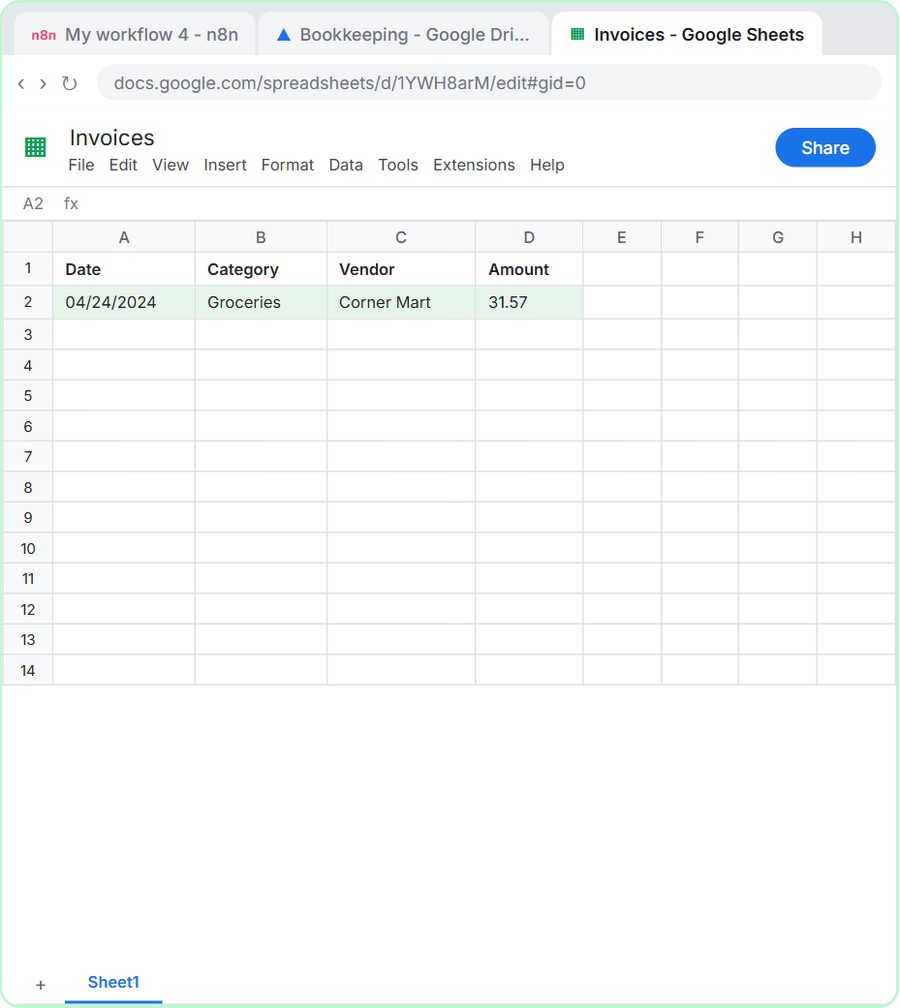
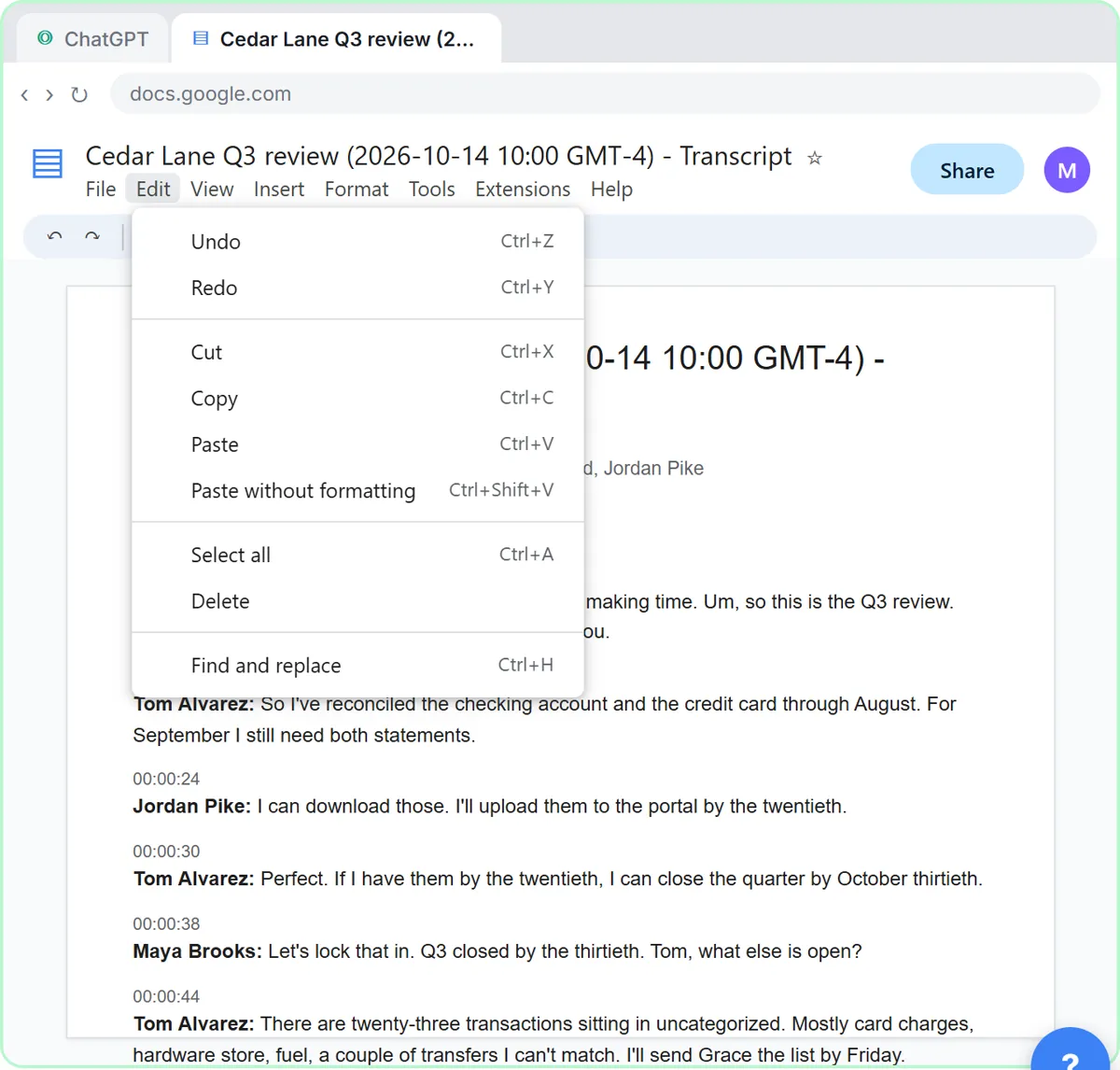
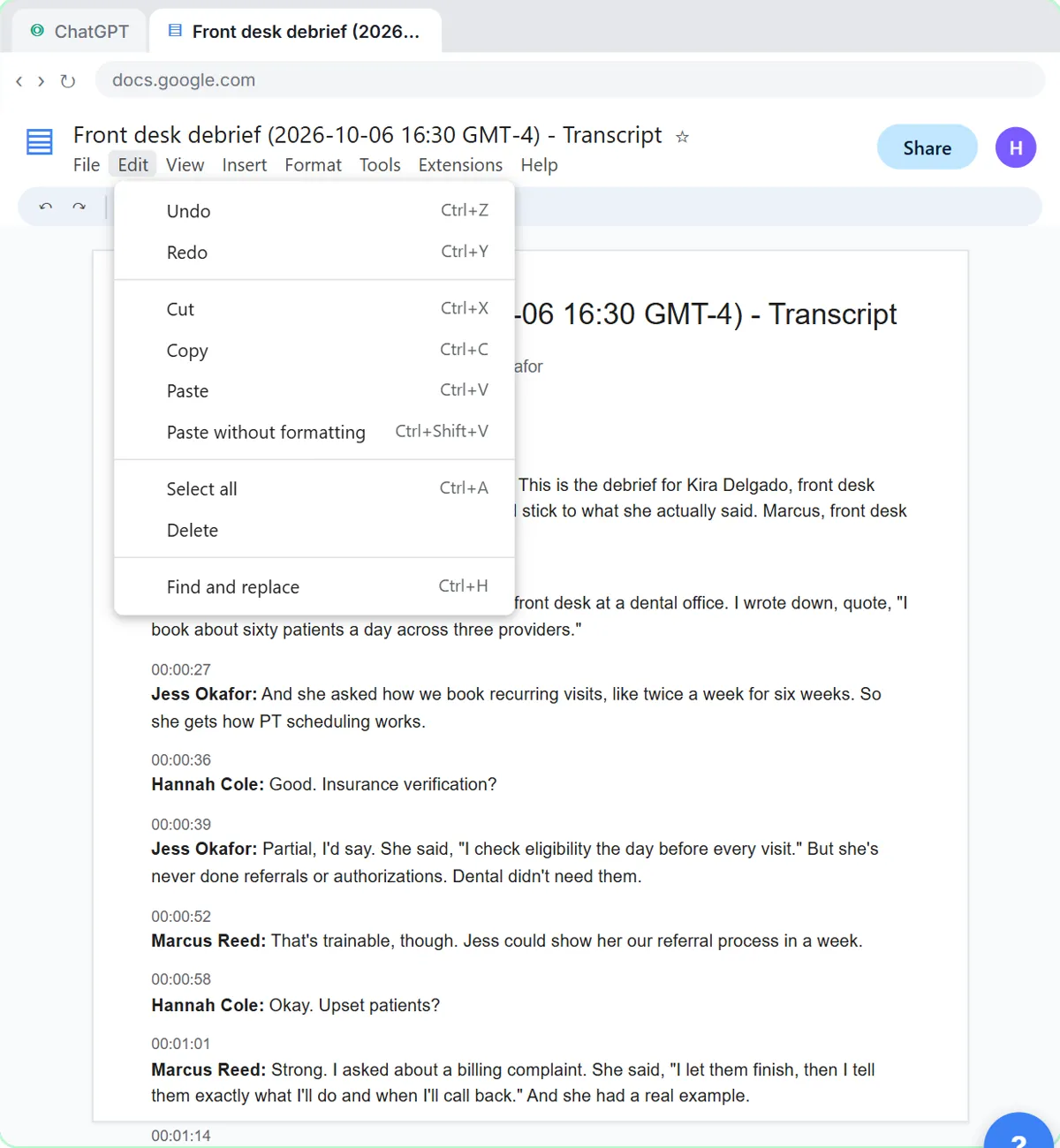
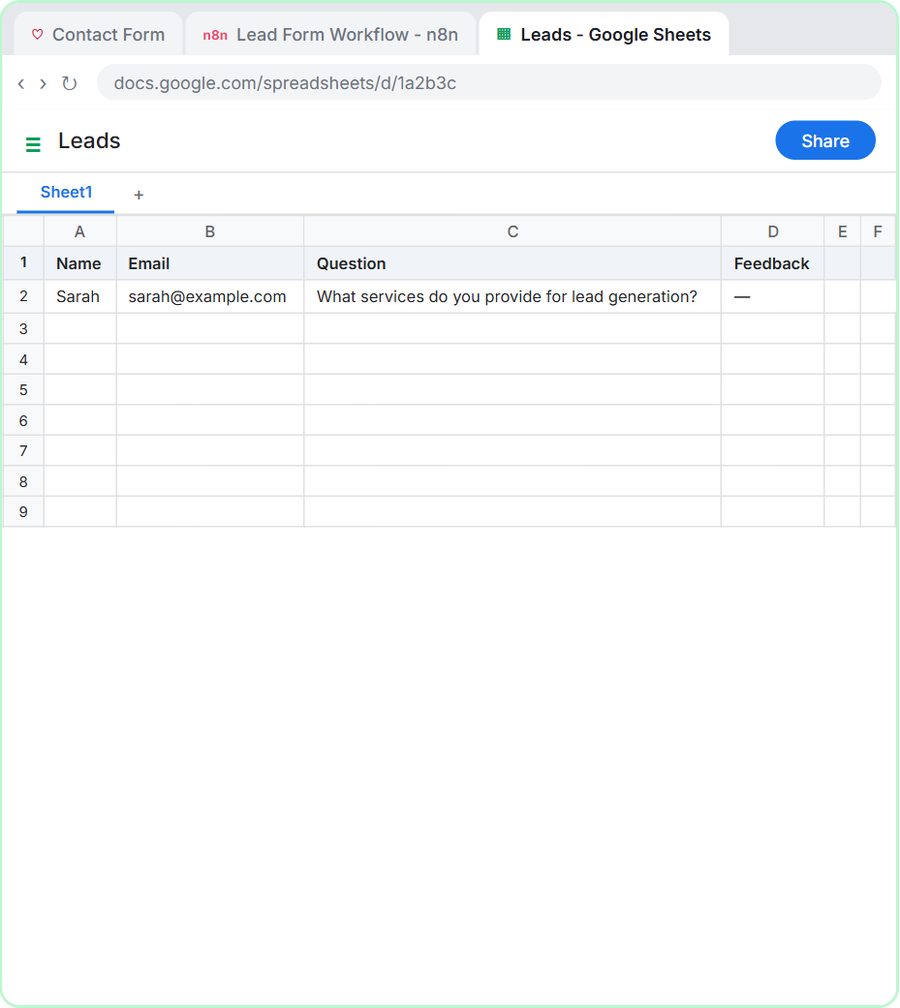
Lovable + n8n: Build a Web App with an AI Backend
Lovablen8n~15 min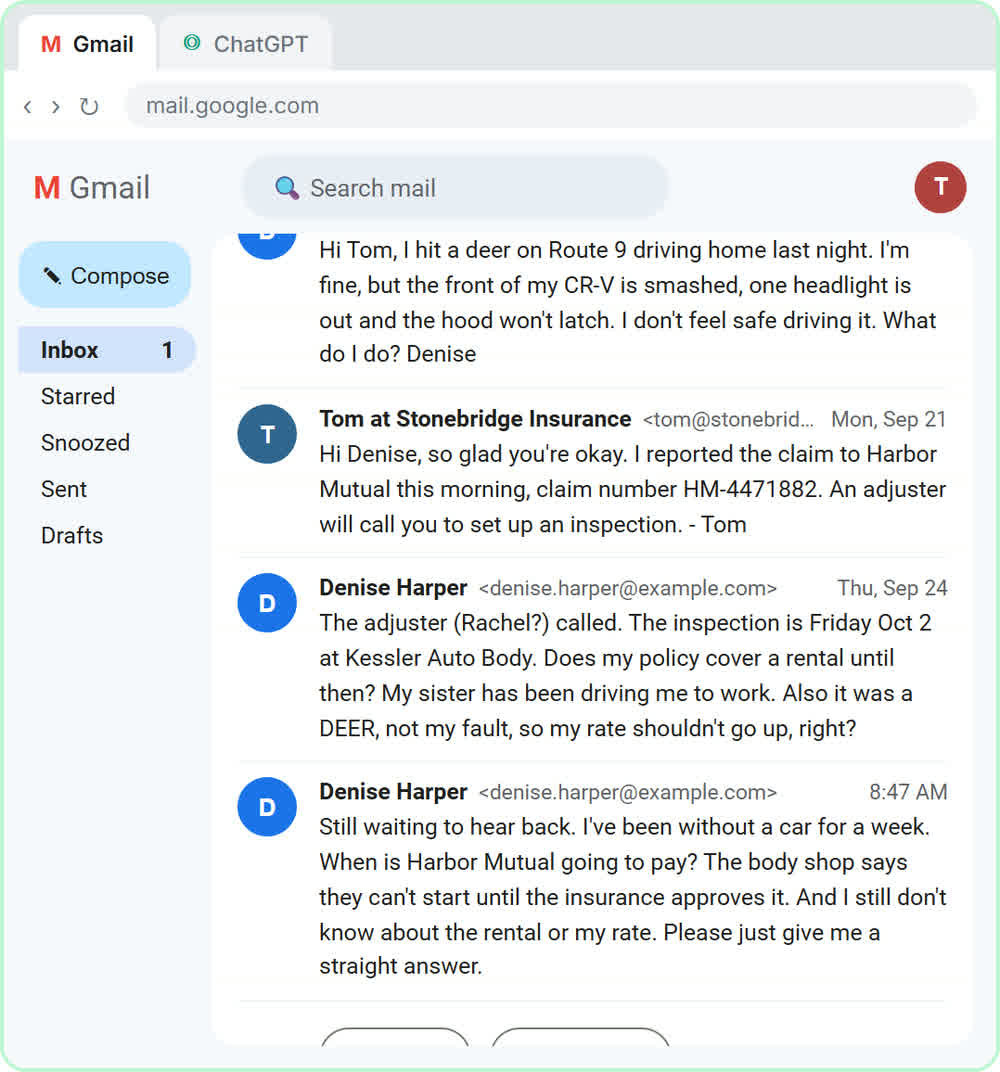
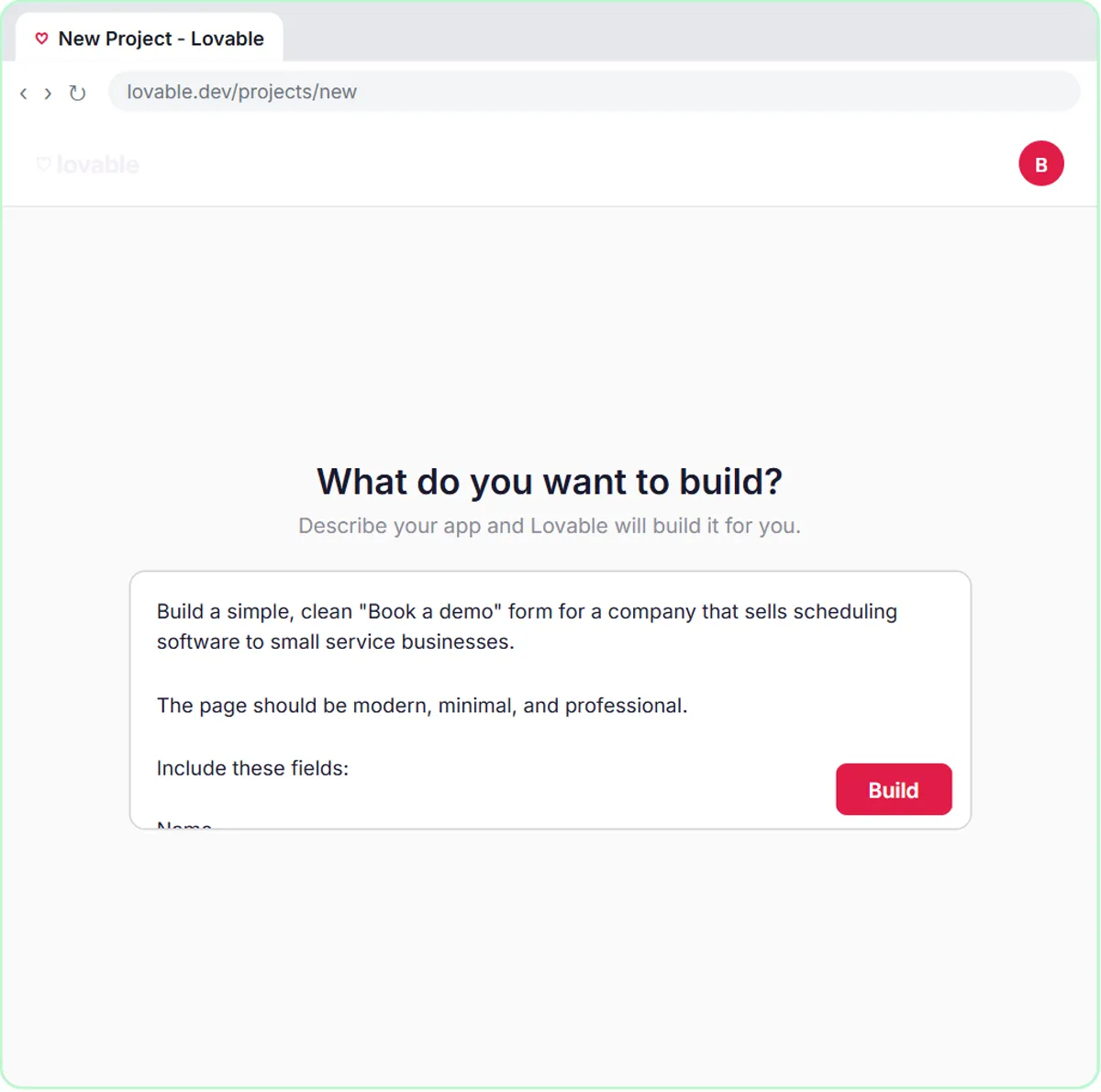
Build an AI Demo Request Form That Qualifies Leads
Lovablen8n~15 min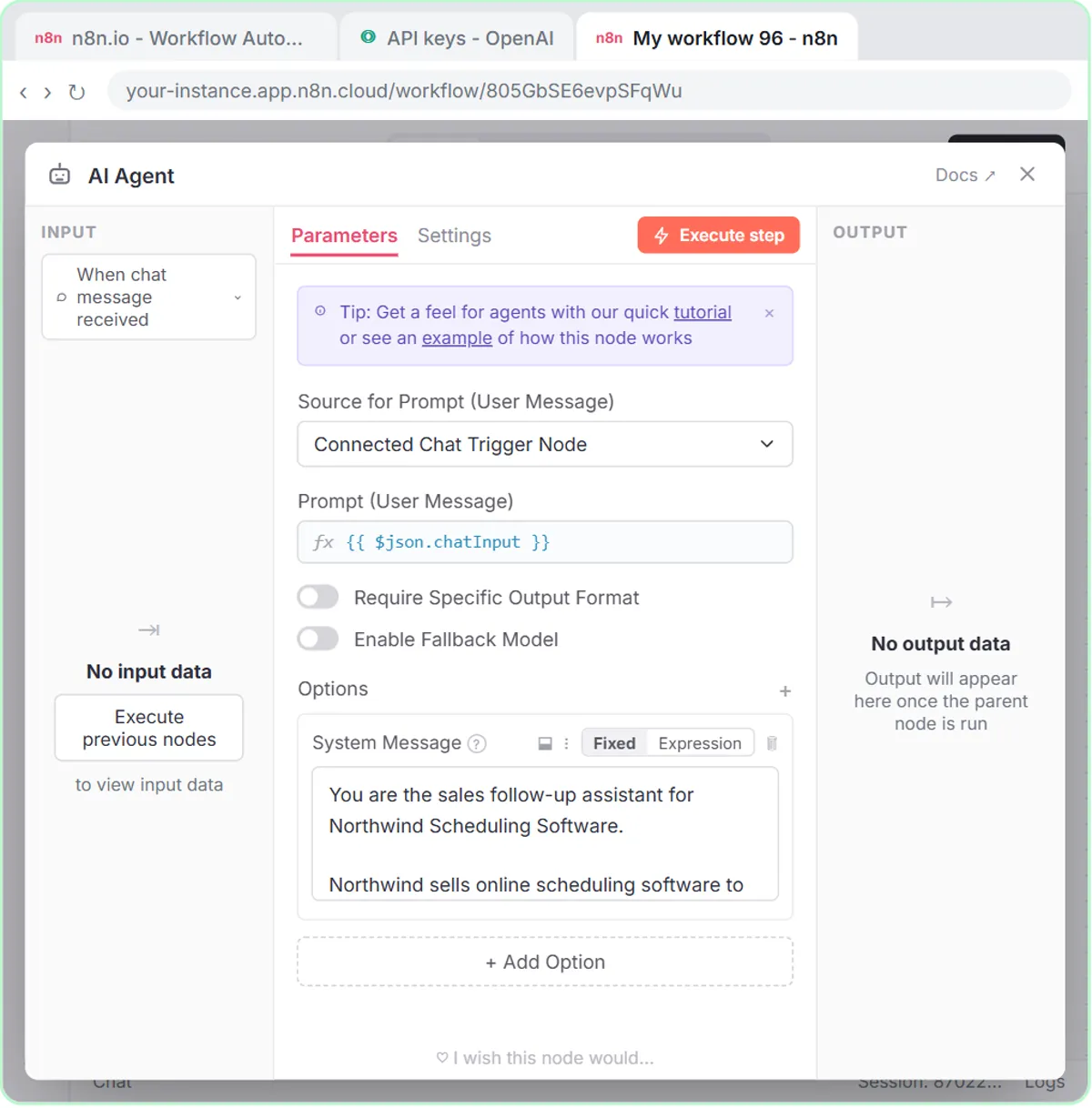
Free live Office Hours, Wednesdays 8 PM ET
Bring your AI questions. Robert answers them live and shows you how, step by step.
How it works: watch, your turn, done
Every lesson is a real project, one step at a time. The left side shows the step with a cursor pointing at exactly where to click; the right side is yours.
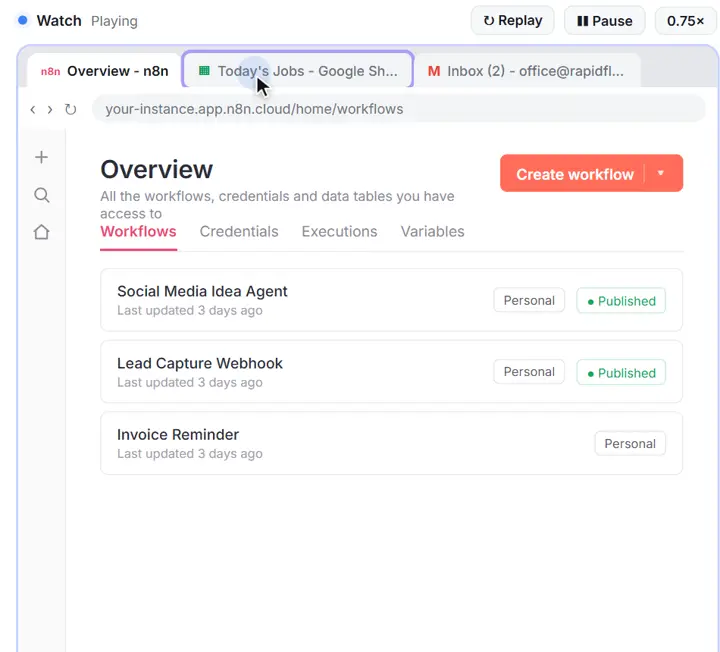
1Watch
Each step plays on the left: a cursor shows exactly where to click, with a voice-over that says what you are doing and why.
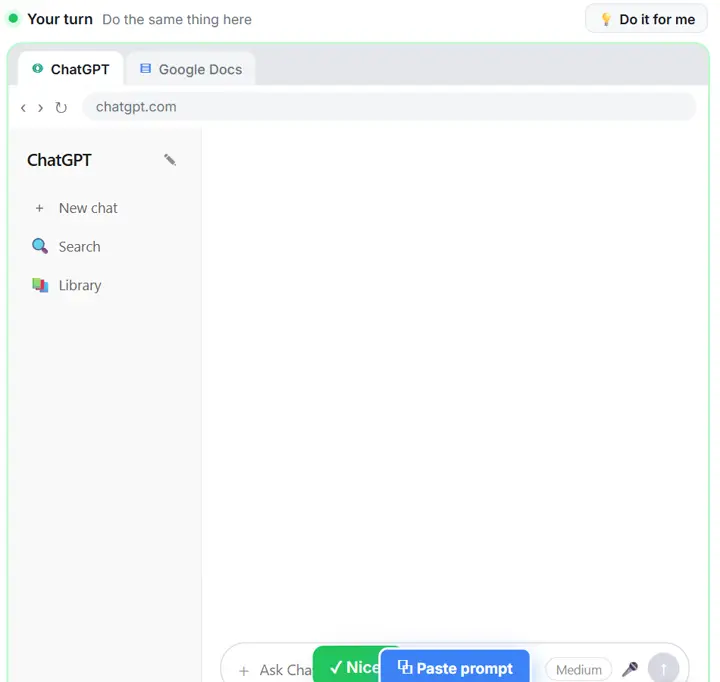
2Your turn
Do the same thing on the right, in a practice copy of the real tool. Get it right and you see “Nice!” and move on.
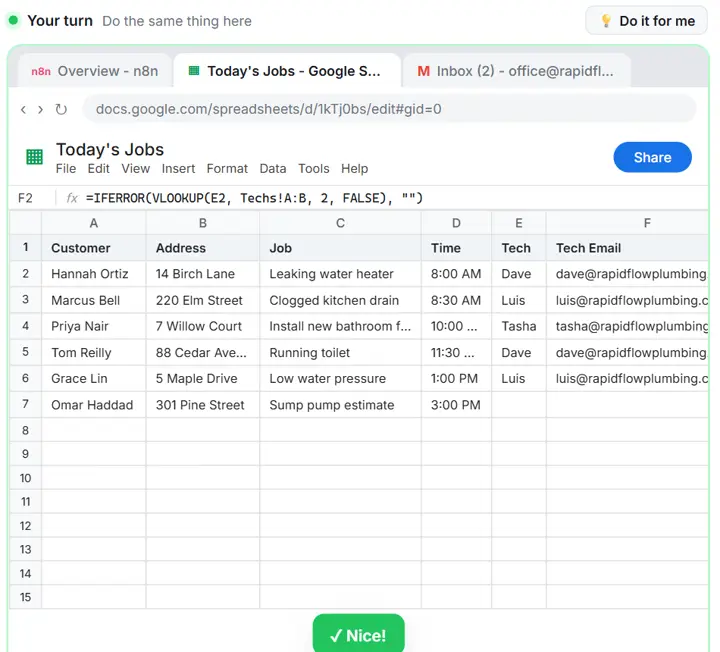
3“Do it for me”
Stuck on a step? One button does it for you, so you never get lost, then you carry on from there.
From our partners
Tools we work with. Each one has free lessons here, built and tested in the real app.
Tools we partner with
Explore Stepthrough
Everything on the site, one click away: every lesson, course, path and guide is listed in these hubs.
- All 93 free courses
Short, ordered courses by tool, role and industry.
- All 347 free lessons
Every hands-on lesson, by tool, course part, industry and team.
- 56 learning paths
Lessons in order for one job, tool or idea, beginner to advanced.
- Start here, by role
21 guides to the lessons that fit your job.
- The full course, part by part
11 parts, from your first AI project to voice agents.
- AI tools directory
713 AI tools for work: what each does and the free lesson for it.
- AI glossary
733 AI terms in plain English, A to Z.
- Prompt library
349 copy-ready prompt templates for everyday work.
- Blog
Practical AI guides for small businesses, each with a free lesson.
- AI news
What changed in AI tools lately, each story with a practice.
- Videos
203 walkthroughs, highlights and shorts.
- Cheat sheets
Printable one-page summaries of the lessons.
- AI tool comparisons
Side-by-side comparisons of the tools offices ask about most.
Stepthrough in one paragraph
Stepthrough (learn.ynteractive.com) has free, hands-on AI courses for office work, made by Robert Breen, who is building it to be the largest free AI training in the world. It has 347 interactive lessons with 9,136 guided steps, organized as 93 free courses, 56 learning paths, 21 role guides and 14 industry and team tracks, plus 352 blog posts, an AI glossary of 733 terms, 349 prompt templates and 203 videos. In every lesson you watch a step, do it yourself in a practice copy of the real tool (ChatGPT, n8n, Claude, Lovable, Higgsfield and Runable) that checks your work, and can press “Do it for me” when you get stuck. Nothing touches your real accounts, no coding is needed, and you can start without signing up. Last updated Nov 9, 2026.
We’re a free site
If you get value from Stepthrough, we’d love your donation. It keeps every lesson free for everyone.
Frequently asked questions
Is Stepthrough really free?
Yes. All 347 lessons, the blog, the AI glossary, the prompt library and the videos are free, with no credit card and no trial. If it helps you, there is an optional way to chip in after a lesson, but nothing is locked behind it.
Do I need an account to start?
No. Press Start Learning Free, pick a lesson and go. A few steps into a lesson you can save your progress with just your email, so you can pick up where you left off on another device. That is the only sign-up there is, and it is optional.
What tools will I learn?
Lessons are live today for ChatGPT, n8n, Claude, Lovable, Stepthrough, Higgsfield, Runable, ElevenLabs Agents, Foxit, Gemini, Make, Airia, OLVA, DB Fiddle, Google Colab, JSFiddle, Pin, Wave, Automation basics, Capsule CRM, Clueso, Excel, Frase, Gemini Notebook, Gmail, Google Analytics, Google Sheets, Jira, Jotform, KDAN, Kosuke, Lindy, Looker Studio, Manychat, Presentations.AI, Smallpdf, SocialBee, Speak AI, Trello and Zapier, along with the apps they connect to, like Google Sheets and Gmail. See the full course.
Do I need to know how to code?
No. Every lesson is clicks and plain English. You copy a prompt, click a button, fill in a field, and the lesson tells you what each step does and why.
Does it touch my real accounts?
No. You practice in a copy of the real tool that runs inside the lesson and checks each step. When you are ready, you build it again in your own accounts, knowing exactly what to click.
Who makes Stepthrough?
Stepthrough is made by Robert Breen, who writes and checks every lesson against the real tools. He is building the largest free AI training in the world, and you can reach him at rbreen@ynteractive.com.
Ready? Your first lesson takes about 2 minutes
Pick a lesson and build your first AI project. No account, no credit card.
Start learning free