Turn a Client Meeting into Action Items and a Follow-Up Email (Accounting Firms)
Updated . Built against the tool’s current screens and checked step by step. How we check this lesson
Every quarterly review ends the same way: the client owes you statements, you owe them a close date, somebody promised a quote, and the notes are a half page of shorthand. In this free, interactive lesson you hand the meeting transcript to ChatGPT with one clear request and get back what a client meeting actually produces: the decisions, an action items table with an owner and a due date for every task, the open questions, and a follow-up email to the client that you check and send.
Start here first: Summarize a Meeting Transcript with ChatGPT. This Accounting & Bookkeeping Firms version follows the same build with its own example business, Cedar Lane Landscaping.
Watch it in 44 seconds
Summarize a Client Meeting: the key steps in under a minute
Turn the transcript of a client's quarterly review into the decisions, an action items table with owners and due dates, and a follow-up email to the client. The key steps from the free lesson, with captions.
Transcript
Tell it the missing dates: the truck paperwork is due Friday, and Maya will send the quote by October twenty-first. Type it, or click Paste dates. Click Send, and ChatGPT updates the table. Now every task has an owner and a date. Because ChatGPT still has the whole meeting in this chat, you don't need to paste anything again. Just ask for the next thing. Click the message box. Ask for a short, friendly follow-up email to Grace and Jordan, with the decisions and the action items. Click Paste request. Click Send. There's your recap email: the decisions, who's doing what and by when, and what's still open. Read it once, change anything that doesn't sound like you, then click the copy button under it and paste it into your email.
The example: a Q3 review with a landscaping client
You work with the transcript of a video call between Millbrook Accounting, a made-up small firm, and its client Cedar Lane Landscaping. Maya, the firm's CPA, and Tom, the bookkeeper, meet with Grace, the owner, and Jordan, her office manager. It is a normal quarter-end conversation: the books are reconciled through August but September's checking and credit card statements are missing, 23 transactions are sitting in uncategorized, the client bought a $38,000 truck in August and financed most of it, three subcontractors still have no W-9 on file, and the owner wonders out loud whether monthly bookkeeping would make more sense now that the business is growing.
Like a real meeting, the commitments are scattered. Jordan will upload the statements "by the twentieth," Tom can close the quarter by October 30 if he gets them, and Jordan will "dig out" the truck paperwork, but nobody says when. You'll see ChatGPT sort that into a table and catch the gaps before the recap goes to the client.
Who this lesson is for
This is for CPAs, enrolled agents, bookkeepers, client managers and firm admins who run client meetings and then have to write them up. If your client calls happen on Google Meet, Zoom or Microsoft Teams with transcripts turned on, you already have the raw material. You don't need any technical skills, and you don't need a ChatGPT account to practice here.
It is the first module in the AI Automation for Accounting & Bookkeeping Firms block.
Why it matters in an accounting firm
Most delays at quarter-end and tax time come from missing client documents, and most missing documents come from a request that was said in a meeting but never written down with a date. A recap that lists who owes what by when, sent the same day, is the simplest fix there is. It also gives you a record when a close date slips because the statements came in late.
The "Not stated" rule is the important part. Left to itself, an AI model may fill a gap with a plausible deadline nobody agreed to, and in a client email that becomes a promise. With the rule, the gaps show up in the table and you decide what goes out. ChatGPT only organizes what was said: the CPA makes the accounting calls in the meeting, and the truck's depreciation stays an open item for year-end planning.
Ways to use it after the lesson
- Quarterly and monthly reviews: the documents you still need and the date you will close the period.
- Tax-planning and year-end meetings: decisions and open questions in one place for the next call.
- New client onboarding: the statements, logins and prior-year returns the client agreed to send.
- Busy-season stand-ups: who is waiting on which client before a deadline.
Client confidentiality
Client meetings are confidential. Before you paste a real transcript into any AI tool, check your firm's policy, and use a business plan such as ChatGPT Business or Enterprise, which OpenAI doesn't use to train its models by default. Take out anything the recap doesn't need, like account numbers, Social Security numbers or EINs. The practice copy in this lesson sends nothing anywhere.
Try it yourself, free
Reading the steps is a start. Doing them is how it sticks. The interactive module walks you through every click in a practice copy of ChatGPT, checks each step, and never touches your real accounts.
Start “Turn a Client Meeting into Action Items and a Follow-Up Email (Accounting Firms)”Step by step: Turn a Client Meeting into Action Items and a Follow-Up Email (Accounting Firms)
All 24 steps of the interactive module, in order. In the module you watch each one, then do it yourself in a practice copy that checks your work.
1. Copy the transcript
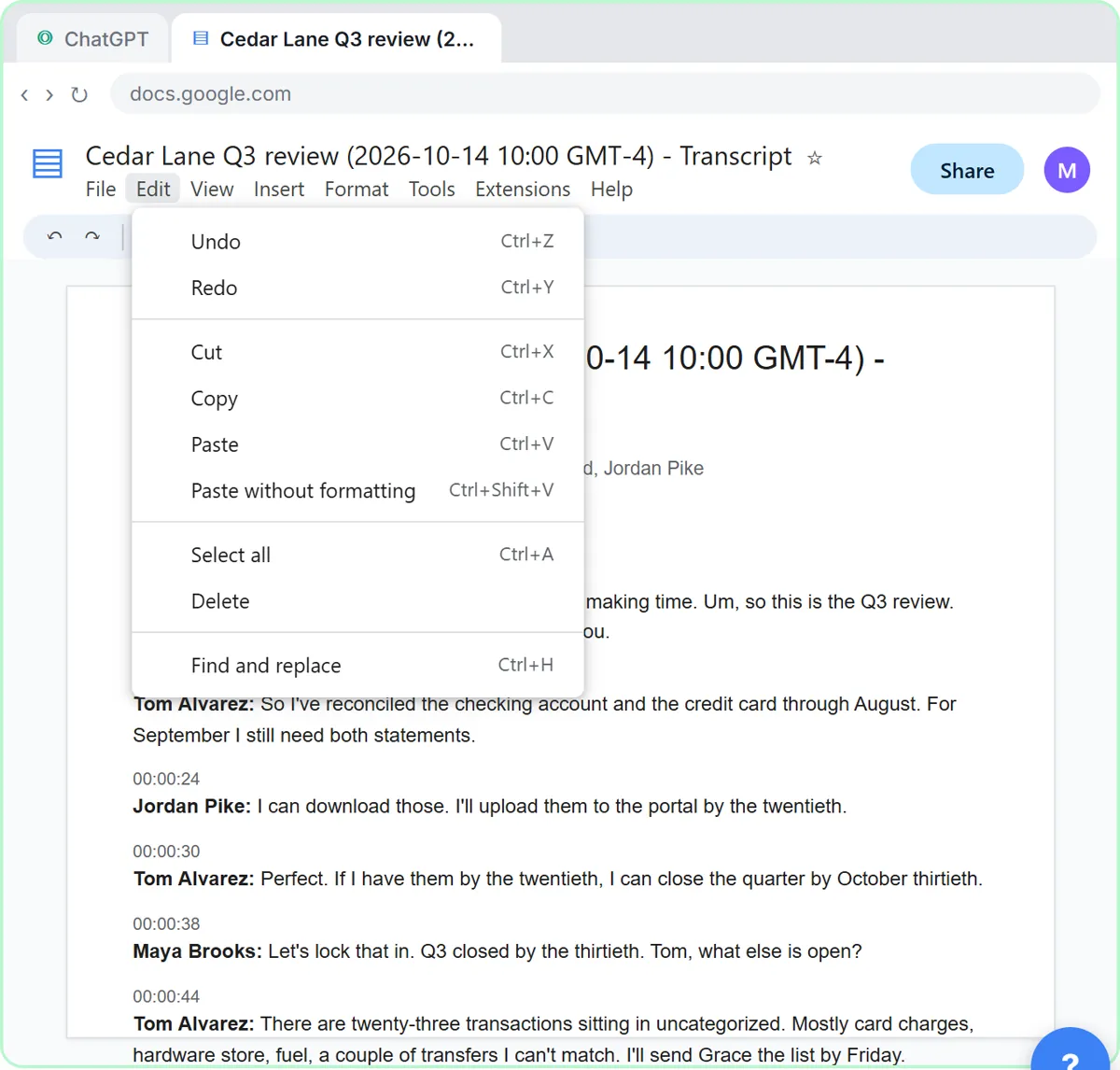
- Open the Edit menu. This is the transcript Google Meet saved after this morning's Q3 review with a client, Cedar Lane Landscaping. Click Edit in the menu bar.
Here's the transcript from this morning's quarterly review with Cedar Lane Landscaping, a client of Millbrook Accounting. Google Meet saved it as a Google Doc: two people from the firm, two from the client, a lot of dates and a few ums. Let's copy the whole thing.
- Select all. Click Select all.
On a keyboard, that's Control A.
- Open the Edit menu again. The whole transcript is highlighted. Click Edit again.
The whole transcript is highlighted.
- Copy it. Click Copy.
That's Control C. The transcript is now on your clipboard.
2. Ask for a summary
- Switch to ChatGPT. Click the ChatGPT tab at the top.
Now switch over to ChatGPT.
- Click the message box. Click the message box.
Before you paste the transcript, tell ChatGPT what you want out of it. Otherwise you'll just get a vague recap.
- Paste your request. Paste in the request. It asks for four things: a short summary, the decisions, an action items table with owner and due date, and open questions.
Here's the request. It asks for four things: a three sentence summary, the decisions, a table of action items with an owner and a due date, and any open questions. The last line matters most: only use what's in the transcript, and write not stated when something is missing. That stops ChatGPT from guessing.
You're my client services assistant at Millbrook Accounting. Below is the transcript of today's Q3 review with our client Cedar Lane Landscaping. Give me:
1. A three-sentence summary
2. The decisions we made
3. The action items as a table: task, owner, due date
4. Open questions
Only use what's in the transcript. If an owner or date isn't said, write "Not stated".
- Paste the transcript. Now paste the transcript under the request. Paste in the transcript. (In real ChatGPT, press Shift+Enter for a new line first, then Ctrl+V. Plain Enter would send the message.)
In real ChatGPT, press Shift and Enter to start a new line first, because Enter on its own sends the message. Then Control V to paste.
00:00:03
Maya Brooks: Morning, Grace, Jordan. Thanks for making time. Um, so this is the Q3 review. Where the books are, and what we still need from you.

00:00:14
Tom Alvarez: So I've reconciled the checking account and the credit card through August. For September I still need both statements.

00:00:24
Jordan Pike: I can download those. I'll upload them to the portal by the twentieth.

00:00:30
Tom Alvarez: Perfect. If I have them by the twentieth, I can close the quarter by October thirtieth.

00:00:38
Maya Brooks: Let's lock that in. Q3 closed by the thirtieth. Tom, what else is open?

00:00:44
Tom Alvarez: There are twenty-three transactions sitting in uncategorized. Mostly card charges, hardware store, fuel, a couple of transfers I can't match. I'll send Grace the list by Friday.

00:00:58
Grace Whitfield: Send it over. Some of those are probably for the new truck.

00:01:03
Maya Brooks: Right, the truck. You bought it in August?

00:01:07
Grace Whitfield: August twelfth. Thirty-eight thousand, and we financed most of it through the bank.

00:01:15
Maya Brooks: Okay. Then we'll set it up as equipment with a loan against it, not as an expense. Jordan, can you send us the purchase agreement and the loan paperwork?

00:01:27
Jordan Pike: Yeah, I'll dig those out.

00:01:30
Maya Brooks: And how we depreciate it, let's leave that for the year-end planning meeting. That's a bigger conversation.

00:01:39
Tom Alvarez: One more. Three of the subcontractors still have no W-9 on file. Last January we were chasing them for weeks.

00:01:48
Maya Brooks: Let's not do that again. Jordan, can you get those W-9s now instead of in January?

00:01:55
Jordan Pike: Sure. I'll have all three by the end of October.

00:02:01
Grace Whitfield: Honestly, quarterly is getting hard with how much we're growing. Would monthly bookkeeping make more sense?

00:02:09
Maya Brooks: It might. I'll send you a quote for monthly and you can decide. Okay, I think that's everything. Thanks, both of you.
- Send it. Click Send.
Request on top, transcript below.
3. Check the details
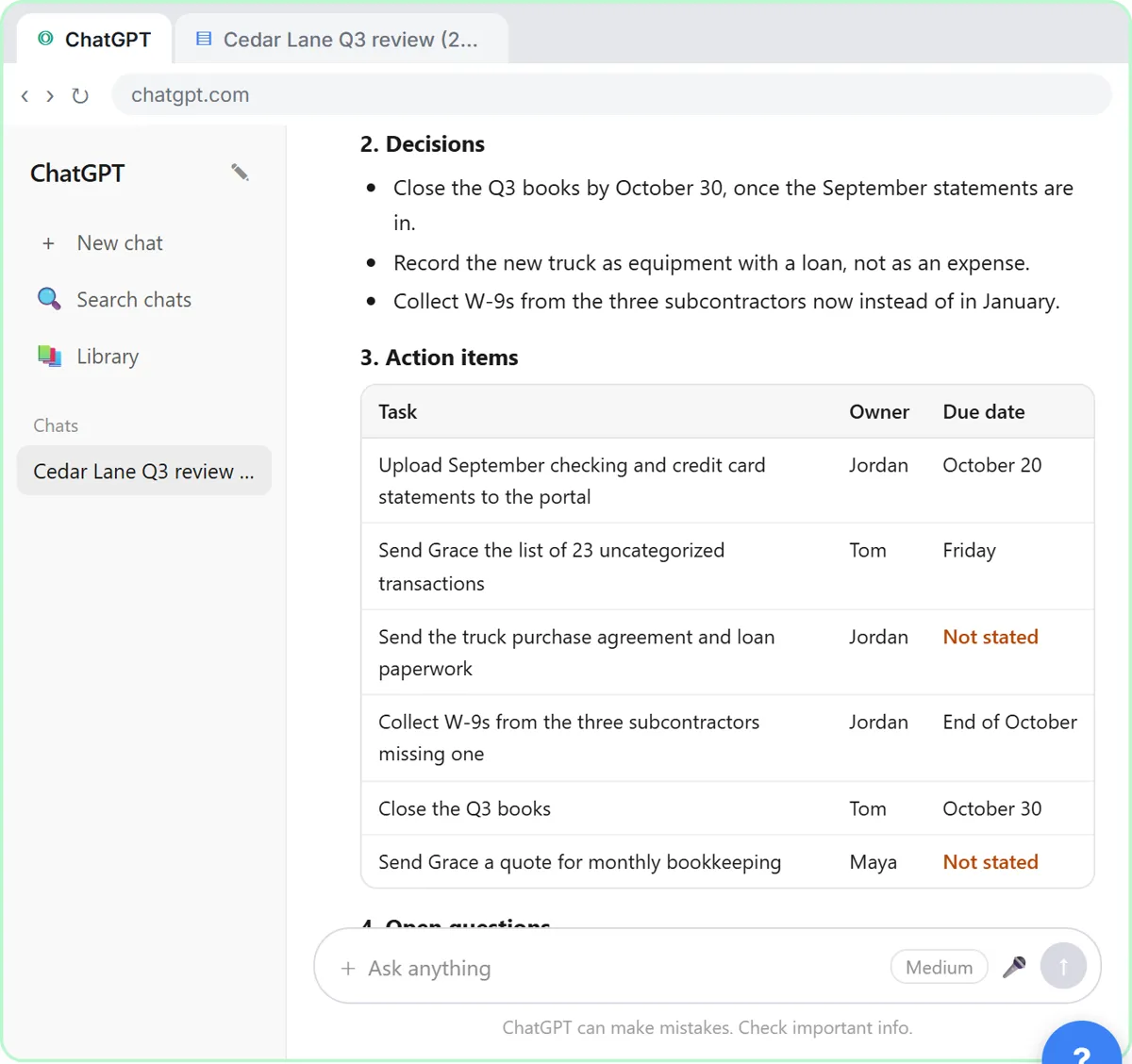
- Check the action items. Read the summary and decisions. Then click the action items table: two due dates say Not stated.
A long client meeting, boiled down to a summary, three decisions, six action items and two open questions. Now check it before anything goes to the client. Look at the action items table. Two due dates say not stated. That's right: nobody said when the truck paperwork or the bookkeeping quote was due.
- Click the message box. You know the missing dates. Click the message box to tell ChatGPT.
You were in the meeting, so you can fill in the gaps.
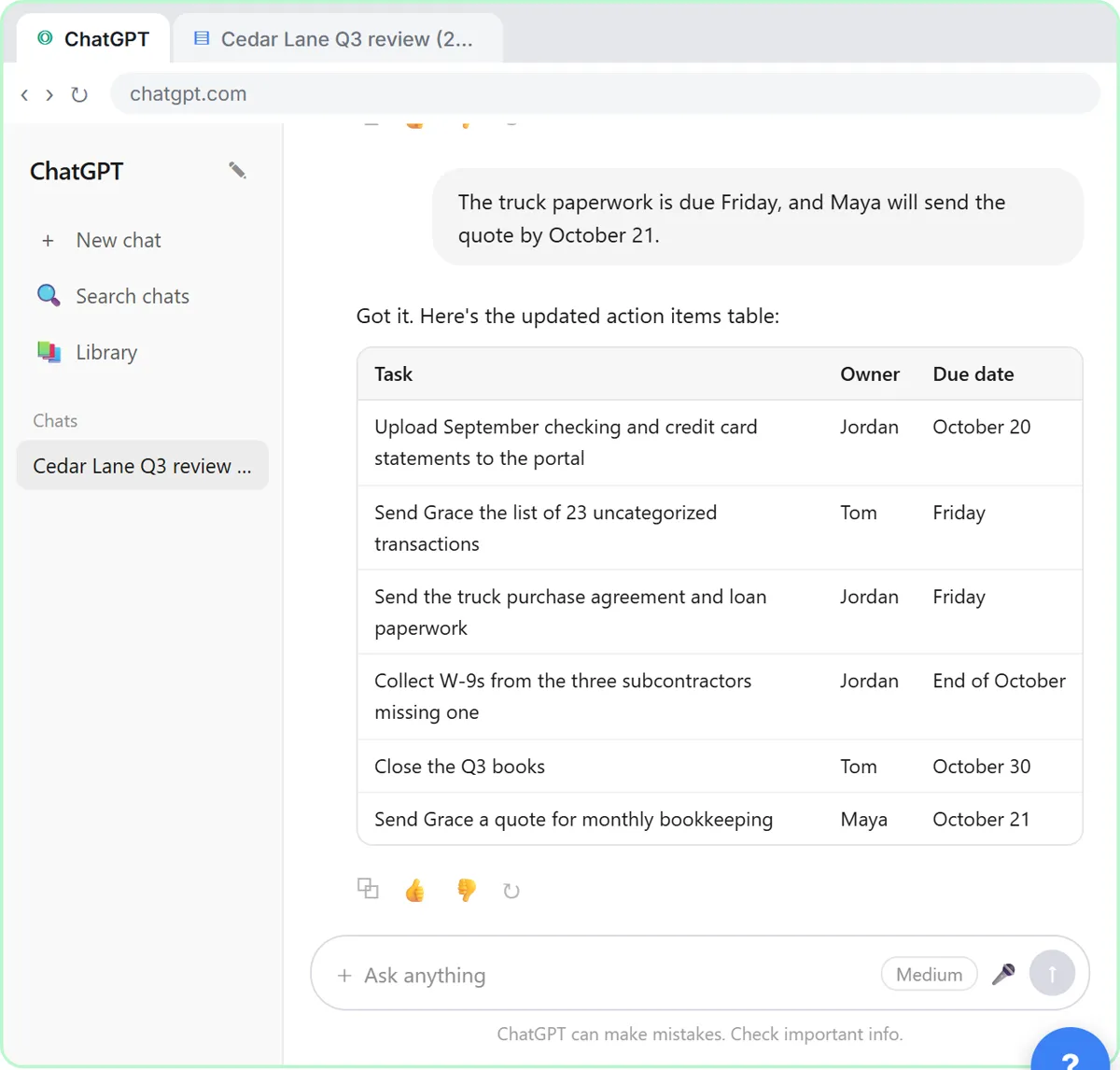
- Fill in the gaps. Type the missing dates (or Paste in the dates): The truck paperwork is due Friday, and Maya will send the quote by October 21.
Tell it the missing dates: the truck paperwork is due Friday, and Maya will send the quote by October twenty-first.
- Send it. Click Send.
4. Write the follow-up
- Click the message box. Every action item has an owner and a date now. Click the message box.
Now every task has an owner and a date. Because ChatGPT still has the whole meeting in this chat, you don't need to paste anything again. Just ask for the next thing.
- Ask for the follow-up email. Paste in the request to ask for a short follow-up email to the client.
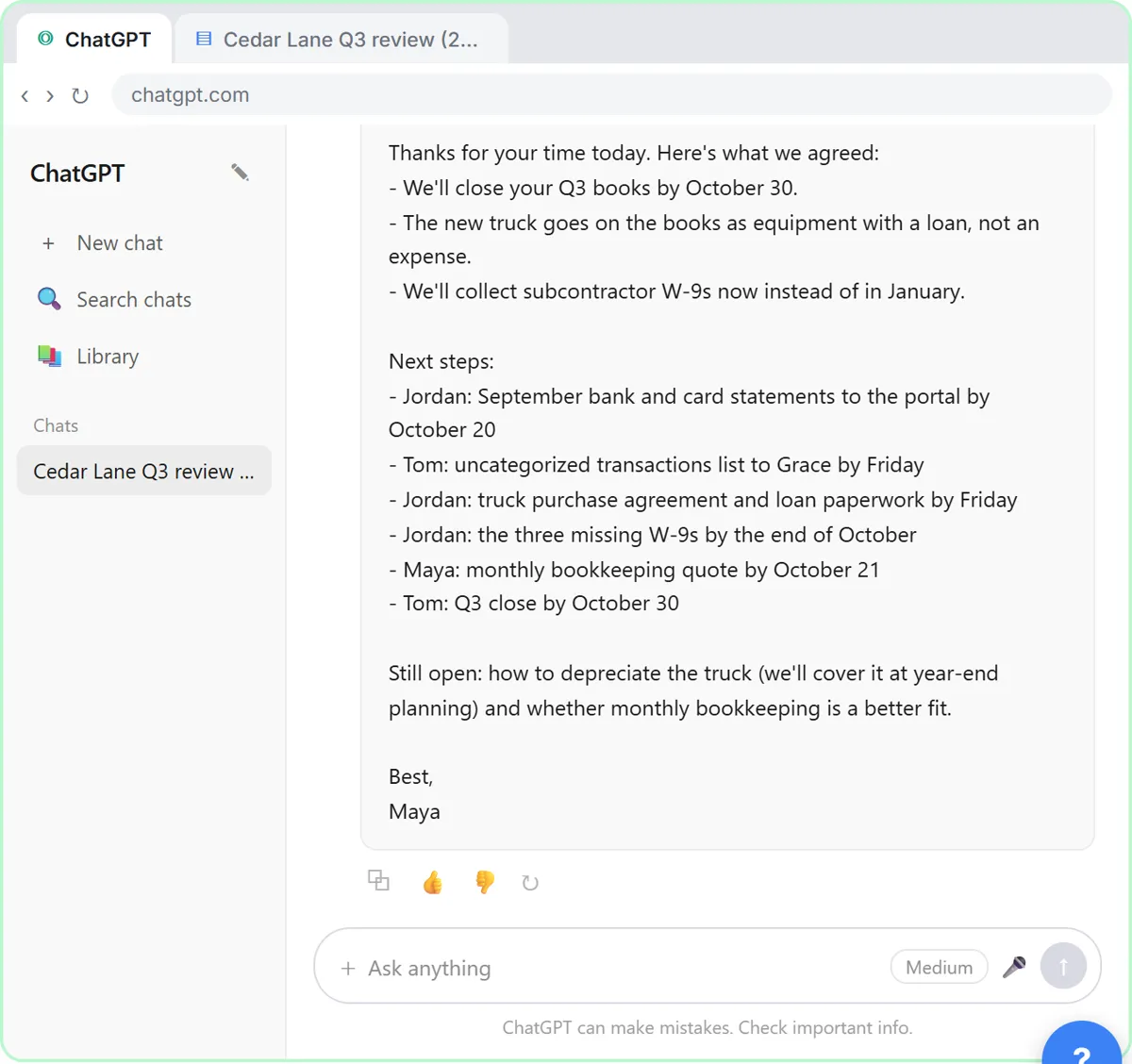
Ask for a short, friendly follow-up email to Grace and Jordan, with the decisions and the action items.
- Send it. Click Send.
- Copy the email. Read the email. Then click the Copy button under it.
There's your recap email: the decisions, who's doing what and by when, and what's still open. Read it once, change anything that doesn't sound like you, then click the copy button under it and paste it into your email.
5. Or upload the file
- Start a new chat. Next time the transcript might be a file. Click New chat.
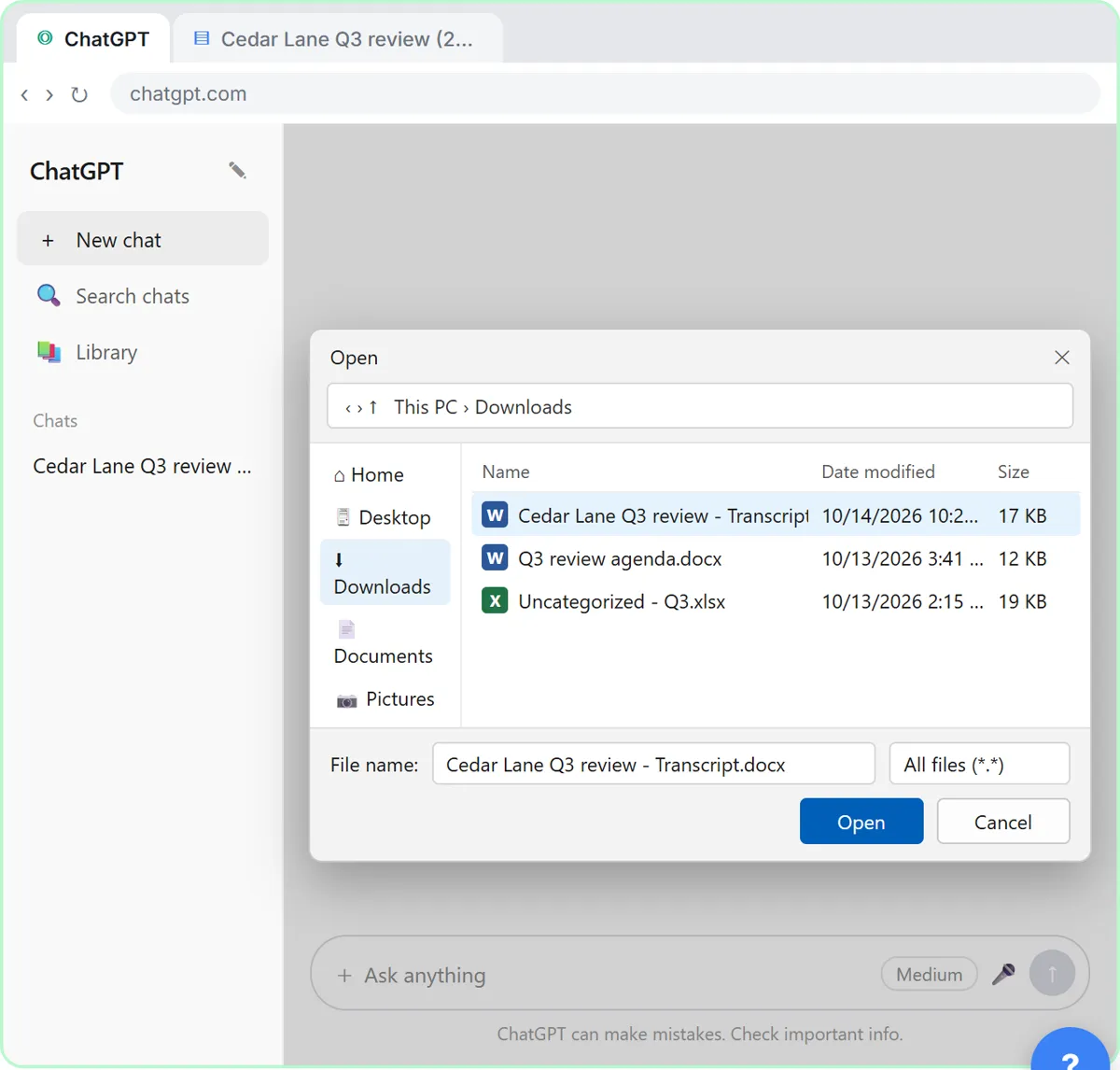
Sometimes the transcript comes as a file instead, like a Word document someone emailed you. You don't have to open it and copy it. Start a new chat.
- Open the plus menu. Click the + button on the left of the message box.
- Add photos & files. Click Add photos & files.
- Pick the transcript. Click Cedar Lane Q3 review - Transcript.docx.
Your file browser opens.
- Open it. Click Open.
The file attaches to the message box. You can also just drag a file onto the chat.
- Ask for the summary. Paste in the request: the same four things, in one line.
Now the same request as before, in one line.
Summarize this meeting transcript: decisions, action items with owner and due date, and open questions. If an owner or date isn't said, write "Not stated".
- Send it. Click Send.
Either way, always check the owners and dates before you send the recap.
Video walkthrough
The whole lesson in 3:04, narrated step by step. Watch it once, then do it yourself in the practice copy.
A client meeting in, a clear recap out with ChatGPT
Turn the transcript of a client's quarterly review into the decisions, an action items table with owners and due dates, and a follow-up email to the client.
- 0:00 Intro: what you'll build
- 0:13 Copy the transcript
- 0:40 Ask for a summary
- 1:24 Check the details
- 1:56 Write the follow-up
- 2:24 Or upload the file
More videos from this lesson
Summarize a Client Meeting in 76 seconds
Turn the transcript of a client's quarterly review into the decisions, an action items table with owners and due dates, and a follow-up email to the client.
Transcript
A long client meeting, boiled down to a summary, three decisions, six action items and two open questions. Now check it before anything goes to the client. Look at the action items table. Two due dates say not stated. That's right: nobody said when the truck paperwork or the bookkeeping quote was due. Click the table. You were in the meeting, so you can fill in the gaps. Click the message box. Tell it the missing dates: the truck paperwork is due Friday, and Maya will send the quote by October twenty-first. Type it, or click Paste dates. Click Send, and ChatGPT updates the table. Now every task has an owner and a date. Because ChatGPT still has the whole meeting in this chat, you don't need to paste anything again. Just ask for the next thing. Click the message box. Ask for a short, friendly follow-up email to Grace and Jordan, with the decisions and the action items. Click Paste request. Click Send. There's your recap email: the decisions, who's doing what and by when, and what's still open. Read it once, change anything that doesn't sound like you, then click the copy button under it and paste it into your email. Sometimes the transcript comes as a file instead, like a Word document someone emailed you. You don't have to open it and copy it. Start a new chat. Click the plus button on the left side of the message box.
Screenshots
Frequently asked questions
- Can ChatGPT write the follow-up email after a client meeting?
- Yes. Once it has the transcript in the chat, ask for a short follow-up email with the decisions and action items. Always read it before sending, check every date and name, and send it from your own email so it goes through your normal client communication.
- Is it safe to put client meeting transcripts into ChatGPT?
- Follow your firm's policy first. Business and Enterprise plans are not used to train OpenAI's models by default, and on any plan you should remove account numbers, tax IDs and anything else the recap doesn't need.
- Will ChatGPT give tax advice from the meeting?
- It shouldn't, and this lesson doesn't ask it to. The request only asks it to organize what was said: summary, decisions, action items and open questions. Tax and accounting decisions stay with the professionals in the meeting.
- How do I stop ChatGPT from inventing deadlines for my clients?
- Tell it to use only what is in the transcript and to write "Not stated" when an owner or due date is missing. Then check the action items table and fill in the gaps yourself before anything goes to the client.
- Is this lesson free?
- Yes. Stepthrough is completely free and the practice copy needs no accounts. To do it for real you need your own ChatGPT account, and some features cost money on paid plans.
More ChatGPT tutorials
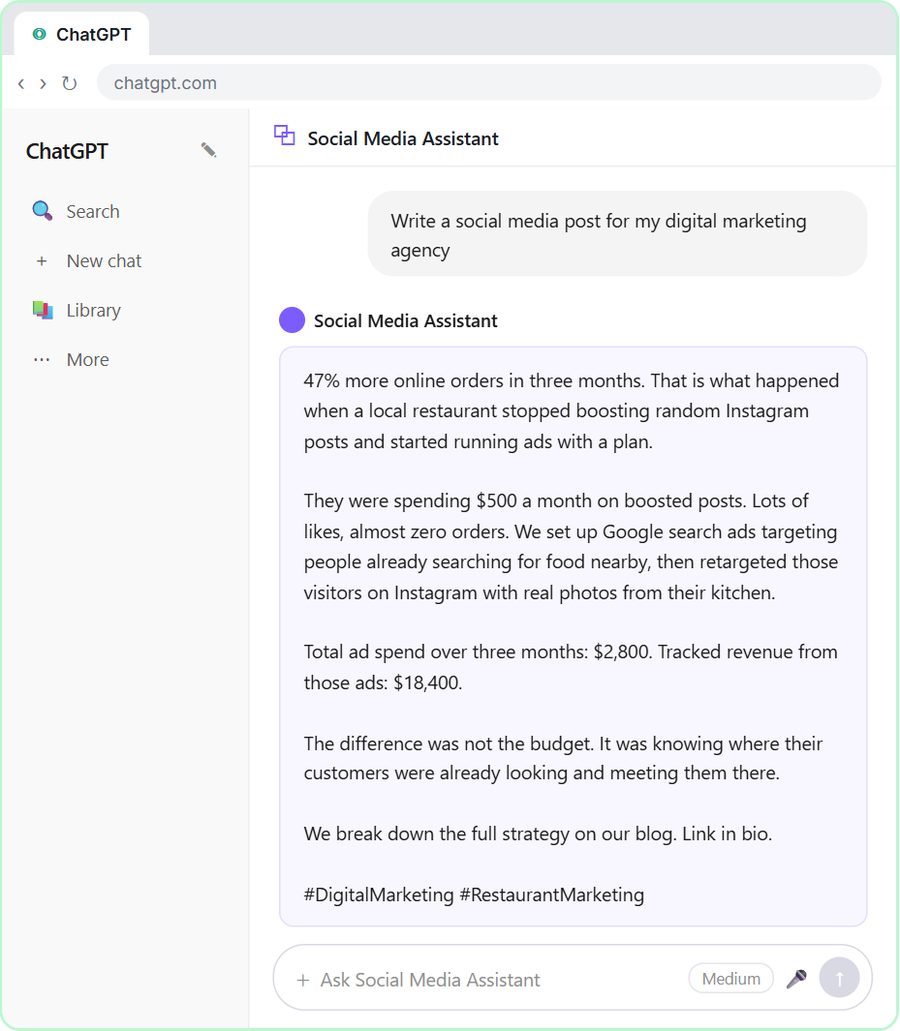 Build a Custom GPT Social Media Assistant
See why generic prompts give generic results, then build a Custom GPT loaded with your brand voice and watch the output transform.
Free · Live ~8 min
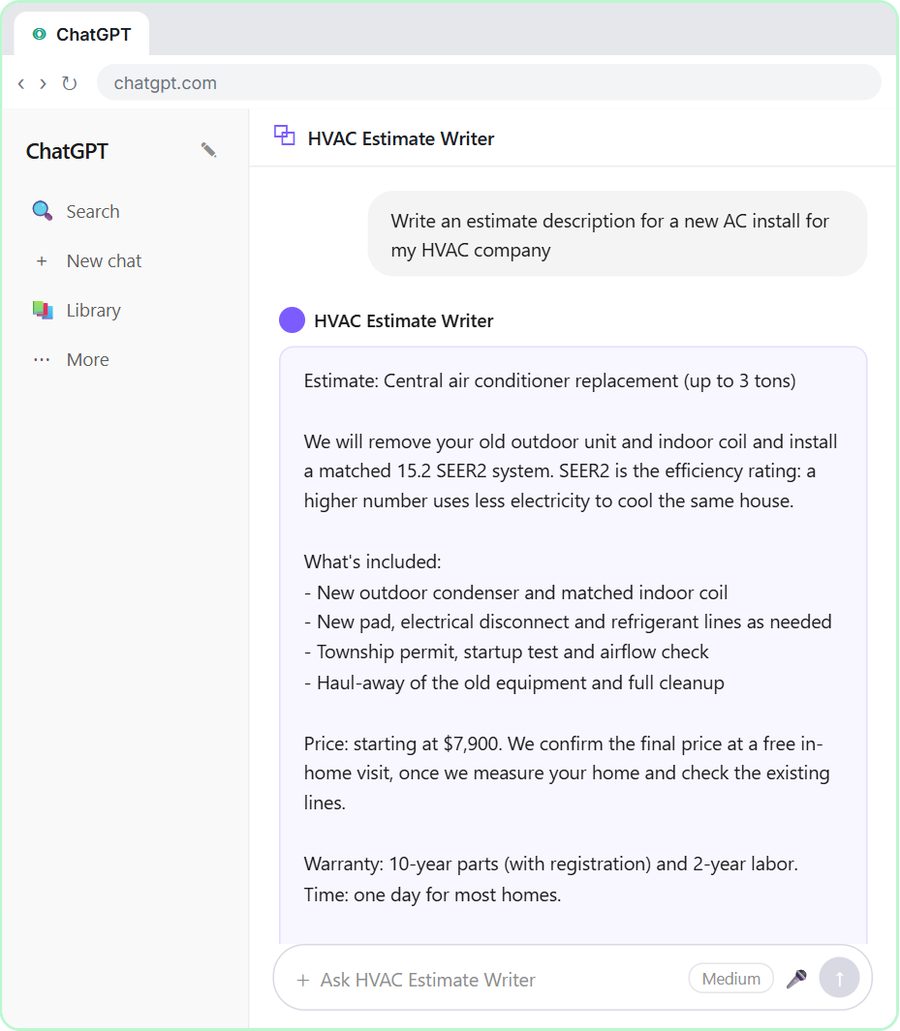 Build an AI Estimate Writer for Your HVAC Company
See why generic prompts give generic results, then build a Custom GPT that knows your HVAC services and pricing and writes clear, professional estimate descriptions for…
Free · Live ~8 min
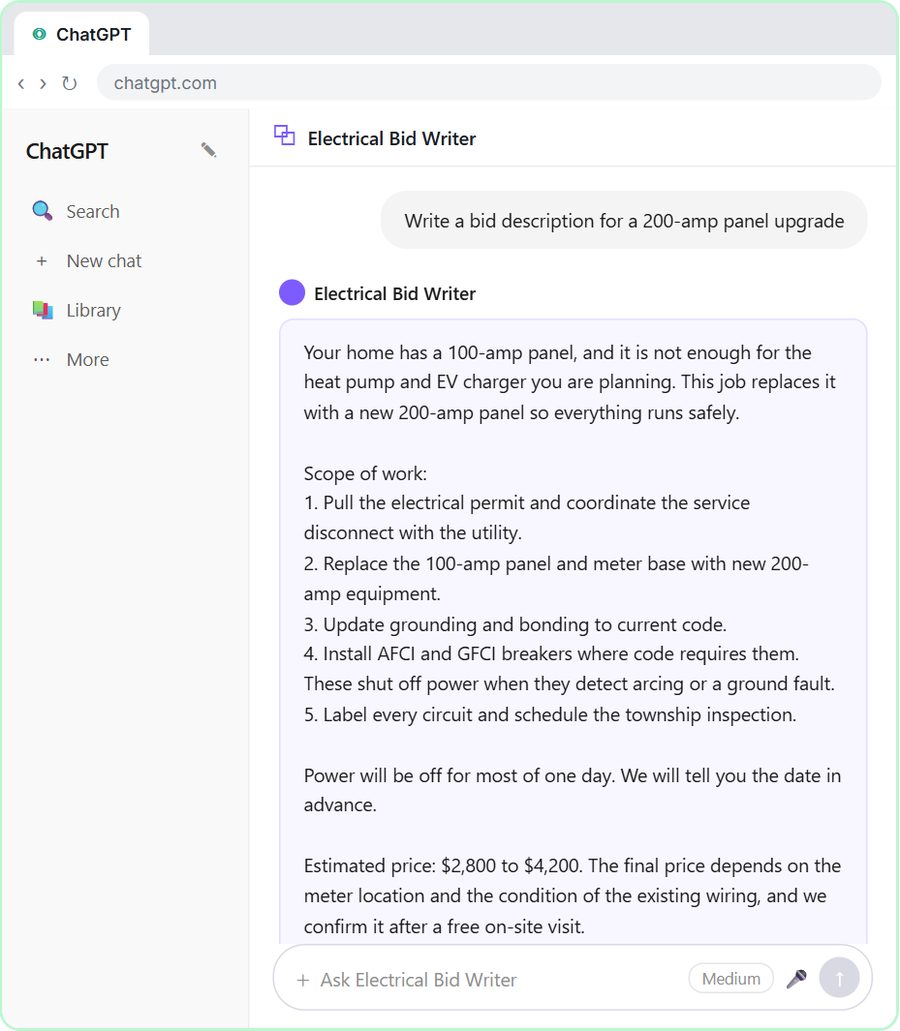 ChatGPT for Electricians: Build an Electrical Bid Writer
See why generic prompts give generic bids, then build a Custom GPT that knows your electrical services and pricing and drafts professional bid descriptions.
Free · Live ~8 min
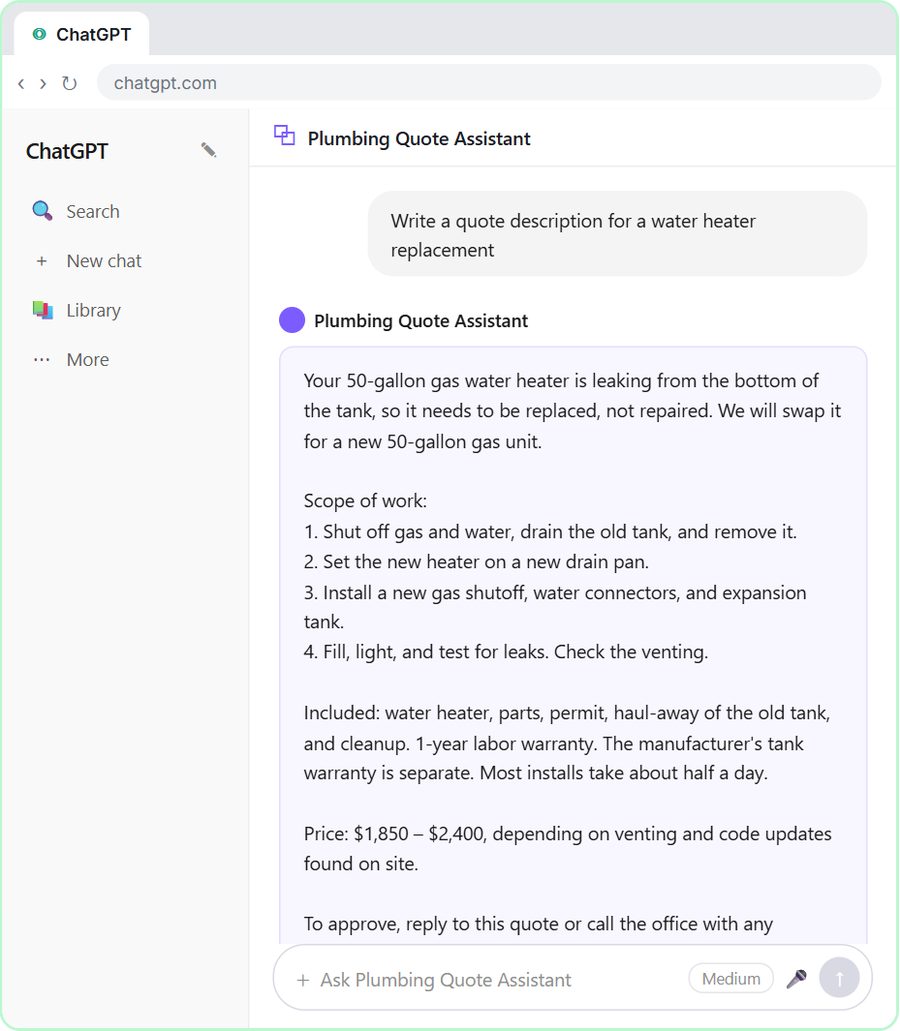 Build a Custom GPT Plumbing Quote Writer
See why generic prompts give generic quotes, then build a Custom GPT loaded with your plumbing services and pricing and watch the quotes transform.
Free · Live ~8 min
 Prompt Writing 101: Role, Context, Task, Format
Ask ChatGPT for the same customer email twice, once vaguely and once with a four-part prompt, and see exactly why structure gets a better answer.
Free · Live ~8 min
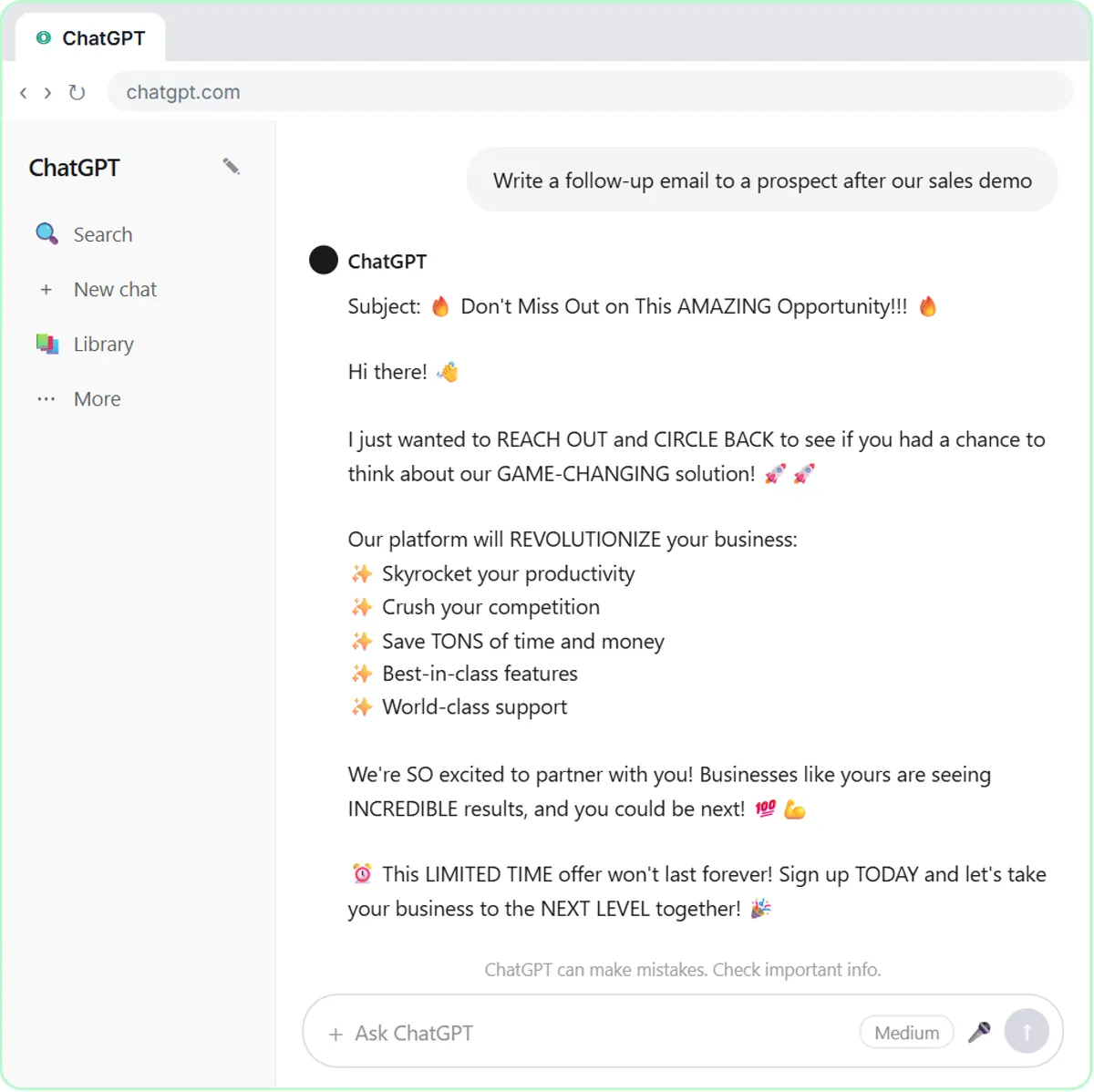 Build a Custom GPT That Writes Sales Follow-Up Emails
See why generic prompts give generic results, then build a Custom GPT that knows your product, pricing and rules and writes short, useful follow-up emails in your voice.
Free · Live ~8 min
From the blog
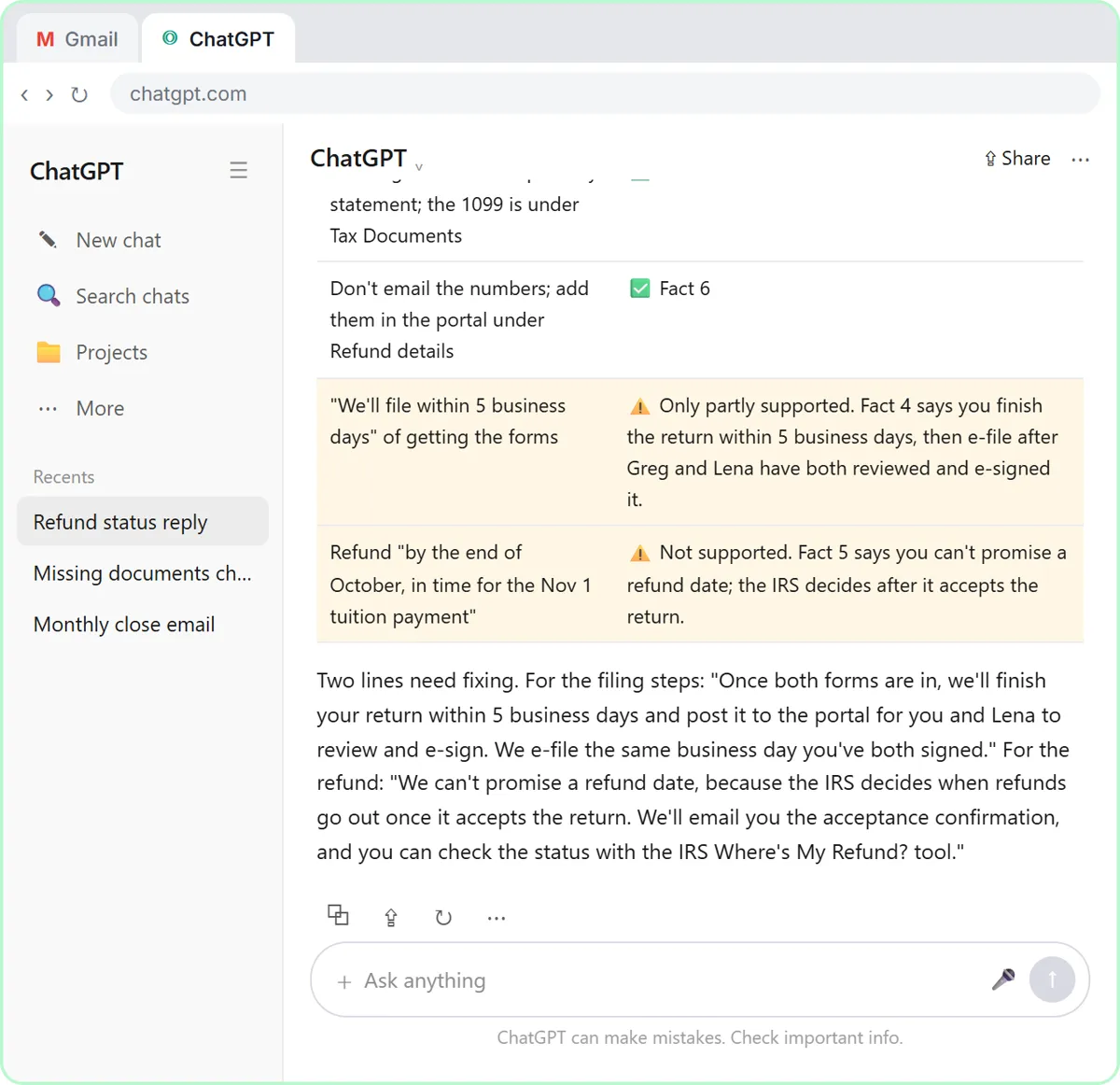 ChatGPT for Accountants: Client Recaps and Replies
ChatGPT for accountants and bookkeepers: turn client meetings into dated action items and answer "where's my refund?" emails without overpromising.
Oct 1, 2026 7 min read
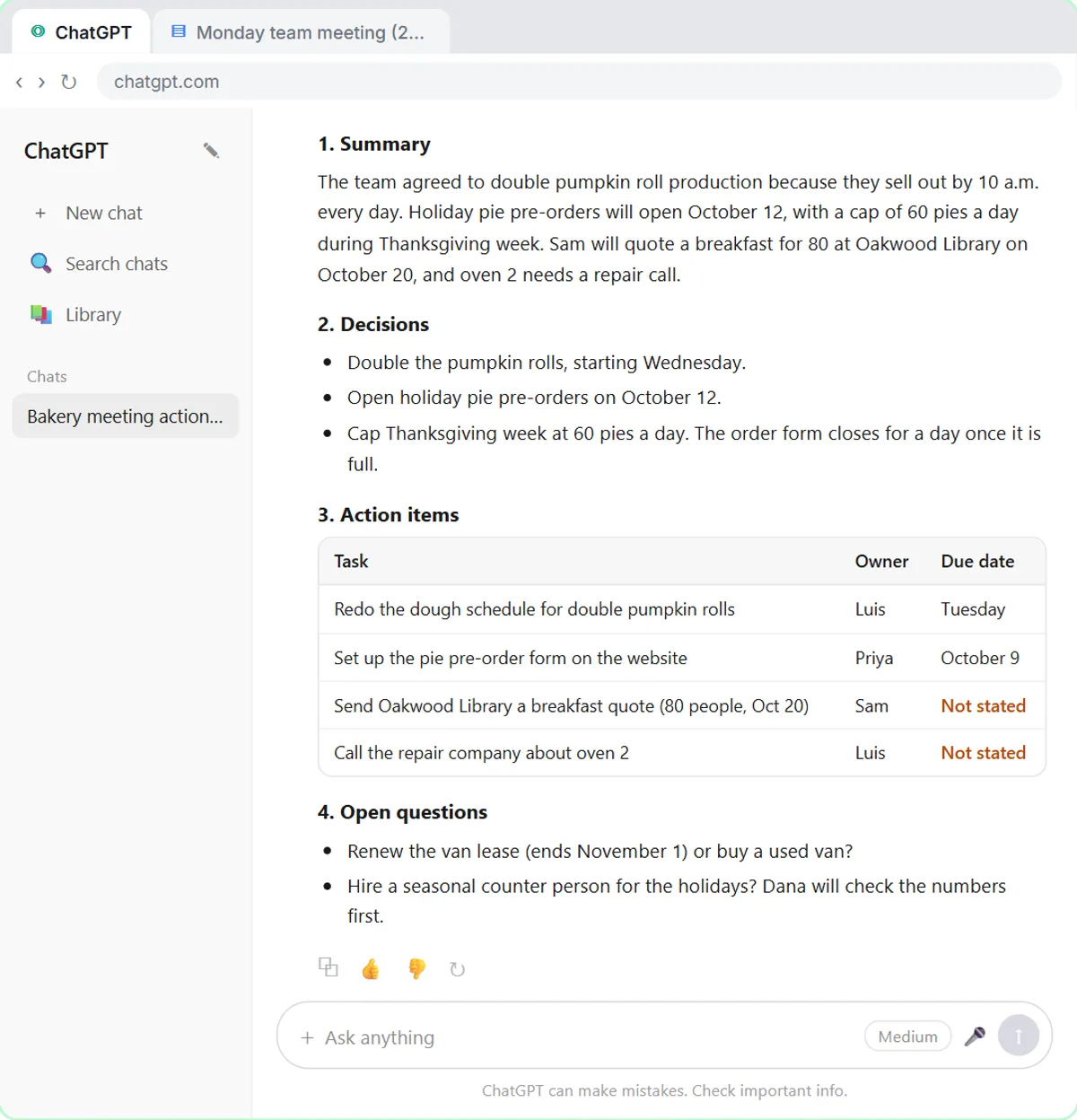 Turn a Meeting Transcript into Action Items with ChatGPT
Turn a meeting transcript into action items with ChatGPT: a summary, decisions, a task-owner-date table, open questions and a follow-up email.
Oct 1, 2026 7 min read
Visual guides
This lesson’s key ideas as quick visual guides: swipe through the slides, or read the same guide as text.
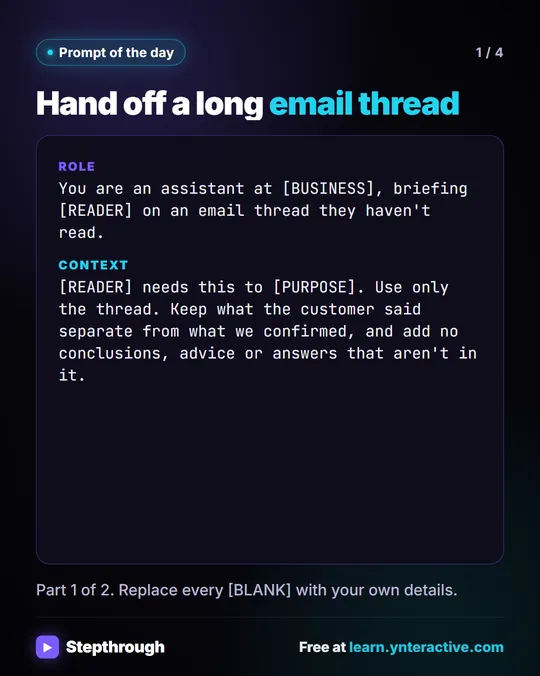 Prompt of the Day: Summarize an Email Thread for a Handoff
A visual prompt card: turn a long email thread into a short handoff with the situation, what was promised and each question marked Answered or Open.
Prompt to copy 4 slides
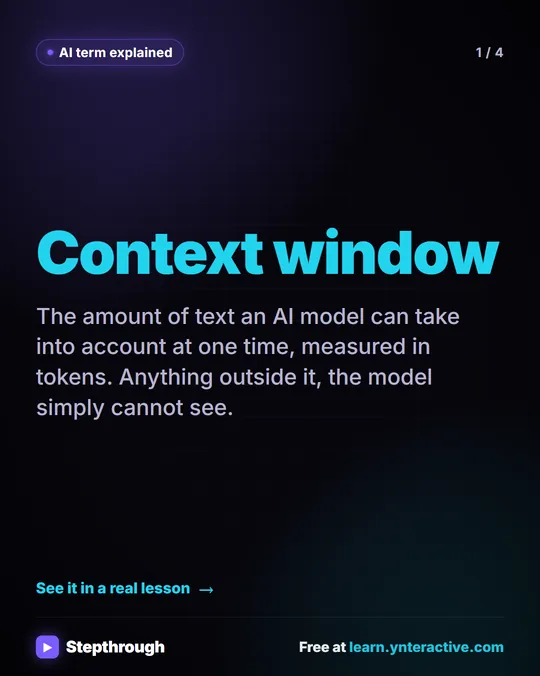 What Is a Context Window? A Visual Guide
A visual guide to the context window: how much text an AI model can see at once, shown with a real ChatGPT meeting summary lesson.
AI term explained 4 slides
Related terms
Plain-English definitions, each with an example from a free lesson.
Related prompts
- Action items table prompt: Paste a meeting transcript or rough notes and get a table of every task, owner and due date, with "Not stated" wherever nobody…
- Client quarterly review recap prompt: Turn your notes or transcript from a client's quarterly review into a recap email: decisions, who does what by when, what you…
- Hiring manager intake prompt: Turn a hiring manager's intake notes into a role brief: must-haves vs nice-to-haves, pay, interview steps, open questions and…
- Meeting agenda prompt: Turn a list of topics into a timed meeting agenda where every item has an owner, a question to settle and minutes that add up to…