Visual guides: AI tips you can swipe through
Updated
41 free visual guides from the Stepthrough lessons: step-by-step carousels, prompts to copy, AI terms explained, myths and mistakes to avoid. Each one takes a minute to swipe through, and every slide is written out as text on its page.
Every guide comes from a real free lesson, the AI glossary or the prompt library, and links back to it, so when an idea clicks you can open the lesson and do it yourself in a practice copy of the tool. The businesses in the examples are made up.
Step-by-step guides
A whole build in a few slides: the key steps of a free lesson, each with the real screen.
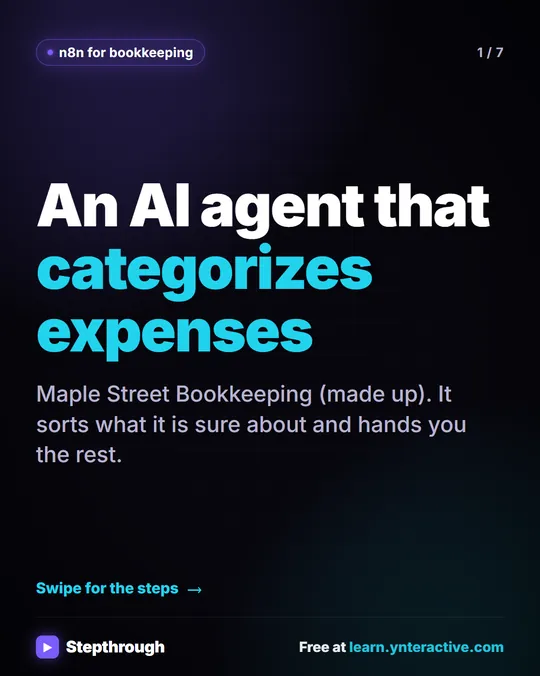 5 Steps to an AI Agent That Categorizes Business Expenses
A visual guide: an n8n agent sorts expenses into a fixed list of categories, flags unclear ones as Needs Review and saves them to Google Sheets.
Step-by-step guide 7 slides
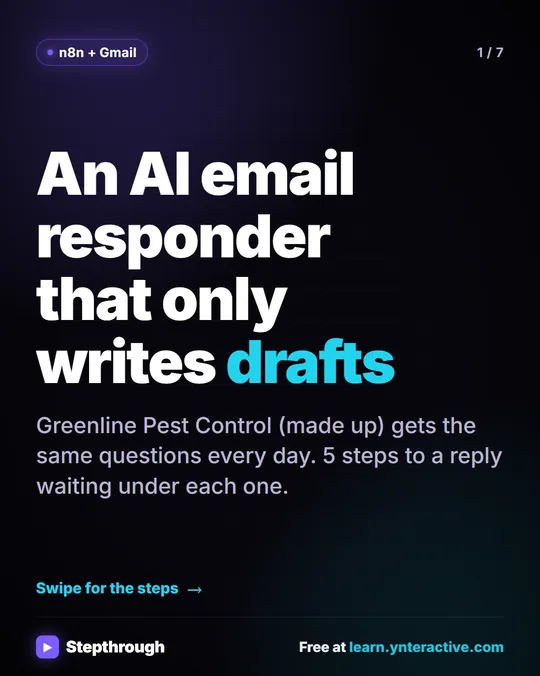 5 Steps to an AI Email Responder That Only Writes Drafts
A visual guide: an n8n agent reads each new Gmail message and saves a reply as a draft in the same thread. You read it and click Send.
Step-by-step guide 7 slides
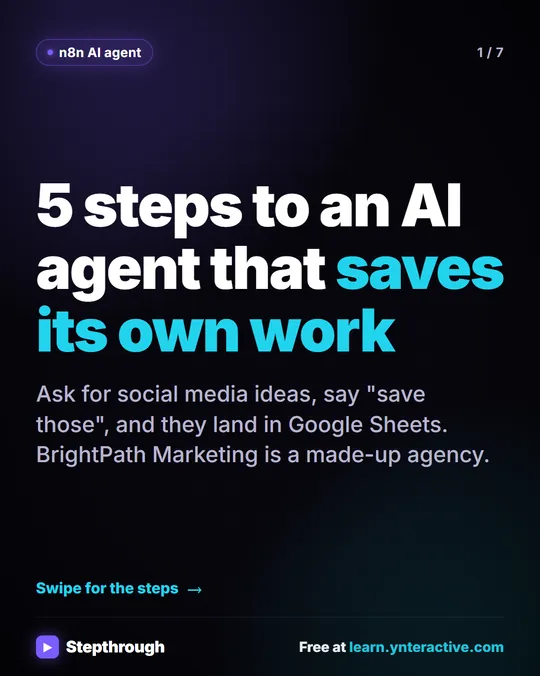 5 Steps to an n8n AI Agent That Saves to Google Sheets
A visual guide: build an n8n AI agent that writes social media ideas and saves each one as a Google Sheets row, in 5 steps from the free lesson.
Step-by-step guide 7 slides
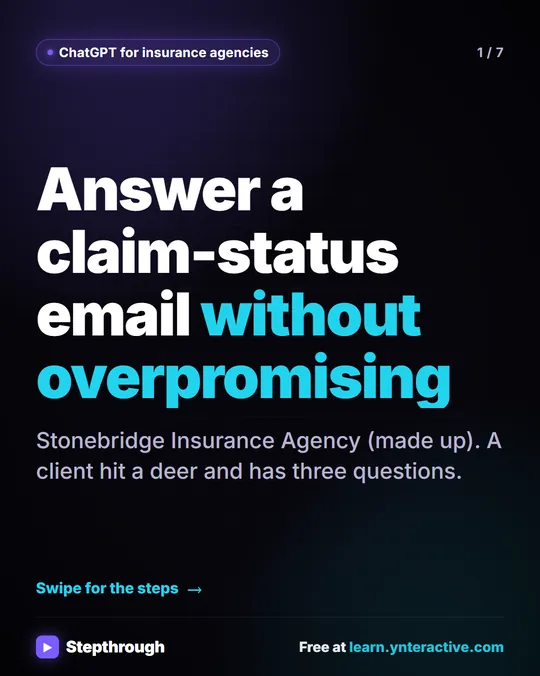 5 Steps to Answer a Claim-Status Email Without Overpromising
A visual guide for insurance agencies: answer a client's claim-status email with ChatGPT, then check every claim against your facts before you send.
Step-by-step guide 7 slides
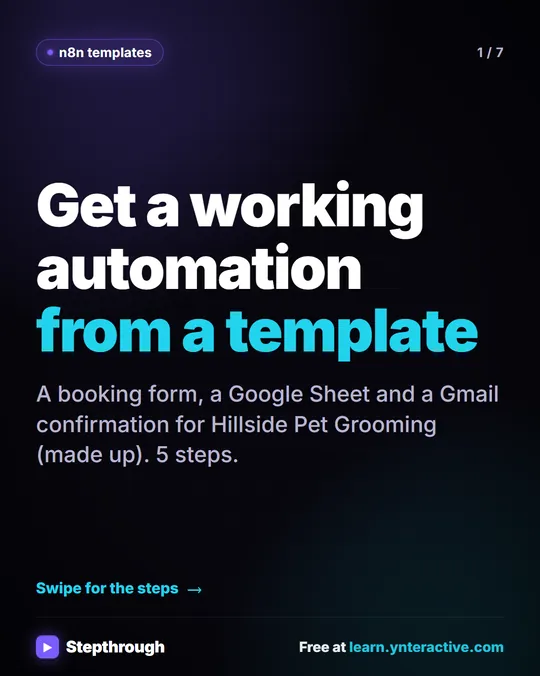 5 Steps to Find, Import and Run an n8n Template
A visual guide: find an n8n template, import it, connect your own Google Sheets and Gmail accounts, make it yours and run a test.
Step-by-step guide 7 slides
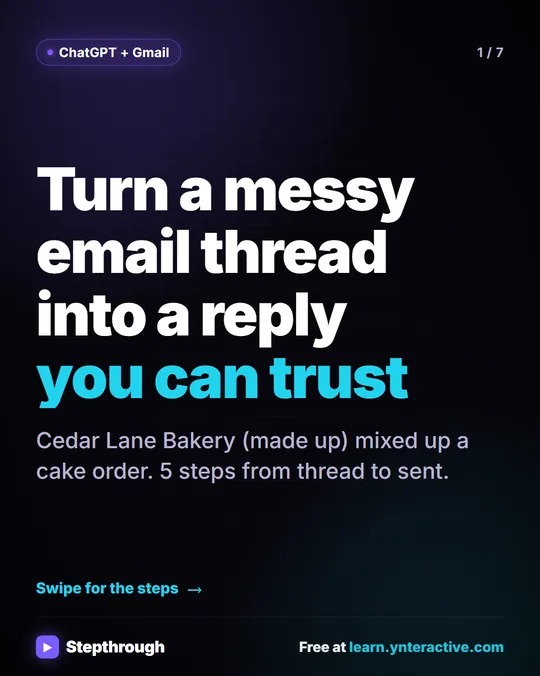 5 Steps to Turn a Messy Email Thread into a Clear Reply
A visual guide: paste a customer thread with numbered facts, check every promise in ChatGPT's draft, fix it and send it from Gmail.
Step-by-step guide 7 slides
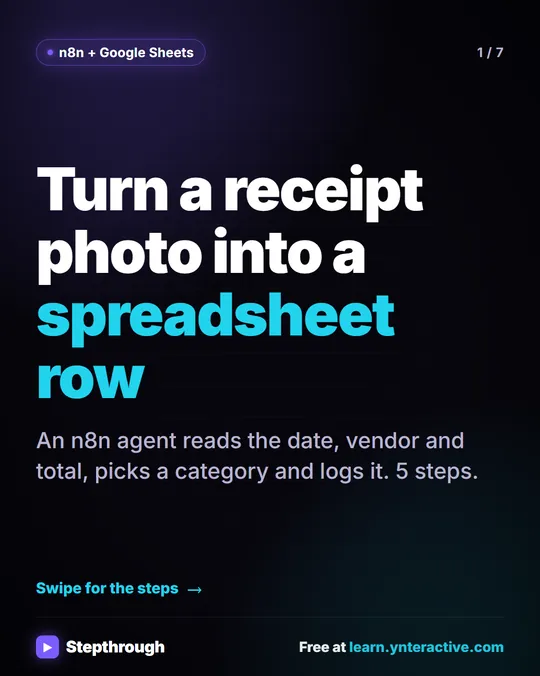 5 Steps to Turn a Receipt Photo into a Google Sheets Row
A visual guide: an n8n AI agent reads a receipt photo, pulls out the date, vendor and total, picks a category and adds a row to Google Sheets.
Step-by-step guide 7 slides
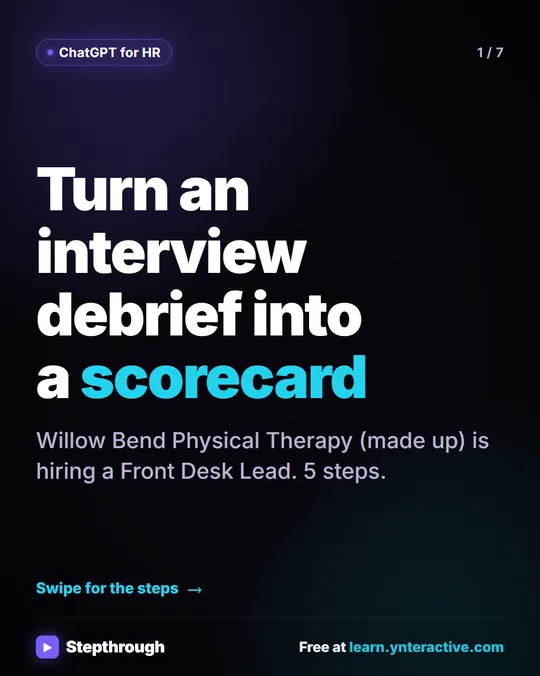 5 Steps to Turn an Interview Debrief into a Scorecard
A visual guide: turn an interview panel's debrief transcript into a ChatGPT scorecard with evidence for each must-have, then a candidate follow-up.
Step-by-step guide 7 slides
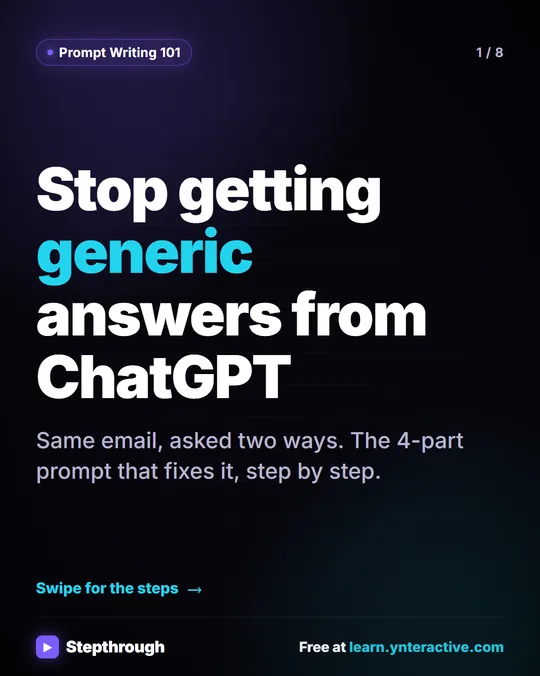 The 4-part prompt that stops generic ChatGPT answers
Most people give ChatGPT one quick sentence and get back something generic: Dear Valued Customer, emoji, and blanks for your company name.
Step-by-step guide 8 slides
AI terms explained
One AI or automation term: what it means, where it shows up in a real lesson, and tips for using it.
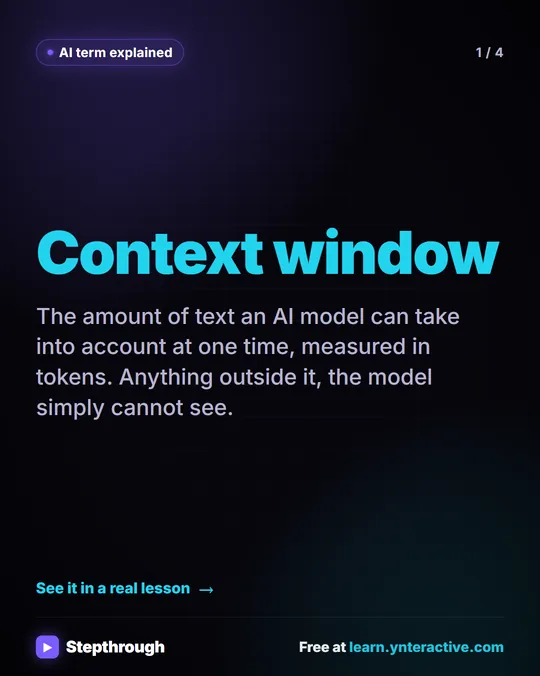 What Is a Context Window? A Visual Guide
A visual guide to the context window: how much text an AI model can see at once, shown with a real ChatGPT meeting summary lesson.
AI term explained 4 slides
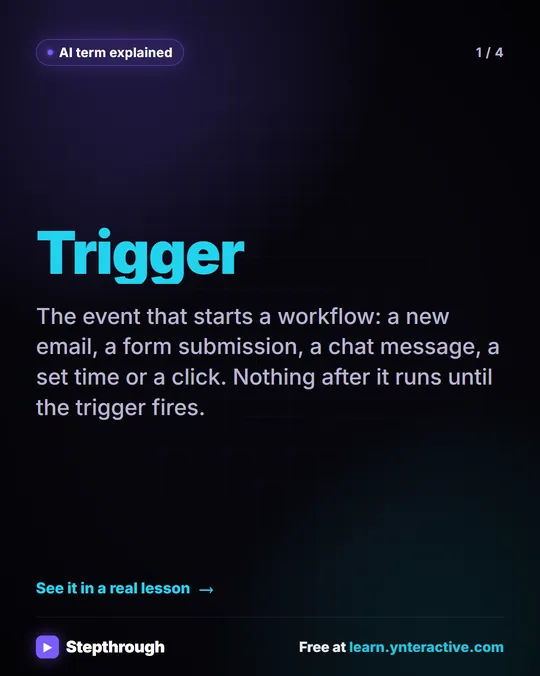 What Is a Trigger in n8n? A Visual Guide
A visual guide to triggers: the event that starts an automation, like a chat message, a schedule or a form, shown in a real HVAC n8n lesson.
AI term explained 4 slides
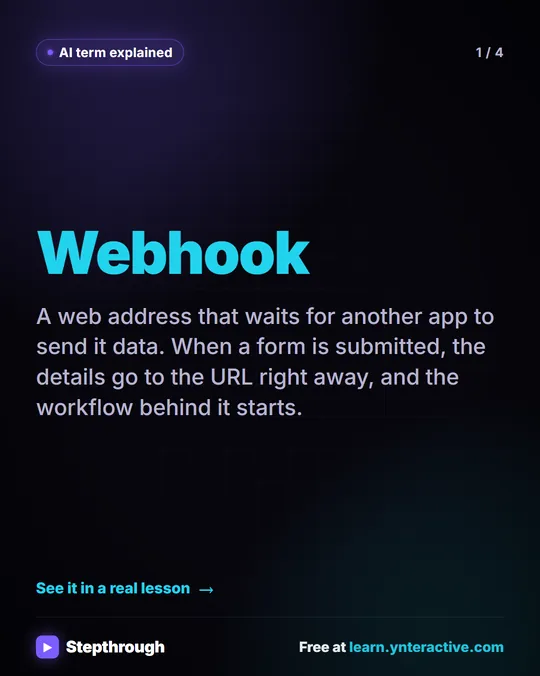 What Is a Webhook? A Visual Guide
A visual guide to webhooks: a web address that waits for another app to send it data, shown in a real Lovable + n8n lesson, with tips to use it safely.
AI term explained 4 slides
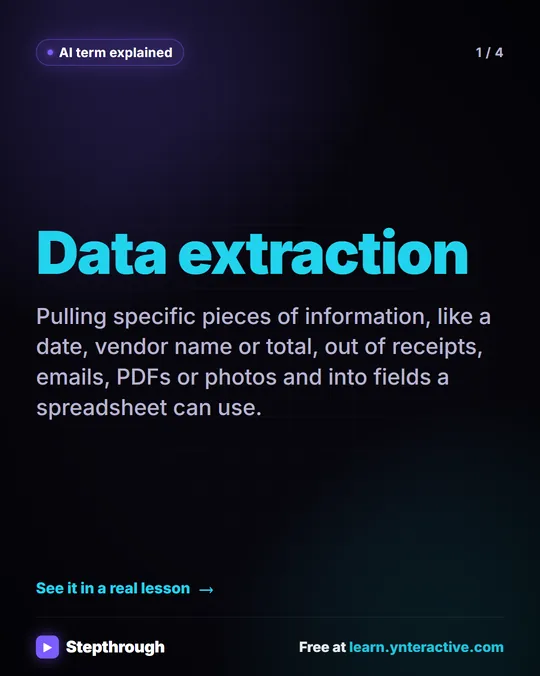 What Is AI Data Extraction? A Visual Guide
A visual guide to AI data extraction: pulling the date, vendor and total out of a receipt photo and into Google Sheets, from a real n8n lesson.
AI term explained 4 slides
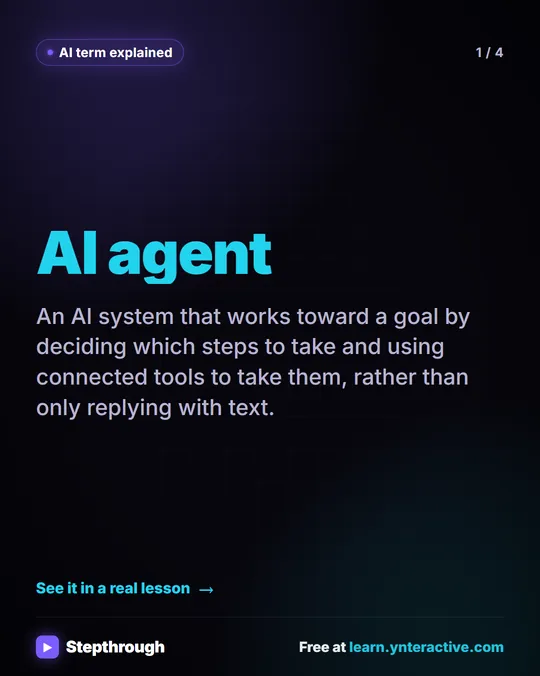 What Is an AI Agent? A Visual Guide
A visual guide to AI agents: AI that decides which steps to take and uses tools to take them, shown in a real n8n lesson, with tips to keep it safe.
AI term explained 4 slides
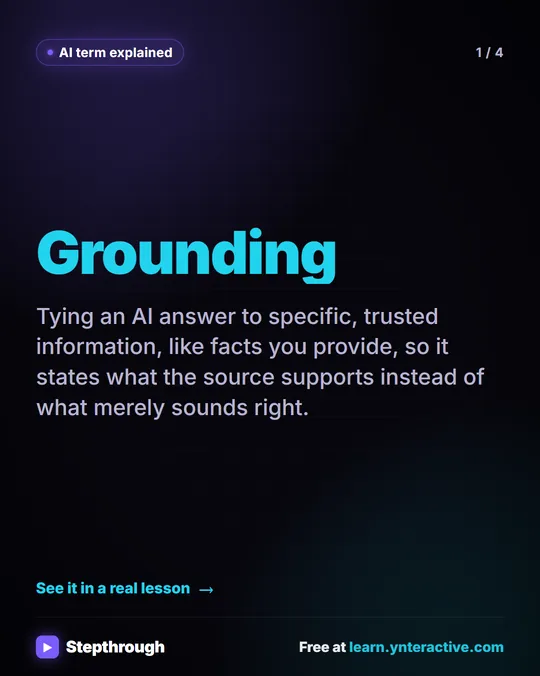 What Is Grounding in AI? A Visual Guide
A visual guide to grounding: tie an AI reply to numbered facts so every claim can be checked, shown in a real tax firm reply lesson.
AI term explained 4 slides
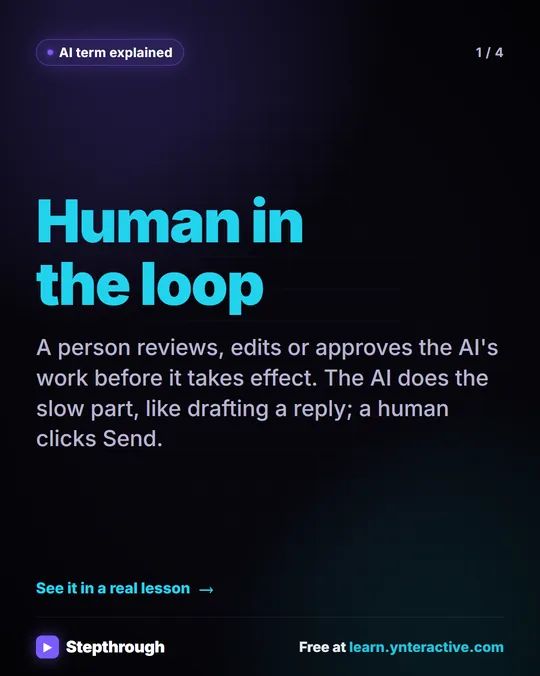 What Is Human in the Loop? A Visual Guide
A visual guide to human in the loop: the AI drafts and a person approves before anything takes effect, shown in a real n8n email lesson.
AI term explained 4 slides
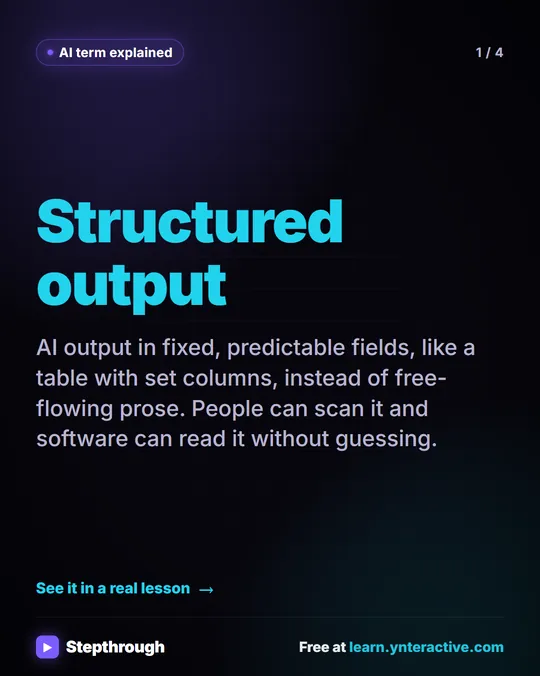 What Is Structured Output? A Visual Guide
A visual guide to structured output: AI answers in fixed fields people can scan and software can read, shown with a real interview scorecard.
AI term explained 4 slides
Prompts to copy
Copy-ready prompts from the lessons and the prompt library, with what to check before you use the answer.
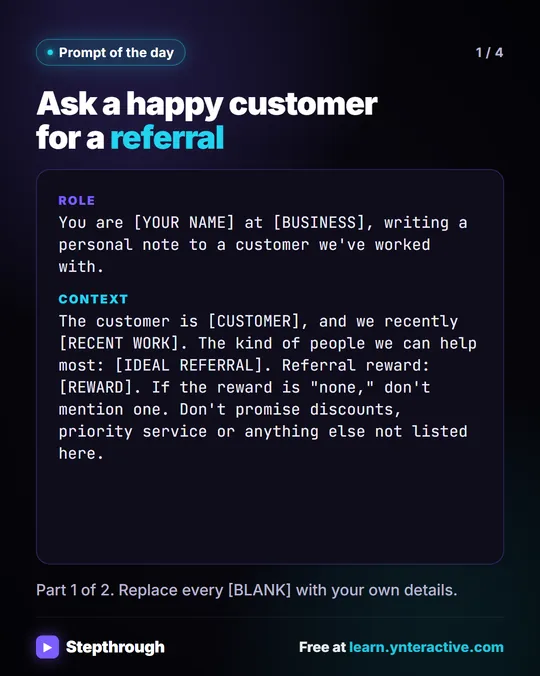 Prompt of the Day: Ask a Happy Customer for a Referral
A visual prompt card for a short, personal referral ask: thank the customer for real work, describe who you help, and no reward you haven't decided on.
Prompt to copy 4 slides
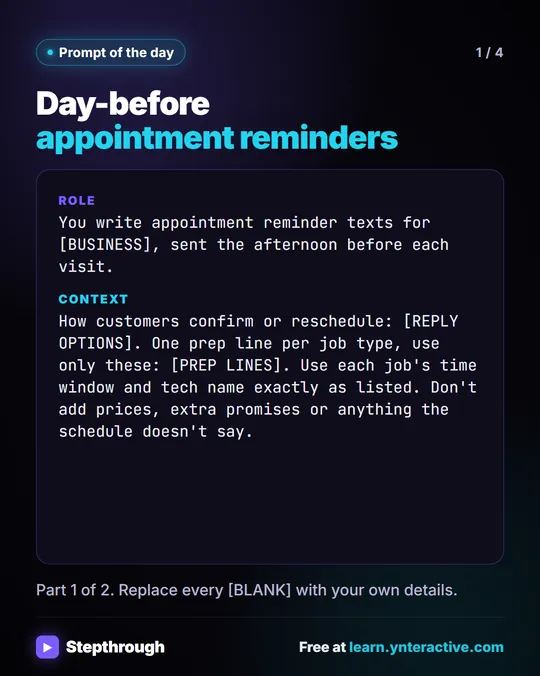 Prompt of the Day: Day-Before Appointment Reminder Texts
A visual prompt card: paste tomorrow's schedule and get one short reminder text per job, with the time window, the tech and one prep step.
Prompt to copy 4 slides
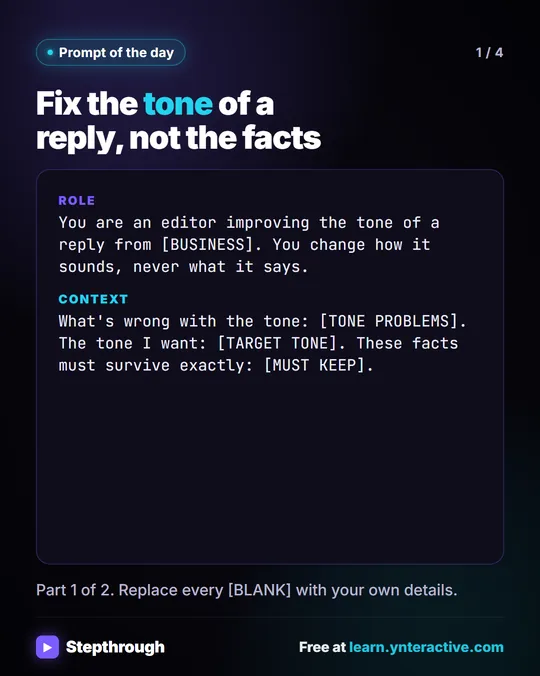 Prompt of the Day: Fix the Tone of a Reply
A visual prompt card: fix a reply that sounds stiff, defensive or long, while every fact, number and "we can't" stays exactly as it was.
Prompt to copy 4 slides
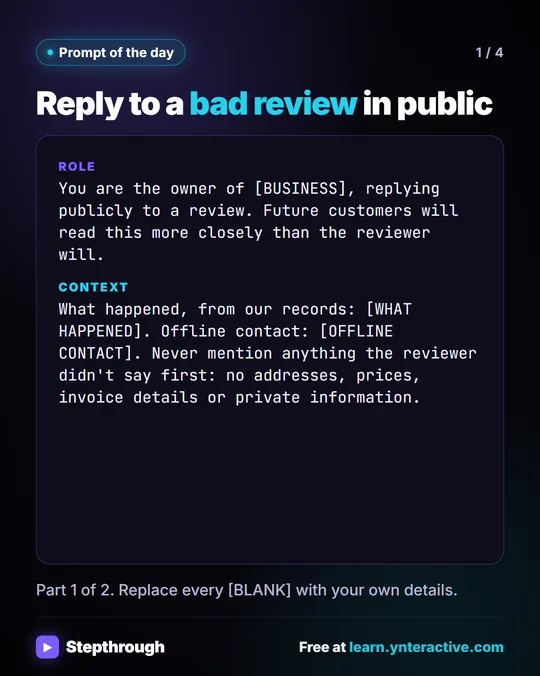 Prompt of the Day: Reply to a Bad Review in Public
A visual prompt card for a public reply to a bad review: calm and specific, no private details, no arguing, and an easy way to talk offline.
Prompt to copy 4 slides
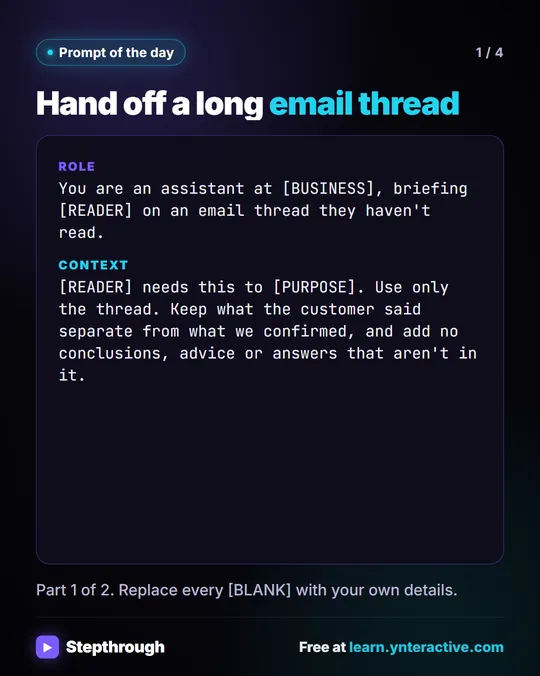 Prompt of the Day: Summarize an Email Thread for a Handoff
A visual prompt card: turn a long email thread into a short handoff with the situation, what was promised and each question marked Answered or Open.
Prompt to copy 4 slides
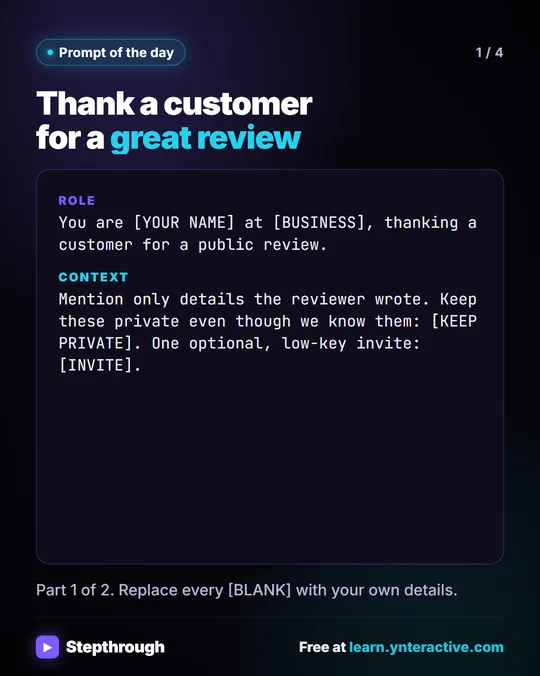 Prompt of the Day: Thank a Customer for a Review
A visual prompt card: three short, specific thank-you replies to a good review, using only what the reviewer wrote and nothing private you know.
Prompt to copy 4 slides
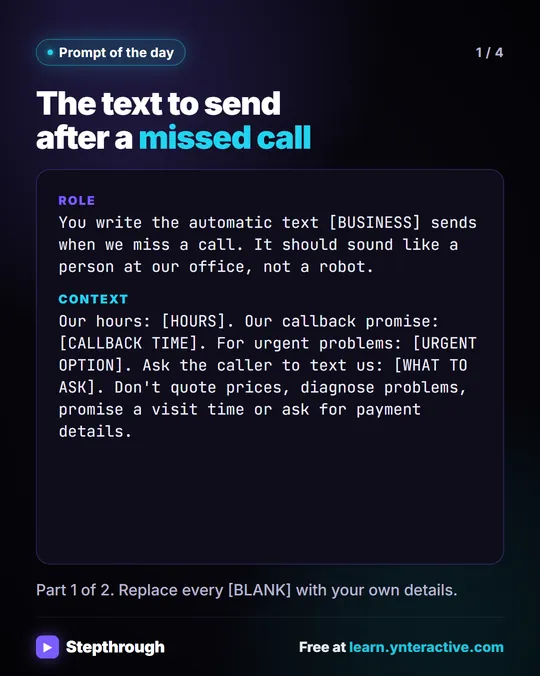 Prompt of the Day: The Text to Send After a Missed Call
A visual prompt card for the automatic text after a missed call: who you are, an honest callback time, what to send you and the urgent option.
Prompt to copy 4 slides
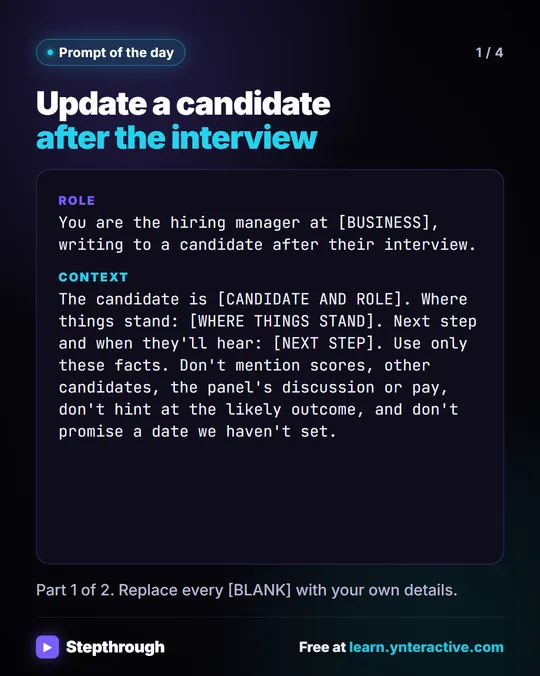 Prompt of the Day: Update a Candidate After an Interview
A visual prompt card: the email a candidate gets after an interview, with thanks, where things stand, the next step and no hint of the decision.
Prompt to copy 4 slides
Myth vs fact
Common beliefs about AI tools, and what the lessons and the glossary actually show.
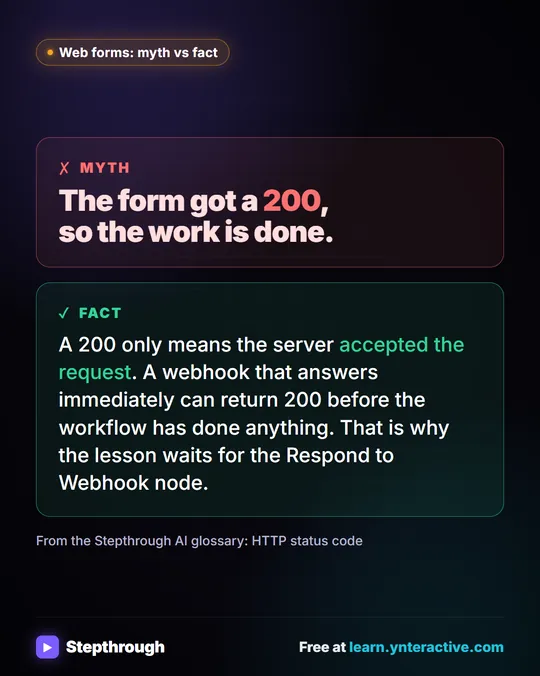 Myth: A 200 Status Means the Workflow Is Done
Myth vs fact: a 200 only means the server accepted the request. A webhook can answer before the workflow has done anything at all.
Myth vs fact One graphic
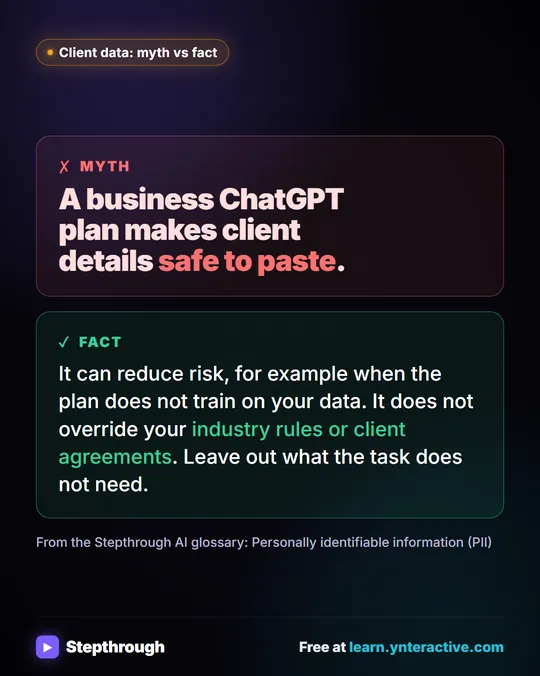 Myth: A Business ChatGPT Plan Makes PII Safe to Paste
Myth vs fact: a business plan can reduce risk, but it doesn't override industry rules or client agreements. Leave out what the task doesn't need.
Myth vs fact One graphic
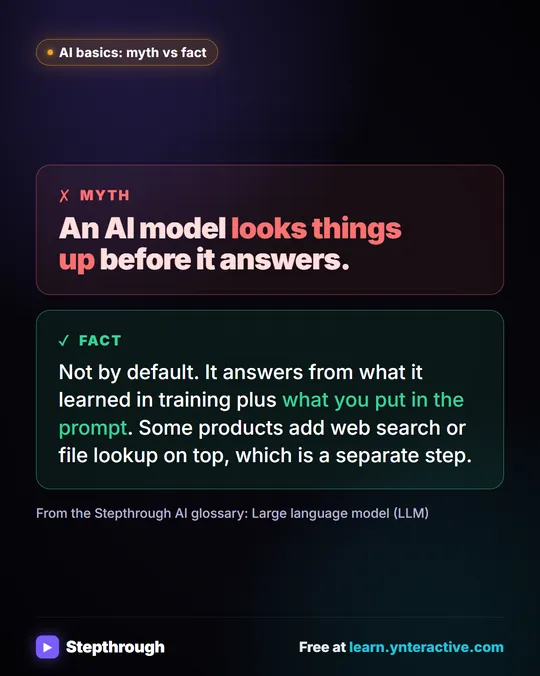 Myth: An AI Model Looks Things Up Before It Answers
Myth vs fact: by default a large language model answers from its training plus your prompt. Web search or file lookup is a separate step.
Myth vs fact One graphic
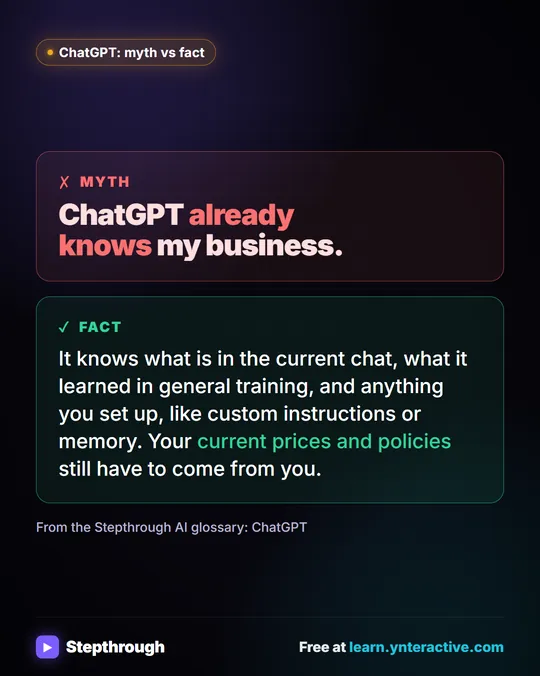 Myth: ChatGPT Already Knows My Business
Myth vs fact: ChatGPT knows the current chat, its general training and what you set up. Your current prices and policies still have to come from you.
Myth vs fact One graphic
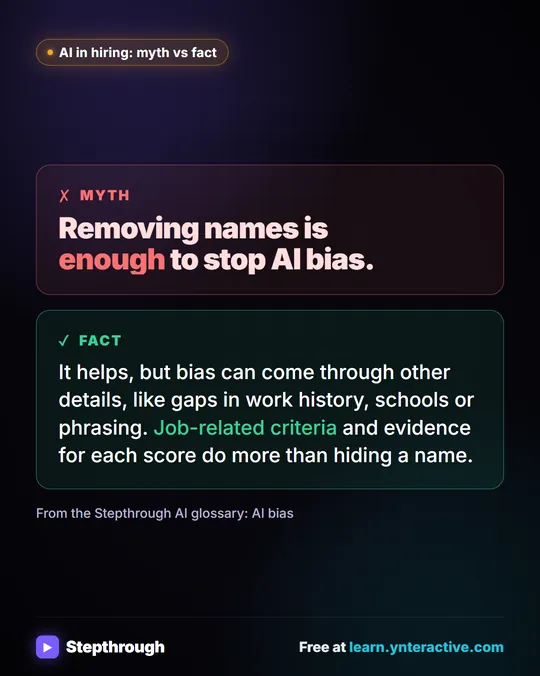 Myth: Removing Names Is Enough to Stop AI Bias
Myth vs fact: hiding names helps, but bias comes through other details. Job-related criteria and evidence for each score do more.
Myth vs fact One graphic
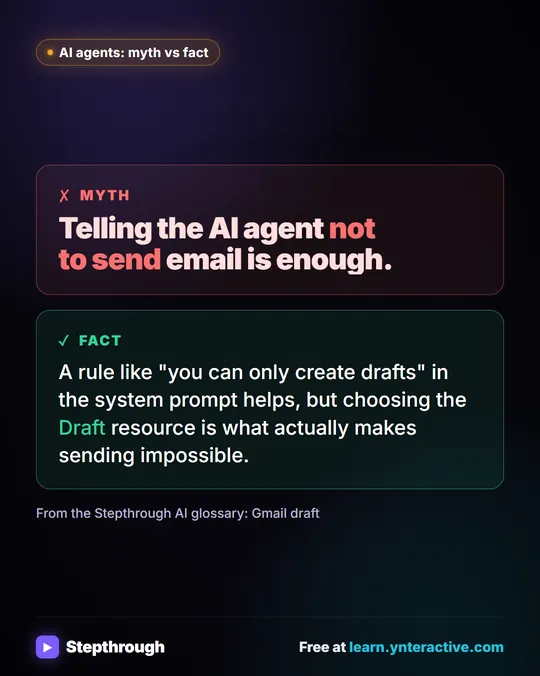 Myth: Telling an AI Agent Not to Send Email Is Enough
Myth vs fact: a "drafts only" rule in the system prompt helps, but choosing the Draft resource in the Gmail tool is what makes sending impossible.
Myth vs fact One graphic
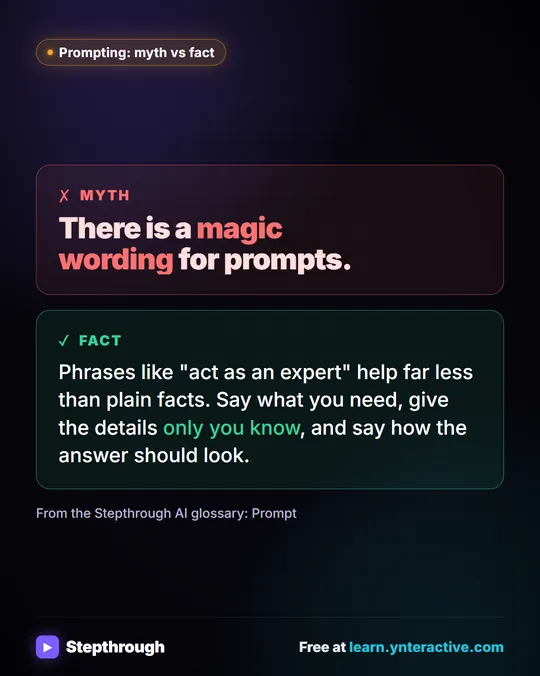 Myth: There Is a Magic Wording for ChatGPT Prompts
Myth vs fact: "act as an expert" helps far less than plain facts. Say what you need, give the details only you know and say how it should look.
Myth vs fact One graphic
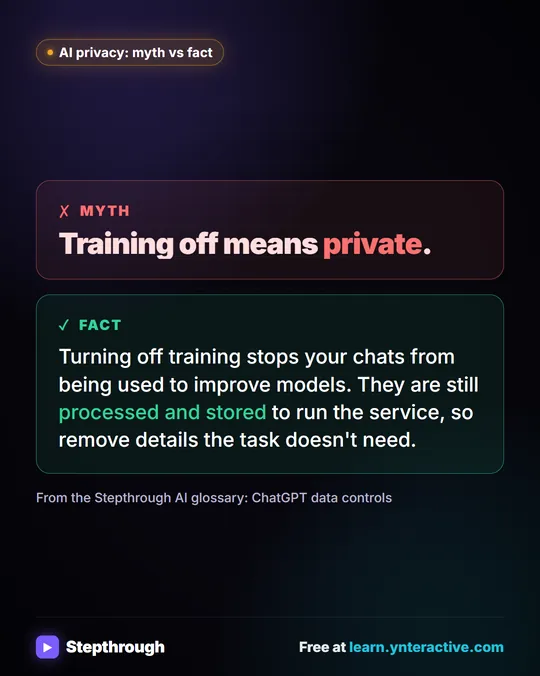 Myth: Turning Off Training Makes ChatGPT Private
Myth vs fact: turning off training stops chats being used to improve models, but they are still processed and stored. Remove details you don't need.
Myth vs fact One graphic
Mistakes to avoid
One mistake the lessons are built to prevent, and what to do instead.
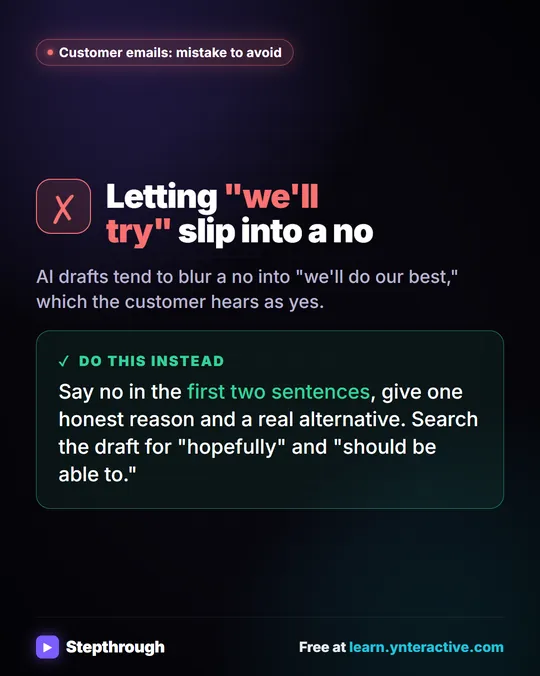 Mistake to Avoid: A Soft Yes When You Mean No
A visual tip for customer emails: AI drafts blur a no into "we'll do our best." Say no early, give one reason and a real alternative.
Mistake to avoid One graphic
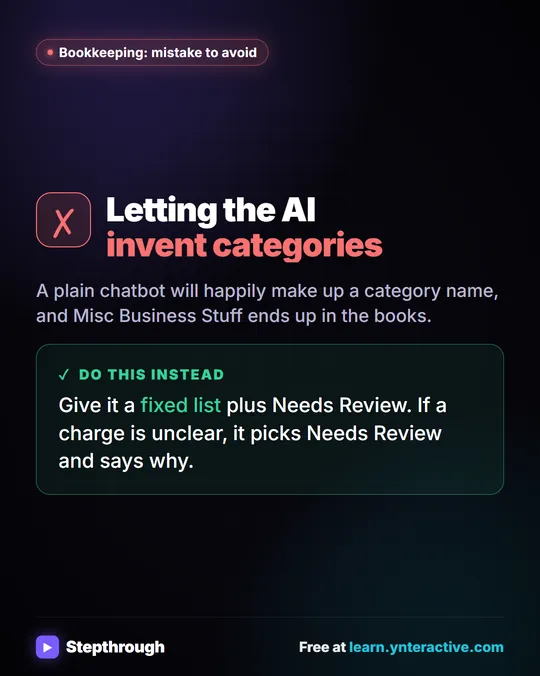 Mistake to Avoid: Letting AI Invent Expense Categories
A visual tip for bookkeepers: give an AI agent a fixed list of categories plus Needs Review, so it never makes up a category name.
Mistake to avoid One graphic
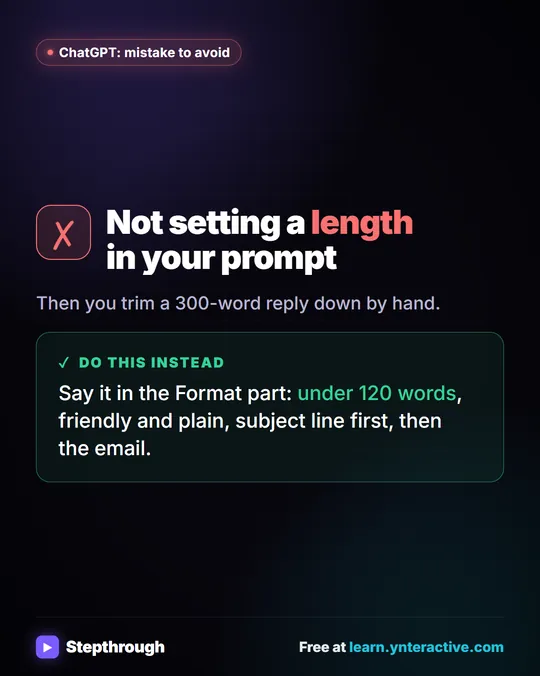 Mistake to Avoid: Not Setting a Length in Your Prompt
A visual tip: say the length in the Format part of your prompt, like under 120 words, instead of trimming a 300-word reply by hand.
Mistake to avoid One graphic
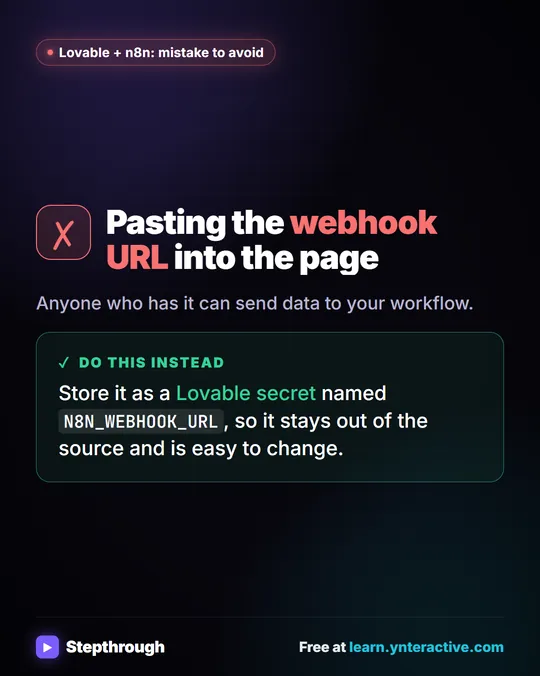 Mistake to Avoid: Pasting a Webhook URL into Your Page
A visual tip: don't paste your n8n webhook URL into the page. Store it as a Lovable secret so it stays out of the source and is easy to change.
Mistake to avoid One graphic
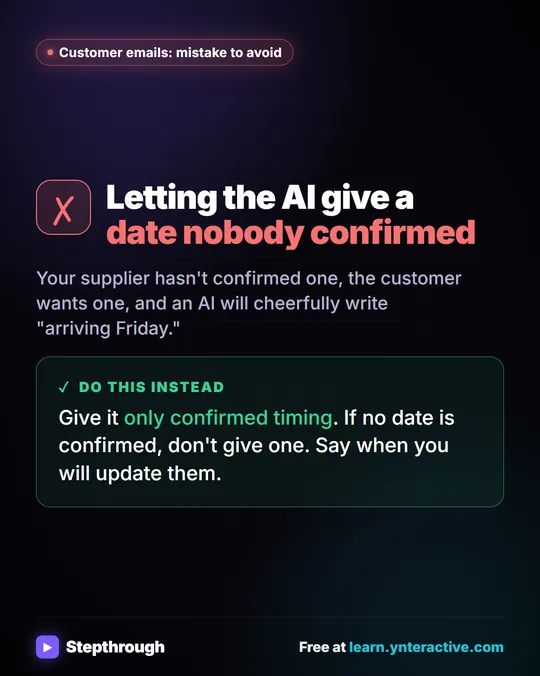 Mistake to Avoid: Promising a Date Nobody Confirmed
A visual tip for late orders: give the AI only timing you have confirmed. If there is no date yet, say when you will update the customer.
Mistake to avoid One graphic
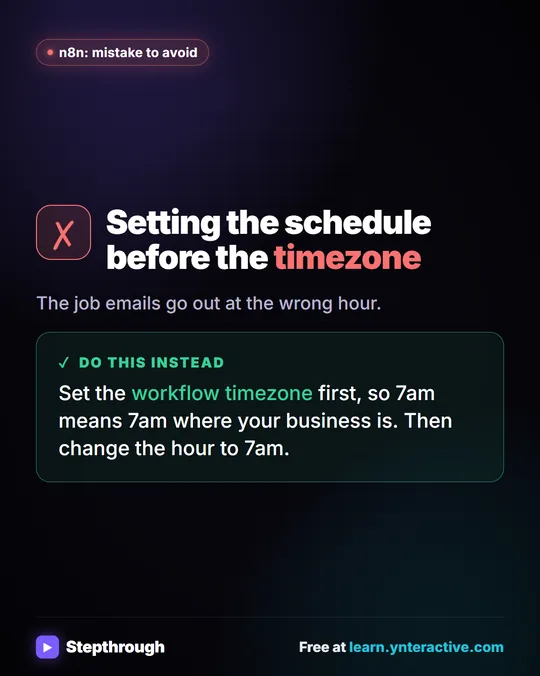 Mistake to Avoid: Scheduling Before Setting the Timezone
A visual tip for n8n schedules: set the workflow timezone before the schedule, so 7am means 7am where your business is.
Mistake to avoid One graphic
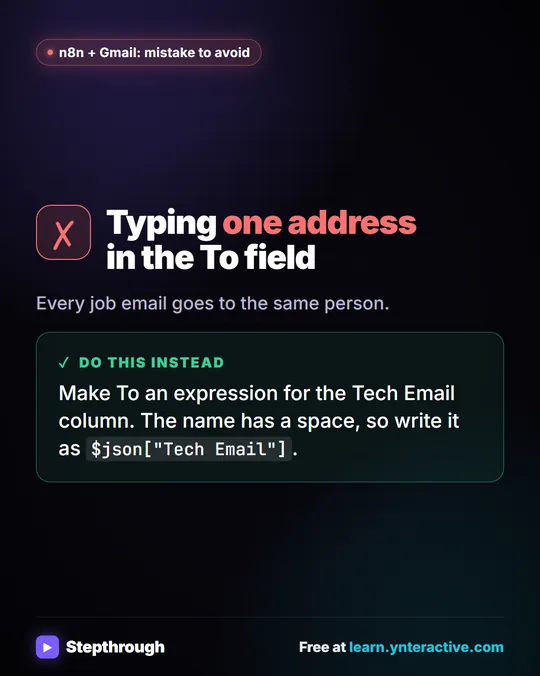 Mistake to Avoid: Sending Every Job Email to One Address
A visual tip for n8n and Gmail: make the To field an expression for the Tech Email column, written in square brackets because of the space.
Mistake to avoid One graphic
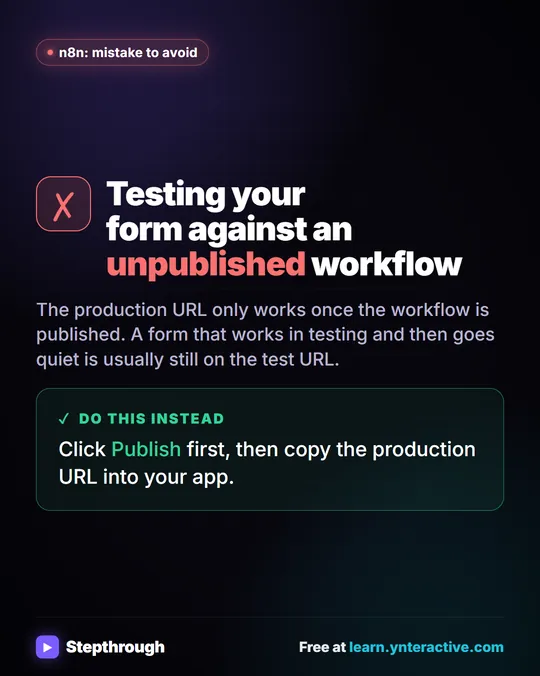 Mistake to Avoid: Testing an Unpublished n8n Workflow
A visual tip: an n8n production webhook URL only works once the workflow is published. Publish first, then copy the URL into your app.
Mistake to avoid One graphic
All free tutorials · AI glossary · Prompt library
How every module works
Each step is shown on the left, with a cursor pointing to exactly where to click. You do the same thing on the right, in a practice copy of the real tool. Get it right and it moves on. Nothing touches your real accounts until you're ready to build it for real.
Start learning free