Build an AI Customer Follow-Up Agent for Plumbers
The best time to earn a repeat plumbing customer is the day after the job. In this free lesson you build an AI agent in n8n for Blue Maple Plumbing that writes a short follow-up text for each service call, with a care tip for that exact job, and saves them to Google Sheets.
What you will build
An AI agent you chat with. You type in today's calls: Linda, water heater replacement. Tom, main drain cleaning. Maria, sump pump. The agent writes three texts under 60 words each.
Linda is told to give the new heater about an hour to heat up, keep the area around the tank clear, and call right away if she sees water on the floor. Tom is told to avoid flushing wipes, even the ones labeled flushable. Maria is told to pour a bucket of water into the pit before the next big storm to make sure the pump kicks on. Each one also gets a next step for the office: offer a yearly tank flush in 12 months, suggest a sewer camera inspection if the drain clogs again, offer a battery backup before storm season. When you say 'save those', every message becomes a row in a Customer Follow-Ups sheet with the status Ready to send.
Who this is for
Owners and office managers at small residential plumbing companies who know a thank-you text leads to reviews and repeat calls, but whose day is eaten up by emergencies. It follows the plumbing quote writer lesson, but stands on its own.
Step by step: what you do
- Get n8n: walk through signing up at n8n.io.
- API key: add credit at OpenAI, create a secret key named n8n agent and copy it.
- New workflow and chat trigger: create a workflow and add On chat message.
- AI Agent and system prompt: add the AI Agent and paste the Blue Maple system message.
- Chat model: add the OpenAI Chat Model, save the key and pick gpt-5-mini.
- Memory: add Simple Memory.
- Sheets tool: add the Google Sheets Tool, create Customer Follow-Ups with Customer, Service, Follow-Up Message, Next Step and Status headers, sign in with Google, choose Append Row and map the columns.
- Test the agent: send today's calls, then ask it to save the messages.
What the system prompt sets up
It lists Blue Maple's real services: water heaters, tankless installs, drain cleaning, sewer camera inspections, leak detection, burst pipe repairs and sump pumps. The tone is friendly and plain-spoken, like the plumber who did the job. Each message thanks the customer by first name, names the exact work, gives one practical care tip for that job and invites them to call if anything seems off. The agent must not invent prices, discounts or warranty terms, and every row is marked Ready to send.
Why it works
Care tips do two jobs. They prevent the callback you did not want, like a customer panicking that the new heater is cold after ten minutes, and they show you know your trade. The Next Step column quietly builds your future work list: tank flushes, camera inspections and battery backups. The Google Sheets tool lets the agent save that work, and memory lets it know which messages you mean.
Care tips that fit the plumbing job
The tip is the heart of every message, and it has to match the work. After a water heater swap, the worry is a customer calling at 7 p.m. because the water is still lukewarm, so the tip is to give it an hour. After a main line cleaning, the worry is the same clog in three months, so the tip is about wipes. After a sump pump replacement, the worry is finding out it does not run during the next storm, so the tip is to test it with a bucket of water first.
The Next Step pairs each tip with honest future work instead of a hard sell. A yearly flush for a new tank. A camera inspection only if the drain clogs again. A battery backup before storm season, when a power outage and a full pit tend to arrive together. The system prompt keeps the messages under 60 words, so they read like a text from the plumber, not a newsletter. That is also why every row is marked Ready to send: the office can glance at the sheet and send the batch.
How to use this in your plumbing business
Swap in your own services and tips. At the end of each day, paste the calls from your schedule and let the agent draft the texts. Tips follow the calendar: freeze warnings after a winter pipe repair, sump pump tests before spring storms, a reminder about grease and food scraps after a kitchen drain call. Review the sheet, then send. Over a season, the Next Step column is a ready-made list for your slow weeks.
Frequently asked questions
- How much does this cost to run?
- Stepthrough is free. For real use you need n8n, a Google account and an OpenAI API key; OpenAI bills per request, and the lesson suggests starting with ten dollars of credit. Check each tool's current pricing.
- Will the agent offer discounts?
- No. It is told not to invent prices, discounts or warranty terms.
- Does it text customers automatically?
- Not in this lesson. It writes the messages and saves them to Google Sheets marked Ready to send, so you review them first.
- How does the interactive lesson work?
- Each step is shown to you first on the left (Watch). Then you do it yourself in a practice copy on the right (Your turn), and every click is checked. If you get stuck, press Do it for me. It is a practice copy, so no real accounts are touched.
- Do I need coding skills?
- No. It is 69 guided steps, about 12 minutes, with the long prompts pasted for you.
More in AI Automation for Plumbers
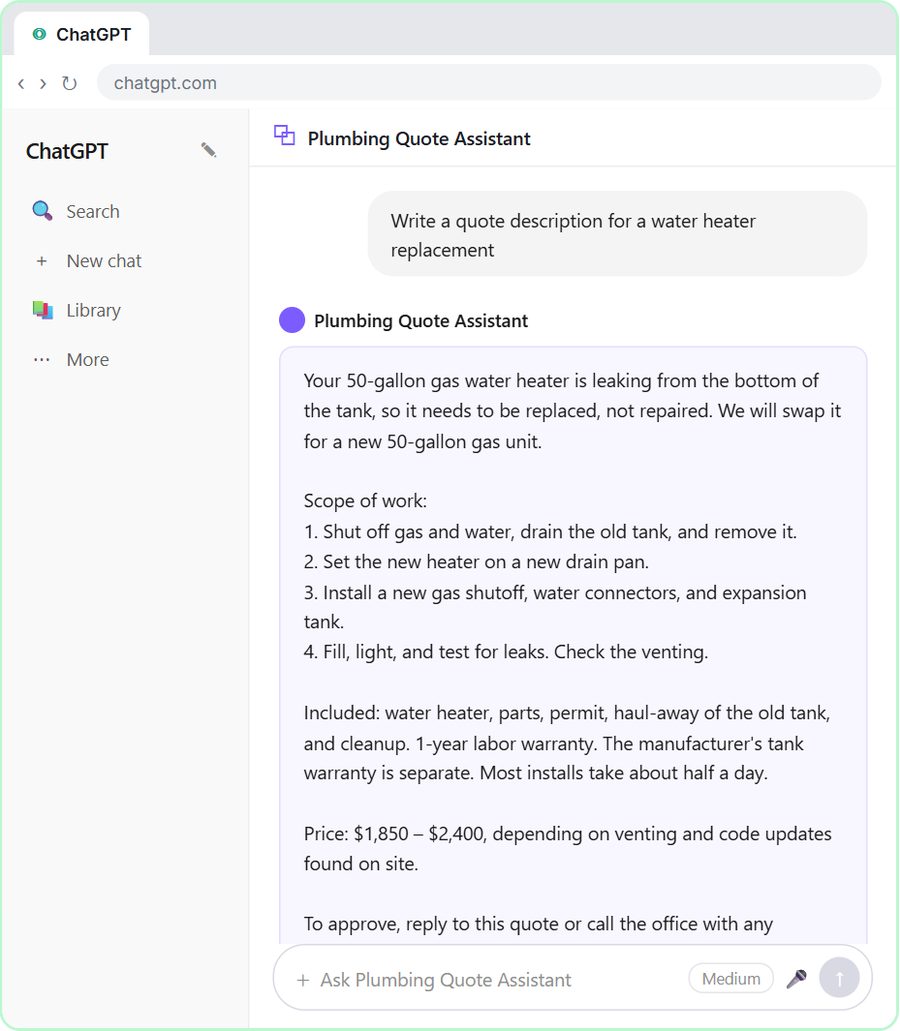 Build a Custom GPT Plumbing Quote Writer
Build a Custom GPT that writes plumbing quotes from your own price list: scope, what is included and a clear price. Free, step-by-step lesson for plumbers.
Free · Live
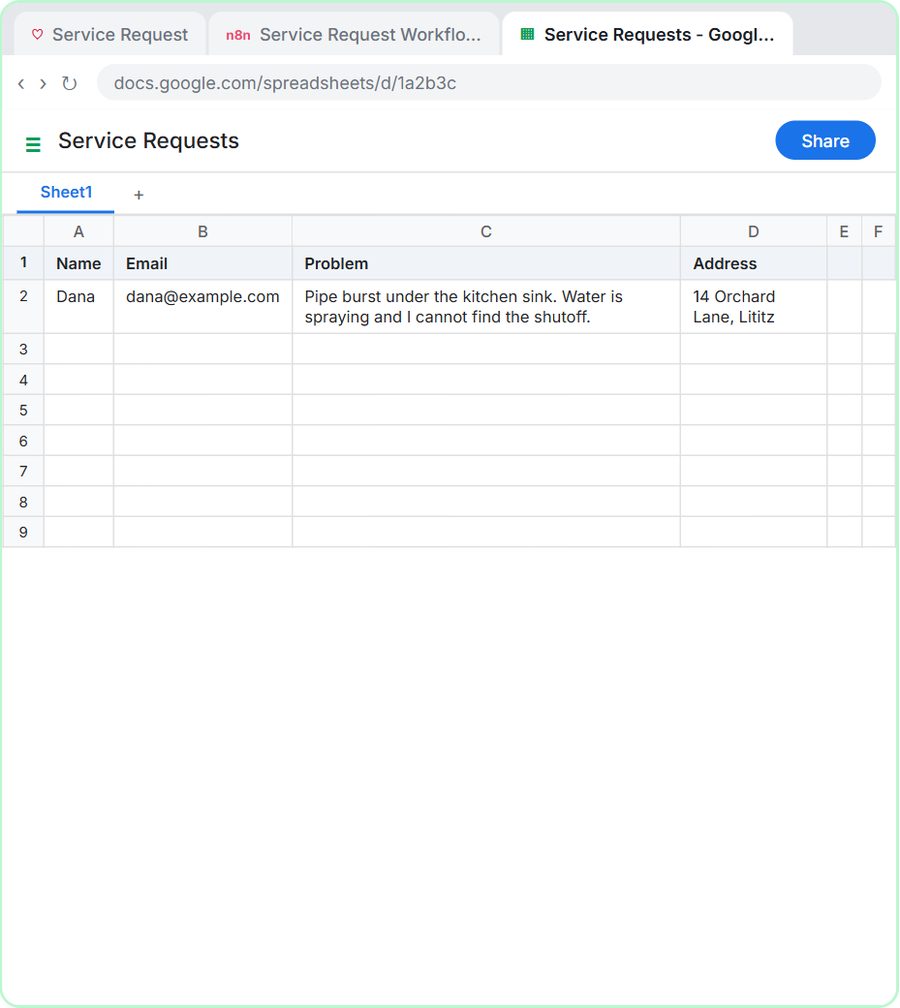 Build an AI Emergency Request Form for Your Plumbing Company
Build a plumbing request form where AI sets the priority, logs the job and emails shutoff steps for emergencies. Free, step by step with Lovable and n8n.
Free · Live