Build an n8n AI agent that saves social media ideas to Google Sheets
A free one-page cheat sheet for an n8n AI agent: chat trigger, AI Agent, system message, OpenAI model, Simple Memory and a Google Sheets tool.
Build an n8n AI agent that saves social media ideas to Google Sheets
Almost every n8n agent has the same parts: a trigger, the AI Agent node with a system message, a chat model, memory and a tool. This is the build from the free n8n AI agent lesson.
Before you build
- At platform.openai.com, click Add to credit balance first. A key with no credit only returns errors. It is billed separately from ChatGPT.
- + Create new secret key, name it after what uses it (n8n agent) and copy it. OpenAI shows it only once.
- Make a sheet called Social Media Ideas with headers Platform, Post Topic, Hook, Description and Call to Action.
Build it in n8n
- Create workflow, Add first step…, then On chat message.
- Click + and add AI Agent. + Add Option, System Message, paste the prompt below.
- Under Chat Model: OpenAI Chat Model, + Create new credential, paste the key, Save. Pick gpt-5-mini.
- Under Memory: Simple Memory.
- Under Tool: Google Sheets Tool. Sign in with Google, set Operation to Append Row, pick the Document and Sheet1.
- Click the ✦ next to each column so the model fills it in.
The system message
You are a social media content assistant for BrightPath Marketing.

The target audience is business owners and marketing managers.

For each idea, return:
- Platform
- Post Topic
- Hook
- Short Description
- Suggested Call to Action

When the user asks you to save the ideas, use the Google Sheets tool to store each idea.

Do not invent statistics or make unsupported claims.
Cut from the lesson's system message. Swap in your own company.
Test it
- Click Open chat, ask for social media post ideas and click Send.
- Then tell it to save them. It writes one row per idea.
- Red warning on the agent? It has no chat model yet.
- Without memory, "save those ideas" fails, because every message starts from nothing.
Remember: Name the sheet columns like the fields in your system message. That match is what lets the agent fill each column on its own.
Practice it free: n8n AI Agent Tutorial: Save Social Media Ideas to Google Sheets at learn.ynteractive.com/modules/n8n-ai-agent. This sheet: learn.ynteractive.com/content/cheat-sheets/n8n-ai-agent-google-sheets. BrightPath Marketing is a made-up business from the lesson. By Robert Breen, October 1, 2026.
Practice it in the free lesson
n8n AI Agent Tutorial: Save Social Media Ideas to Google Sheets. Build an AI agent for BrightPath Marketing that generates social media post ideas and saves them to Google Sheets — chat trigger, AI Agent, system prompt, model, memory, and the Sheets tool. You do every step yourself in a practice copy of n8n, it checks your work as you go, and “Do it for me” finishes any step you get stuck on. Free, and nothing touches your real accounts.
Start the free lessonRelated terms
Plain-English definitions, each with an example from a free lesson.
Related prompts
- AI agent system message prompt: Draft the system message for an n8n AI Agent: who it is, what it knows, its rules and how it writes, including a rule never to…
- Social post ideas prompt: A four-part ChatGPT prompt for social post ideas built on your services and real customer questions: platform, hook and call to…
- Email subject lines prompt: Get ten honest subject lines for a finished email, each with preview text and a character count, grouped by approach so you can…
- Client monthly report prompt: Turn your agency's monthly numbers and work log into a client report: what changed, what you did, what's next. Every number…
More cheat sheets
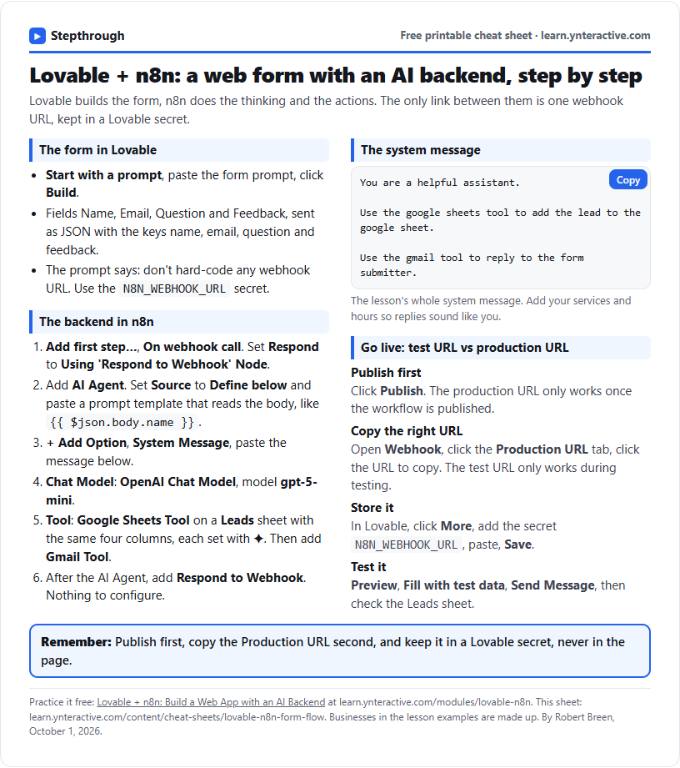 Lovable + n8n Form Flow Cheat Sheet
A free one-page cheat sheet: a Lovable form posts to an n8n webhook, and an AI Agent logs it in Google Sheets and replies by Gmail.
Lesson cheat sheet Free PDF
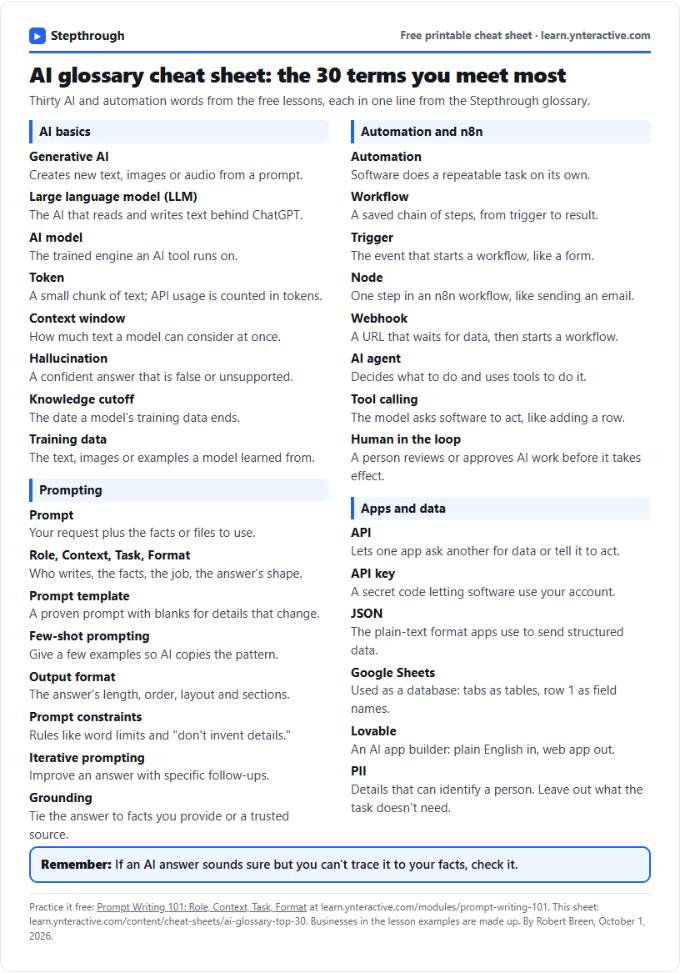 AI Glossary Cheat Sheet: 30 Terms in Plain English
A free one-page cheat sheet of 30 AI and automation terms in plain English: models, prompts, n8n workflows, apps and data.
Topic cheat sheet Free PDF
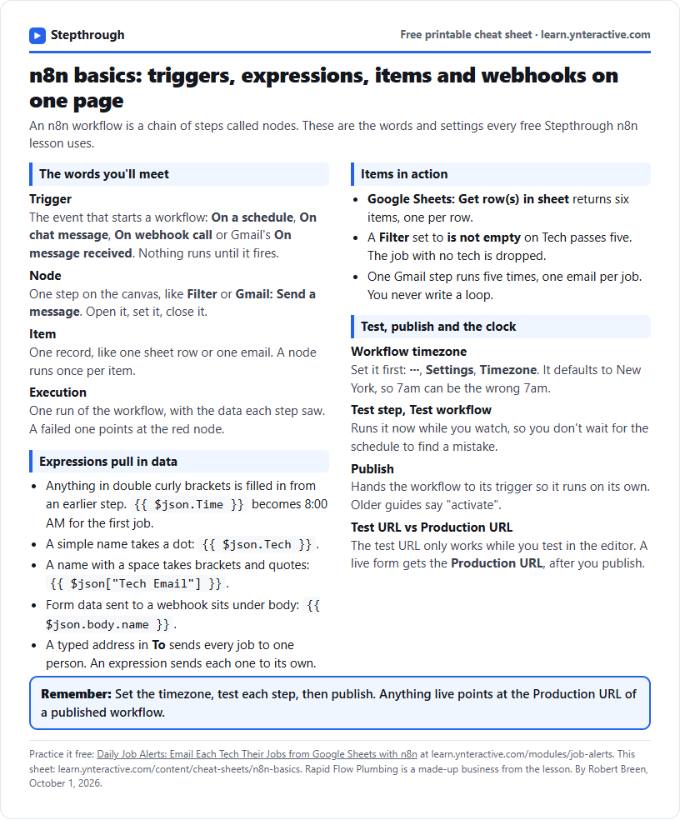 n8n Basics Cheat Sheet: Triggers, Items, Webhooks
A free one-page cheat sheet of n8n basics: triggers, expressions, items, executions, the workflow timezone and webhook test vs production URLs.
Tool cheat sheet Free PDF