Free AI tutorial videos
Updated
These are free AI tutorial videos for Blotato, ChatGPT, Claude and Copilot and more, and every lesson video follows a real Stepthrough lesson you can then do yourself, step by step. 207 free videos from Stepthrough: 38 full lesson walkthroughs, 16 one-minute highlights, 44 blog explainers, 97 shorts, 12 short videos about how Stepthrough works. Every lesson video links to its free lesson, where you do the same steps yourself in a practice copy of the tool.
| Kind | What it shows | Videos |
|---|---|---|
| Full walkthroughs | The whole lesson, start to finish, narrated with the lesson’s own voice-over and chapter titles. | 38 |
| Highlights | The heart of a lesson in about a minute, with captions. | 16 |
| Explainers | The idea behind a blog post in about a minute: a short animated explainer with captions, linked to the full post and its free lesson. | 44 |
| Shorts | Vertical clips under a minute: a key step from a lesson, or Robert on one idea from it. | 97 |
| About Stepthrough | Robert on why Stepthrough exists and how every lesson works. | 12 |
Watching is the warm-up. Each video follows a real Stepthrough lesson, click for click, with captions on screen. When you have seen it once, open the lesson and do it yourself: it checks every step, and nothing touches your real accounts.
Shorts by tool
Under a minute each: one idea or one step from a lesson, with captions. Tap a thumbnail to play it here, then practice the same thing yourself, free.
ChatGPT (27)
 0:27
ChatGPT: One prompt for the whole campaign? Don't.
ChatGPT tip: One prompt for the whole campaign? Don't. Ask ChatGPT for a client's whole campaign in one prompt and you get a "first visit free" offer the client never approved and posts full of emoji. The next step…
Transcript
ChatGPT tip: One prompt for the whole campaign? Don't. Ask ChatGPT for a client's whole campaign in one prompt and you get a "first visit free" offer the client never approved and posts full of emoji. The next step: build it as a chain. Audiences first, then offers, then a four-week calendar table. Check each answer against the brief and fix what is wrong before the posts go out. Practice it free.
 0:33
ChatGPT – Myth: ChatGPT tells you when it's unsure
ChatGPT tip: Myth: ChatGPT tells you when it's unsure. When ChatGPT doesn't know, it often guesses. Give it a short list of answers to pick from and make one of them "Not discussed." In our recruiting lesson, every…
Transcript
ChatGPT tip: Myth: ChatGPT tells you when it's unsure. When ChatGPT doesn't know, it often guesses. Give it a short list of answers to pick from and make one of them "Not discussed." In our recruiting lesson, every must-have gets Strong, Partial or Not discussed, with a quote as proof. The skill nobody asked about came back Not discussed: no guess, nothing skipped.
 0:28
ChatGPT: Stop letting ChatGPT guess
ChatGPT tip: Stop letting ChatGPT guess. You type one line into ChatGPT and it guesses the rest: blanks, made-up details, a job post with no real pay. The next step: ask it to interview you first, up to five questions…
Transcript
ChatGPT tip: Stop letting ChatGPT guess. You type one line into ChatGPT and it guesses the rest: blanks, made-up details, a job post with no real pay. The next step: ask it to interview you first, up to five questions, one at a time. It sums up what it heard, you say "looks right," then it writes. Save the prompt as a template. Practice it free.
 0:32
ChatGPT: Stop ChatGPT over-promising
ChatGPT tip: Stop ChatGPT over-promising. ChatGPT is eager to promise things, even things you can't promise. So tell it who decides what. In our insurance lesson a client asks when insurance will pay. The agency…
Transcript
ChatGPT tip: Stop ChatGPT over-promising. ChatGPT is eager to promise things, even things you can't promise. So tell it who decides what. In our insurance lesson a client asks when insurance will pay. The agency doesn't decide that, the insurer does, so the facts say "We can't promise a payment date." Now the reply gives real next steps instead.
 0:10
ChatGPT: For accountants and law firms
ChatGPT tip: Accountant? Lawyer? Turn a client meeting into clear action items, and answer a client's "any update?" email without promising what you can't. Free AI training for your line of work.
Practice it free → 0:23
ChatGPT Projects: Stop re-explaining your business to ChatGPT
ChatGPT Projects tip: Stop re-explaining your business to ChatGPT. Every new chat, you explain it again: what you sell, what it costs, how you like to sound. The next step: make a ChatGPT Project. Give it your brand…
Transcript
ChatGPT Projects tip: Stop re-explaining your business to ChatGPT. Every new chat, you explain it again: what you sell, what it costs, how you like to sound. The next step: make a ChatGPT Project. Give it your brand voice instructions, upload your price list and your style guide. Now every new chat already knows all of it. Free hands-on lesson.
 0:22
ChatGPT: One big prompt, or three small ones?
ChatGPT tip: One giant prompt in ChatGPT, and a messy answer back. Try a chain instead: three small steps, one at a time. Step one, summarize the client's goals. Step two, list three campaign ideas. Step three, turn…
Transcript
ChatGPT tip: One giant prompt in ChatGPT, and a messy answer back. Try a chain instead: three small steps, one at a time. Step one, summarize the client's goals. Step two, list three campaign ideas. Step three, turn the best one into a plan. Each answer feeds the next step. Try it free, step by step.
 0:26
ChatGPT writes your posts. Now make the picture.
ChatGPT writes your posts. Now make the picture. You use ChatGPT to write your posts. The next step: make the picture too. Attach your logo, write a short brief and put the exact words in quotes. Then read every word…
Transcript
ChatGPT writes your posts. Now make the picture. You use ChatGPT to write your posts. The next step: make the picture too. Attach your logo, write a short brief and put the exact words in quotes. Then read every word: ours got the date wrong and added a sign nobody asked for. Fix it in the editor, resize it for Stories, download and get a caption. Practice it free.
 0:36
ChatGPT: Check ChatGPT's draft before you send
ChatGPT tip: Check ChatGPT's draft before you send. A ChatGPT habit worth learning: check the draft before you send it. Paste this: "Check that reply against my facts. Make a table of every promise or claim and the…
Transcript
ChatGPT tip: Check ChatGPT's draft before you send. A ChatGPT habit worth learning: check the draft before you send it. Paste this: "Check that reply against my facts. Make a table of every promise or claim and the fact that backs it up. Flag anything the facts don't support." In our law firm lesson, the check caught a rule the draft left out.
 0:28
ChatGPT: "Dear customer" + an emoji? Fix it.
ChatGPT tip: "Dear customer" + an emoji? Fix it. Ask ChatGPT to reply to a review and you get "Dear customer," an emoji and "your satisfaction is our top priority." The next step: paste three of your real past replies…
Transcript
ChatGPT tip: "Dear customer" + an emoji? Fix it. Ask ChatGPT to reply to a review and you get "Dear customer," an emoji and "your satisfaction is our top priority." The next step: paste three of your real past replies, then ask again. Now it sounds like you: first name, short, your sign-off. That's few-shot prompting. Copy my style, not the facts. Free lesson.
 0:32
Stop pasting long files into ChatGPT
Stop pasting long files into ChatGPT. Still copying and pasting into ChatGPT? Upload the file instead: click the plus button, pick Add photos and files, choose your file and click Open, or just drag it in. Then add one…
Transcript
Stop pasting long files into ChatGPT. Still copying and pasting into ChatGPT? Upload the file instead: click the plus button, pick Add photos and files, choose your file and click Open, or just drag it in. Then add one short request. In our recruiting lesson it's an interview transcript: a score for each must-have with a quote, plus action items with owners and dates.
 0:15
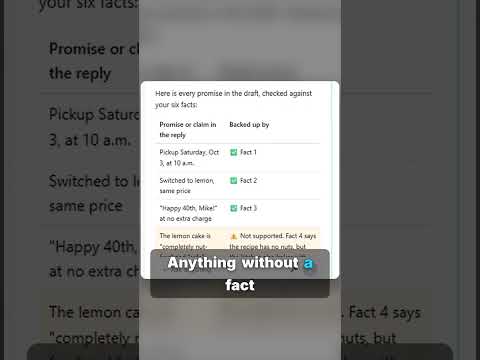
Check AI before you send
Before you send anything AI wrote, do one quick check: ask it to list every promise in the draft and the fact that backs it up. Anything without a fact is a line to fix. Ten seconds of checking saves a very awkward…
Transcript
Before you send anything AI wrote, do one quick check: ask it to list every promise in the draft and the fact that backs it up. Anything without a fact is a line to fix. Ten seconds of checking saves a very awkward email later. Practice it free, step by step.
 0:51
How to write better ChatGPT prompts in 4 parts
Vague prompt, vague email: Dear Valued Customer and blanks like [Your Company Name]. Give ChatGPT four short parts instead: Role, Context, Task and Format. Build it yourself, free, one click at a time…
Transcript
Vague prompt, vague email: Dear Valued Customer and blanks like [Your Company Name]. Give ChatGPT four short parts instead: Role, Context, Task and Format. Build it yourself, free, one click at a time: learn.ynteractive.com
 0:41
Why ChatGPT makes things up
Why ChatGPT makes things up. Does ChatGPT ever make things up? Usually it's guessing what it can't see. So give it the facts, right in the chat: paste the email you need to answer, then your facts under one heading…
Transcript
Why ChatGPT makes things up. Does ChatGPT ever make things up? Usually it's guessing what it can't see. So give it the facts, right in the chat: paste the email you need to answer, then your facts under one heading, "Facts. Only promise what is here." End your ask with one rule: don't promise anything that isn't in the facts.
 0:33
Stop ChatGPT from guessing
Stop ChatGPT from guessing. When ChatGPT doesn't know, it often guesses. Give it a short list of answers to pick from and make one of them "Not discussed." In our recruiting lesson, every must-have gets Strong, Partial…
Transcript
Stop ChatGPT from guessing. When ChatGPT doesn't know, it often guesses. Give it a short list of answers to pick from and make one of them "Not discussed." In our recruiting lesson, every must-have gets Strong, Partial or Not discussed, with a quote as proof. The skill nobody asked about came back Not discussed: no guess, nothing skipped.
 0:48
Check AI email drafts for promises before you send
A smooth AI reply can still promise something you can't do. Ask ChatGPT for a table of every promise in its draft next to the fact behind it, and fix what it flags. Build it yourself, free, one click at a time…
Transcript
A smooth AI reply can still promise something you can't do. Ask ChatGPT for a table of every promise in its draft next to the fact behind it, and fix what it flags. Build it yourself, free, one click at a time: learn.ynteractive.com
 0:40
Prompt Writing 101 in ChatGPT, step by step
Prompt Writing 101 in ChatGPT, step by step. A short from the free Stepthrough lesson “Prompt Writing 101: Role, Context, Task, Format”: Ask ChatGPT for the same customer email twice, once vaguely and once with a…
Practice it free →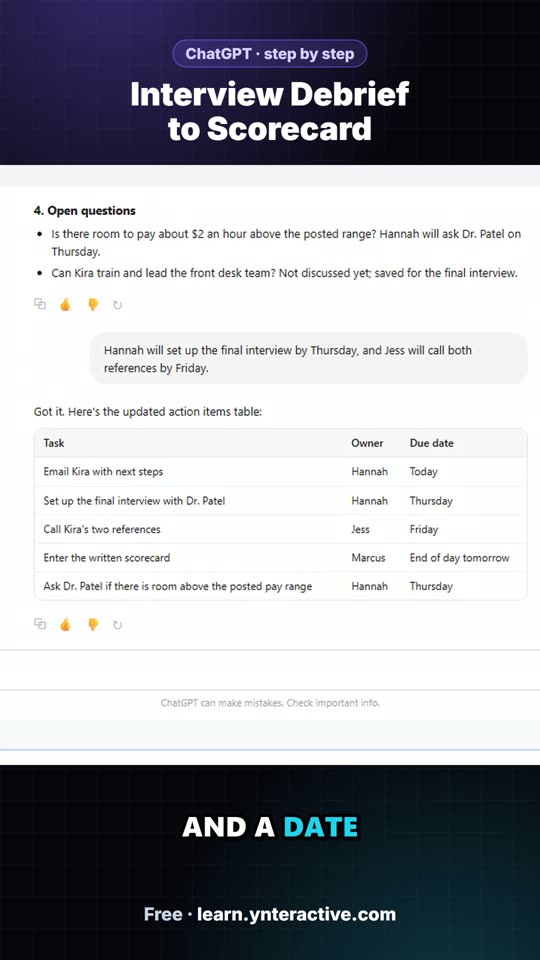 0:37
Interview Debrief to Scorecard: the key steps in under a minute
Turn the transcript of an interview panel's debrief into a scorecard against the role's must-haves, the decisions, action items with owners and dates, and a follow-up email to the candidate. The key steps from the free…
Transcript
Now every task has an owner and a date. Because ChatGPT still has the whole meeting in this chat, you don't need to paste anything again. Just ask for the next thing. Click the message box. Now the email to Kira. Ask for a short, friendly note with only the next steps. The scores, the discussion and what she asked about pay stay with the team. Click Paste request. Click Send. There's your recap email: the decisions, who's doing what and by when, and what's still open. Read it once, change anything that doesn't sound like you, then click the copy button under it and paste it into your email.
 0:43
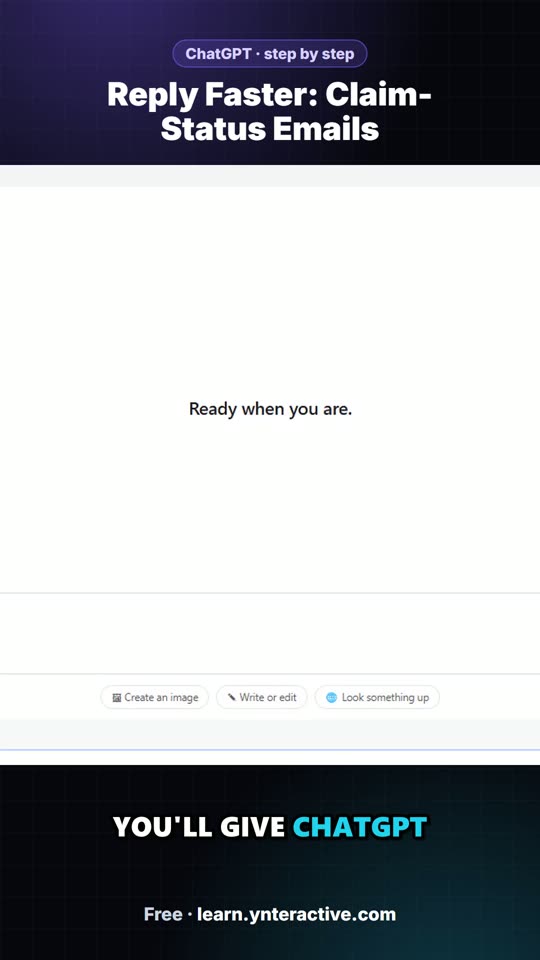
Reply Faster: Claim-Status Emails: the key steps in under a minute
A client with an open auto claim wants a payment date, a rental and a promise about her rate. Give ChatGPT the thread and your agency's facts, catch what it shouldn't promise, and send an honest reply from Gmail. The…
Transcript
You're in a fresh chat. You'll give ChatGPT three things in one message: the thread, the facts, and what a good reply looks like. Click the message box. First, the thread. One line tells ChatGPT what it's looking at, then the emails, oldest first. Click Paste thread. Next, the facts. ChatGPT can't see the claim file, her declarations page, or what your agency can promise for the carrier, so spell them out. Number them, so you can check them later. Click Paste facts. Last, tell it what a good reply looks like: the tone, the three questions to answer, and a word limit. And one rule that matters most: don't invent details or promise anything that isn't in the facts. Click Paste instructions.
 0:42
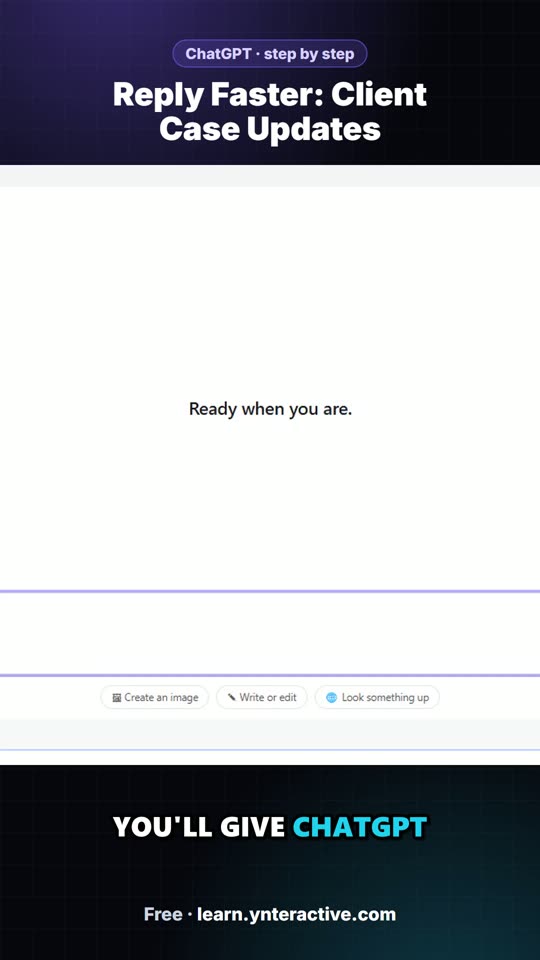
Reply Faster: Client Case Updates: the key steps in under a minute
A client wants a court date and a promise she'll win. Give ChatGPT the thread and your firm's facts, catch the lines that predict an outcome, and send a clear, kind case update from Gmail. The key steps from the free…
Transcript
You're in a fresh chat. You'll give ChatGPT three things in one message: the thread, the facts, and what a good reply looks like. Click the message box. First, the thread. One line tells ChatGPT what it's looking at, then the emails, oldest first. Click Paste thread. Next, the facts. ChatGPT can't see the court file, your calendar, or your firm's rules about what goes in writing, so spell them out. Number them, so you can check them later. Click Paste facts. Last, tell it what a good reply looks like: the tone, the three questions to answer, and a word limit. And one rule that matters most: don't invent details or promise anything that isn't in the facts. Click Paste instructions.
 0:42
Reply Faster: Client Refund Emails: the key steps in under a minute
A client wants a refund date while two tax forms are still missing. Give ChatGPT the thread and your firm's facts, catch the date it shouldn't promise, and send a calm, clear reply from Gmail. The key steps from the…
Transcript
You're in a fresh chat. You'll give ChatGPT three things in one message: the thread, the facts, and what a good reply looks like. Click the message box. First, the thread. One line tells ChatGPT what it's looking at, then the emails, oldest first. Click Paste thread. Next, the facts. ChatGPT can't see your client portal, your firm's turnaround, or what you can honestly say about a refund, so spell them out. Number them, so you can check them later. Click Paste facts. Last, tell it what a good reply looks like: the tone, the three questions to answer, and a word limit. And one rule that matters most: don't invent details or promise anything that isn't in the facts. Click Paste instructions.
 0:22
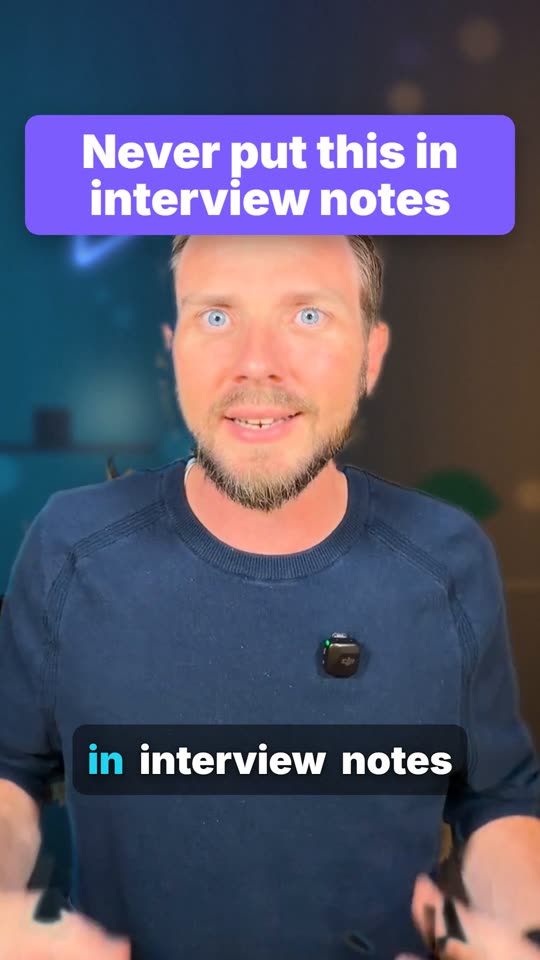
Never put this in interview notes
What should never go in interview notes? In our lesson someone mentions the candidate's kids. That's not about the job, so it stays out. One rule for ChatGPT: only the job's must-haves, with a quote as proof.
Practice it free →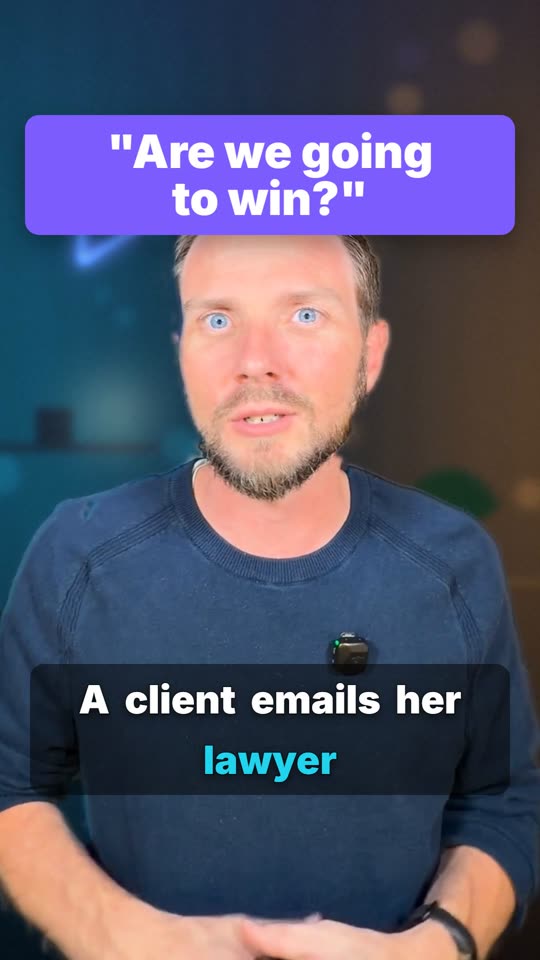 0:18
Are we going to win?
A client emails her lawyer: "Are we going to win?" Would you let AI answer that? The first draft said "your case looks strong." So we check every line against the facts and fix the ones that predict. AI writes the…
Transcript
A client emails her lawyer: "Are we going to win?" Would you let AI answer that? The first draft said "your case looks strong." So we check every line against the facts and fix the ones that predict. AI writes the draft; a person sends it.
 0:27
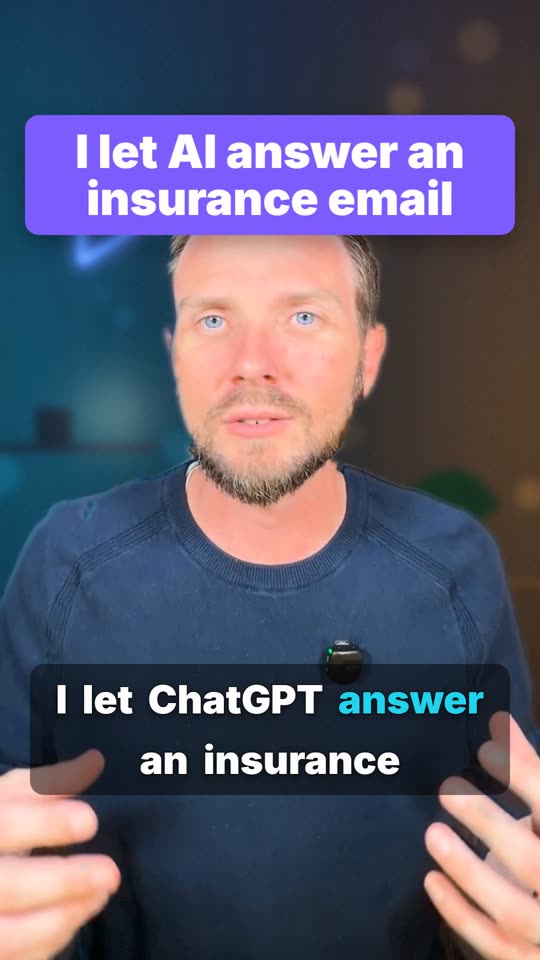
I let AI answer an insurance email
I let ChatGPT answer an insurance email so you don't have to. Denise hit a deer and asked three things. The first draft sounded great, but it made two promises the agency can't keep. So we had it check every promise…
Transcript
I let ChatGPT answer an insurance email so you don't have to. Denise hit a deer and asked three things. The first draft sounded great, but it made two promises the agency can't keep. So we had it check every promise against the facts.
 0:18
Try this: 2 minutes
Try this, it takes two minutes. Find a prompt that worked, copy it into a doc called Prompt Templates, and swap the details for blanks. Next time just fill in the blanks: no more starting from an empty box.
Practice it free → 0:14
Learn this one AI skill
Learn one thing about AI? Learn this. Tell it four things: who it should be, what's going on, what you want, and how you want it done. That fixes most bad answers, and it takes three minutes to learn.
Practice it free →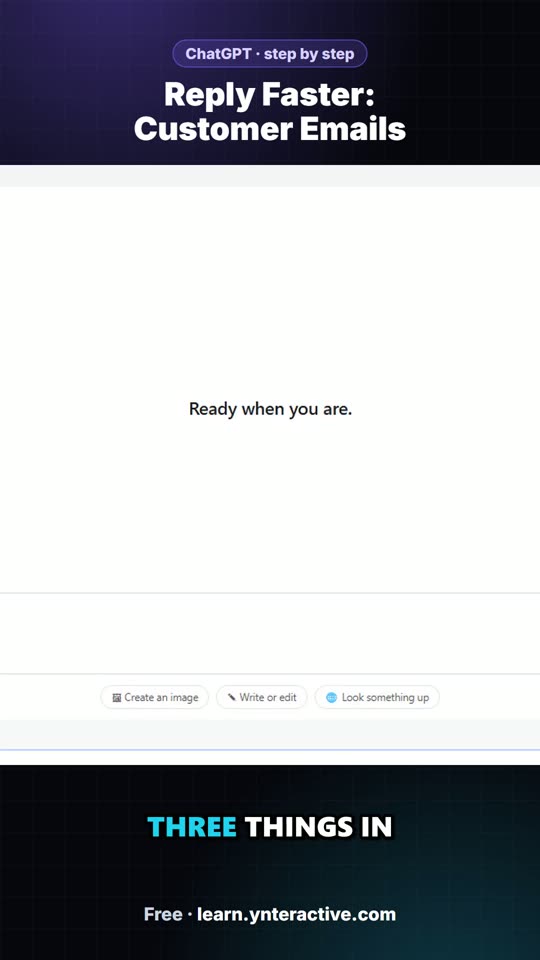 0:42
Reply Faster: Customer Emails: the key steps in under a minute
Turn a messy customer email thread into a clear, friendly reply: give ChatGPT the thread and your facts, check every promise, fix the tone, and send it from Gmail. The key steps from the free lesson, with captions.
Transcript
You're in a fresh chat. You'll give ChatGPT three things in one message: the thread, the facts, and what a good reply looks like. Click the message box. First, the thread. One line tells ChatGPT what it's looking at, then the emails, oldest first. Click Paste thread. Next, the facts. ChatGPT can't know your schedule, your prices, or what your kitchen can promise, so spell them out. Number them, so you can check them later. Click Paste facts. Last, tell it what a good reply looks like: the tone, the three questions to answer, and a word limit. And one rule that matters most: don't invent details or promise anything that isn't in the facts. Click Paste instructions.
Claude (1)
 0:13
Claude Skills – Myth: Claude Skills are just saved prompts
Claude Skills tip: Myth: Claude Skills are just saved prompts. Fact: a skill is a folder of instructions, scripts and files, and Claude loads it only when a task needs it. Each one teaches Claude how to do one kind of…
Transcript
Claude Skills tip: Myth: Claude Skills are just saved prompts. Fact: a skill is a folder of instructions, scripts and files, and Claude loads it only when a task needs it. Each one teaches Claude how to do one kind of task well. Try it in our free interactive lesson.
n8n (26)
 0:35
n8n AI Agent: Stop your AI from guessing prices
n8n AI Agent tip: Stop your AI from guessing prices Build an n8n agent that watches Gmail, reads each new customer email, and writes a reply as a draft in the same thread, ready for you to check and send. Build it…
Transcript
n8n AI Agent tip: Stop your AI from guessing prices Build an n8n agent that watches Gmail, reads each new customer email, and writes a reply as a draft in the same thread, ready for you to check and send. Build it yourself, free, one click at a time: learn.ynteractive.com
 0:32
n8n AI Agent: Give AI the rule, not the answer
n8n AI Agent tip: Give AI the rule, not the answer. You can ask ChatGPT to work out a date. An AI agent can do it for every row. Don't give it the dates, give it the rule: one line in the agent's instructions, "One…
Transcript
n8n AI Agent tip: Give AI the rule, not the answer. You can ask ChatGPT to work out a date. An AI agent can do it for every row. Don't give it the dates, give it the rule: one line in the agent's instructions, "One business day to reply if late. Two if pending." Add a Due Date column and the agent fills it in for each order. Same rule, every row, every time.
 0:24
n8n: Sort your inbox before you read it
n8n tip: You ask ChatGPT to help with email, but first you have to find the right ones. Sort first: a label for every kind of email, like Invoices. Then an AI agent only reads that label, writes a draft for each one…
Transcript
n8n tip: You ask ChatGPT to help with email, but first you have to find the right ones. Sort first: a label for every kind of email, like Invoices. Then an AI agent only reads that label, writes a draft for each one, and you check every draft before it sends. Sorted first. Drafted second. You decide. Practice it free.
 0:13
n8n AI Agent – Myth: You need to code to build an AI agent
n8n AI Agent tip: Myth: you need to write code to build an AI agent. Fact: in n8n you connect steps: a chat trigger, an AI Agent, a model, memory and tools. Our free lesson builds one that saves post ideas to Google…
Transcript
n8n AI Agent tip: Myth: you need to write code to build an AI agent. Fact: in n8n you connect steps: a chat trigger, an AI Agent, a model, memory and tools. Our free lesson builds one that saves post ideas to Google Sheets, one click at a time.
 0:40
A chatbot talks. An agent does things.
A chatbot talks. An agent does things. For operations: build an AI agent in n8n that writes follow-ups for late or pending purchase orders, each with one clear question and a reply-by date, and saves them to Google…
Transcript
A chatbot talks. An agent does things. For operations: build an AI agent in n8n that writes follow-ups for late or pending purchase orders, each with one clear question and a reply-by date, and saves them to Google Sheets. Build it yourself, free, one click at a time: learn.ynteractive.com
 0:39
Your expenses log themselves into Sheets
For finance and bookkeeping: build an AI agent in n8n that sorts business expenses into categories, writes a short note for each, and saves them to Google Sheets. Build it yourself, free, one click at a time…
Transcript
For finance and bookkeeping: build an AI agent in n8n that sorts business expenses into categories, writes a short note for each, and saves them to Google Sheets. Build it yourself, free, one click at a time: learn.ynteractive.com
 0:17
The job email that sends itself
Every morning someone copies the day's jobs into emails, one tech at a time. Hand it to n8n: at 7 a.m. it reads the job sheet, skips anything unassigned and emails each tech their own jobs. No AI needed. Your first…
Transcript
Every morning someone copies the day's jobs into emails, one tech at a time. Hand it to n8n: at 7 a.m. it reads the job sheet, skips anything unassigned and emails each tech their own jobs. No AI needed. Your first real automation, free and step by step.
 0:35
Your AI agent forgets everything
Your AI agent forgets everything. ChatGPT remembers your conversation. A new AI agent doesn't, until you add memory. Ask it for three follow-up emails, then say "save those" and without memory it has no idea what…
Transcript
Your AI agent forgets everything. ChatGPT remembers your conversation. A new AI agent doesn't, until you add memory. Ask it for three follow-up emails, then say "save those" and without memory it has no idea what "those" are. In n8n, click the plus under Memory and pick Simple Memory. No database needed. Now "save those" works.
 0:39
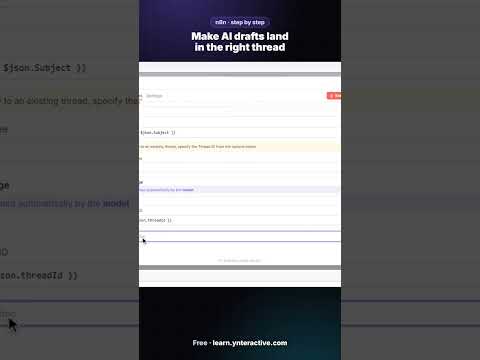
Make AI drafts land in the right thread
Build an n8n agent that watches Gmail, reads each new customer email, and writes a reply as a draft in the same thread, ready for you to check and send. Build it yourself, free, one click at a time: learn.ynteractive.com
Practice it free → 0:34
A template does half the work for you
Skip the blank canvas. Find a ready-made workflow in the n8n template gallery, import it, connect Google Sheets and Gmail, test it with a real form entry and publish it. Build it yourself, free, one click at a time…
Transcript
Skip the blank canvas. Find a ready-made workflow in the n8n template gallery, import it, connect Google Sheets and Gmail, test it with a real form entry and publish it. Build it yourself, free, one click at a time: learn.ynteractive.com
 0:27
Don't build it from scratch
Don't build it from scratch. A grooming business needed a booking form that saves every request to a spreadsheet and emails the customer back. They started from a free n8n template instead: import it, connect Google…
Transcript
Don't build it from scratch. A grooming business needed a booking form that saves every request to a spreadsheet and emails the customer back. They started from a free n8n template instead: import it, connect Google, test it, publish.
 0:35
3 deals, 3 different follow-ups
3 deals, 3 different follow-ups. Three open deals: Maria had a demo, Sam's trial ends Friday, Jen went quiet after pricing. One n8n AI agent writes a follow-up that matches each deal's stage, never invents prices, and…
Transcript
3 deals, 3 different follow-ups. Three open deals: Maria had a demo, Sam's trial ends Friday, Jen went quiet after pricing. One n8n AI agent writes a follow-up that matches each deal's stage, never invents prices, and saves every message to a sheet for the team to review.
 0:39
AI Campaign Calendar Agent in n8n for marketers, step by step
For marketers: give an n8n AI agent one campaign theme and it plans two weeks of emails and posts, then saves each one to Google Sheets with the date, channel, topic and draft copy. Build it yourself, free, one click…
Transcript
For marketers: give an n8n AI agent one campaign theme and it plans two weeks of emails and posts, then saves each one to Google Sheets with the date, channel, topic and draft copy. Build it yourself, free, one click at a time: learn.ynteractive.com
 0:33
Thousands of free workflows, ready to use
Skip the blank canvas. Find a ready-made workflow in the n8n template gallery, import it, connect Google Sheets and Gmail, test it with a real form entry and publish it. Build it yourself, free, one click at a time…
Transcript
Skip the blank canvas. Find a ready-made workflow in the n8n template gallery, import it, connect Google Sheets and Gmail, test it with a real form entry and publish it. Build it yourself, free, one click at a time: learn.ynteractive.com
 0:42
AI Email Responder in n8n, step by step
Build an n8n agent that watches Gmail, reads each new customer email, and writes a reply as a draft in the same thread, ready for you to check and send. Build it yourself, free, one click at a time: learn.ynteractive.com
Practice it free → 0:27
Stop typing receipts by hand
Stop typing receipts by hand. By hand, a receipt means typing the store, the date and the amount, then picking a category. In this lesson you drop the photo into an n8n chat, an AI agent reads it, and a new row lands…
Transcript
Stop typing receipts by hand. By hand, a receipt means typing the store, the date and the amount, then picking a category. In this lesson you drop the photo into an n8n chat, an AI agent reads it, and a new row lands in your sheet. You never type a single number.
 0:43
AI Deal Follow-Up Agent in n8n for sales teams, step by step
For sales teams: build an AI agent in n8n that writes follow-up messages for your open deals and saves them to Google Sheets. This part is the system prompt: who the company is, the tone, and exactly what to return…
Transcript
For sales teams: build an AI agent in n8n that writes follow-up messages for your open deals and saves them to Google Sheets. This part is the system prompt: who the company is, the tone, and exactly what to return. Build it yourself, free, one click at a time: learn.ynteractive.com
 0:18
POV: it's 7 a.m.
It's 7 a.m. and you're still making coffee. Five job emails already went out, one to each tech. The job with no tech got skipped. Nobody copied a thing: n8n read the sheet and sent them.
Practice it free → 0:22
Myth: ChatGPT Plus pays for your agent
Myth: you pay for ChatGPT, so your AI agent is covered. Fact: your agent uses an API key, billed separately. Add credit at platform.openai.com; $10 goes a long way. And that key? You only see it once. Copy it somewhere…
Transcript
Myth: you pay for ChatGPT, so your AI agent is covered. Fact: your agent uses an API key, billed separately. Add credit at platform.openai.com; $10 goes a long way. And that key? You only see it once. Copy it somewhere safe.
 0:18
The error everyone gets
You built your first AI agent, you click run, and it's red: "No session ID found." Don't panic, everybody gets this one. The memory wants a chat ID and an email doesn't have one, so give it the email's thread ID.
Practice it free → 0:19
Myth: AI emails customers on its own
Myth: an AI agent will email your customers without asking you. Fact: only if you set it up that way. In our lesson the Gmail tool says Send, and we change it to Draft. Now the worst it can do is write a draft you…
Transcript
Myth: an AI agent will email your customers without asking you. Fact: only if you set it up that way. In our lesson the Gmail tool says Send, and we change it to Draft. Now the worst it can do is write a draft you never send.
 0:15
The n8n setting everyone misses
There's one n8n setting almost everybody misses: the timezone. A new workflow runs on New York time. Three dots, Settings, Timezone. Set it first, then build your schedule.
Practice it free → 0:33
AI Receipt Extractor in n8n, step by step
AI Receipt Extractor in n8n, step by step. A short from the free Stepthrough lesson “AI Receipt Extractor: Receipts to Google Sheets with n8n”: Drop a photo of a receipt into an n8n chat. An AI agent reads it, pulls…
Practice it free → 0:11
A box full of receipts?
Got a box full of receipts? Snap a picture and the AI reads the store, the date and the total, then adds the row to your spreadsheet.
Practice it free → 0:14
Same email, 20 times a day?
Answering the same email 20 times a day? An AI reads the email and drafts the reply from your info. You read the draft and hit send. You're still in charge, not the AI.
Practice it free → 0:14
Your first automation should be boring
Your first automation should be boring. Pick something you do by hand every day, like sending each worker their jobs for the morning, and let n8n send it at 7 a.m.
Practice it free →Lovable (8)
 0:13
Lovable + n8n – Myth: Lovable only makes mockups
Lovable + n8n tip: Myth: Lovable only makes pretty mockups. Fact: it builds a working web app from your prompt. In our free lesson, a Lovable contact form sends real data to an n8n webhook, and an AI agent, Google…
Transcript
Lovable + n8n tip: Myth: Lovable only makes pretty mockups. Fact: it builds a working web app from your prompt. In our free lesson, a Lovable contact form sends real data to an n8n webhook, and an AI agent, Google Sheets and Gmail take it from there. No code.
 0:44
AI Emergency Request Form in Lovable + n8n for plumbers, step by step
For plumbers: build an emergency request form in Lovable and connect it to n8n. The AI agent sorts each request into emergency, same-day or scheduled, saves it to Google Sheets and emails the customer their priority…
Transcript
For plumbers: build an emergency request form in Lovable and connect it to n8n. The AI agent sorts each request into emergency, same-day or scheduled, saves it to Google Sheets and emails the customer their priority. Build it yourself, free, one click at a time: learn.ynteractive.com
 0:52
Automate a lead magnet welcome email with AI
Every signup asked about something different, so one welcome email doesn't fit. An n8n AI agent tags each lead with one segment and emails the guide plus one tip that matches. No discounts, no health claims.
Practice it free → 0:44
AI Demo Request Form in Lovable + n8n for sales teams, step by step
For sales teams: build a "Book a demo" form in Lovable and connect it to n8n. The AI agent rates each lead hot, warm or nurture, saves it to Google Sheets and emails the right next step. Build it yourself, free, one…
Transcript
For sales teams: build a "Book a demo" form in Lovable and connect it to n8n. The AI agent rates each lead hot, warm or nurture, saves it to Google Sheets and emails the right next step. Build it yourself, free, one click at a time: learn.ynteractive.com
 0:40
AI Expense Reimbursement Form in Lovable + n8n for finance teams, step by step
For finance and bookkeeping: build an expense reimbursement form in Lovable and connect it to n8n. The AI agent checks each request against the policy, saves it to Google Sheets and emails the employee the status…
Transcript
For finance and bookkeeping: build an expense reimbursement form in Lovable and connect it to n8n. The AI agent checks each request against the policy, saves it to Google Sheets and emails the employee the status. Build it yourself, free, one click at a time: learn.ynteractive.com
 0:32
Your form says thanks too early
Your form says thanks too early. Sarah asks about lead generation and the form says "Thanks!" right away, before the AI even runs. One n8n setting fixes it: Respond to Webhook. Now the form waits while the agent saves…
Transcript
Your form says thanks too early. Sarah asks about lead generation and the form says "Thanks!" right away, before the AI even runs. One n8n setting fixes it: Respond to Webhook. Now the form waits while the agent saves her as a lead and writes back in Gmail.
 0:38
AI Service Request Form in Lovable + n8n for HVAC, step by step
AI Service Request Form in Lovable + n8n for HVAC, step by step. A short from the free Stepthrough lesson “Build an AI Service Request Form for Your HVAC Company”: Build a service request form in Lovable for Cedar…
Practice it free → 0:19
Same lesson, seven versions
Same lesson, seven versions. A plumber gets an emergency request form, HVAC a service request, sales a demo request, finance an expense form. Same build every time: a form, an agent, a sheet and an email, with your…
Transcript
Same lesson, seven versions. A plumber gets an emergency request form, HVAC a service request, sales a demo request, finance an expense form. Same build every time: a form, an agent, a sheet and an email, with your kind of business in it.
Meetings (12)
 0:24
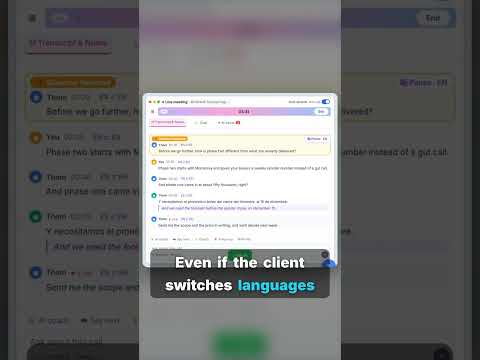
OLVA – AI Meeting Assistant: Never get stuck on a client question
OLVA – AI Meeting Assistant (olva.ai): Never get stuck on a client question. You know that moment on a call when a client asks something and your mind goes blank? Load your notes and documents into OLVA before the…
Transcript
OLVA – AI Meeting Assistant (olva.ai): Never get stuck on a client question. You know that moment on a call when a client asks something and your mind goes blank? Load your notes and documents into OLVA before the meeting. When the question comes, it hears it and shows you an answer from your own material, even if the client switches languages. Free hands-on lesson.
 0:29
ChatGPT: Stop ChatGPT inventing due dates
ChatGPT tip: Stop ChatGPT inventing due dates. Asking ChatGPT for action items? It might invent owners and dates. Ask for a table instead: task, owner, due date. Then add one line: if a name or date isn't said, write…
Transcript
ChatGPT tip: Stop ChatGPT inventing due dates. Asking ChatGPT for action items? It might invent owners and dates. Ask for a table instead: task, owner, due date. Then add one line: if a name or date isn't said, write "Not stated." Now you can see what's missing, fill in the blanks yourself, and ask ChatGPT for the recap email.
 0:25
OLVA – AI Meeting Assistant: Question. Answer. Fact check. Deck.
OLVA – AI Meeting Assistant (olva.ai): Question. Answer. Fact check. Deck. A client call with OLVA, in four steps: 1. The client asks a question and OLVA catches it. 2. An answer shows up, built from your own notes. 3…
Transcript
OLVA – AI Meeting Assistant (olva.ai): Question. Answer. Fact check. Deck. A client call with OLVA, in four steps: 1. The client asks a question and OLVA catches it. 2. An answer shows up, built from your own notes. 3. They quote a number and OLVA fact-checks it live. 4. After the call: minutes, action items and an editable PowerPoint deck. Try it free in our hands-on lesson.
 0:32
OLVA – AI Meeting Assistant: AI that helps DURING the call
OLVA – AI Meeting Assistant (olva.ai): AI that helps DURING the call. Most AI meeting tools help after the call. OLVA helps during it: when a client asks a question, it shows you an answer privately, fact checks what's…
Transcript
OLVA – AI Meeting Assistant (olva.ai): AI that helps DURING the call. Most AI meeting tools help after the call. OLVA helps during it: when a client asks a question, it shows you an answer privately, fact checks what's said and translates live. After the call it writes the minutes, the follow-up email and a PowerPoint deck you can edit. Practice it step by step in our free hands-on lesson.
 0:16
Turn a client call into a PowerPoint
After a client call you paste notes into ChatGPT for a recap. OLVA (olva.ai) already has the whole transcript: one click for meeting minutes, one for the follow-up email, then Create slide deck makes an editable…
Transcript
After a client call you paste notes into ChatGPT for a recap. OLVA (olva.ai) already has the whole transcript: one click for meeting minutes, one for the follow-up email, then Create slide deck makes an editable PowerPoint. Read it and fix any slide before it goes out. Practice it in our free lesson.
 0:20
Private AI answers on a client call
You paste call notes into ChatGPT after the meeting. OLVA (olva.ai) helps during the call instead: it listens from your computer, no bot joins. Give it your client notes once as a context, and when the client asks a…
Transcript
You paste call notes into ChatGPT after the meeting. OLVA (olva.ai) helps during the call instead: it listens from your computer, no bot joins. Give it your client notes once as a context, and when the client asks a question it drafts an answer only you can see. It even fact checks a wrong number from your notes. Practice it in our free lesson.
 0:52
Meeting transcript to action items with ChatGPT
Turn a meeting transcript into a summary, decisions, an action items table with owners and due dates, and open questions. One rule does the heavy lifting: if it isn't said, write "Not stated". Build it yourself, free…
Transcript
Turn a meeting transcript into a summary, decisions, an action items table with owners and due dates, and open questions. One rule does the heavy lifting: if it isn't said, write "Not stated". Build it yourself, free, one click at a time: learn.ynteractive.com
 0:38
The line that stops AI making things up
For accounting firms: turn the transcript of a client's quarterly review into the decisions, an action items table with owners and due dates, and a follow-up email to the client. Build it yourself, free, one click at a…
Transcript
For accounting firms: turn the transcript of a client's quarterly review into the decisions, an action items table with owners and due dates, and a follow-up email to the client. Build it yourself, free, one click at a time: learn.ynteractive.com
 0:38
Client meeting recap from a Word file
For accounting firms: turn the transcript of a client's quarterly review into the decisions, an action items table with owners and due dates, and a follow-up email to the client. Build it yourself, free, one click at a…
Transcript
For accounting firms: turn the transcript of a client's quarterly review into the decisions, an action items table with owners and due dates, and a follow-up email to the client. Build it yourself, free, one click at a time: learn.ynteractive.com
 0:44
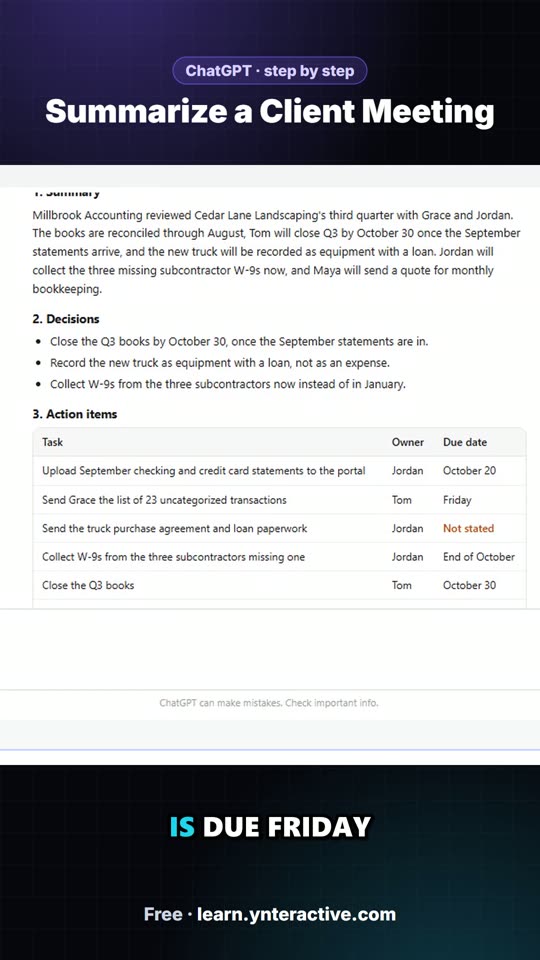
Summarize a Client Meeting: the key steps in under a minute
Turn the transcript of a client's quarterly review into the decisions, an action items table with owners and due dates, and a follow-up email to the client. The key steps from the free lesson, with captions.
Transcript
Tell it the missing dates: the truck paperwork is due Friday, and Maya will send the quote by October twenty-first. Type it, or click Paste dates. Click Send, and ChatGPT updates the table. Now every task has an owner and a date. Because ChatGPT still has the whole meeting in this chat, you don't need to paste anything again. Just ask for the next thing. Click the message box. Ask for a short, friendly follow-up email to Grace and Jordan, with the decisions and the action items. Click Paste request. Click Send. There's your recap email: the decisions, who's doing what and by when, and what's still open. Read it once, change anything that doesn't sound like you, then click the copy button under it and paste it into your email.
 0:22
3 mistakes: meeting notes with ChatGPT
Three mistakes people make turning meetings into notes with ChatGPT. One: pasting the transcript with no request. Two: pressing Enter for a new line (use Shift+Enter). Three: letting it guess the dates.
Practice it free →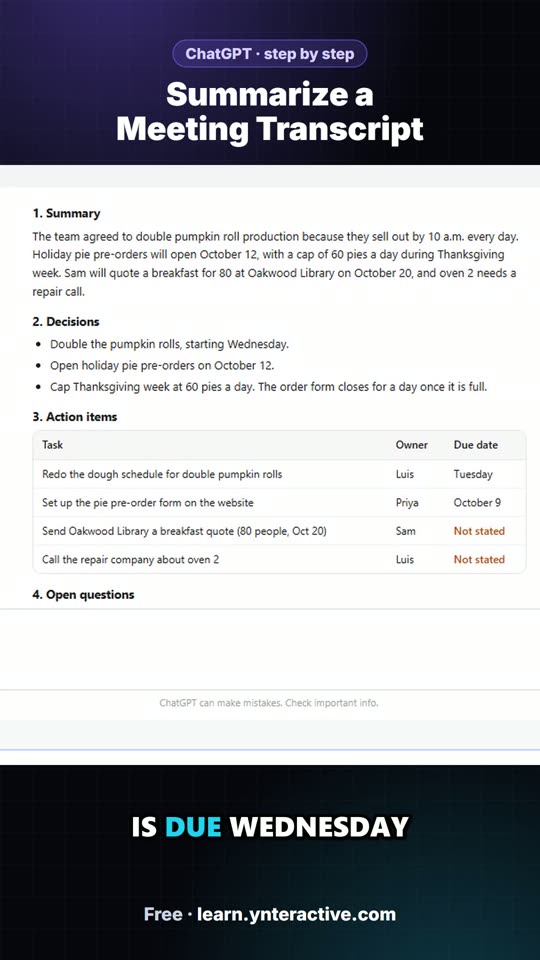 0:44
Summarize a Meeting Transcript: the key steps in under a minute
Paste a long meeting transcript into ChatGPT and get the decisions, an action items table with owners and due dates, and a follow-up email ready to send. The key steps from the free lesson, with captions.
Transcript
Tell it the missing dates: the library quote is due Wednesday, and Luis will call about the oven today. Type it, or click Paste dates. Click Send, and ChatGPT updates the table. Now every task has an owner and a date. Because ChatGPT still has the whole meeting in this chat, you don't need to paste anything again. Just ask for the next thing. Click the message box. Ask for a short, friendly follow-up email to the team, with the decisions and the action items. Click Paste request. Click Send. There's your recap email: the decisions, who's doing what and by when, and what's still open. Read it once, change anything that doesn't sound like you, then click the copy button under it and paste it into your email.
General AI (35)
 0:10
AI at Work: 10 ways to check an AI answer before you use it
AI at Work: AI can write a wrong answer with total confidence. 10 quick checks before you use one: numbers against the source, quotes in the original, links clicked and read, dates against the calendar, promises…
Transcript
AI at Work: AI can write a wrong answer with total confidence. 10 quick checks before you use one: numbers against the source, quotes in the original, links clicked and read, dates against the calendar, promises against your facts, and formulas tested on sample data. Save this for your next AI draft. More free, hands-on AI lessons for work at learn.ynteractive.com
 0:27
Gmail: Quote requests buried in your inbox?
Gmail tip: Quote requests buried in your inbox? Every quote request lands in the same inbox as everything else. The next step: make a Gmail filter, so every website form email gets the Quote requests label on its own…
Transcript
Gmail tip: Quote requests buried in your inbox? Every quote request lands in the same inbox as everything else. The next step: make a Gmail filter, so every website form email gets the Quote requests label on its own. Then Gmail's own Help me write drafts the reply. Read it first: ours made up a price. Remove that line, then send. Free hands-on lesson.
 0:10
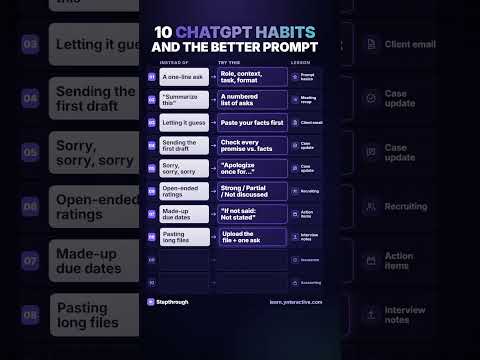
ChatGPT: 10 ChatGPT habits and the better prompt
ChatGPT tip: 10 ChatGPT habits, and the better prompt for each. Stop saying "summarize this". Paste your facts so it stops guessing. Ask for "Not stated" instead of made-up due dates. Each fix comes from a free…
Transcript
ChatGPT tip: 10 ChatGPT habits, and the better prompt for each. Stop saying "summarize this". Paste your facts so it stops guessing. Ask for "Not stated" instead of made-up due dates. Each fix comes from a free, hands-on lesson where you try it on a real work task.
 10:06
ChatGPT for Real Work: Prompts, Meeting Notes & Customer Replies
ChatGPT for Real Work: Prompts, Meeting Notes & Customer Replies. Free from Ynteractive.
Practice it free → 0:14
AI at Work: AI for the office manager
AI at Work: If you run an office, AI can take the boring parts: meeting notes written for you, emails sorted and drafted, receipts read into a spreadsheet. You still decide. AI just does the typing. Pick one task and…
Transcript
AI at Work: If you run an office, AI can take the boring parts: meeting notes written for you, emails sorted and drafted, receipts read into a spreadsheet. You still decide. AI just does the typing. Pick one task and start there. Free lessons, step by step.
 0:10
AI at Work: Stuck? There's a button
AI at Work: Stuck on a step? There's a button for that. Click "Do it for me" and watch it happen, then try the next step yourself. Free, step-by-step AI automation training.
Practice it free → 0:10
10 AI terms everyone at work should know
10 AI terms everyone at work should know, in plain words. LLM, prompt, hallucination, tokens, context window, few-shot prompting, AI agent, RAG, fine-tuning and MCP. Save this for the next time someone says "context…
Transcript
10 AI terms everyone at work should know, in plain words. LLM, prompt, hallucination, tokens, context window, few-shot prompting, AI agent, RAG, fine-tuning and MCP. Save this for the next time someone says "context window" in a meeting. Every term is explained free in our AI glossary.
 0:10
10 office tasks and the AI that does them
10 office tasks, and the AI build that does each one. Receipts, meeting notes, the same email 20 times a day, expense checks, deal follow-ups. Every one is a free, hands-on lesson: you build it yourself in a practice…
Transcript
10 office tasks, and the AI build that does each one. Receipts, meeting notes, the same email 20 times a day, expense checks, deal follow-ups. Every one is a free, hands-on lesson: you build it yourself in a practice copy of the tool, one click at a time.
 0:14
The four-part prompt
Most people ask ChatGPT one vague sentence and get a generic answer. Give it a role, context, a task and a format. Same question, completely different answer.
Practice it free → 0:12
You're not bad at AI
You just learned from videos that go too fast. Here you do every step yourself, at your own pace, and if you get stuck, it does it for you.
Practice it free → 0:15
Why is this free?
Everyone should get a shot at learning AI, not just people who can pay for a course. So every module is free, start to finish. And we're not stopping.
Practice it free → 20:10
Learn n8n from Zero: 4 Real Automations, Step by Step
Learn n8n from Zero: 4 Real Automations, Step by Step. Free from Ynteractive.
Practice it free → 0:14
AI for bookkeepers and finance teams
Payment reminders that are polite but firm, expenses sorted into categories, and reimbursement requests checked against your policy. Free, step by step.
Practice it free → 0:14
You don't need to code
If you can click, copy and paste, you can build with AI. An AI agent, connected to Google Sheets, behind a real web app. Free and step by step.
Practice it free →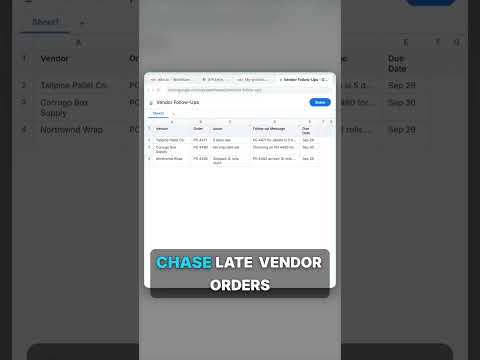 0:14
Let AI handle the busywork
Clear SOPs in your company's format, late vendor orders chased automatically, and every maintenance request sorted by priority. Free, step by step.
Practice it free → 0:16
Why you quit AI tutorials
Ten minutes into a 40-minute tutorial, their screen doesn't match yours. A button moved, a setting's missing, you're stuck. So we built something different.
Practice it free → 0:16
Not just for the trades
Accountants, lawyers, recruiters: AI isn't just for trades. There are lessons for your work too: client meetings, client emails, interview notes. Same free lessons, same setup, just for you.
Practice it free → 0:15
AI for plumbers on a busy day
An emergency request comes in, AI flags it as urgent, saves the job and emails the customer back. Learn to build it yourself, one click at a time. Free.
Practice it free → 0:14
Here's how easy it is
One side shows you exactly where to click. The other side is where you do it. Get stuck? Hit "Do it for me." Step by step until it's built.
Practice it free → 0:33
If I started learning AI today
If I started learning AI today, here's the order: 1) how to ask it, 2) one boring automation, 3) AI on your real work (and check what it says), 4) an agent that writes drafts. Every step is a free lesson.
Practice it free → 0:17
POV: stuck at 11 p.m.
It's 11 at night, you're on step 30 and you're stuck. No forum, no rewinding a video. Press "Do it for me" and it does that one step. Then you take the next one yourself.
Practice it free → 0:15
Electricians: learn AI step by step
No time for 40-minute AI videos? Draft professional bids in seconds and follow up after every job, built step by step for electricians. Free.
Practice it free → 0:13
Learn AI by building it
Every module is a real project: an AI agent that writes your posts, a ChatGPT that sounds like your brand, a web app with an AI backend. More on the way.
Practice it free → 0:14
Why AI videos don't stick
Why don't AI videos stick? You nod along, then open the tool and freeze. So every lesson here has you do every step yourself: watch once, then it's your turn.
Practice it free → 0:12
Every lesson works the same way
Every lesson works the same way. First you watch a step, then you do it, one click at a time. You can't break anything: it's a practice copy.
Practice it free → 0:13
Don't want to learn AI?
Don't want to learn AI? That's okay. Some people want to learn it, some just want it done. Watch a few lessons, see what's possible, and if you want us to build it for you, reach out.
Practice it free → 0:09
It's free. What's the catch?
It's all free, so what's the catch? Some of the tools you'll use cost money, and every lesson tells you which ones.
Practice it free →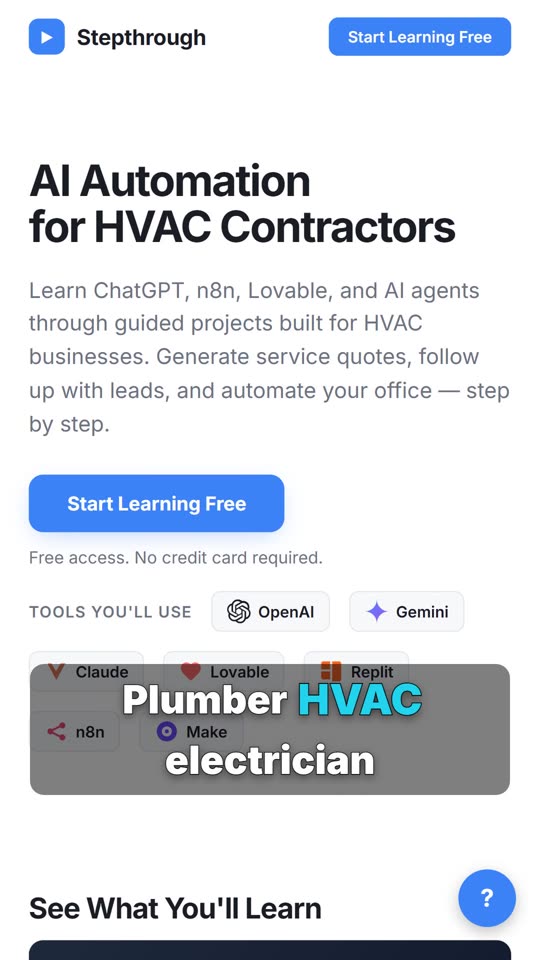 0:12
Plumber? HVAC? Electrician?
Plumber? HVAC? Electrician? There's a section just for your trade: your jobs, your customers. Same step-by-step lessons, you pick the one that fits.
Practice it free → 0:15
Free AI training you actually do
I'm building the largest free AI training in the world. Not videos you watch and forget: you do the real steps yourself, in a practice copy of the tool. Stuck? One button helps you through it.
Practice it free → 0:15
AI marketers actually use
Ad copy that fits the character limits, a two-week content calendar from one idea, and a free-guide signup that tags every lead. Free, step by step.
Practice it free → 0:18
Stop watching AI tutorials
You pause, you rewind, and you still get lost. Watching someone click isn't the same as doing it. Here you do every step yourself, and it checks your work.
Practice it free → 0:15
Stop writing follow-ups from scratch
Build an AI that writes sales follow-ups in your voice, an agent that follows up on every open deal, and a demo form that rates every lead hot, warm or not yet. Free.
Practice it free → 0:15
The largest free AI training in the world
Not videos you watch. Real projects you build, one step at a time, right in your browser. No experience needed, and it's completely free.
Practice it free → 0:30
Learn AI Automation by Building - Free Ynteractive Course
Learn AI Automation by Building - Free Ynteractive Course. Free from Ynteractive.
Practice it free → 0:51
Self-Host n8n with Docker in 51 Seconds (Free)
Self-Host n8n with Docker in 51 Seconds (Free). Free from Ynteractive.
Practice it free →Full walkthroughs
The whole lesson, start to finish, narrated with the lesson’s own voice-over and chapter titles.
 3:04
A client meeting in, a clear recap out with ChatGPT
Turn the transcript of a client's quarterly review into the decisions, an action items table with owners and due dates, and a follow-up email to the client.
 3:07
A calm reply to "where's my refund?" with ChatGPT
A client wants a refund date while two tax forms are still missing. Give ChatGPT the thread and your firm's facts, catch the date it shouldn't promise, and send a calm, clear reply from Gmail.
 3:00
A messy meeting in, clear next steps out with ChatGPT
Paste a long meeting transcript into ChatGPT and get the decisions, an action items table with owners and due dates, and a follow-up email ready to send.
 2:51
A calm reply to a messy thread with ChatGPT
Turn a messy customer email thread into a clear, friendly reply: give ChatGPT the thread and your facts, check every promise, fix the tone, and send it from Gmail.
 3:13
A straight answer to "when will I get paid?" with ChatGPT
A client with an open auto claim wants a payment date, a rental and a promise about her rate. Give ChatGPT the thread and your agency's facts, catch what it shouldn't promise, and send an honest reply from Gmail.
 3:16
A calm reply to "are we going to win?" with ChatGPT
A client wants a court date and a promise she'll win. Give ChatGPT the thread and your firm's facts, catch the lines that predict an outcome, and send a clear, kind case update from Gmail.
 3:06
An interview debrief in, a fair scorecard out with ChatGPT
Turn the transcript of an interview panel's debrief into a scorecard against the role's must-haves, the decisions, action items with owners and dates, and a follow-up email to the candidate.
 2:14
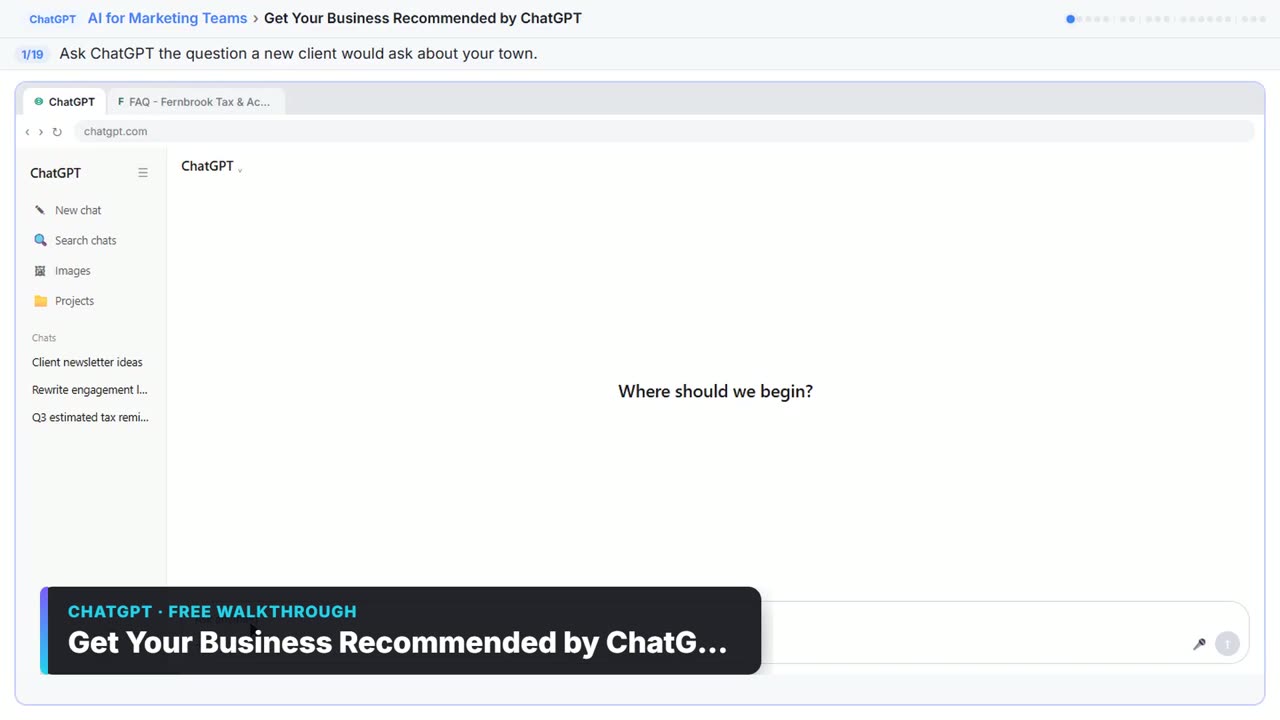
Get Your Business Recommended by ChatGPT: video walkthrough
Ask ChatGPT who it recommends in your town, see which pages it trusts, then use it to write an FAQ page and Business Profile copy that answer real customer questions. The whole lesson narrated step by step, recorded in Stepthrough’s simulated practice environment.
 3:04
Analyze a Spreadsheet: video walkthrough
Upload a CSV of sales to ChatGPT, have it check the data first, ask your questions, get a chart you can download, and finish with the three takeaways that matter. The whole lesson narrated step by step, recorded in Stepthrough’s simulated practice environment.
 3:05
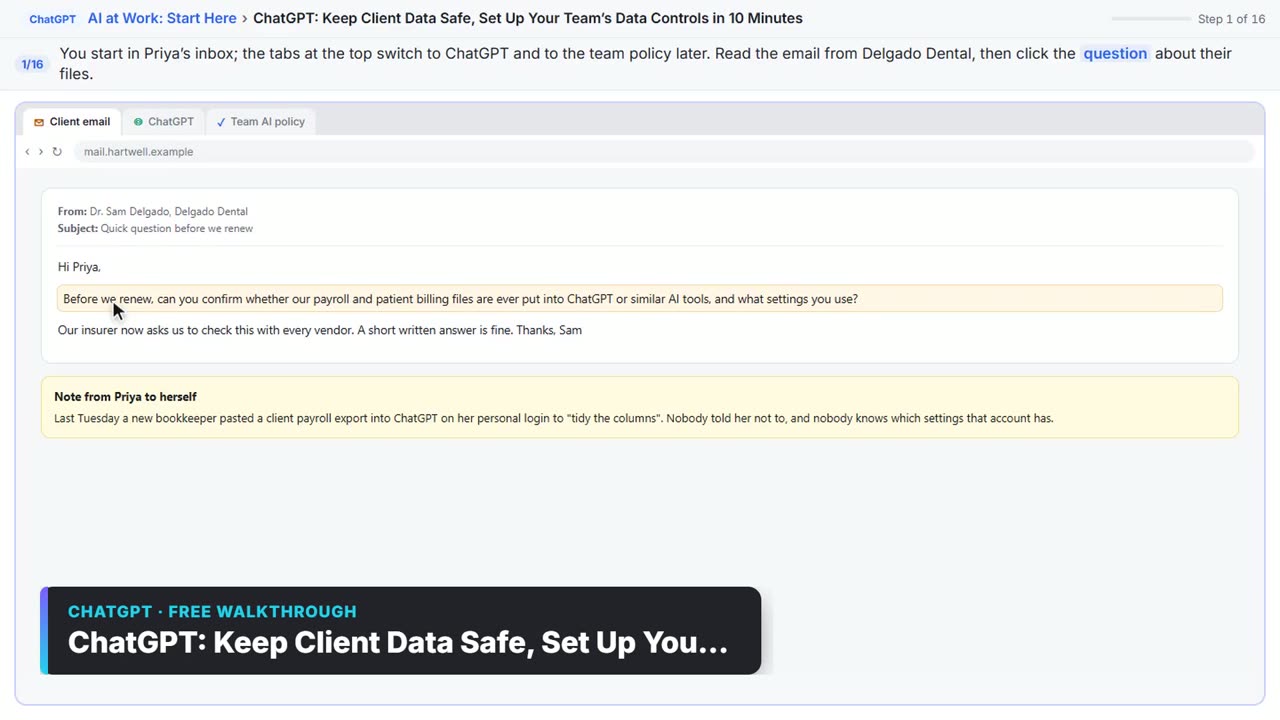
ChatGPT: Keep Client Data Safe, Set Up Your Team’s Data Controls in 10 Minutes: video walkthrough
A client asks if their files go into ChatGPT. Answer with confidence: set the data controls, memory, Temporary Chat and shared links, then hand your team a one-page AI policy. The whole lesson narrated step by step, recorded in Stepthrough’s simulated practice environment.
 3:29
ChatGPT Projects: Your Brand Voice in One Place: video walkthrough
Set up a ChatGPT Project with your brand voice instructions, your price list and your style guide, so every new chat already knows your business. The whole lesson narrated step by step, recorded in Stepthrough’s simulated practice environment.
 3:30
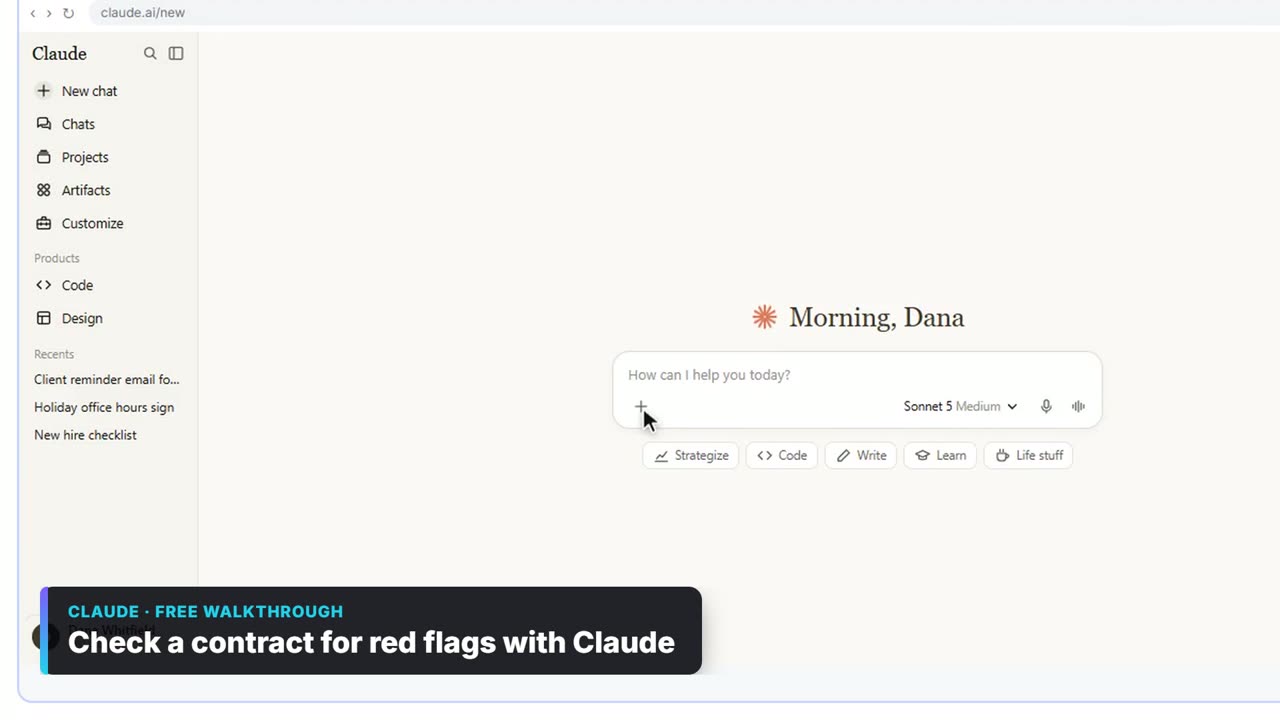
Check a contract for red flags with Claude: video walkthrough
Upload a vendor contract, get it in plain English, find the risky clauses with the exact words quoted, draft questions for the vendor, and save the review as a project for the next one. The whole lesson narrated step by step, recorded in Stepthrough’s simulated practice environment.
 1:51
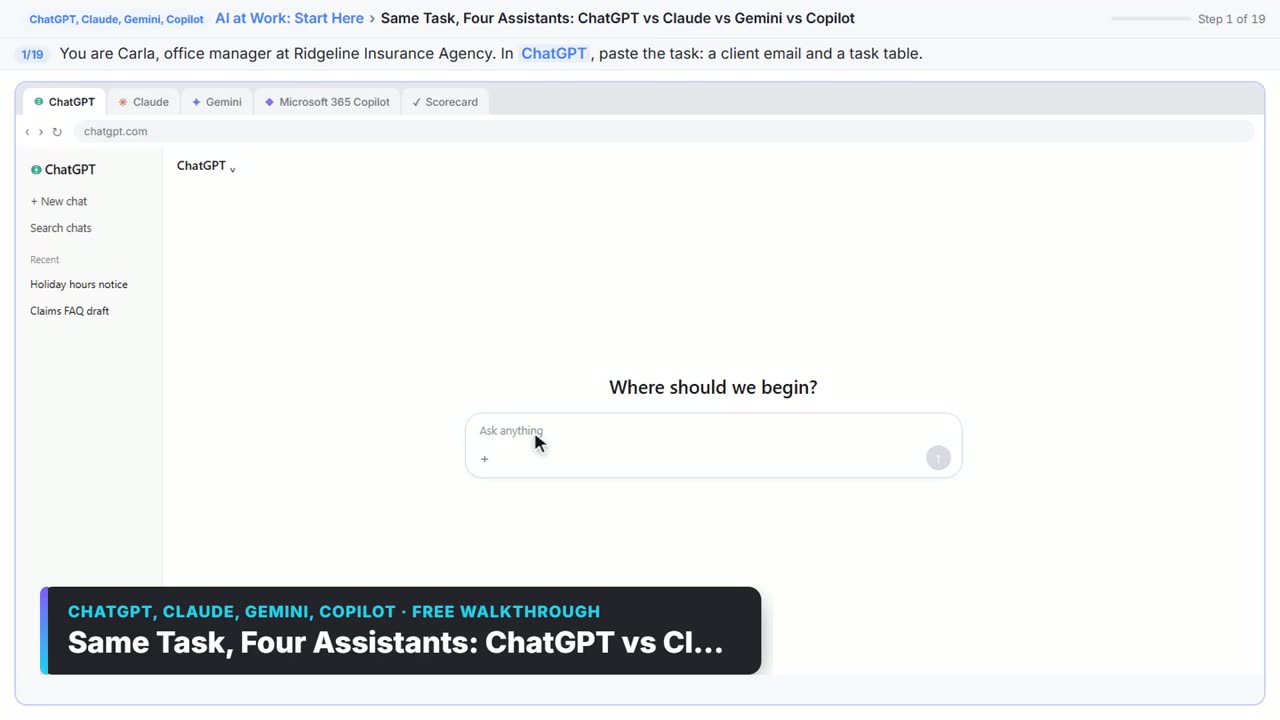
Same Task, Four Assistants: ChatGPT vs Claude vs Gemini vs Copilot: video walkthrough
Give one real office task to ChatGPT, Claude, Gemini and Microsoft Copilot, check each answer on the facts, and pick the one to use at work. The whole lesson narrated step by step, recorded in Stepthrough’s simulated practice environment.
 3:03
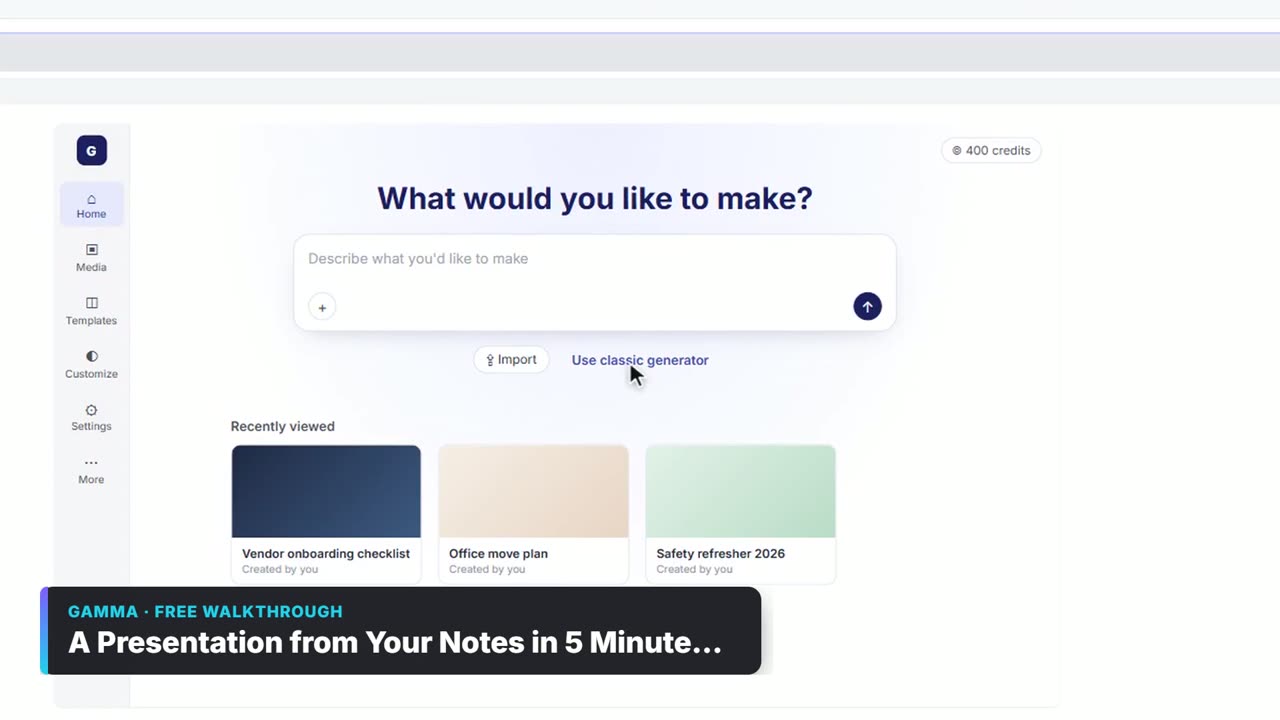
A Presentation from Your Notes in 5 Minutes (Gamma): video walkthrough
Paste rough meeting notes into Gamma, pick a theme, fix one slide by chatting with its AI, and export the deck to PowerPoint and PDF. The whole lesson narrated step by step, recorded in Stepthrough’s simulated practice environment.
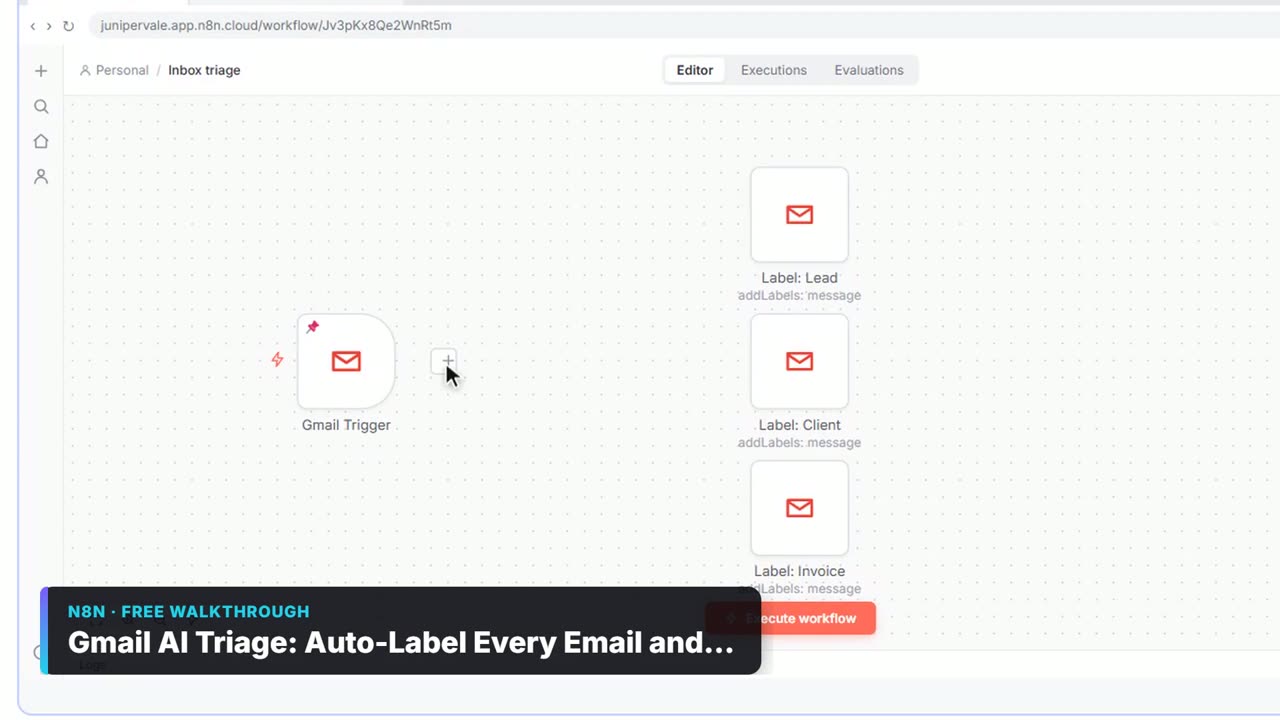 2:31
Gmail AI Triage: Auto-Label Every Email and Draft Replies: video walkthrough
Build an n8n workflow that reads each new email, sorts it as a lead, a client or an invoice with a Text Classifier, adds the matching Gmail label, and drafts a reply to clients for you to check. The whole lesson narrated step by step, recorded in Stepthrough’s simulated practice environment.
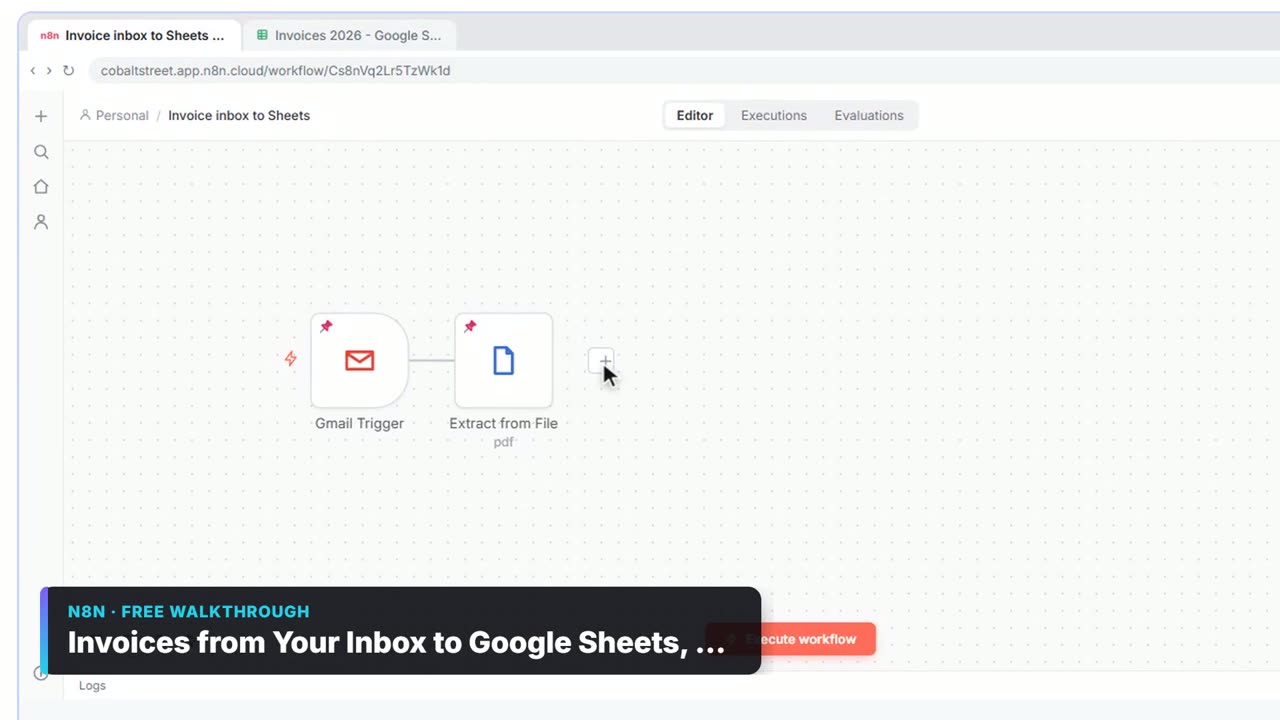 2:31
Invoices from Your Inbox to Google Sheets, with Approval: video walkthrough
Build an n8n workflow that reads each vendor invoice PDF from Gmail with AI, logs the vendor, invoice number and total in Google Sheets, and emails the owner an Approve button for anything over $1,000. The whole lesson narrated step by step, recorded in Stepthrough’s simulated practice environment.
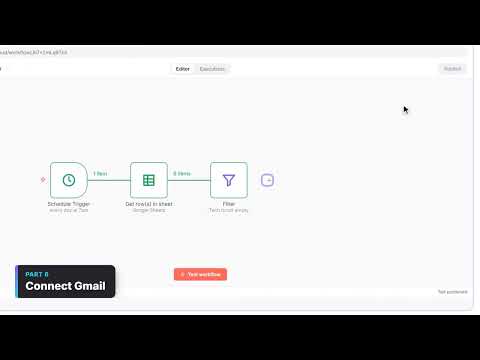 5:10
Daily Job Alerts: video walkthrough
Every morning at 7, n8n reads a plumbing company's jobs sheet, skips anything not assigned yet, and emails each job to the tech it's assigned to — customer, address, time and what's wrong. No AI, just a clean first automation. The whole lesson narrated step by step, recorded in Stepthrough’s simulated practice environment.
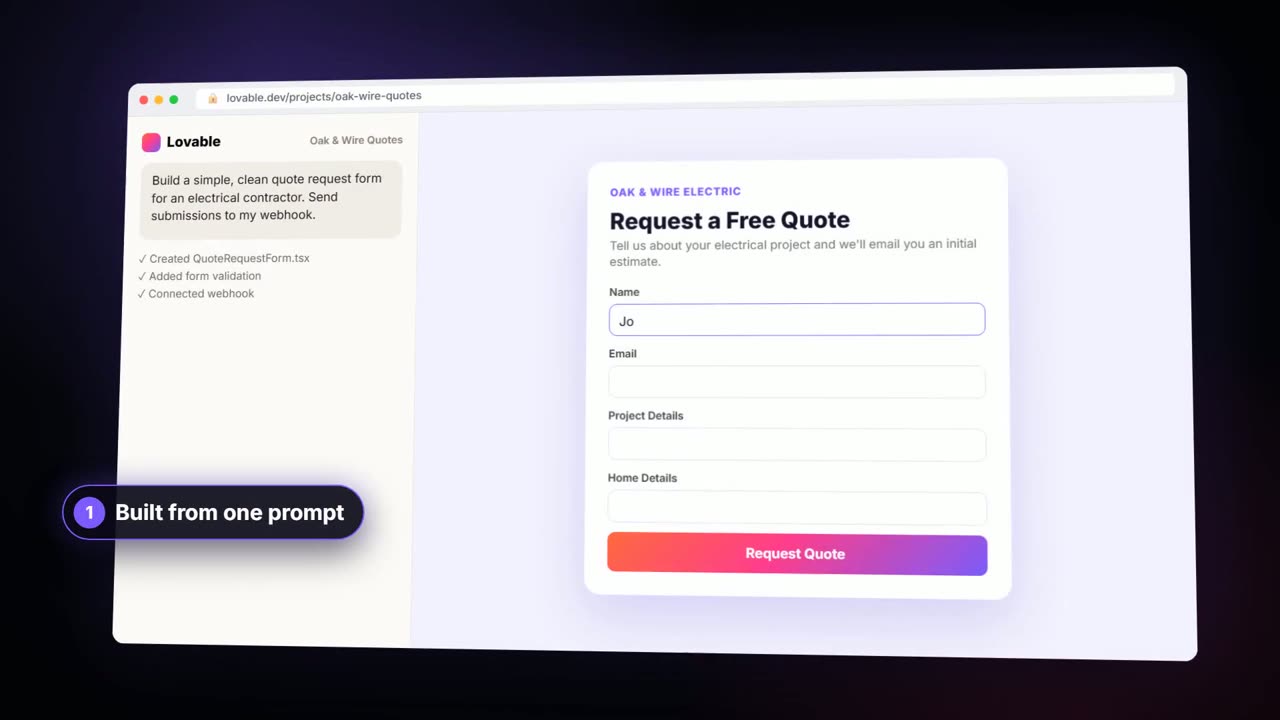 9:16
AI Quote Request Form: video walkthrough
Build a quote request form in Lovable and connect it to an n8n workflow — webhook trigger, an AI Agent that drafts an initial estimate note, Google Sheets, Gmail, and a Respond node that ties it all together. The whole lesson narrated step by step, recorded in Stepthrough’s simulated practice environment.
 8:59
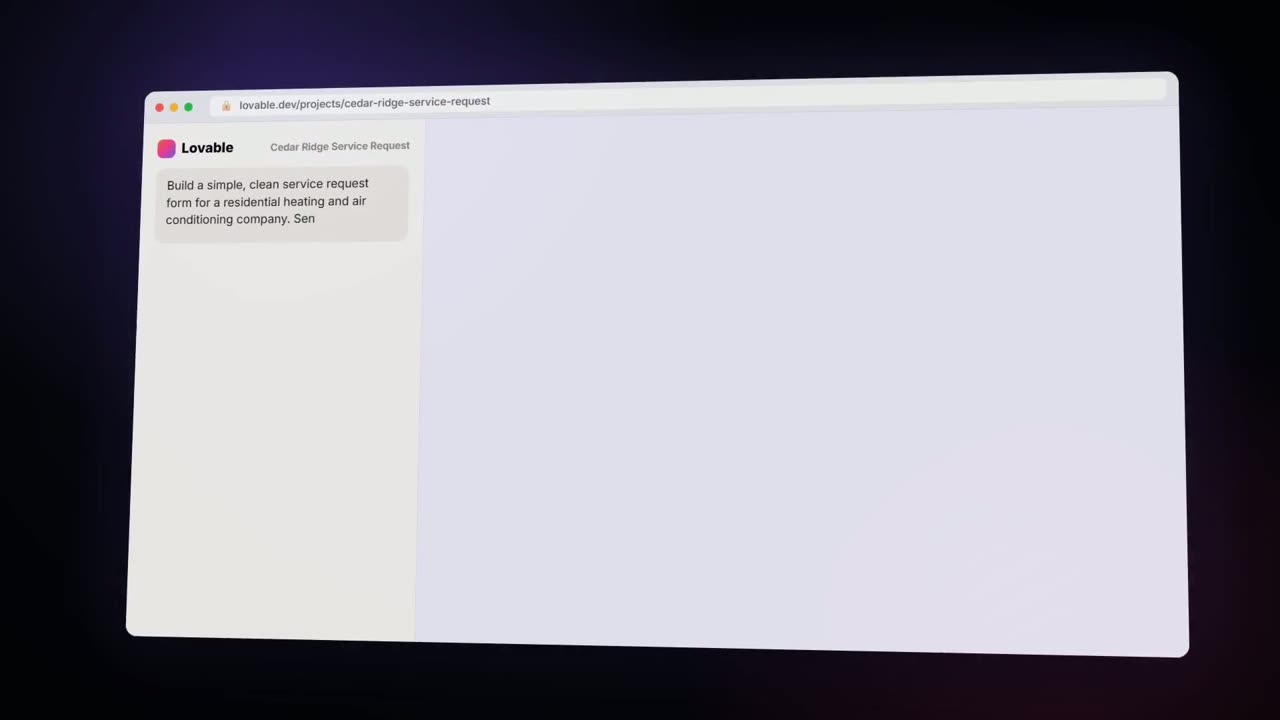
AI Service Request Form: video walkthrough
Build a service request form in Lovable for Cedar Ridge Heating & Air and connect it to n8n — the AI agent sorts each job into repair, maintenance, install or emergency, saves the lead to Google Sheets and emails a confirmation. The whole lesson narrated step by step, recorded in Stepthrough’s simulated practice environment.
 9:17
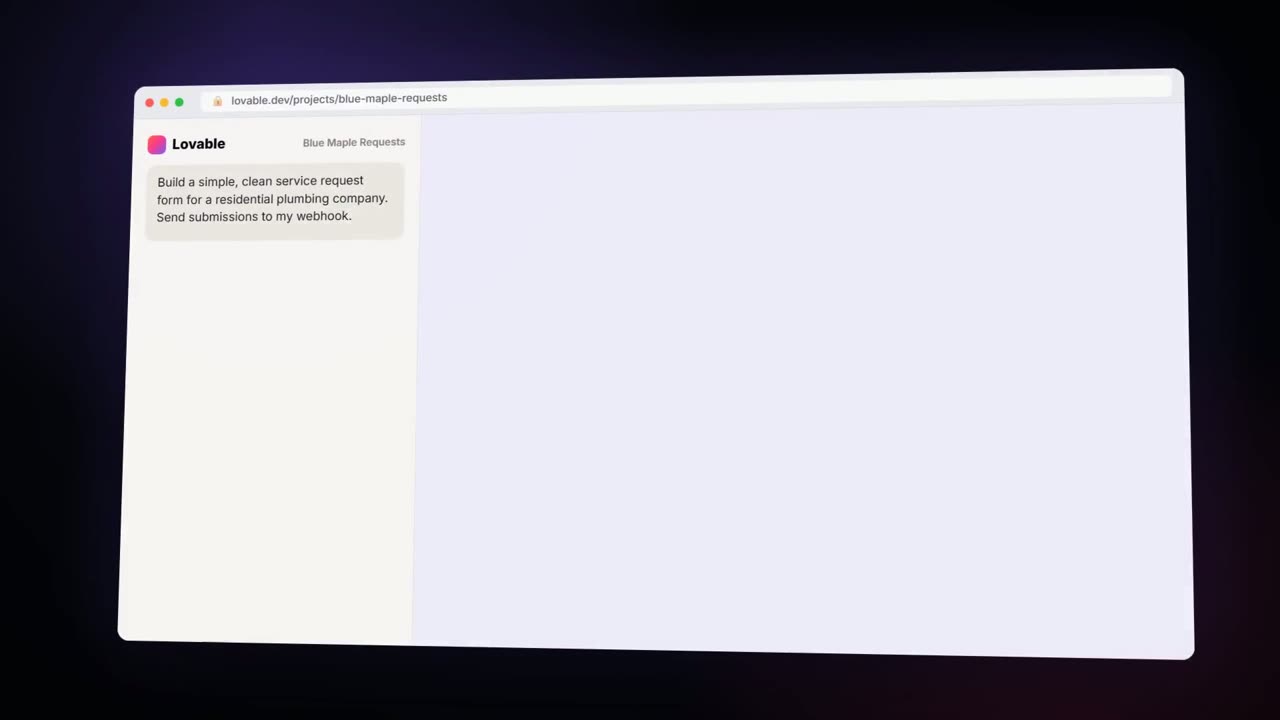
AI Emergency Request Form: video walkthrough
Build an emergency service-request form in Lovable and connect it to an n8n workflow — webhook trigger, AI Agent that prioritizes the job, Google Sheets, Gmail, and a Respond node that ties it all together. The whole lesson narrated step by step, recorded in Stepthrough’s simulated practice environment.
 8:57
AI Demo Request Form: video walkthrough
Build a "Book a demo" form in Lovable for Northwind Scheduling Software and connect it to n8n — the AI agent rates each lead hot, warm or nurture, saves it to Google Sheets and emails the right next step. The whole lesson narrated step by step, recorded in Stepthrough’s simulated practice environment.
 9:03
Build a Web App with an AI Backend: video walkthrough
Build a contact form in Lovable and connect it to an n8n workflow — webhook trigger, AI Agent, Google Sheets, Gmail, and a Respond node that ties it all together. The whole lesson narrated step by step, recorded in Stepthrough’s simulated practice environment.
 8:25
AI Job Follow-Up Agent: video walkthrough
Build an AI agent for Oak & Wire Electric that writes follow-up messages after completed jobs and tracks them in Google Sheets — chat trigger, AI Agent, system prompt, model, memory, and the Sheets tool. The whole lesson narrated step by step, recorded in Stepthrough’s simulated practice environment.
 7:59
AI Service Follow-Up Agent: video walkthrough
Build an AI agent for Cedar Ridge Heating & Air that writes follow-up messages for completed service calls and saves them to Google Sheets — chat trigger, AI Agent, system prompt, model, memory, and the Sheets tool. The whole lesson narrated step by step, recorded in Stepthrough’s simulated practice environment.
 8:03
AI Campaign Calendar Agent: video walkthrough
Build an AI agent for Harbor & Pine Coffee Roasters that turns one campaign theme into a two-week email and content calendar in Google Sheets — chat trigger, AI Agent, system prompt, model, memory, and the Sheets tool. The whole lesson narrated step by step, recorded in Stepthrough’s simulated practice environment.
 7:53
AI Vendor Follow-Up Agent: video walkthrough
Build an AI agent for Ridgeline Supply Co. that writes follow-up messages for late or pending purchase orders and saves them to Google Sheets — chat trigger, AI Agent, system prompt, model, memory, and the Sheets tool. The whole lesson narrated step by step, recorded in Stepthrough’s simulated practice environment.
 8:22
AI Customer Follow-Up Agent: video walkthrough
Build an AI agent for Blue Maple Plumbing that writes personalized follow-up messages after service calls and tracks them in Google Sheets — chat trigger, AI Agent, system prompt, model, memory, and the Sheets tool. The whole lesson narrated step by step, recorded in Stepthrough’s simulated practice environment.
 7:57
AI Deal Follow-Up Agent: video walkthrough
Build an AI agent for Northwind Scheduling Software that writes follow-up messages for your open deals and saves them to Google Sheets — chat trigger, AI Agent, system prompt, model, memory, and the Sheets tool. The whole lesson narrated step by step, recorded in Stepthrough’s simulated practice environment.
 8:07
AI Social Media Idea Agent: video walkthrough
Build an AI agent for BrightPath Marketing that generates social media post ideas and saves them to Google Sheets — chat trigger, AI Agent, system prompt, model, memory, and the Sheets tool. The whole lesson narrated step by step, recorded in Stepthrough’s simulated practice environment.
 3:11
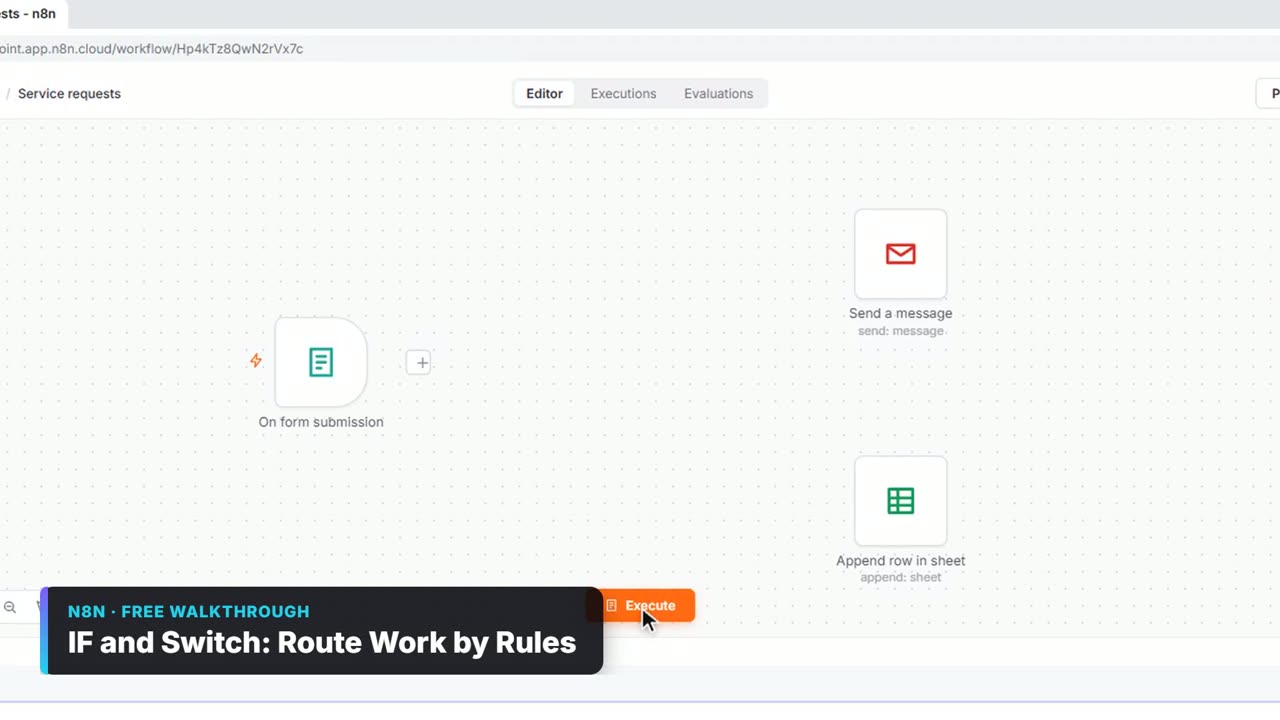
IF and Switch: Route Work by Rules: video walkthrough
Send each request where it belongs. Use an If node to split big jobs from small ones, then a Switch with named outputs and a fallback to route by service. The whole lesson narrated step by step, recorded in Stepthrough’s simulated practice environment.
 3:32
Find and Use n8n Templates: video walkthrough
Skip the blank canvas. Find a ready-made workflow in the n8n template gallery, import it into your workspace, connect Google Sheets and Gmail, test it with a real form entry and publish it. The whole lesson narrated step by step, recorded in Stepthrough’s simulated practice environment.
 3:06
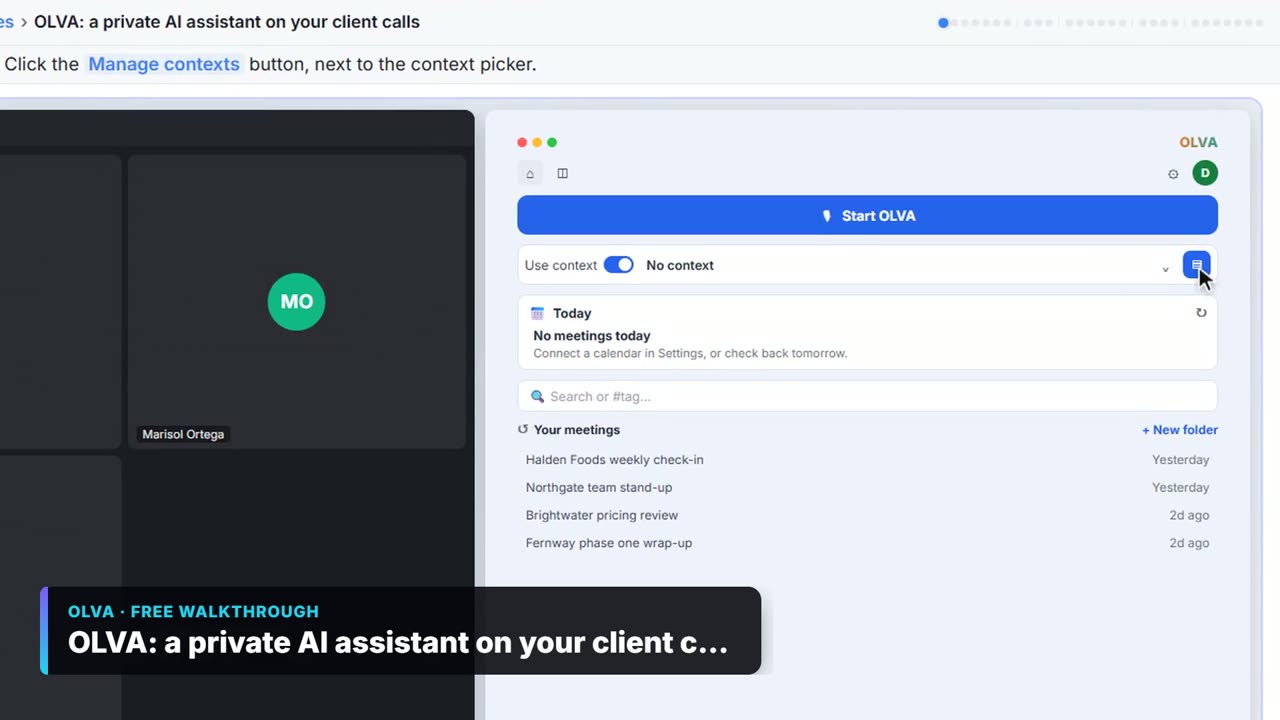
OLVA: a private AI assistant on your client calls: video walkthrough
Give OLVA your client notes, get private answers and fact checks during a Zoom call, then turn the meeting into minutes, a follow-up email and a PowerPoint deck. The whole lesson narrated step by step, recorded in Stepthrough’s simulated practice environment.
 2:20
Prompt Writing 101: video walkthrough
Ask ChatGPT for the same customer email twice, once vaguely and once with a four-part prompt, and see exactly why structure gets a better answer. The whole lesson narrated step by step, recorded in Stepthrough’s simulated practice environment.
 5:35
AI Receipt Extractor: video walkthrough
Drop a photo of a receipt into an n8n chat. An AI agent reads it, pulls out the date, vendor and amount, picks a category, and adds a row to Google Sheets. The whole lesson narrated step by step, recorded in Stepthrough’s simulated practice environment.
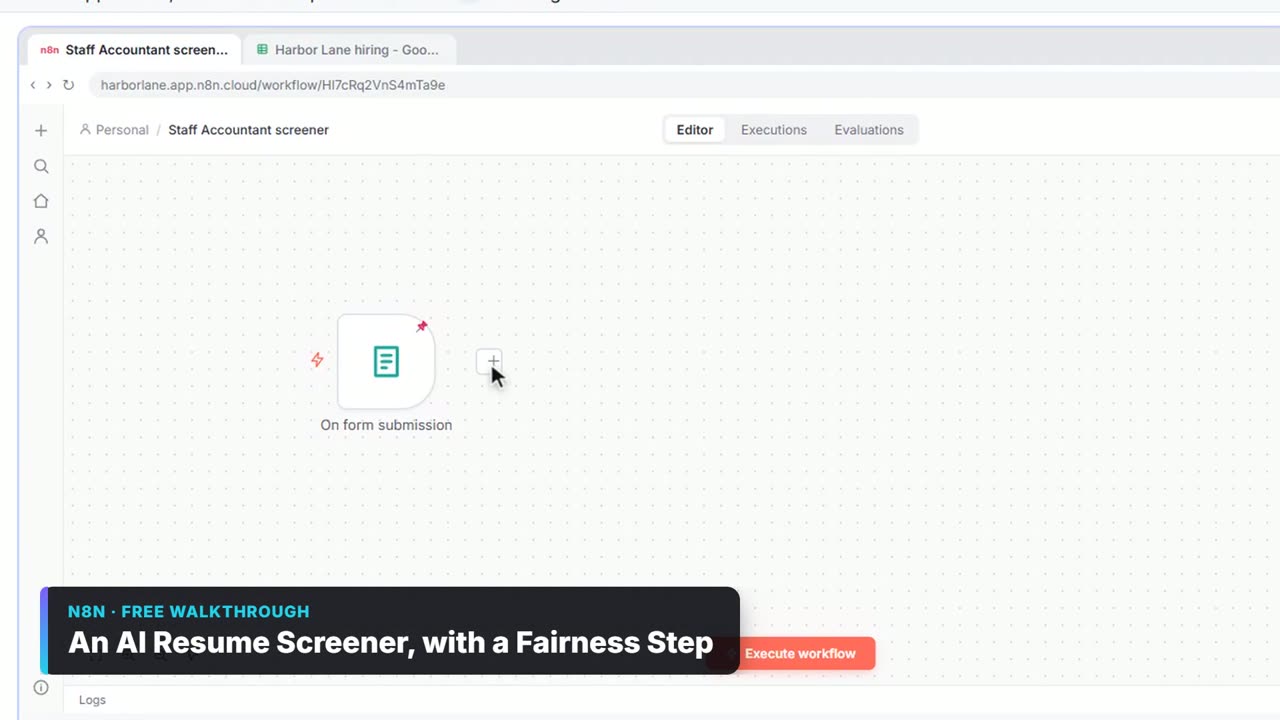 3:36
An AI Resume Screener, with a Fairness Step: video walkthrough
Have n8n read each applicant’s PDF resume, score it against the job’s must-haves with the evidence quoted, and rank it in Google Sheets, while a person makes every hiring call. The whole lesson narrated step by step, recorded in Stepthrough’s simulated practice environment.
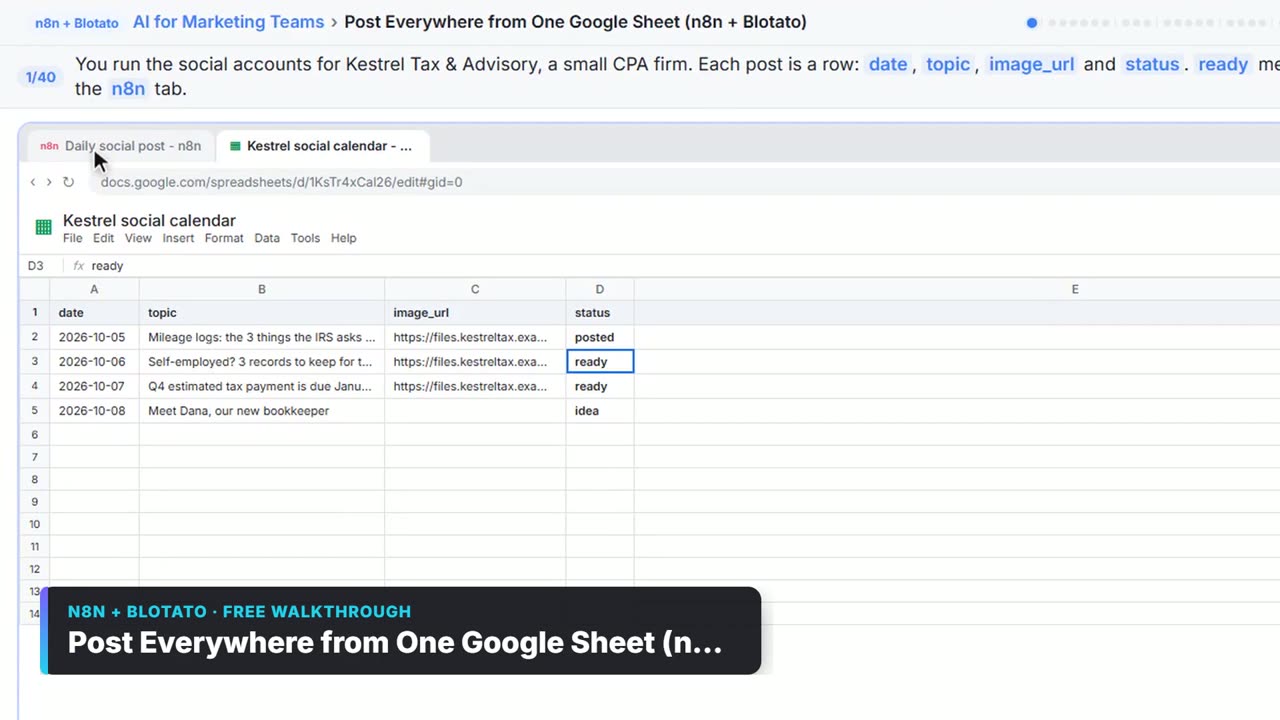 3:26
Post to Every Channel Daily from One Sheet using n8n + Blotato: video walkthrough
Plan posts in a Google Sheet. Every morning n8n takes the next row marked ready, has AI write an Instagram, Facebook and TikTok caption, posts through Blotato and marks the row posted. The whole lesson narrated step by step, recorded in Stepthrough’s simulated practice environment.
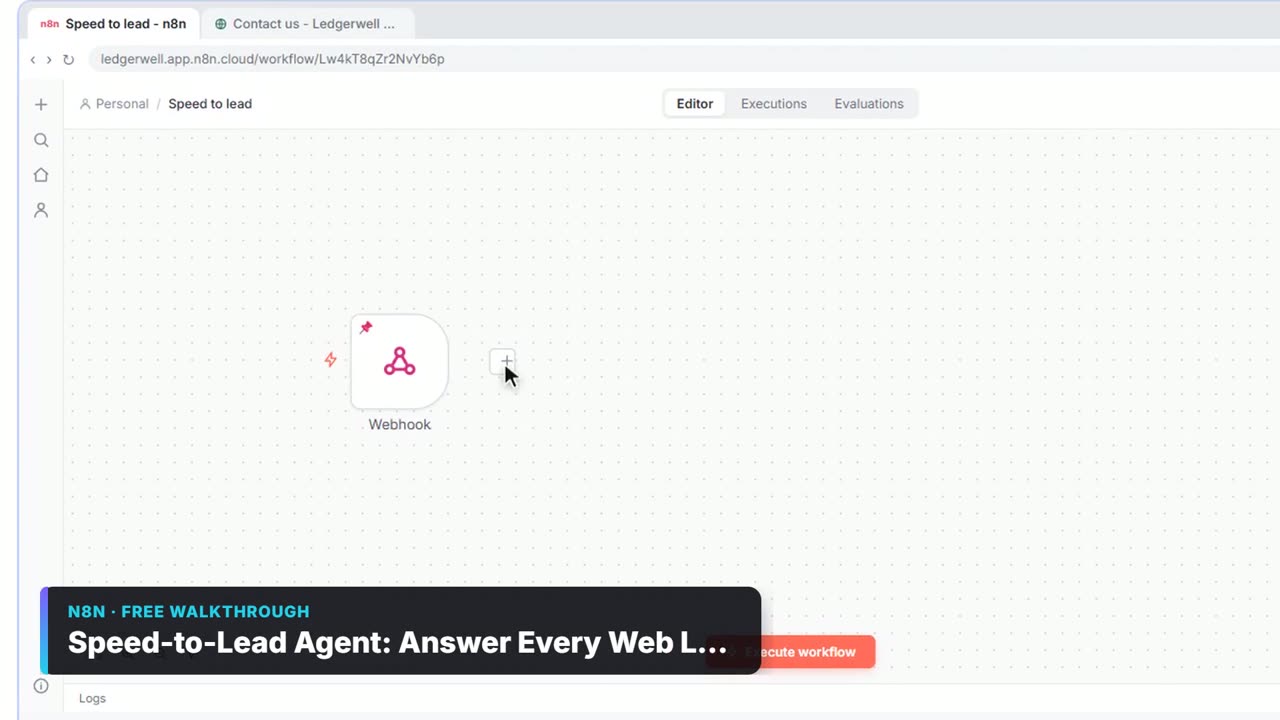 3:28
Speed-to-Lead Agent: Answer Every Web Lead in 60 Seconds: video walkthrough
Build an n8n workflow that scores every website lead with AI, emails a personal first reply within seconds, and pings Slack only when a lead is hot. The whole lesson narrated step by step, recorded in Stepthrough’s simulated practice environment.
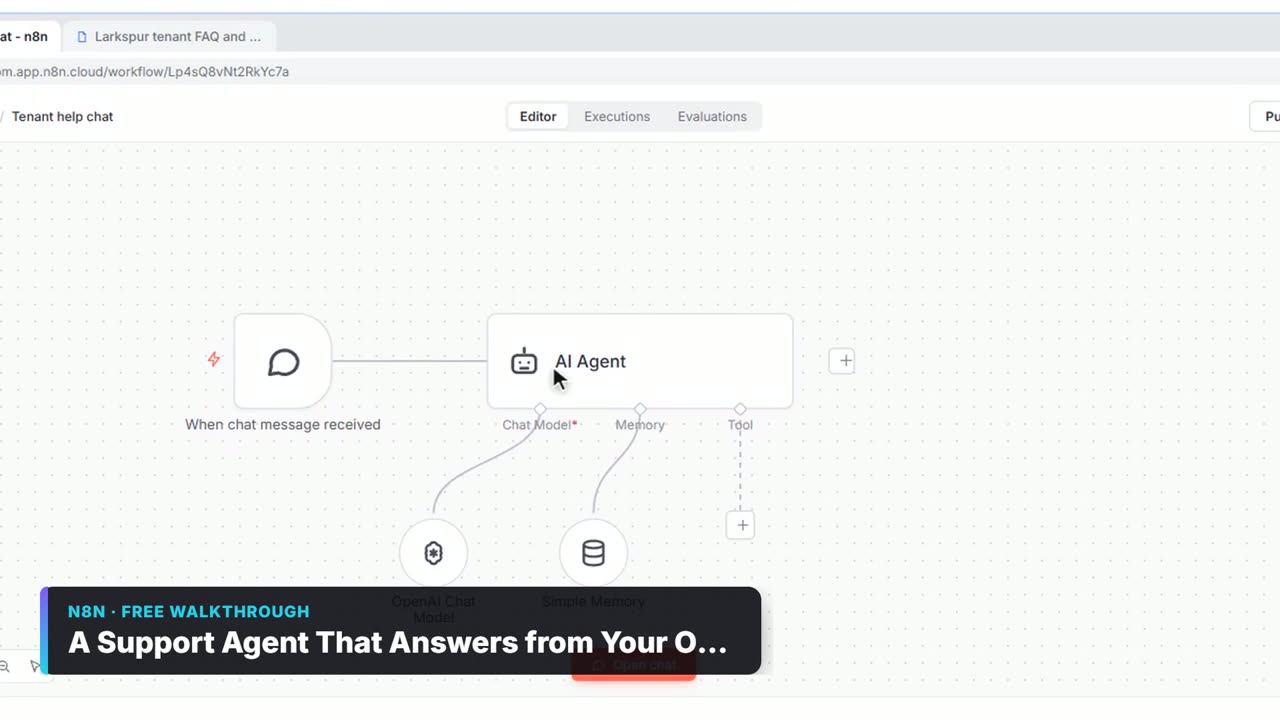 2:23
A Support Agent That Answers from Your Own Docs: video walkthrough
Turn an n8n chat agent into a support agent that answers only from your policies in a Google Doc, refuses what it should, and hands off to a person by email. The whole lesson narrated step by step, recorded in Stepthrough’s simulated practice environment.
Highlights
The heart of a lesson in about a minute, with captions.
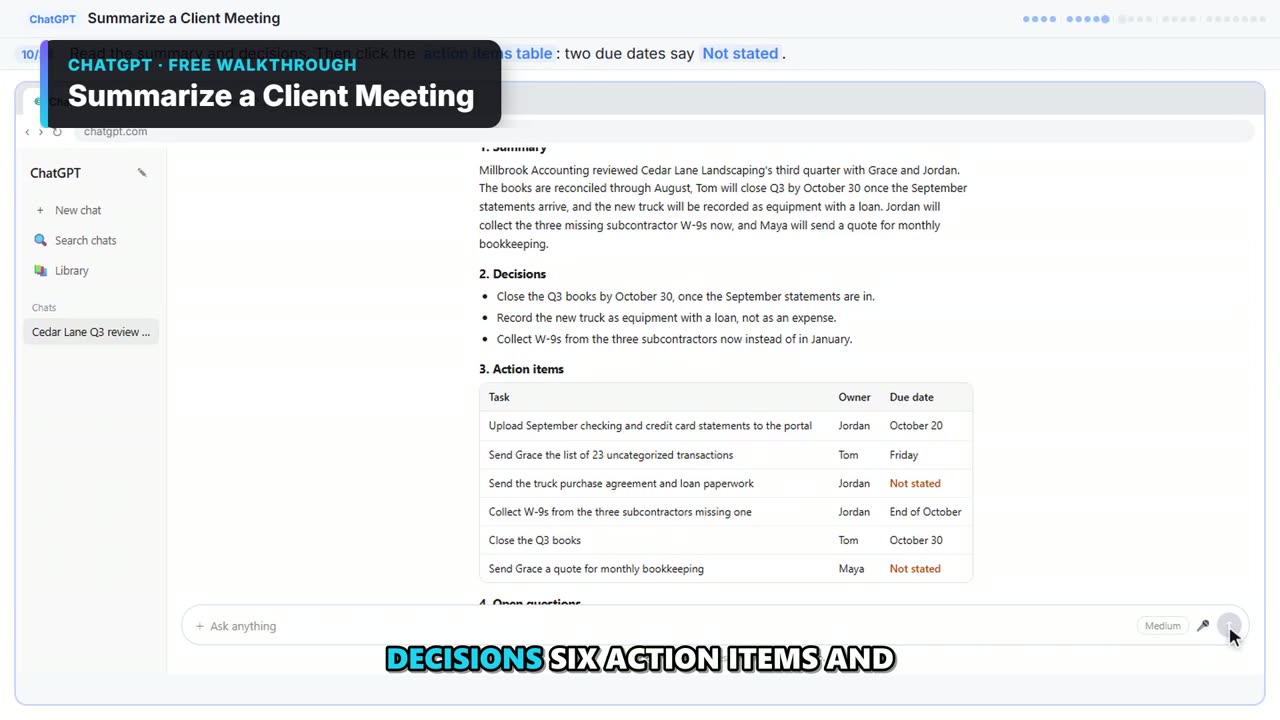 1:16
Summarize a Client Meeting in 76 seconds
Turn the transcript of a client's quarterly review into the decisions, an action items table with owners and due dates, and a follow-up email to the client.
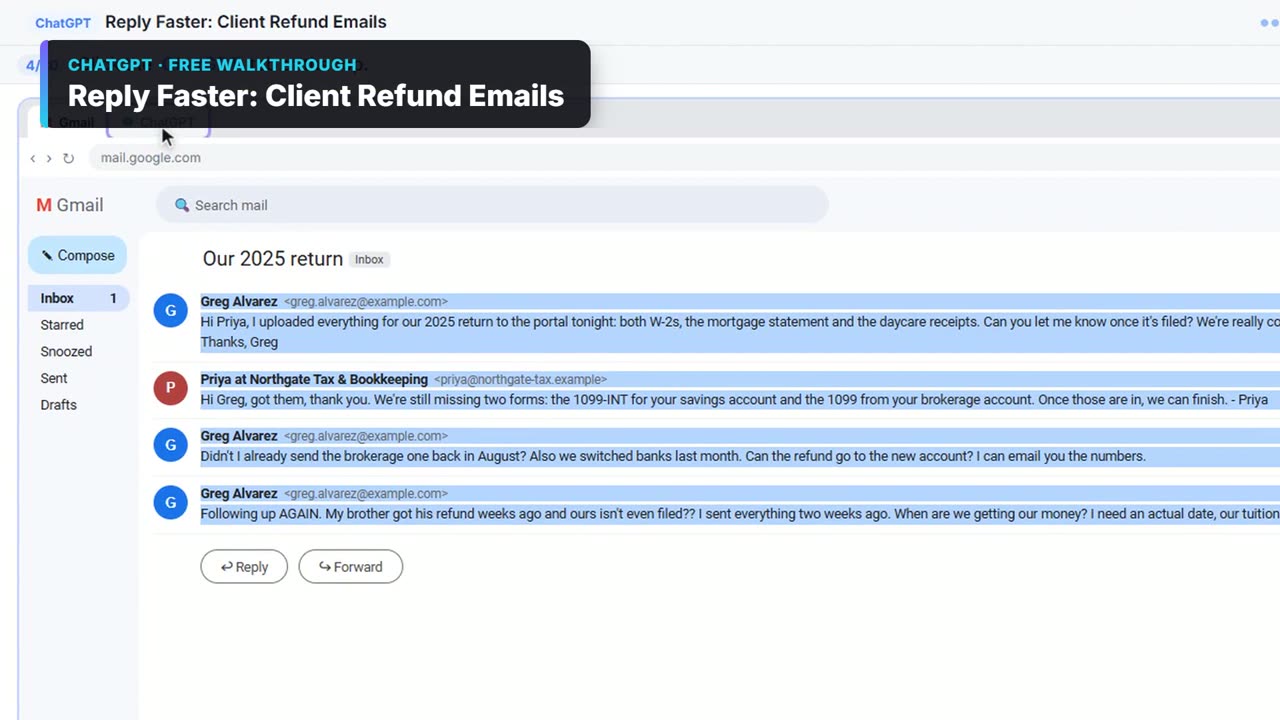 1:07
Reply Faster: Client Refund Emails in 67 seconds
A client wants a refund date while two tax forms are still missing. Give ChatGPT the thread and your firm's facts, catch the date it shouldn't promise, and send a calm, clear reply from Gmail.
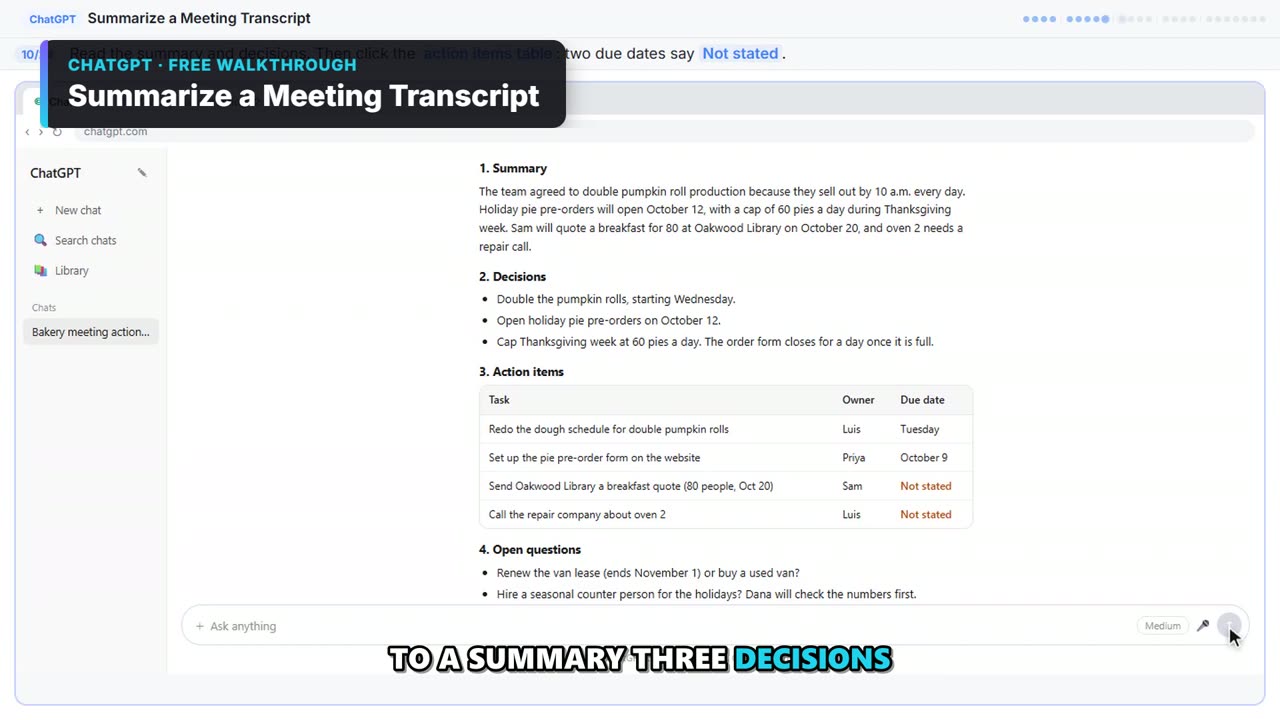 1:16
Summarize a Meeting Transcript in 76 seconds
Paste a long meeting transcript into ChatGPT and get the decisions, an action items table with owners and due dates, and a follow-up email ready to send.
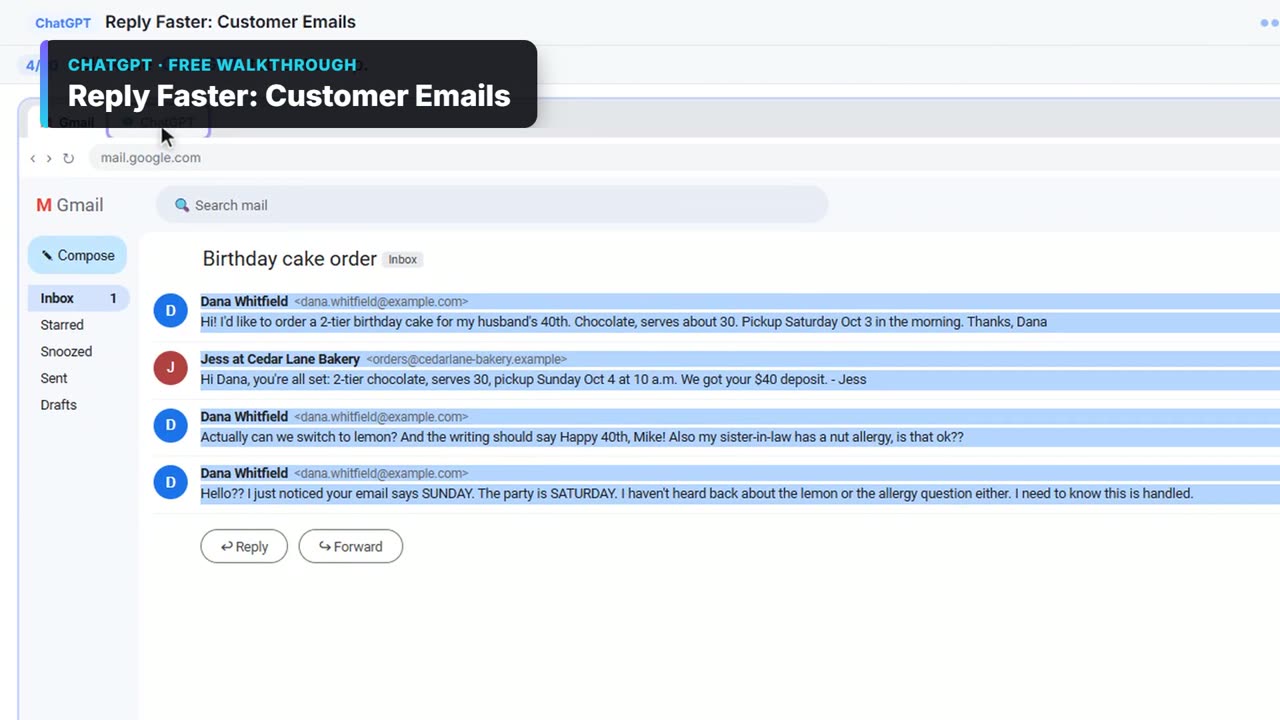 1:04
Reply Faster: Customer Emails in 64 seconds
Turn a messy customer email thread into a clear, friendly reply: give ChatGPT the thread and your facts, check every promise, fix the tone, and send it from Gmail.
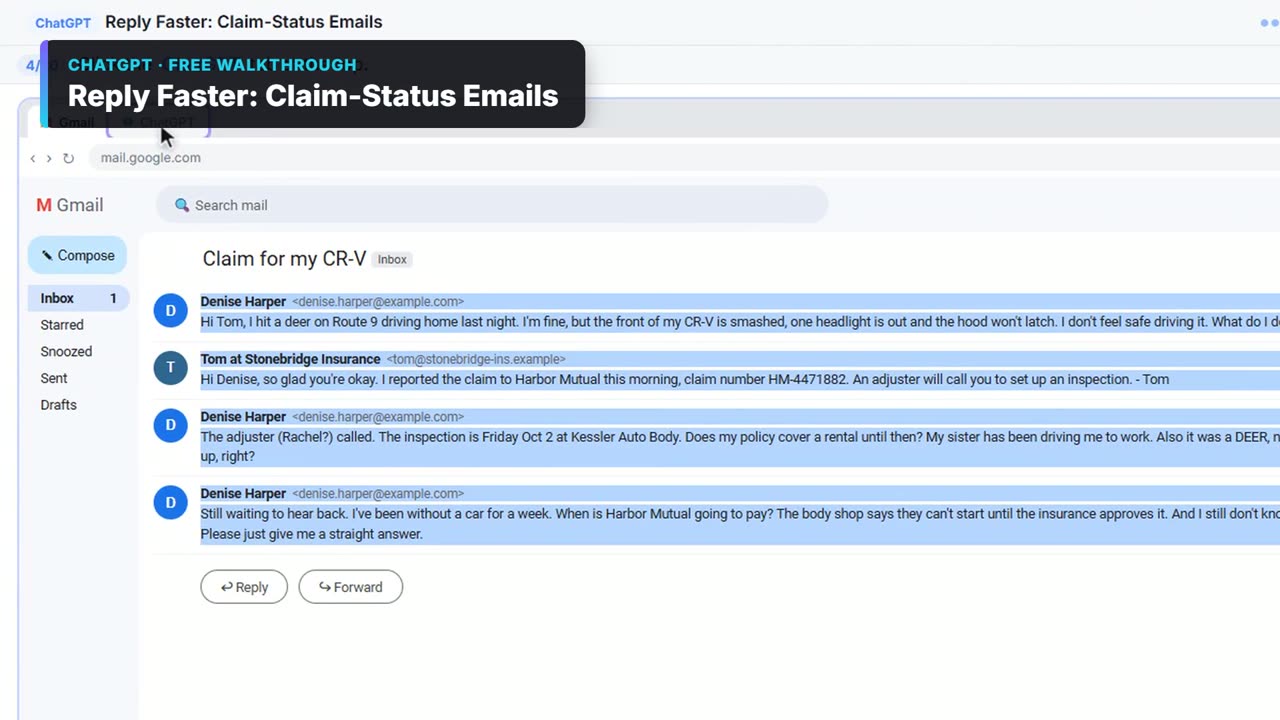 1:11
Reply Faster: Claim-Status Emails in 71 seconds
A client with an open auto claim wants a payment date, a rental and a promise about her rate. Give ChatGPT the thread and your agency's facts, catch what it shouldn't promise, and send an honest reply from Gmail.
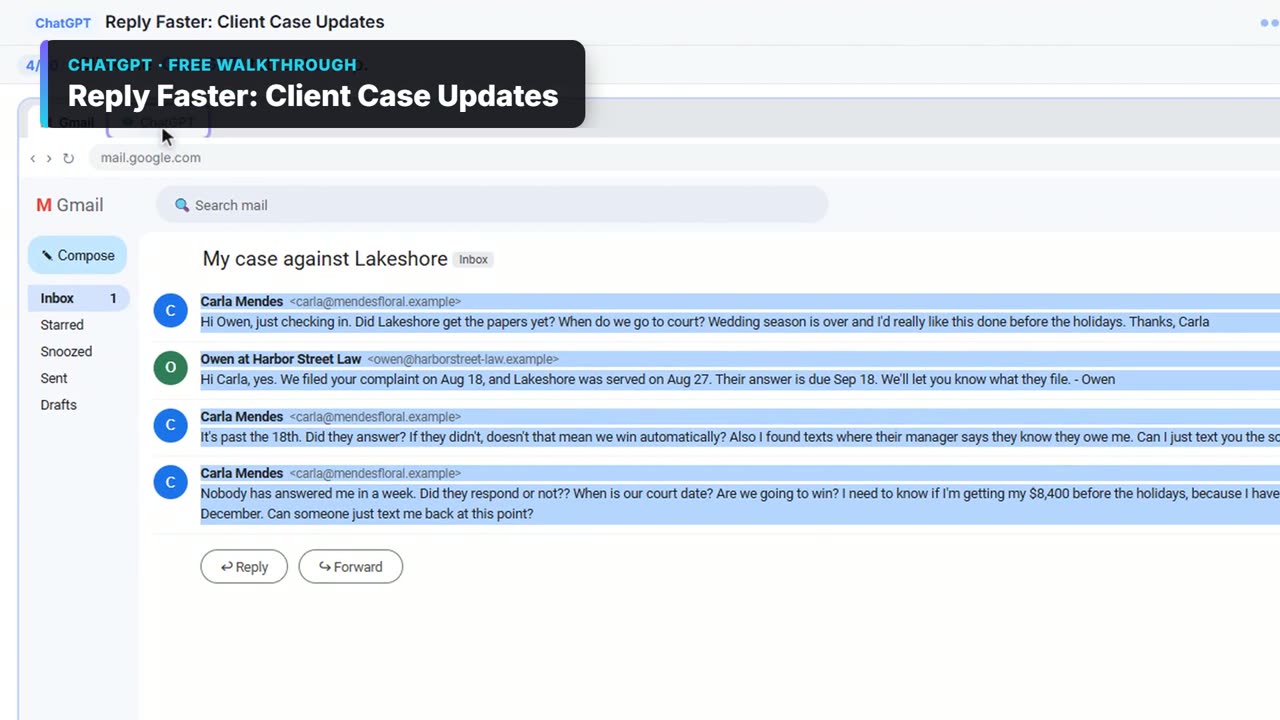 1:08
Reply Faster: Client Case Updates in 68 seconds
A client wants a court date and a promise she'll win. Give ChatGPT the thread and your firm's facts, catch the lines that predict an outcome, and send a clear, kind case update from Gmail.
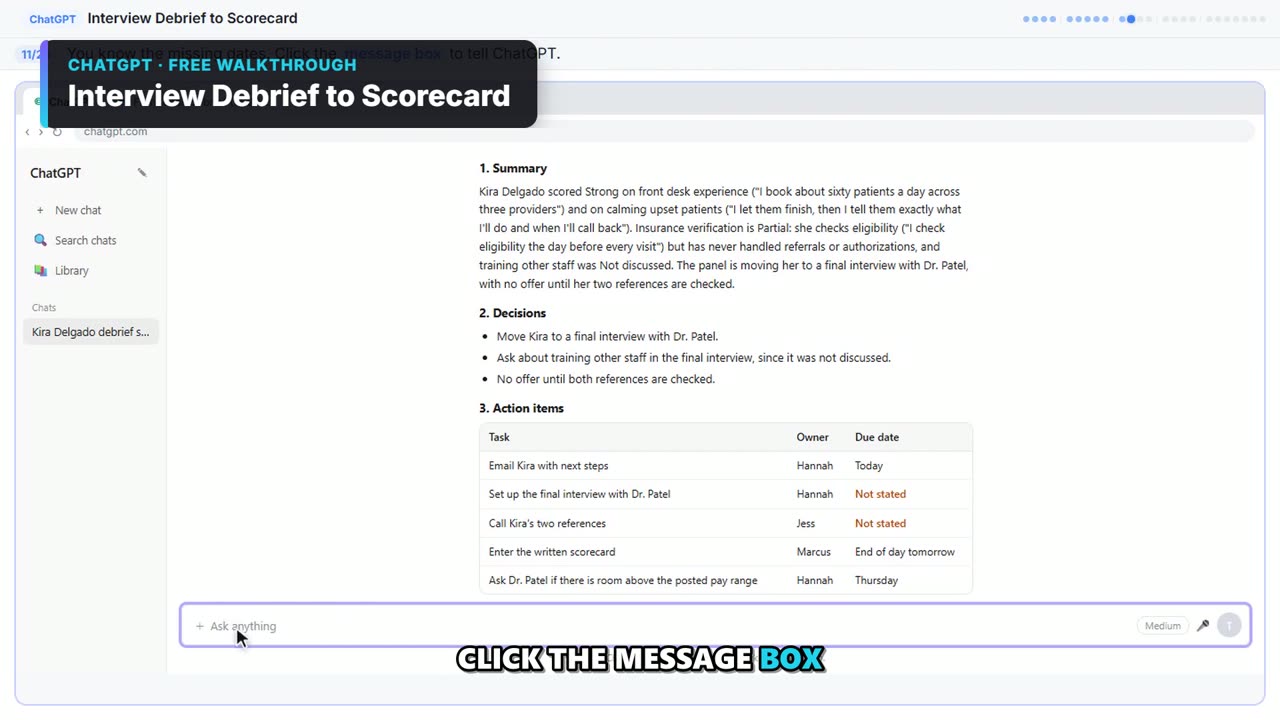 1:04
Interview Debrief to Scorecard in 64 seconds
Turn the transcript of an interview panel's debrief into a scorecard against the role's must-haves, the decisions, action items with owners and dates, and a follow-up email to the candidate.
 1:08
Prompt Writing 101 with ChatGPT: the 1-minute version
Prompt Writing 101 with ChatGPT: the 1-minute version. A short from the free Stepthrough lesson “Prompt Writing 101: Role, Context, Task, Format”: Ask ChatGPT for the same customer email twice, once vaguely and once with a four-part prompt, and see exactly why structure gets a better answer.
 1:07
AI Demo Request Form with Lovable + n8n for sales teams: the 1-minute version
AI Demo Request Form with Lovable + n8n for sales teams: the 1-minute version. A short from the free Stepthrough lesson “Build an AI Demo Request Form That Qualifies Leads”: Build a "Book a demo" form in Lovable for Northwind Scheduling Software and connect it to n8n — the AI agent rates each lead hot, warm or nurture, saves it to Google Sheets and emails the right next…
 1:06
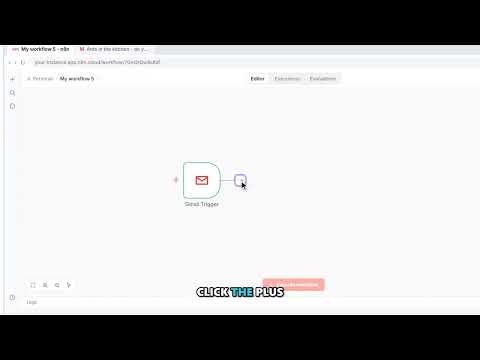
AI Email Responder with n8n: the 1-minute version
Build an n8n agent that watches your Gmail, reads each new customer email, and writes a reply as a draft in the same thread, ready for you to check and send. Try it free, one click at a time: https://learn.ynteractive.com/modules/email-responder More free AI automation walkthroughs: https://learn.ynteractive.com
 1:05
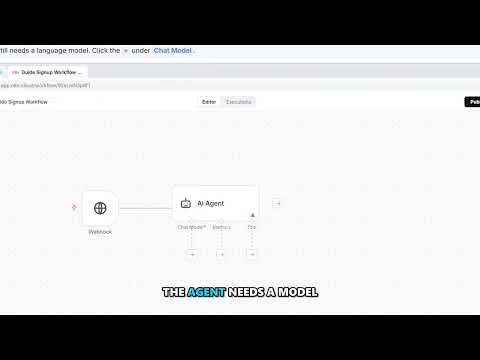
AI Lead Magnet Signup Form with Lovable + n8n for marketers: the 1-minute version
Build a "Get the free guide" signup form in Lovable for Harbor & Pine Coffee Roasters and connect it to n8n — the AI agent tags each lead by interest, saves it to Google Sheets and emails a personal welcome with the guide. Try it free, one click at a time: https://learn.ynteractive.com/modules/lovable-n8n-marketing More free AI automation walkthroughs: https://learn.ynteractive.com
 0:51
How to Write Better ChatGPT Prompts: 4 Simple Parts
Vague prompt, vague email: Dear Valued Customer and blanks like [Your Company Name]. Give ChatGPT four short parts instead: Role, Context, Task and Format.
 1:05
AI Receipt Extractor with n8n: the 1-minute version
Drop a photo of a receipt into an n8n chat. An AI agent reads it, pulls out the date, vendor and amount, picks a category, and adds a row to Google Sheets. Try it free, one click at a time: https://learn.ynteractive.com/modules/receipt-extractor More free AI automation walkthroughs: https://learn.ynteractive.com
 0:48
Check AI Email Drafts for Promises Before You Send
A smooth AI reply can still promise something you can't do. Ask ChatGPT for a table of every promise in its draft next to the fact behind it, and fix what it flags.
 1:09
n8n AI Agent – AI Vendor Follow-Up Agent for operations teams: the 1-minute version
n8n AI Agent tip: For operations: build an AI agent in n8n that writes follow-ups for late or pending purchase orders, each with one clear question and a reply-by date, and saves them to Google Sheets.
 1:05
Lovable + n8n – AI Maintenance & IT Request Form for operations teams: the 1-minute version
Lovable + n8n tip: For operations: build an internal maintenance and IT request form in Lovable and connect it to n8n. The AI agent sets the priority, assigns a team, saves the request to Google Sheets and emails a confirmation.
Explainers
The idea behind a blog post in about a minute: a short animated explainer with captions, linked to the full post and its free lesson.
 0:51
How to write better ChatGPT prompts
Vague prompts get generic answers full of [Your Company Name]. Role, Context, Task and Format fix that. A real before-and-after, plus a template.
 0:52
Meeting transcript to action items
Turn a meeting transcript into action items with ChatGPT: a summary, decisions, a task-owner-date table, open questions and a follow-up email.
 0:48
Check AI drafts for promises
Check a ChatGPT email before sending: ask for a table of every promise in the draft and the numbered fact behind it. Three real examples and a prompt.
 0:54
ChatGPT for accountants
ChatGPT for accountants and bookkeepers: turn client meetings into dated action items and answer "where's my refund?" emails without overpromising.
 0:53
What is a webhook?
What is a webhook? A URL that waits for data. See how a website form sends JSON to an n8n webhook, which URL to use, and where webhooks fit in a business.
 0:51
How to stop ChatGPT making things up
Stop ChatGPT from making things up with five guardrails: a facts list, a Not stated rule, never-invent rules, a closed category list and a final check.
 0:49
How to ask ChatGPT for a table
Ask ChatGPT for a table by naming the columns and saying what goes in an empty cell. Three work prompts: action items, a promise check and a scorecard.
 0:57
AI email replies as Gmail drafts
An AI email responder for Gmail that saves every reply as a draft in the same thread, never sends it. Built in n8n with your real prices and rules.
 0:48
Fix No session ID found in n8n
n8n "No session ID found" means Simple Memory wants a chat session ID your trigger doesn't have. Why it happens and the right fix, without deleting memory.
 0:48
OpenAI API vs ChatGPT Plus
OpenAI API vs ChatGPT Plus: why your ChatGPT plan doesn't power n8n, how pay-per-request API billing works, and how to set up a key safely.
 0:49
How to use n8n templates
How to use n8n templates: find one in the gallery, import it, connect your accounts, swap in your own sheet and email, test it and publish.
 0:56
AI agent vs chatbot vs automation
AI agent vs chatbot vs automation, in plain English: what each one does, a real small-business example of each, and how to pick the right one.
 0:45
ChatGPT for law firms: no predictions
ChatGPT for law firms: draft client case-update emails from your firm's facts, catch every line that predicts an outcome, and send a clear, kind reply.
 0:48
AI for office managers
AI for office managers: a normal work week mapped to free lessons, from Monday's meeting recap to inbox drafts and receipts, plus one set of office rules.
 0:52
Ask for missing tax documents
How to email clients for missing tax documents: name the exact form, say where to find it, list what you have, and keep bank numbers out of email.
 0:50
Follow up by deal stage
Sales follow up by deal stage: one short message per open deal, matched to where it stands, with one ask. A ChatGPT prompt, then an n8n agent.
 0:49
AI for marketers
AI for marketers at small businesses and agencies: four-part prompts for copy, a social ideas agent, a campaign calendar, and signup forms that tag leads.
 0:52
A welcome email that fits
Lead magnet welcome email automation: a signup form sends each lead to an n8n AI agent that tags it, saves it and emails the guide with one tip.
 0:48
Reply to an angry customer
How to respond to an angry customer email: read the whole thread, list what they asked, give ChatGPT only facts you can keep, and answer every question.
 0:49
Don't say make it better
How to revise a ChatGPT draft: ask for specific changes, lock every other fact, decide when to batch edits, and know when to fix it by hand.
 0:49
ChatGPT mistakes at work
Eight common ChatGPT mistakes at work, from one-line prompts to trusting the first draft and pasting card numbers, each with a simple fix.
 0:47
When to automate with AI
When to automate a task with AI: do it by hand in ChatGPT first, automate fixed daily steps without AI, and use an agent with drafts when judgment repeats.
 0:52
What AI automation costs
What AI automation costs a small business, setup by setup: ChatGPT alone, n8n without AI, n8n with the OpenAI API, and Lovable forms, plus your time.
 0:51
Write the system message
How to write an n8n AI Agent system message: the four parts, output fields that match your sheet, tool lines, rules, and how it differs from the prompt.
 0:45
Is Gmail + n8n safe?
Is it safe to connect Gmail to n8n? What Google's permission screen means, which account to connect, why Draft beats Send, and how to remove access.
 0:52
A Lovable prompt for a form
A Lovable prompt for a form, section by section: fields, heading, webhook keys, submission states, validation and the secret, and how to adapt it.
 0:48
A thank-you that isn't a pitch
A customer thank you email that isn't a sales pitch: a four-part ChatGPT prompt, examples for a trade business and a firm, and how to make it personal.
 0:51
Apologize once, then answer
An apology email for a late response: apologize once, name the miss, own it, then answer every question. Examples from three firms and a ChatGPT method.
 0:52
How to test an n8n workflow
How to test an n8n workflow: test one step, run the whole thing, read the item counts, use test events, check the real output, then publish.
 0:50
n8n Simple Memory, explained
n8n Simple Memory explained: what it keeps, why "save those ideas to the sheet" needs it, how email agents key it by thread, and when an agent needs none.
 0:48
Defined automatically by the model
What "defined automatically by the model" means in n8n tools, when to click the sparkle button, and when a fixed expression is the safer choice.
 0:51
Year-end client checklist
A year-end bookkeeping checklist for clients: statements, uncategorized transactions, purchase paperwork and W-9s, with owners and dates set in ChatGPT.
 0:50
Connect Google Sheets to n8n
Connect Google Sheets to n8n step by step: Sign in with Google, the permission boxes, a separate Gmail credential, picking your sheet, and the usual snags.
 0:47
Categorize expenses with AI
Categorize business expenses with AI: an n8n agent sorts each one into a fixed list, flags unclear ones as Needs Review and logs them for a bookkeeper.
 0:51
AI for small online stores
AI for a small ecommerce business: a signup form that tags each subscriber, a two-week campaign calendar, calmer order-problem replies and receipts.
 0:46
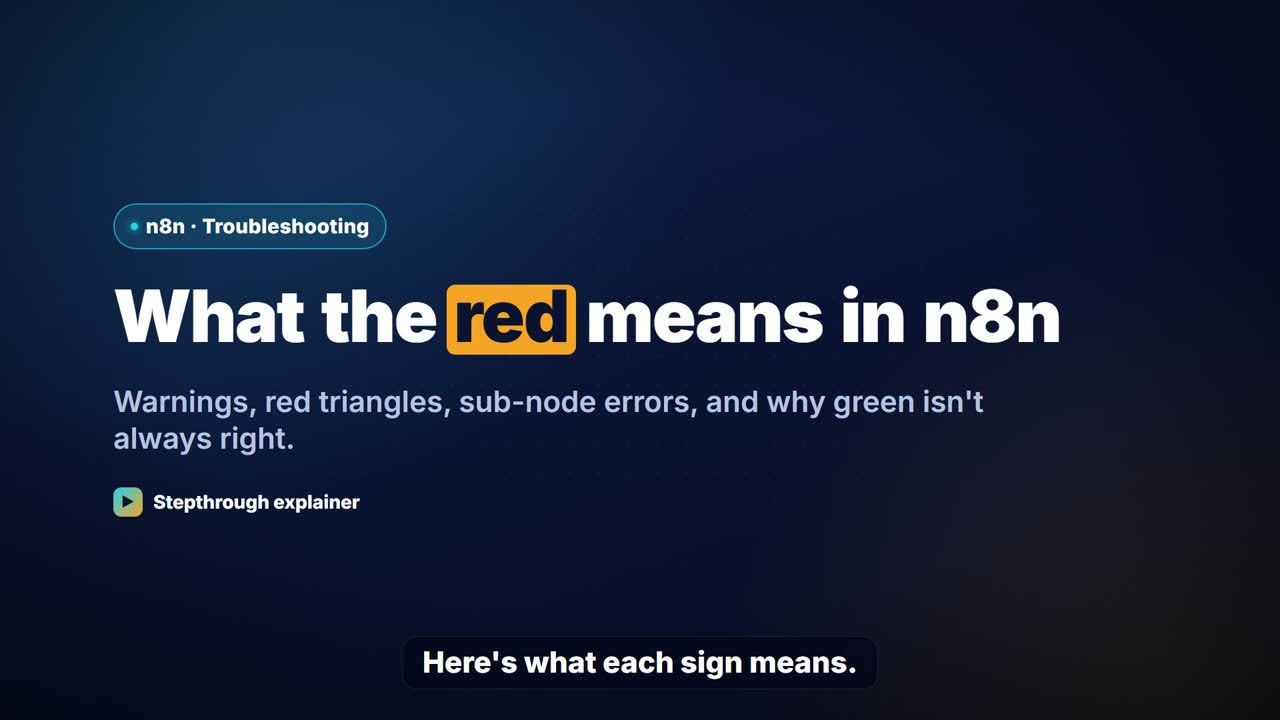
What the red means in n8n
n8n node warnings and errors explained: template warnings, the red triangle on an AI Agent, "Error in sub-node", green checks and item counts.
 0:47
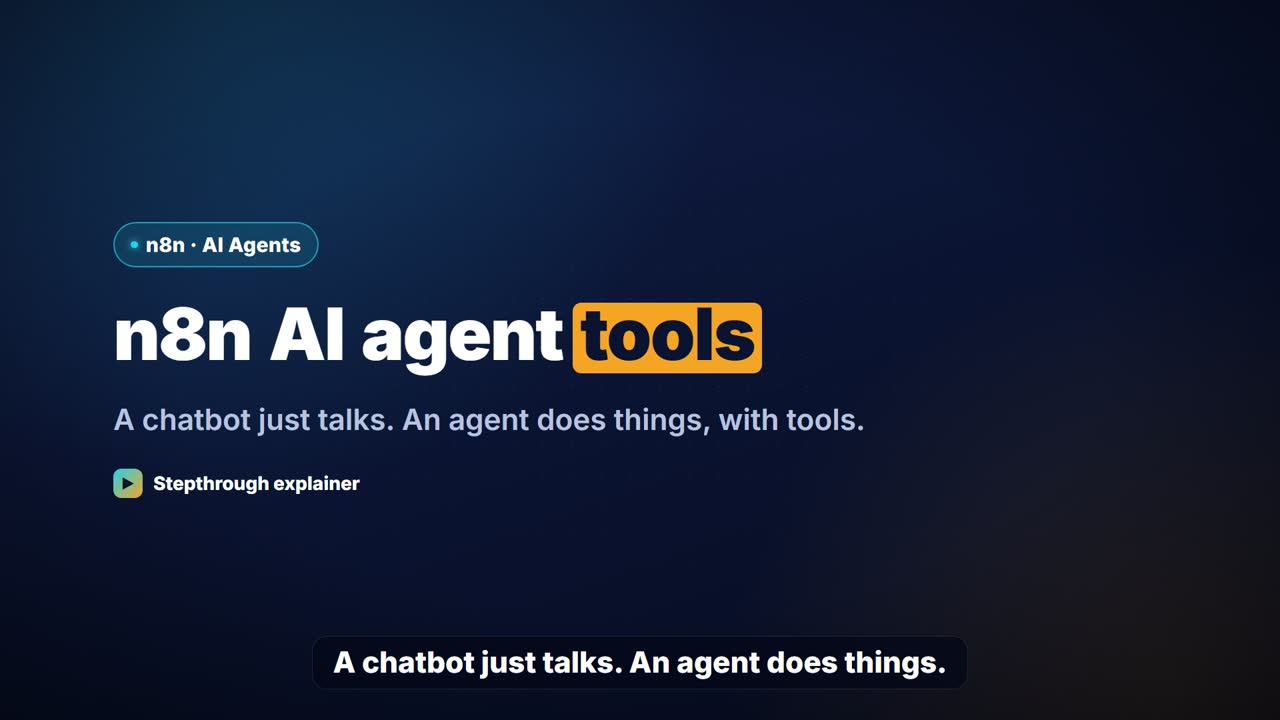
n8n AI agent tools
n8n AI agent tools explained: Google Sheets Tool and Gmail Tool vs regular nodes, naming tools in the system message, and limiting a tool to drafts.
 0:50
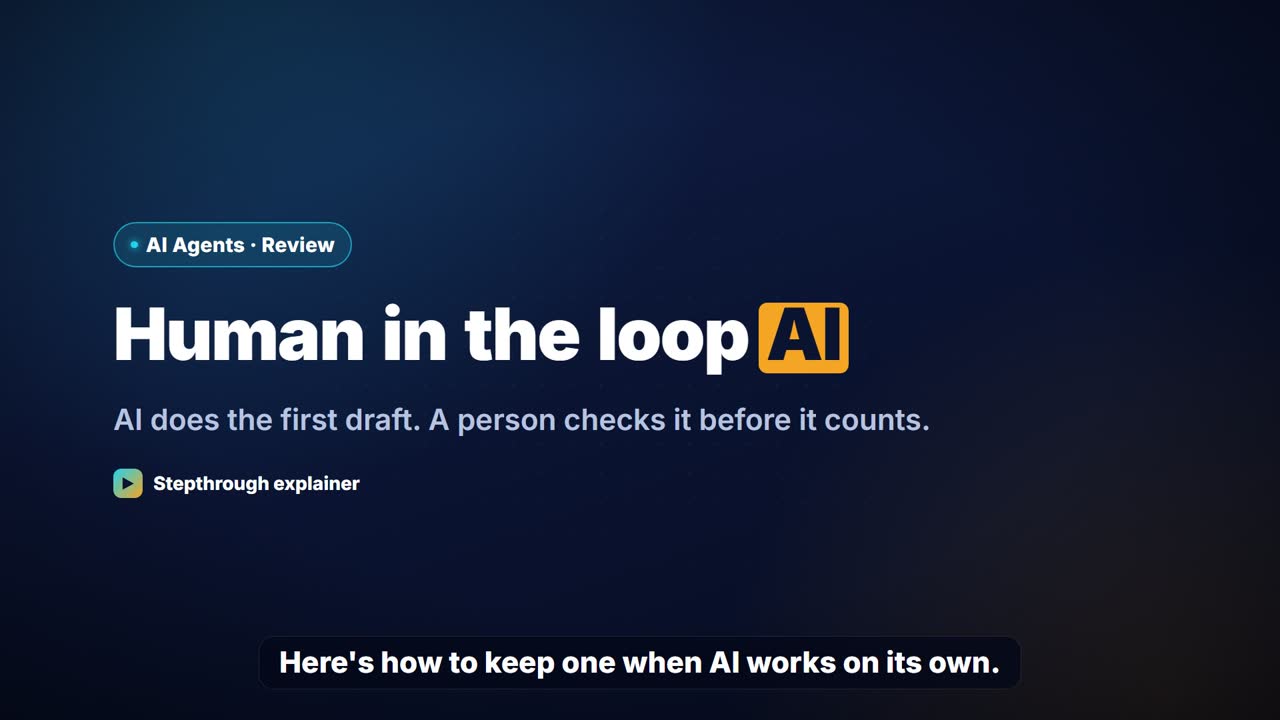
Human in the loop AI
Human in the loop AI for small businesses: drafts instead of sends, review sheets, Needs Review buckets and a final read, with a checklist to design it.
 0:52
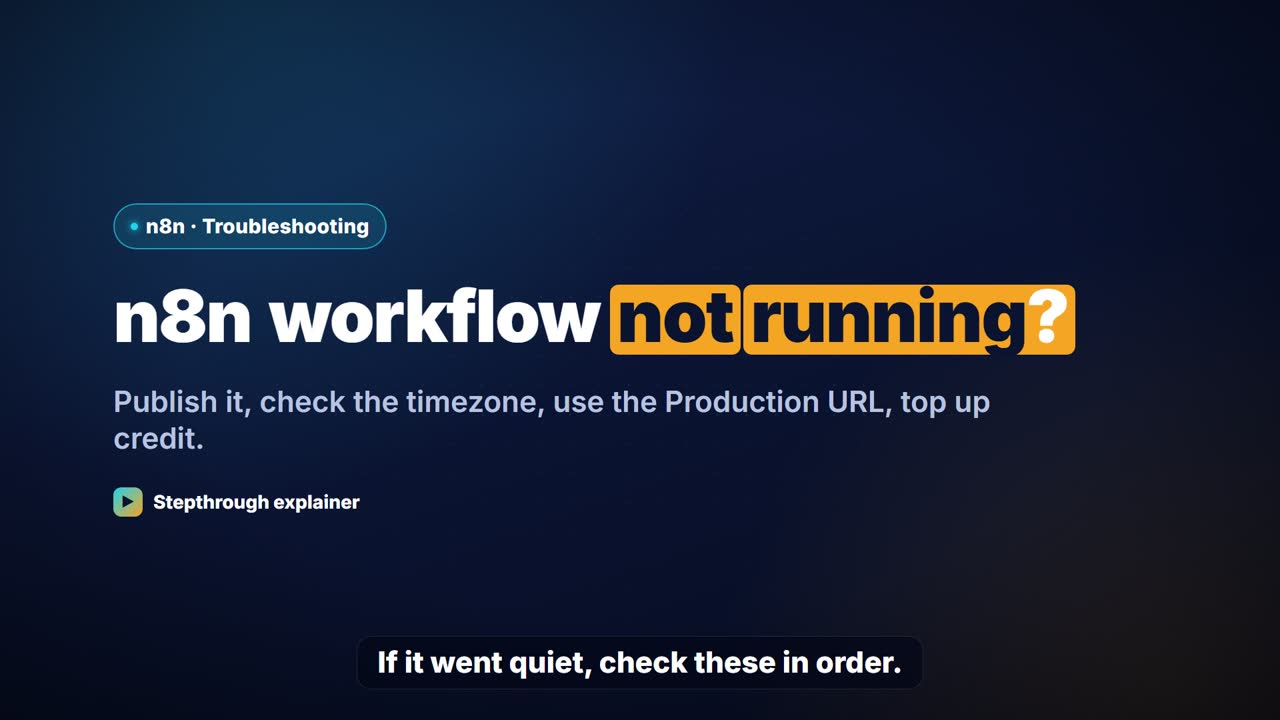
n8n workflow not running?
n8n workflow not running automatically? A checklist: Publish, timezone and hour, Test vs Production URL, polling, OpenAI credit, credentials and filters.
 0:49
3 business automation examples
Business automation examples you can build free: 7am job emails with no AI, AI-drafted email replies and receipts to a sheet, plus the pattern behind each.
 0:50
Delimiters in a ChatGPT prompt
Delimiters are markers like triple backticks or email tags that separate your instructions from pasted text. When to use them in ChatGPT, with examples.
 0:52
What is an API key?
An API key is a secret password that lets one app use another. How to create an OpenAI key for n8n, why it needs credit, and how to keep it safe.
 0:52
What is vibe coding?
Vibe coding means building software by describing it in plain words to an AI. What it is, what it's good for, and a real Lovable form example.
 0:59
What is dunning?
Dunning means reminding customers about overdue invoices. What it is, the usual friendly-to-firm steps, and how to draft each reminder with ChatGPT.
By tool
Blotato
ChatGPT
- Prompt Writing 101: Role, Context, Task, Format: Short with Robert (0:14) · Short with Robert (0:18) · Highlight (1:08) · Short (0:40) · Highlight (0:51) · Short (0:51) · Full walkthrough (2:20)
- Get Your Business Recommended by ChatGPT: Full walkthrough (2:14)
- Summarize a Meeting Transcript with ChatGPT: Full walkthrough (3:00) · Highlight (1:16) · Short with Robert (0:22) · Short (0:44) · Short (0:52)
- Reply Faster: Turn a Messy Customer Email Thread into a Clear, Friendly Reply: Full walkthrough (2:51) · Highlight (1:04) · Short (0:42) · Short (0:48) · Highlight (0:48)
- ChatGPT Projects: Keep Your Brand Voice, Files and Instructions in One Place: Short (0:23) · Full walkthrough (3:29)
- Analyze a Spreadsheet with ChatGPT: Upload a CSV, Get a Chart and Three Takeaways: Full walkthrough (3:04)
- Make Images with ChatGPT for Your Business: Short (0:26)
- Make ChatGPT Ask You Questions First: The Interview Prompt: Short (0:28)
- Give Examples: Few-Shot Prompts That Copy Your Style: Short (0:28)
- Turn a Client Meeting into Action Items and a Follow-Up Email (Accounting Firms): Full walkthrough (3:04) · Highlight (1:16) · Short (0:44) · Short (0:38) · Short (0:38) · Short with Robert (0:29)
- Answer Refund-Date Emails Without Overpromising using ChatGPT: Full walkthrough (3:07) · Highlight (1:07) · Short (0:42) · Short with Robert (0:41)
- Answer Case-Update Emails Without Predicting the Outcome using ChatGPT: Full walkthrough (3:16) · Highlight (1:08) · Short with Robert (0:18) · Short (0:42) · Short with Robert (0:36)
- Reply Faster to Claim-Status Emails: ChatGPT for Independent Insurance Agencies: Full walkthrough (3:13) · Highlight (1:11) · Short with Robert (0:27) · Short (0:43) · Short with Robert (0:32)
- Score Every Candidate Fairly After the Interview using ChatGPT: Full walkthrough (3:06) · Highlight (1:04) · Short with Robert (0:22) · Short (0:37) · Short with Robert (0:33) · Short with Robert (0:32) · Short with Robert (0:33)
- Prompt Chaining for a Client Campaign Plan: Build It in Steps with ChatGPT (Agencies): Short (0:22) · Short (0:27)
- Choose the AI Assistant Your Team Should Use, Tested on ChatGPT, Claude, Gemini and Copilot: Full walkthrough (1:51)
- ChatGPT: Keep Client Data Safe, Set Up Your Team's Data Controls in 10 Minutes: Full walkthrough (3:05)
Claude
- What Are Claude Skills? Turn One On and Watch It Work: Short (0:13)
- Check a Contract for Red Flags with Claude: Full walkthrough (3:30)
- Choose the AI Assistant Your Team Should Use, Tested on ChatGPT, Claude, Gemini and Copilot: Full walkthrough (1:51)
Copilot
- Choose the AI Assistant Your Team Should Use, Tested on ChatGPT, Claude, Gemini and Copilot: Full walkthrough (1:51)
Gamma
Gemini
- Choose the AI Assistant Your Team Should Use, Tested on ChatGPT, Claude, Gemini and Copilot: Full walkthrough (1:51)
Gmail
Lovable
- Lovable + n8n: Build a Web App with an AI Backend: Short with Robert (0:19) · Short with Robert (0:32) · Short (0:13) · Full walkthrough (9:03)
- Build an AI Service Request Form for Your HVAC Company: Short (0:38) · Full walkthrough (8:59)
- Build an AI Quote Request Form for Electrical Contractors: Full walkthrough (9:16)
- Build an AI Emergency Request Form for Your Plumbing Company: Short (0:44) · Full walkthrough (9:17)
- Build an AI Demo Request Form That Qualifies Leads: Highlight (1:07) · Short (0:44) · Full walkthrough (8:57)
- Build a Lead Magnet Signup Form with an AI Welcome Email: Highlight (1:05) · Short (0:52)
- Build an AI Maintenance and IT Request Form: Highlight (1:05)
- Build an Expense Reimbursement Form With AI Policy Checks: Short (0:40)
n8n
- n8n AI Agent Tutorial: Save Social Media Ideas to Google Sheets: Short with Robert (0:22) · Short (0:13) · Full walkthrough (8:07)
- Lovable + n8n: Build a Web App with an AI Backend: Short with Robert (0:19) · Short with Robert (0:32) · Short (0:13) · Full walkthrough (9:03)
- AI Receipt Extractor: Receipts to Google Sheets with n8n: Short with Robert (0:11) · Short (0:33) · Short with Robert (0:27) · Highlight (1:05) · Full walkthrough (5:35)
- n8n AI Email Responder: Draft Gmail Replies Automatically: Short with Robert (0:14) · Short with Robert (0:19) · Short with Robert (0:18) · Highlight (1:06) · Short (0:42) · Short (0:39) · Short (0:35)
- Daily Job Alerts: Email Each Tech Their Jobs from Google Sheets with n8n: Short with Robert (0:14) · Short with Robert (0:15) · Short with Robert (0:18) · Short (0:17) · Full walkthrough (5:10)
- Gmail AI Triage: Auto-Label Every Email and Draft Replies: Short (0:24) · Full walkthrough (2:31)
- A Support Agent That Answers from Your Own Docs: Full walkthrough (2:23)
- Build an AI Follow-Up Agent for HVAC Service Calls: Full walkthrough (7:59)
- Build an AI Service Request Form for Your HVAC Company: Short (0:38) · Full walkthrough (8:59)
- Build an AI Job Follow-Up Agent for Electricians: Full walkthrough (8:25)
- Build an AI Quote Request Form for Electrical Contractors: Full walkthrough (9:16)
- Build an AI Customer Follow-Up Agent for Plumbers: Full walkthrough (8:22)
- Build an AI Emergency Request Form for Your Plumbing Company: Short (0:44) · Full walkthrough (9:17)
- Build an n8n AI Agent That Writes Deal Follow-Ups: Short (0:43) · Short with Robert (0:35) · Short with Robert (0:35) · Full walkthrough (7:57)
- Build an AI Demo Request Form That Qualifies Leads: Highlight (1:07) · Short (0:44) · Full walkthrough (8:57)
- Speed-to-Lead Agent: Answer Every Web Lead in 60 Seconds: Full walkthrough (3:28)
- Build an n8n AI Agent That Plans Your Content Calendar: Short (0:39) · Full walkthrough (8:03)
- Build a Lead Magnet Signup Form with an AI Welcome Email: Highlight (1:05) · Short (0:52)
- Post to Every Channel Daily from One Sheet using n8n + Blotato: Full walkthrough (3:26)
- Build an AI Vendor Follow-Up Agent in n8n: Short (0:40) · Short with Robert (0:32) · Highlight (1:09) · Full walkthrough (7:53)
- Build an AI Maintenance and IT Request Form: Highlight (1:05)
- Build an AI Agent That Categorizes Business Expenses: Short (0:39)
- Build an Expense Reimbursement Form With AI Policy Checks: Short (0:40)
- Invoices from Your Inbox to Google Sheets, with Approval: Full walkthrough (2:31)
- Find and Use n8n Templates: Short (0:33) · Short with Robert (0:27) · Short (0:34) · Full walkthrough (3:32)
- IF and Switch in n8n: Route Work by Rules: Full walkthrough (3:11)
- An AI Resume Screener, with a Fairness Step (Recruiting & HR): Full walkthrough (3:36)
OLVA
- OLVA: A Private AI Assistant on Your Client Calls: Short with Robert (0:20) · Short with Robert (0:16) · Short (0:32) · Short (0:25) · Short (0:24) · Full walkthrough (3:06)
By industry
Accounting & Bookkeeping Firms
- Turn a Client Meeting into Action Items and a Follow-Up Email (Accounting Firms): Full walkthrough (3:04) · Highlight (1:16) · Short (0:44) · Short (0:38) · Short (0:38) · Short with Robert (0:29)
- Answer Refund-Date Emails Without Overpromising using ChatGPT: Full walkthrough (3:07) · Highlight (1:07) · Short (0:42) · Short with Robert (0:41)
All lessons for Accounting & Bookkeeping Firms
Consulting & Agencies
- Prompt Chaining for a Client Campaign Plan: Build It in Steps with ChatGPT (Agencies): Short (0:22) · Short (0:27)
- OLVA: A Private AI Assistant on Your Client Calls: Short with Robert (0:20) · Short with Robert (0:16) · Short (0:32) · Short (0:25) · Short (0:24) · Full walkthrough (3:06)
All lessons for Consulting & Agencies
Electricians
- Build an AI Job Follow-Up Agent for Electricians: Full walkthrough (8:25)
- Build an AI Quote Request Form for Electrical Contractors: Full walkthrough (9:16)
Finance
- Build an AI Agent That Categorizes Business Expenses: Short (0:39)
- Build an Expense Reimbursement Form With AI Policy Checks: Short (0:40)
- Invoices from Your Inbox to Google Sheets, with Approval: Full walkthrough (2:31)
HVAC
- Build an AI Follow-Up Agent for HVAC Service Calls: Full walkthrough (7:59)
- Build an AI Service Request Form for Your HVAC Company: Short (0:38) · Full walkthrough (8:59)
Insurance Agencies
- Reply Faster to Claim-Status Emails: ChatGPT for Independent Insurance Agencies: Full walkthrough (3:13) · Highlight (1:11) · Short with Robert (0:27) · Short (0:43) · Short with Robert (0:32)
All lessons for Insurance Agencies
Law Firms
- Answer Case-Update Emails Without Predicting the Outcome using ChatGPT: Full walkthrough (3:16) · Highlight (1:08) · Short with Robert (0:18) · Short (0:42) · Short with Robert (0:36)
Marketing
- Build an n8n AI Agent That Plans Your Content Calendar: Short (0:39) · Full walkthrough (8:03)
- Build a Lead Magnet Signup Form with an AI Welcome Email: Highlight (1:05) · Short (0:52)
- Get Your Business Recommended by ChatGPT: Full walkthrough (2:14)
- Post to Every Channel Daily from One Sheet using n8n + Blotato: Full walkthrough (3:26)
Operations
- Build an AI Vendor Follow-Up Agent in n8n: Short (0:40) · Short with Robert (0:32) · Highlight (1:09) · Full walkthrough (7:53)
- Build an AI Maintenance and IT Request Form: Highlight (1:05)
- A Presentation from Your Notes in 5 Minutes (Gamma): Full walkthrough (3:03)
Plumbers
- Build an AI Customer Follow-Up Agent for Plumbers: Full walkthrough (8:22)
- Build an AI Emergency Request Form for Your Plumbing Company: Short (0:44) · Full walkthrough (9:17)
Recruiting & HR
- Score Every Candidate Fairly After the Interview using ChatGPT: Full walkthrough (3:06) · Highlight (1:04) · Short with Robert (0:22) · Short (0:37) · Short with Robert (0:33) · Short with Robert (0:32) · Short with Robert (0:33)
- An AI Resume Screener, with a Fairness Step (Recruiting & HR): Full walkthrough (3:36)
All lessons for Recruiting & HR
Sales Teams
- Build an n8n AI Agent That Writes Deal Follow-Ups: Short (0:43) · Short with Robert (0:35) · Short with Robert (0:35) · Full walkthrough (7:57)
- Build an AI Demo Request Form That Qualifies Leads: Highlight (1:07) · Short (0:44) · Full walkthrough (8:57)
- Speed-to-Lead Agent: Answer Every Web Lead in 60 Seconds: Full walkthrough (3:28)
Any business
- n8n AI Agent Tutorial: Save Social Media Ideas to Google Sheets: Short with Robert (0:22) · Short (0:13) · Full walkthrough (8:07)
- Lovable + n8n: Build a Web App with an AI Backend: Short with Robert (0:19) · Short with Robert (0:32) · Short (0:13) · Full walkthrough (9:03)
- AI Receipt Extractor: Receipts to Google Sheets with n8n: Short with Robert (0:11) · Short (0:33) · Short with Robert (0:27) · Highlight (1:05) · Full walkthrough (5:35)
- n8n AI Email Responder: Draft Gmail Replies Automatically: Short with Robert (0:14) · Short with Robert (0:19) · Short with Robert (0:18) · Highlight (1:06) · Short (0:42) · Short (0:39) · Short (0:35)
- Daily Job Alerts: Email Each Tech Their Jobs from Google Sheets with n8n: Short with Robert (0:14) · Short with Robert (0:15) · Short with Robert (0:18) · Short (0:17) · Full walkthrough (5:10)
- Gmail AI Triage: Auto-Label Every Email and Draft Replies: Short (0:24) · Full walkthrough (2:31)
- A Support Agent That Answers from Your Own Docs: Full walkthrough (2:23)
- Prompt Writing 101: Role, Context, Task, Format: Short with Robert (0:14) · Short with Robert (0:18) · Highlight (1:08) · Short (0:40) · Highlight (0:51) · Short (0:51) · Full walkthrough (2:20)
- Summarize a Meeting Transcript with ChatGPT: Full walkthrough (3:00) · Highlight (1:16) · Short with Robert (0:22) · Short (0:44) · Short (0:52)
- Reply Faster: Turn a Messy Customer Email Thread into a Clear, Friendly Reply: Full walkthrough (2:51) · Highlight (1:04) · Short (0:42) · Short (0:48) · Highlight (0:48)
- ChatGPT Projects: Keep Your Brand Voice, Files and Instructions in One Place: Short (0:23) · Full walkthrough (3:29)
- Analyze a Spreadsheet with ChatGPT: Upload a CSV, Get a Chart and Three Takeaways: Full walkthrough (3:04)
- Make Images with ChatGPT for Your Business: Short (0:26)
- Gmail Filters, Labels and AI Draft Replies With a Human Check: Short (0:27)
- Find and Use n8n Templates: Short (0:33) · Short with Robert (0:27) · Short (0:34) · Full walkthrough (3:32)
- IF and Switch in n8n: Route Work by Rules: Full walkthrough (3:11)
- What Are Claude Skills? Turn One On and Watch It Work: Short (0:13)
- Check a Contract for Red Flags with Claude: Full walkthrough (3:30)
- Make ChatGPT Ask You Questions First: The Interview Prompt: Short (0:28)
- Give Examples: Few-Shot Prompts That Copy Your Style: Short (0:28)
- Choose the AI Assistant Your Team Should Use, Tested on ChatGPT, Claude, Gemini and Copilot: Full walkthrough (1:51)
- ChatGPT: Keep Client Data Safe, Set Up Your Team's Data Controls in 10 Minutes: Full walkthrough (3:05)
All free tutorials · The full course, in order
How every module works
Each step is shown on the left, with a cursor pointing to exactly where to click. You do the same thing on the right, in a practice copy of the real tool. Get it right and it moves on. Nothing touches your real accounts until you're ready to build it for real.
Start learning free