Thanksgiving week is a natural moment to say thanks. It's also when inboxes fill with sales, which is exactly why a plain, sincere note stands out.
What makes a customer thank-you email sincere?
A sincere thank-you is specific, brief and asks for nothing. If the email ends with a discount code or "book now," customers read the whole thing as an ad.
- Specific: mention something real from the year, like a new service, a busy season you got through together, or customers who stuck with you.
- Brief: a few short paragraphs. People read thank-you notes on their phones.
- No hard sell: no offers, no "limited time." A soft line like "we're here if you need us" is enough.
- From a person: signed by the owner or the person they deal with, not "The Management."
Why does ChatGPT write generic thank-you emails?
ChatGPT writes a generic email when the prompt is generic, because it has to guess everything you left out. The Prompt Writing 101 lesson shows the problem with a one-line request: "Write an email to my customers about our new service." The answer starts with "Dear Valued Customer," puts emoji in the subject line and leaves blanks like [Your Company Name].
A thank-you email is especially easy to get wrong this way. "Write a thank-you email to my customers" gives ChatGPT no year, no customers and no voice, so you get the same note every business could send.
How do you write a thank-you email with the four-part prompt?
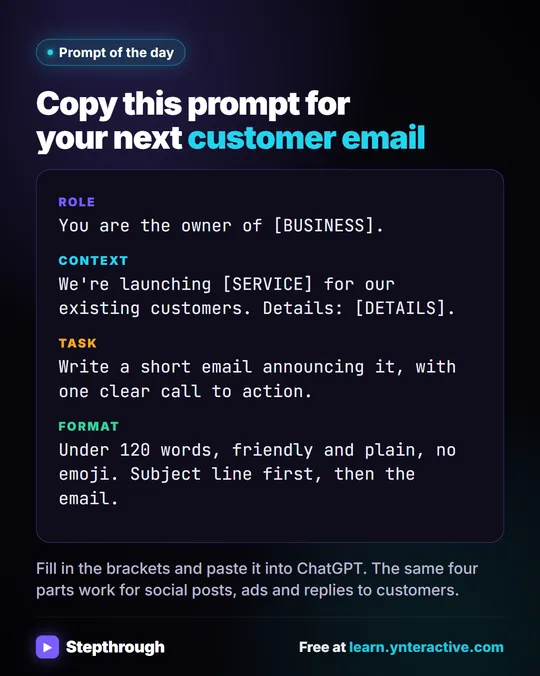
Write one or two sentences for each part: who's writing (Role), what ChatGPT can't know (Context), what you want back (Task) and how it should look (Format). Then send all four in one message.
The lesson's example business is Summit Lawn Care, a made-up family-run lawn company in Harrisburg, PA. Its four-part prompt produced a specific, plain email that used the real price and dates.
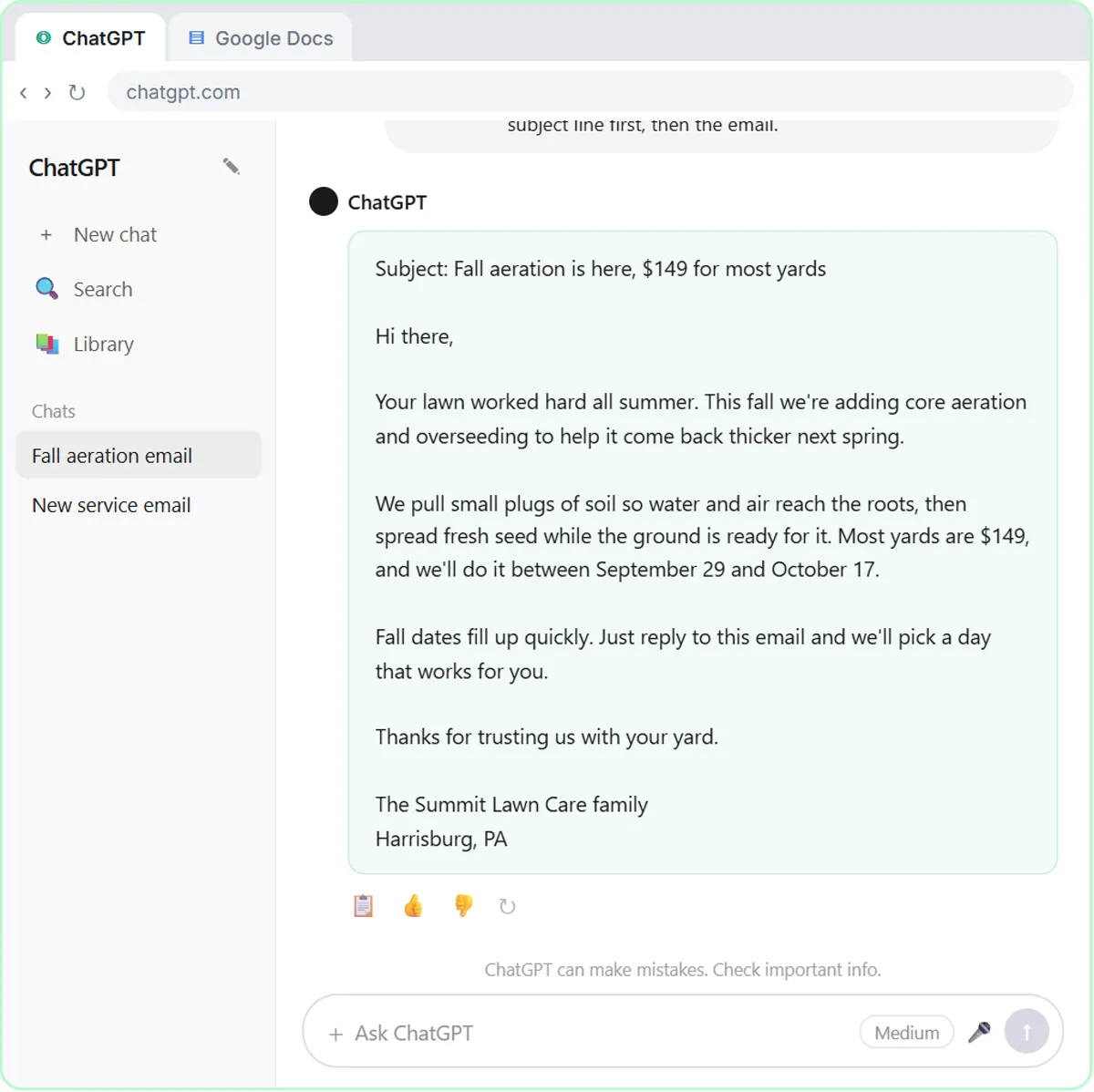
The same four parts, pointed at a thank-you:
- Role: the owner, by name and business.
- Context: who the customers are and two or three true, specific things about the year.
- Task: a short thank-you email, with no hard sell.
- Format: length, tone, no emoji, subject line first.
What does a thank-you prompt look like for a trade business?
Here's an example for Summit Lawn Care, with year details invented for illustration. Swap in your own:
Role: You are the owner of Summit Lawn Care, a small family-run lawn company in Harrisburg, PA.

Context: Our customers are Harrisburg homeowners who get weekly mowing from us. This year we added fall aeration and overseeding, our crews worked through a long, dry summer, and many customers have been with us for years.

Task: Write a short thank-you email to our customers for Thanksgiving. Thank them for their business and mention one or two of the things above. Don't sell anything: no offers, no booking links, no discounts.

Format: Under 120 words, warm and plain, no emoji. Subject line first, then the email. Sign it from me, the owner.
The Context line carries the sincerity. "Worked through a long, dry summer" is something your customers saw. Generic praise like "valued partnership" is not.
What does a thank-you prompt look like for a professional firm?
For a firm, the specifics are about the work you did together and the care you take with clients. Here's an example for a made-up bookkeeping firm:
Role: You are the owner of Maple Street Bookkeeping, a small bookkeeping firm.

Context: We keep the books for about 60 small businesses. This year we moved every client to a secure portal for documents, and many clients were patient while we worked through a busy filing season.

Task: Write a short end-of-year thank-you email to our clients. Thank them for trusting us with their books and mention the portal move and their patience. No sales pitch, and no advice of any kind.

Format: Under 120 words, warm and professional, no emoji. Subject line first, then the email. Sign it from me.
Keep a firm's thank-you free of anything that reads as advice or a promise, like tax tips or "we'll get your refund faster next year." A thank-you is the wrong place for either.
Try it free, step by step
Prompt Writing 101: Role, Context, Task, Format. Ask ChatGPT for the same customer email twice, once vaguely and once with a four-part prompt, and see exactly why structure gets a better answer. You do every step yourself in a practice copy of ChatGPT, it checks your work as you go, and “Do it for me” finishes any step you get stuck on. Free, and nothing touches your real accounts.
Start the free lessonHow do you fix the tone if the draft sounds off?
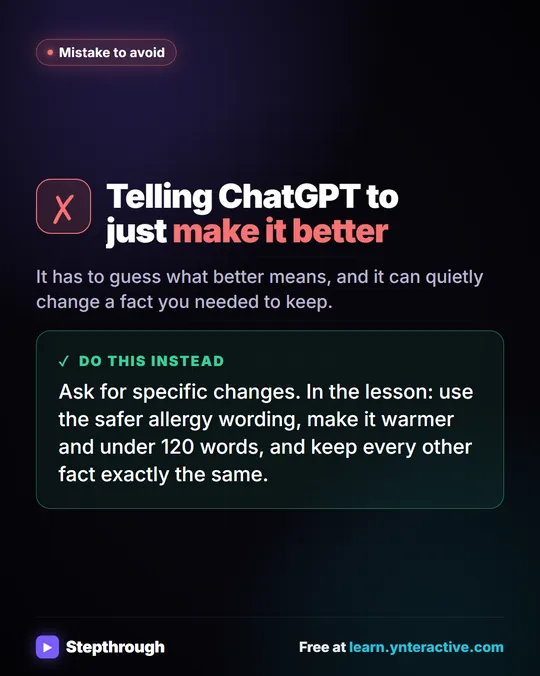
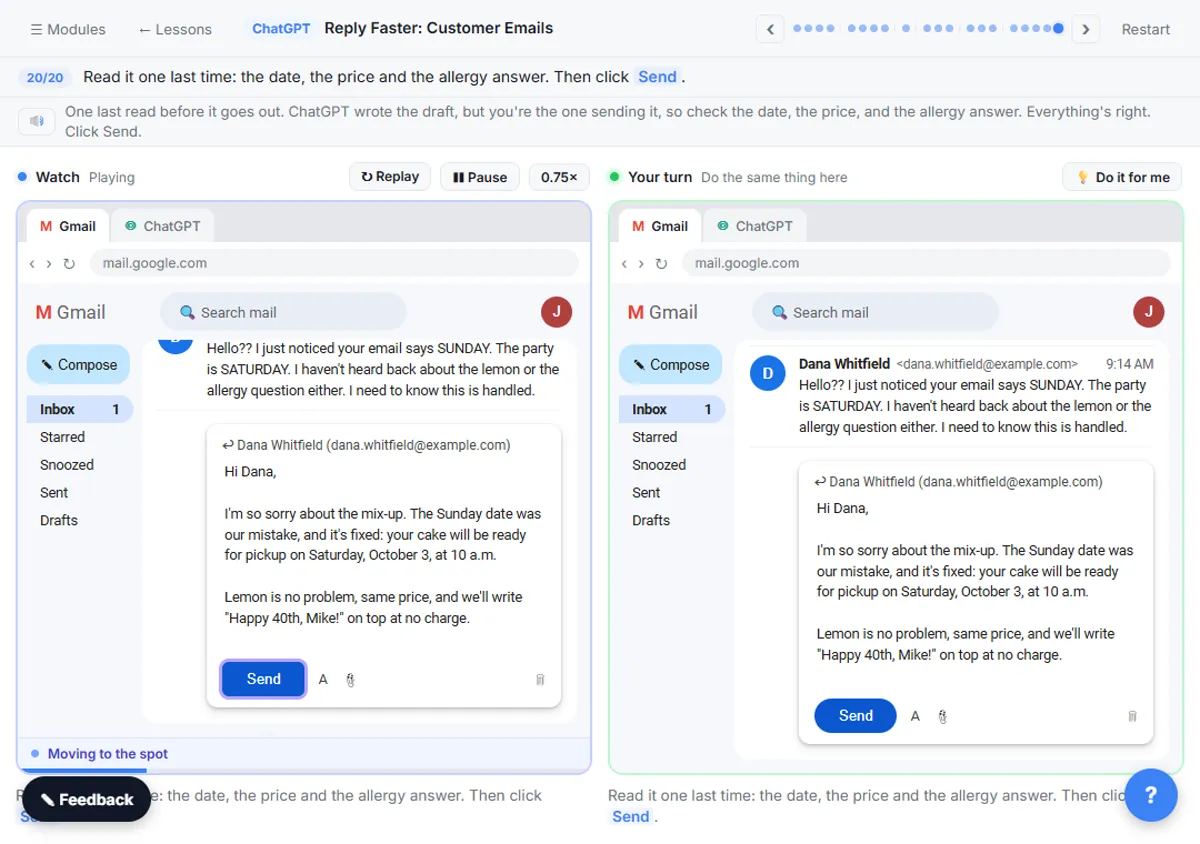
Ask for one specific change and tell ChatGPT to keep the facts the same. The Reply Faster lesson models this with its fix prompt: "make the whole reply a little warmer and shorter, under 120 words. Keep every other fact exactly the same."
Useful one-line fixes for a thank-you:
- "Cut the first sentence and start with the thank-you."
- "Remove anything that sounds like marketing."
- "Make it sound like a person talking, not a company."
- "Shorter: under 80 words."
Avoid "make it better." The lesson asks for one specific fix instead, because a vague request gives ChatGPT nothing to aim at.
How do you make a thank-you email personal?
Send the general email to most customers, and write a few personal ones by hand for the people who mattered most this year. A one-line personal note beats a long generic one.
For your top customers or clients, add one sentence only you could write: the job you did at their place, the project you finished together, the referral they sent you. You can ask ChatGPT to leave a spot for it: "Leave a line after the greeting marked [PERSONAL NOTE]." Then fill it in yourself. Don't paste private details into ChatGPT to get there; a first name and the type of job are enough.
If you want each email to include a name or detail from a spreadsheet, that's a per-row email, which n8n can send once for each row. Email Each Tech Their Jobs Every Morning with n8n shows the pattern, with a test to your own address first. For a dozen personal notes, writing them by hand is usually faster and warmer.
What should you check before you send it?
Read it once as the customer would. Check that every specific detail is true, every name is spelled right and nothing sounds like a pitch. ChatGPT only knows what you told it, so a made-up detail in the draft means it filled a gap: delete it.
Also check the basics of sending: use BCC or your email tool's normal list features so customers don't see each other's addresses, and send from a real person's address that can receive replies. Some customers will write back, and that's the point.
What does this cost?
Writing the email with ChatGPT works on any plan, including the free plan, within its limits. Both lessons are free and run in practice copies. The lesson saves its prompt as a template in a Google Doc, which is worth doing here too: next year you only update the Context. How to Write Better ChatGPT Prompts has more on the four parts, and the Prompt Writing course goes further.
Key takeaways
- A sincere customer thank-you email is short, specific about your year and asks for nothing.
- A one-line prompt gets a generic "Dear Valued Customer" email; a four-part prompt (Role, Context, Task, Format) gets a specific one.
- The Context part should hold two or three true details your customers would recognize.
- Fix tone with one specific request, such as "a little warmer and shorter, under 120 words," and keep every fact the same.
- Add a handwritten line for your most important customers, and read every email before it goes out.
Frequently asked questions
- Should a thank-you email include a discount?
Not if you want it to read as a thank-you. An offer turns it into a sales email. Save offers for a separate message.
- When should I send a customer thank-you email?
Thanksgiving week and the end of the year are common choices. Any time works if the note is specific and sincere.
- Can I send the same thank-you to every customer?
Yes, for most customers. Add a short personal line by hand for the people who mattered most this year.
- Is Summit Lawn Care a real company?
No. Summit Lawn Care, Maple Street Bookkeeping and the year details in the examples are made up.