Using Teams, Zoom or Google Meet? Start with the step-by-step guide for yours: Teams, Zoom or Google Meet. Not sure how to get the transcript? See how to get a transcript of a meeting.
Other tools: Claude, Teams Copilot, minutes template.
What is the step-by-step way to turn a transcript into action items?
These six steps work in ChatGPT, Claude or any other LLM chat:
- Trim the transcript. Keep the parts with decisions and tasks. Replace names with roles where the identity doesn't matter, and cut personal side talk and contact details.
- Start a new chat so nothing from another task leaks in.
- Paste the request first: a short summary, decisions, an action items table (task, owner, due date) and open questions, plus the rule "only use what's in the transcript, write Not stated if an owner or date isn't said."
- Paste or attach the transcript under the request, as task input for this chat only.
- Check the table against what was said, and fill any "Not stated" gaps in one short message.
- Ask for the follow-up email in the same chat, read it, then send it yourself.
The rest of this guide walks through each step with a real lesson transcript.
What does a messy meeting transcript look like?
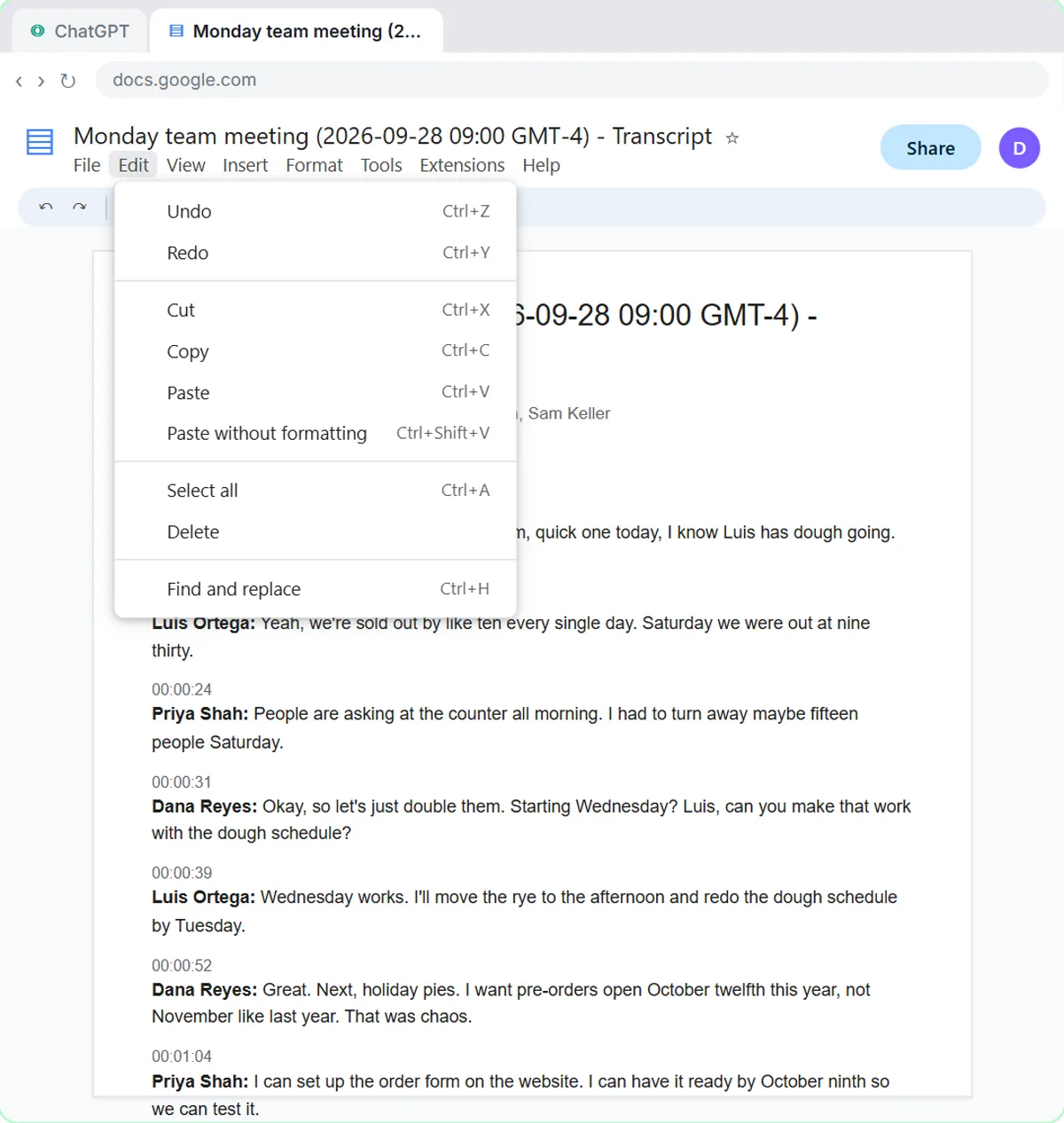
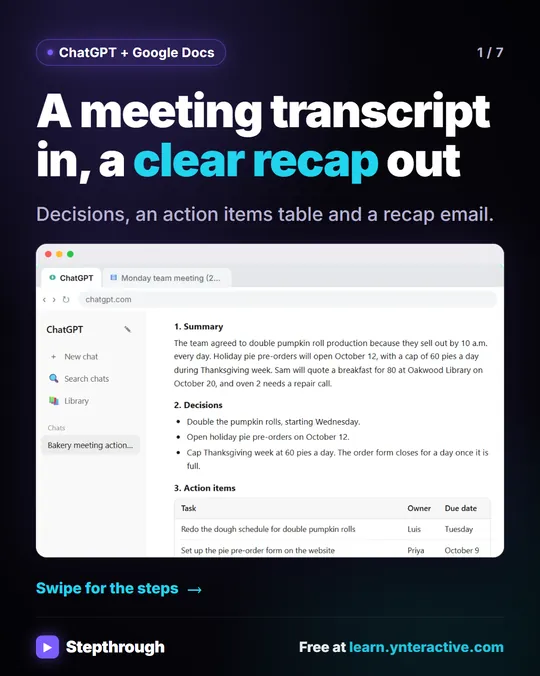
A real transcript mixes decisions, tasks and open questions, and some tasks have no owner or date. In the Summarize a Meeting Transcript lesson, you work with the transcript of a Monday team meeting at Harbor Street Bakery, a made-up small bakery. Google Meet saved it as a Google Doc. Four people talk:
- Pumpkin rolls sell out by ten, so they'll double them starting Wednesday.
- The library wants breakfast for 80 people on October 20, and Sam will do the quote.
- Oven two is clicking, and Luis will call the repair company.
- The van lease is up November 1, and nobody knows yet whether to renew.
What should you ask ChatGPT for before pasting the transcript?
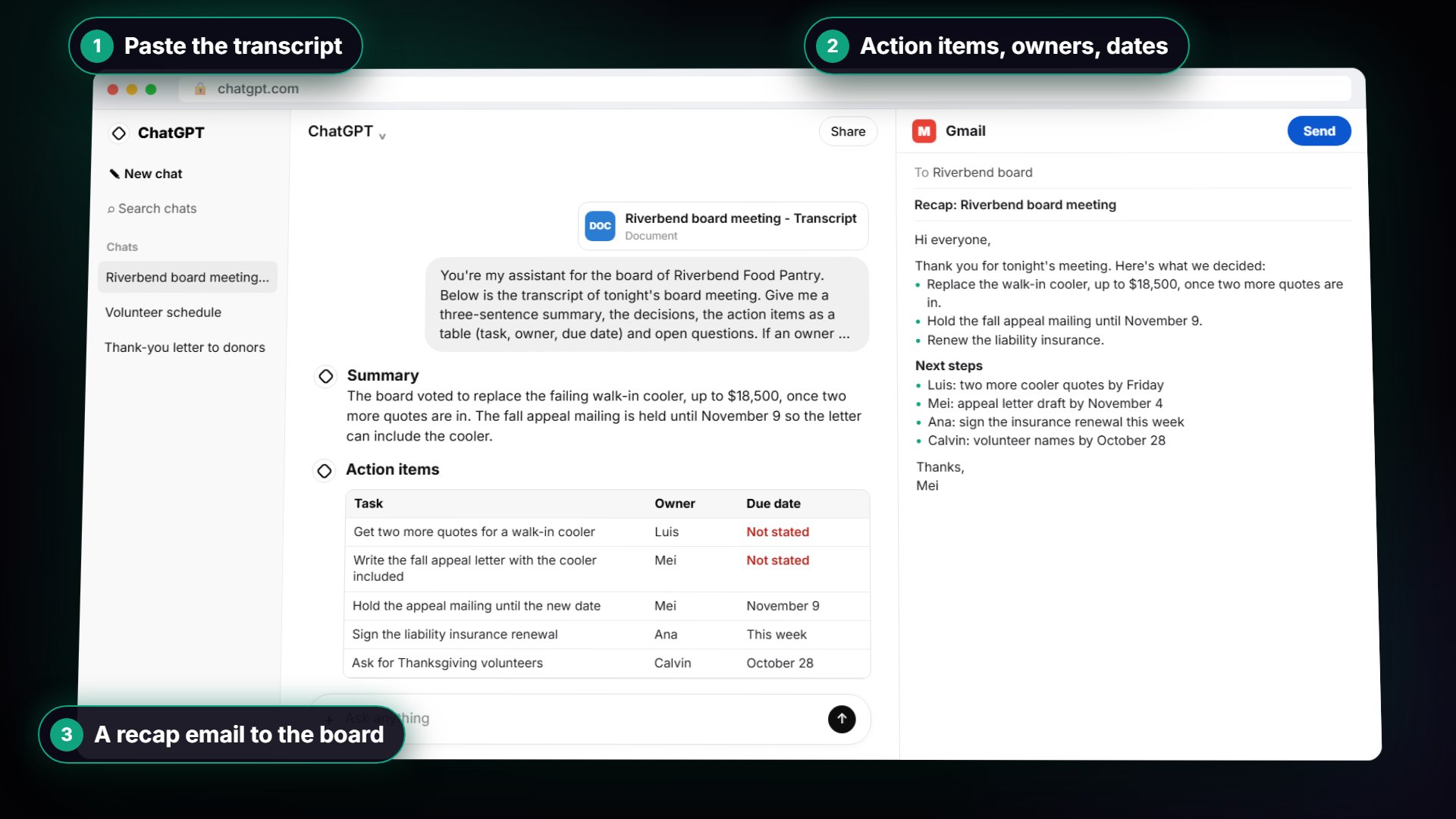
Ask for four things (a three-sentence summary, the decisions, an action items table with task, owner and due date, and open questions) and add the "Not stated" rule. "Summarize this" gets a friendly paragraph that helps nobody.
Start with the request instead:
You're my operations assistant. Below is the transcript of today's team meeting at Harbor Street Bakery. Give me:
1. A three-sentence summary
2. The decisions we made
3. The action items as a table: task, owner, due date
4. Open questions
Only use what's in the transcript. If an owner or date isn't said, write "Not stated".
Then paste the transcript underneath. In real ChatGPT, press Shift+Enter to start a new line first, because plain Enter sends the message. Then press Ctrl+V and click Send.
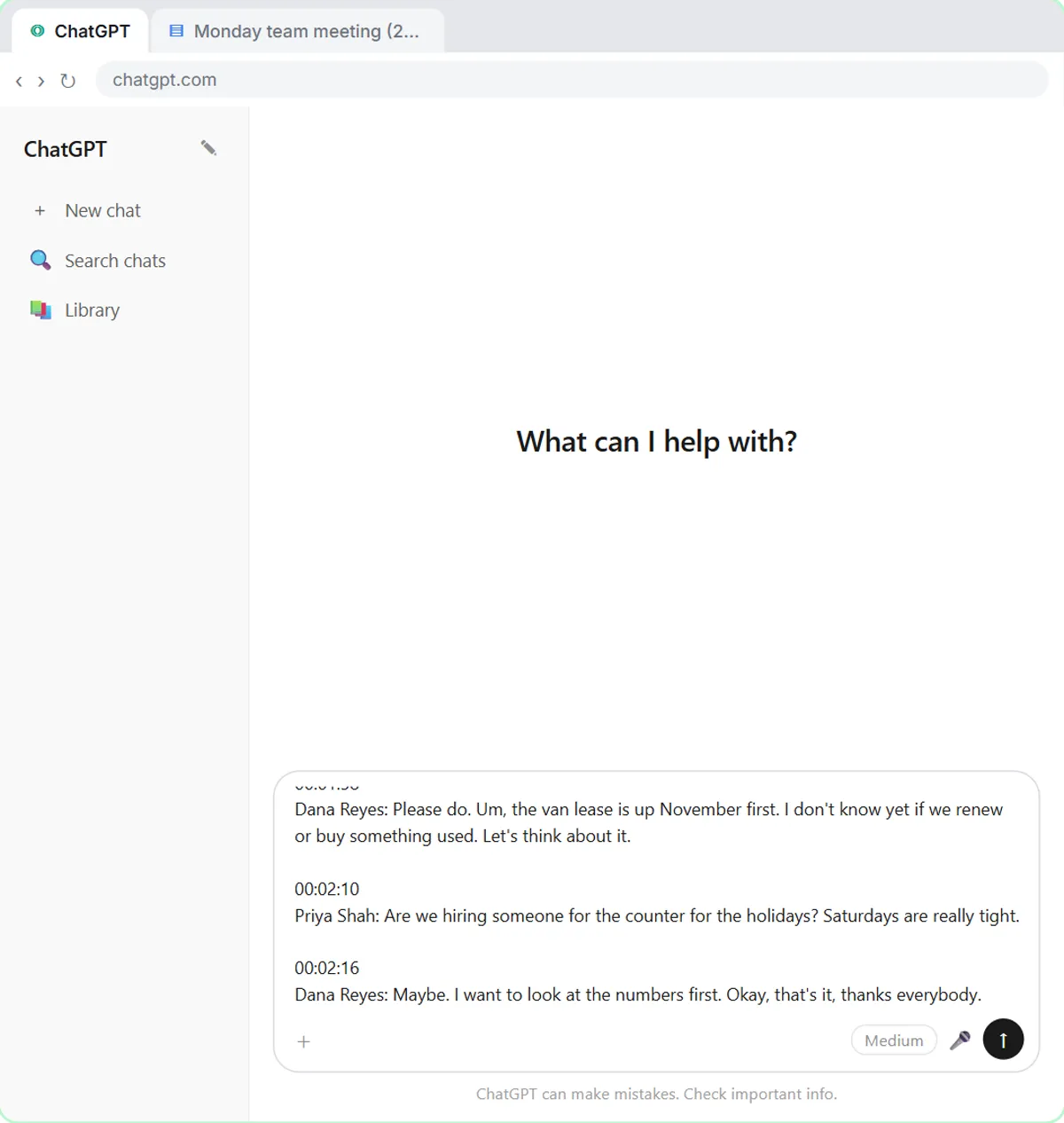
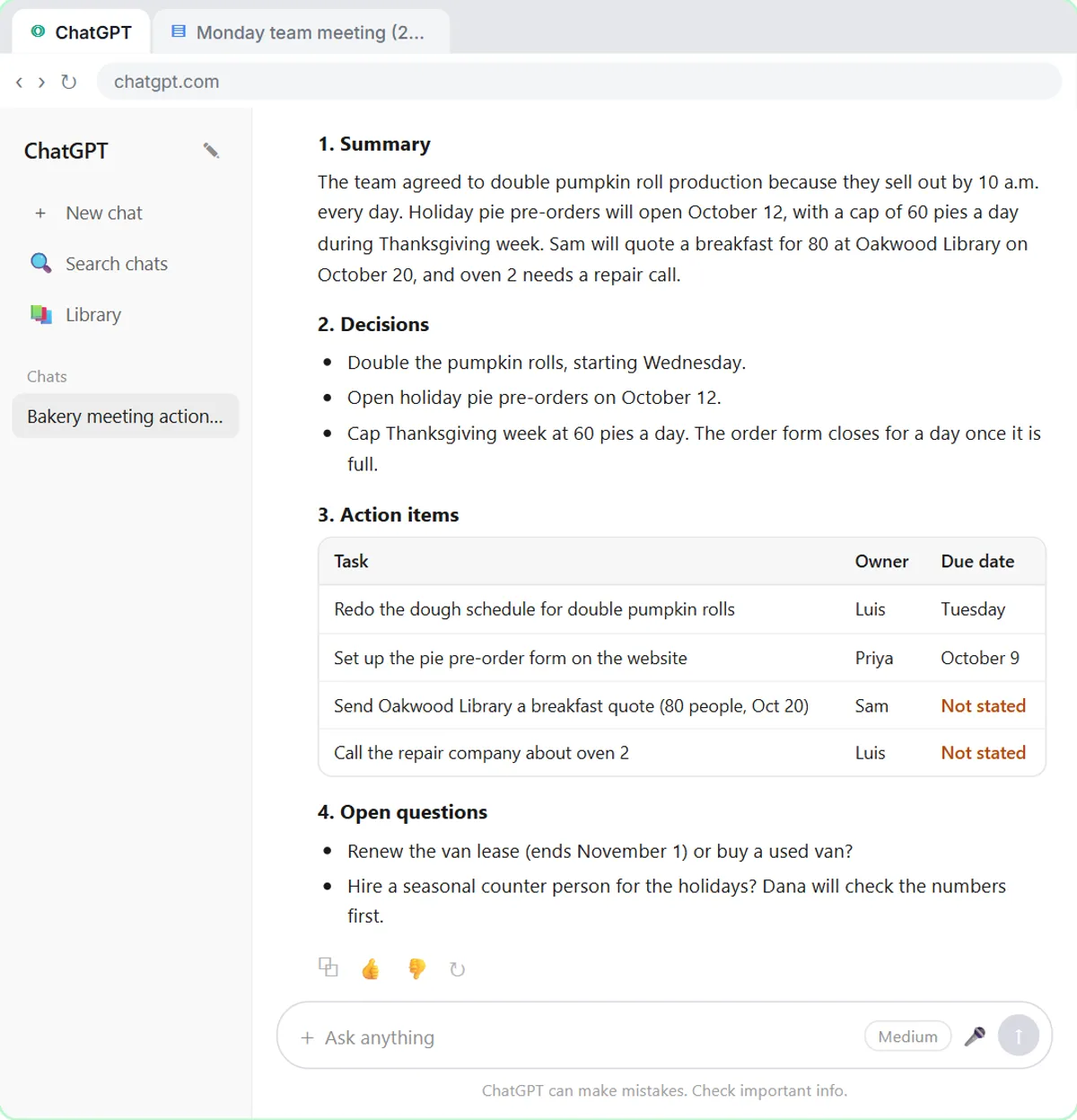
How do you check ChatGPT's action items table?
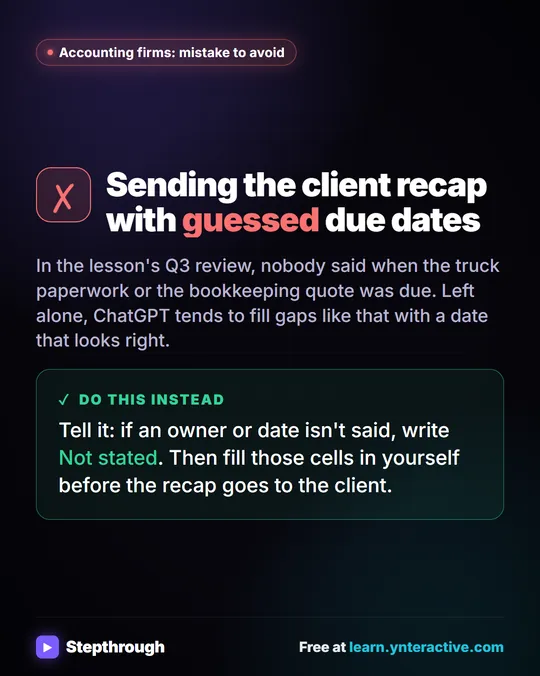
Look for "Not stated": those are tasks nobody gave an owner or date. In the lesson, ChatGPT returns a summary, three decisions, four action items and two open questions, and two due dates say Not stated, which is correct. Without that rule, ChatGPT tends to fill gaps with guesses, like a Friday deadline nobody agreed to.
How do you fill in the gaps and get the follow-up email?
Tell ChatGPT the missing dates in one short message, since you were in the meeting:
The library quote is due Wednesday, and Luis will call about the oven today.
It updates the table. Then ask for the email in the same chat, so you don't paste anything again:
Now write a short follow-up email to the team with the decisions and action items. Friendly and plain, under 150 words.
Read it, change anything that doesn't sound like you, and copy it into your own email.
Can you upload the transcript file instead of pasting it?
Yes. If the transcript arrives as a file, like a Word document someone emailed you, start a New chat, click the + button, then Add photos & files, and pick the file. Then send a one-line version of the request:
Summarize this meeting transcript: decisions, action items with owner and due date, and open questions. If an owner or date isn't said, write "Not stated".
Try it free, step by step
Summarize a Meeting Transcript with ChatGPT. Paste a long meeting transcript into ChatGPT and get the decisions, an action items table with owners and due dates, and a follow-up email ready to send. You do every step yourself in a practice copy of ChatGPT, it checks your work as you go, and “Do it for me” finishes any step you get stuck on. Free, and nothing touches your real accounts.
Start the free lessonWhy does this ChatGPT request work?
It names the exact sections you want and forbids guessing, the same idea behind writing better ChatGPT prompts. People don't need a retelling of the meeting; they need to know who does what by when. The "Not stated" rule keeps you in charge of the facts.
How can you use this in your own business?
Save the request in a doc of prompts and run every transcript through it. Change the sections to fit your team: a sales team might add "next step with each customer."
The same pattern has two industry versions on Stepthrough:
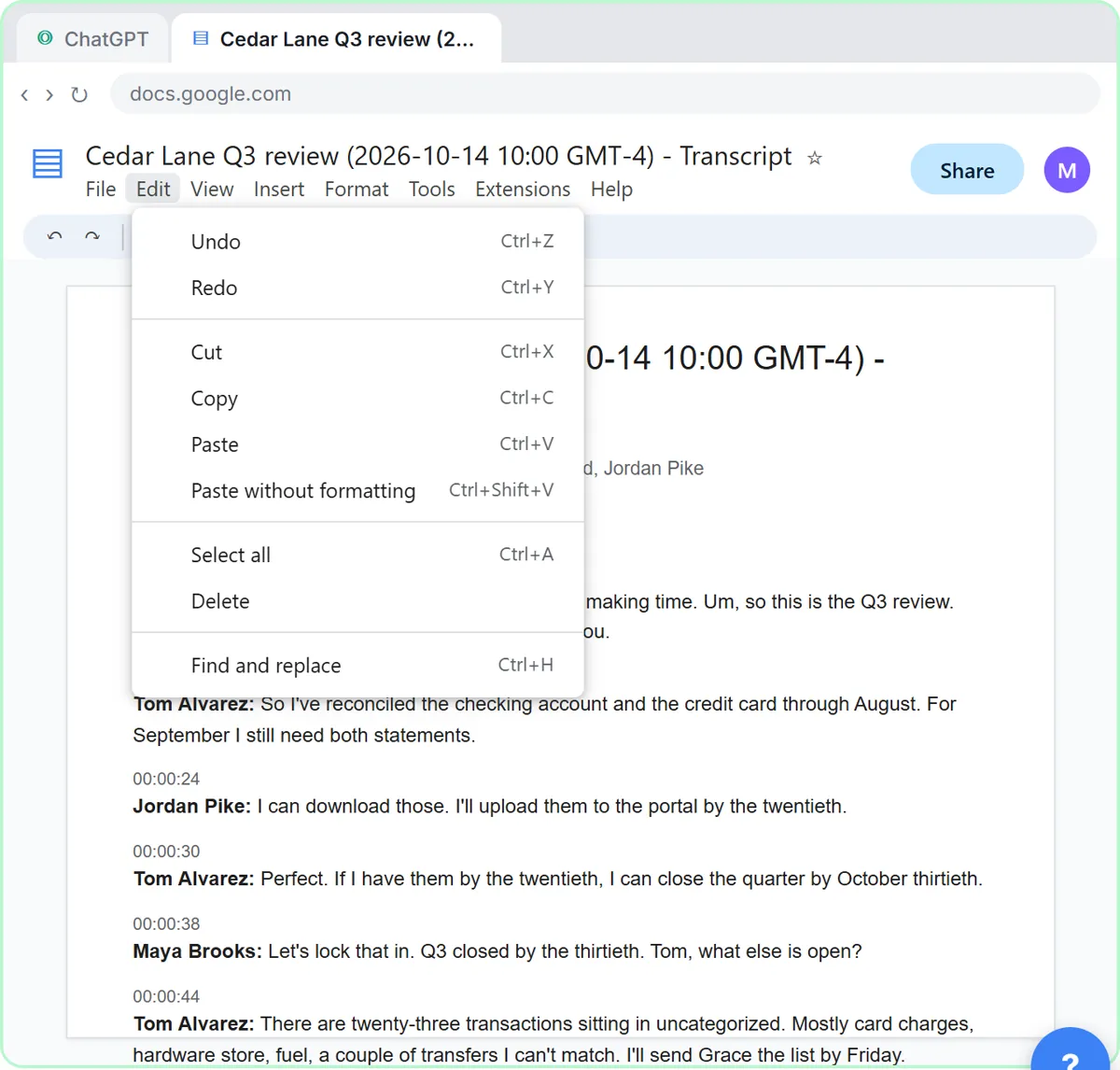
- Accounting and bookkeeping firms. In Summarize a Client Meeting, a made-up firm, Millbrook Accounting, recaps a Q3 review with a landscaping client, then emails the client. There's more in ChatGPT for accountants.
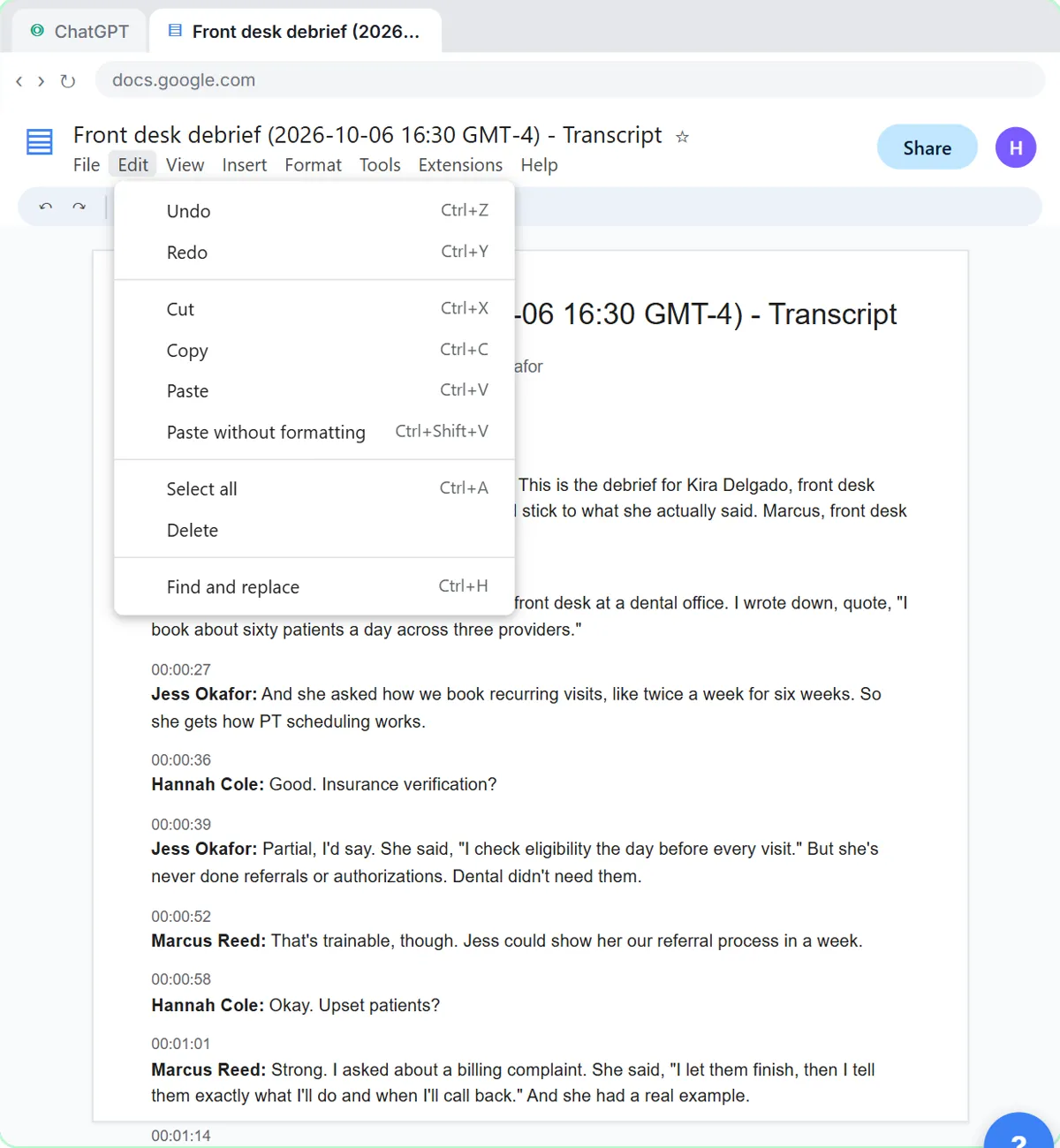
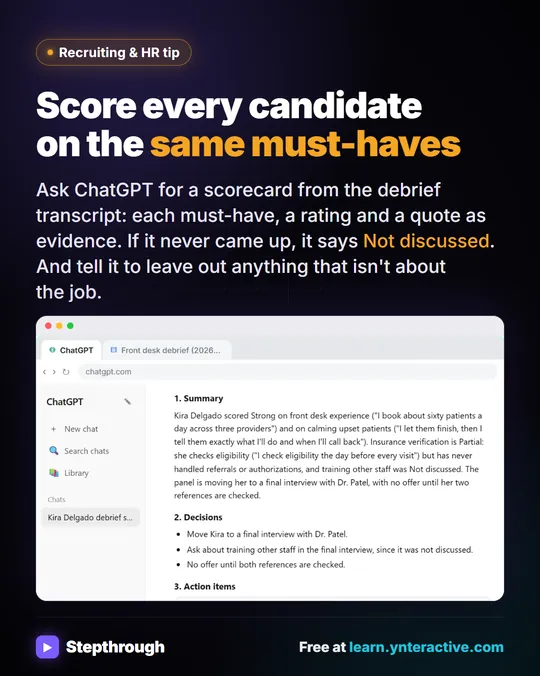
- Recruiting and HR. In Interview Debrief to Scorecard, the request scores a candidate against the role's must-haves with a quote as evidence and leaves out anything that isn't about the job. See ChatGPT for recruiters.
If you're just getting started, the ChatGPT Jump Start path puts this lesson in order with the others. Once you have the action items, Meeting Notes to Recap to Deck turns them into a presentation in Gamma.
How should you provide the transcript to ChatGPT?
Add the transcript, or only the relevant extract, to the current conversation as task input. That's the right answer for a one-off job like one internal action summary. The other places people try are wrong for it:
- Memory would let the meeting influence later, unrelated conversations.
- Custom instructions apply to every chat you start, not one task.
- Asking ChatGPT to search and reconstruct the discussion from a topic invents a meeting that may not match yours.
| Where you put the transcript | Right for one action summary? | What happens |
|---|---|---|
| The current chat, as task input (pasted or attached) | Yes | ChatGPT works from the real words, for this task only |
| Memory | No | The meeting can shape later, unrelated chats |
| Custom instructions | No | It rides along in every new chat until you remove it |
| A topic plus "search and reconstruct it" | No | ChatGPT guesses at a discussion it never saw |
See how ChatGPT memory works and does ChatGPT remember other chats? for why.
Which parts of a transcript should you share with ChatGPT?
Only what the task needs. Say you want a client handover from a transcript that also holds names, contact details and a personal chat. Three actions give ChatGPT the context without the extras:
- Provide only the parts that hold the needed information, such as the decisions and actions for the handover.
- Remove personal conversation that isn't relevant.
- Replace names with roles ("the project lead") where the person's identity isn't needed.
Two shortcuts don't help: pasting the full transcript and saying which sections to use still shares everything, and keeping contact details "for context" shares data the handover doesn't need. Use an approved account and follow your company's AI rules.
Key takeaways
- ChatGPT can turn a meeting transcript into a summary, decisions, an action items table with task, owner and due date, and open questions.
- The most important line in the request is: only use what's in the transcript, and write "Not stated" if an owner or date isn't said.
- Fill in any "Not stated" dates in one short message, then ask for the follow-up email in the same chat.
- In ChatGPT, you can attach a transcript file with the + button and Add photos & files instead of pasting it.
- Always check every owner and date before the recap goes out.
Frequently asked questions
- Can ChatGPT turn a meeting transcript into action items?
Yes. Ask for an action items table with task, owner and due date, and tell it to write "Not stated" when an owner or date isn't said. Then check the table before you send it.
- How do I stop ChatGPT from making up deadlines?
Add one line to your request: only use what's in the transcript, and write "Not stated" if an owner or date isn't said. Then fill in the gaps yourself in one short follow-up message.
- Where do I get a meeting transcript?
Google Meet, Zoom and Microsoft Teams can all create transcripts, depending on your plan and settings. Google Meet saves its transcript as a Google Doc.
- How should I give ChatGPT a meeting transcript?
Add the transcript, or the relevant extract, to the current conversation as task input. Don't store it in memory or custom instructions, and remove names, contact details and side conversations the task doesn't need.
- What should I remove before sharing a transcript with ChatGPT?
Personal conversation that isn't relevant, contact details, account numbers and anything your company doesn't allow in AI tools. Replace names with roles where the identity isn't needed, and share only the parts the task uses.
- Can I use any LLM to turn a transcript into action items?
Yes. The same request works in ChatGPT, Claude, Gemini or Copilot: sections first, the "Not stated" rule, then the transcript. Check owners and dates whichever tool you use.
- Do I need a ChatGPT account to try this?
Not to practice. The interactive lesson is a practice copy that needs no ChatGPT or Google account. To do it with your own meetings, you need your own ChatGPT account, and it has a free plan and paid plans.
Where can I go next?
- What is a transcript? Read the meeting transcript glossary page, then see the free lesson Summarize a Meeting Transcript with ChatGPT.
- After the meeting: when to start a new chat in ChatGPT, and the interview debrief version for hiring.
- How ChatGPT behaves: why it gives different answers, why it ignores your instructions and whether it remembers other chats.
- Safer sharing: ChatGPT data controls.
- Automate it: what n8n is and the n8n tutorial for beginners.