What are ChatGPT data controls?
Updated · By Robert Breen
ChatGPT data controls are the settings that decide what happens to your conversations, chiefly whether they can be used to improve OpenAI's models, plus options to export or delete your chat data. You find them in ChatGPT's Settings, in a section called Data controls.
Why it matters for a small business
Before anyone at your business pastes a customer email into ChatGPT, someone should look at these settings. The key one, labeled Improve the model for everyone, controls whether conversations on a personal account can be used for training. Turning it off takes seconds, and many people never do it.
Data controls are one layer, not the whole answer. Work accounts managed by a company often have different defaults set by an admin, and every setting still sends your text to OpenAI to get an answer. Your AI policy, and what people choose to paste, matter as much as any switch.
In a real lesson: Reply Faster to a Client Asking for a Case Update: ChatGPT for Small Law Firms
Stepthrough's lessons are practice copies, so none of them walk through ChatGPT's settings. The law firm case update lesson shows why the settings matter. You're at Harbor Street Law, a made-up small firm, replying to Carla Mendes, who is suing an event venue over an unpaid $8,400 and wants a court date, a promise she'll win, and to text you screenshots.
The facts you paste include two firm policies: no predictions and no legal advice by email, and no case details or evidence by text or social media, only through the secure client portal under Documents. The lesson's finish adds that if your firm has an attorney approve client updates, they read the draft too.
A firm that drafts client emails in ChatGPT should settle its data controls before the first real thread, not after: which account staff use, whether training is off, and who can export or delete chat data. This isn't legal advice; your jurisdiction's rules and your firm's policy come first.
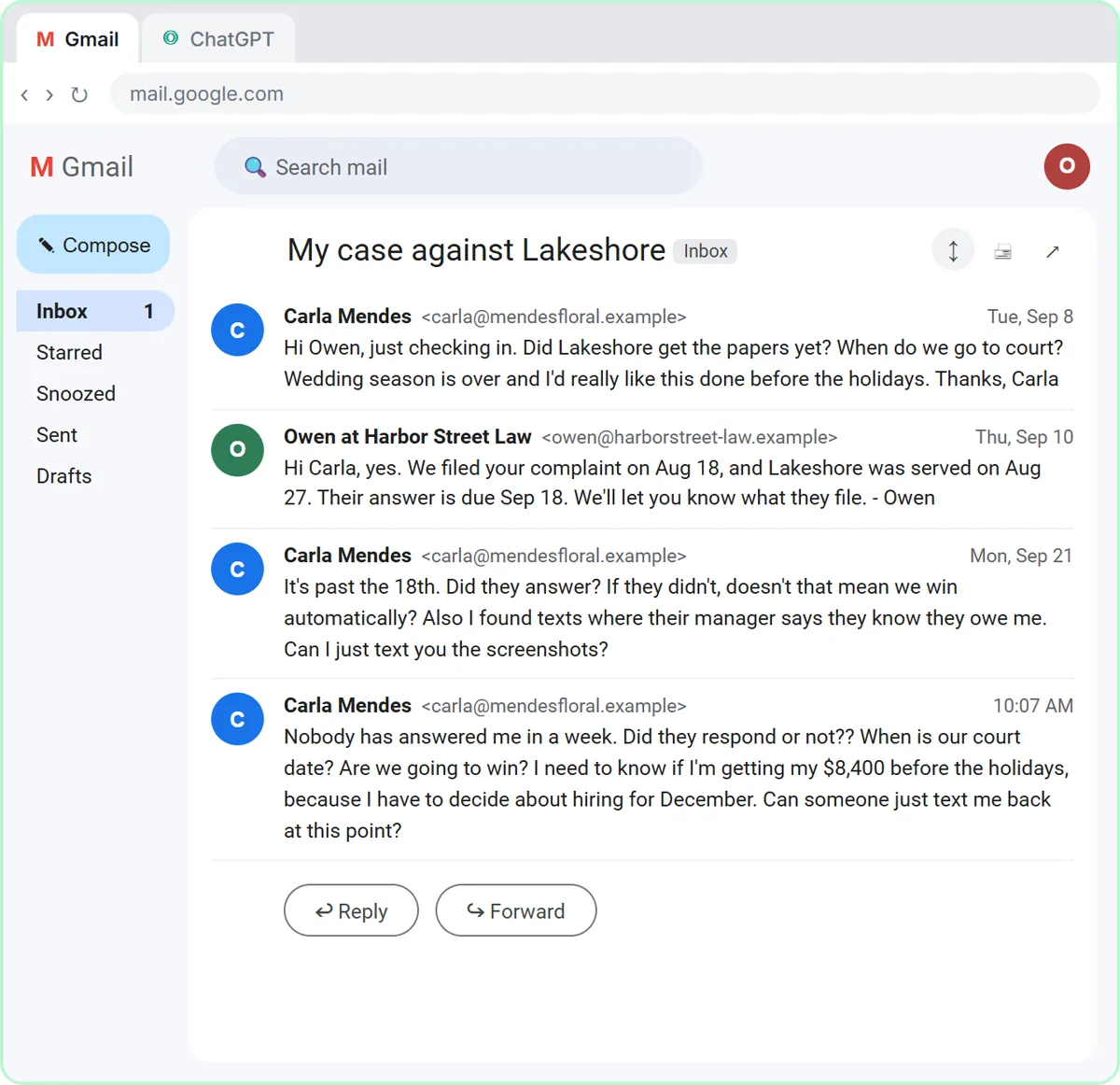
Try this lesson free or read the step-by-step guide.
Common confusions
Data controls vs Temporary Chat
Data controls set defaults for your whole account. Temporary Chat is a per-conversation mode that skips history and memory.
Data controls vs an AI acceptable use policy
Settings control the tool. An AI acceptable use policy controls people: which tools staff may use, with which data, and who reviews the output.
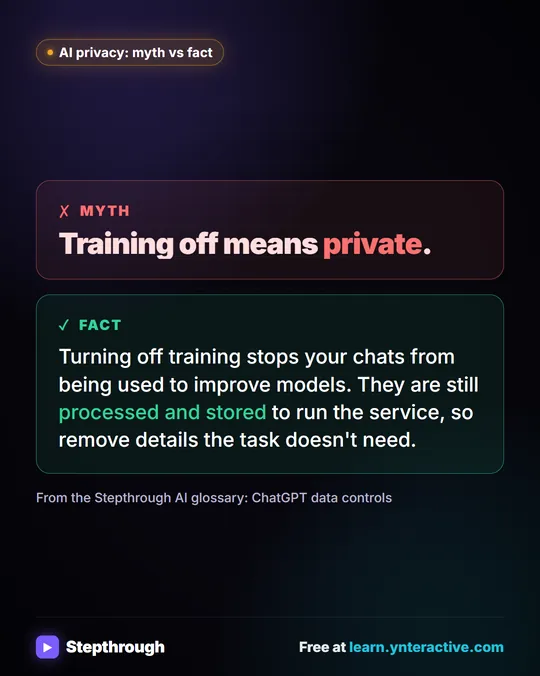
"Training off means private"
Turning off training stops your chats from being used to improve models. They are still processed and stored to run the service, so remove details the task doesn't need.
Tips
- Check data controls on every account staff use for work, including personal accounts that perhaps shouldn't be used.
- Export your data before deleting chats if you might need a record later.
- Write the required settings into your AI policy so new staff set them up the same way.
Related terms
Where to learn more
Prompt templates that use it
Visual guide
ChatGPT data controls in a few slides, with the same guide written out as text.
Frequently asked questions
- Where are ChatGPT's data controls?
- Open Settings in ChatGPT and choose Data controls. The layout changes from time to time, but the training setting and the export option have lived there.
- Does turning off "Improve the model for everyone" delete my chats?
- No. It affects whether conversations can be used for training. Deleting chats is a separate option.