This guide is for office managers, bookkeepers and anyone who is tired of being the note-taker. Menus differ by tool and plan, so treat the steps below as the general shape and look for the exact labels in your own meeting settings.
What is a meeting transcript?
A meeting transcript is a word-for-word written record of what was said, usually with a timestamp and a speaker label on each line. It is different from meeting minutes, which are a short record of decisions and actions.
Transcripts matter because they settle "what did we agree?" and they are the best raw material for AI. Everything was said, so a clear request can pull out decisions, owners and open questions in minutes.
How do you get a transcript in Google Meet, Zoom or Teams?
Turn on recording or live transcription for the meeting, then open the saved transcript afterward. The general steps are the same in the major tools:
- Check that your plan and your administrator allow transcription. It isn't available on every plan.
- Before the meeting, or as it starts, turn on transcription from the meeting controls or settings.
- Tell everyone that the meeting is being recorded and transcribed.
- After the meeting, open the transcript. Some tools save it as a document in your drive, some show it in the meeting recap, and some email a link.
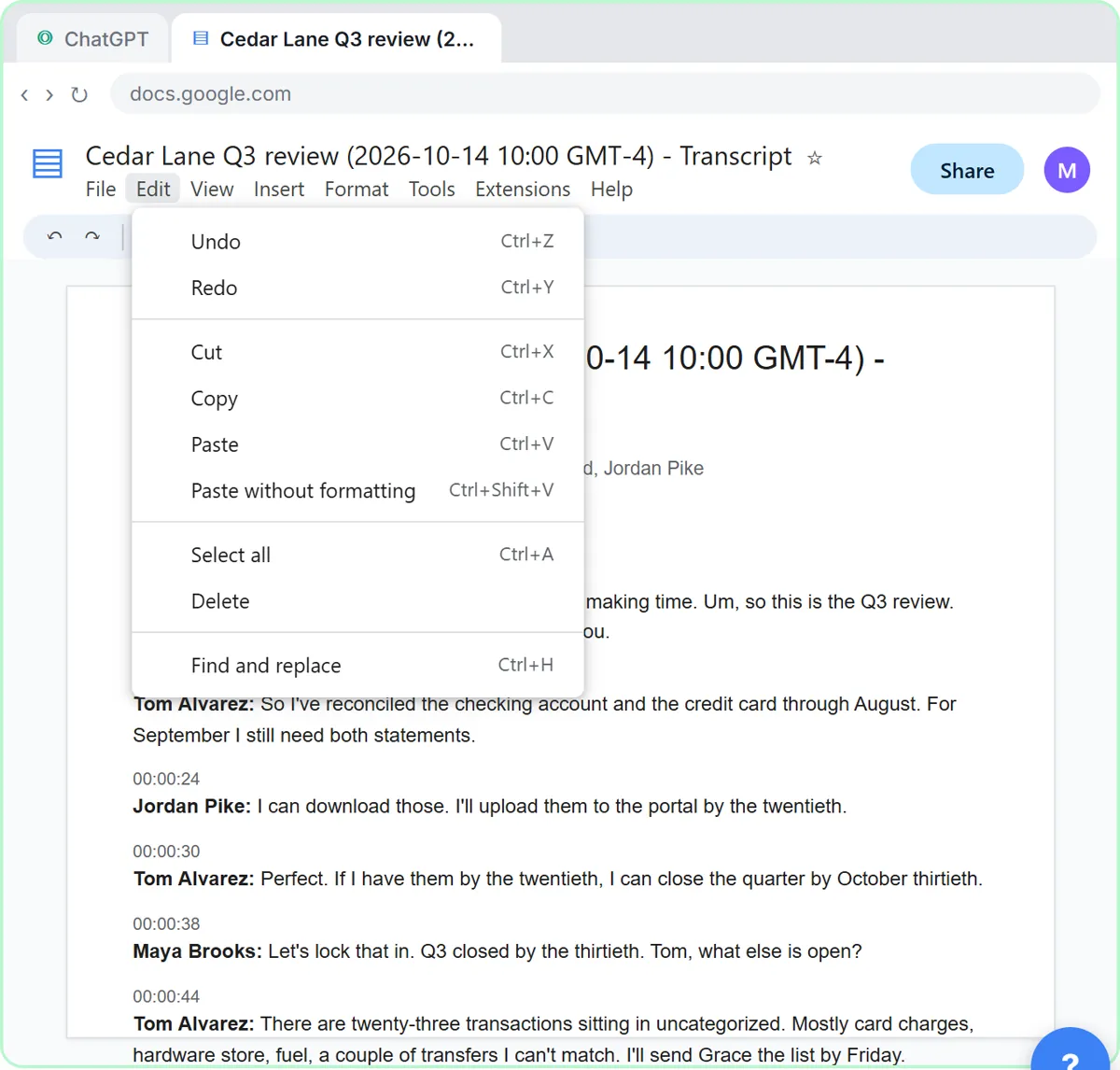
In the Summarize a Meeting Transcript lesson, the transcript is the file Google Meet saved after a bakery's Monday team meeting. You click Edit, Select all, then Copy in the document and head to ChatGPT.

What if the meeting wasn't recorded?
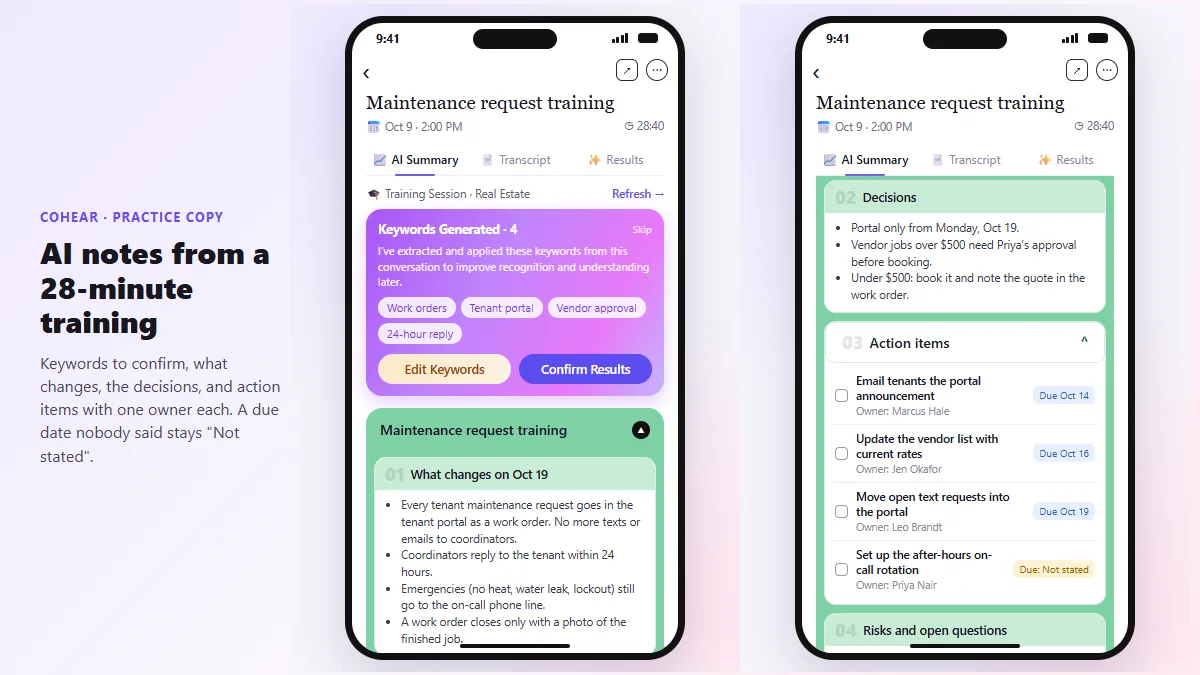
Use an AI note taker or take structured notes. Some apps record on your phone, transcribe, and then pull out action items. The CoHear lesson records a team training session on an iPhone, checks the AI notes against the transcript, and makes a one-page handout.
If nothing was recorded, write down decisions and tasks within an hour while you remember them, and send a recap asking people to correct anything wrong.
How do you clean up a meeting transcript?
Fix the speaker names, remove filler words, and mark anything unclear before you summarize. Automatic transcripts mislabel voices ("Speaker 2"), mishear names and garble numbers and dates.
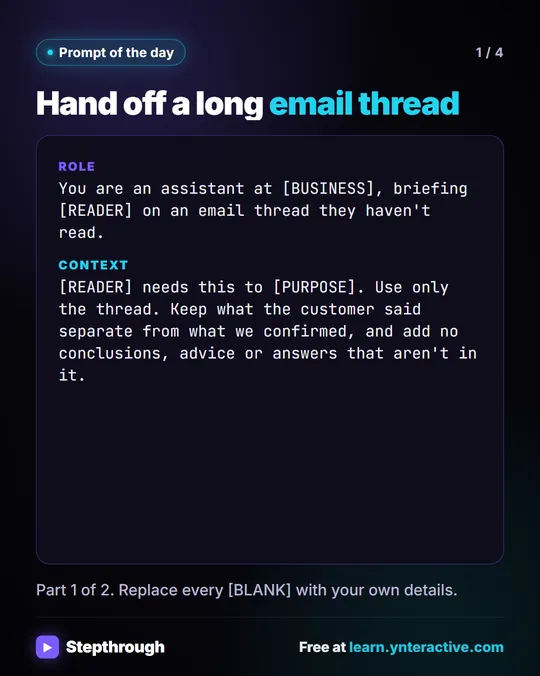
The meeting transcript cleanup prompt does this without letting the model rewrite what anyone said. It keeps the timestamps and flags every unclear line with "(CHECK)" so you can resolve it against the recording.
What do you do with a transcript?
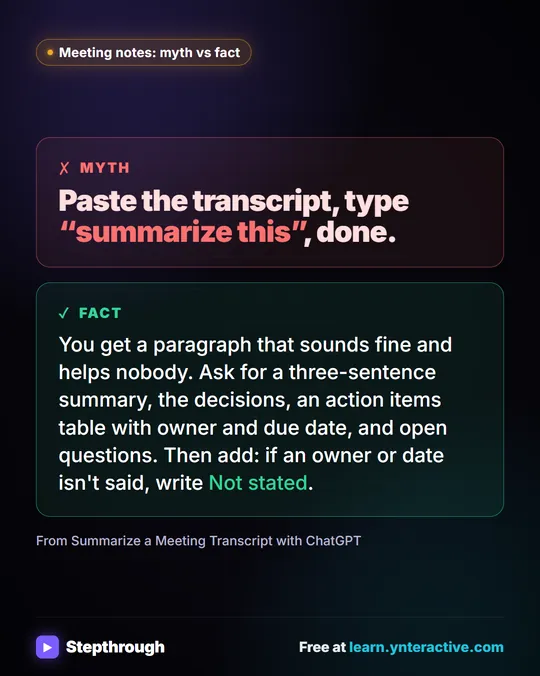
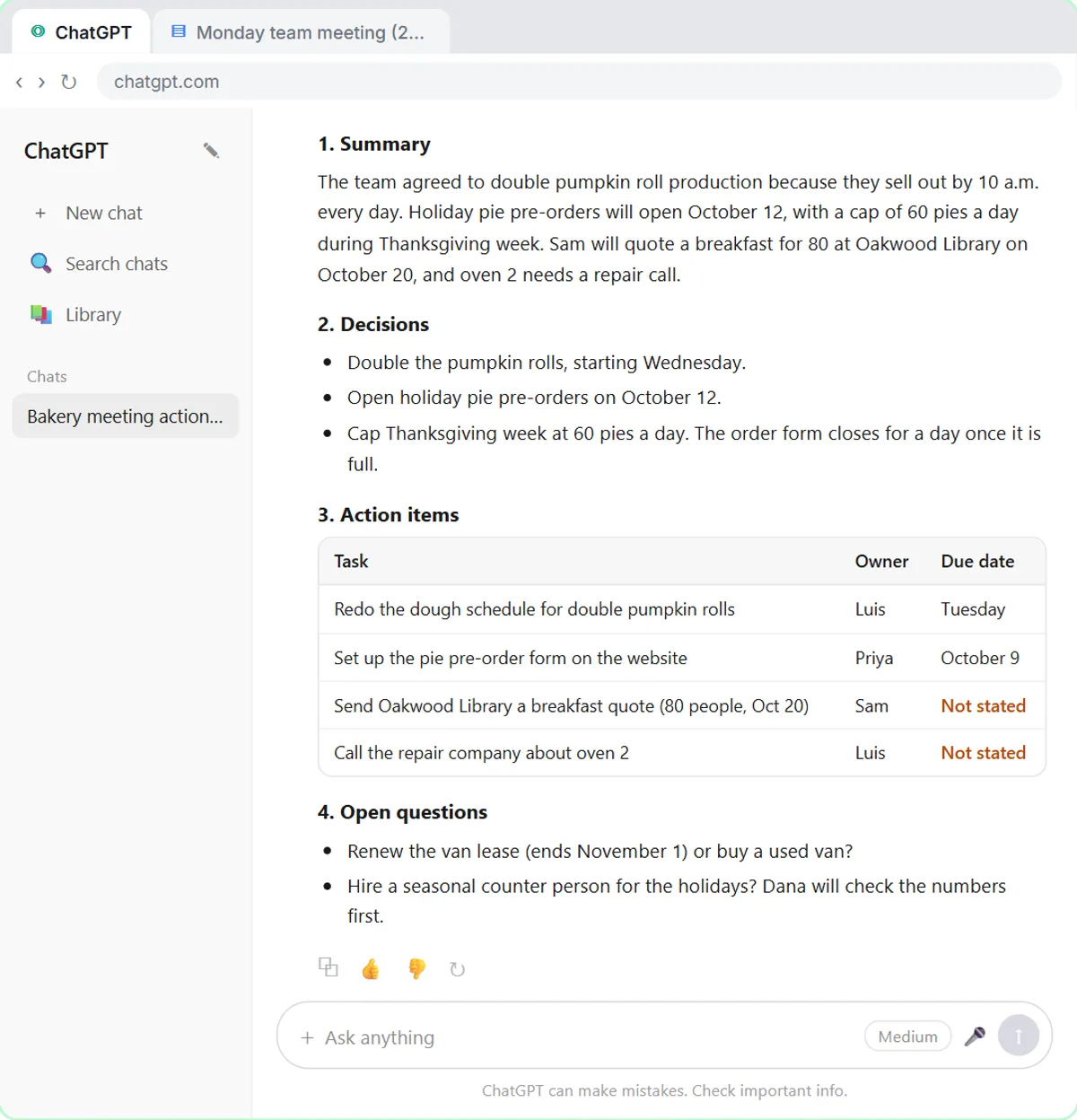
Ask for a summary, the decisions, an action items table with an owner and a due date, and the open questions. In the lesson, you paste the request, then paste the transcript under it:
- Click Paste request. It asks for a short summary, the decisions, an action items table with owner and due date, and open questions.
- Click Paste transcript and send.
- Read the table. Two due dates say Not stated, because nobody said them out loud.
- Type the missing dates, then ask for a short follow-up email to the team.
The "Not stated" rule is the important part. It stops the model from inventing a date to fill a gap. For a client meeting, the Summarize a Client Meeting lesson does the same with a Q3 review at a made-up accounting firm.
Is it safe to put a transcript into ChatGPT?
Only within your company's rules. Client meetings are confidential, so use a business account that doesn't train on your data, remove account numbers and tax IDs first, and check the output before you share it.
On a personal account, look at ChatGPT data controls before you paste anything, and read How to Stop ChatGPT Training on Your Chats for the four-click version.
Key takeaways
- Turn on transcription before the meeting, and tell attendees.
- Availability depends on your tool, plan and admin settings.
- Clean up speaker labels and flag unclear numbers before summarizing.
- Ask for owners and dates, and have the model write "Not stated" for gaps.
- Keep private details out, and check every name and date before sending.
Frequently asked questions
- Can I get a transcript after the meeting ended?
Only if it was recorded or transcribed at the time. If it wasn't, a transcript can't be recreated, so use notes and ask attendees to confirm.
- Do I have to tell people I'm transcribing a meeting?
You should. Laws on recording differ by place, and it is courteous and often required. Ask your attorney if you're unsure.
- Why does my transcript say Speaker 1 and Speaker 2?
The tool could tell voices apart but not who they were. Replace the placeholders with real names before you use it.
- Should I paste or upload the transcript?
Either works. Pasting suits a short transcript; uploading the file saves copying when it arrives as a document, as the lesson shows with a .docx.