Prompt of the Day: Summarize an Email Thread for a Handoff
A visual prompt card: turn a long email thread into a short handoff with the situation, what was promised and each question marked Answered or Open.
![Prompt of the day. Hand off a long email thread. Role: You are an assistant at [BUSINESS], briefing [READER] on an email thread they haven't read. Context: [READER] needs this to [PURPOSE]. Use only the thread. Keep what the customer said separate from what we confirmed, and add no conclusions, advice or answers that aren't in it. Part 1 of 2. Replace every [BLANK] with your own details.](/content/visual/prompt-summarize-an-email-thread/01.webp)
Slide 1 of 4 ![Prompt of the day. Every question marked Answered or Open. Task: Summarize: who it's with and what it's about, what we've done or promised so far with dates, every question the customer asked and whether we answered it, and the agreed next step. Format: Under 150 words, with these headings: Situation, Done or promised, Customer questions (each marked Answered or Open), Next step. Write "Not in thread" for anything missing. Then paste: Here is the thread, oldest message first: [THREAD]. Works in ChatGPT, Claude, Gemini and Copilot.](/content/visual/prompt-summarize-an-email-thread/02.webp)
Slide 2 of 4 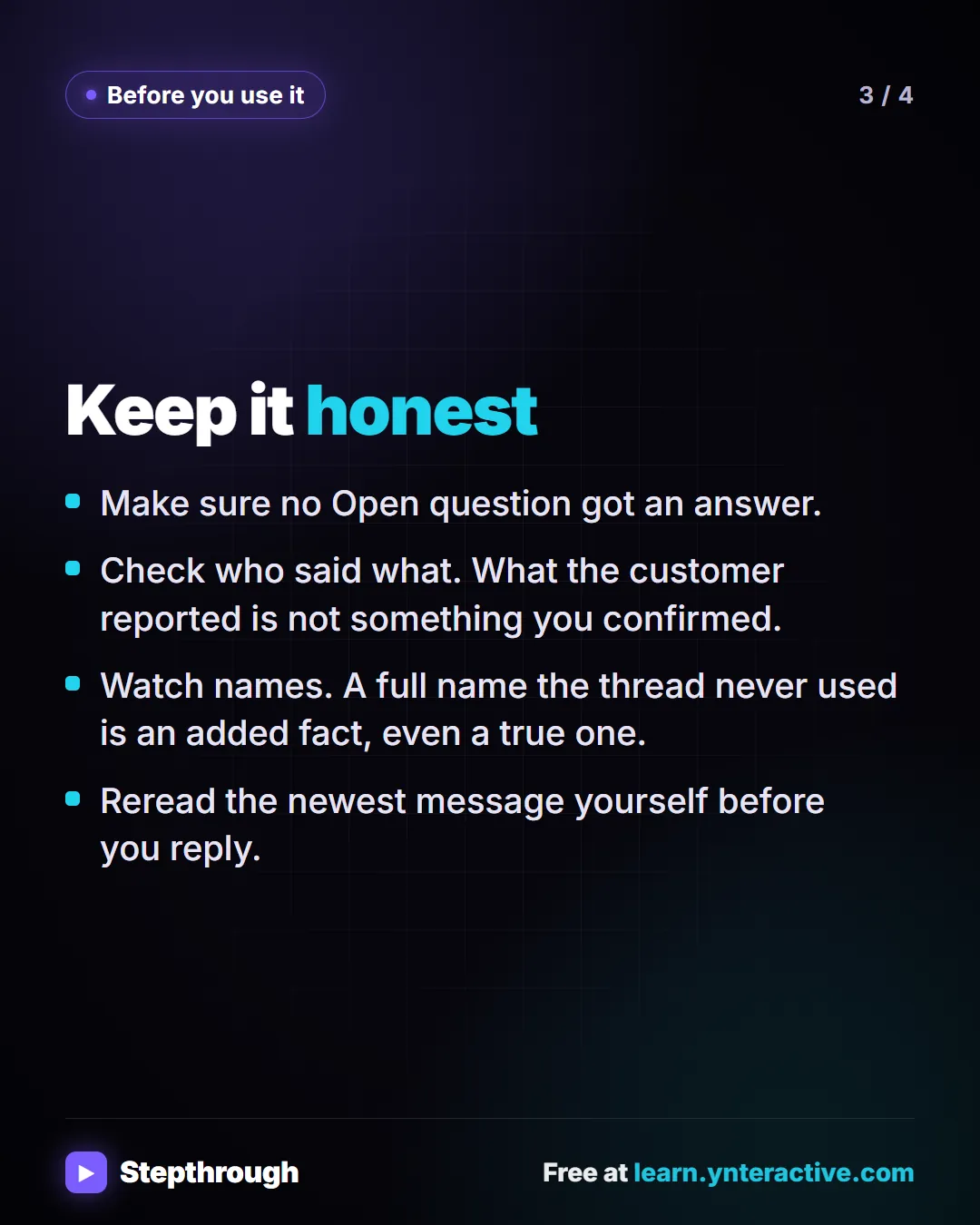
Slide 3 of 4 
Slide 4 of 4
The guide in text
Hand off a long email thread
Copy it into ChatGPT, Claude, Gemini or Copilot and replace every [BLANK] with your own details.
Role: You are an assistant at [BUSINESS], briefing [READER] on an email thread they haven't read.
Context: [READER] needs this to [PURPOSE]. Use only the thread. Keep what the customer said separate from what we confirmed, and add no conclusions, advice or answers that aren't in it.
Task: Summarize: who it's with and what it's about, what we've done or promised so far with dates, every question the customer asked and whether we answered it, and the agreed next step.
Format: Under 150 words, with these headings: Situation, Done or promised, Customer questions (each marked Answered or Open), Next step. Write "Not in thread" for anything missing.

Here is the thread, oldest message first: [THREAD]
Works in ChatGPT, Claude, Gemini and Copilot.
Keep it honest
- Make sure no Open question got an answer.
- Check who said what. What the customer reported is not something you confirmed.
- Watch names. A full name the thread never used is an added fact, even a true one.
- Reread the newest message yourself before you reply.
The full template: Email thread summary prompt, with every blank explained, a filled-in example and how to check the answer.
Businesses and people in the examples are made up. The steps, screens and wording come from the free lesson and the Stepthrough glossary and prompt library.
Do it yourself, free
Summarize a Meeting Transcript with ChatGPT. Paste a long meeting transcript into ChatGPT and get the decisions, an action items table with owners and due dates, and a follow-up email ready to send. You do every step yourself in a practice copy of ChatGPT, it checks your work as you go, and “Do it for me” finishes any step you get stuck on. Free, and nothing touches your real accounts.
Start the free lessonRelated terms
Plain-English definitions, each with an example from a free lesson.
Related prompts
- Action items table prompt: Paste a meeting transcript or rough notes and get a table of every task, owner and due date, with "Not stated" wherever nobody…
- Meeting agenda prompt: Turn a list of topics into a timed meeting agenda where every item has an owner, a question to settle and minutes that add up to…
- Project status update prompt: Write an honest project status update: On track, At risk or Off track with the reason, what's done, what's next, blockers and…
- Shift schedule announcement prompt: Announce a new or changed shift schedule clearly: what changes, for whom, from when, a schedule table, what stays the same, and…
From the blog
 AI Training for Employees: A Free Plan for Small Teams
AI training for employees on a small-business budget: one rule set, three shared ChatGPT lessons, then role-based picks, all free in practice copies.
Oct 1, 2026 6 min read
 ChatGPT for Paralegals: Client Updates and Case Recaps
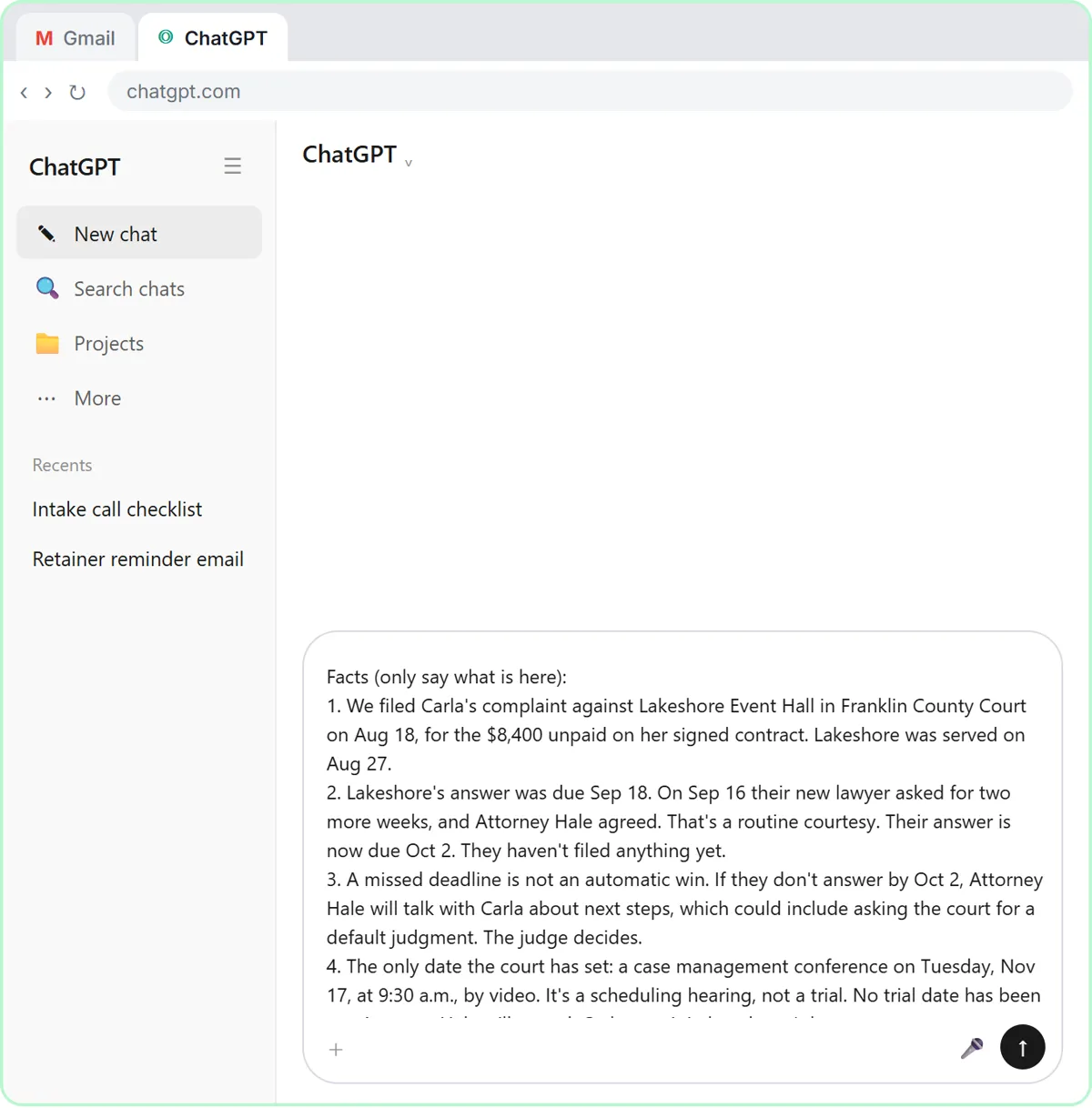
ChatGPT for paralegals and legal assistants: draft client updates from a facts list with no predictions, recap case meetings, and know what never to paste.
Oct 1, 2026 6 min read
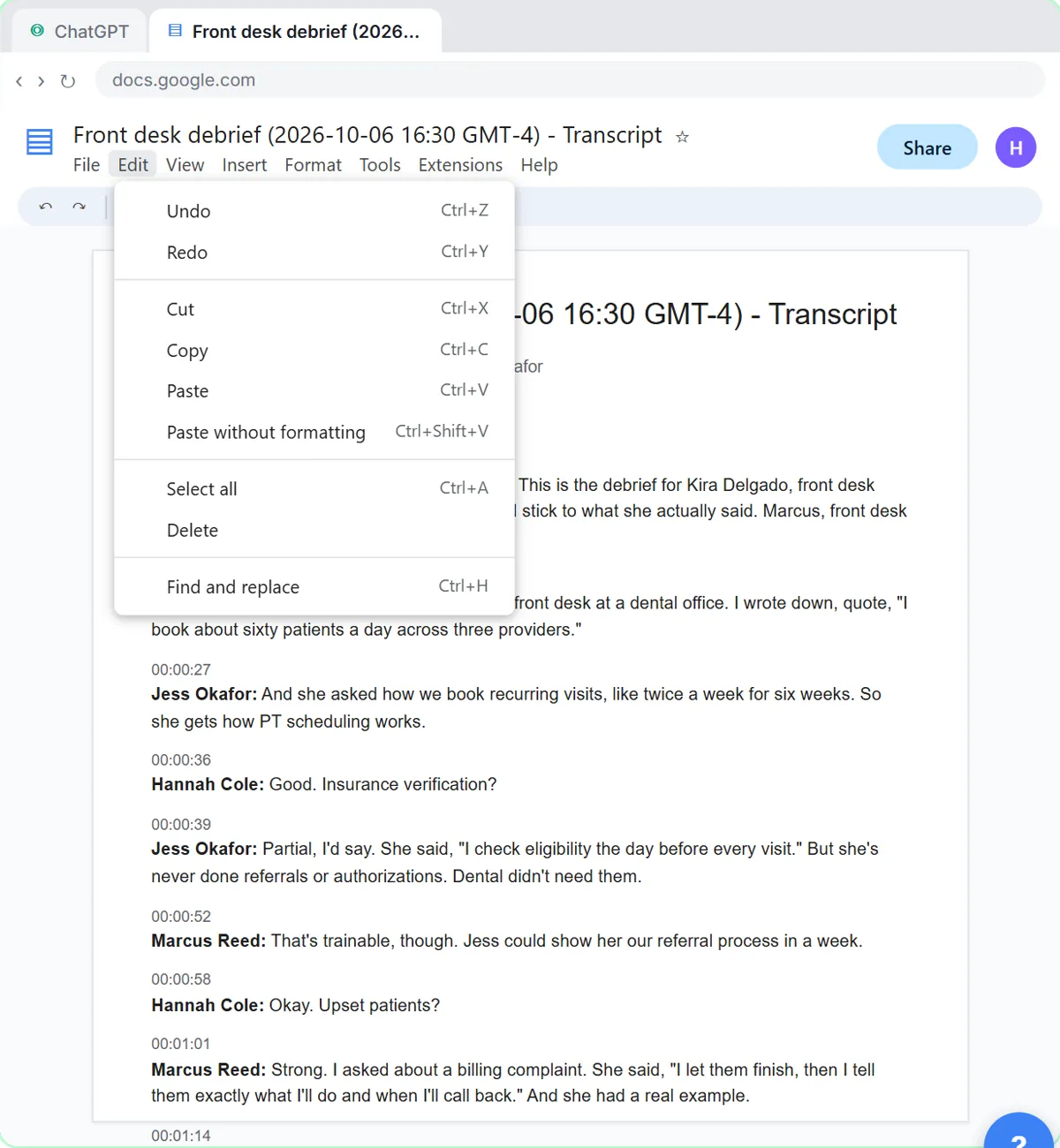 Interview Debrief Template: Run It Fair, Then Score It
An interview debrief template for small teams: a must-have-by-must-have agenda, how to park off-topic comments, and a ChatGPT prompt for the scorecard.
Oct 1, 2026 6 min read
More visual guides
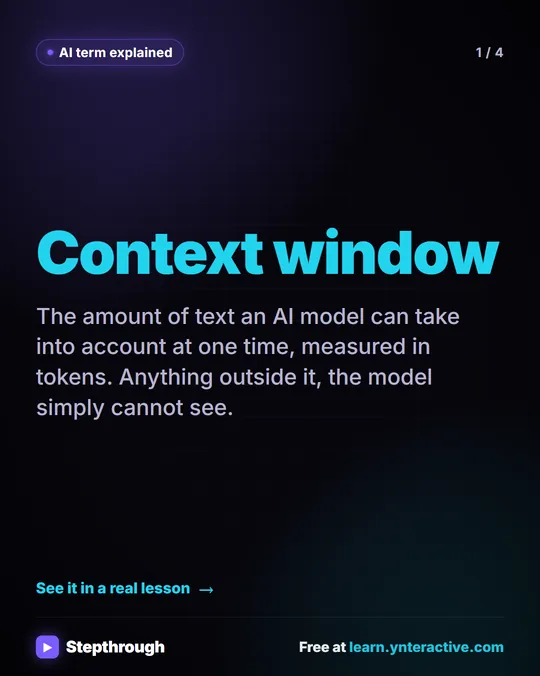 What Is a Context Window? A Visual Guide
A visual guide to the context window: how much text an AI model can see at once, shown with a real ChatGPT meeting summary lesson.
AI term explained 4 slides
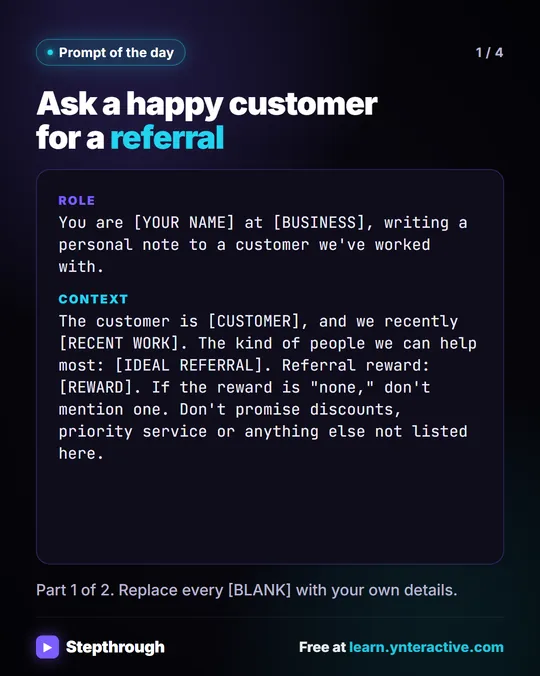 Prompt of the Day: Ask a Happy Customer for a Referral
A visual prompt card for a short, personal referral ask: thank the customer for real work, describe who you help, and no reward you haven't decided on.
Prompt to copy 4 slides
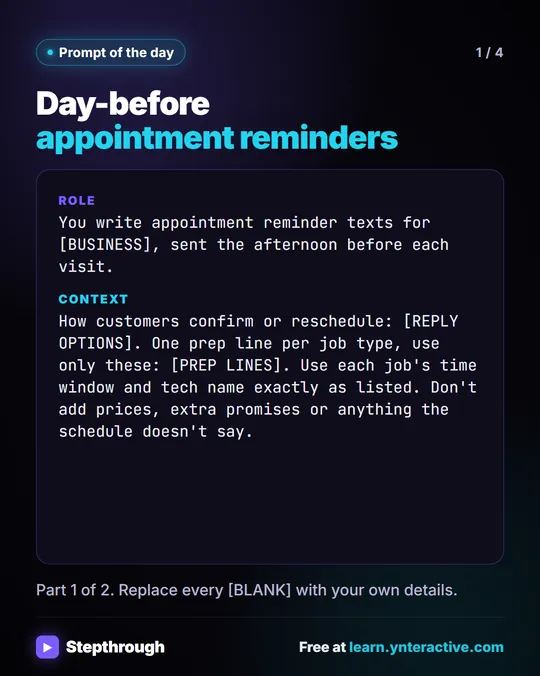 Prompt of the Day: Day-Before Appointment Reminder Texts
A visual prompt card: paste tomorrow's schedule and get one short reminder text per job, with the time window, the tech and one prep step.
Prompt to copy 4 slides