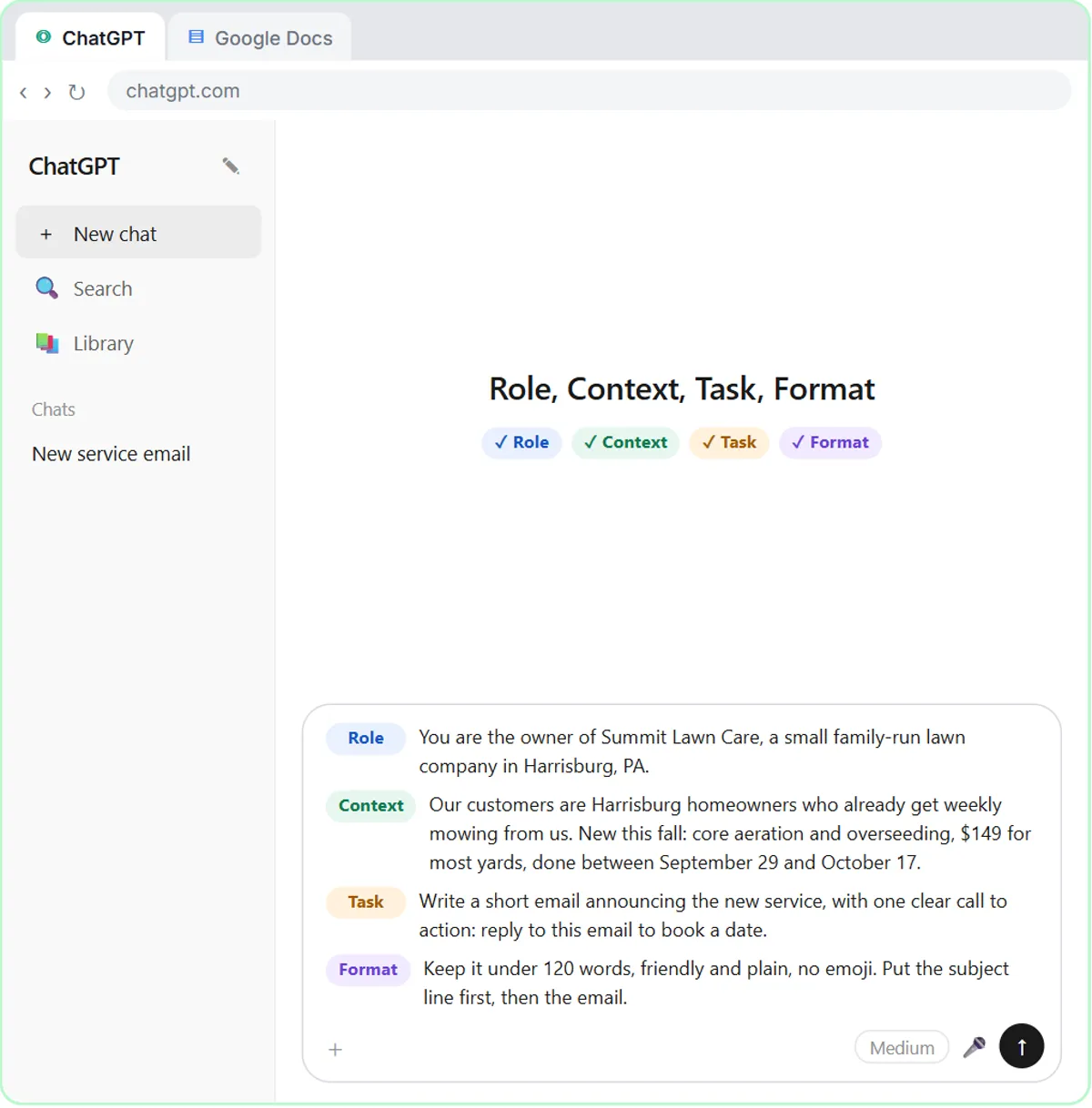
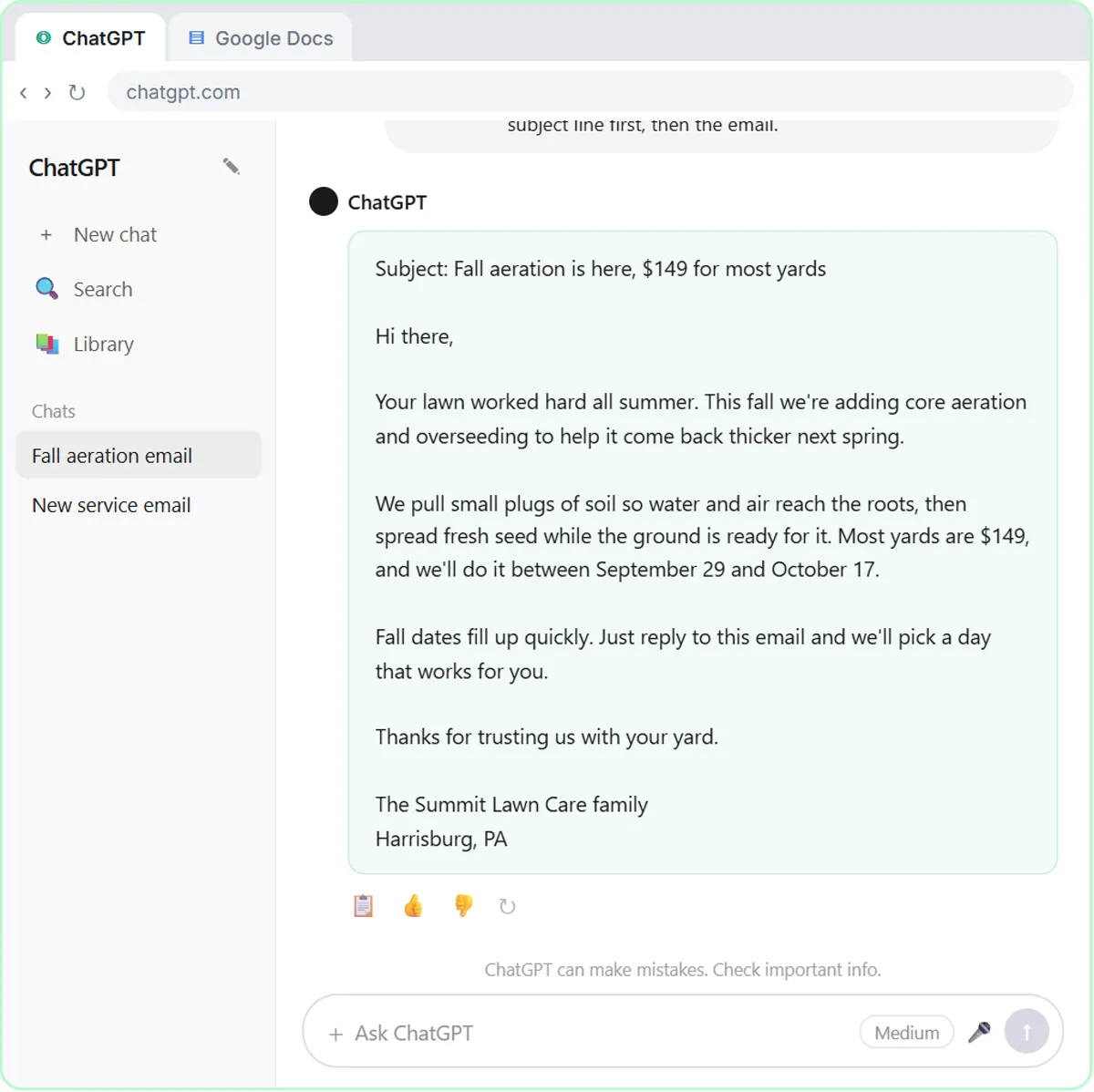
To train a small team on AI for free, agree on a few ground rules first, have everyone take the same three short ChatGPT lessons, then give each person one or two lessons that match their role. This guide is for managers and owners of small businesses, and every lesson in it is free, takes 8 to 15 minutes and runs in a practice copy of the real tool, starting with Prompt Writing 101.
The goal isn't to make everyone an AI expert. It's to give the whole team the same few habits, so the drafts, recaps and replies they produce are ones you can trust.
What rules should you set before AI training starts?
Set three or four rules before anyone opens ChatGPT, so the training builds the right habits from day one. The lessons themselves teach these rules, but writing them down as company policy makes them stick:
- What never gets pasted. Leave out card and account numbers, tax IDs, health details and anything else the task doesn't need. Follow any industry rules you're under.
- Which account to use. Use a business ChatGPT account that doesn't train on your data for anything involving customers or clients.
- A person reads before anything is sent. AI drafts; your team checks the facts, prices and dates and sends it.
- Missing means "Not stated", not a guess. Recaps and tables show gaps instead of filling them.
Put the rules in a short doc everyone can find. Is It Safe to Paste Client Emails into ChatGPT? has a fuller checklist to borrow from.
What should every employee learn first?
Start everyone on the same three ChatGPT lessons, in order: Prompt Writing 101, Summarize a Meeting Transcript and Reply Faster: Customer Emails. Together they take about 26 minutes.
Each lesson teaches one habit the whole team will use:
- Prompt Writing 101 (8 minutes): ask in four parts, Role, Context, Task and Format, and save prompts that work as templates.
- Summarize a Meeting Transcript (9 minutes): get decisions and an action items table, with "Not stated" for missing owners and dates.
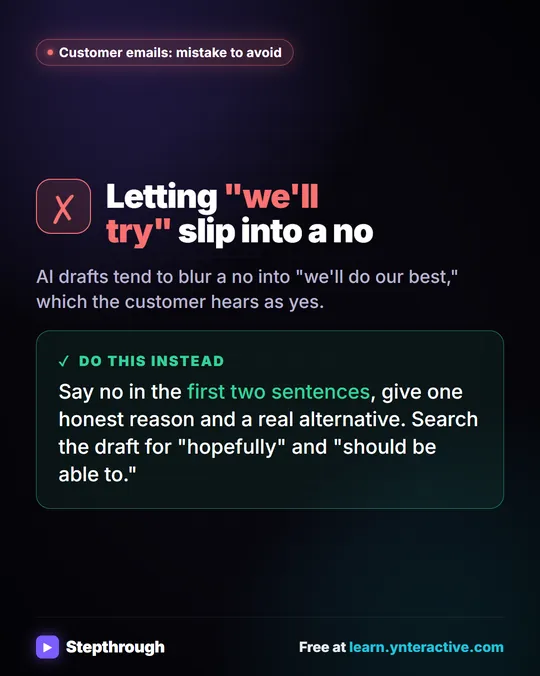
- Reply Faster: Customer Emails (9 minutes): give ChatGPT a numbered facts list, then check every promise in the draft before sending.
Starting everyone on the same three means the team shares a vocabulary. "Did you check it against the facts?" means the same thing to everyone. How to Use ChatGPT for Work walks through the three lessons in detail, and they're also collected in the ChatGPT Jump Start path.
Which AI lessons fit each role?
After the first three, give each person one or two lessons built around their own work. Every lesson below is live and free:
| Role | Lessons | Time each |
|---|---|---|
| Office and admin | AI Email Responder, Daily Job Alerts | 12 / 10 min |
| HVAC, plumbing and electrical offices | AI Service Request Form, AI Emergency Request Form, AI Quote Request Form, plus the trade follow-up agents | 15 / 12 min |
| Accounting and bookkeeping | Summarize a Client Meeting, Reply Faster: Client Refund Emails | 9 / 10 min |
| Legal | Reply Faster: Client Case Updates | 10 min |
| Insurance | Reply Faster: Claim-Status Emails | 10 min |
| Recruiting and HR | Interview Debrief to Scorecard | 9 min |
| Sales | AI Deal Follow-Up Agent, AI Demo Request Form | 12 / 15 min |
| Marketing | AI Social Media Idea Agent, AI Campaign Calendar Agent, AI Lead Magnet Signup Form | 12 / 12 / 15 min |
| Operations | AI Vendor Follow-Up Agent, AI Maintenance & IT Request Form | 12 / 15 min |
| Finance | AI Expense Categorizer Agent, AI Receipt Extractor, AI Expense Reimbursement Form | 12 / 12 / 15 min |
The ChatGPT lessons (accounting, legal, insurance, recruiting) suit everyone in those roles. The n8n and Lovable lessons build automations, so they suit whoever will set up and look after your tools. The industry pages for accounting, HVAC, plumbing, electrical, sales, marketing, operations and finance group them by field.
Try it free, step by step
Prompt Writing 101: Role, Context, Task, Format. Ask ChatGPT for the same customer email twice, once vaguely and once with a four-part prompt, and see exactly why structure gets a better answer. You do every step yourself in a practice copy of ChatGPT, it checks your work as you go, and “Do it for me” finishes any step you get stuck on. Free, and nothing touches your real accounts.
Start the free lessonWhy do practice copies matter for employee training?
Practice copies let employees learn on realistic examples without touching real accounts, real customers or real data. Each Stepthrough lesson runs in a practice version of the tool, such as ChatGPT, Gmail, Google Sheets or n8n, so nothing is sent, published or billed.
That takes care of two common worries about AI training. Nobody needs a new account to practice, and nobody pastes a real customer's email while they're still learning the rules. The examples use made-up businesses, like Cedar Lane Bakery, Greenline Pest Control and Harbor Street Law, so the lessons can show realistic mistakes, like a draft that promises a nut-free cake, without any real customer involved.
How long does AI training take for a small team?
The shared start takes about 26 minutes per person, and each role lesson adds 8 to 15 minutes. Most people can finish the first three lessons in one sitting, or one a day over a week.
A simple two-week plan:
- Week 1: share the rules doc, and everyone takes the three ChatGPT lessons.
- Week 2: each person takes one role lesson, then uses it on one real task, following the rules.
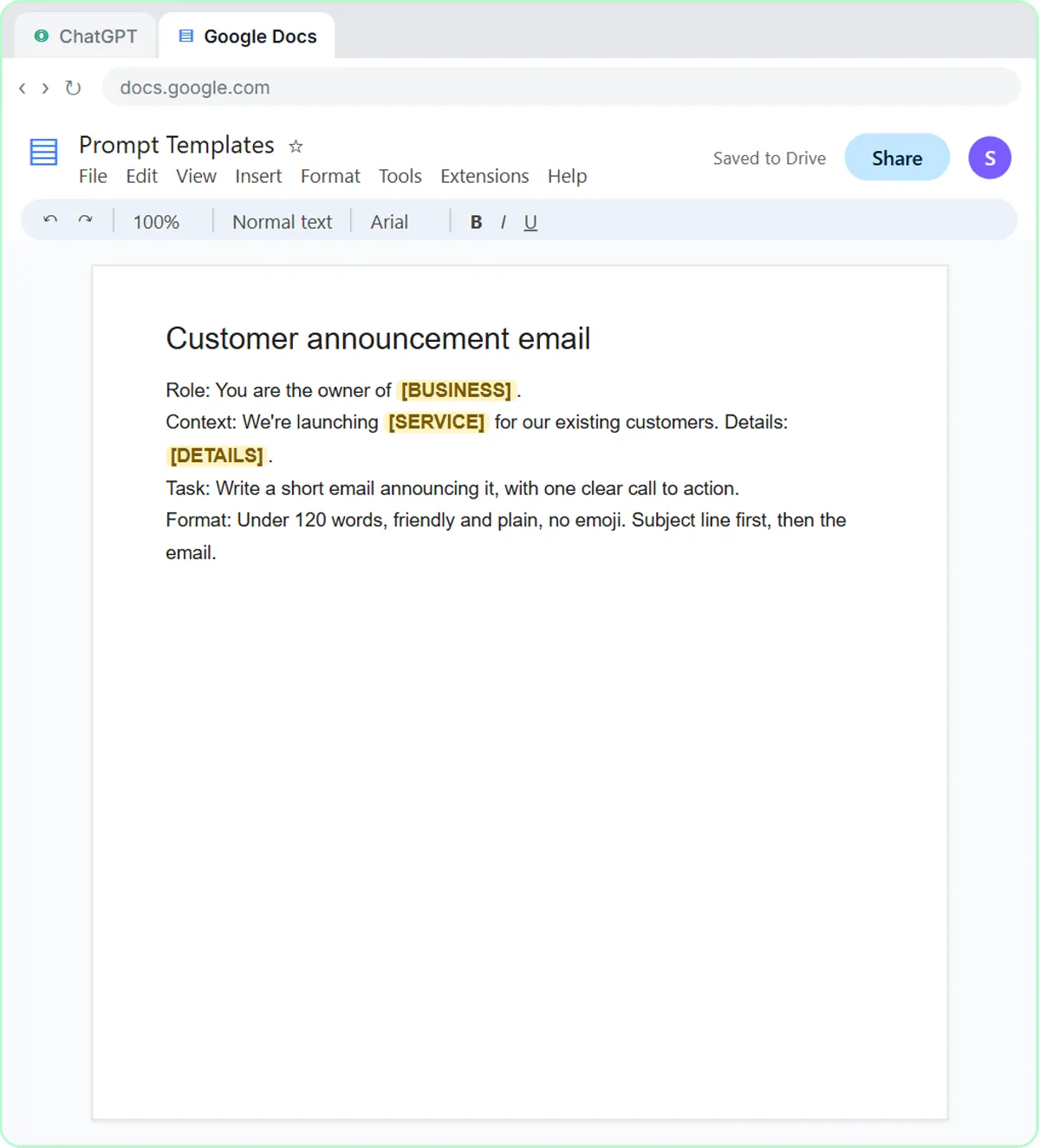
- End of week 2: a 15-minute team meeting where each person shows one prompt that worked. Add the best ones to a shared Prompt Templates doc, the same idea Prompt Writing 101 ends with.
Who on the team should learn n8n?
Pick one or two people who like setting things up to learn n8n, not the whole team. n8n builds automations that run on their own, so it suits whoever will own them.
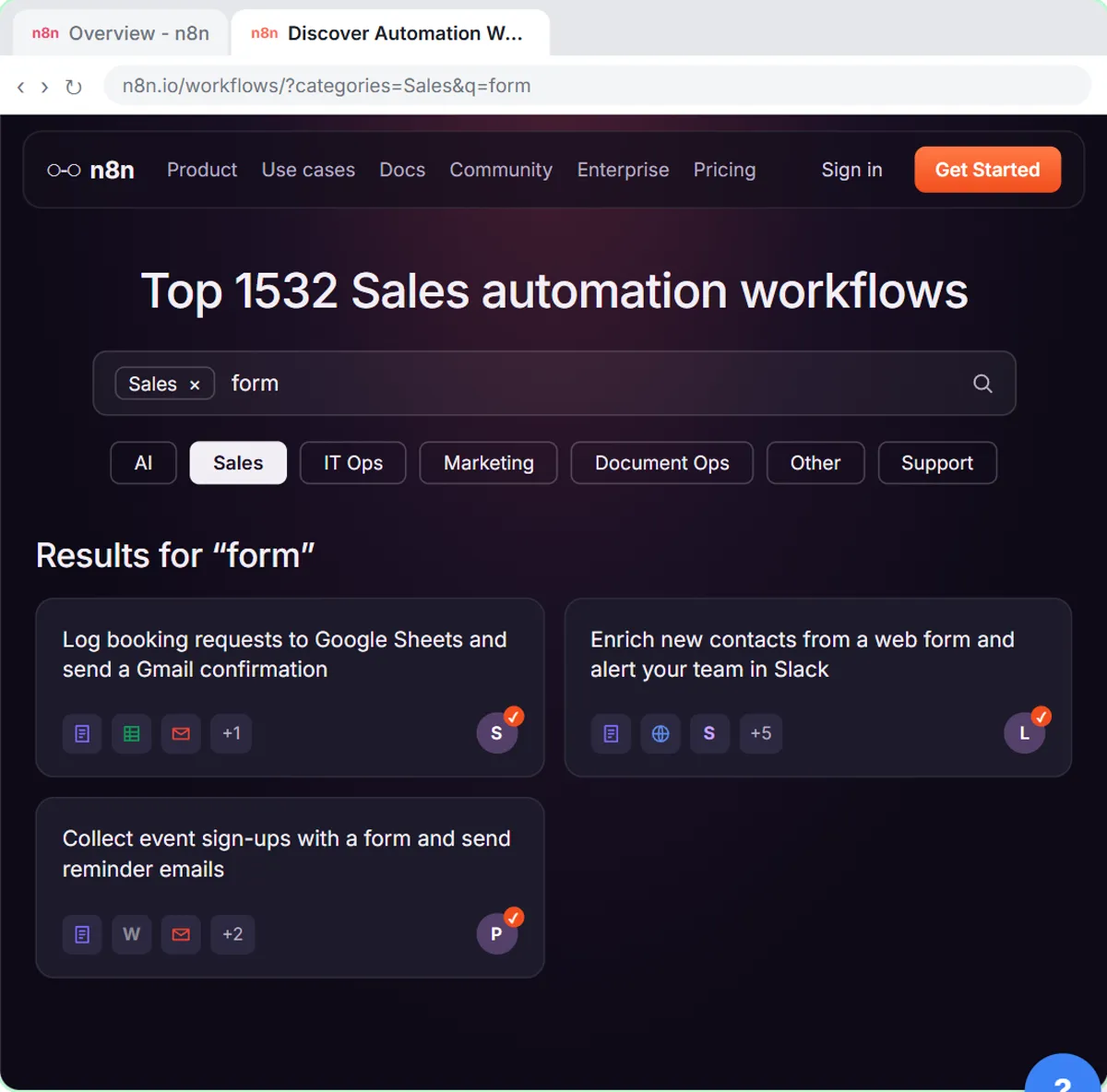
Start them with Find and Use n8n Templates (9 minutes), which imports a ready-made workflow instead of starting from a blank canvas. Learn n8n from Zero lays out the rest in order, and What Is n8n? explains the basics for everyone else.
What does AI training cost?
The Stepthrough lessons are free. For real work, ChatGPT works on any plan to start, including the free plan within its limits; paid and business plans add more, and a business plan is the safer choice for client data.
The automation lessons need paid tools when you build for real: n8n Cloud is paid after a free trial (or self-host it), Lovable has free and paid plans, and AI agents use the OpenAI API, which is pay-as-you-go and billed separately from ChatGPT. Only the people who build automations need those. The full list of courses is on the course page.
Key takeaways
- A small team can train on AI for free by setting a few ground rules, taking three shared ChatGPT lessons and then one or two role-based lessons each.
- The three shared lessons, Prompt Writing 101, Summarize a Meeting Transcript and Reply Faster: Customer Emails, take about 26 minutes in total.
- Ground rules for AI at work should cover what never gets pasted, which account to use, and that a person reads every draft before it's sent.
- Stepthrough lessons run in practice copies, so employees learn without real accounts, real customer data or anything being sent.
- Only one or two people need to learn n8n; they can start with the Find and Use n8n Templates lesson.
Frequently asked questions
- Is there free AI training for employees?
Yes. Stepthrough's lessons are free, take 8 to 15 minutes each, and run in practice copies, so employees don't need accounts to learn.
- What should employees learn about AI first?
Start with how to write a clear prompt, how to summarize a meeting without guessing, and how to check an AI-drafted email against the facts before sending. Those are the first three lessons.
- Do employees need a ChatGPT account to take the lessons?
No. The lessons run in a practice copy of ChatGPT. For real work, any ChatGPT plan works to start, and a business plan is better for customer or client data.
- How do I keep employees from pasting sensitive data into AI?
Write down what never gets pasted, use a business account that doesn't train on your data, and practice on made-up examples first, as the lessons do.