What is a context window?
Updated · By Robert Breen
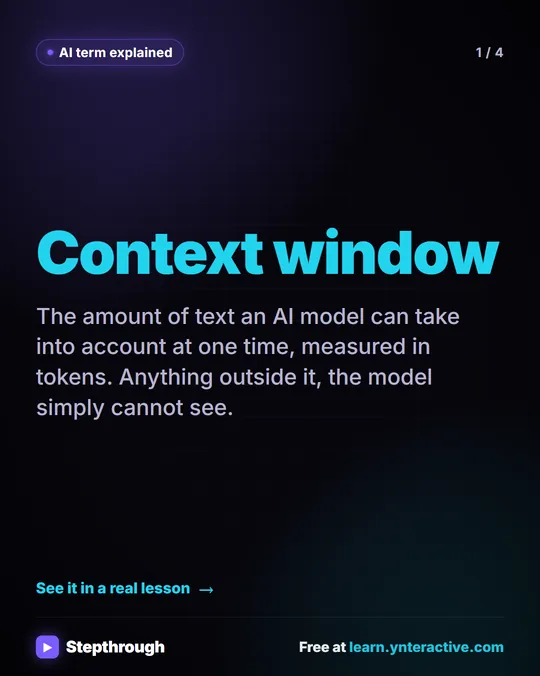
A context window is the amount of text an AI model can take into account at one time, measured in tokens. It holds your current message, earlier messages in the conversation, any pasted or uploaded content and the model's reply. Anything outside it, the model simply cannot see.
Why it matters for a small business
The context window is why ChatGPT can "remember" a meeting you pasted ten messages ago, and also why it sometimes forgets an instruction from the start of a very long chat. Inside one conversation, everything you have sent sits in the window, so you can ask follow-up questions without repeating yourself. Start a new chat and the window is empty again.
For business work this shapes how you organize tasks. Keep one job per chat so the window holds only relevant material. Put long source documents in once and then ask several questions about them. And when a chat has run very long or wandered across topics, starting fresh with a clean summary often gives better answers than pushing on.
In a real lesson: Summarize a Meeting Transcript with ChatGPT
The meeting transcript lesson uses the context window deliberately. You paste a request and then the full Google Meet transcript from Harbor Street Bakery's Monday team meeting (a made-up bakery) into one message. ChatGPT returns a summary, three decisions, an action items table and open questions.
Next you type the two missing dates: "The library quote is due Wednesday, and Luis will call about the oven today." ChatGPT updates the table without you pasting anything again. Then you click Paste request to ask for a short follow-up email to the team, and the voice-over points out why that works: ChatGPT still has the whole meeting in this chat, so you just ask for the next thing.
The last part shows the edge of the window. You click New chat, and the meeting is gone. To work on it there, you use the + button and Add photos & files to attach Monday team meeting - Transcript.docx, which brings the content back into the new conversation.

Try this lesson free or read the step-by-step guide.
Common confusions
Context window vs memory
The context window is what the model can see right now in this conversation. Features like ChatGPT memory or an n8n agent's memory decide what gets put back into the window later. Memory feeds the window; it does not make it bigger.
A bigger window vs better answers
A large window lets you paste long documents, but models can still overlook details buried in a huge prompt. Clear instructions about what to look for matter more than how much you can fit.
Tips
- Keep related follow-ups in the same chat; start a new chat when you switch to an unrelated task.
- In a long conversation, restate key rules (like "only use what's in the transcript") before an important request.
- If a model ignores part of a long document, ask about that section directly.
Related terms
Where you use it: free lessons
- Summarize a Meeting Transcript with ChatGPT (ChatGPT, 9 min)
- Turn a Client Meeting into Action Items and a Follow-Up Email (Accounting Firms) (ChatGPT, 9 min)
- Turn an Interview Debrief into a Scorecard and a Candidate Follow-Up (Recruiting & HR) (ChatGPT, 9 min)
Prompt templates that use it
Visual guide
Context window in a few slides, with the same guide written out as text.
Frequently asked questions
- What happens when a chat is longer than the context window?
- The app has to drop or compress older parts so the newest text fits, so early details may stop influencing answers. Starting a new chat with a short summary of what matters avoids this.
- Does a new chat share the context of my old one?
- Not the conversation itself. Each chat starts with an empty window, unless a feature like memory or a project adds saved information to it.