Meeting notes myth: “summarize this” is all ChatGPT needs
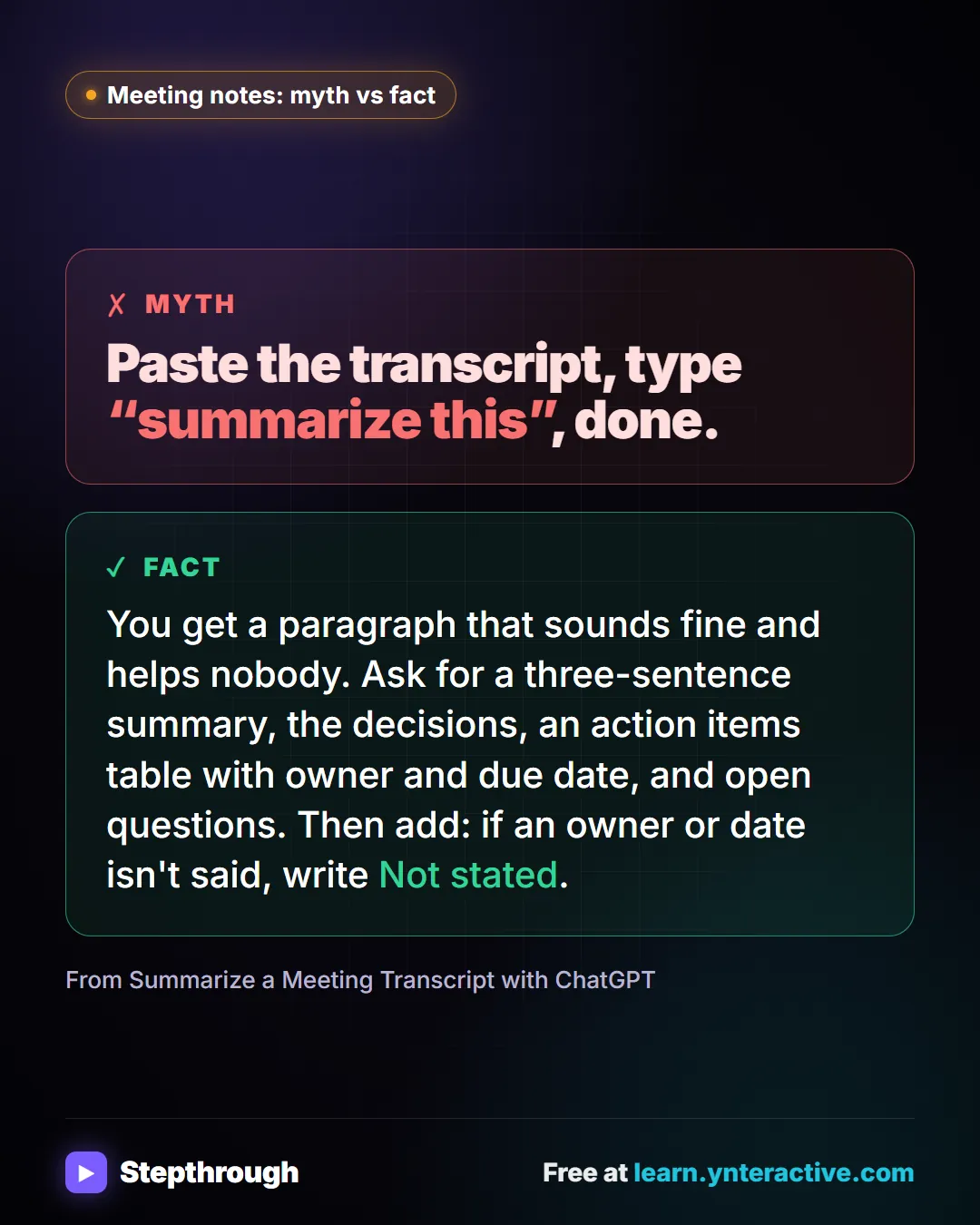
Myth: paste a transcript, type “summarize this”, done. Fact: ask for the decisions, an action items table with owners and dates, and open questions.
The guide in text
The myth
Paste the transcript, type “summarize this”, done.
The fact
You get a paragraph that sounds fine and helps nobody. Ask for a three-sentence summary, the decisions, an action items table with owner and due date, and open questions. Then add: if an owner or date isn't said, write Not stated.
From Summarize a Meeting Transcript with ChatGPT
Businesses and people in the examples are made up. The steps, screens and wording come from the free lesson and the Stepthrough glossary and prompt library.
Do it yourself, free
Summarize a Meeting Transcript with ChatGPT. Paste a long meeting transcript into ChatGPT and get the decisions, an action items table with owners and due dates, and a follow-up email ready to send. You do every step yourself in a practice copy of ChatGPT, it checks your work as you go, and “Do it for me” finishes any step you get stuck on. Free, and nothing touches your real accounts.
Start the free lessonRelated terms
Plain-English definitions, each with an example from a free lesson.
Related prompts
- Action items table prompt: Paste a meeting transcript or rough notes and get a table of every task, owner and due date, with "Not stated" wherever nobody…
- Feedback conversation script prompt: Plan a short, direct feedback talk with a teammate: the specific moment, why it mattered, a question to hear their side and one…
- Meeting agenda prompt: Turn a list of topics into a timed meeting agenda where every item has an owner, a question to settle and minutes that add up to…
- Project risk register prompt: List what could go wrong with a project from your notes: each risk with likelihood, impact, an early warning sign, a response…
From the blog
 What Are Delimiters in a ChatGPT Prompt?
Delimiters are markers like triple backticks or email tags that separate your instructions from pasted text. When to use them in ChatGPT, with examples.
Oct 10, 2026 5 min read
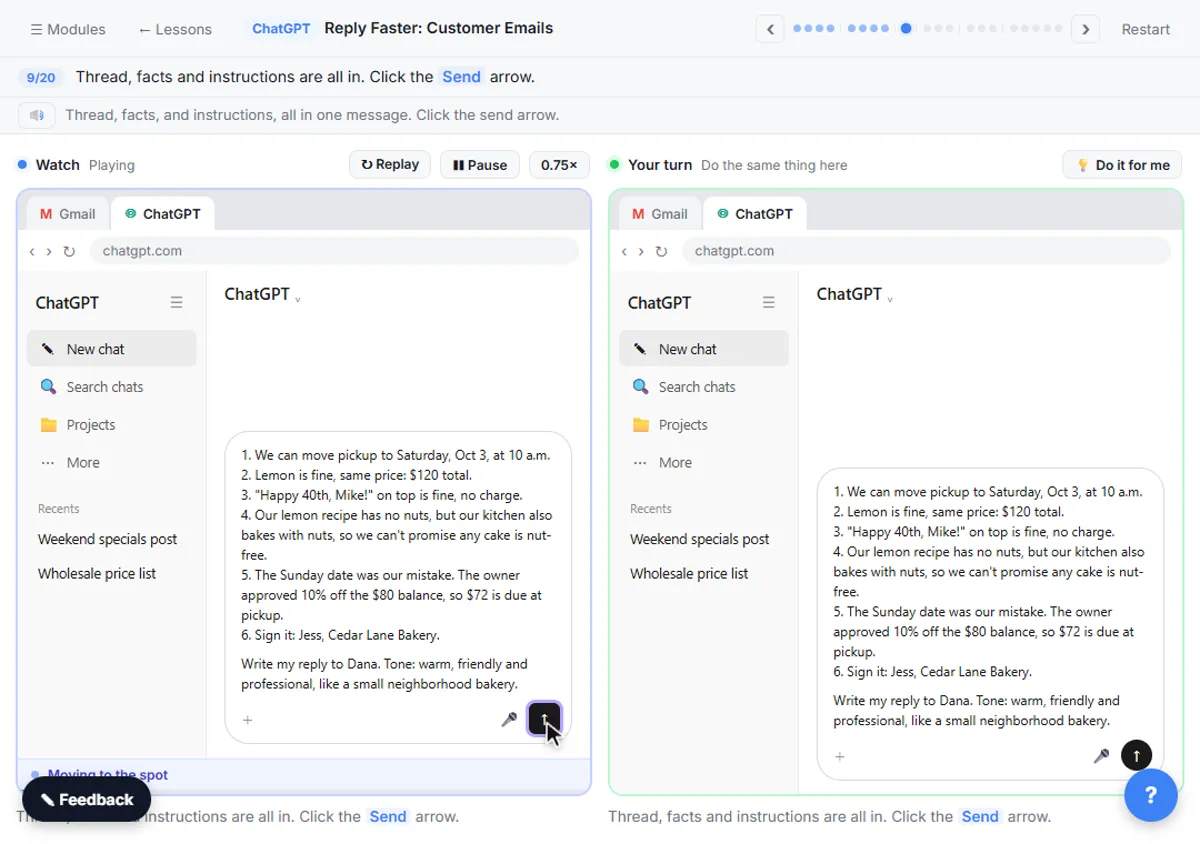 ChatGPT for Bakeries: Holiday Orders and Team Recaps
ChatGPT for bakeries and cafes: untangle holiday order emails without overpromising on allergies, and turn a busy team meeting into owners and dates.
Oct 7, 2026 7 min read
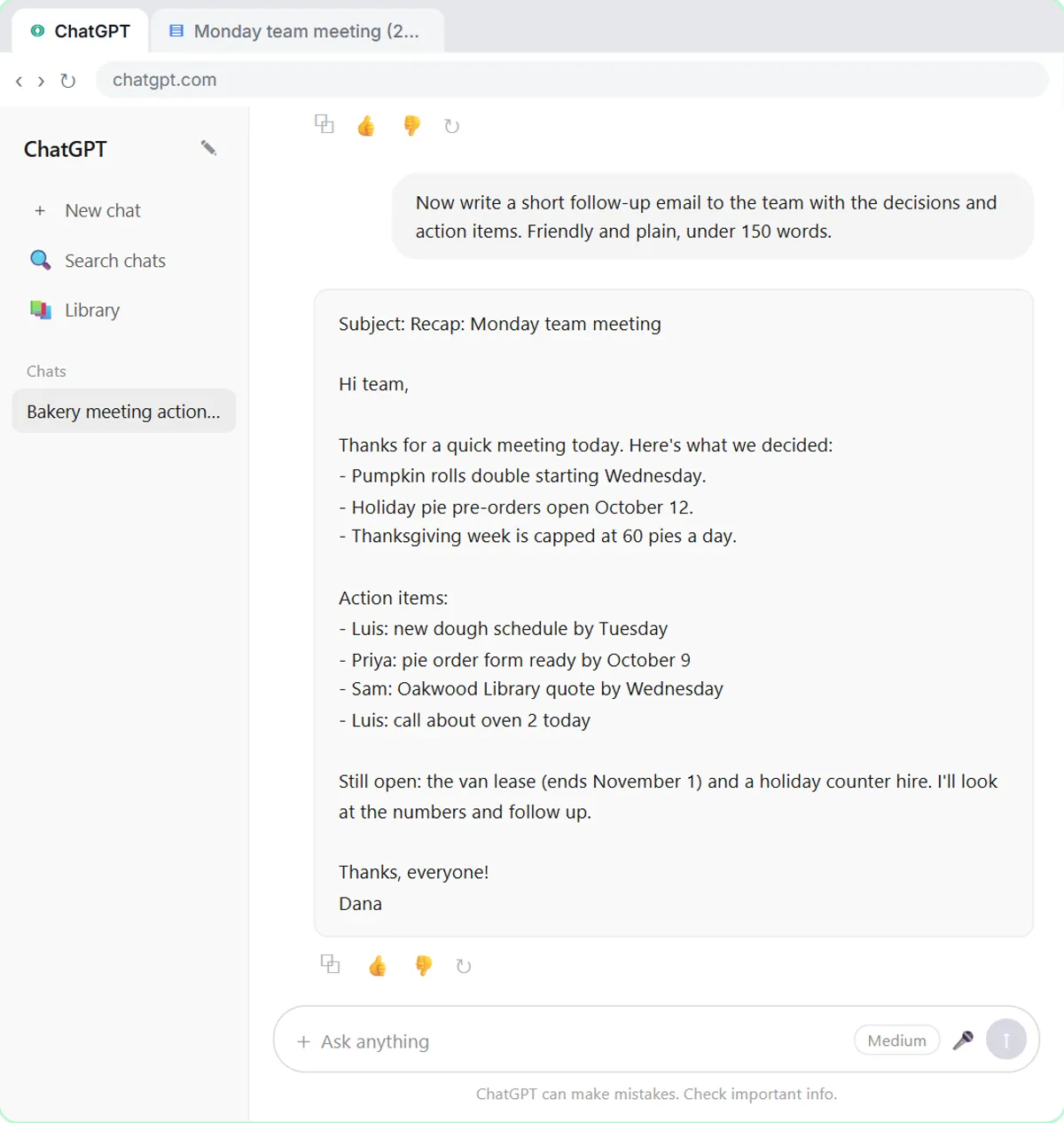 When to Start a New Chat in ChatGPT (and When Not To)
When to start a new chat in ChatGPT: stay in the same chat when it needs earlier context, start fresh after a bad answer or for a different customer.
Oct 3, 2026 6 min read
More visual guides
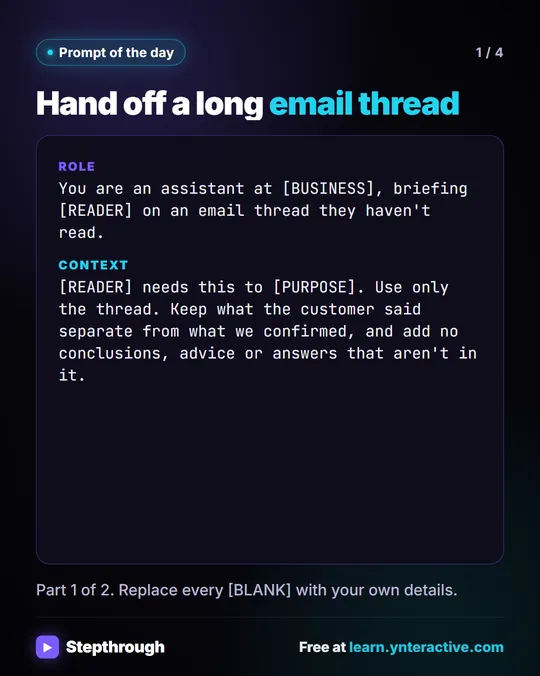 Prompt of the Day: Summarize an Email Thread for a Handoff
A visual prompt card: turn a long email thread into a short handoff with the situation, what was promised and each question marked Answered or Open.
Prompt to copy 4 slides
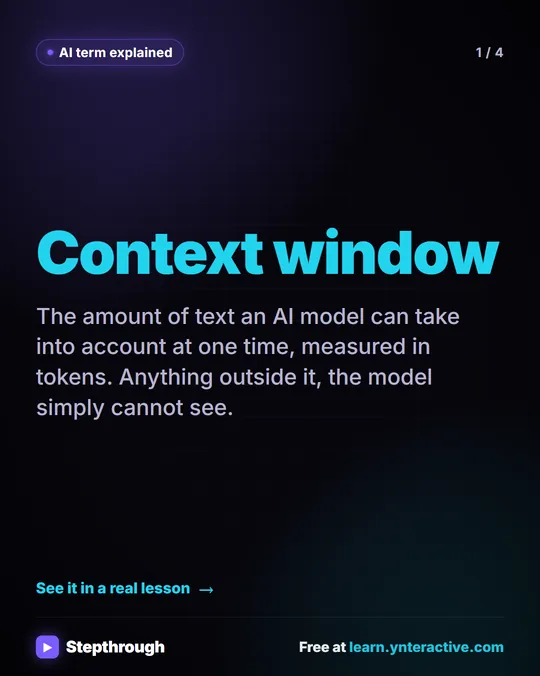 What Is a Context Window? A Visual Guide
A visual guide to the context window: how much text an AI model can see at once, shown with a real ChatGPT meeting summary lesson.
AI term explained 4 slides
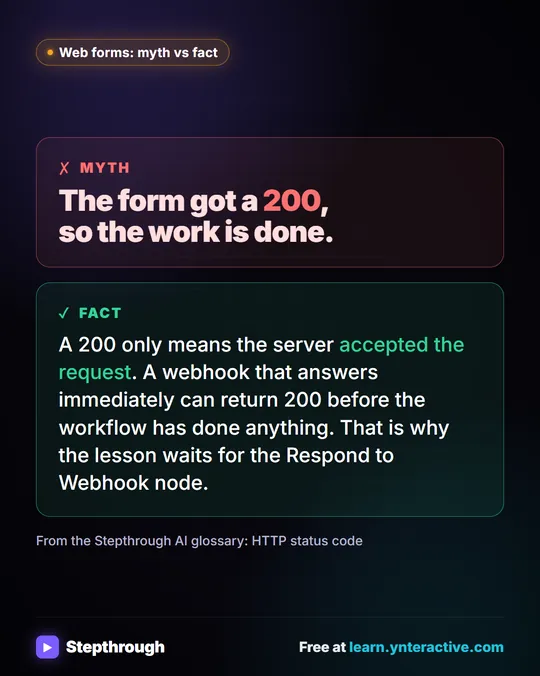 Myth: A 200 Status Means the Workflow Is Done
Myth vs fact: a 200 only means the server accepted the request. A webhook can answer before the workflow has done anything at all.
Myth vs fact One graphic