This guide is for office managers and team leads who sit in Teams meetings every day and own the follow-up. Menu names vary by plan and admin settings, so use the steps as a guide.
How do you start a transcript in a Teams meeting?
In the meeting controls, open the more actions menu and choose the record and transcribe option, then start transcription and confirm the spoken language. Teams then writes each speaker's name and a time stamp as people talk. Tell everyone it is on. If transcription was never started, there is nothing to download later. Your administrator may need to allow it.
How do you get the Teams transcript afterward?
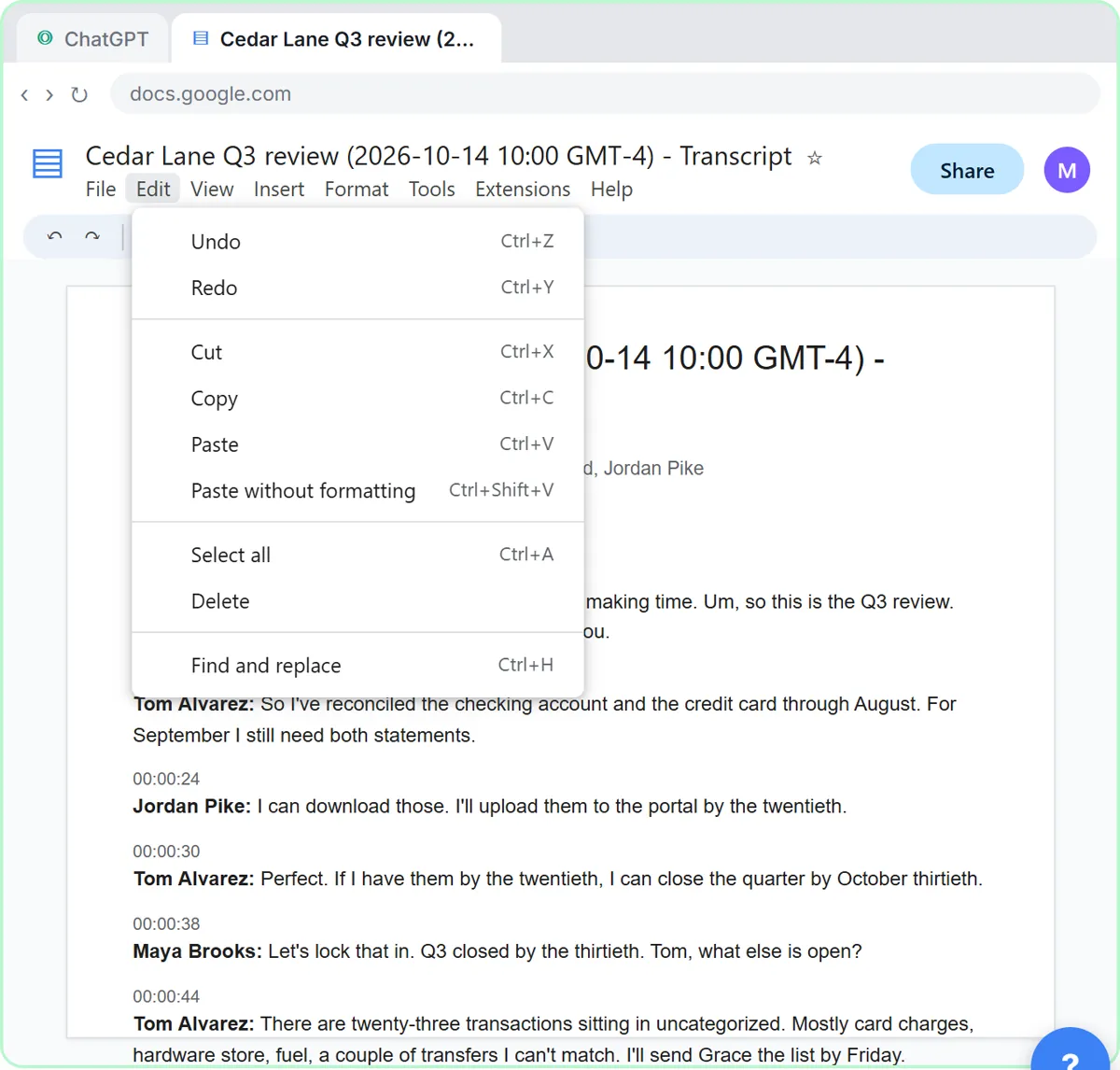
Open the meeting chat or the meeting recap and look for the Transcript tab. There is usually a Download option with a file type such as .docx. By default, the organizer and co-organizers may be the only ones who can download it, so ask them if you can't see it. See how to get a transcript of a meeting for the same steps in Zoom and Google Meet.
What do you ask ChatGPT for?
Paste this first, then paste the transcript underneath (press Shift+Enter for a new line, not Enter):
You're my operations assistant. Below is the transcript of today's Teams meeting. Give me:
1. A three-sentence summary
2. The decisions we made
3. The action items as a table: task, owner, due date
4. Open questions
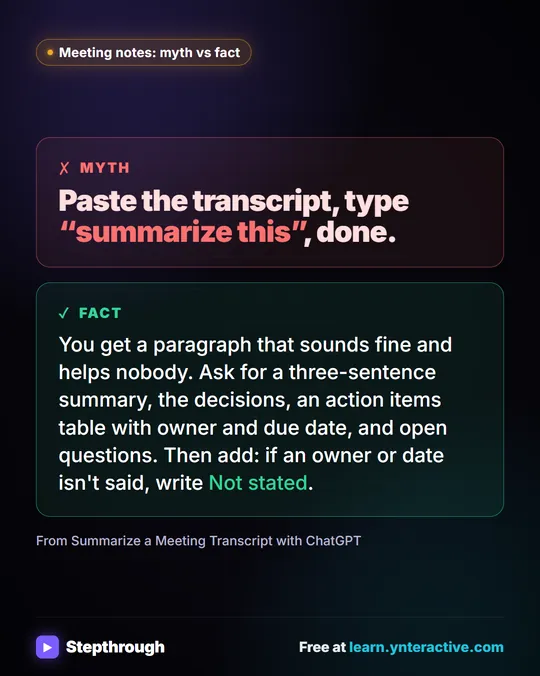
Only use what's in the transcript. If an owner or date isn't said, write "Not stated".
Or start a New chat, click the + button, choose Add photos & files, pick the downloaded .docx and send a one-line version of the same request. Then read the table. Anything marked "Not stated" is a task nobody owned in the meeting, and that is the useful part.
Try it free, step by step
Summarize a Meeting Transcript with ChatGPT. Paste a long meeting transcript into ChatGPT and get the decisions, an action items table with owners and due dates, and a follow-up email ready to send. You do every step yourself in a practice copy of ChatGPT, it checks your work as you go, and “Do it for me” finishes any step you get stuck on. Free, and nothing touches your real accounts.
Start the free lessonWhat should you remove before you paste a Teams transcript?
Anything the follow-up doesn't need. Replace names with roles where the person's identity doesn't matter, delete a personal side conversation, and take out contact details, account numbers and private HR or client information. Share only the extract ChatGPT needs, and follow your company's AI rules. Give the transcript to ChatGPT in the current chat as task input; don't put it in memory or custom instructions. Check ChatGPT data controls for your account.
How do you turn the table into a tracker?
Copy the checked table into a Google Sheet or Excel file with a Status column. For a free, automatic version, the n8n Meeting Notes to Action Items lesson sends AI-extracted tasks to a Google Sheet. For client meetings, see Summarize a Client Meeting. Other formats: Zoom transcript to action items and Google Meet transcript to action items.
Key takeaways
- Start transcription in Teams before the meeting content you care about, and tell attendees.
- Download the transcript from the meeting chat or recap; permissions may be limited to organizers.
- Ask ChatGPT for a task, owner and due date table, with "Not stated" for gaps.
- Trim private details first and keep the transcript in the current chat, not memory.
- Check every owner and date before the recap goes out.
Frequently asked questions
- Can ChatGPT turn a Teams transcript into action items?
Yes. Paste or upload the transcript and ask for a table of tasks, owners and due dates, with "Not stated" for anything missing. Then check it.
- How do I download a Teams meeting transcript?
Open the meeting chat or recap, select the Transcript tab and use Download. Whether you see it depends on your plan, admin settings and your role in the meeting.
- Should I paste the Teams transcript into ChatGPT memory?
No. Add it to the current chat as task input, remove details the task doesn't need, and don't save it in memory or custom instructions.
- Is it okay to put a Teams transcript into ChatGPT at work?
Only within your company's rules. Use an approved account, remove private details first, and don't use unapproved AI tools; if a coworker suggests one, check with your supervisor or IT.