This guide is for owners and office managers who run team meetings in Google Meet. Transcripts need an eligible Google Workspace plan and may need your admin to turn them on.
How do you turn on a transcript in Google Meet?
In the meeting, open the Activities panel and choose Transcripts, then start the transcript. A badge shows that it is on. Tell people it is being transcribed. When you stop it or the meeting ends, Meet saves the transcript as a Google Doc in the host's Meet Recordings folder in Google Drive and typically emails a link to the host. If you don't see the option, check your plan and your admin settings.
How do you copy it into ChatGPT?
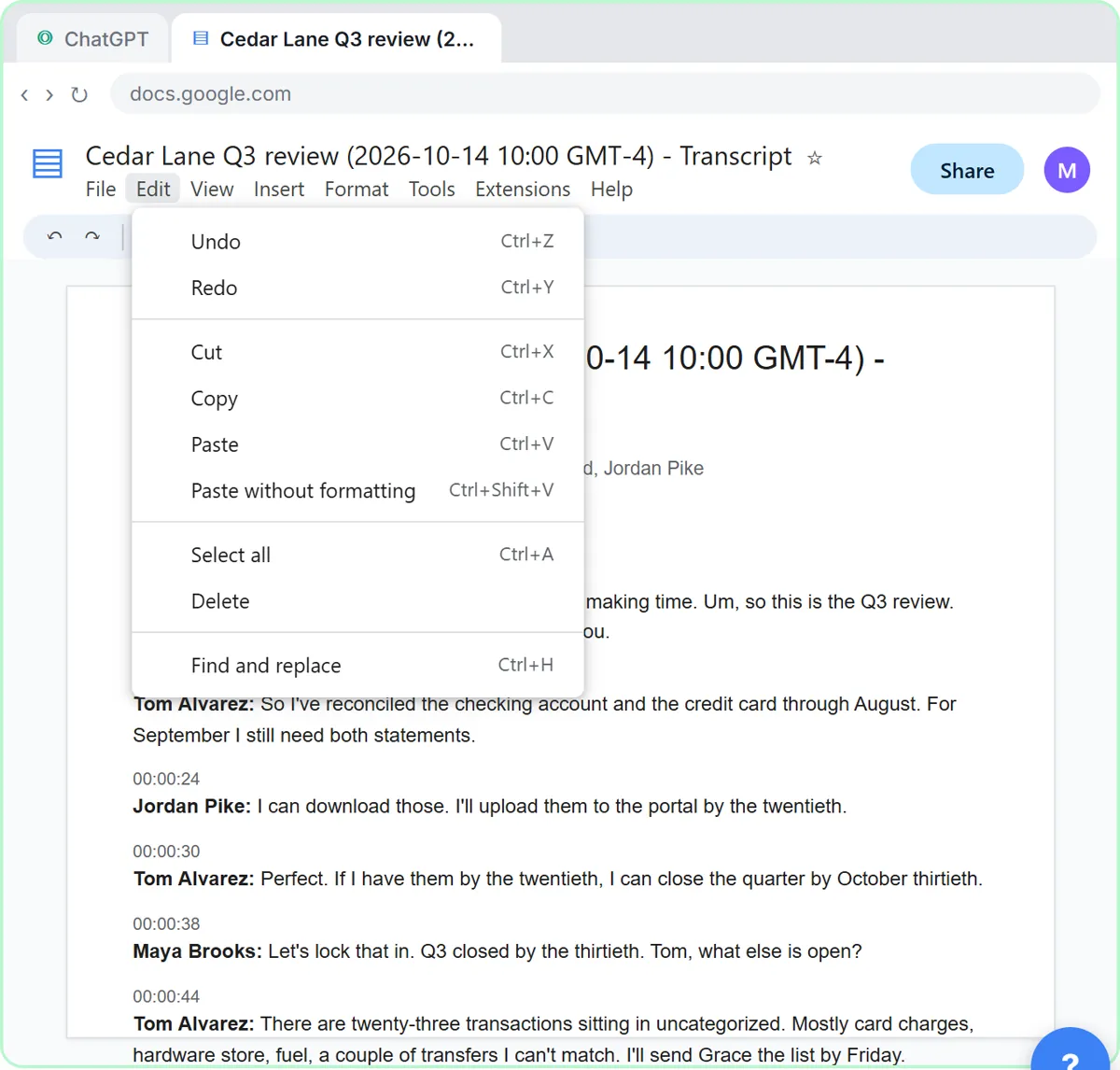
Open the Google Doc. Click Edit, Select all, then Edit and Copy. Go to ChatGPT, click the message box, paste the request below, press Shift+Enter, then Ctrl+V to paste the transcript.
You're my operations assistant. Below is the transcript of today's team meeting. Give me:
1. A three-sentence summary
2. The decisions we made
3. The action items as a table: task, owner, due date
4. Open questions
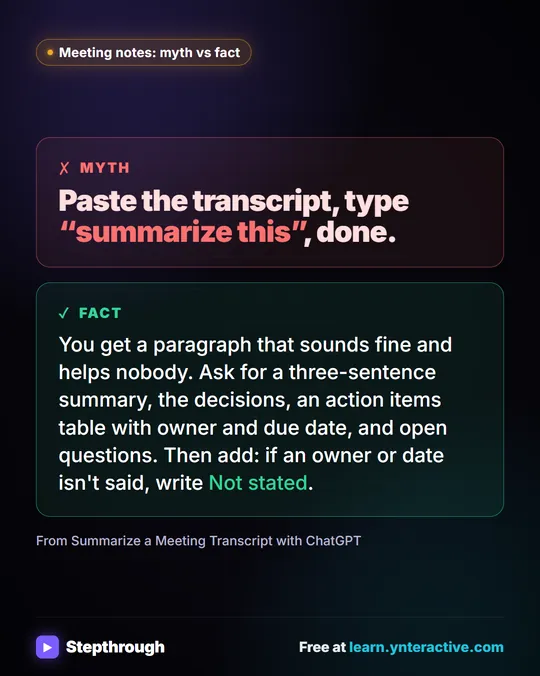
Only use what's in the transcript. If an owner or date isn't said, write "Not stated".
That is the lesson's flow. In it, two due dates say "Not stated" because nobody said them aloud. You supply them in one message and ask for a follow-up email in the same chat. See the long walkthrough in Turn a Meeting Transcript into Action Items.
Try it free, step by step
Summarize a Meeting Transcript with ChatGPT. Paste a long meeting transcript into ChatGPT and get the decisions, an action items table with owners and due dates, and a follow-up email ready to send. You do every step yourself in a practice copy of ChatGPT, it checks your work as you go, and “Do it for me” finishes any step you get stuck on. Free, and nothing touches your real accounts.
Start the free lessonHow do you turn the action items into a tracker?
Paste the checked table into a Google Sheet with a Status column. To automate it, the Meeting to Action lesson takes a recap into tracker rows and a kickoff deck. For a client call, see Summarize a Client Meeting. Other tools: Teams and Zoom.
What should you leave out?
Personal side conversations, names where roles will do, contact details and any private client or HR detail. Add the transcript to the current chat as task input, not to memory or custom instructions, and stay within your company's AI rules.
Key takeaways
- Start the transcript from the Activities panel; Meet saves it as a Google Doc.
- Use Edit, Select all, Copy, then paste under your request.
- Ask for a task, owner and due date table, with "Not stated" for gaps.
- Remove private details first and check the table before sending.
Frequently asked questions
- Where does Google Meet save the transcript?
As a Google Doc in the host's Meet Recordings folder in Drive, with a link emailed to the host, when your plan supports transcripts.
- Why can't I see Transcripts in Google Meet?
Transcripts depend on your Google Workspace plan and admin settings, and they may not be available on personal accounts. Ask your administrator.
- Can ChatGPT make a task list from a Google Meet transcript?
Yes. Paste it under a request for a table of tasks, owners and due dates, with "Not stated" for gaps, then check the table.
- Should I paste or upload the transcript?
Either works. Pasting is quick from a Google Doc; uploading suits a downloaded file.