This guide is for owners and office managers who run client calls on Zoom. Settings depend on your plan and your account administrator, so look for the exact labels in your own Zoom settings.
How do you get a transcript from Zoom?
Zoom can create an audio transcript for cloud recordings if the setting is enabled in your account's recording settings. It has to be on before the meeting; you can't add it to a recording that already happened. Local recordings don't produce transcripts. After the meeting, the transcript can take a while to process, and Zoom emails you when it's ready. Open the recording in your cloud recordings and click the audio transcript. The file is usually a .vtt text file, which carries time stamps and speaker names. Tell attendees that the meeting is being recorded.
What do you do with a .vtt transcript?
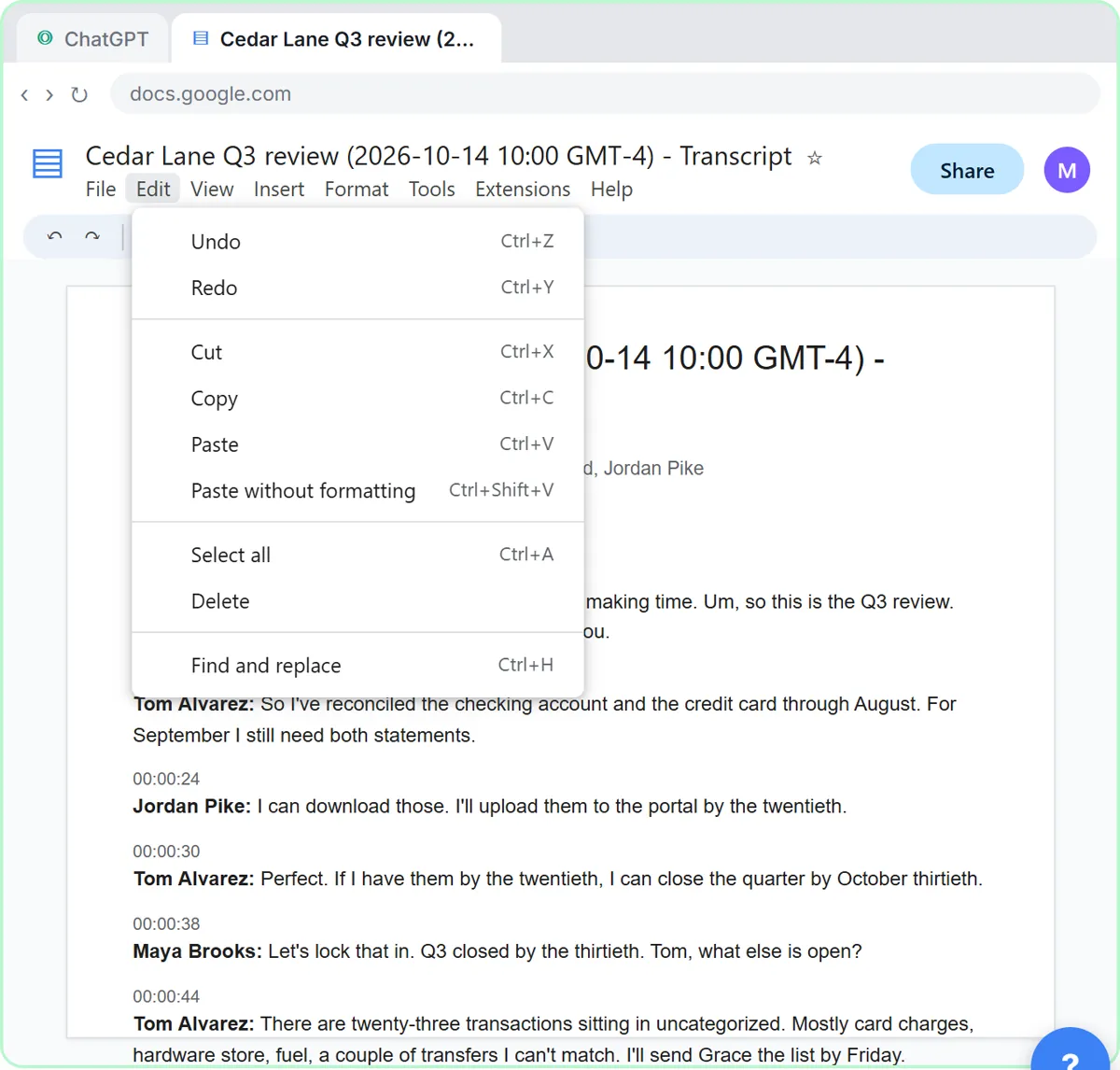
Open it as text, or upload it to ChatGPT with the + button and Add photos & files. If the time stamps clutter things up, ask for a cleanup first with the meeting transcript cleanup prompt, which fixes speaker names and flags unclear lines without rewriting what anyone said.
What request gets the best action items?
Send this, then paste the transcript under it (Shift+Enter for a new line):
You're my operations assistant. Below is the transcript of today's Zoom meeting. Give me:
1. A three-sentence summary
2. The decisions we made
3. The action items as a table: task, owner, due date
4. Open questions
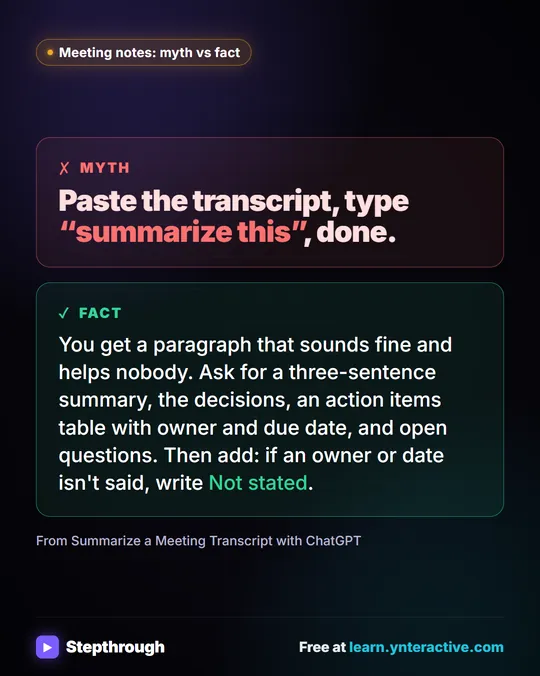
Only use what's in the transcript. If an owner or date isn't said, write "Not stated".
Read the table, fill in the missing dates in one short message, then ask for a follow-up email in the same chat. That is the same flow as the lesson. The action items table prompt has a longer version.
Try it free, step by step
Summarize a Meeting Transcript with ChatGPT. Paste a long meeting transcript into ChatGPT and get the decisions, an action items table with owners and due dates, and a follow-up email ready to send. You do every step yourself in a practice copy of ChatGPT, it checks your work as you go, and “Do it for me” finishes any step you get stuck on. Free, and nothing touches your real accounts.
Start the free lessonHow do you keep a Zoom client call private?
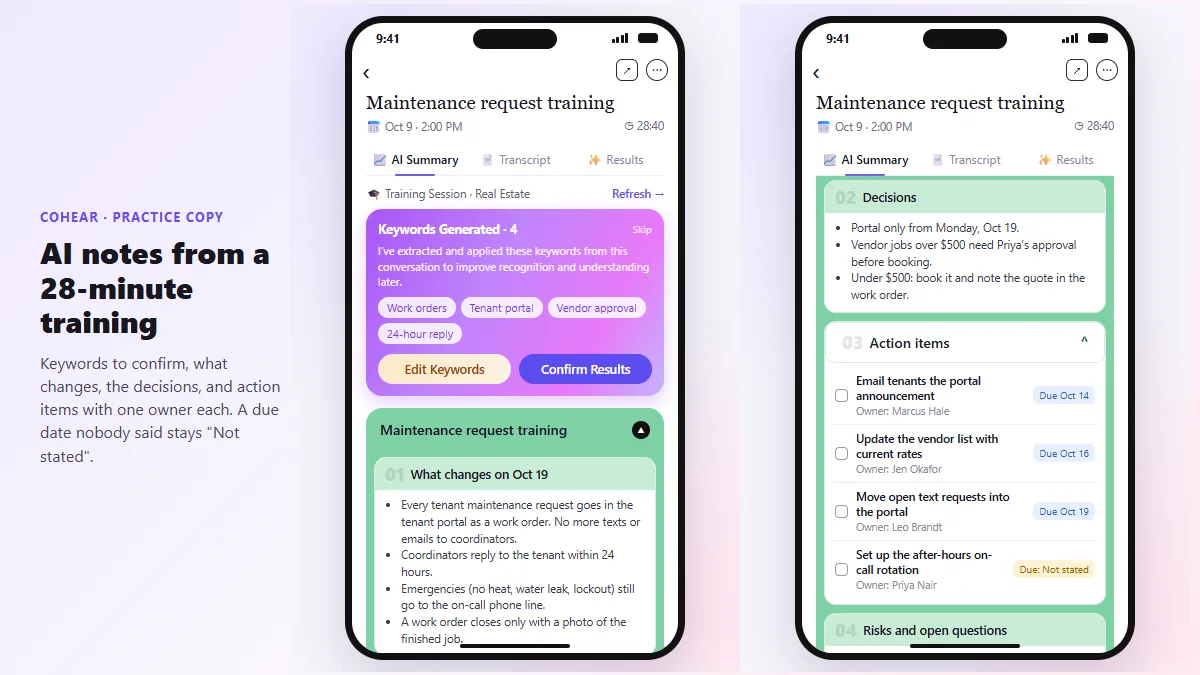
Share only what the task needs. Replace client names with roles where possible, remove contact details and account numbers, and use an account your company approves. For calls you can't transcribe in Zoom, the CoHear lesson records a session on a phone and checks the AI notes against the transcript. For client meetings, see Summarize a Client Meeting. More formats: Teams and Google Meet.
Key takeaways
- Turn on the audio transcript for cloud recordings before the meeting.
- The transcript may take time to process and is usually a .vtt file.
- Ask ChatGPT for a task, owner and due date table, and write "Not stated" for gaps.
- Remove private details first, and check every owner and date.
Frequently asked questions
- How do I get a transcript of a Zoom meeting?
Record to the cloud with the audio transcript setting on. When processing finishes, open the recording and the transcript. Local recordings don't create one.
- Can I get a Zoom transcript after the meeting?
Only if the transcript was enabled when it was recorded. Otherwise use notes and ask attendees to confirm the actions.
- Can ChatGPT read a .vtt file?
You can upload it or paste its text. Ask ChatGPT to ignore the time stamps if they get in the way.
- Do I need to tell people a Zoom meeting is transcribed?
Yes, you should. Recording rules differ by place, so ask your attorney if you're unsure.