To get a useful table from ChatGPT, name the columns you want in the prompt, like "as a table: task, owner, due date", and say what to write when a cell is unknown, like "Not stated". This guide is for office staff who turn meetings, emails and interviews into lists people act on, and it uses three prompts from free lessons, starting with Summarize a Meeting Transcript.
Why ask ChatGPT for a table instead of a paragraph?
A table makes ChatGPT give every item the same details, so a missing owner or date shows up as an empty or flagged cell instead of hiding inside a sentence. Tables are also faster to scan and easier to check line by line.
A paragraph like "Luis will handle the dough schedule and Sam will work on the library quote" reads fine and hides the fact that nobody gave the quote a date. In a task, owner and due date table, that gap sits in its own cell where you can't miss it.
How do you ask ChatGPT for a table?
Say "as a table" and list the column names in the order you want them. Then add one rule for missing information, so ChatGPT doesn't fill gaps with guesses.
The pattern has three parts:
- What the rows are: "the action items", "every promise in the reply", "each must-have".
- The columns: "task, owner, due date".
- The empty-cell rule: "If an owner or date isn't said, write 'Not stated'."
Keep column names short and plain; they become the table headers.
How do you get an action items table from a meeting?
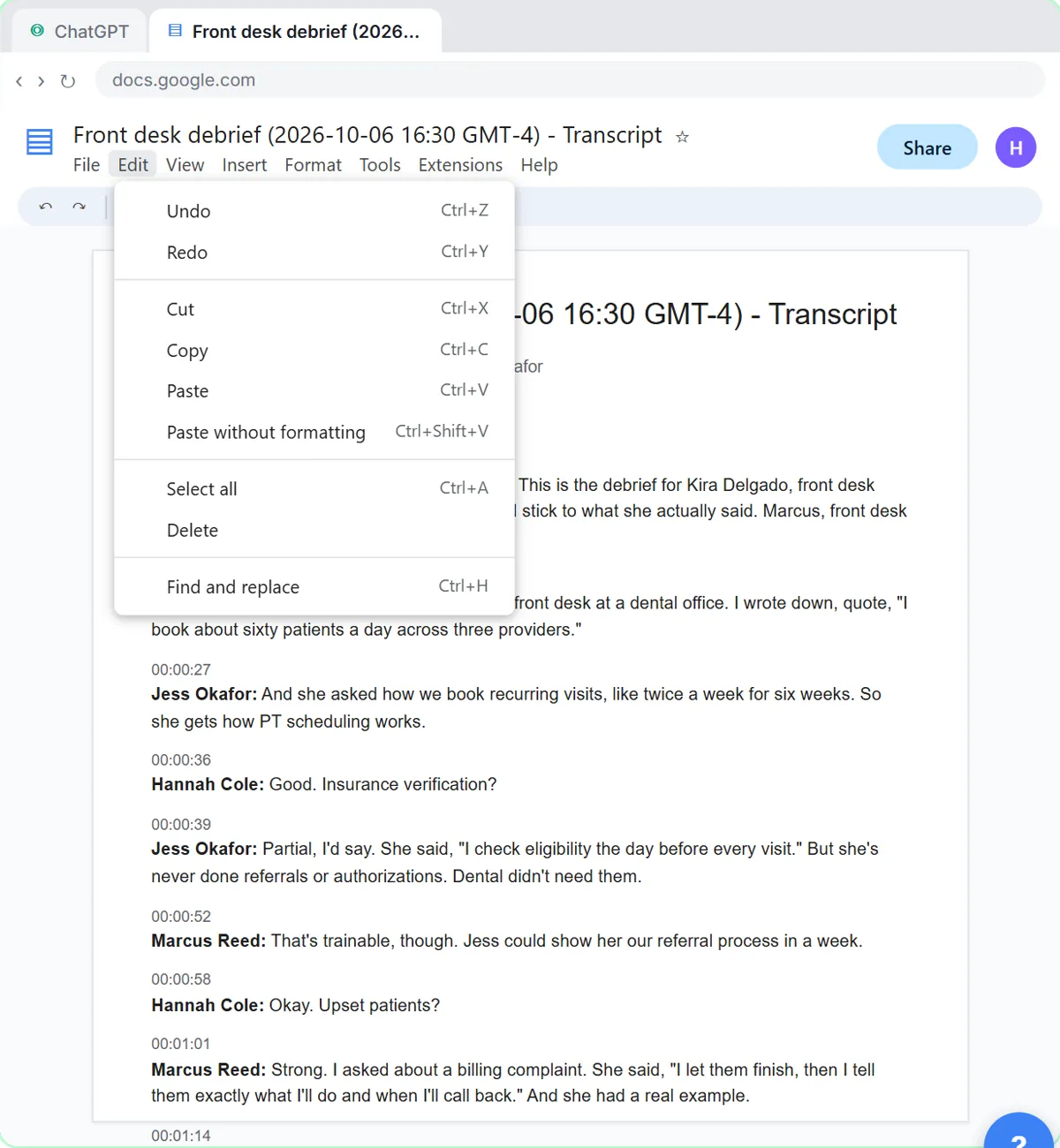
Ask for the action items "as a table: task, owner, due date" and tell ChatGPT to write "Not stated" for anything nobody said. In the Summarize a Meeting Transcript lesson, this request goes above the transcript of a team meeting at Harbor Street Bakery, a made-up shop:
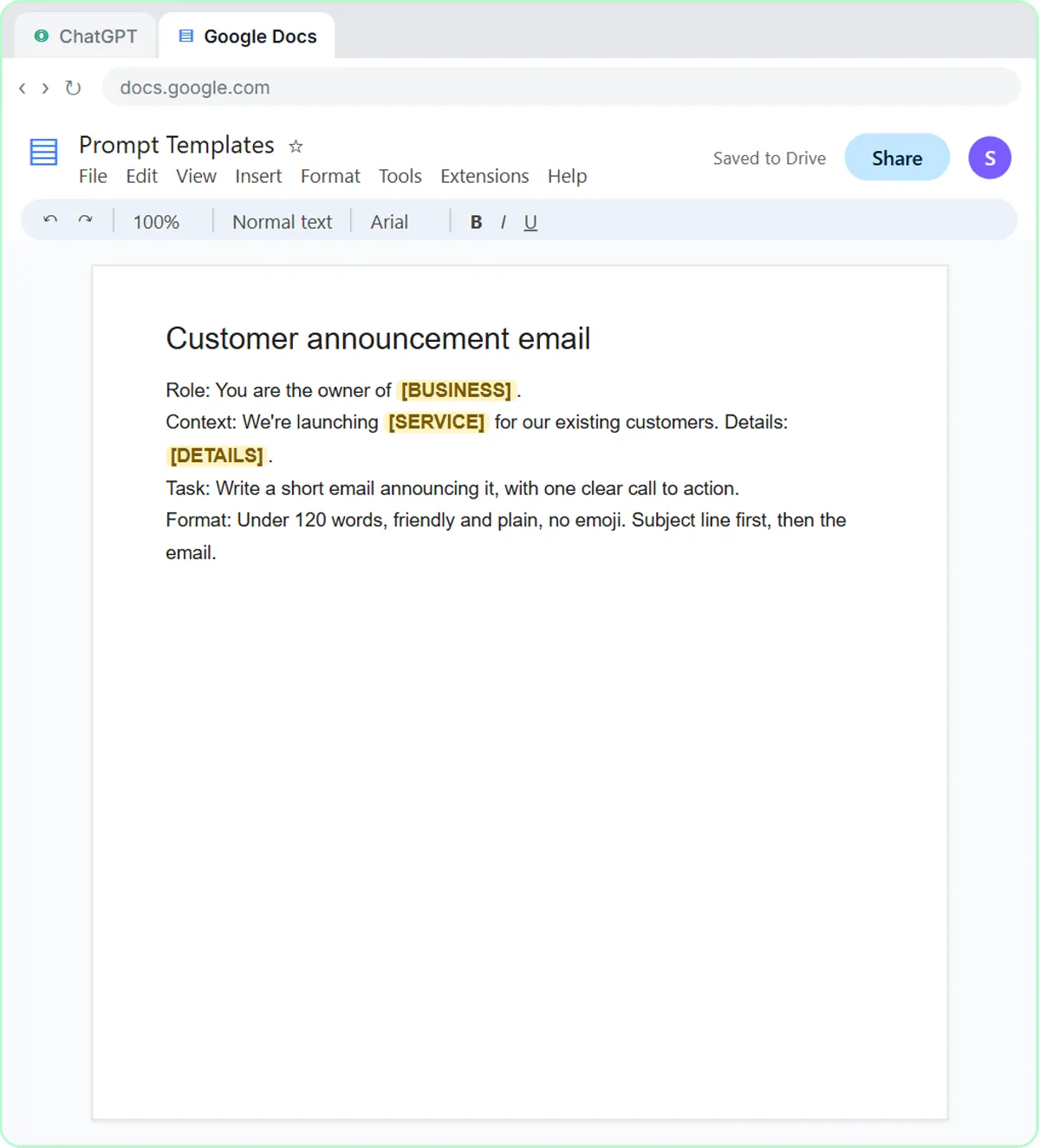
You're my operations assistant. Below is the transcript of today's team meeting at Harbor Street Bakery. Give me:
1. A three-sentence summary
2. The decisions we made
3. The action items as a table: task, owner, due date
4. Open questions
Only use what's in the transcript. If an owner or date isn't said, write "Not stated".
The answer has four action items. Two due dates say Not stated, which is correct: nobody said when the catering quote or the oven repair call would happen. You fill the gaps in the same chat ("The library quote is due Wednesday, and Luis will call about the oven today."), and ChatGPT updates the table. Turn a Meeting Transcript into Action Items walks through the whole lesson.
How do you make ChatGPT check its own work with a table?
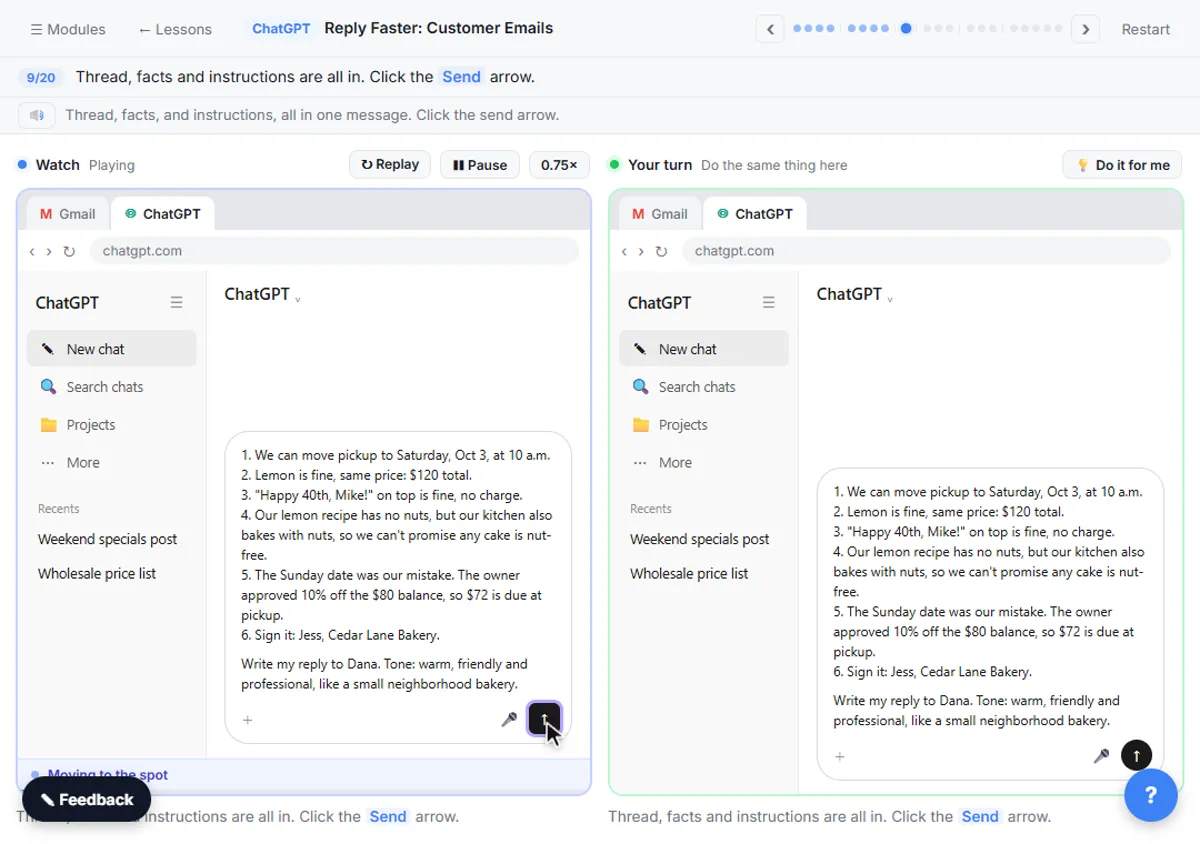
Ask for a table of every claim in a draft next to the fact that backs it up, and have it flag anything unsupported. In the Reply Faster: Customer Emails lesson, the check prompt is:
Check that reply against my facts. Make a table of every promise or claim in it and the fact that backs it up. Flag anything the facts don't support.
In the lesson, five of the six claims in the draft match a numbered fact. The sixth, a line calling the cake completely nut-free, has no fact behind it, and the table flags it. A table works well here because each claim gets its own row, so one bad line can't hide among five good ones.
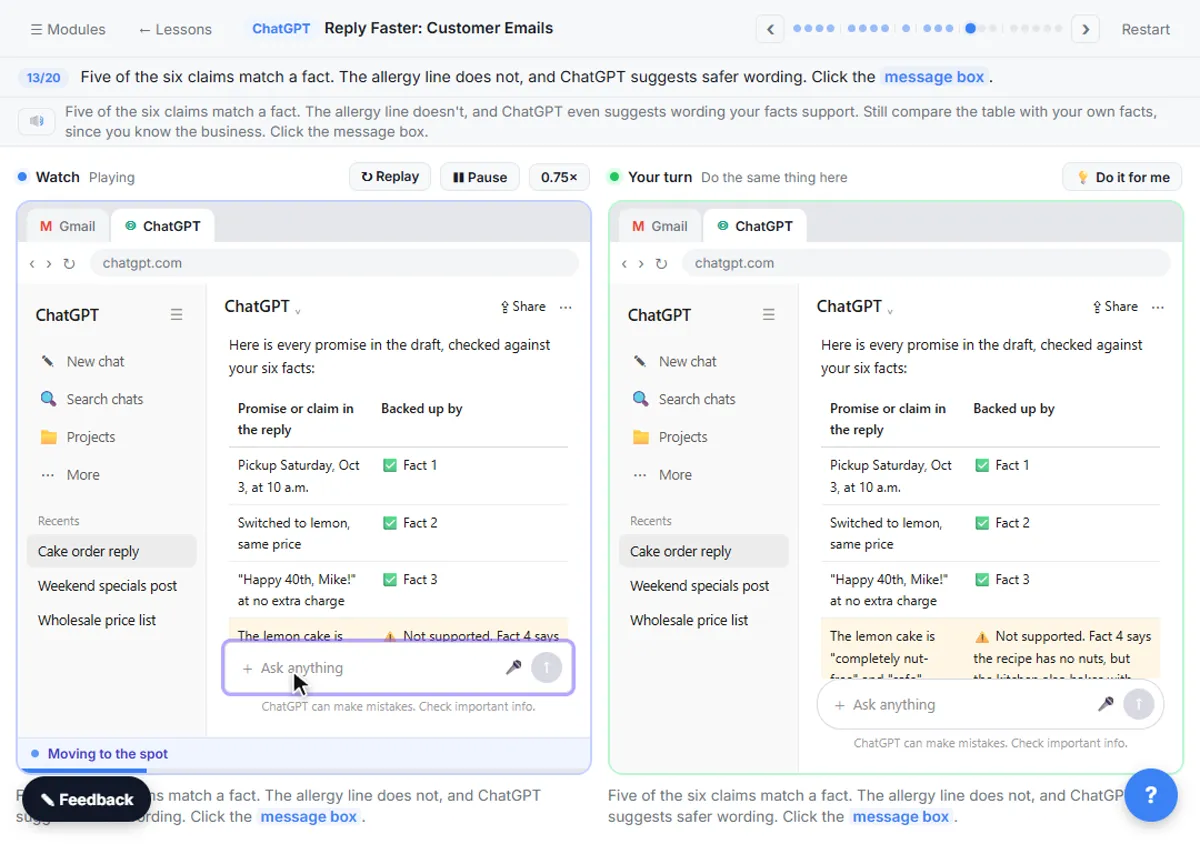
This check only works if your facts are numbered, so the table can point to "fact 4". Check AI Email Drafts for Promises covers the check in depth.
Try it free, step by step
Reply Faster: Turn a Messy Customer Email Thread into a Clear, Friendly Reply. Turn a messy customer email thread into a clear, friendly reply: give ChatGPT the thread and your facts, check every promise, fix the tone, and send it from Gmail. You do every step yourself in a practice copy of ChatGPT, it checks your work as you go, and “Do it for me” finishes any step you get stuck on. Free, and nothing touches your real accounts.
Start the free lessonHow do you turn interview notes into a scorecard table?
List the role's must-haves, ask for a rating from a fixed set and a short quote as evidence for each, and give a phrase for anything that never came up. In the Interview Debrief to Scorecard lesson, the ratings are Strong, Partial or Not discussed, and the request asks for "a short quote from the interview as evidence".
The lesson asks for the scores inside a short summary. If you'd rather see them side by side, ask for the same thing as a table. For example:
Score the candidate on each must-have as a table: must-have, rating (Strong, Partial or Not discussed), quote from the interview. If a must-have never came up, write "Not discussed" and leave the quote blank. Only use what's in the transcript, and only what's about the job.
"Not discussed" does the same job as "Not stated": it keeps a gap visible. In the lesson, training other staff never came up, so the panel knows to cover it in the final round instead of guessing. Hiring decisions stay with people, and this isn't legal advice.
What should ChatGPT write in a cell it can't fill?
Give ChatGPT a fixed phrase for missing information, such as "Not stated" or "Not discussed", so a blank never turns into a guess. Without that rule, ChatGPT tends to fill a due date with something plausible, like "end of week", that nobody agreed to.
Pick one phrase per table and use it every time. A fixed phrase is easy to spot by eye, and easy to find with search if the table ends up in a spreadsheet.
How do you copy a ChatGPT table into Google Sheets or Docs?
Select the table in ChatGPT, copy it, and paste it into Google Sheets or Google Docs; in most cases the rows and columns come across as a table. Check the first few rows after pasting, since long cells can wrap or merge oddly.
A few habits help:
- Match your sheet's headers. If the table is headed for an existing sheet, use the sheet's column names in the prompt.
- One fact per cell. Ask for "owner" and "due date" as separate columns, not "owner and date".
- Ask again if it's messy. "Same table, but split the date into its own column" usually fixes the layout.
When is a table the wrong format?
A table is the wrong format for anything a customer, client or candidate reads as a message. Use tables to work things out, then ask for prose to send.
In the lessons, the tables stay with the team and the outgoing messages are short, plain emails:
- The bakery recap ends with "Now write a short follow-up email to the team with the decisions and action items. Friendly and plain, under 150 words."
- The customer reply has no table at all; the table is only used to check it.
- The candidate email asks for "Only the next steps: leave out the scores, our discussion and the pay question."
Because ChatGPT still has the conversation, you can go from the table to the email in the same chat without pasting anything again.
Key takeaways
- To get a table from ChatGPT, say "as a table" and name the columns, such as task, owner and due date.
- Add an empty-cell rule like "If an owner or date isn't said, write 'Not stated'" so ChatGPT doesn't guess.
- A promise-check table, with each claim next to the fact behind it, makes one unsupported line easy to spot.
- For interview scorecards, a fixed rating scale (Strong, Partial, Not discussed) plus a quote per must-have keeps the notes about the job.
- Use tables to organize and check work, and plain emails for anything a customer or candidate will read.
Frequently asked questions
- How do I make ChatGPT give me a table?
Write "as a table" and list the column names, for example "Give me the action items as a table: task, owner, due date." Naming the columns works better than just asking for "a table".
- Why does ChatGPT make up due dates in my table?
Usually because the prompt didn't say what to do when a date is missing. Add "If an owner or date isn't said, write 'Not stated'" and fill the gaps yourself.
- Can I paste a ChatGPT table into Google Sheets?
Usually, yes. Select and copy the table, then paste it into the sheet and check the first rows. Using your sheet's own column names in the prompt makes the paste line up.
- Should I send a customer a table from ChatGPT?
Rarely. Tables are for checking and tracking. For a customer, client or candidate, ask ChatGPT for a short, plain email that covers the same points.