Free Gmail tutorials for small business
Updated
Gmail. These 2 free modules teach it by building real projects, not by reading about features: Gemini in Gmail: Summarize a Thread and Draft the Reply and Gmail Filters, Labels and AI Draft Replies With a Human Check.
The Gmail modules cover Gemini for Google Workspace. Every module runs in a practice copy of Gmail, so you can learn it without an account, then set it up for real.
2 modules
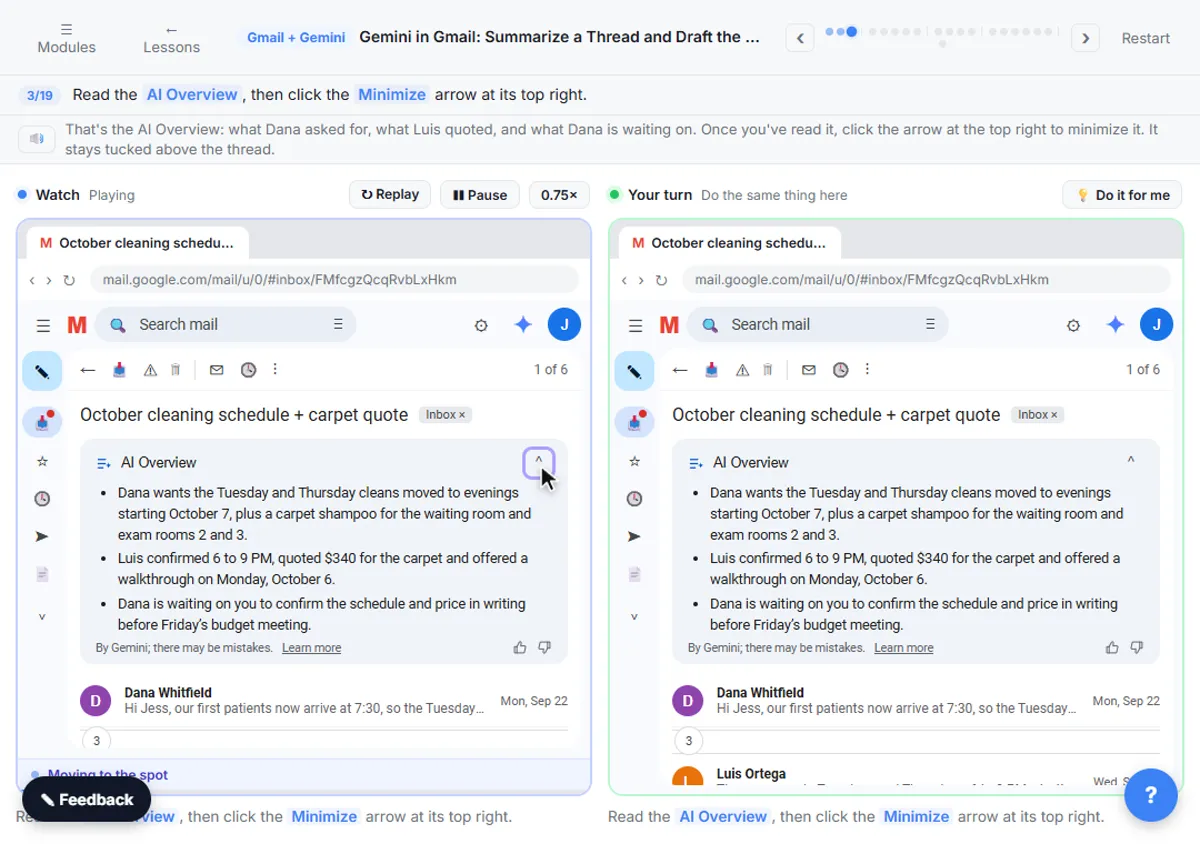 Gemini in Gmail: Summarize a Thread and Draft the Reply
Catch up on a long email thread in seconds with Summarize this email, ask Gemini what you owe, then write, refine and polish the reply with Help me write.
Free · Live ~7 min
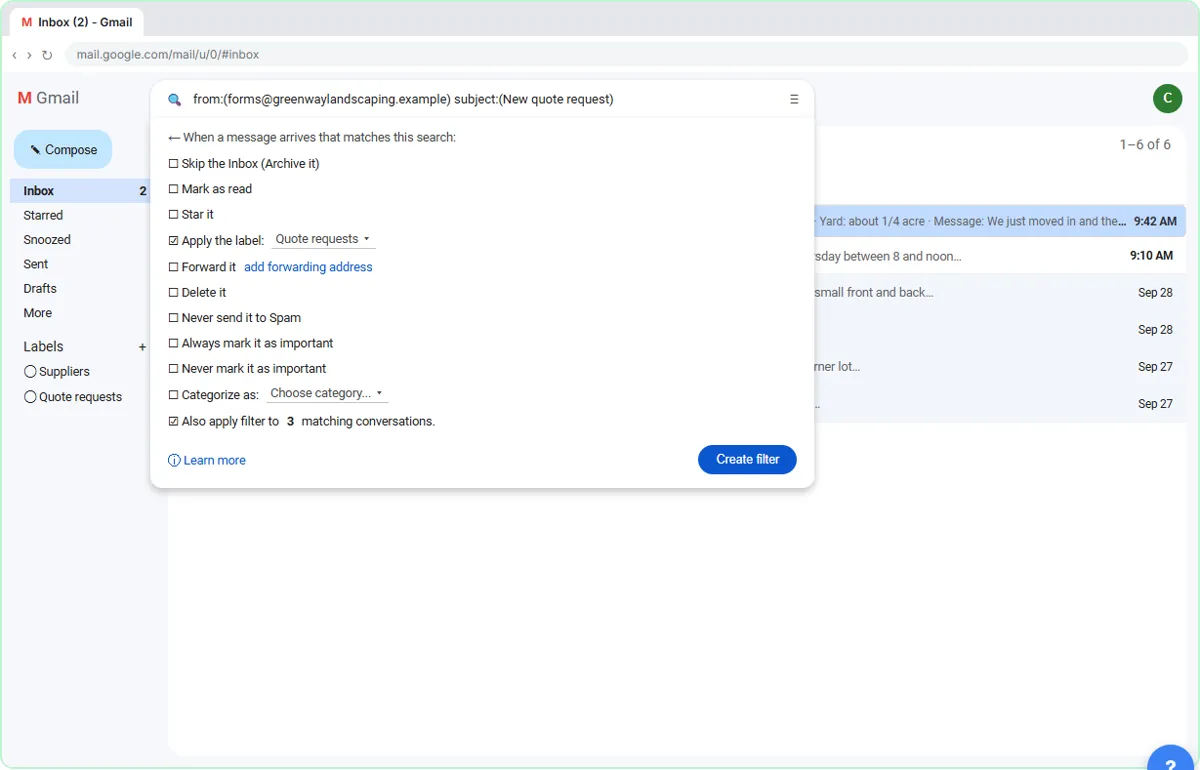 Gmail Filters, Labels and AI Draft Replies With a Human Check
Make Gmail label every website quote request automatically, draft the reply with Help me write, and catch the made-up price before it's sent.
Free · Live ~8 min
Compare tools
Side-by-side comparisons, with prices and features checked against the vendors’ own pages.
Gmail filters, an n8n AI agent or ChatGPT for email replies? What each one does, the real costs as of October 2026, and which suits your inbox.
⇆Copilot in Outlook vs Gemini in Gmail for work emailCopilot in Outlook vs Gemini in Gmail for drafting replies, summarizing threads and catching up on email, as of October 2026. Your email platform decides.
Related
How every module works
Each step is shown on the left, with a cursor pointing to exactly where to click. You do the same thing on the right, in a practice copy of the real tool. Get it right and it moves on. Nothing touches your real accounts until you're ready to build it for real.
Start learning free