The best AI email assistants for a busy work inbox in 2026
Quick answer
The best AI email assistant is usually the one built into the inbox you already use, plus one specialist for the job that eats your day. As of October 2026, Lindy triages mail and drafts replies in your voice for you to review, on Gmail or Outlook; Gemini in Gmail and Copilot in Outlook summarize threads and draft replies inside Google Workspace and Microsoft 365; Superhuman prepares a draft reply for each email and summarizes every conversation; and ChatGPT drafts from your notes in a separate chat. Two helpers round it out: Wispr Flow lets you dictate replies in any app, and no2bounce cleans a list before a big send.
Last updated
Take the free module →Module 13 of the free AI Apps Worth Knowing course, about 14 minutes. No account needed.
This list is for account managers, office managers, recruiters and anyone who answers dozens of client emails a day. Features come from each vendor's own pages as of October 2026, with no prices, because plans change often. Partner tools with a free Stepthrough lesson come first where they fit; that is not a ranking. Disclosure: Stepthrough has an affiliate relationship with Lindy. There are no affiliate links on this page. Practise for free in Answer Client Emails in Half the Time using Lindy.
How do they compare at a glance?
| Tool | Best for | What the vendor says it does | Practice it free |
|---|---|---|---|
| Lindy | An assistant that triages and drafts for you | AI triage you adjust in plain English, drafts in your voice for review, sender lookups, books meetings; Gmail or Outlook | Client email replies |
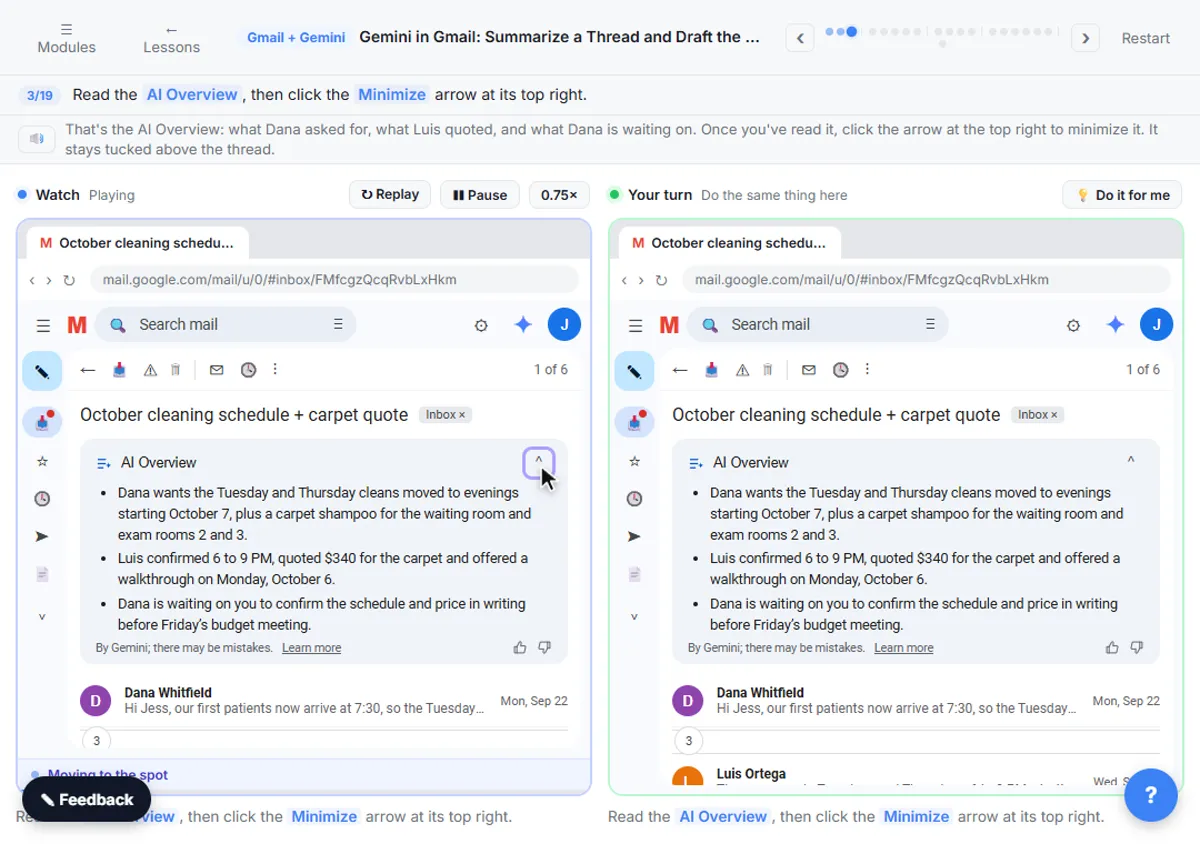
| Gemini in Gmail | Google Workspace inboxes | Summarizes threads, drafts and improves emails, labels and archives on request, searches your inbox | Summarize a thread and draft the reply |
| Copilot in Outlook | Microsoft 365 inboxes | Drafts from a prompt, adjusts tone and length, summarizes threads with citations, coaching on mobile | Not yet |
| Superhuman | People who live in their inbox | Instant Reply drafts, Auto Summarize, Auto Labels, Ask AI across inbox and calendar, follow-up reminders | Not yet |
| ChatGPT | Hard replies drafted from your notes | Drafts emails from rough notes; can connect to Gmail through connected apps | Reply faster |
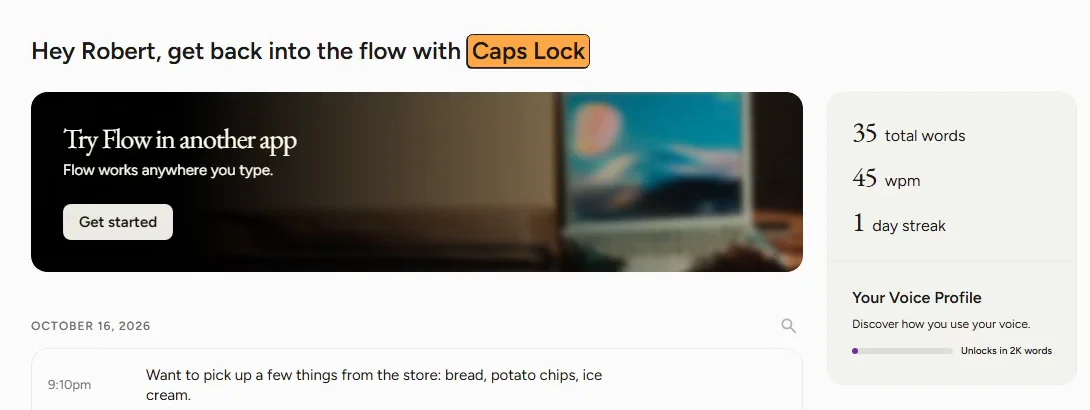
| Wispr Flow | Answering email by voice | Dictation in any app, removes filler words, adds punctuation, adjusts tone for email | Dictate emails and prompts |
| no2bounce | Cleaning a list before a big send | Real-time and bulk verification, catch-all detection, CSV and XLSX uploads, integrations | Protect your sender reputation |
Should I use the AI built into my inbox or a separate assistant?
Start with the built-in one if your company already pays for it: nothing new to approve, and your mail never leaves the suite. Google's help center says Gemini in Gmail summarizes threads, drafts emails and finds details in your inbox. Microsoft's help pages say Copilot in Outlook drafts from a prompt and summarizes a thread with numbered citations to the source messages. The Copilot vs Gemini for work email comparison covers the two side by side.
A separate assistant earns its place when you want work done before you open the inbox. Lindy says it sorts incoming mail, looks up senders and has drafts waiting in your voice for you to review, and Superhuman says Instant Reply prepares a draft for each email. The AI email assistant entry explains the difference between "help me write" and an assistant that works on its own.
Can an AI email assistant send replies on its own?
Most are built so you review first, and that is the safe default for client email. Lindy says it writes drafts for you to review before sending and that nothing irreversible happens without your approval, as of October 2026. Keep it that way for anything with a price, a date or a promise in it. For automations that do send on their own, add an approval step; the AI email drafts: Gmail filters vs n8n vs ChatGPT comparison shows the options.
How can I answer email faster without an AI inbox?
Two cheap habits. First, draft hard replies in a chat assistant: paste the client's message and the facts you can confirm, and ask for a reply in your tone. The free ChatGPT reply faster lesson teaches the routine. Second, talk instead of type. Wispr Flow says it works anywhere you can type, including Gmail, removes filler words and adjusts tone for email; the free Wispr Flow lesson shows it on real replies. The best AI dictation tools list covers the free built-in options too.
Why clean an email list before a big send?
Because bounces hurt your sender reputation, and a damaged reputation sends your next emails to spam. no2bounce lists real-time checks of syntax, MX records and mailbox status, catch-all detection and bulk list cleaning, as of October 2026. The free Protect Your Sender Reputation Before a Big Send using no2bounce lesson walks through a cleanup. The email deliverability and email bounce entries explain the terms.
Who is each one for?
Lindy
For people who want an assistant that sorts mail, looks up senders, books meetings and has drafts ready in their voice, on Gmail or Outlook. Practise free in Answer Client Emails in Half the Time using Lindy. Official site: lindy.ai. Directory card: Lindy.
Gemini in Gmail
For Google Workspace offices: thread summaries, drafts and inbox actions without leaving Gmail. Practise free in Gemini in Gmail: Summarize a Thread and Draft the Reply. Official help: Gemini in Gmail. Directory card: Gmail with Gemini.
Microsoft Copilot in Outlook
For Microsoft 365 offices: drafts, tone changes and thread summaries with citations, on Windows, Mac, web and mobile. Official help: Draft an email with Copilot in Outlook. Directory card: Microsoft 365 Copilot.
Superhuman
For heavy email users who want a draft reply on every message, one-line summaries, automatic labels and follow-up reminders. Official site: superhuman.com/ai. Directory card: Superhuman.
ChatGPT
For drafting the difficult reply from your rough notes, in the assistant you already use for other work. Practise free in the ChatGPT reply faster lesson. Official site: chatgpt.com. Directory card: ChatGPT.
Wispr Flow
For answering email by voice in any app, on Mac, Windows, iPhone and Android. Practise free in Wispr Flow: Answer Emails and Write AI Prompts by Voice. Official site: wisprflow.ai. Directory card: Wispr Flow.
no2bounce
For cleaning a contact list before a newsletter or outreach send. Practise free in Protect Your Sender Reputation Before a Big Send using no2bounce. Official site: no2bounce.com. Directory card: no2bounce.
Which of these tools have a free Stepthrough lesson?
- Lindy: free lesson: Answer Client Emails in Half the Time using Lindy
- Gemini in Gmail: free lesson: Gemini in Gmail: Summarize a Thread and Draft the Reply
- Microsoft Copilot in Outlook: a free Stepthrough lesson is coming.
- Superhuman: a free Stepthrough lesson is coming.
- ChatGPT: free lesson: Reply Faster: Turn a Messy Customer Email Thread into a Clear, Friendly Reply
- Wispr Flow: free lesson: Wispr Flow: Answer Emails and Write AI Prompts by Voice
- no2bounce: free lesson: Protect Your Sender Reputation Before a Big Send using no2bounce
Practice it free, step by step
Answer Client Emails in Half the Time using Lindy. A business case for a small office: price the hours spent writing client replies from scratch, then set up a Lindy routine that drafts each reply in Gmail for you to check and send. Guardrails on… You do every step yourself in a practice copy of Lindy, it checks your work as you go, and “Do it for me” finishes any step you get stuck on. Free, and nothing touches your real accounts.
Start the free lessonWatch it in a free lesson: Reply Faster: Turn a Messy Customer Email Thread into a Clear, Friendly Reply
 2:51
2:51A calm reply to a messy thread with ChatGPT
Turn a messy customer email thread into a clear, friendly reply: give ChatGPT the thread and your facts, check every promise, fix the tone, and send it from Gmail.
Key takeaways
- Start with the AI in your inbox (Gemini in Gmail or Copilot in Outlook) if your company already pays for it.
- Add Lindy or Superhuman when you want drafts waiting before you open the inbox; keep a person reviewing client replies.
- Dictating with Wispr Flow and drafting in ChatGPT are cheap ways to answer faster.
- Clean your list with a verifier like no2bounce before a big send to protect deliverability.
Frequently asked questions
What is the best AI email assistant for Gmail?
Gemini in Gmail if your company uses Google Workspace, since it is built in. Lindy and Superhuman are the options when you want drafts prepared for you. Try the built-in route in the free Gemini in Gmail lesson.
What is the best AI email assistant for Outlook?
Copilot in Outlook if your company licenses Microsoft 365 Copilot. Lindy also says it connects to Outlook, as of October 2026.
Is it safe to let AI read my work email?
Only with tools your company has approved, on a business account. Check each vendor's privacy terms, and keep a person reviewing anything that goes to a client.
Can AI write emails in my own voice?
Lindy and Superhuman both say they draft in your voice from your past writing, as of October 2026. With ChatGPT, paste two or three of your real emails as examples.
Where do these prices and features come from?
Every price and feature on this page was checked against the vendor's own page, as of October 2026. No numbers here are estimates or third-party figures. The example businesses in the Stepthrough lessons are made up.