What is a shared inbox?
Updated · By Robert Breen
A shared inbox is a single email address, such as office@ or support@, that a team monitors together instead of one person's private mailbox. Anyone on the team can read, answer and track messages sent to it, so customers always reach someone.
Why it matters for a small business
Customers write to a role, not a person. If every request sits in one employee's inbox, it stalls when that person is out sick or on holiday. A shared inbox keeps the conversation with the business, so coverage does not depend on any one person's schedule.
The risk is the opposite problem: everyone assumes someone else replied, or two people answer the same email with different facts. Teams solve that with simple rules, like who owns a thread, how to mark one as handled and which answers come from a common source of truth. Adding AI changes the speed of drafting, but not the need for clear ownership.
In a real lesson: AI Email Responder: Draft Gmail Replies Automatically with n8n
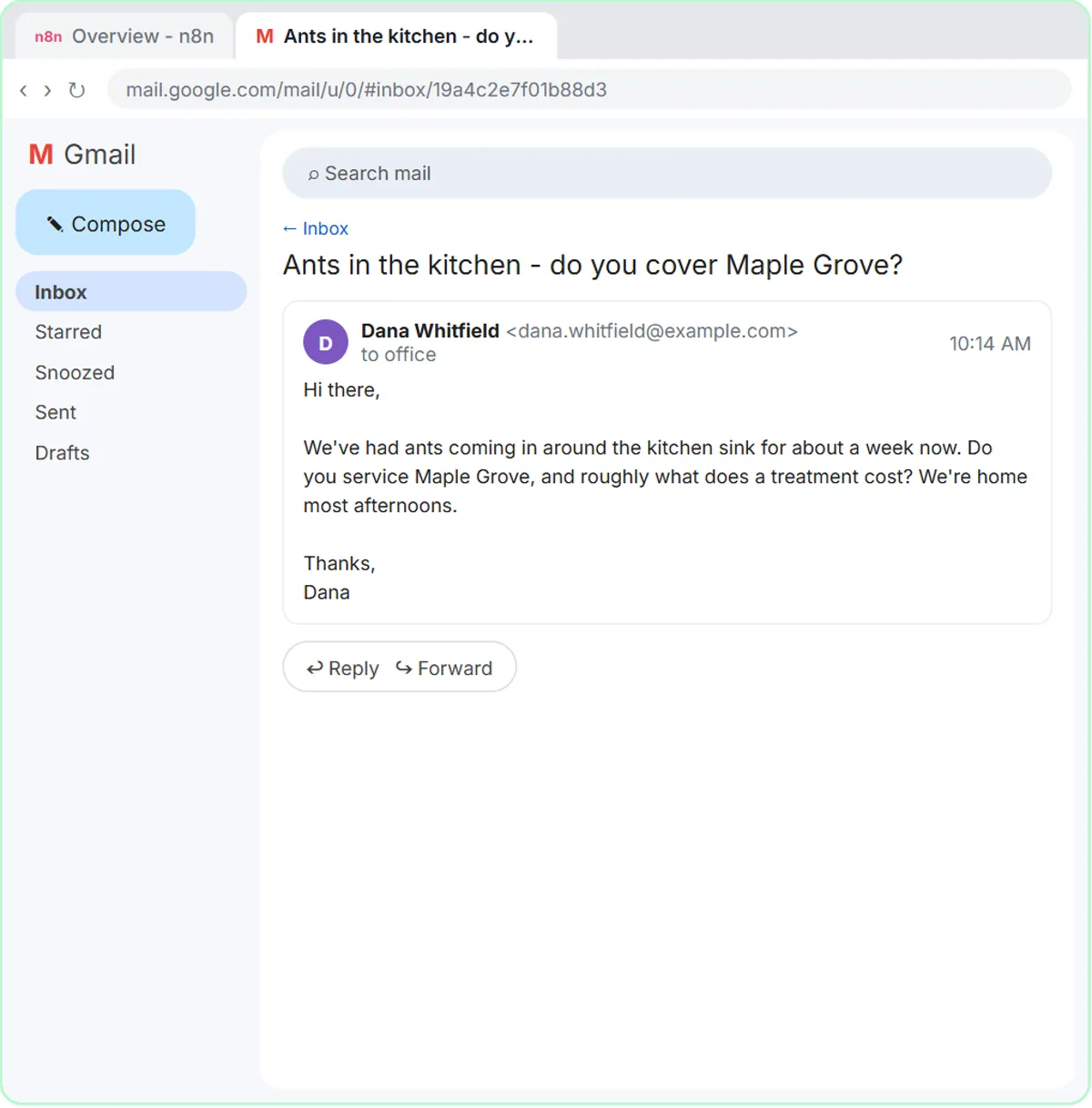
In the AI Email Responder lesson, you play the office at Greenline Pest Control, a made-up family-run company, and connect an n8n workflow to its business inbox, [email protected]. A Gmail trigger checks for new messages every minute and passes each one to an AI Agent.
The agent replies by creating a draft in the same thread. Its system message says "You cannot send email. You can only create drafts," lists the company's real service areas and prices, and says "If you don't know something, say someone from the team will follow up." A person opens the draft in Gmail, edits it and clicks send.
That is a good fit for a shared inbox. Anyone on the team who opens the thread can see the draft waiting, and nothing leaves the company until a human approves it. The lesson does not add assignment or "who has this" labels, so a real team would still need its own ownership rule.
Try this lesson free or read the step-by-step guide.
Common confusions
Shared inbox vs email forwarding
Forwarding sends a copy to individual people, who each reply on their own. A shared inbox keeps one copy in one place, so teammates can see who has answered and what was said.
Shared inbox vs help desk
A help desk adds tickets, assignments and reports on top of email. A shared inbox is the simpler first step. Move to a help desk when volume makes tracking by hand too slow.
Tips
- Decide who "owns" a thread, for example with a label or a name in the first reply, before volume grows.
- Keep one list of approved answers, so everyone quotes the same prices and hours.
- Keep AI in draft mode at first, as the lesson does, and widen its role only after you trust the drafts.
Related terms
Where you use it: free lessons
- AI Email Responder: Draft Gmail Replies Automatically with n8n (n8n, 12 min)
- Reply Faster: Turn a Messy Customer Email Thread into a Clear, Friendly Reply (ChatGPT, 9 min)
Frequently asked questions
- Do I need special software for a shared inbox?
- Not at first. A group address or a shared Gmail account with a clear labeling habit works for small teams. Dedicated tools help once you need assignments, notes and reports.
- Is it safe to let AI read a shared inbox?
- It reads customer messages, so check your company policy and privacy promises first. Use draft-only mode and limit what the agent can see, as the lesson does with its approved facts and drafts.