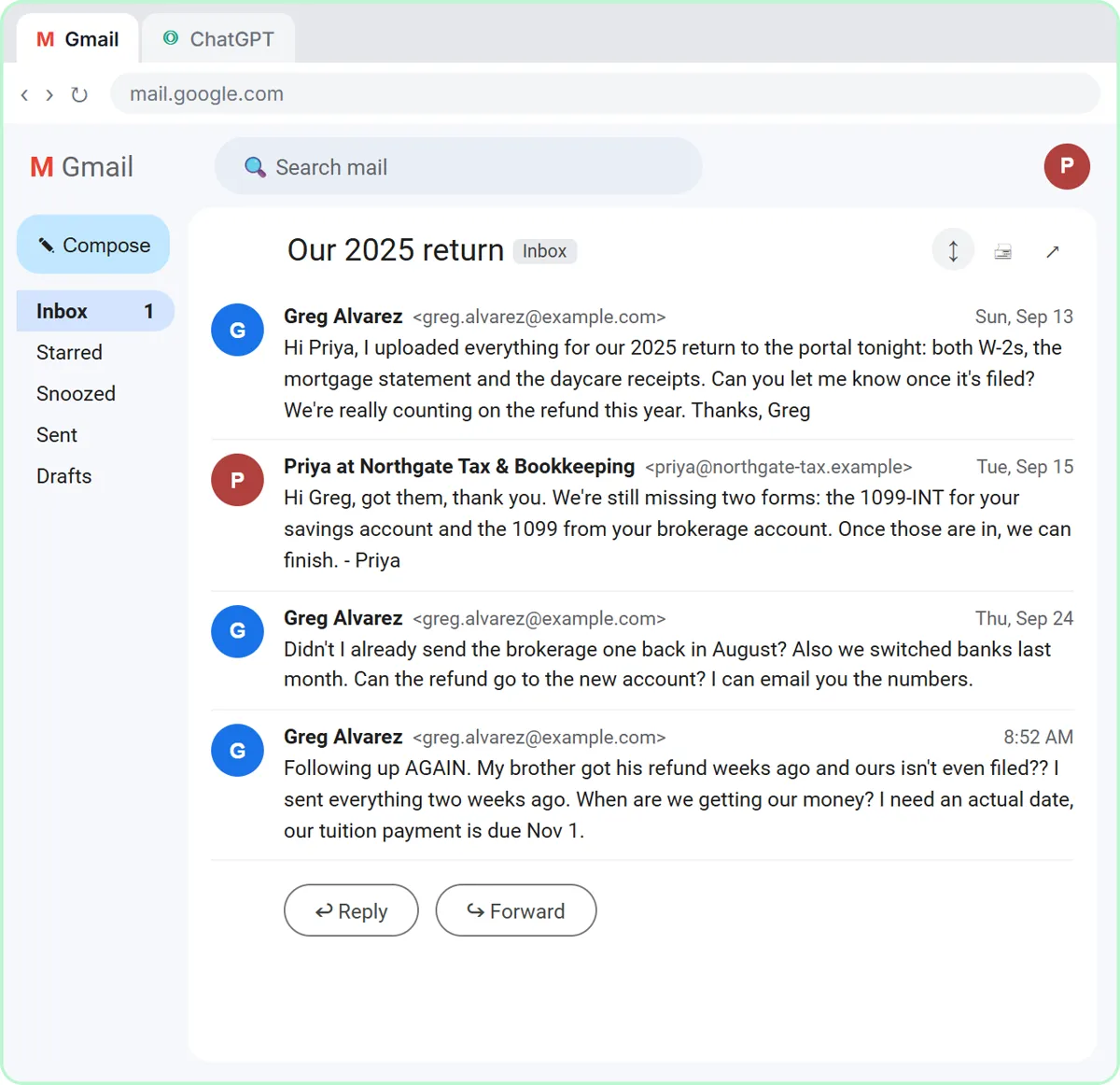
AI Learning Path for Bookkeepers
An ordered AI learning path for bookkeepers: client emails about refunds and missing forms, meeting recaps, expense categories…
Free · Interactive · No sign-up to start
Watch a step, then do it yourself in a practice copy of the real tool. Stuck? Press “Do it for me.”
Free access. No credit card. New lessons every week and a new blog post every day.
Stepthrough is a free, interactive AI training site for small-business owners, office staff and teams, made by Robert Breen. You learn n8n, ChatGPT and Lovable by doing every step yourself in a safe practice copy that checks your work. There are 36 free lessons today, no coding needed, and no sign-up to start.
 0:14
0:14Every lesson is a real project, one step at a time. The left side shows the step with a cursor pointing at exactly where to click; the right side is yours. Nothing touches your real accounts until you build it for real.
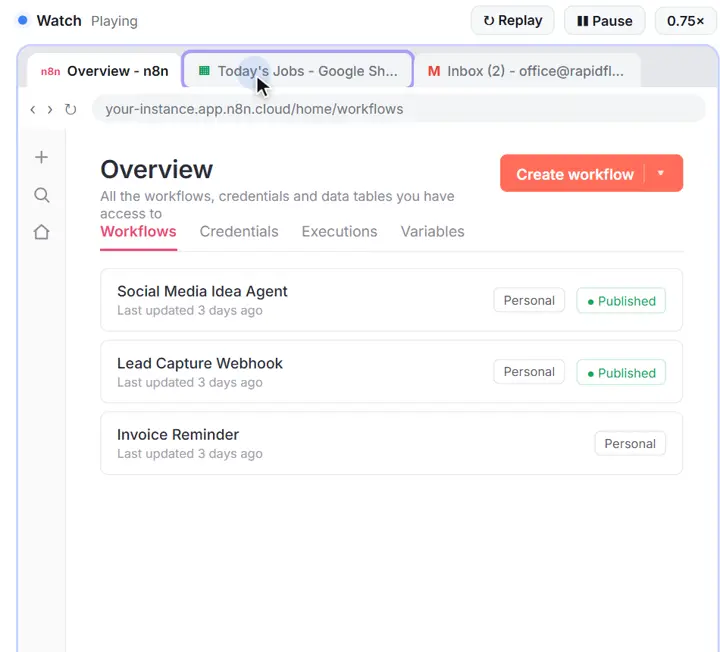
Each step plays on the left: a cursor shows exactly where to click, with a voice-over that says what you are doing and why.
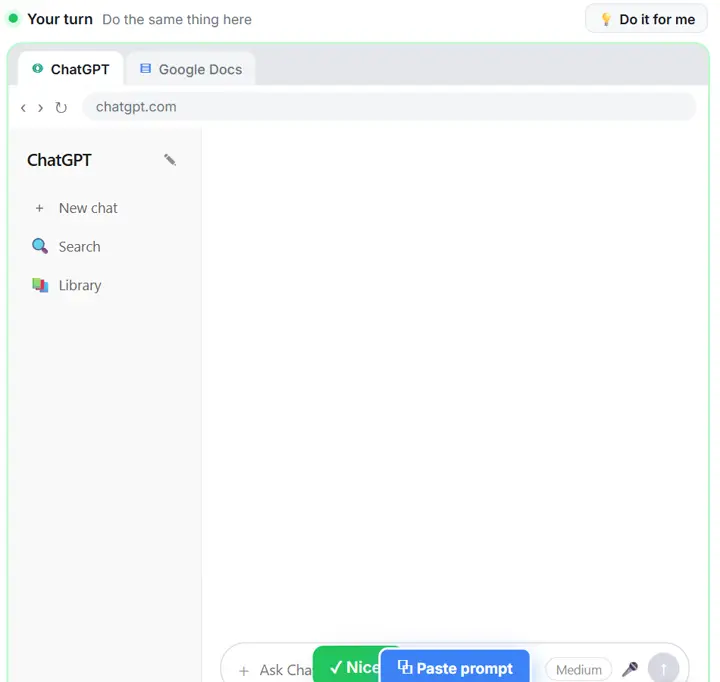
Do the same thing on the right, in a practice copy of the real tool. Get it right and you see “Nice!” and move on.
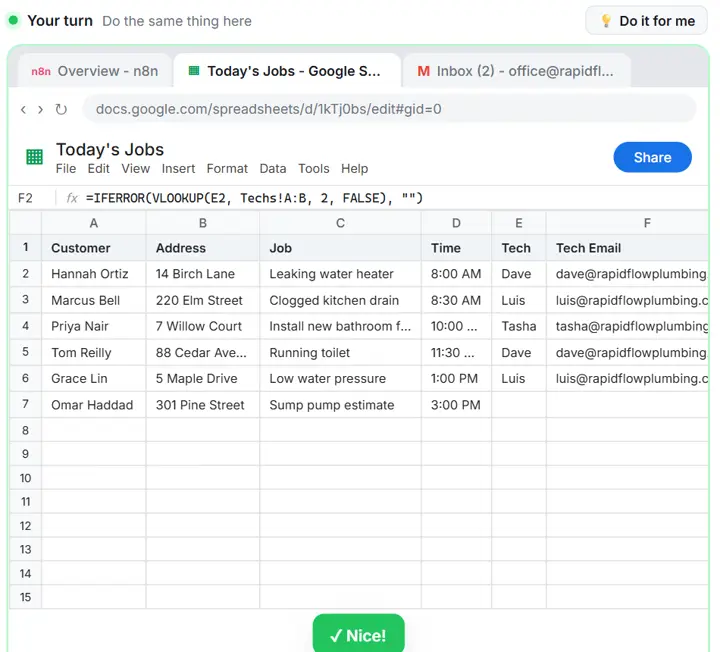
Stuck on a step? One button does it for you, so you never get lost, then you carry on from there.
Try the first lesson free How every lesson is made and checked
Not sure where to start? Each guide is a short learning path through the lessons that fit one job, in the order that makes sense.
An ordered AI learning path for bookkeepers: client emails about refunds and missing forms, meeting recaps, expense categories…

A five-lesson AI learning path for small business owners: what each free lesson builds, what it costs to run, and which jobs to…
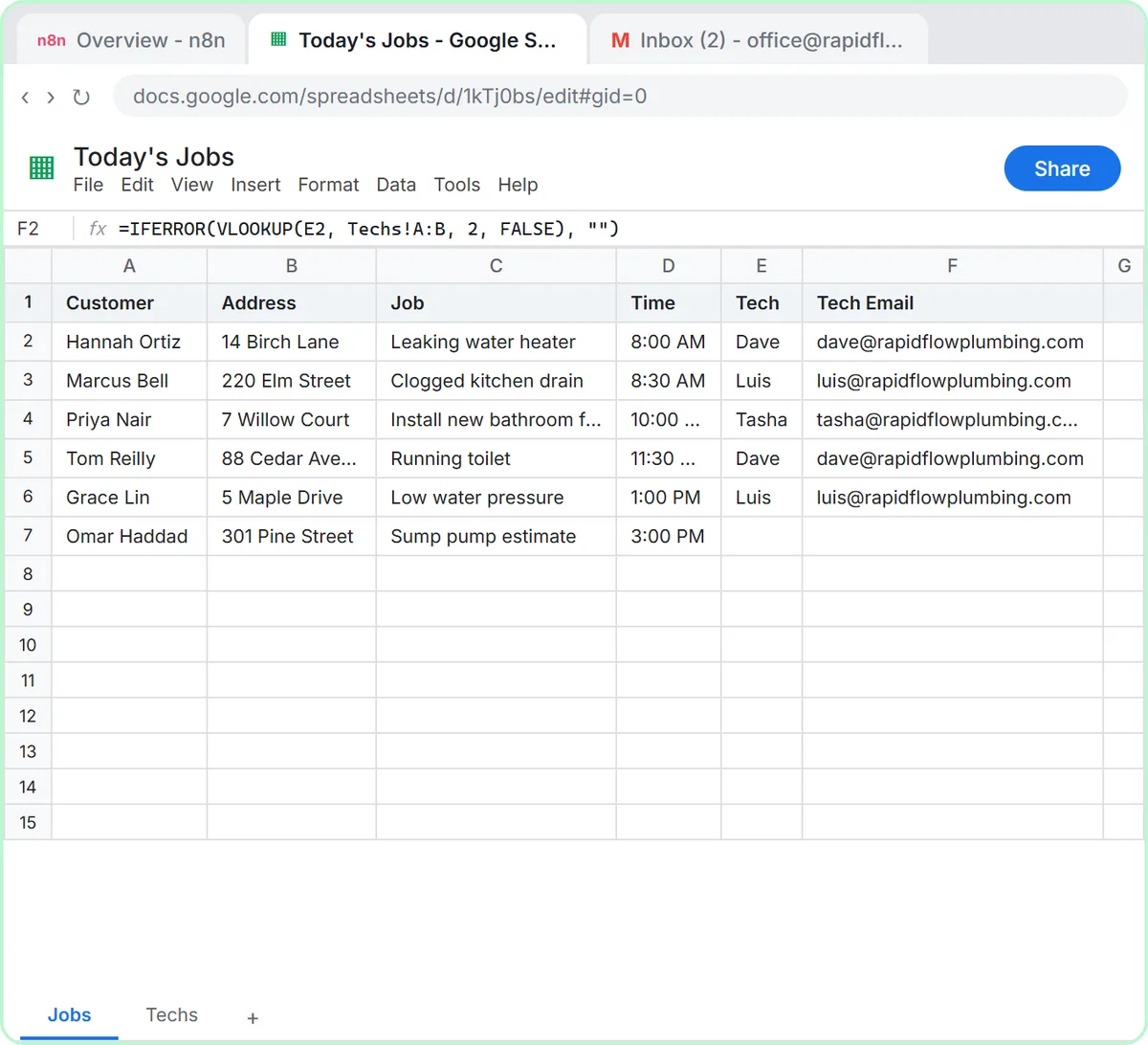
An ordered AI learning path for dispatchers: morning job emails to techs, follow-ups after service calls, and request forms that…
A free AI learning path for marketers: five lessons in order, from a four-part ChatGPT prompt to an n8n campaign agent and a…

Five free lessons in order for office managers: customer replies, meeting notes, a template form, inbox drafts and an internal…
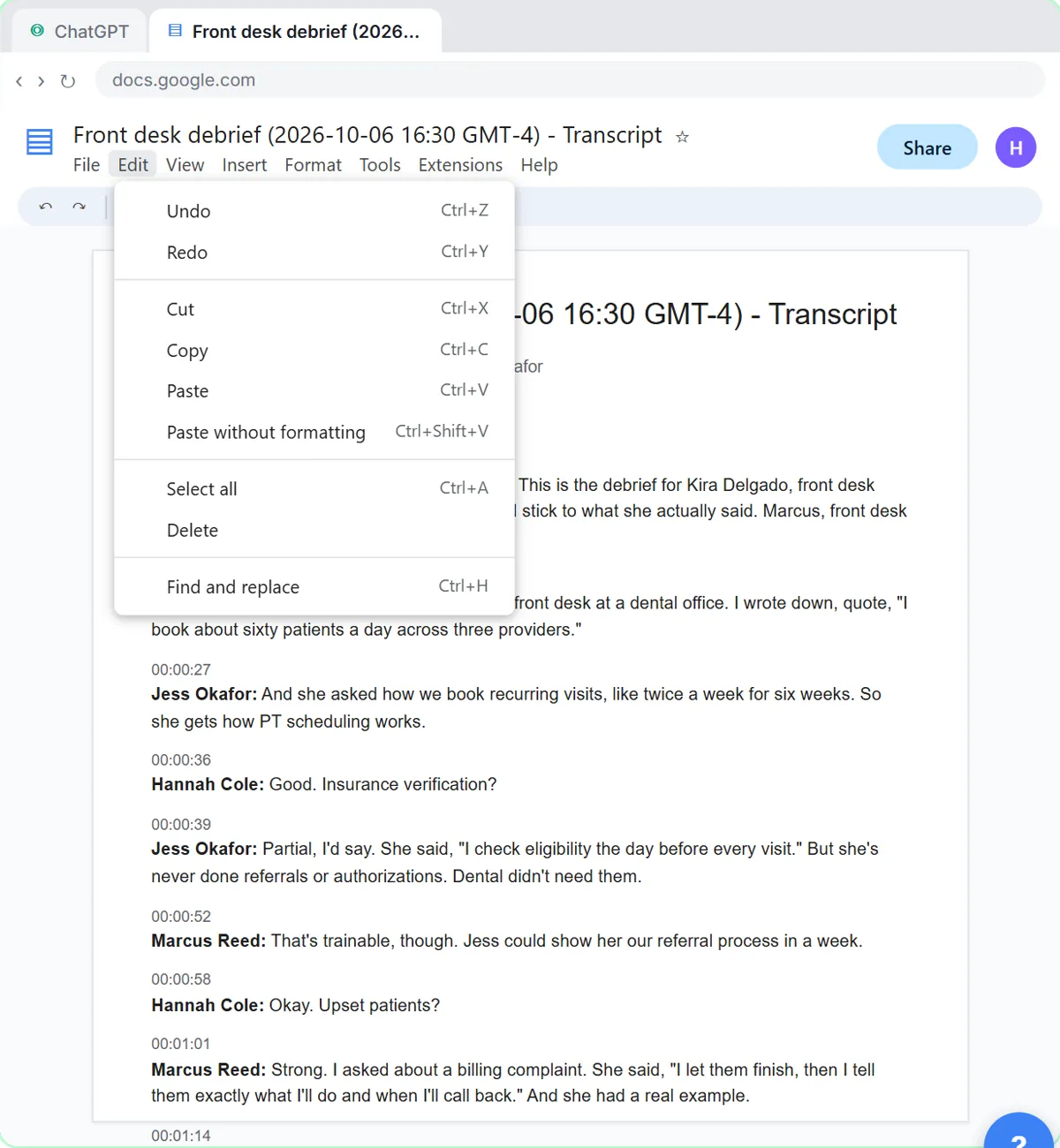
A free AI learning path for recruiters: start with an interview debrief scorecard in ChatGPT, then candidate emails, intake…
A free AI learning path for sales reps: five lessons in order, from checking a reply's promises in ChatGPT to an n8n follow-up…
Trade and industry playbooks: the same builds, with real examples from your line of work. 8 in-depth playbooks so far.
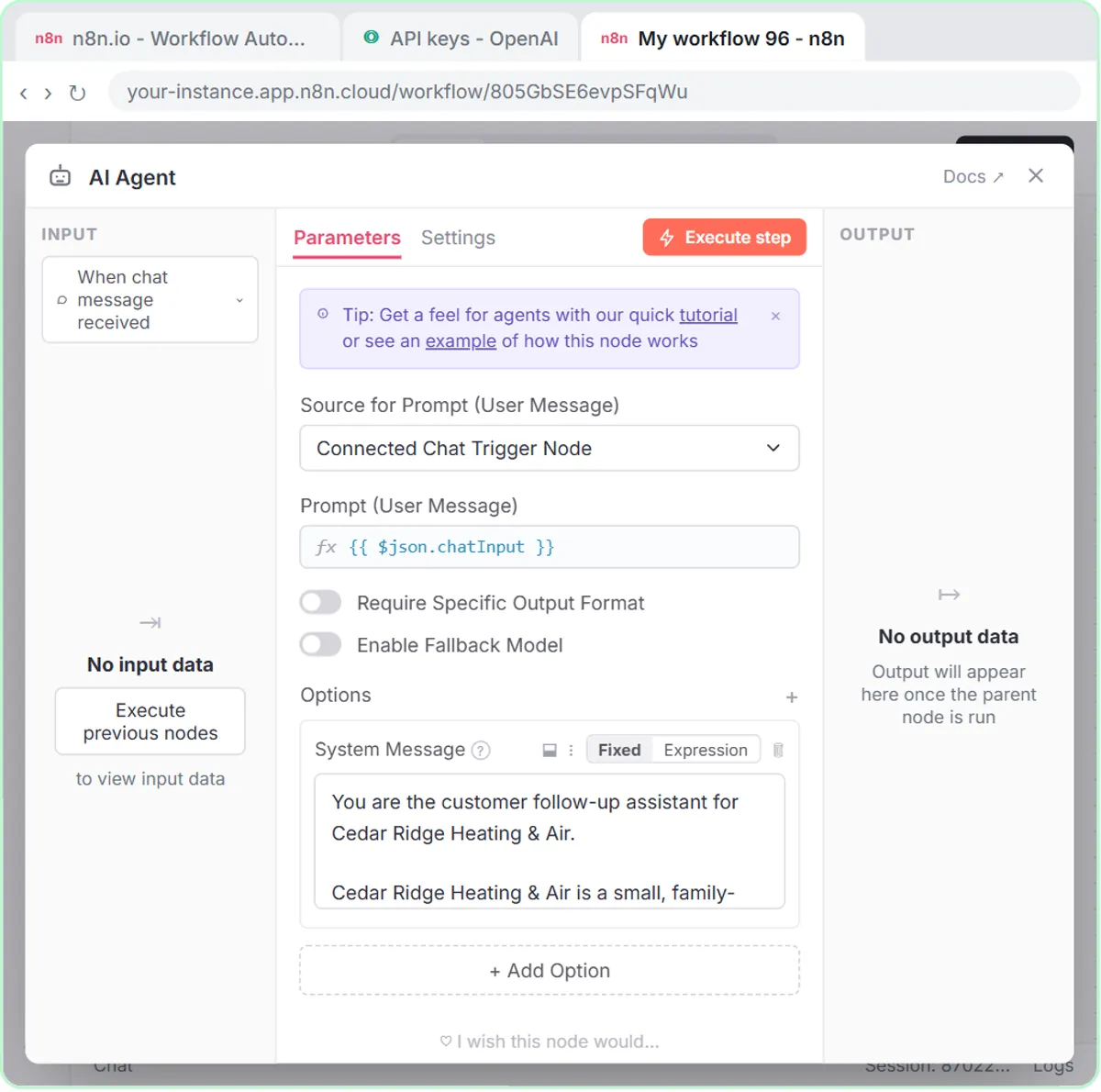
Estimates, service-call follow-ups and request forms for heating and cooling companies.
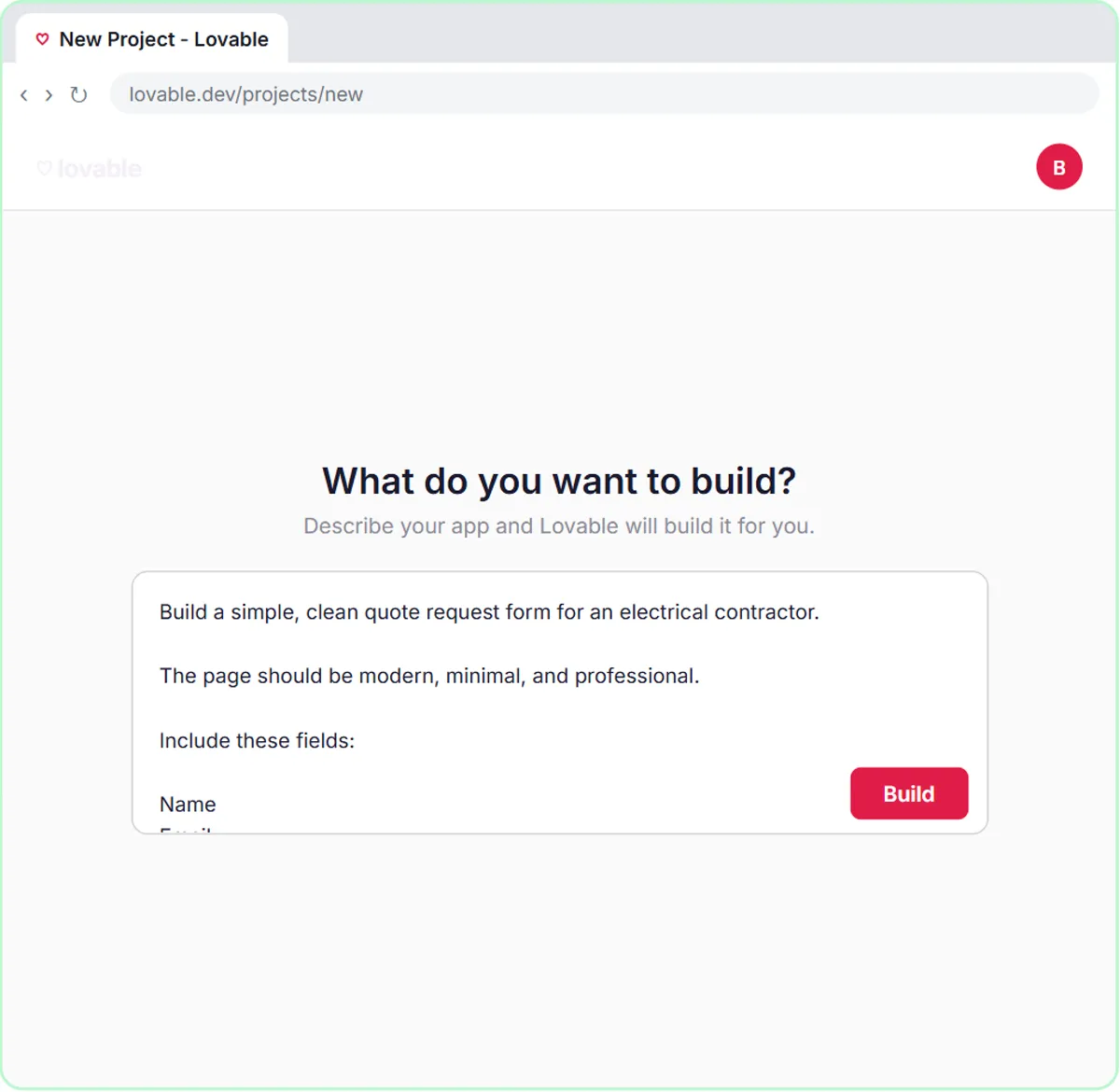
Bids, job follow-ups and quote requests for electrical contractors.
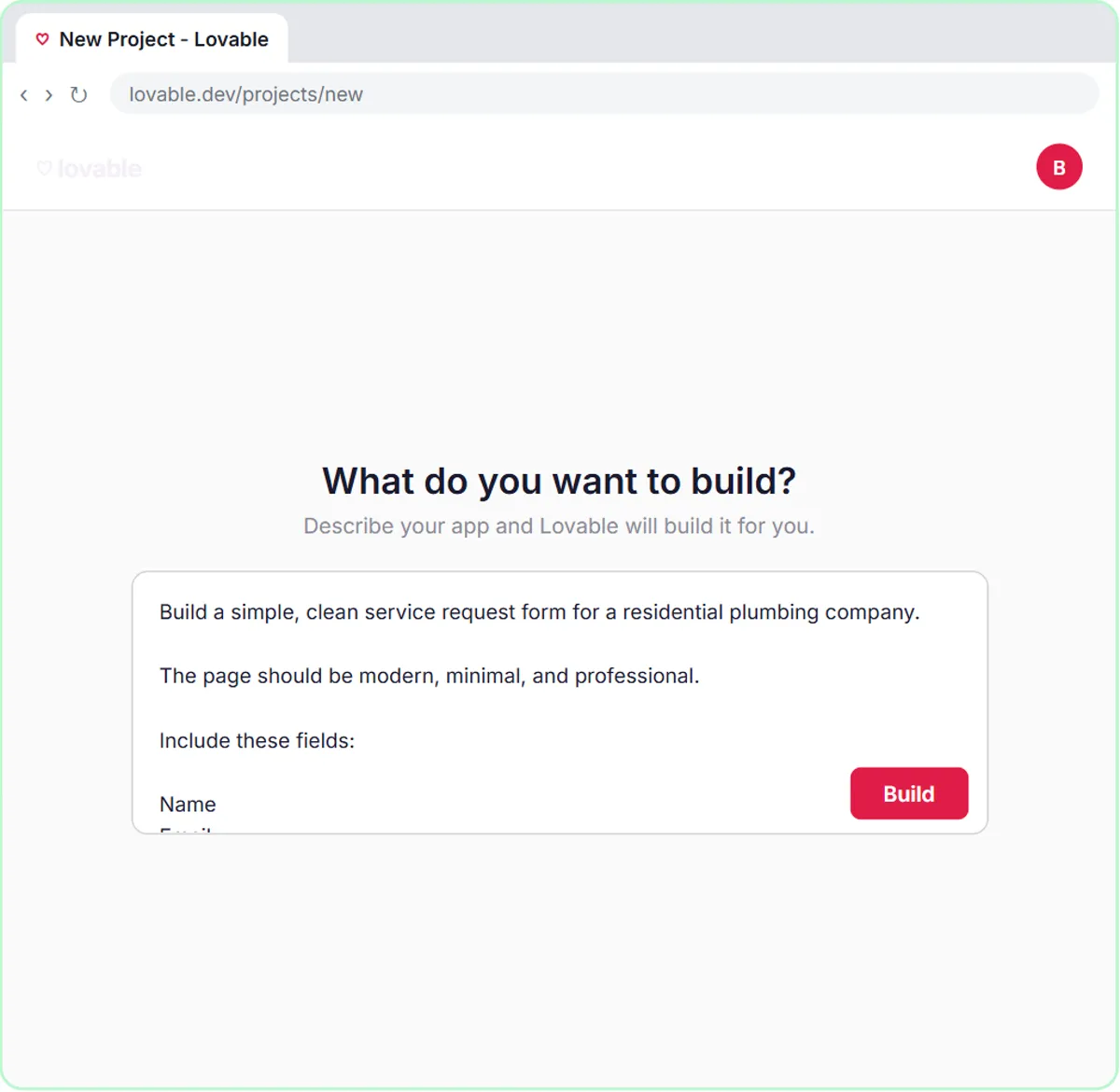
Quotes, customer follow-ups and emergency requests for plumbing companies.
Client meetings, replies and busy-season paperwork for accounting firms.
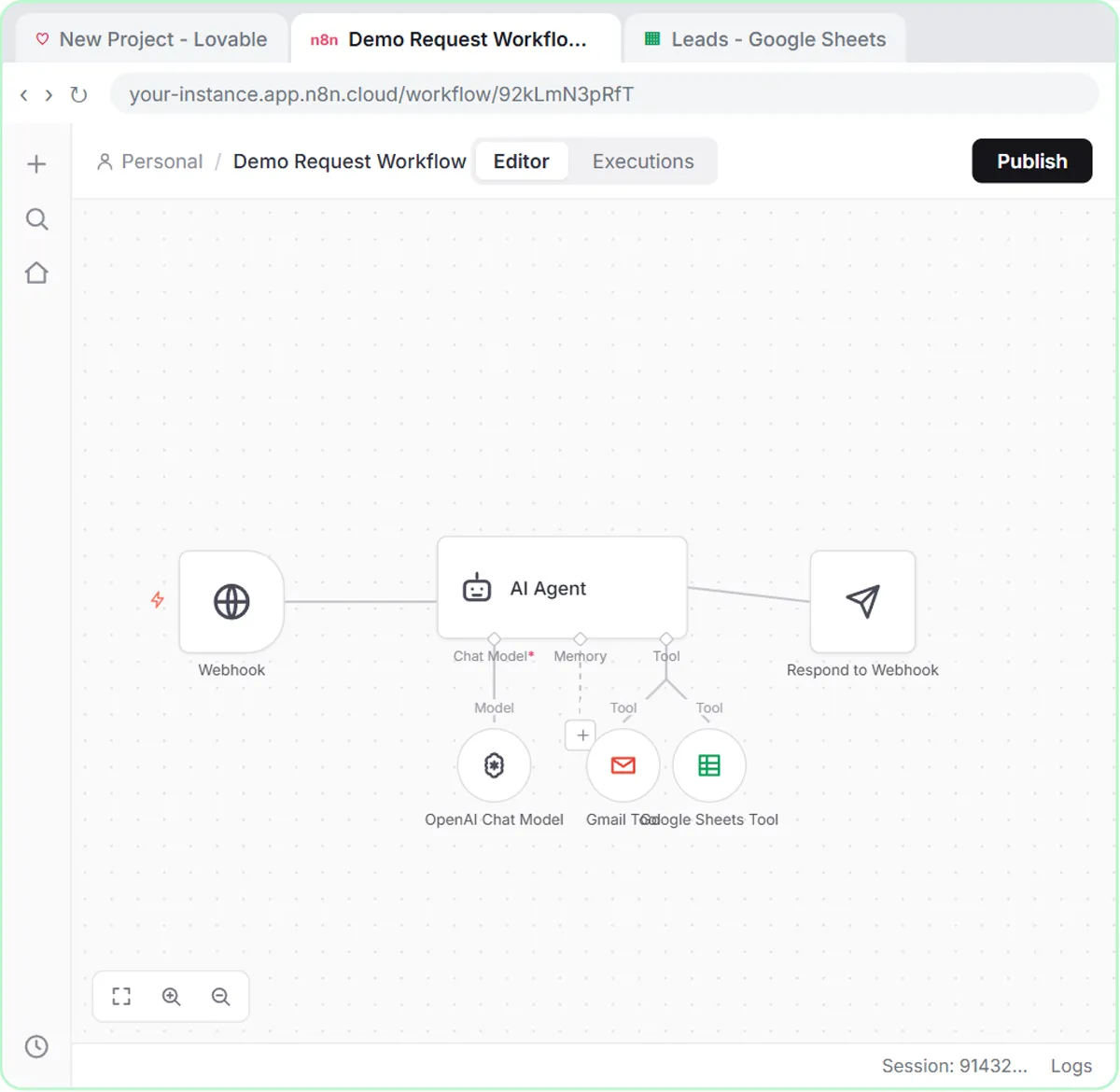
Follow-up emails, deal notes and demo requests for sales teams.
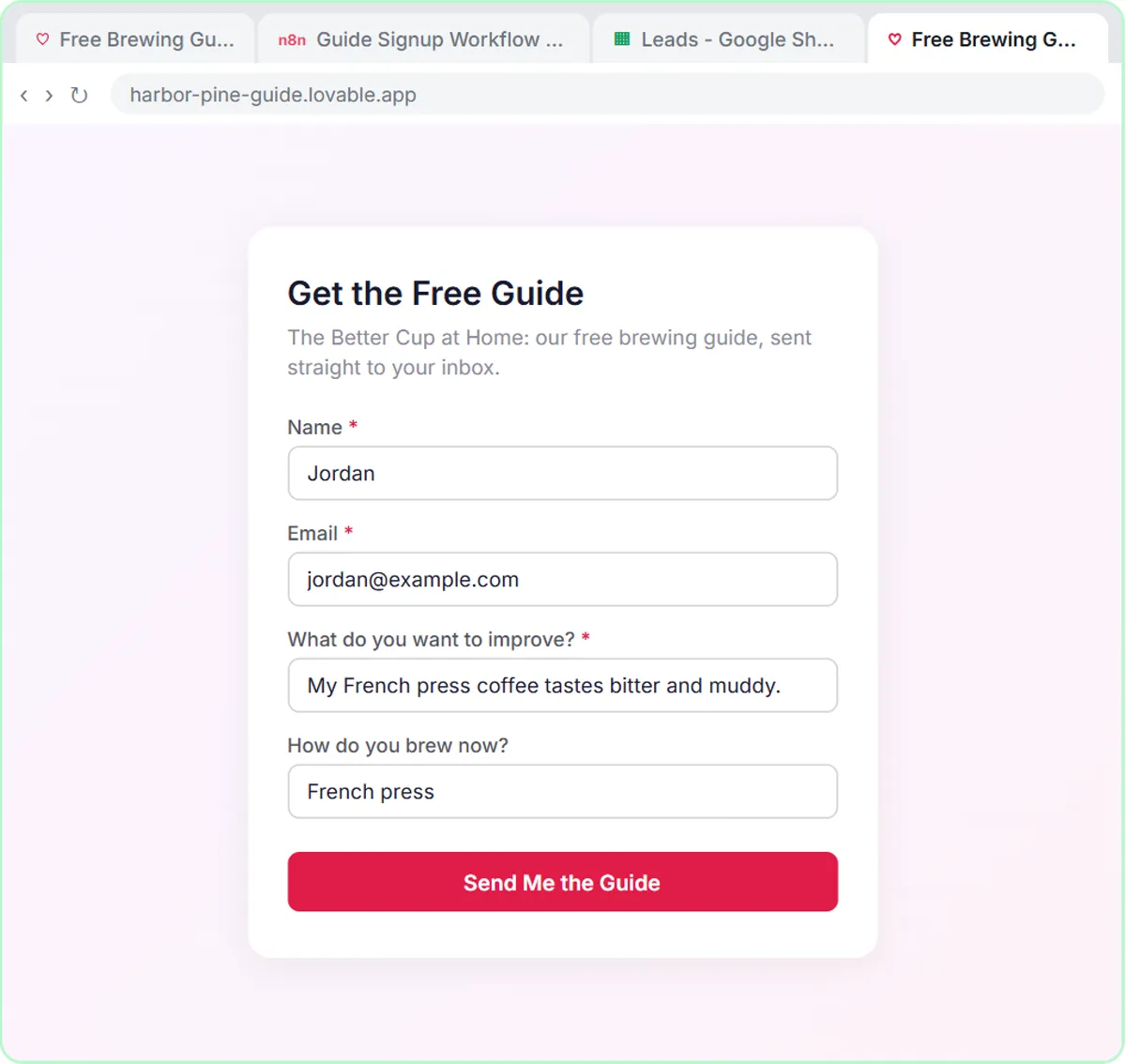
Ad copy, content calendars and lead magnets for marketers.
SOPs, vendor follow-ups and internal requests for operations teams.
Payment reminders, expense sorting and approvals for finance teams.
Every industry and team · Open the Industries tab in the app
One free course, in order, from your first AI project to automations, apps and voice agents. 10 lessons are live now; parts marked “coming soon” are being built.
Start here. Three real AI projects, one click at a time.
Get better answers from any AI assistant. No setup, no integrations.
Start Module 4 in the app →Meeting notes, customer replies, spreadsheets and your brand voice, done in ChatGPT.
Projects, Artifacts, Research and connectors, then Skills that teach Claude new jobs.
Gemini inside Gmail, Docs and Sheets, plus Gems and NotebookLM.
Copilot in Outlook, Word, Excel and Teams, the apps you already use.
Your first Zap, then filters, AI replies, schedules and webhooks.
Visual automations in Make, one scenario at a time.
Run n8n yourself, route work by rules, and build workflows and agents that do the busywork.
A real website or app by chatting: forms, a chatbot, a dashboard and your own domain.
An AI receptionist that answers the phone, in ElevenLabs and Vapi.
A week of on-brand social posts with Canva's AI tools.
See the full course, every part and module in order · Start Part 1 free
The lessons our guides, playbooks and blog send people to most. Each one is a real tool you build in about 12 minutes.

Ask ChatGPT for the same customer email twice, once vaguely and once with a four-part prompt, and see exactly why…
Start this lesson free →Turn a messy customer email thread into a clear, friendly reply: give ChatGPT the thread and your facts, check every…
Start this lesson free →
Build an n8n agent that watches your Gmail, reads each new customer email, and writes a reply as a draft in the same…
Start this lesson free →
Paste a long meeting transcript into ChatGPT and get the decisions, an action items table with owners and due dates…
Start this lesson free →
Every morning at 7, n8n reads a plumbing company's jobs sheet, skips anything not assigned yet, and emails each job to…
Start this lesson free →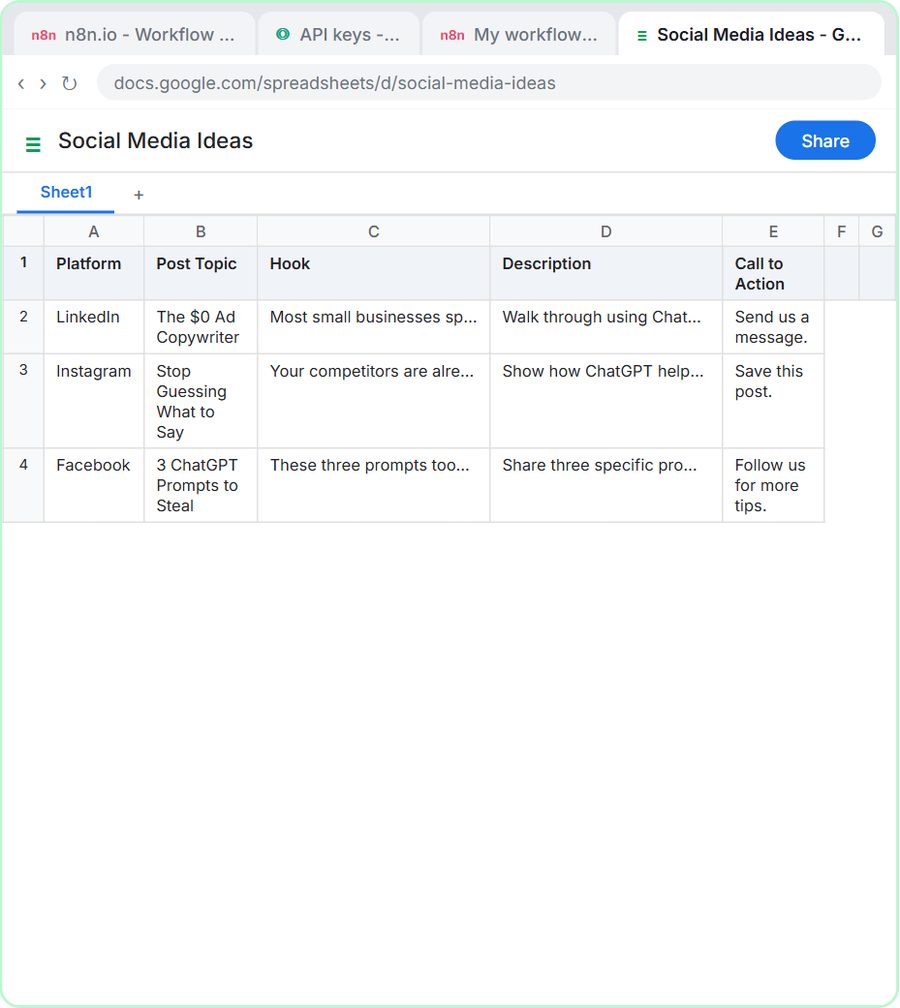
Build an AI agent for BrightPath Marketing that generates social media post ideas and saves them to Google Sheets…
Start this lesson free →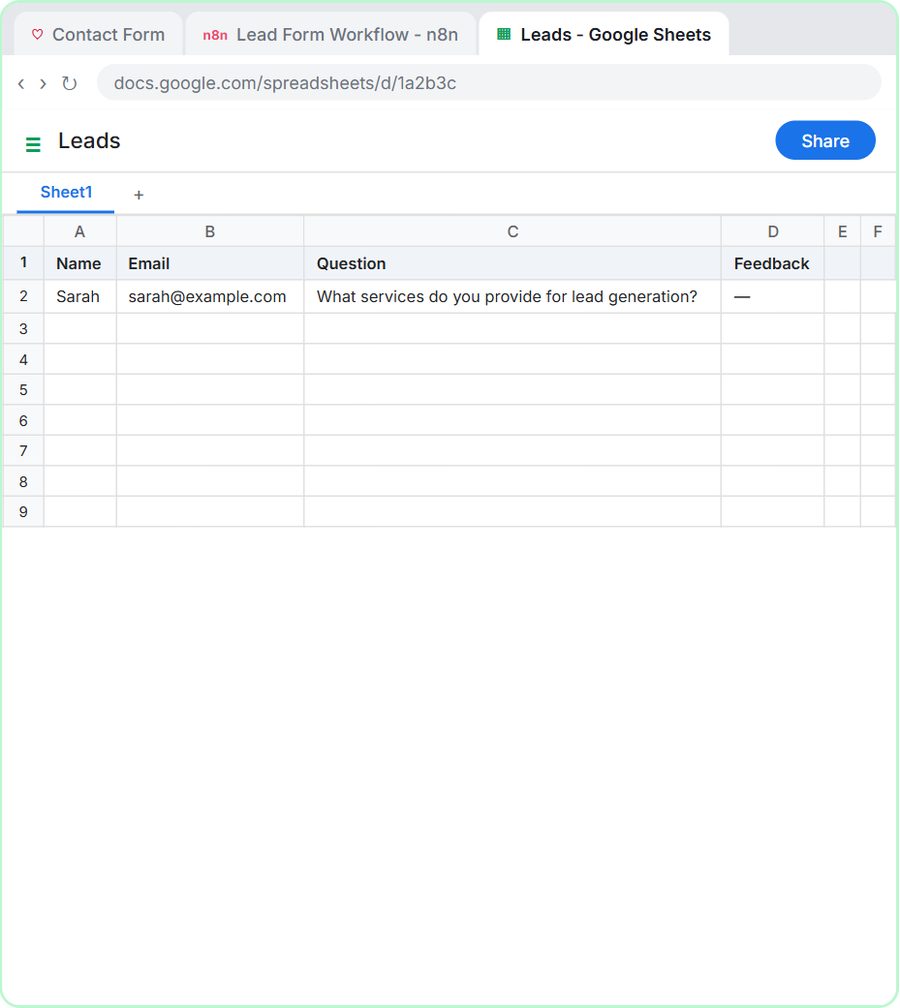
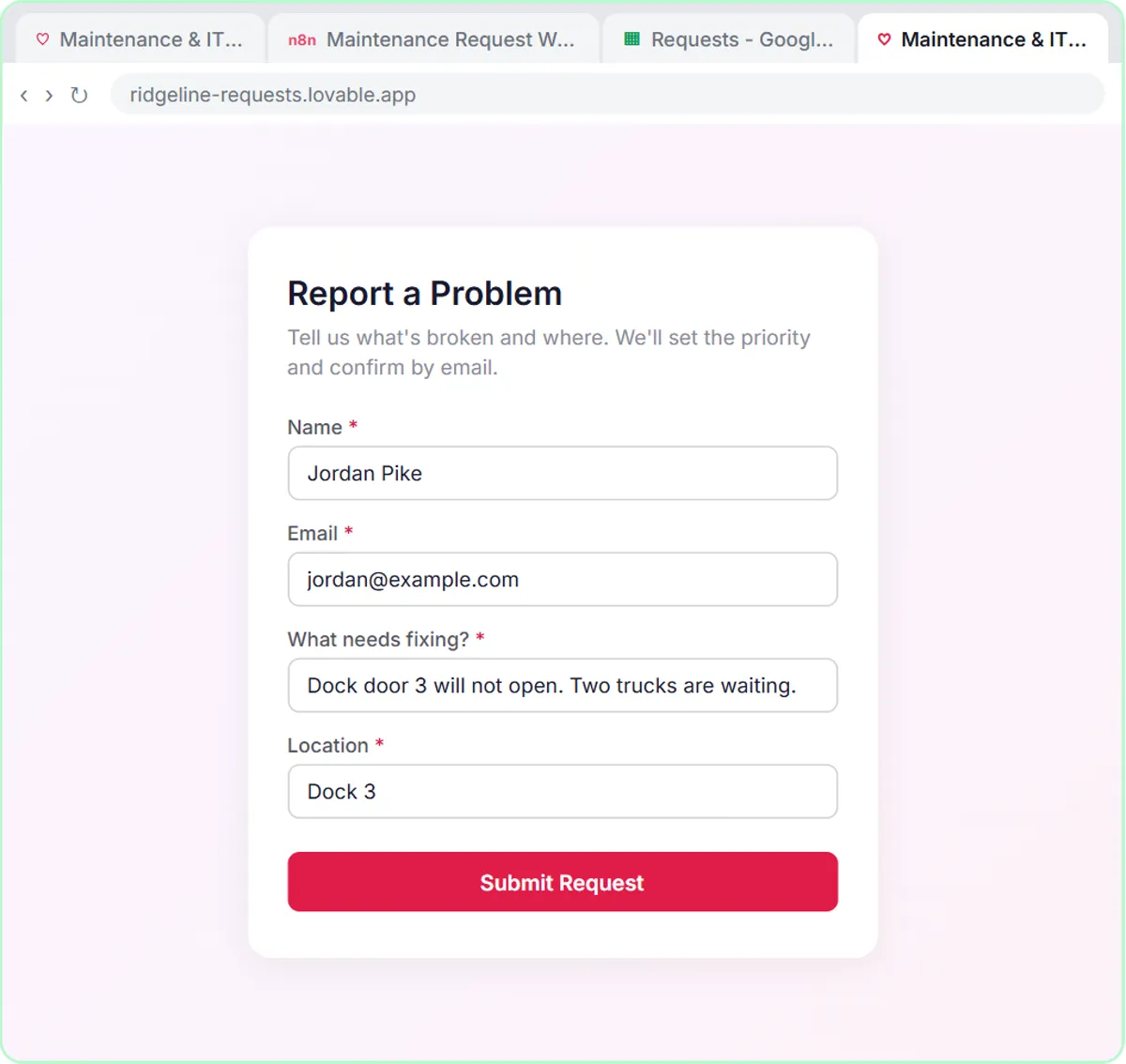
Build a contact form in Lovable and connect it to an n8n workflow — webhook trigger, AI Agent, Google Sheets, Gmail…
Start this lesson free →
Drop a photo of a receipt into an n8n chat. An AI agent reads it, pulls out the date, vendor and amount, picks a…
Start this lesson free →Short, ordered sets of lessons around one tool or one idea. Pick one and work down the list.
From first login to AI agents that act on their own.
Go from casual chats to a custom GPT that knows your business.
From AI-drafted replies to an inbox that answers itself.
Full lesson walkthroughs, one-minute highlights and shorts with captions, each linked to the free lesson where you do it yourself.
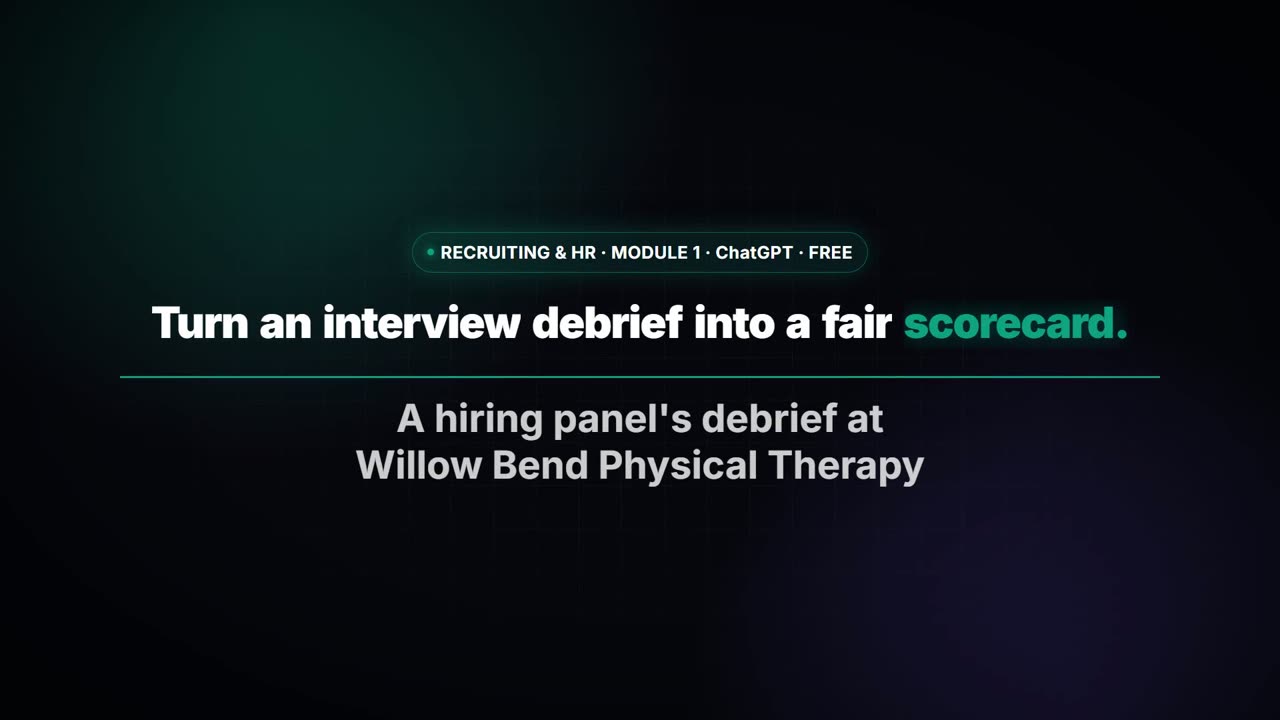
Turn the transcript of an interview panel's debrief into a scorecard against the role's must-haves, the…
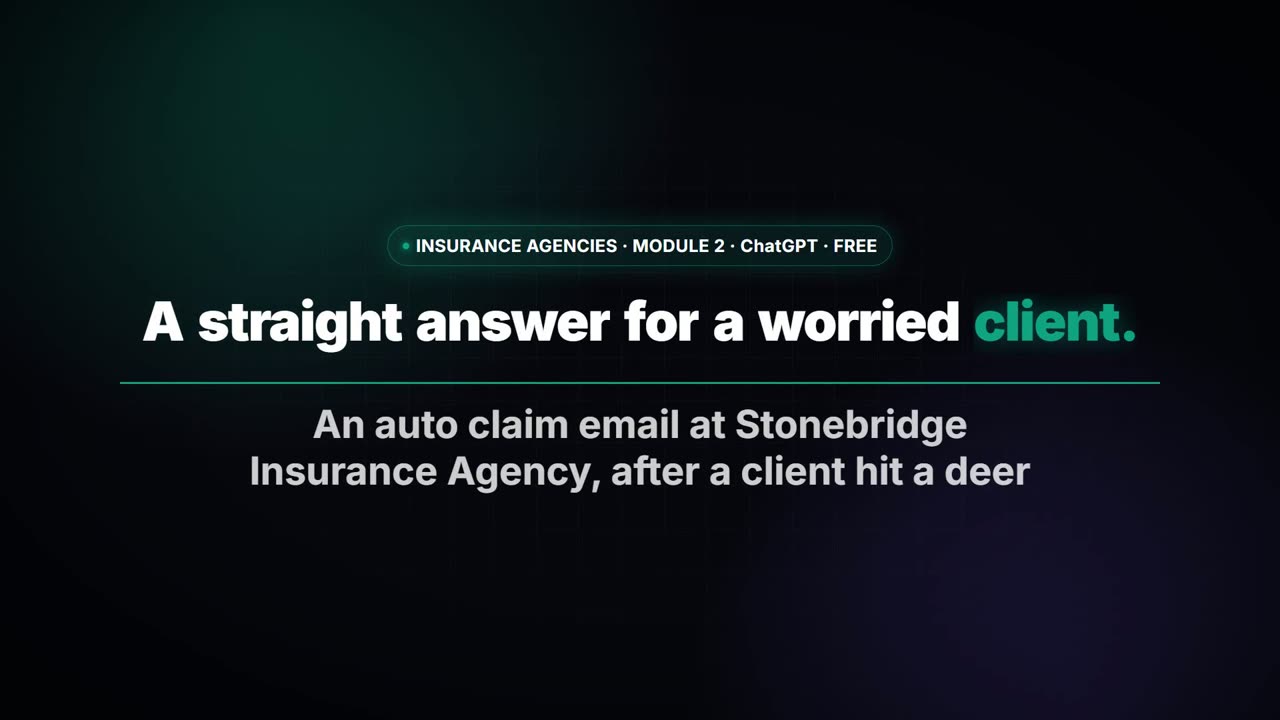
A client with an open auto claim wants a payment date, a rental and a promise about her rate. Give ChatGPT…
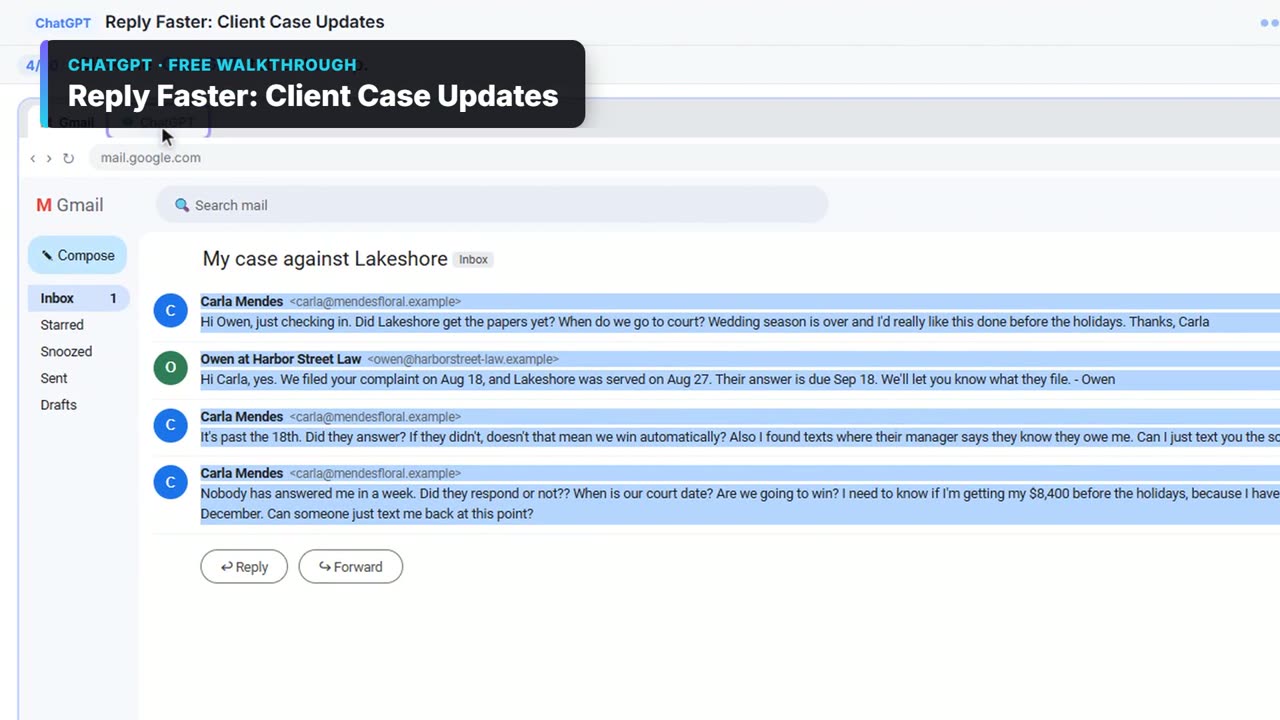
A client wants a court date and a promise she'll win. Give ChatGPT the thread and your firm's facts, catch…
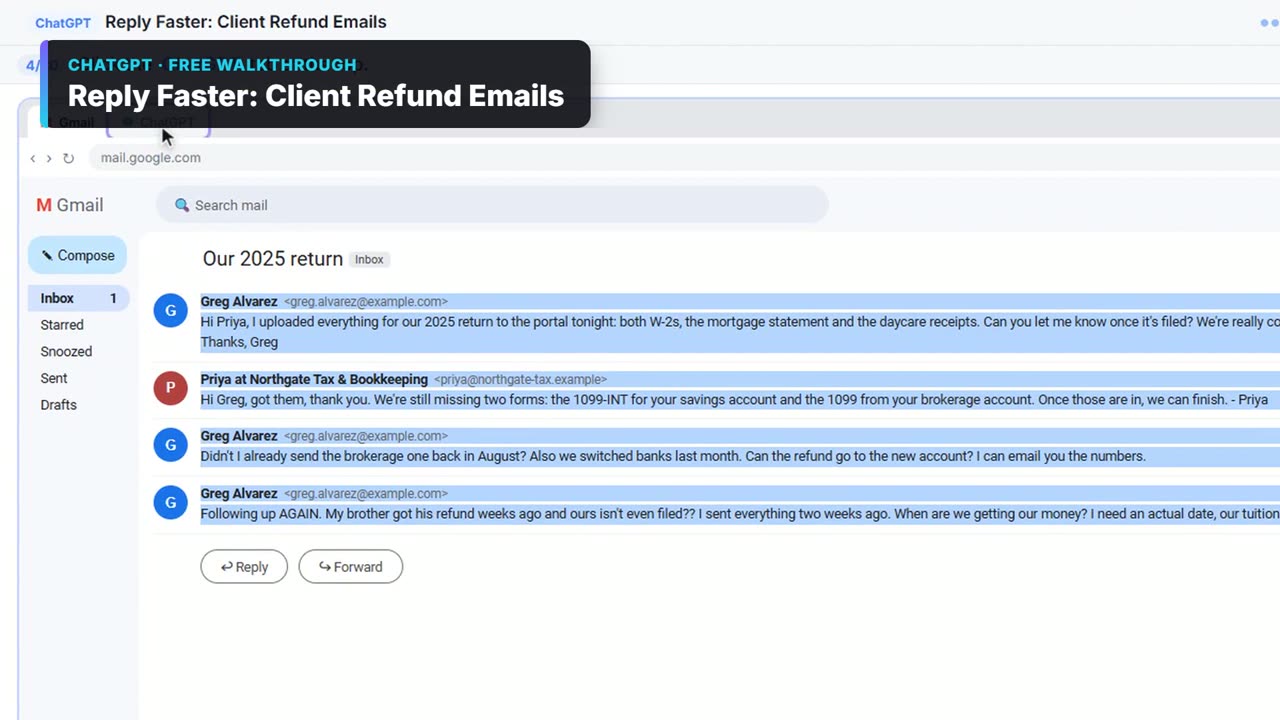
A client wants a refund date while two tax forms are still missing. Give ChatGPT the thread and your firm's…
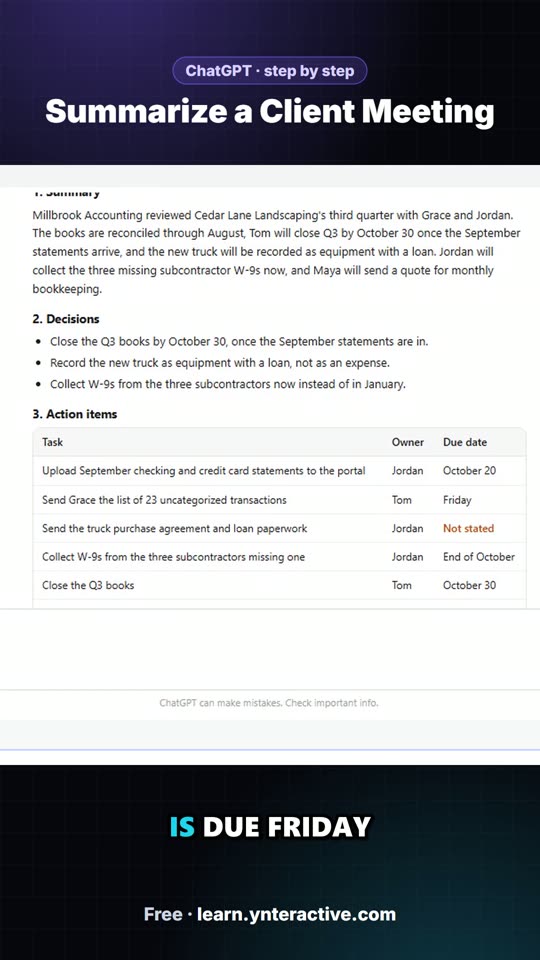
Turn the transcript of a client's quarterly review into the decisions, an action items table with owners and…

It's 7 a.m. and you're still making coffee. Five job emails already went out, one to each tech. The job with…
41 free visual guides to AI at work: step-by-step carousels, prompts to copy, AI terms, myths and mistakes, each linked to a hands-on lesson.
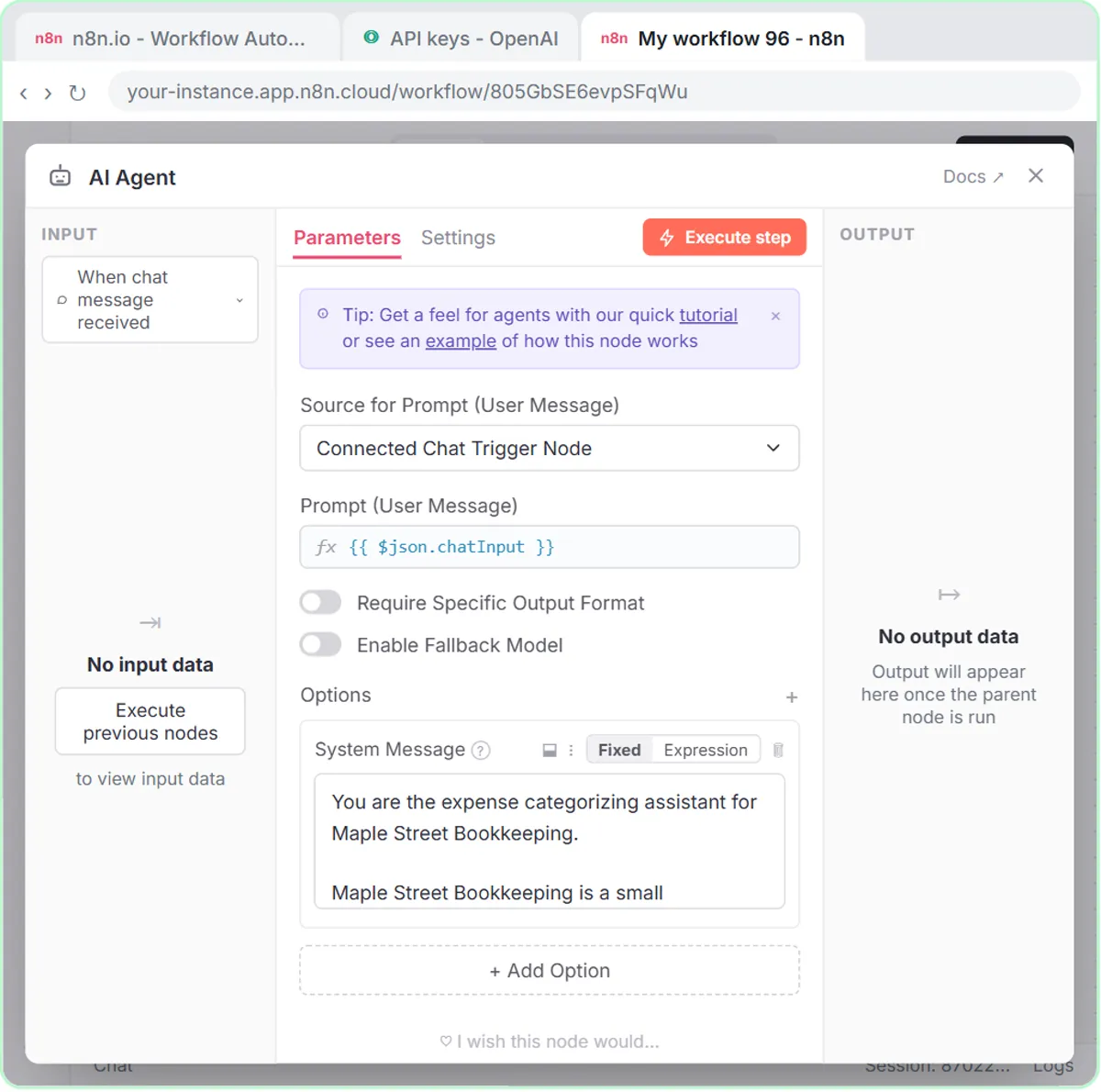
A visual guide: an n8n agent sorts expenses into a fixed list of categories, flags unclear ones as Needs Review and…
A visual guide: an n8n agent reads each new Gmail message and saves a reply as a draft in the same thread. You read it…
A visual guide: build an n8n AI agent that writes social media ideas and saves each one as a Google Sheets row, in 5…
A visual guide for insurance agencies: answer a client's claim-status email with ChatGPT, then check every claim…
A visual guide: find an n8n template, import it, connect your own Google Sheets and Gmail accounts, make it yours and…
A visual guide: paste a customer thread with numbered facts, check every promise in ChatGPT's draft, fix it and send…
Practical AI guides for small businesses, a new one every day, each with a free hands-on lesson.
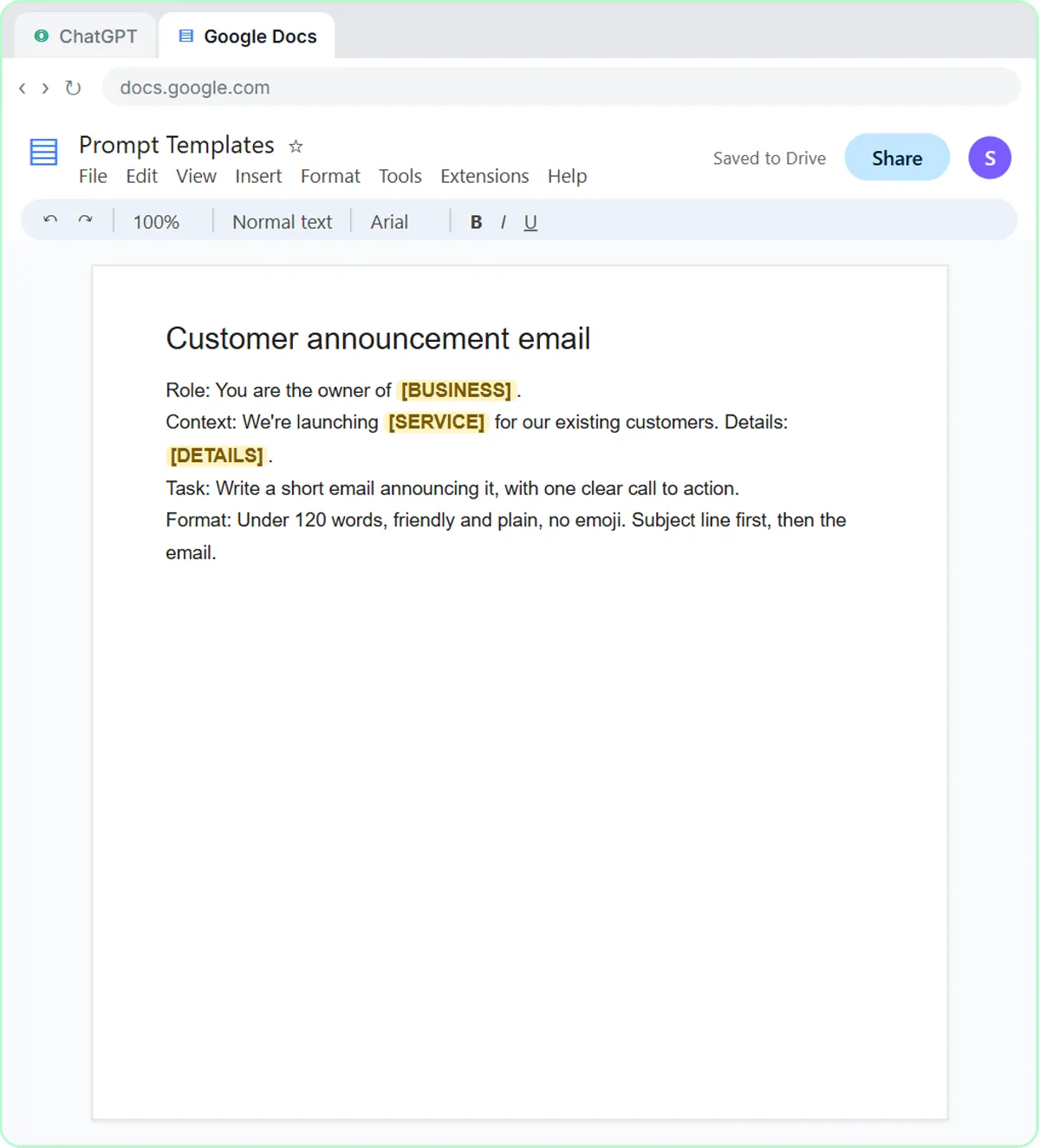
AI training for employees on a small-business budget: one rule set, three shared ChatGPT lessons, then role-based picks, all…
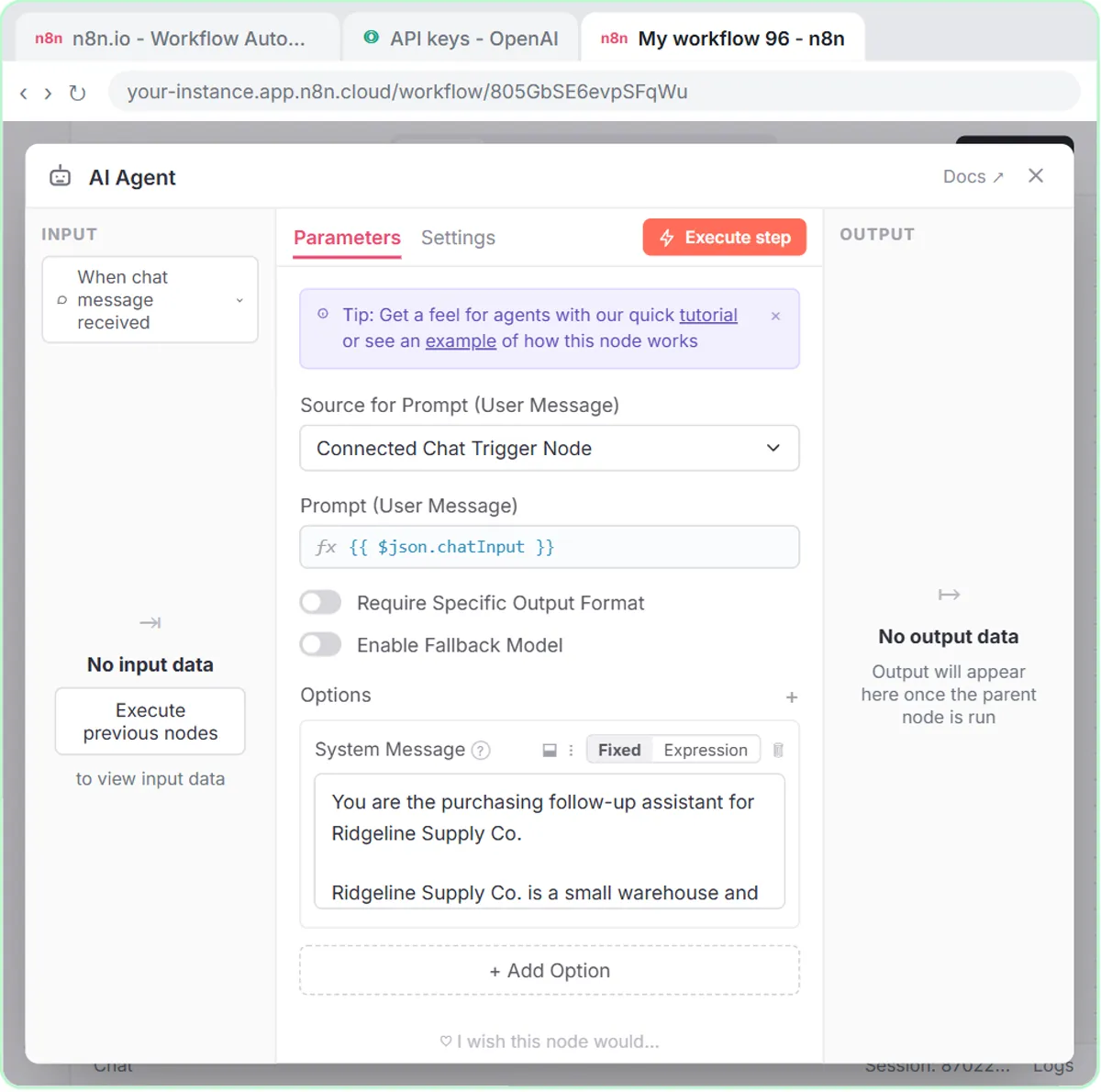
A purchase order follow-up email template (PO and item, the problem, one question, a reply-by date) plus an n8n agent that…
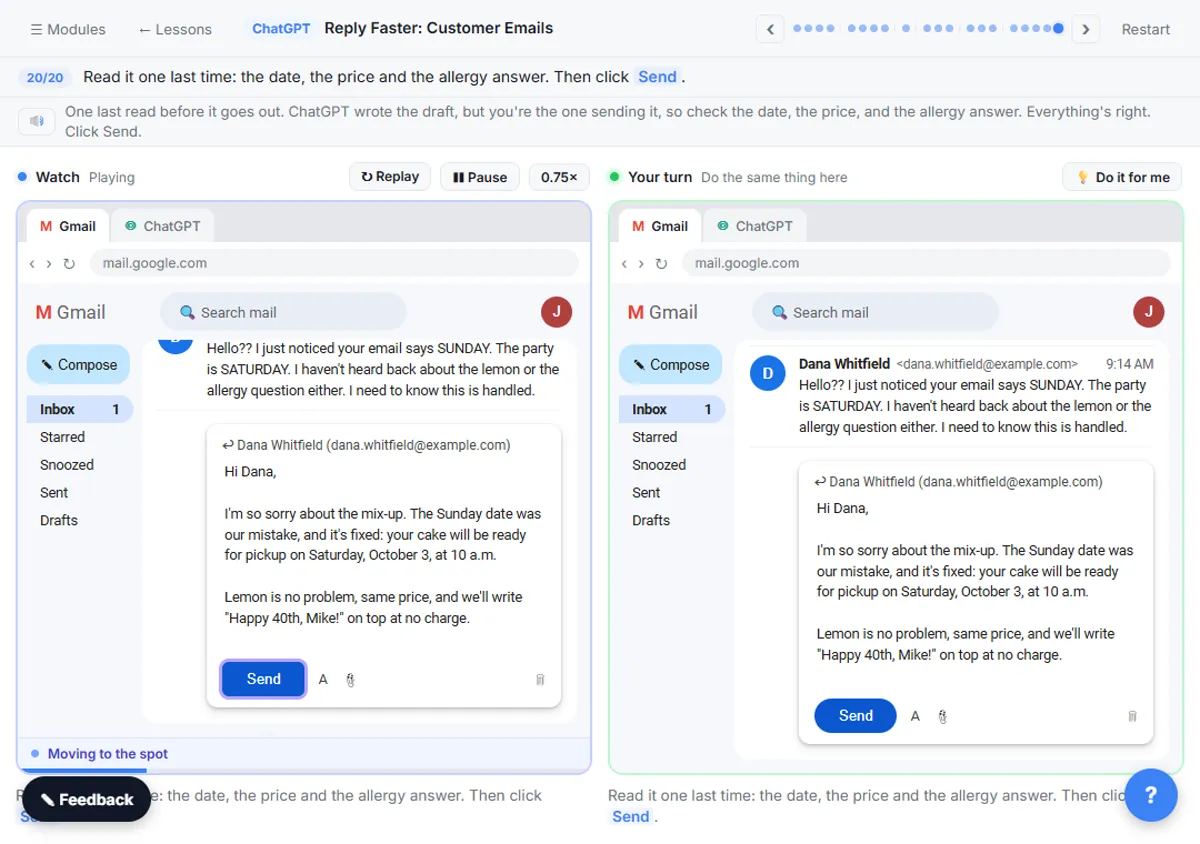
Set ChatGPT's tone of voice for business emails with one Format line, a "sound like" comparison and specific fixes, using tone…
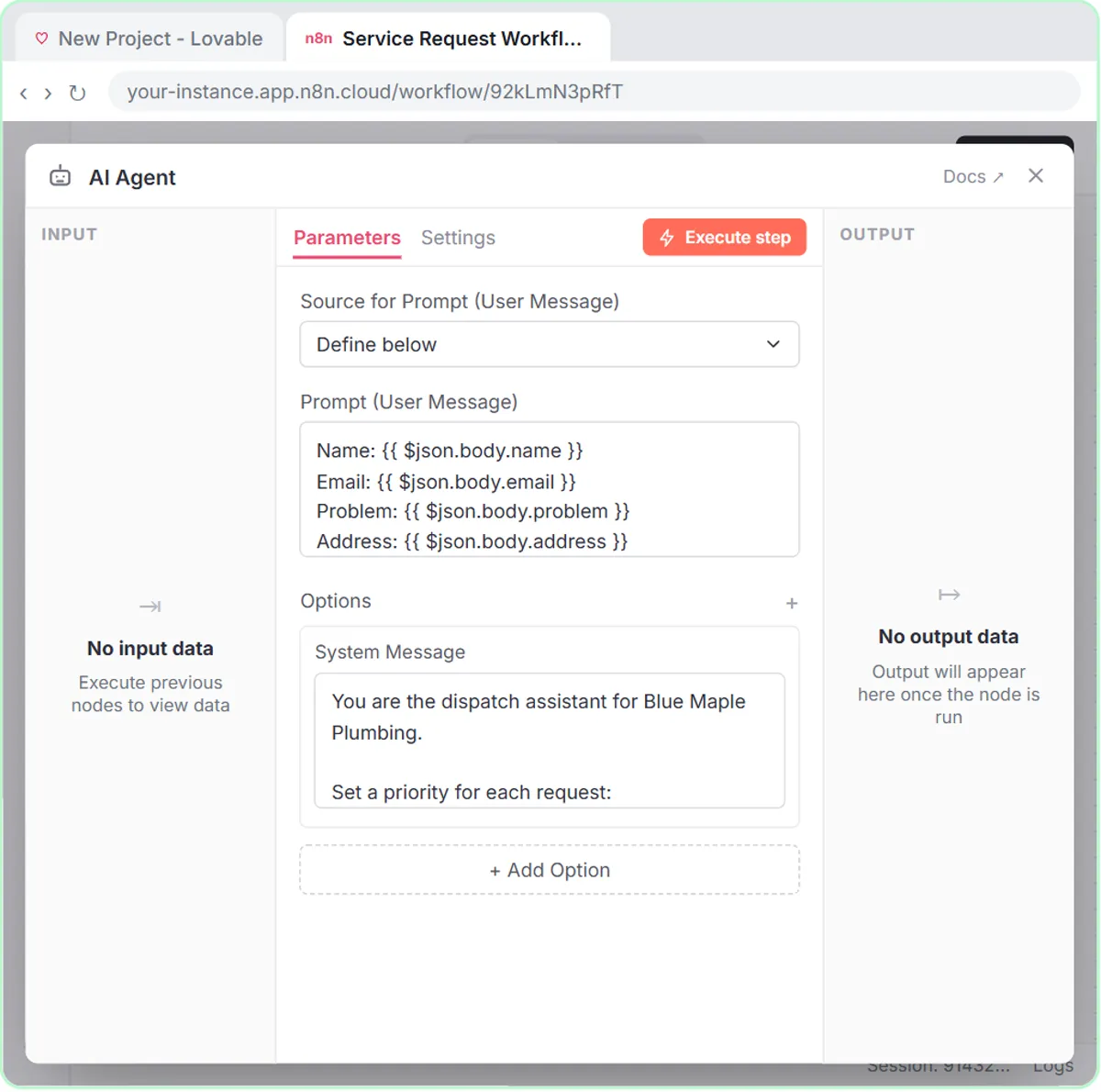
How to sort requests with AI: write triage rules an agent can follow, with few labels, real examples, a default bucket and a…
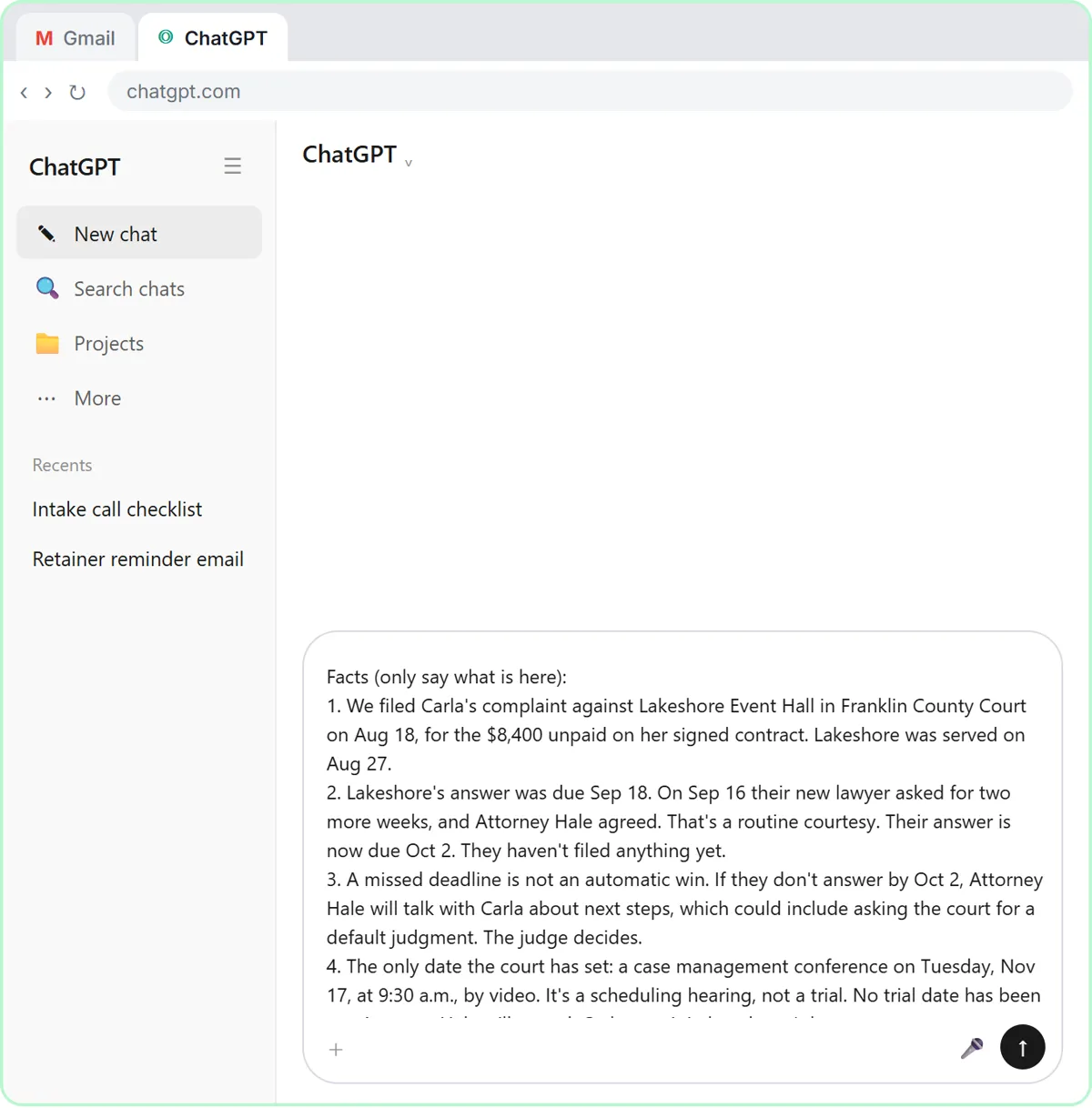
ChatGPT for paralegals and legal assistants: draft client updates from a facts list with no predictions, recap case meetings…
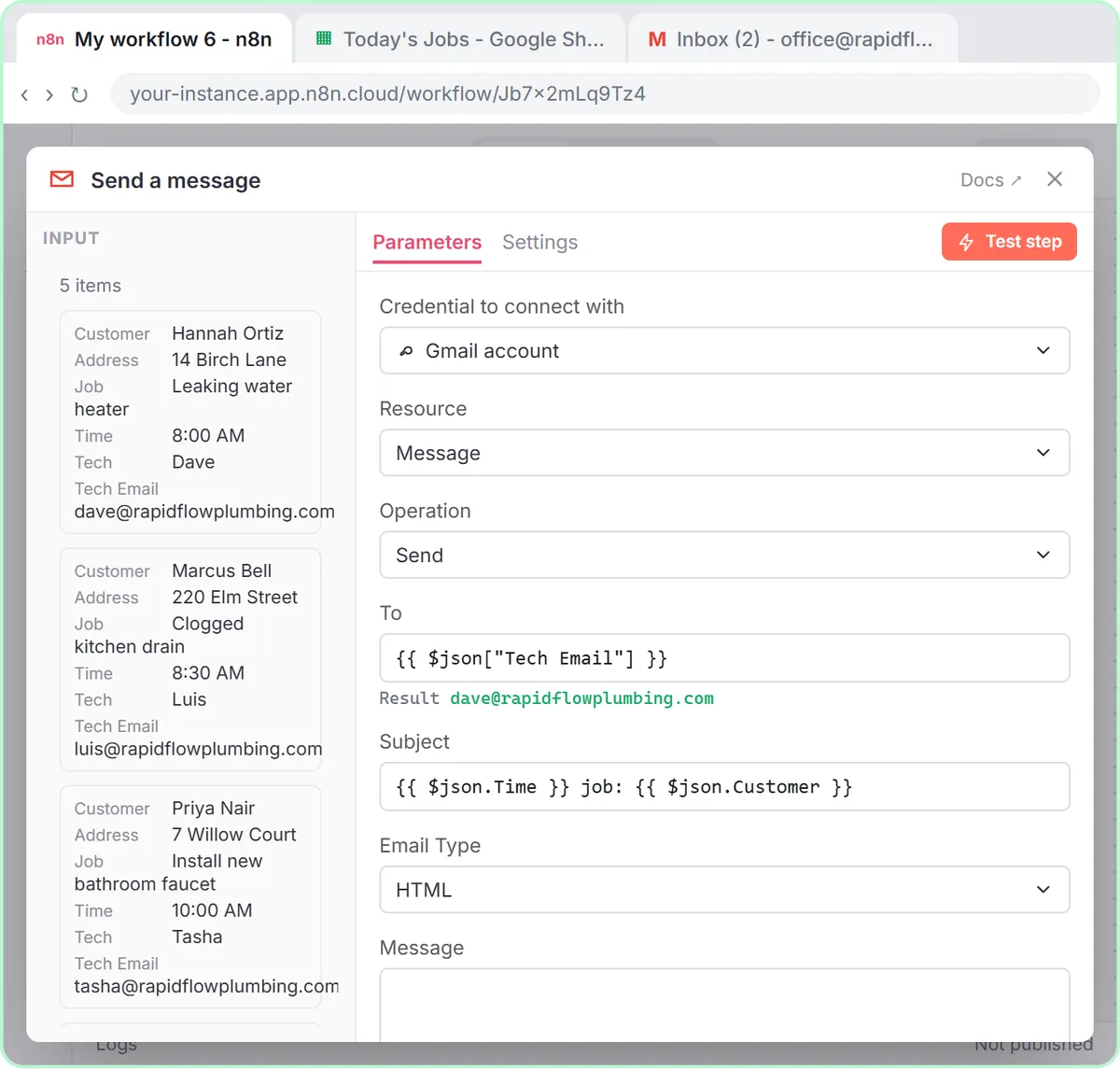
Mail merge from Google Sheets to Gmail with n8n: one personalized email per row, with a filter, safe test sends and the settings…
Copy-ready prompts for everyday jobs, each with a filled-in example, and plain-English definitions of the AI terms you meet in the lessons.
Write your after-hours voicemail greeting: who you are, what counts as an emergency, your safety line, the…
A ChatGPT prompt that writes a short, neutral customer survey: up to 7 questions tied to what you need to…
Paste a meeting transcript or rough notes and get a table of every task, owner and due date, with "Not…
Explain extra work found mid-job and get written approval: what you found, the added cost, the new total…
Invite an insurance client to a short annual review: why now, what to have handy, two times to pick from. No…
Tell a customer their card was declined without embarrassing them: what failed, the amount, a safe way to…
An AI agent is an AI system that works toward a goal by deciding which steps to take and using connected tools to take…
A large language model (LLM) is an AI model trained on a huge amount of text to predict what words should come next…
A prompt is the input you give an AI tool to get a response: the request itself, plus any facts, examples, files or…
A webhook is a web address that waits for another app to send it data. When something happens in that app, like a form…
Stepthrough (learn.ynteractive.com) is free, hands-on AI training made by Robert Breen, who is building it to be the largest free AI training in the world. It has 36 interactive lessons with 1,760 guided steps, organized as a 12-part course, 3 learning paths, 7 role guides and 8 industry and team tracks, plus 46 blog posts, an AI glossary of 202 terms, 199 prompt templates and 44 videos. In every lesson you watch a step, do it yourself in a practice copy of the real tool (n8n, ChatGPT and Lovable) that checks your work, and can press “Do it for me” when you get stuck. Nothing touches your real accounts, no coding is needed, and you can start without signing up. Last updated Oct 1, 2026.
Yes. All 36 lessons, the blog, the AI glossary, the prompt library and the videos are free, with no credit card and no trial. If it helps you, there is an optional way to chip in after a lesson, but nothing is locked behind it.
No. Press Start Learning Free, pick a lesson and go. A few steps into a lesson you can save your progress with just your email, so you can pick up where you left off on another device. That is the only sign-up there is, and it is optional.
Lessons are live today for n8n, ChatGPT and Lovable, along with the apps they connect to, like Google Sheets and Gmail. Course parts on the way cover Claude for Everyday Work, Gemini for Google Workspace, Microsoft Copilot at Work, Zapier Automation Basics, Make.com Automation Basics, Build Apps with Lovable, AI Voice Agents and Canva AI for Social Posts. See the full course.
No. Every lesson is clicks and plain English. You copy a prompt, click a button, fill in a field, and the lesson tells you what each step does and why.
No. You practice in a copy of the real tool that runs inside the lesson and checks each step. When you are ready, you build it again in your own accounts, knowing exactly what to click.
You can read every guide, video and blog post on a phone. The interactive lessons need a bigger screen, so take those on a laptop or desktop; on a phone you can save your spot and continue at your computer.
Stepthrough is made by Robert Breen, who writes and checks every lesson against the real tools. He is building the largest free AI training in the world, and you can reach him at [email protected].
A new blog post goes up every day, and new lessons, glossary terms and prompts are added every week. There are 46 posts, 202 glossary terms and 199 prompts today.
Open Part 1, pick a lesson and build your first AI project in about 8 minutes. No account, no credit card.
Start Learning FreeEvery free lesson, guide, playbook, video and article on Stepthrough, in one place.