Why have AI write Gmail drafts instead of sending?
Updated · By Robert Breen
A Gmail draft is an email saved in your Drafts folder but not sent. In automation, having AI write drafts instead of sending is the simplest safety net: the reply is ready, and a person reads and edits it before anything reaches the customer.
Why it matters for a small business
AI can write a good customer reply in seconds, and now and then it writes a wrong one with total confidence: a price you don't charge, a date you can't do. If the automation sends, the customer sees the mistake. If it drafts, you catch it. For most small businesses, drafting keeps most of the time savings with very little of the risk, which is the core of human in the loop.
A draft also fits how you already work. You open Gmail as usual, the replies are waiting under each customer's email, and sending is one click after a quick read.
In a real lesson: AI Email Responder: Draft Gmail Replies Automatically with n8n
The AI Email Responder lesson builds exactly this for Greenline Pest Control, a made-up company. The agent's tool is a Gmail Tool on the same Gmail account as the trigger. When it opens, Resource says Message and the operation is send. You change Resource to Draft, and the operation switches to Create. As the voice-over puts it, the worst this agent can now do is write a draft you never send.
Then you shape the draft into a proper reply. Subject gets Re: {{ $json.Subject }}. Message gets the ✦ button so the model writes the text, and the email type stays on text. Under Add option, Thread ID gets {{ $json.threadId }} and To Email gets {{ $json.From }}.
After the test run, the draft sits under Dana's email in Gmail: yes to Maple Grove, $149 for the first visit, and a request for her address and two times. Not sent.
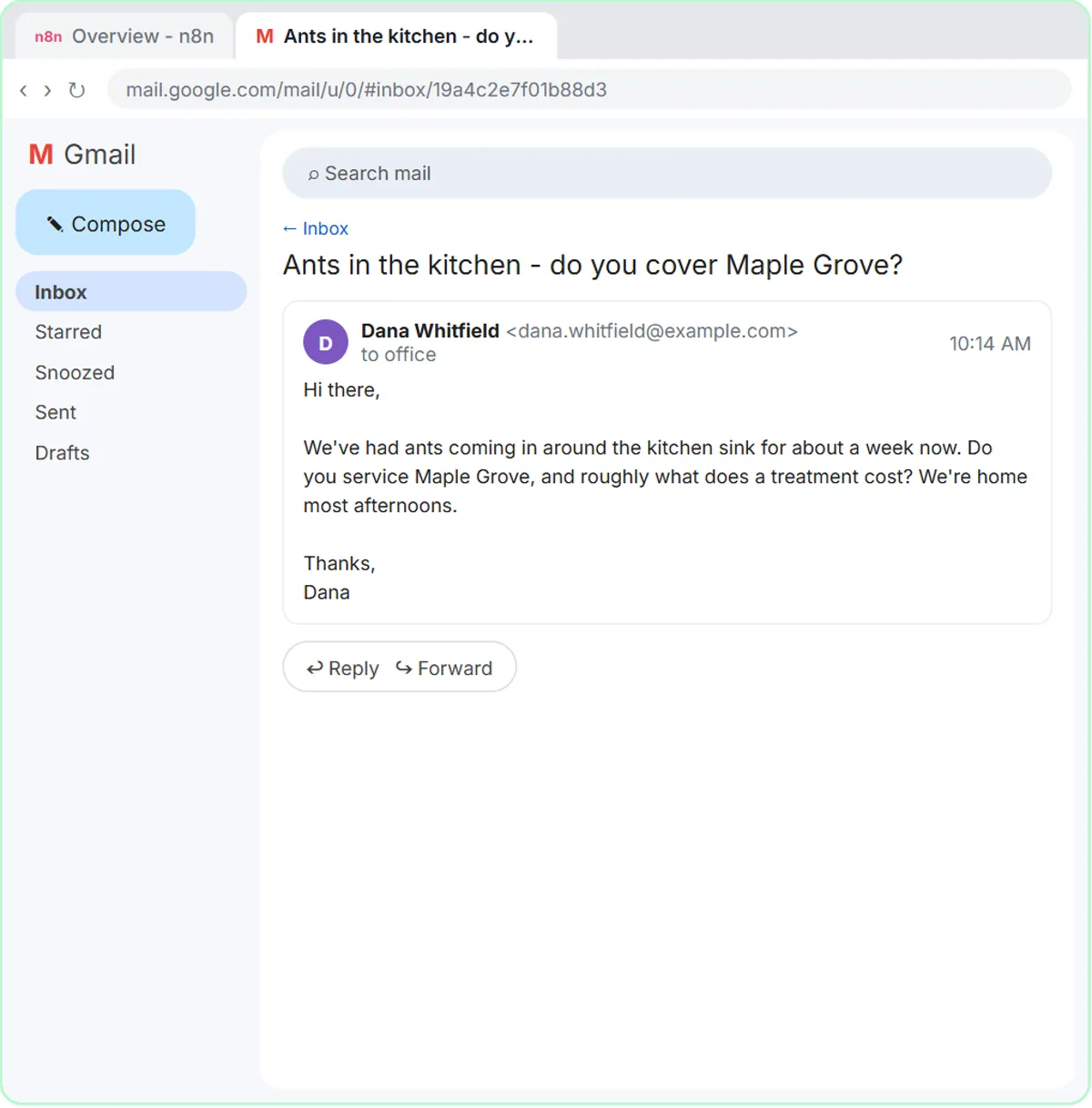
Try this lesson free or read the step-by-step guide.
Common confusions
Create draft vs send
Same tool, different operation. Send delivers immediately; create draft only stores the email. The lead-form lessons let the agent send confirmations, while the email responder deliberately can't.
A draft without a thread
Skip the Thread ID option and the draft shows up as a brand-new email rather than a reply. Skip To Email and you'd have to add the recipient by hand before sending.
Telling the AI not to send vs removing the option
A rule like "you can only create drafts" in the system prompt helps, but choosing the Draft resource is what actually makes sending impossible.
Tips
- Make reviewing drafts a daily habit; a pile of unread drafts helps no one.
- Check every promise in a draft (prices, dates, coverage) against your facts before sending.
- Keep the email type on text for replies that should read like a person wrote them.
Related terms
Where you use it: free lessons
More free tutorials
Prompt templates that use it
Visual guides
Gmail draft in a few slides, with the same guide written out as text.
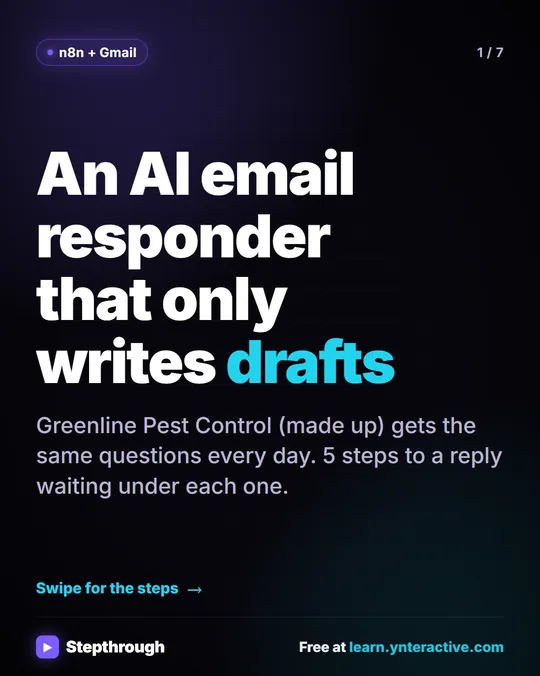 5 Steps to an AI Email Responder That Only Writes Drafts
A visual guide: an n8n agent reads each new Gmail message and saves a reply as a draft in the same thread. You read it and click Send.
Step-by-step guide 7 slides
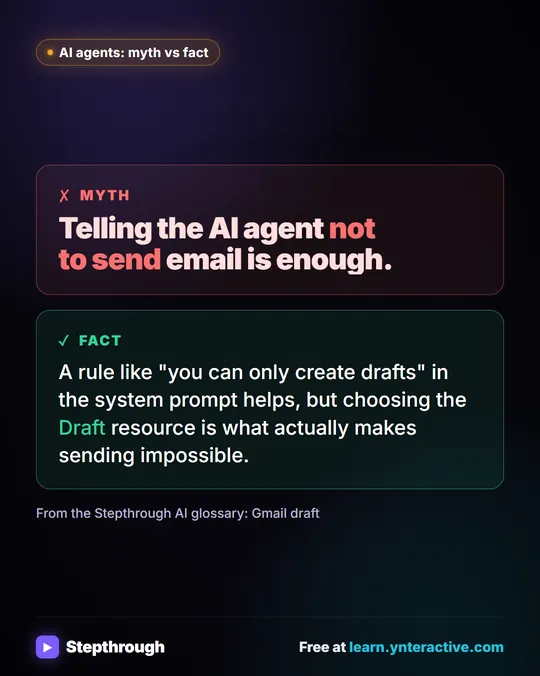 Myth: Telling an AI Agent Not to Send Email Is Enough
Myth vs fact: a "drafts only" rule in the system prompt helps, but choosing the Draft resource in the Gmail tool is what makes sending impossible.
Myth vs fact One graphic
Frequently asked questions
- Can an n8n agent send emails automatically?
- Yes, with a Gmail tool set to send. The AI Email Responder lesson uses Draft instead, so a person reviews every reply before it goes out.
- Will the draft show up in the same Gmail conversation?
- Yes, if you set the Thread ID option to the original email's thread ID and keep the subject as Re: plus the original subject.
- Do drafts ever get sent if I forget them?
- No. A draft stays in Drafts until someone sends or deletes it.