What is a task in Zapier?
Quick answer
A task in Zapier is counted each time an action step in a Zap completes successfully, such as creating a row or sending an email. The trigger does not count, and Zapier's help center says built-in steps such as Filter, Paths, Formatter and Delay do not count either. Your plan includes a number of tasks each month.
Last updated
Take the free module →Module 3 of the free Make & Zapier Jump Start course, about 12 minutes. No account needed.
Updated · By Robert Breen
Why it matters for a small business
Tasks are how Zapier measures usage, so they decide how much your Zaps can do on a plan. The math is simple: count the action steps that run, then multiply by how often the Zap runs. A Zap with three actions that runs 100 times uses about 300 tasks, while a filtered run that stops early uses fewer.
Knowing what counts lets you design for it. Put a filter early so unwanted runs stop before the action steps, move cleanup into Formatter instead of extra app steps, and combine messages with a digest instead of sending one per event.
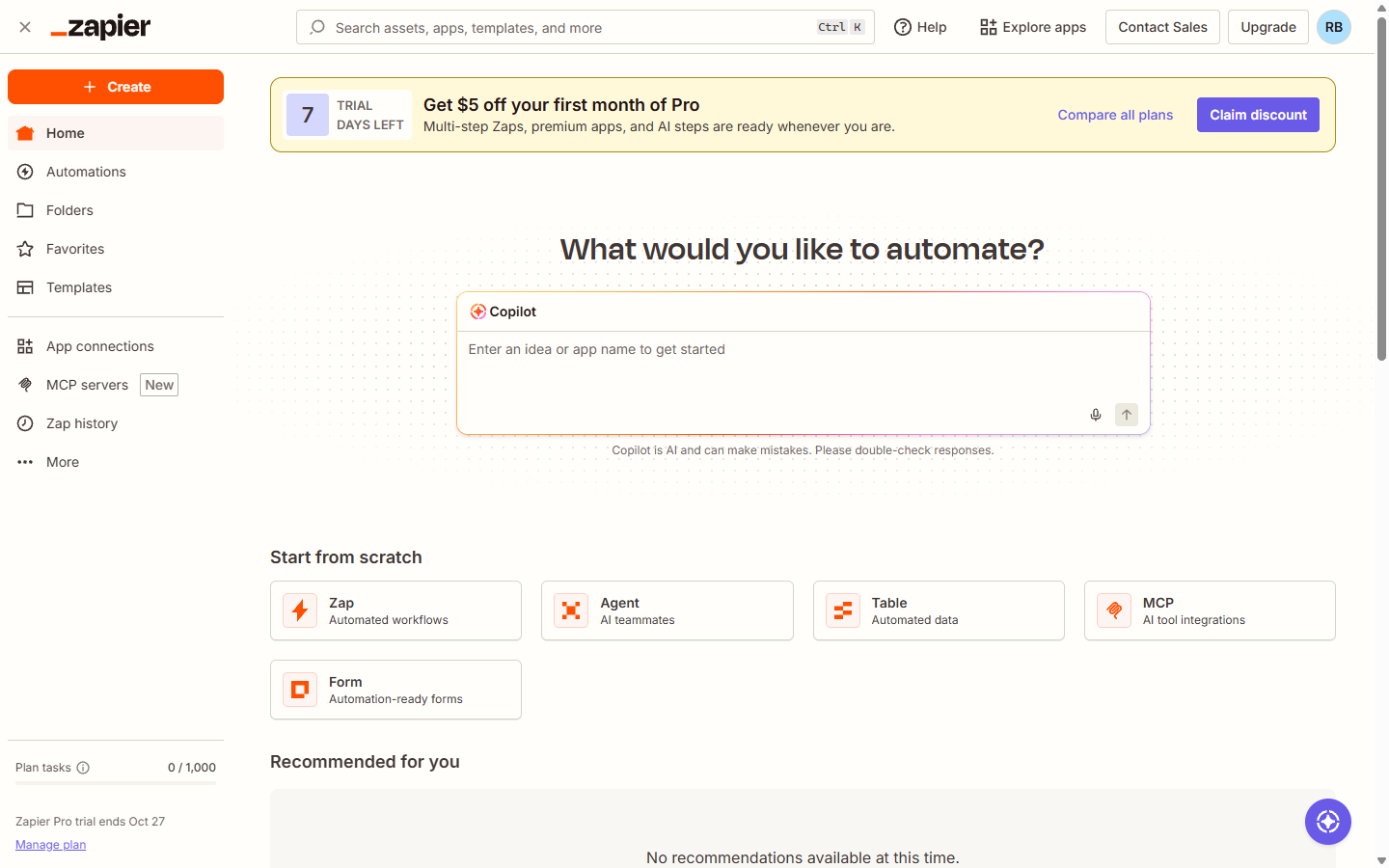
Where you'll use it: Zapier's dashboard and billing page show tasks used this month. Zap history lists each run and the steps that ran. When you plan a new Zap, count its action steps before you build it, and compare with the Make operation or n8n execution count if you are choosing a tool.
In a real lesson: Zapier: ChatGPT Drafts Every Reply, Signatoro Signs It
In the free Zapier: ChatGPT Drafts Every Reply lesson, Brookside Dental's Zap has a Gmail trigger and three action steps: ChatGPT writes the reply, Signatoro fetches the signature, and Gmail creates the draft. Each patient email that runs the whole Zap uses three tasks, because the trigger is not counted.
The two-step Zap in Your First Zap uses one task per inquiry: the Create Spreadsheet Row action. The AI model behind ChatGPT is billed separately by OpenAI, through your own key.
Try this lesson free or read the step-by-step guide.
Common confusions
Zapier task vs n8n execution
An n8n execution is one run of the whole workflow, however many steps. Zapier counts a task for each action step.
Task vs Zap run
A Zap run is one trip through the Zap. One run can use zero, one or several tasks.
Tips
- Estimate tasks as action steps times runs per month.
- Check Zap history after a busy week to see real usage.
- Turn off Zaps you no longer use.
Related terms
More n8n and automation terms
Where you use it: free lessons
- Zapier: ChatGPT Drafts Every Reply, Signatoro Signs It (Zapier, 12 min)
- Never Miss a New Client Inquiry using Zapier (Zapier, 10 min)
Frequently asked questions
- Do errored steps use tasks?
- Tasks are counted for steps that complete successfully, so a step that errors is not counted as a task. Steps that succeeded before it are.
- Does the trigger use a task?
- No. Zapier does not count the trigger, including its polling checks.