What is an execution in n8n?
Updated · By Robert Breen
An execution is one run of a workflow, from the trigger to the last step, along with the data that passed through it. Every time a workflow runs, whether you clicked a test button or a real event set it off, n8n records an execution that either succeeded or failed.
Why it matters for a small business
Executions are your record of what the automation actually did. When a customer says they never got a reply, the workflow only shows what should have happened. The execution for that email shows what did happen, step by step, with the data each node received and passed on.
They also make failures fixable. A failed execution points at the node that broke and shows its error message, so you aren't guessing. For a small business without an IT person, glancing at recent executions now and then is the difference between catching a broken automation on day one and finding out weeks later from an annoyed customer.
In a real lesson: AI Email Responder: Draft Gmail Replies Automatically with n8n
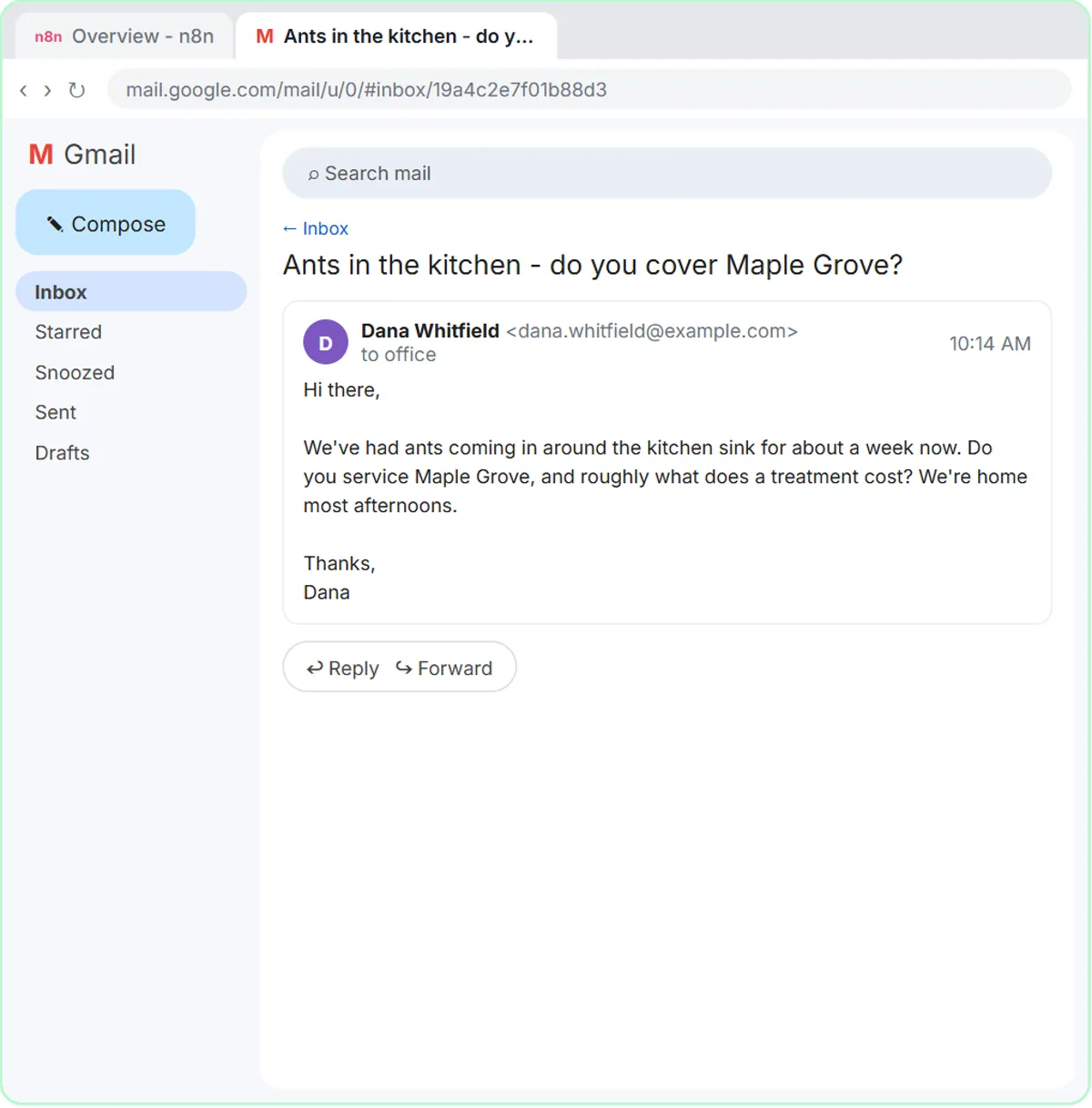
The AI Email Responder lesson builds an agent that drafts replies for Greenline Pest Control, the made-up pest control company in the lesson, and it lets an execution fail on purpose. With the Gmail trigger, AI Agent, OpenAI Chat Model, Gmail Tool and Simple Memory in place, you click Execute workflow to run it on Dana's email about ants in her kitchen.
The run turns red, and the error names a sub-node: No session ID found in Simple Memory. You double-click the red node and read why: memory is looking for a chat session ID, and an email isn't a chat. You open Session ID, choose Define below, paste {{ $json.threadId }}, and click Execute workflow again. This time every node is green, and the draft sits under Dana's email in Gmail.
Those were manual executions you started from the editor. After you click Publish and keep the default version name, the Gmail trigger checks the inbox every minute, and each new email produces its own execution without anyone clicking anything.
Try this lesson free or read the step-by-step guide.
Common confusions
Execution vs workflow
The workflow is the set of steps; an execution is one run of those steps with real data. Fixing a workflow changes future executions, not the ones already recorded.
Test runs vs live runs
A run you start with Execute workflow in the editor is a test, and its results appear on the canvas right away. Runs started by a published trigger happen in the background and appear in the workflow's list of past executions instead.
One execution, many items
A single execution can carry many items. Daily Job Alerts runs once at 7 a.m., and that one run sends five emails because five items reach the Gmail step.
Tips
- When something breaks, open the failed execution and click the red node before you change anything.
- Check recent executions daily for the first week after you publish a workflow.
- If your n8n plan limits executions, check it before building a workflow that runs every minute.
Related terms
Where you use it: free lessons
- AI Email Responder: Draft Gmail Replies Automatically with n8n (n8n, 12 min)
- Daily Job Alerts: Email Each Tech Their Jobs from Google Sheets with n8n (n8n, 10 min)
- Find and Use n8n Templates (n8n, 9 min)
Prompt templates that use it
Frequently asked questions
- Where can I see past executions in n8n?
- Each workflow keeps a list of its past executions, showing when it ran and whether it succeeded. Open one to see the data at every step.
- Why did my workflow run but nothing happened?
- Open that execution and follow the item counts between nodes. Often a filter dropped every item, or a step got data in a different shape than expected, like a field name that doesn't match.