What is a session ID in an AI agent?
Updated · By Robert Breen
A session ID is a label that tells an AI agent's memory which conversation a message belongs to. Messages with the same session ID share one memory, and a new session ID starts a fresh one. In n8n, Simple Memory needs one to work.
Why it matters for a small business
Memory without a good session ID is like a receptionist with one notepad for every caller. If every customer shares the same key, the agent can mix up what it told one person with what it told another. If the key changes on every message, it remembers nothing at all. The right key is what lets an agent pick up a conversation where it left off.
It matters most when the trigger is not a chat. A chat window hands n8n a session ID automatically. Emails, form submissions and scheduled runs don't, so you choose a field that stays the same within one conversation and differs between conversations.
In a real lesson: AI Email Responder: Draft Gmail Replies Automatically with n8n
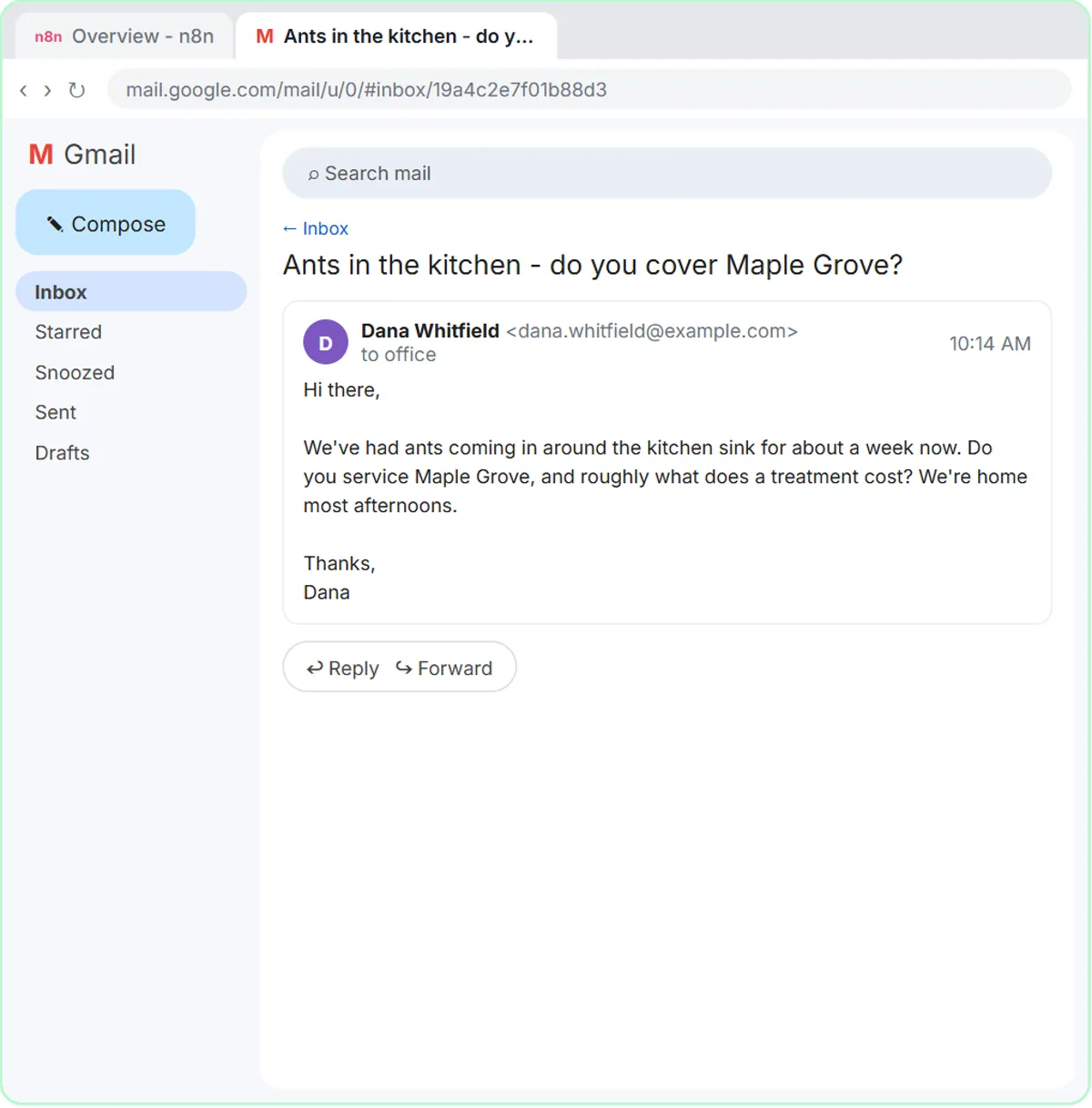
In the AI Email Responder lesson, a missing key is the deliberate mistake. Greenline Pest Control's agent gets Simple Memory on its defaults, and the first Execute workflow fails: the memory node turns red with No session ID found. Opening it shows why. It is looking for a chat session ID, and because a Gmail trigger isn't a chat, the value comes back undefined.
The fix is to open Session ID, choose Define below and paste {{ $json.threadId }} as the key. Every Gmail conversation has its own thread ID, so the agent now keeps one memory per customer exchange. If Dana writes back about her ants, the agent remembers what it already offered. The voice-over notes this beats the popular quick fix of deleting the memory node.
Compare the AI Receipt Extractor, which starts from a chat: Simple Memory keys itself to your chat session and keeps the last five messages, with nothing to change.
Try this lesson free or read the step-by-step guide.
Common confusions
Session ID vs thread ID
A thread ID is Gmail's label for one email thread. A session ID is whatever key memory uses. In the email lesson they are the same value on purpose; for a web form you might use the submitter's email address instead.
Session ID vs a login
A session ID doesn't identify or verify a person. It only groups messages. Two conversations that end up with the same key share one memory, so pick a key that is unique per conversation.
Deleting memory vs fixing the key
Removing Simple Memory makes the error disappear, but the agent then forgets everything between messages. Setting the key keeps agent memory working.
Tips
- Never use fixed text as the key. A constant key means one shared memory for everyone.
- Find the key in the trigger's output first. In the email lesson, Fetch Test Event shows threadId next to From and Subject.
- Keep the memory window small. A handful of recent messages is enough for most business conversations.
Related terms
Where you use it: free lessons
- AI Email Responder: Draft Gmail Replies Automatically with n8n (n8n, 12 min)
- AI Receipt Extractor: Receipts to Google Sheets with n8n (n8n, 12 min)
- n8n AI Agent Tutorial: Save Social Media Ideas to Google Sheets (n8n, 12 min)
Prompt templates that use it
Frequently asked questions
- What does "No session ID found" mean in n8n?
- Simple Memory looked for a chat session ID and didn't find one, usually because the workflow starts from a non-chat trigger like Gmail. Set Session ID to Define below and give it a key that is unique per conversation.
- What should I use as a session ID for a web form?
- Something that stays the same across one person's conversation, such as the submitter's email address from the form data. Avoid anything that changes on every submission if the agent should remember earlier ones.
- Does the Chat Trigger need a session ID setting?
- No. The Chat Trigger supplies one automatically and Simple Memory uses it by default, which is why chat-based agents work without changes.