What is a CSV file?
Quick answer
A CSV file (comma-separated values) is a plain text file that holds one table: each line is a row, and commas separate the columns, usually with a header row first. Almost every spreadsheet, CRM and accounting tool can export and import CSV files.
Last updated
Take the free module →Module 7 of the free ChatGPT for Everyday Work course, about 10 minutes. No account needed.
Updated · By Robert Breen
Why it matters for a small business
CSV is the common language of business data. When two tools have no direct connection, you can almost always download a CSV from one and upload it to the other: a customer list from booking software into an email tool, a bank export into a bookkeeping sheet, a month of sales into ChatGPT.
Its simplicity is also its weakness. There are no formulas, formatting or data types, so leading zeros in ZIP codes can vanish and dates can flip between US and international order when the file is opened. A comma inside a value has to be wrapped in quotes, or every column after it shifts.
CSV file example: a 3-row customer list
| Line | Text in the file | What a spreadsheet shows |
|---|---|---|
| 1 | Name,Email,City | The header row: three column names |
| 2 | Jane Smith,jane@example.com,Boston | One customer, three cells |
| 3 | "Lopez, Maria",maria@example.com,Austin | The quotes keep "Lopez, Maria" in one cell |
| 4 | Sam Patel,sam@example.com,Denver | One customer, three cells |
Made-up customers. Open the file in Notepad and you see the commas; open it in Excel or Google Sheets and you see a table with 3 rows and 3 columns.
In a real lesson: Analyze a Spreadsheet with ChatGPT: Upload a CSV, Get a Chart and Three Takeaways
In Analyze a Spreadsheet with ChatGPT, you upload a CSV export of about 1,200 orders from Maple Hollow Garden Center, a made-up garden center. Each line holds an order ID, date, category, product, sales channel, units and revenue.
Like most real exports, the file has problems hiding in it: three orders appear twice, and twelve rows have no sales channel. So the first request asks ChatGPT to describe the file and check it before analyzing anything. Then you ask for revenue by month and which category grew most. May is the peak month and Plants grew the most.
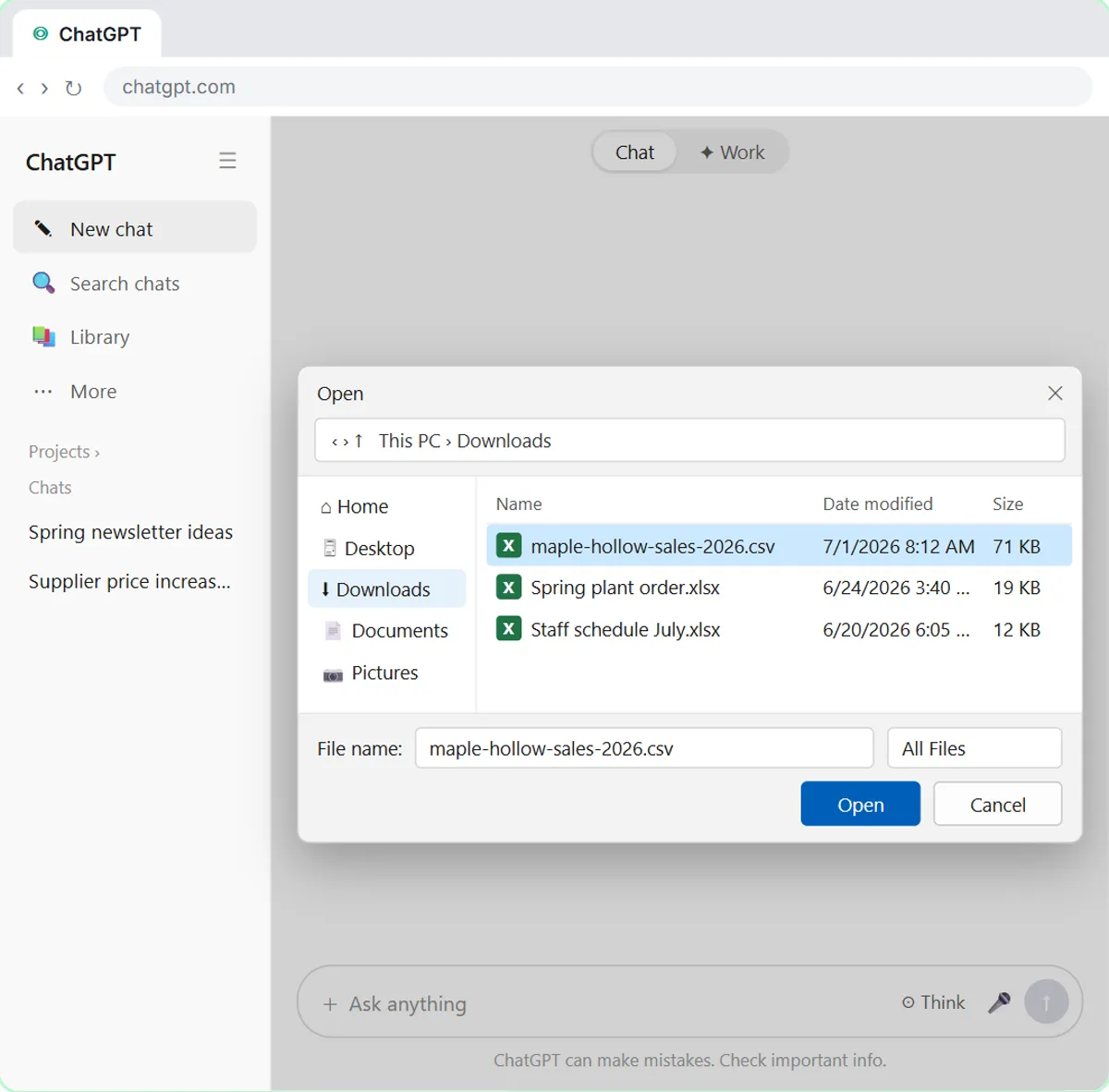
Try this lesson free or read the step-by-step guide.
How AI helps
ChatGPT can read a CSV you upload and answer questions about it in plain English, as in the analyze a spreadsheet lesson. Remove names and account numbers you do not need before uploading, and check any totals it gives you against the source file.
Common confusions
CSV vs Excel (.xlsx)
An .xlsx file can hold several sheets, formulas and formatting. A CSV holds one table of plain values, which is why every tool can read it.
CSV vs Google Sheets
A Google Sheet is a live document people and workflows can edit. A CSV is a snapshot; exporting one freezes the data at that moment.
CSV vs JSON
CSV is flat: rows and columns. JSON can nest data, like an order with a list of items inside it. n8n turns each CSV row into a JSON item.
Tips
- Use your spreadsheet's import option, not a double-click, when date and number formats matter.
- Keep a header row; most tools match columns by those names.
- Before uploading a CSV to an AI tool, delete columns of personal data you don't need.
Related terms
More Data, Sheets and Gmail terms
Where you use it: free lessons
- Analyze a Spreadsheet with ChatGPT: Upload a CSV, Get a Chart and Three Takeaways (ChatGPT, 10 min)
- Month-End Bank Reconciliation with ChatGPT: 20 Minutes, Not 3 Hours (ChatGPT, 12 min)
- Claude's Excel Skill: Turn a Messy Export into a Clean Workbook (Claude, 8 min)
- Mixo: Launch a Landing Page and Collect Early Sign-ups (Mixo, 12 min)
Watch it in a free lesson: Analyze a Spreadsheet with ChatGPT: Upload a CSV, Get a Chart and Three Takeaways
 3:04
Analyze a Spreadsheet: video walkthrough
Upload a CSV of sales to ChatGPT, have it check the data first, ask your questions, get a chart you can download, and finish with the three takeaways that matter. The whole lesson narrated step by step, recorded in Stepthrough’s simulated practice environment.
More free tutorials
Prompt templates that use it
Frequently asked questions
- What does CSV stand for in business?
- CSV stands for comma-separated values, in business and everywhere else. It is the plain table file people use to move data such as customer lists or transactions between a spreadsheet, a CRM and accounting software.
- How do I export a Google Sheet as a CSV?
- In Google Sheets, choose File, then Download, then Comma-separated values. It downloads the current tab only.
- Can n8n read a CSV file?
- Yes. The Extract from File node reads a CSV, and each row becomes an item with the header names as field names.
- What is the CSV format and structure of a CSV file?
- A CSV file is plain text with one record per line. The first line is usually a header row with the column names, each later line is one row of data, and commas separate the fields. A field that contains a comma, a quote or a line break is wrapped in double quotes, and a quote inside a field is doubled.
- How do I format data as a CSV?
- Keep one header row, one record per line and the same columns on every line, with no merged cells or totals rows. Then save or export as CSV from Excel or Google Sheets, which adds the commas and quotes for you.