Which AI account should you use for work?
Quick answer
An AI work account is the assistant login your employer provides and allows, such as Copilot Chat with Microsoft 365 or Gemini with Google Workspace. It is the right place for work tasks, because a personal account sits outside your company's rules.
Last updated
Updated · By Robert Breen
Why it matters for a small business
Everyone asks which AI is best. For everyday office work, the lesson's answer is that the one you can use at work matters more than the brand. Your company may pay for Microsoft 365, Google Workspace, or a ChatGPT or Claude business plan, and its policies decide where client information may go.
Never paste client data into a personal account. In Copilot, a Work badge next to your name means Copilot can use your company files and email, if your company allows it. Seeing that badge is a quick way to confirm you are in the work version.
Privacy is the reason this matters. Work accounts are usually set up with your company's data rules in mind, and personal accounts are not. If you are unsure which one you are signed in to, look at the name and badge before you paste anything, and when in doubt, use made-up details for the practice and real details only in the approved tool.
In a real lesson: Same Task, Four Assistants: ChatGPT vs Claude vs Gemini vs Copilot
In the lesson, you switch to Microsoft Copilot as Carla and notice your name shows a Work badge. That badge means Copilot can use your company files and email, if your company allows it.
At the end, under Which one at work?, you choose Copilot Chat, because Ridgeline Insurance Agency already pays for Microsoft 365. The lesson's closing advice is to use the assistant your company already pays for and allows.
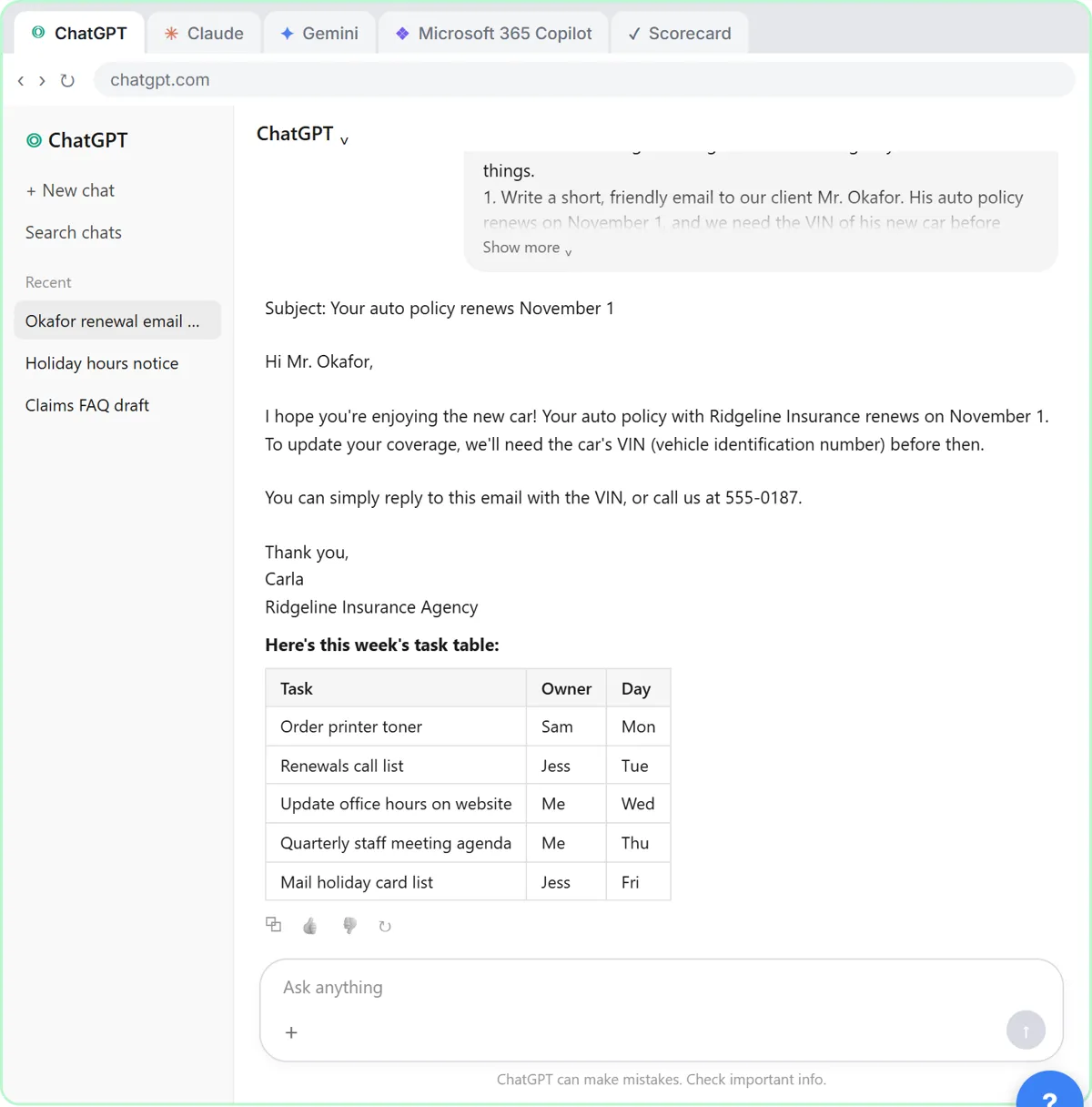
Try this lesson free or read the step-by-step guide.
Common confusions
Work account vs free account
A free personal account is fine to practice with made-up tasks. It isn't the place for client details.
Allowed vs enabled
A tool can be installed and still not approved for client data. Ask whoever sets your company's AI policy.
Tips
- Ask IT or your manager which assistant is approved.
- Look for a Work badge or company sign-in before you paste anything.
- Practice at home with made-up information.
Related terms
More AI basics terms
Where you use it: free lessons
- Same Task, Four Assistants: ChatGPT vs Claude vs Gemini vs Copilot (ChatGPT, Claude, Gemini and Copilot, 8 min)
Watch it in a free lesson: Same Task, Four Assistants: ChatGPT vs Claude vs Gemini vs Copilot
 1:51
1:51Same Task, Four Assistants: ChatGPT vs Claude vs Gemini vs Copilot: video walkthrough
Give one real office task to ChatGPT, Claude, Gemini and Microsoft Copilot, check each answer on the facts, and pick the one to use at work. The whole lesson narrated step by step, recorded in Stepthrough’s simulated practice environment.
Frequently asked questions
- Can I use a personal ChatGPT for client emails?
- The lesson says don't paste client data into a personal account. Use what your company pays for and allows.
- What does the Work badge mean in Copilot?
- That Copilot can use your company files and email, if your company allows it.
- What if my company has no approved AI?
- Ask before using any. In the meantime, practice with made-up data.