What is Microsoft Copilot?
Updated · By Robert Breen
Microsoft Copilot is Microsoft's AI assistant. It's available as a standalone chat app and, with the right Microsoft 365 license, inside Word, Excel, PowerPoint, Outlook and Teams, where it drafts, summarizes and answers questions about your work files and meetings.
Why it matters for a small business
For businesses on Microsoft 365, Copilot's appeal is location: drafting a reply inside Outlook, summarizing a Teams meeting, or asking about a spreadsheet in Excel without copying anything into another tool. If your company already manages accounts and permissions in Microsoft 365, a work-account Copilot keeps AI use inside that setup.
The name causes confusion. "Copilot" covers several products, and what a given person sees depends on their account. Before you write an AI policy or train staff, find out exactly which Copilot your business has, and which account people sign in with.
In a real lesson: Turn an Interview Debrief into a Scorecard and a Candidate Follow-Up (Recruiting & HR)
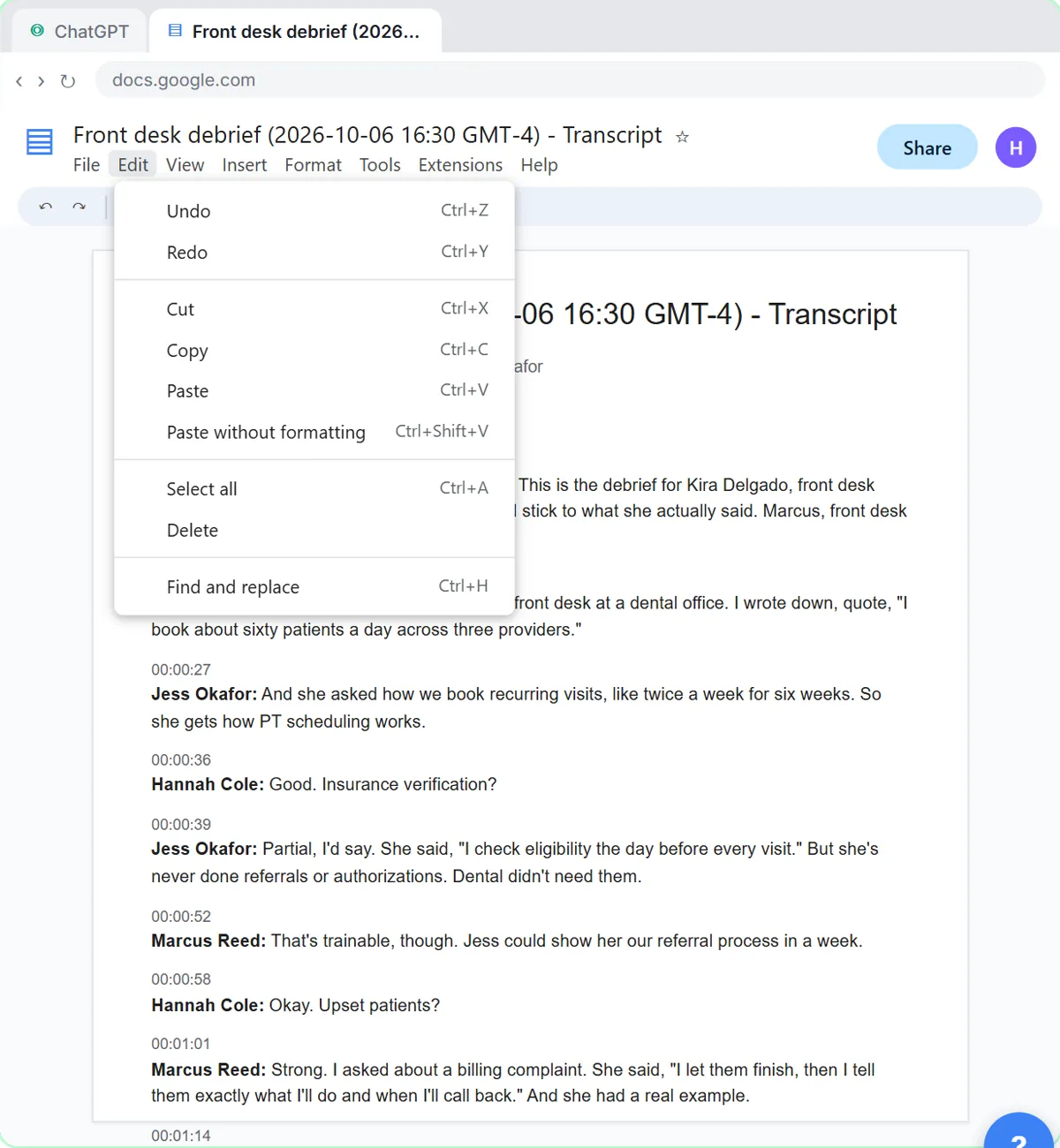
Stepthrough has no Copilot lesson. The interview scorecard lesson is the kind of job people hand to Copilot in Teams, done here in ChatGPT with a Google Meet transcript. The panel at a made-up physical therapy practice has just debriefed on a Front Desk Lead candidate.
The request asks for a score on each of the role's must-haves with a quote as evidence, "Not discussed" when a must-have never came up, the decisions, action items with an owner and due date, and open questions, and it tells the assistant to leave out anything that isn't about the job. So when a panelist mentions the candidate's kids, it stays out of the scorecard. You then add the two dates nobody said aloud: Hannah sets up the final interview by Thursday, and Jess calls both references by Friday.
A Copilot meeting recap needs the same instructions and the same check. The lesson's finish is clear that the hiring decision stays with people, under your company's hiring policy and the law where you hire. This is drafting help, not HR or legal advice.
Try this lesson free or read the step-by-step guide.
Common confusions
Copilot app vs Microsoft 365 Copilot
The general Copilot app is a chat assistant. Microsoft 365 Copilot works inside the Office apps with your work files, email and meetings, under your organization's controls.
Microsoft Copilot vs GitHub Copilot
GitHub Copilot is a coding assistant for developers. It is a different product that shares the name.
Copilot vs ChatGPT
Microsoft and OpenAI have a long partnership, but Copilot is Microsoft's own product with its own settings, data handling and features. ChatGPT is OpenAI's.
Tips
- Check which account you're signed into; work and personal Copilot handle data differently.
- Give Copilot the same structured request you'd give any assistant: what to pull out, in what format, and what to leave out.
- Check names, dates and owners in meeting summaries before sending them on.
Related terms
Where to learn more
Frequently asked questions
- Is Microsoft Copilot the same as ChatGPT?
- No. Copilot is Microsoft's product and ChatGPT is OpenAI's. The two companies work together, but each app has its own features, settings and data policies.
- Can Copilot summarize Teams meetings?
- With the right Microsoft 365 setup and meeting transcription turned on, Copilot can summarize Teams meetings and list action items. Ask your admin what is enabled for you.