What is a shared link in ChatGPT and Claude?
Quick answer
A shared link is a web address that lets anyone who has it open a chat, artifact or document you made. In ChatGPT, Shared links under Data controls lists the chats you have shared. In Claude, an artifact can be Only you, shared by invite, or open to anyone with the link, depending on your plan.
Last updated
Take the free module →Module 3 of the free AI at Work: Start Here course, about 10 minutes. No account needed.
Updated · By Robert Breen
Why it matters for a small business
A link is easy to forward, so it is only as private as the people who receive it. ChatGPT's Shared links dialog says anyone with a shared link can view the shared chat. A link to a client conversation can sit there for months, long after the project ended.
The habit is to treat a shared link like an open door and review it on a schedule. It belongs with the other ChatGPT data controls and with your policy for what staff can share outside the team.
Shared links in two tools (menu names from the lessons, October 2026)
| Tool | Where to manage it | Good to know |
|---|---|---|
| ChatGPT | Settings, Data controls, Shared links, Manage | Deleting a link stops others from viewing it but does not delete your original chat |
| Claude artifact | Share at the top of the artifact panel | Choose Only you, specific people by email, or Anyone with the link; options depend on your plan |
Plans and screens change. Check your own account.
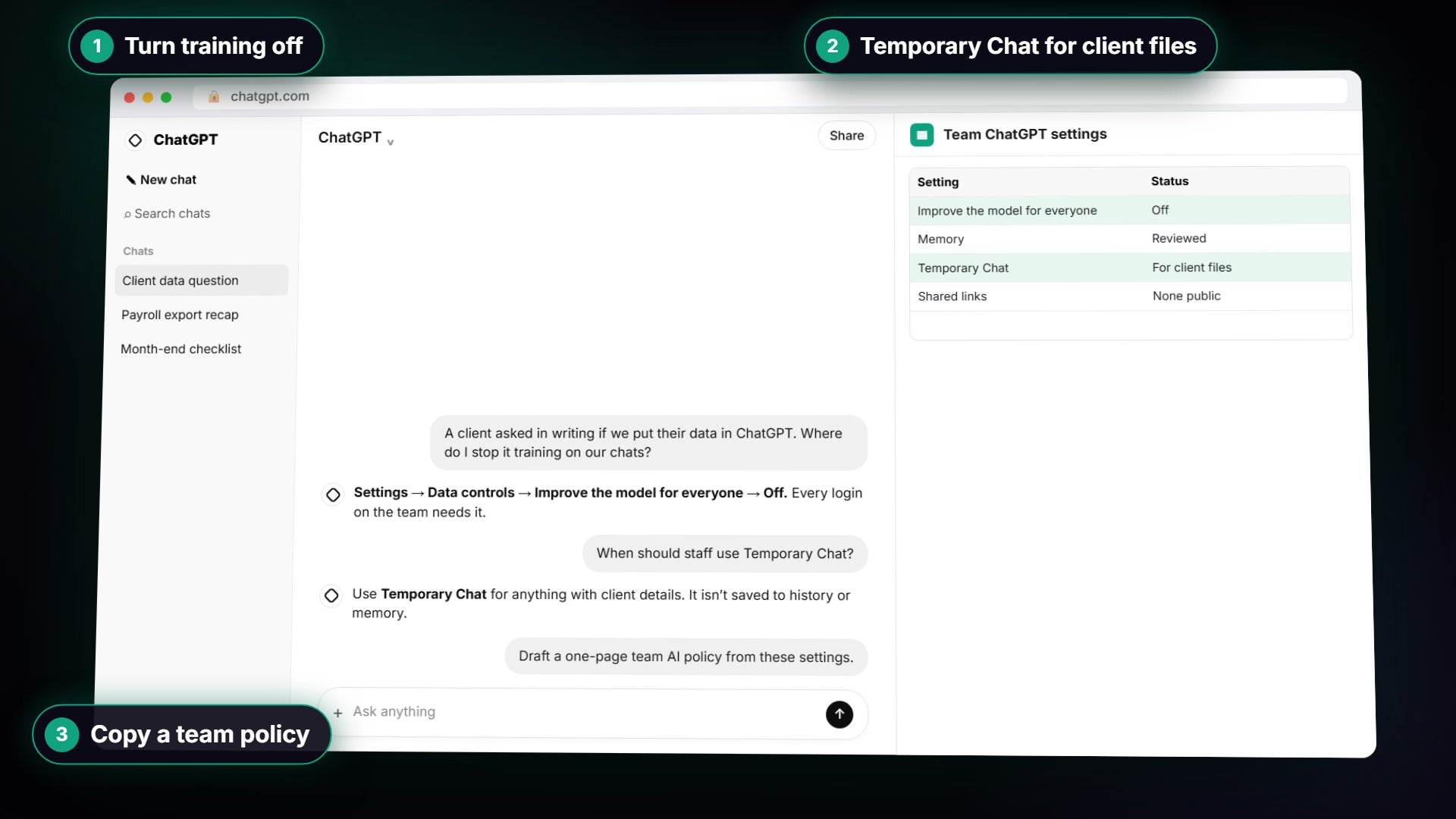
In a real lesson: ChatGPT: Keep Client Data Safe, Set Up Your Team's Data Controls in 10 Minutes
In the free ChatGPT data controls lesson, Hartwell Bookkeeping, a made-up firm, reviews Shared links as step 2 of its ten-minute setup and puts a monthly review in the calendar.
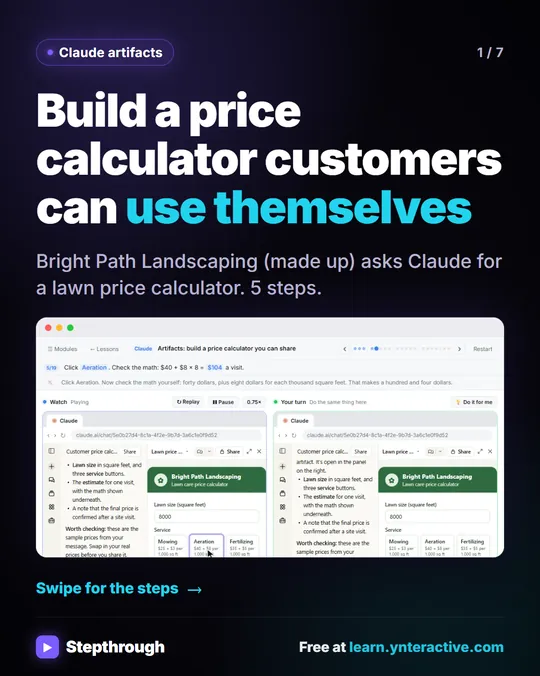
For the Claude side, the free Claude Artifacts lesson builds a price calculator for Bright Path Landscaping and shows how to change who has access before you copy the link. Open the link in a private window first to see what a customer will see.
Try this lesson free or read the step-by-step guide.
Common confusions
Shared link vs export
A shared link lets other people view the chat online. An export is a file of your own chats that you keep. Export before you delete if you need a record.
Deleting a link vs deleting a chat
They are separate actions. Removing a link closes the door. The original chat stays in your history until you delete it.
Tips
- Put a monthly reminder in the calendar to open Shared links and delete the ones you no longer need.
- Do not share a chat that contains client names or numbers. Remove them first.
- Before you send an artifact link, open it in a private window to see what the recipient sees.
Related terms
More AI basics terms
Where you use it: free lessons
- ChatGPT: Keep Client Data Safe, Set Up Your Team's Data Controls in 10 Minutes (ChatGPT, 10 min)
- Claude Artifacts: Build a Price Calculator You Can Try, Change and Share (Claude, 7 min)
- Clear Client Data Out of ChatGPT Before It Becomes a Problem: Delete Chats, Clear Memory and Use Temporary Chat (ChatGPT, 10 min)
- CoHear: AI Meeting Notes from a Team Training Session (CoHear, 8 min)
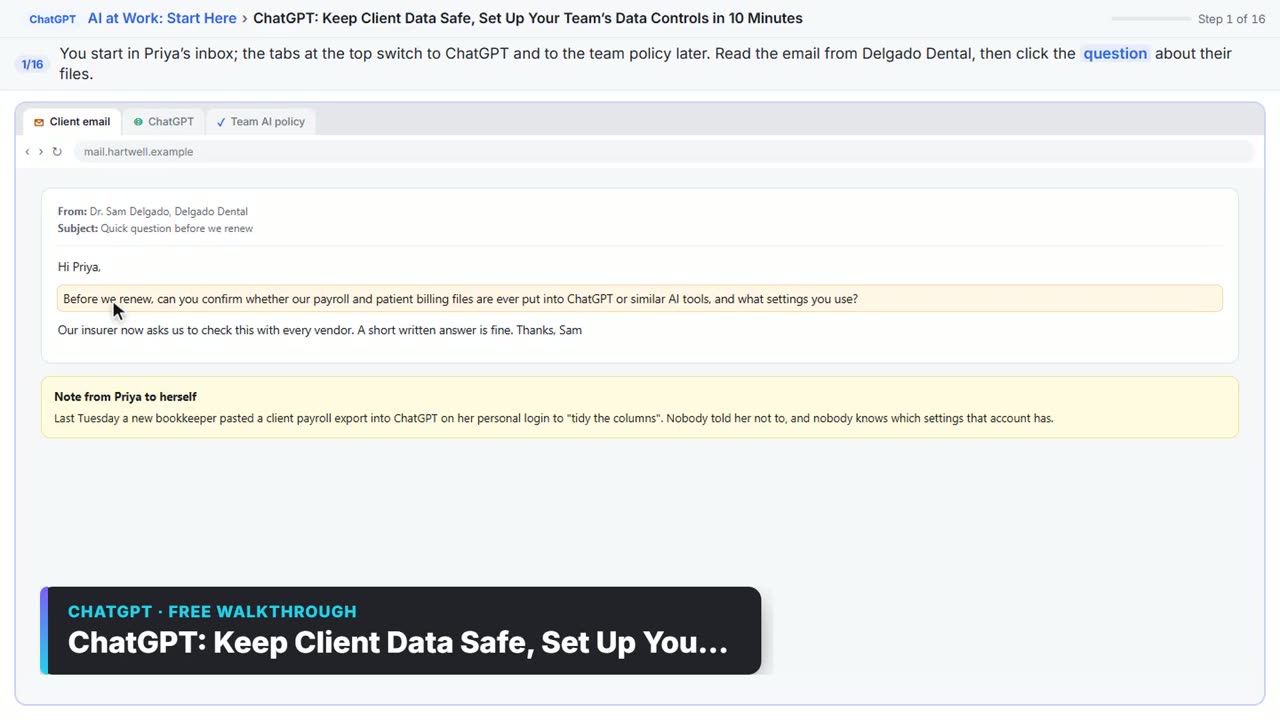
Watch it in a free lesson: ChatGPT: Keep Client Data Safe, Set Up Your Team's Data Controls in 10 Minutes
 3:05
3:05ChatGPT: Keep Client Data Safe, Set Up Your Team’s Data Controls in 10 Minutes: video walkthrough
A client asks if their files go into ChatGPT. Answer with confidence: set the data controls, memory, Temporary Chat and shared links, then hand your team a one-page AI policy. The whole lesson narrated step by step, recorded in Stepthrough’s simulated practice environment.
Visual guide
Shared link in a few slides, with the same guide written out as text.
Frequently asked questions
- How do I see which ChatGPT chats I have shared?
- Open Settings, then Data controls, and click Manage next to Shared links. The dialog lists your shared chats and lets you delete a link.
- Does turning off a shared link delete the chat?
- No. In ChatGPT, deleting a link stops others from viewing it, but your original chat is still in your history.
- Do people need a Claude account to open an artifact I share?
- Anthropic's help center says people need a Claude account to open a shared artifact. Artifacts made before Anthropic's September 16, 2026 change may show Publish, which gives a public link instead.