What are Artifacts in Claude?
Updated · By Robert Breen
Artifacts are a Claude feature that puts substantial pieces of work, such as a document, a block of code, a diagram or a small interactive web page, in their own panel beside the chat, where you can view, revise and reuse them instead of scrolling through messages.
Why it matters for a small business
A long policy draft or a working calculator is awkward to read inside a chat bubble. Artifacts give the output its own space, keep versions as you ask for changes, and make the finished piece easy to copy or download. For a small business that means quick internal tools: a quote calculator, a one-page checklist, or a rough landing page to show a designer.
The limit is that an artifact is usually a self-contained page. It suits a prototype or a handout. It doesn't by itself give you a backend that saves leads, sends email and stays connected to your systems; that takes an app builder and an automation tool working together.
In a real lesson: Lovable + n8n: Build a Web App with an AI Backend
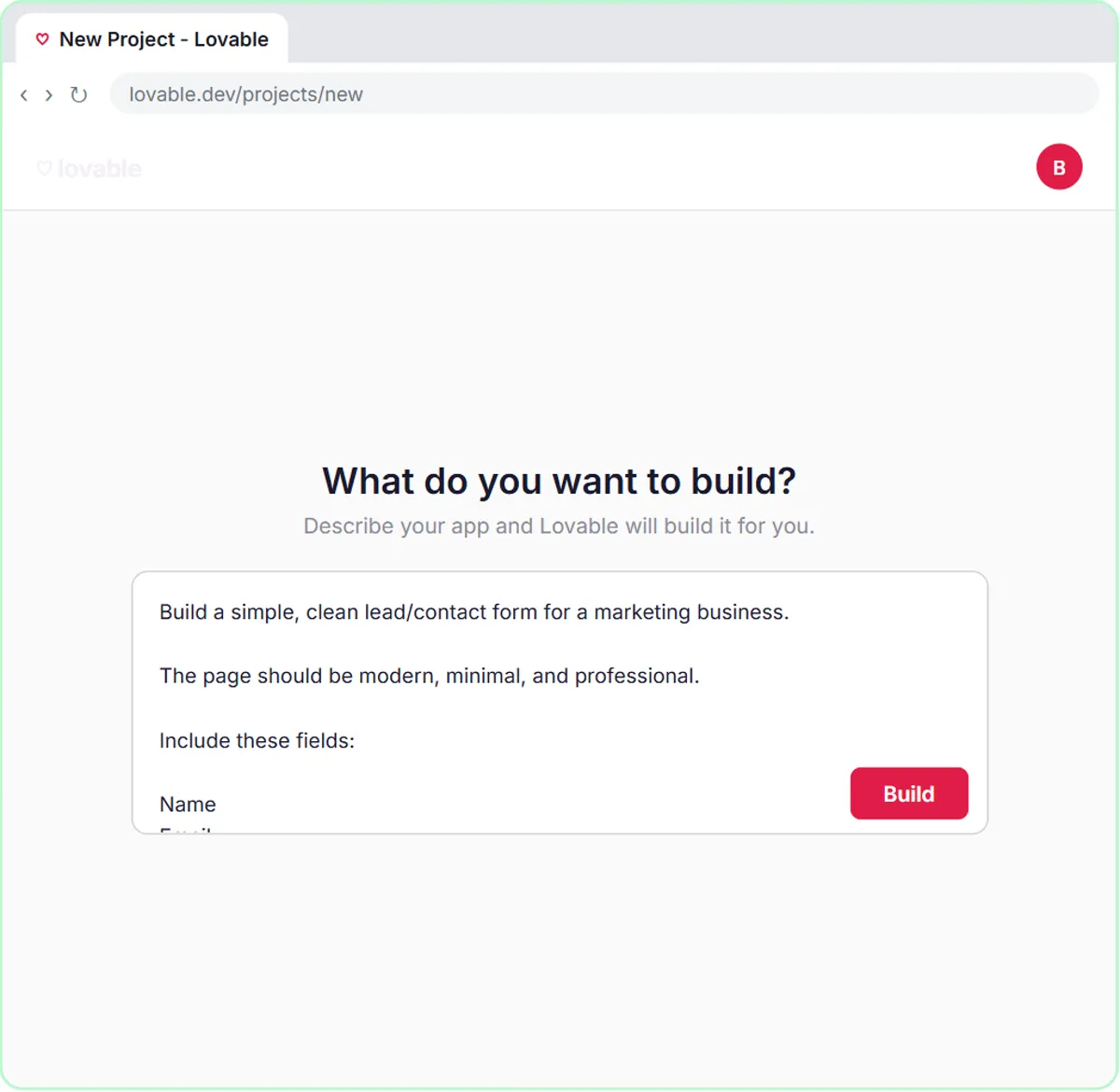
Stepthrough has no Claude lesson. The Lovable + n8n lesson shows the same "describe it and get a working page" idea, and where it goes further. You paste a prompt into Lovable for a contact form with Name, Email, Question and Feedback fields, a heading like "Have a Question?", a Sending... button state, and validation that requires Name, Email and Question. You click Build, and a working form appears.
The difference is in the rest of the prompt and the lesson. The form posts its data as JSON to an n8n webhook, reads the address from a secret named N8N_WEBHOOK_URL instead of hard-coding it, and an AI Agent in n8n saves each lead to a Leads sheet and replies through Gmail. A Claude artifact could draft and preview a form like that quickly; wiring it to live data is the job Lovable and n8n do in the lesson.
Try this lesson free or read the step-by-step guide.
Common confusions
Artifacts vs a web app
An artifact is content or a small page you create inside a chat. A web app like the Lovable form is hosted, has a backend and connects to other systems.
Artifacts vs files you upload
Uploads are inputs you give Claude, like a PDF to summarize. Artifacts are outputs Claude creates for you.
Artifacts vs vibe coding
Building a small page in Claude by describing it is a light form of vibe coding. Tools like Lovable take the same approach further, to apps you publish and connect.
Tips
- Ask for one artifact at a time, and request specific changes ("make the total line bold") instead of "make it better".
- Check any numbers or formulas in a calculator artifact by hand before using it with customers.
- Keep customer data out of artifacts you plan to share.
Related terms
Where to learn more
Frequently asked questions
- Can I share a Claude artifact?
- Artifacts can be copied or downloaded, and depending on your account they can be shared by link. Check what a link exposes before sending it outside your company.
- Do I need to code to use artifacts?
- No. You describe what you want in plain English and ask for changes the same way. Reading the code helps if something breaks, but it isn't required.