What does it mean to deploy a web app?
Updated · By Robert Breen
Deploying a web app means putting it live on a public web address so real people can use it, instead of only seeing it in a builder's preview. In AI app builders like Lovable, it is usually a Publish button that turns the project into a site with its own link.
Why it matters for a small business
A form that only works in your preview window hasn't done anything for the business yet. Deployment is the step that makes it real: a link you can put on your website, in an email signature or on a flyer. It is also the moment the stakes change, because from then on every submission is a real customer.
With a form wired to an automation, there are two things to put live, and both must be done. The front end (the form people see) gets published from the app builder. The back end (the workflow that receives the data) gets published in n8n, and the form has to point at the workflow's production address, not its test one. Miss either half and the form looks fine but nothing happens.
In a real lesson: Lovable + n8n: Build a Web App with an AI Backend
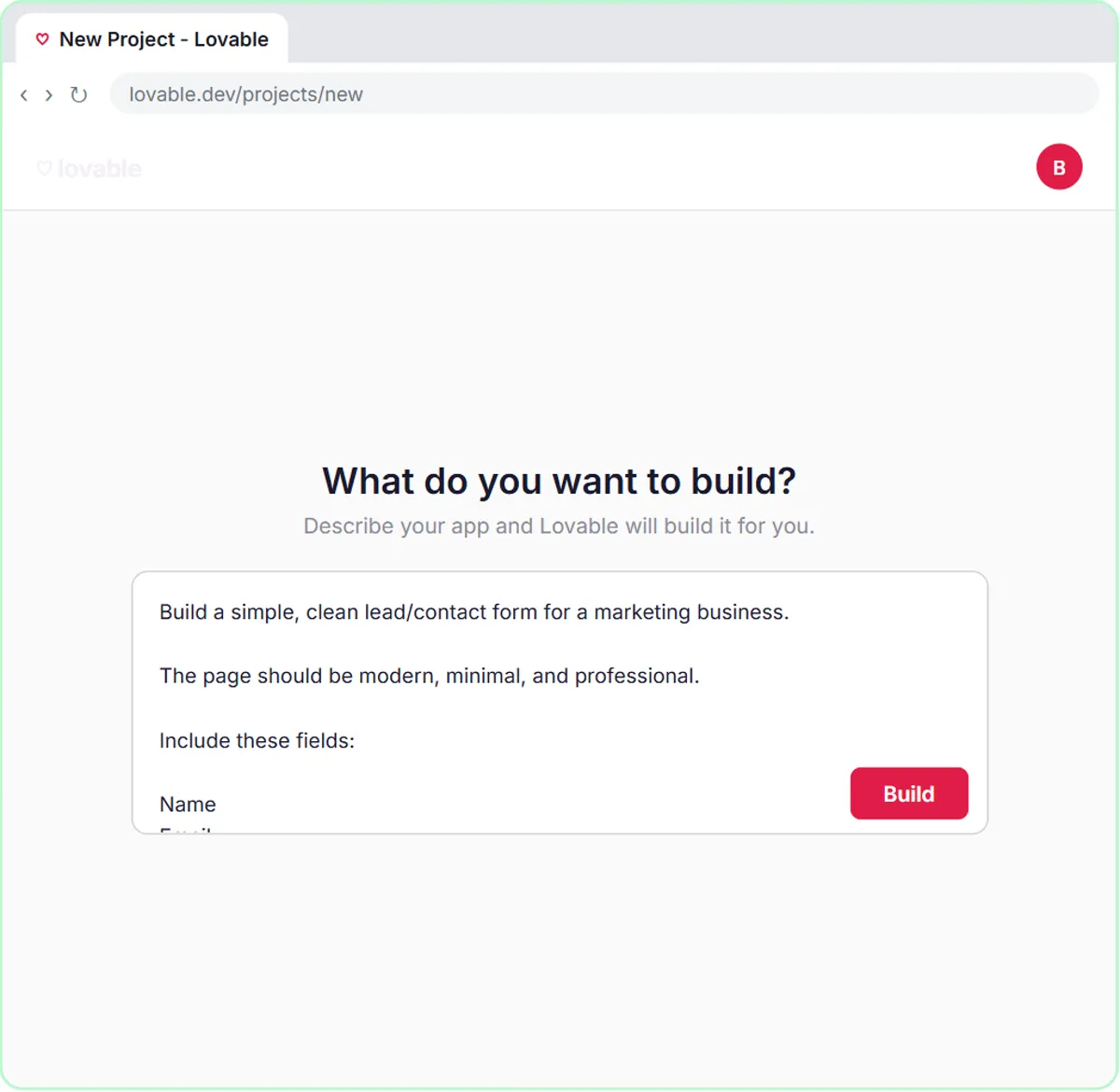
The Build a Web App with an AI Backend lesson covers the back end's half fully. After building a contact form in Lovable for a made-up marketing business and an n8n workflow with an AI Agent, Google Sheets and Gmail, you click Publish in n8n to make the workflow live. Then you open the Webhook node, click the Production URL tab, copy it, and save it in Lovable as a secret named N8N_WEBHOOK_URL, so the form sends to the live workflow.
The form itself is tested in Lovable's Preview: you click Fill with test data, then Send Message, and check the Google Sheets tab for the new row. Preview is where you prove the whole chain works.
The finish screen sends you to "build it for real". In real Lovable, the last step is publishing the project, which gives it a public web address you can share. Lovable's docs cover publishing and connecting your own domain, and what's included depends on your plan.
Try this lesson free or read the step-by-step guide.
Common confusions
Preview vs published
Preview is a private test view inside the builder. A published app has a public address anyone with the link can open.
Publishing the app vs publishing the workflow
Lovable's Publish puts the form online. n8n's Publish makes the workflow listen on its production URL. A working form needs both.
Tips
- Before publishing, submit one test through the preview and check every place the data lands.
- Confirm the form points at the n8n production URL, not the test URL.
- After publishing, submit once more from the public link, on your phone.
Related terms
Where you use it: free lessons
- Lovable + n8n: Build a Web App with an AI Backend (Lovable and n8n, 15 min)
- Build an AI Service Request Form for Your HVAC Company (Lovable and n8n, 15 min)
- Build an AI Demo Request Form That Qualifies Leads (Lovable and n8n, 15 min)
More free tutorials
Frequently asked questions
- How do I put a Lovable app online?
- Use Lovable's Publish option, which gives the project a public web address. If the app sends data to n8n, publish the n8n workflow too and use its production URL.
- Why does my form work in preview but not after publishing?
- Often the form still points at the n8n test URL, or the workflow isn't published. Check the secret holds the production URL and the workflow is published.