What is a web app?
Updated · By Robert Breen
A web app is software you use in a web browser instead of installing it: you open a link, enter or view information, and it does something with it. A booking form that saves requests and emails a confirmation is a small web app.
Why it matters for a small business
A web app works on any device with a browser, so customers and staff don't install anything. That makes it the natural shape for the tools a small business needs: a request form, a client portal, a simple job tracker. You update it once and everyone has the new version.
Thinking of a project as a web app, not just "a page", reminds you of the parts that make it work: what people see, where the data goes, who can get in and what happens when something fails. A page that looks right but quietly drops submissions is worse than no page at all.
In a real lesson: Build an Expense Reimbursement Form With AI Policy Checks
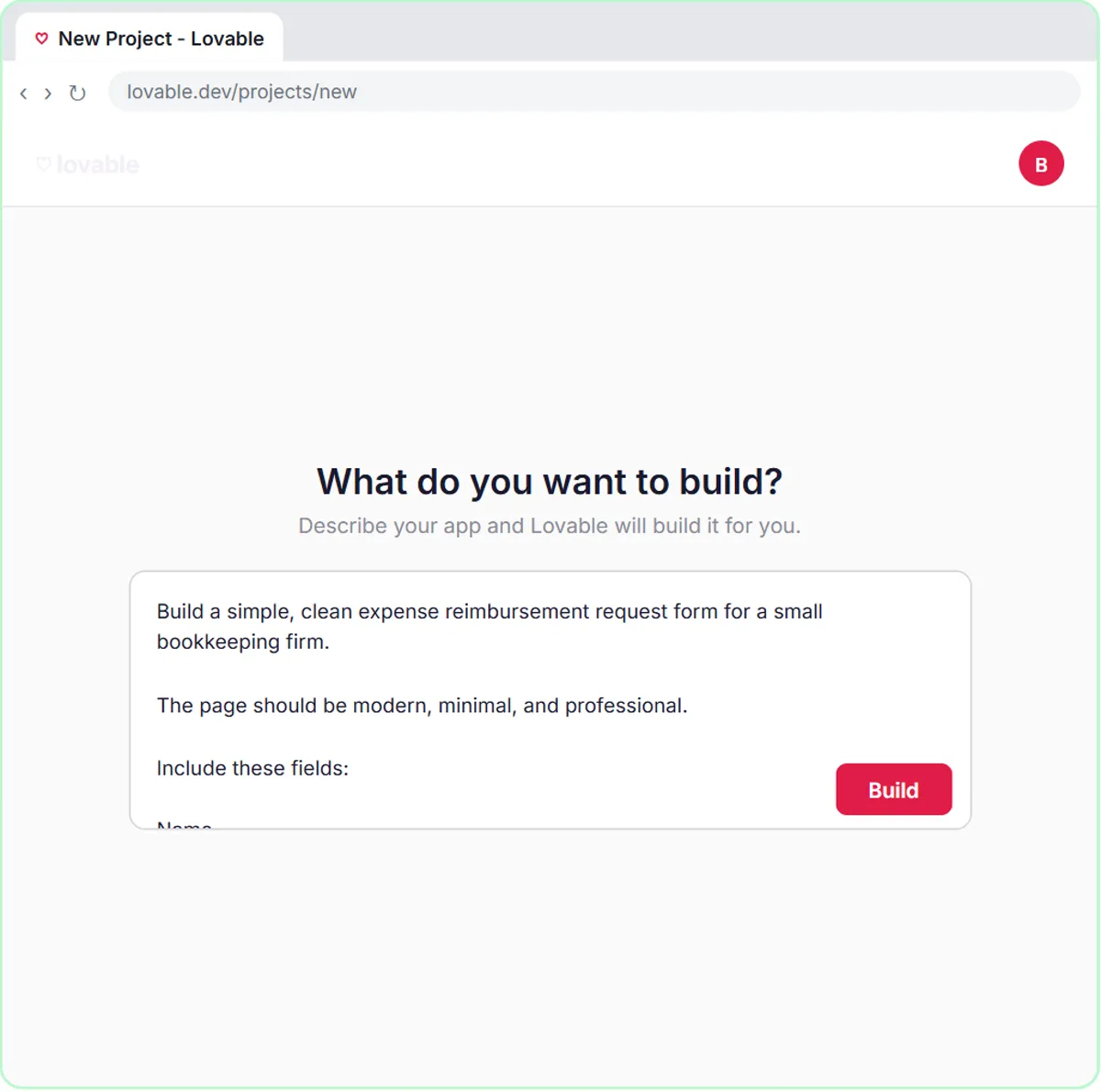
The expense reimbursement form lesson builds a small internal web app for Maple Street Bookkeeping, a made-up firm. Staff open an "Expense Reimbursement Request" page in a browser, fill in Name, Email, Expense details and Amount, and click Submit Request. That is the part they see, built in Lovable from one prompt.
Behind it, n8n does the work. The Webhook node receives the request, and an AI Agent checks it against the firm's policy: Needs receipt if no receipt is mentioned, Needs manager OK for $100 or more, Approved otherwise. The Google Sheets Tool saves the request, the Gmail Tool emails the employee the status and next step, and Respond to Webhook lets the page show its success message.
It's tiny, but it has every piece a web app needs: an interface, a backend, stored data and a reply.
Try this lesson free or read the step-by-step guide.
Common confusions
Web app vs website
A website mostly shows information: hours, services, contact details. A web app takes input and does something with it. Many business sites are a website with a few small web apps, like forms or booking, inside.
Web app vs mobile app
A mobile app is installed from an app store. A web app runs in the browser, including on phones. For simple business tools, a web app is usually quicker to build and change.
Tips
- Decide where the data will live before you design the screen.
- Test on a phone. Many people will fill in your form there.
- Plan the failure case: what does the person see if the backend is down?
Related terms
Where you use it: free lessons
- Build an Expense Reimbursement Form With AI Policy Checks (Lovable and n8n, 15 min)
- Lovable + n8n: Build a Web App with an AI Backend (Lovable and n8n, 15 min)
- Build a Lead Magnet Signup Form with an AI Welcome Email (Lovable and n8n, 15 min)
More free tutorials
Frequently asked questions
- Do I need a developer to build a web app?
- Not for simple ones. Tools like Lovable build the interface from a description, and n8n can handle the backend. For complex apps with payments or sensitive data, get professional help.
- Is a form on my website a web app?
- If it collects input and something processes it, yes, a very small one.
- How do people get to a Lovable web app?
- After you publish the project in Lovable, it has a web address you can share or link to from your site.