Free Lovable tutorials for small business
Updated
Lovable is an AI app builder that turns a plain-English description into a working web app. In these modules the app is the front end, and an n8n webhook does the AI work behind it. These 16 free modules teach it by building real projects, not by reading about features: Lovable + n8n: Build a Web App with an AI Backend, AI Service Request Form for Your HVAC Company, AI Quote Request Form for Electrical Contractors and AI Emergency Request Form for Your Plumbing Company, and more.
The Lovable modules cover AI Automation for Beginners, HVAC, Electrical, Plumbing, Sales and Marketing and more. Every module runs in a practice copy of Lovable, so you can learn it without an account, then set it up for real.
16 modules
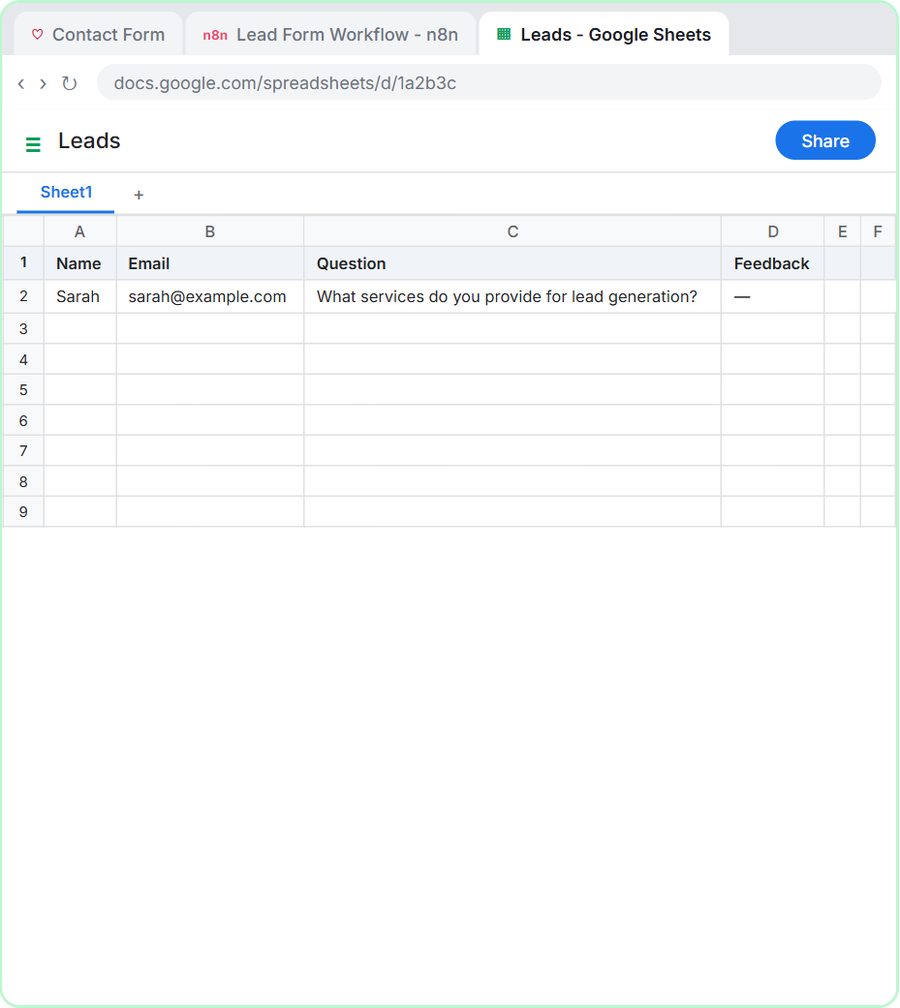 Lovable + n8n: Build a Web App with an AI Backend
Build a contact form in Lovable and connect it to an n8n workflow — webhook trigger, AI Agent, Google Sheets, Gmail, and a Respond node that ties it all together.
Free · Live ~15 min Advanced
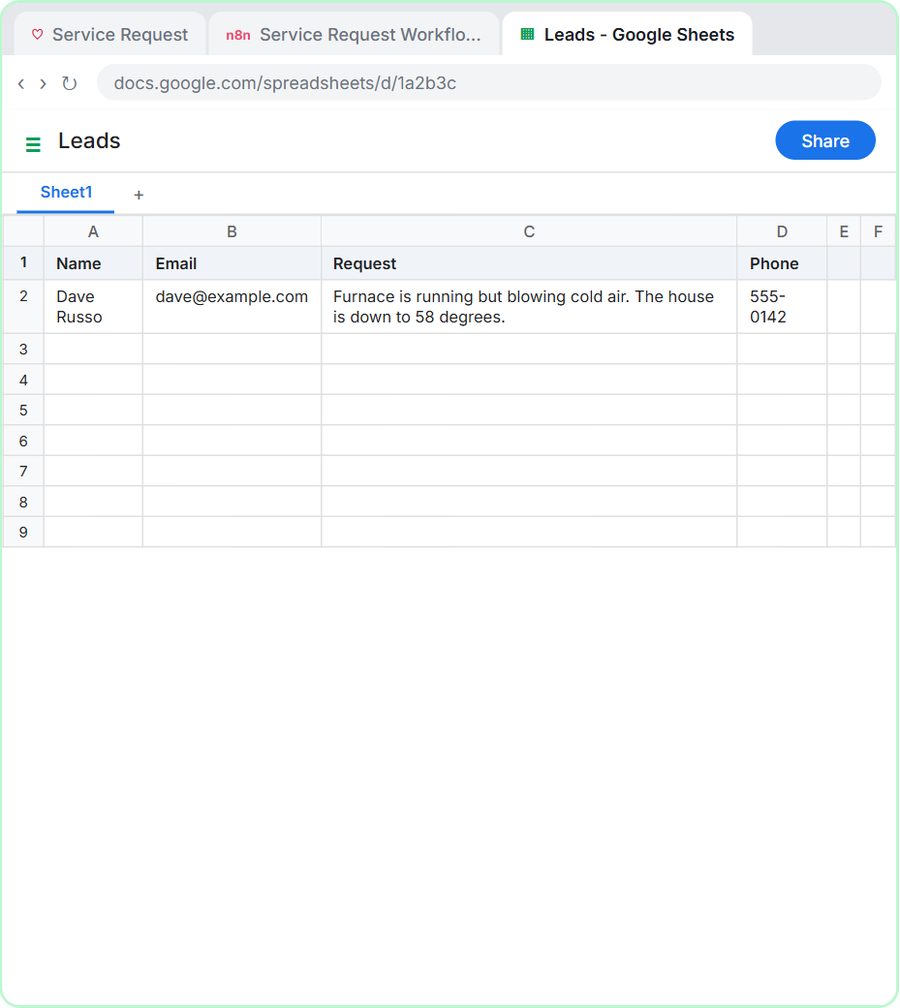 Build an AI Service Request Form for Your HVAC Company
Build a service request form in Lovable for Cedar Ridge Heating & Air and connect it to n8n — the AI agent sorts each job into repair, maintenance, install or…
Free · Live ~15 min Advanced
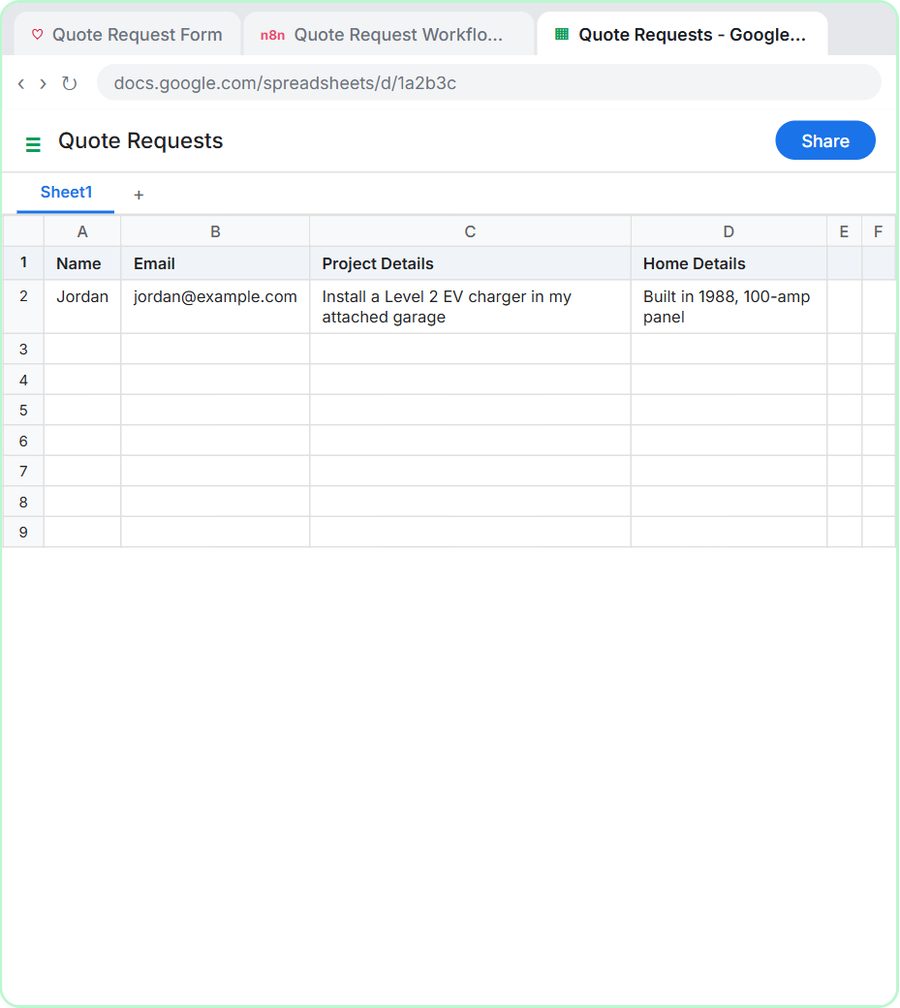 Build an AI Quote Request Form for Electrical Contractors
Build a quote request form in Lovable and connect it to an n8n workflow — webhook trigger, an AI Agent that drafts an initial estimate note, Google Sheets, Gmail, and a…
Free · Live ~15 min Advanced
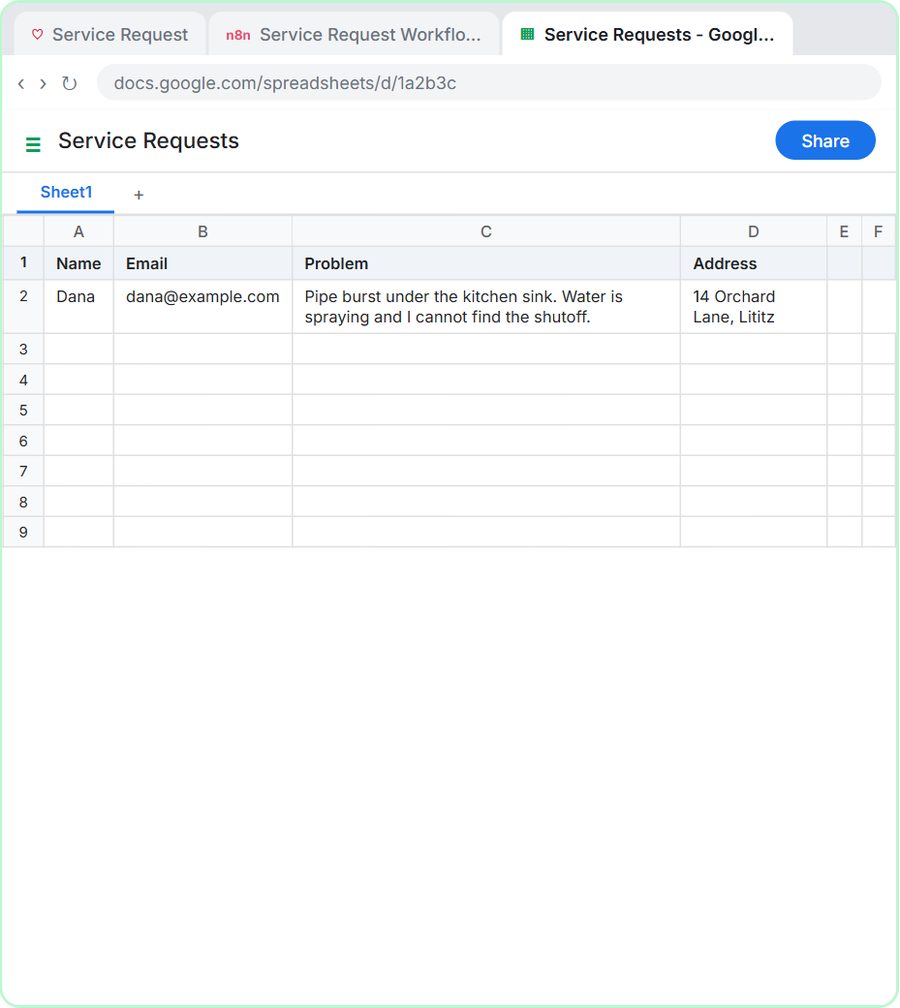 Build an AI Emergency Request Form for Your Plumbing Company
Build an emergency service-request form in Lovable and connect it to an n8n workflow — webhook trigger, AI Agent that prioritizes the job, Google Sheets, Gmail, and a…
Free · Live ~15 min Advanced
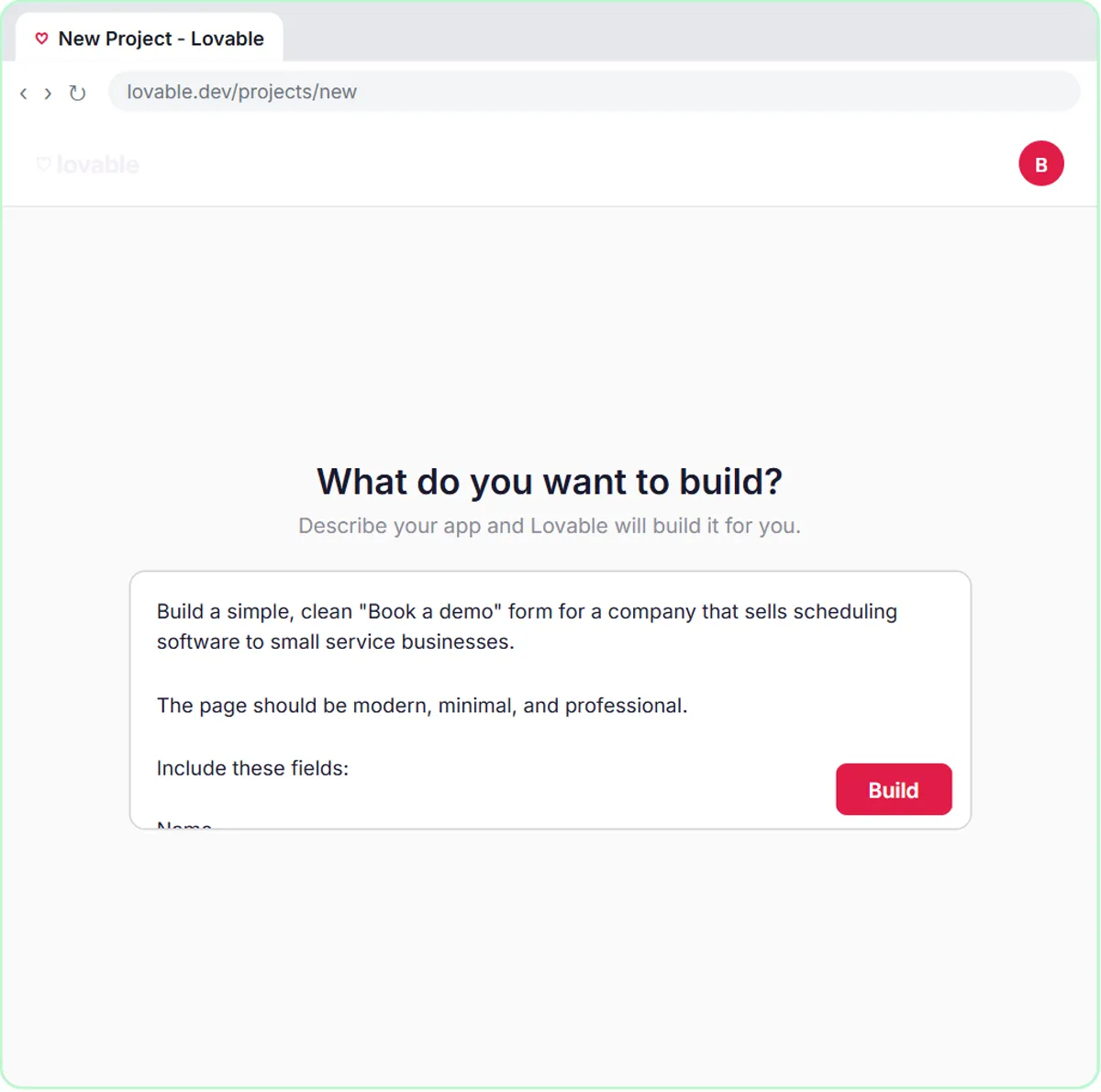 Build an AI Demo Request Form That Qualifies Leads
Build a "Book a demo" form in Lovable for Northwind Scheduling Software and connect it to n8n — the AI agent rates each lead hot, warm or nurture, saves it to Google…
Free · Live ~15 min Advanced
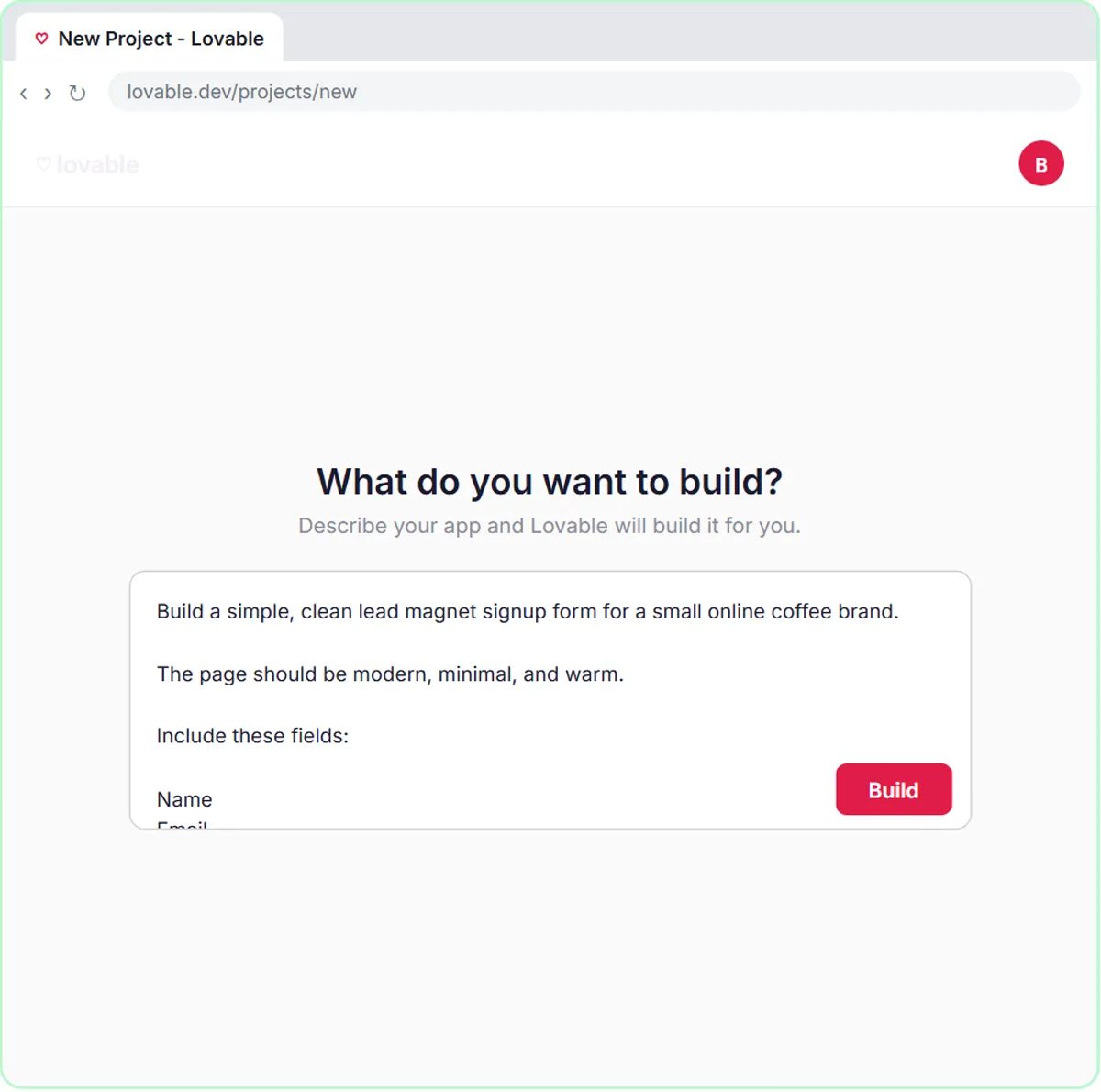 Build a Lead Magnet Signup Form with an AI Welcome Email
Build a "Get the free guide" signup form in Lovable for Harbor & Pine Coffee Roasters and connect it to n8n — the AI agent tags each lead by interest, saves it to…
Free · Live ~15 min Advanced
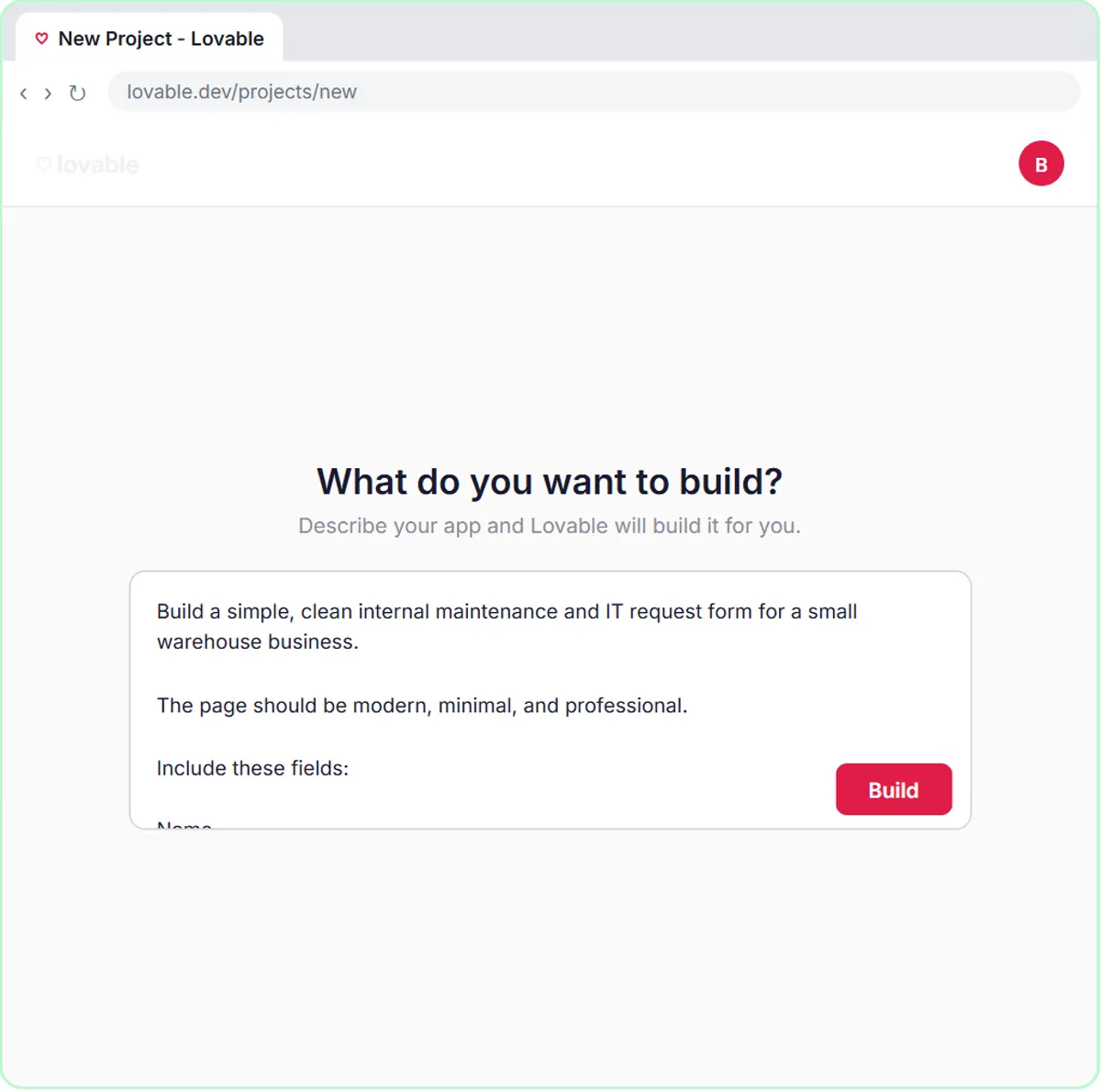 Build an AI Maintenance and IT Request Form
Build an internal maintenance and IT request form in Lovable for Ridgeline Supply Co. and connect it to n8n — the AI agent sets the priority, assigns a team, saves the…
Free · Live ~15 min Advanced
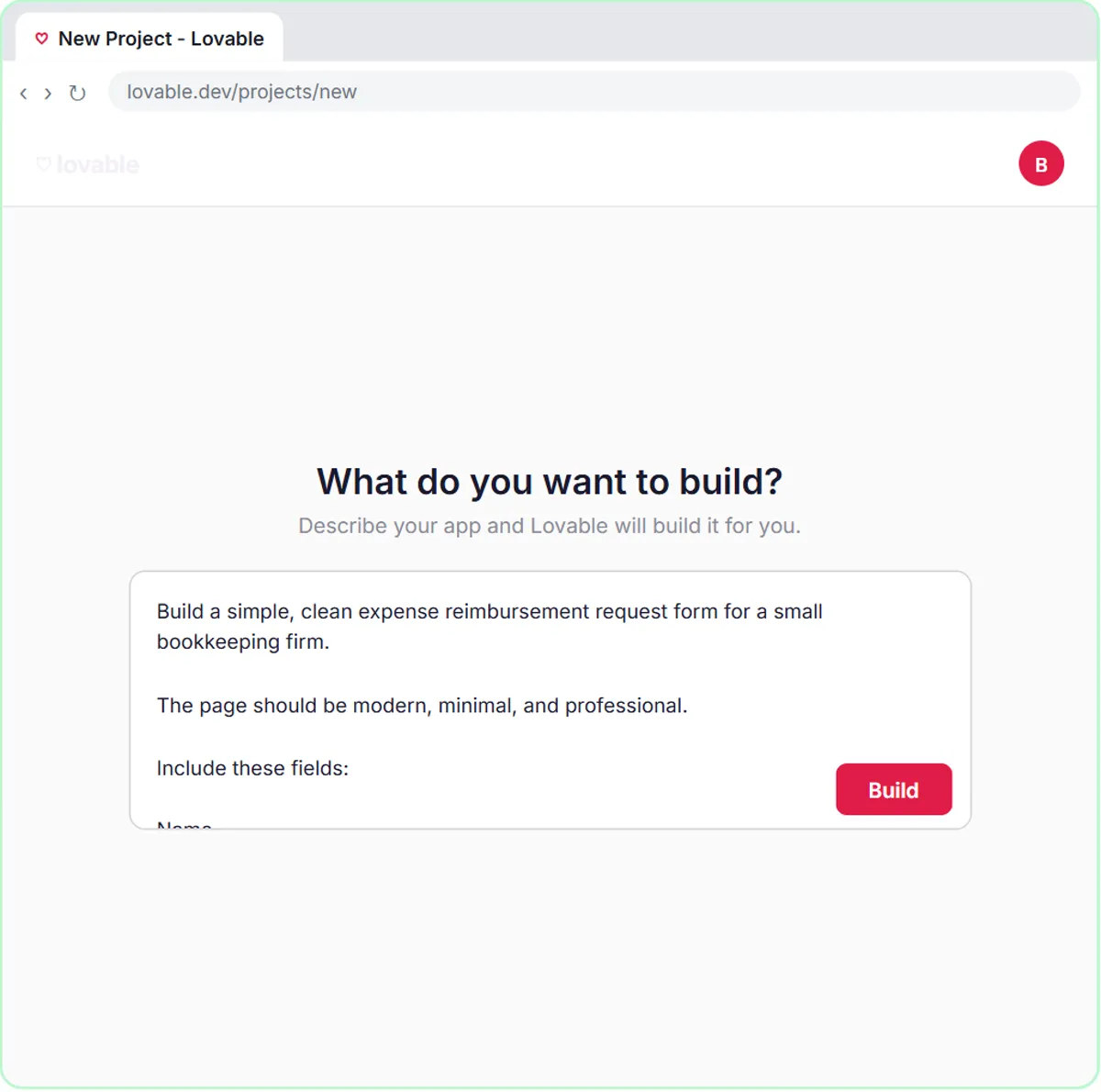 Build an Expense Reimbursement Form With AI Policy Checks
Build an expense reimbursement form in Lovable for Maple Street Bookkeeping and connect it to n8n — the AI agent checks each request against the policy, saves it to…
Free · Live ~15 min Advanced
◷Build a Landing Page with Lovable from One PromptDescribe a small business website in one prompt, let Lovable build it, then change it by chatting, by pointing at the page and by typing on it. Undo a change from…
Free · Live ~9 min Intermediate
◷Add a Contact Form That Saves to a Database in LovableAdd a booking request form to a small business site by chatting, turn on Lovable Cloud (Lovable's built-in backend, built on Supabase), send a test request and find it…
Free · Live ~8 min Intermediate
◷Add an AI Chatbot to Your Website with Lovable AIAsk Lovable for a chat assistant that answers visitors' questions from your own services, prices and hours, using Lovable's built-in AI with no API key. Test it in the…
Free · Live ~8 min Intermediate
◷Build a Private Dashboard from Your Data in LovableTurn the booking requests in your Lovable Cloud database into a private dashboard with counts, a chart and a status table. Add a sign-in only you can use, test it in…
Free · Live ~9 min Intermediate
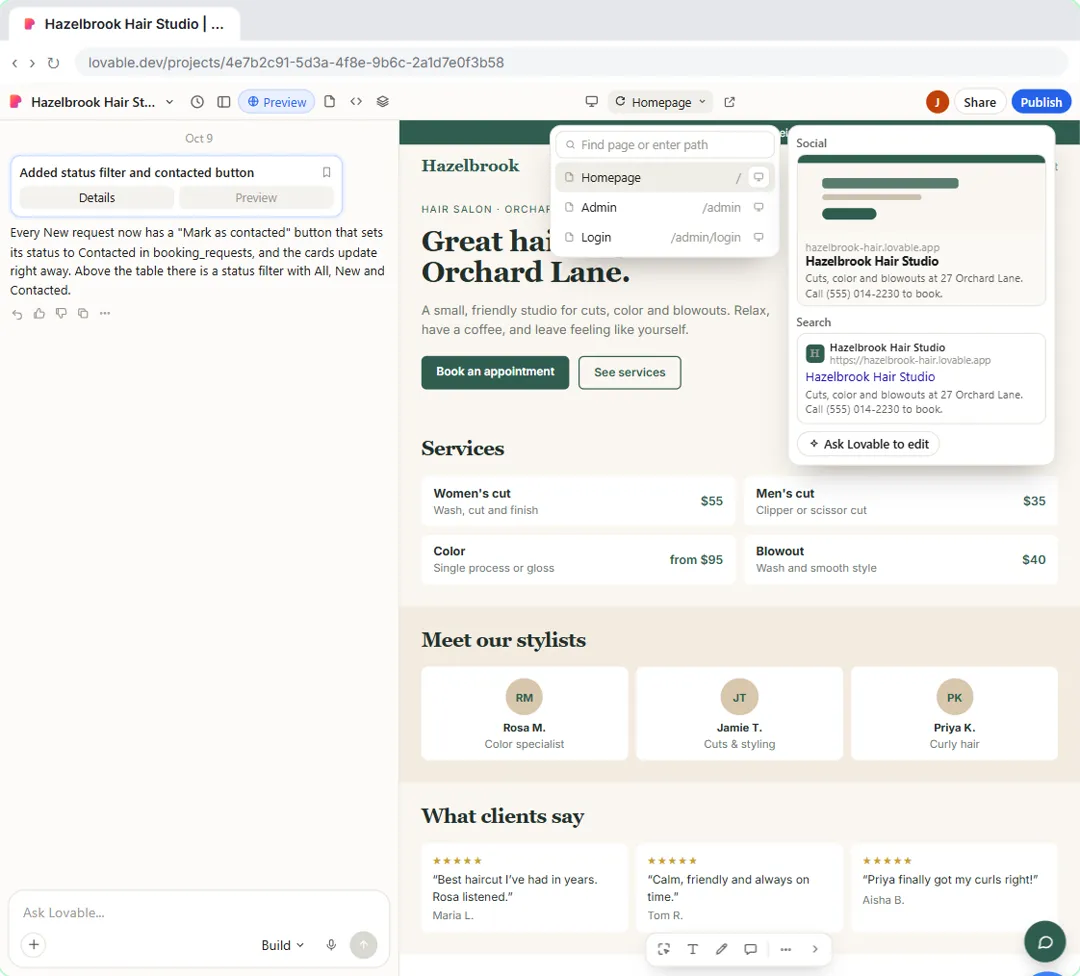 Publish Your Lovable Site and Connect Your Own Domain
Give your Lovable site a proper title, description and sharing image, publish the update, then connect a domain you already own: add the A and TXT records at your…
Free · Live ~9 min Advanced
 Lovable: Build or Buy? Vibe Code an Office App in One Prompt
What vibe coding is, and when building beats buying: describe an equipment sign-out board to Lovable in one prompt, use it in the preview, open the real code it wrote…
Free · Live ~10 min Beginner
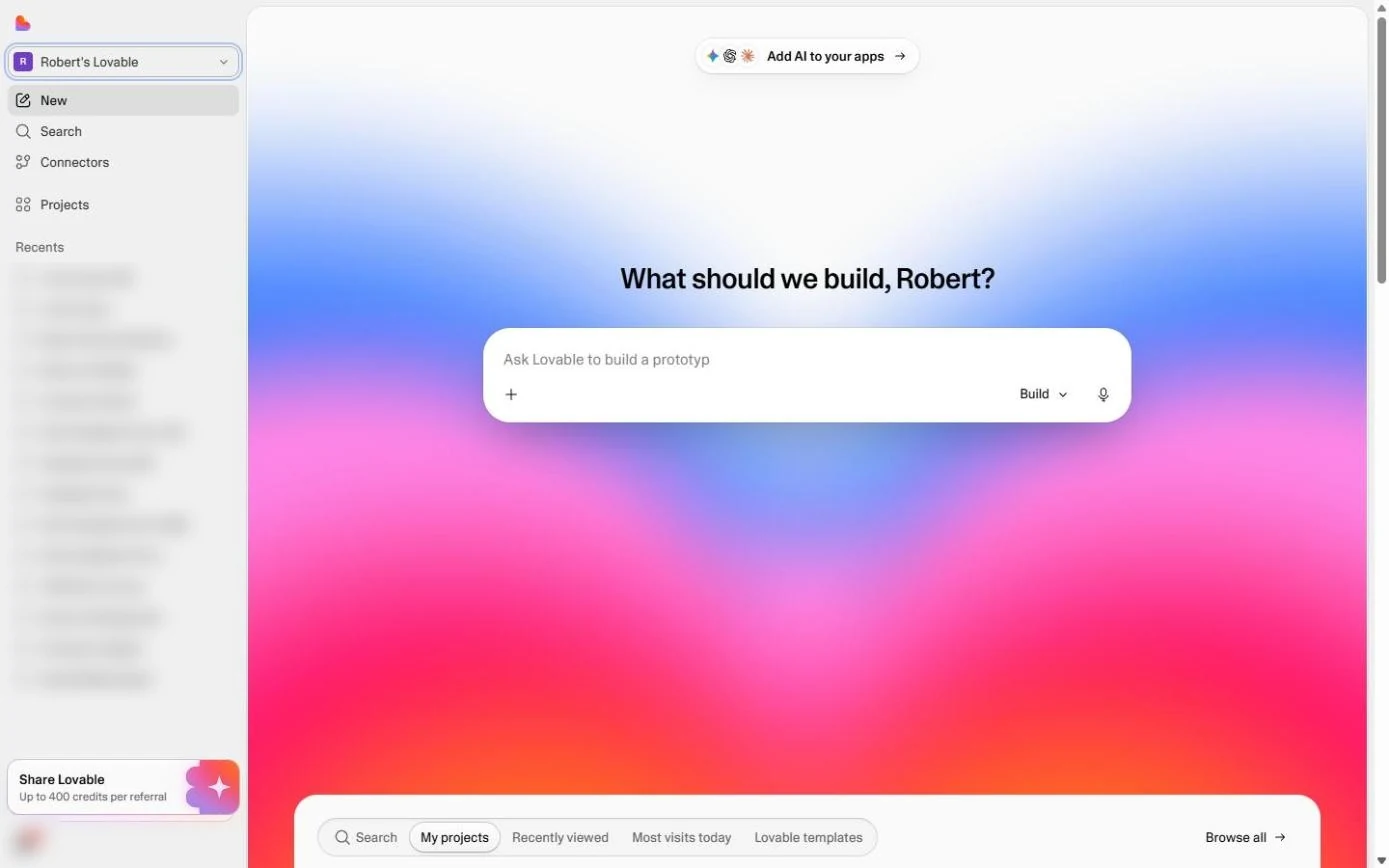 Lovable: Cut "Where's My Return?" Calls with a Status Page
A simple customer portal for a small firm: describe a client status page to Lovable (code + last name, a progress bar, what is still missing), then test a right and a…
Free · Live ~9 min Beginner
 Lovable: Check Logins, Data and Cost Before You Share an App
Three checks before you share anything you build with an AI app builder: who can open it, where the data lives, and what it will cost. Open the Publish panel without…
Free · Live ~10 min Beginner
Prefer to watch or read? 5 of these modules have a video walkthrough or a screenshot guide
- Lovable + n8n: Build a Web App with an AI Backend: Watch the video
- Build an AI Service Request Form for Your HVAC Company: Watch the video
- Build an AI Quote Request Form for Electrical Contractors: Watch the video
- Build an AI Emergency Request Form for Your Plumbing Company: Watch the video
- Build an AI Demo Request Form That Qualifies Leads: Watch the video
Compare tools
Side-by-side comparisons, with prices and features checked against the vendors’ own pages.
Lovable, Bolt or v0 for an internal app or lead form without coding? Backends, hosting, code access and fit for office teams, as of October 2026.
⇆Lovable vs no-code form builders for a lead formLovable or a form builder like Google Forms for your lead form? What each one does, costs as of October 2026, and when an AI follow-up is worth it.
⇆The best AI tools for product managers in 2026The best AI tools for product managers as of October 2026: Kosuke, ProLevelMax, Felo, Runable, Screenpipe, Speak AI and Lovable, with free lessons.
Frequently asked questions
- Are these Lovable tutorials free?
- Yes. All 16 live Lovable lessons here are free, and you can start without signing up. Each one is a real project you build step by step in a practice copy of Lovable that checks your work.
- Where should a beginner start with Lovable?
- Start with Lovable: Build or Buy? Vibe Code an Office App in One Prompt, about 10 minutes. Every step shows you where to click, and "Do it for me" finishes any step you get stuck on.
- Do I need my own Lovable account to practice?
- No. The lessons run in a practice copy of Lovable in your browser, so nothing touches your real accounts. To build the same workflow for real afterwards you need your own Lovable account; check Lovable's current pricing first.
Related
More terms on this topic
How every module works
Each step is shown on the left, with a cursor pointing to exactly where to click. You do the same thing on the right, in a practice copy of the real tool. Get it right and it moves on. Nothing touches your real accounts until you're ready to build it for real.
Start learning free