Updated . Built against the tool’s current screens and checked step by step. How we check this lesson
A simple customer portal for a small firm: describe a client status page to Lovable (code + last name, a progress bar, what is still missing), then test a right and a wrong lookup. A demo with made-up clients; real Lovable screens, October 2026.
At a glance
| Question | Answer |
|---|---|
| What you build | A simple customer portal for a small firm: describe a client status page to Lovable (code + last name, a progress bar, what is still missing), then test a right and a wrong lookup. A demo with made-up clients; real Lovable screens, October 2026. |
| Tools | Lovable |
| Time | About 9 minutes, 13 steps in 5 parts |
| Level | Beginner, no coding needed |
| Cost | Free |
| Ways to learn it | Practice it step by step |
The 5 parts, in short
- The same call, every day: Count the calls, Build a demo first.
- Describe the status page: Click the prompt box, Describe the status page, Send it.
- Look yourself up: Type a client code, Type the last name, Check the status.
- Try it the wrong way: Now pretend to be someone else, Check again, Read the message.
- What you have, and what is missing: See what you have, Up next.
Start here first: Lovable: Build or Buy? Vibe Code an Office App in One Prompt (module 1 of Vibe Coding for Business)
What you'll build
In tax season Brightside Bookkeeping (made up) gets the same call a dozen times a week: where is my return, and what do you still need? That is about 17 hours of phone time a season. In this lesson Marcus describes a client status page to Lovable in one prompt: clients type a client code and last name and see a progress bar, what is missing, and who to call. You test it like a client, with the right name and a wrong one. It is a demo with three made-up clients and no logins; the next module shows exactly why, and what changes before real data goes in. Every app screen is a real Lovable screen.
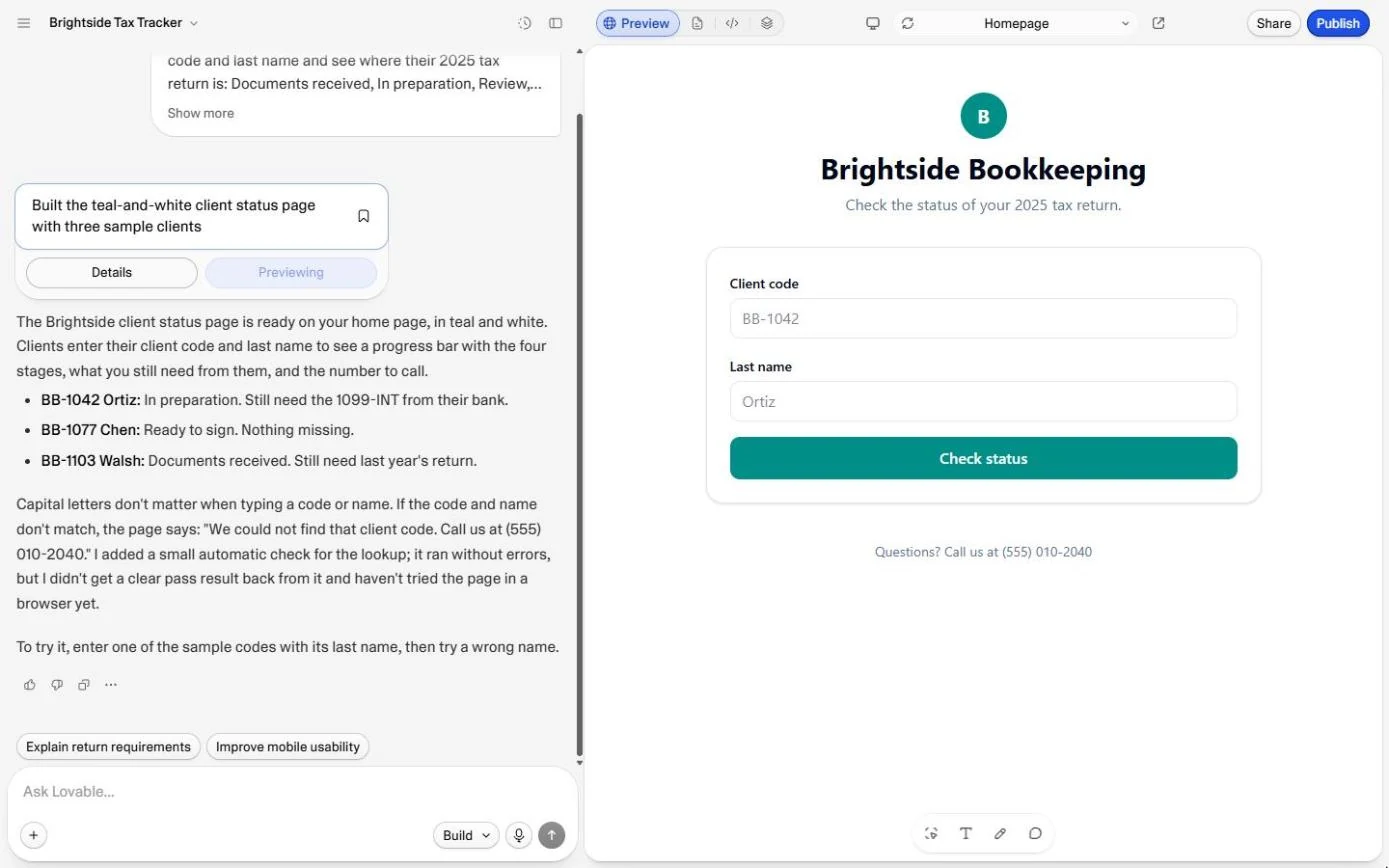
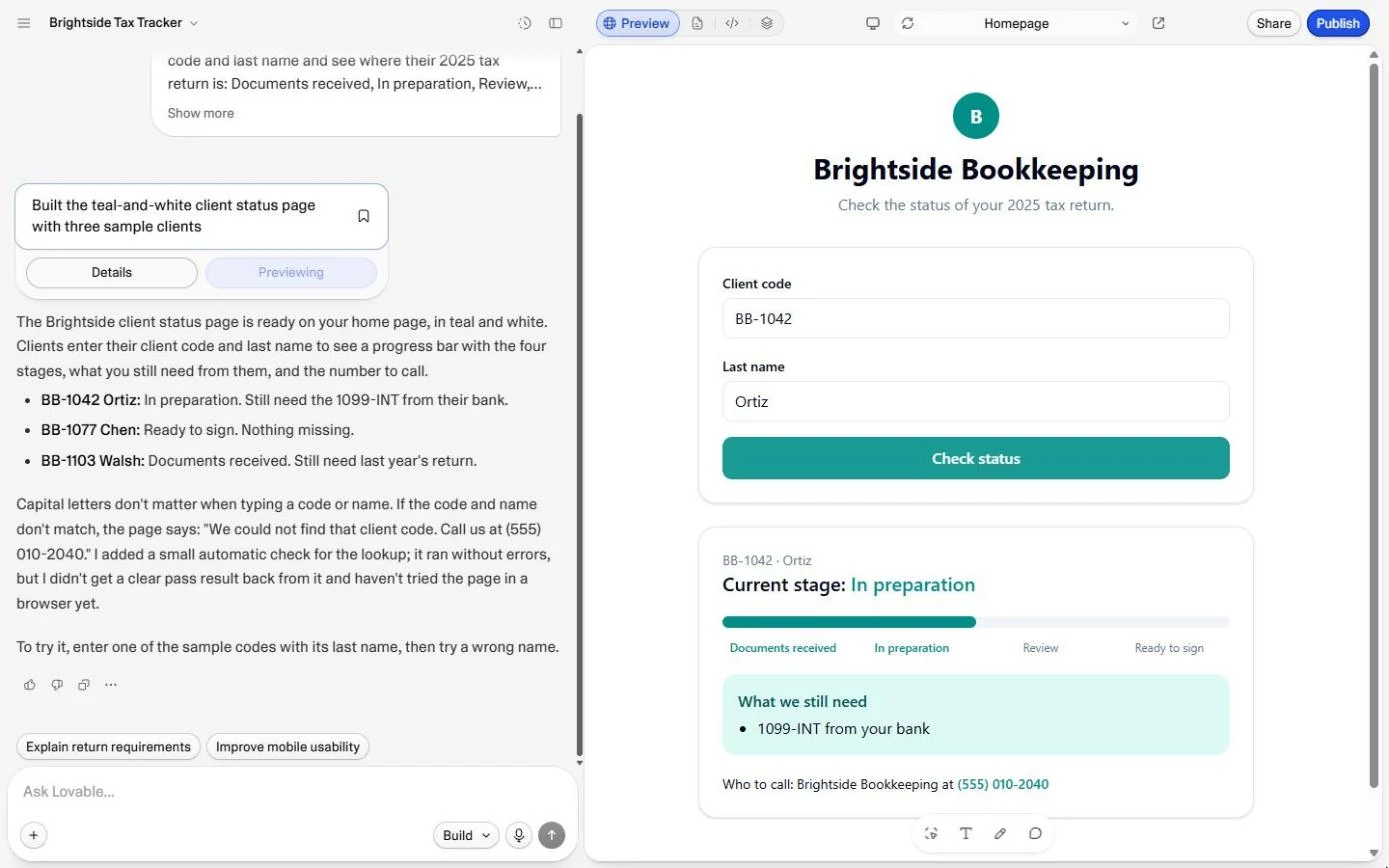
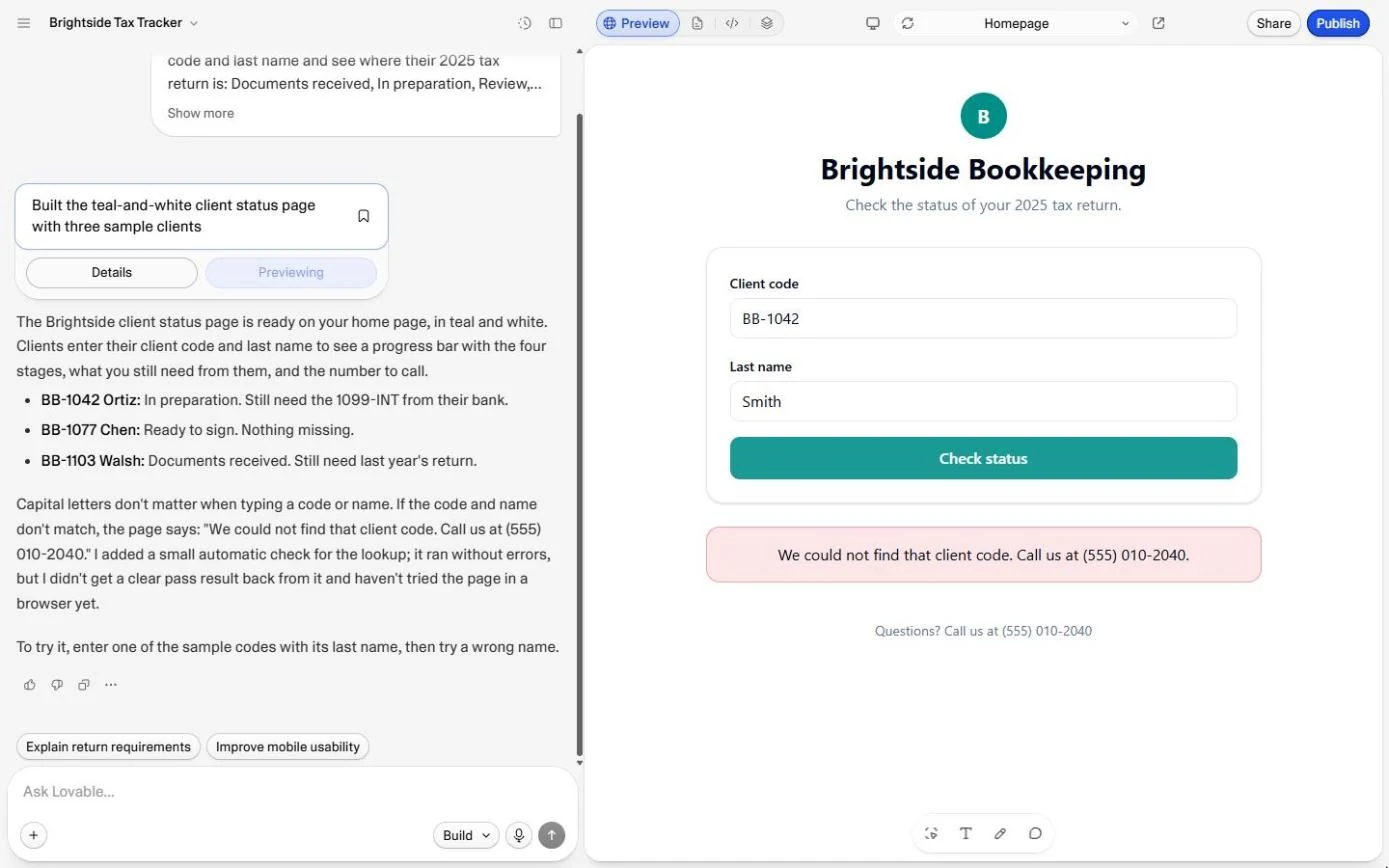
One prompt gave Brightside a teal status page: client code and last name, Check status, a four-stage progress bar, what is still needed, and the number to call. BB-1042 with Ortiz showed In preparation and the missing 1099-INT; a wrong name showed the exact message you asked for. It cost 1 credit. As built, it is a demo: the clients are written into the page and there are no logins, so it must never hold real client data. Next: the three checks before you share any app you vibe code: who can open it, where the data lives, and what it costs.
- Tools: Lovable
- Time: about 9 minutes, 13 steps in 5 chapters
- Level: beginner, no coding needed
- Price: free
Practice first, then build it for real
Practice copy built from real Lovable screens (lovable.dev, captured 24 October 2026). Nothing here touches your account or spends credits. The status page, the lookups and the not-found message are what Lovable really made in our run; yours will look a little different. Brightside Bookkeeping, Marcus and the clients are made up. To build it for real you need your own Lovable account, and some services charge once you use them for real work, so check each tool's current pricing.
Try it yourself, free
Reading the steps is a start. Doing them is how it sticks. The interactive module walks you through every click in a practice copy of Lovable, checks each step, and never touches your real accounts.
Start “Lovable: Cut "Where's My Return?" Calls with a Status Page”Step by step: Lovable: Cut "Where's My Return?" Calls with a Status Page
All 13 steps of the interactive module, in order. In the module you watch each one, then do it yourself in a practice copy that checks your work.
1. The same call, every day
- Count the calls. 12 "where is my return?" calls a week, 6 minutes each, is 1.2 hours a week: about 17 hours over a tax season. Click that row.
Twelve status calls a week, six minutes each. Over a tax season that's about seventeen hours.
- Build a demo first. A customer portal is a page where clients look up their own information. You will build a demo with three made-up clients, show it to the team, and only then decide what the real one needs. Click the Lovable card.
A customer portal is a page where clients look things up themselves. Start with a demo, with made-up clients.
2. Describe the status page
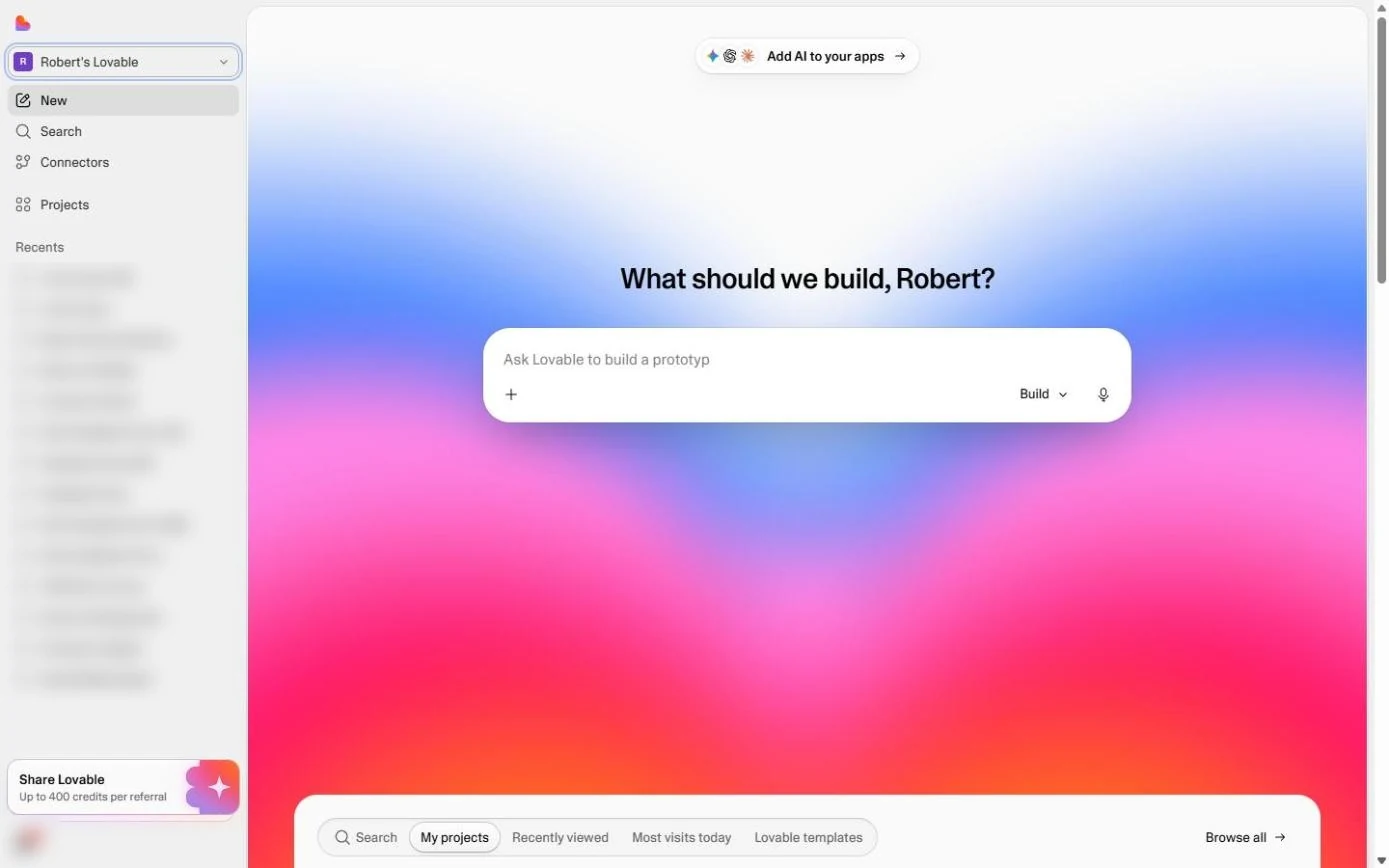
- Click the prompt box. On the Lovable home screen, click the box under What should we build?
On Lovable's home screen, click the big box.
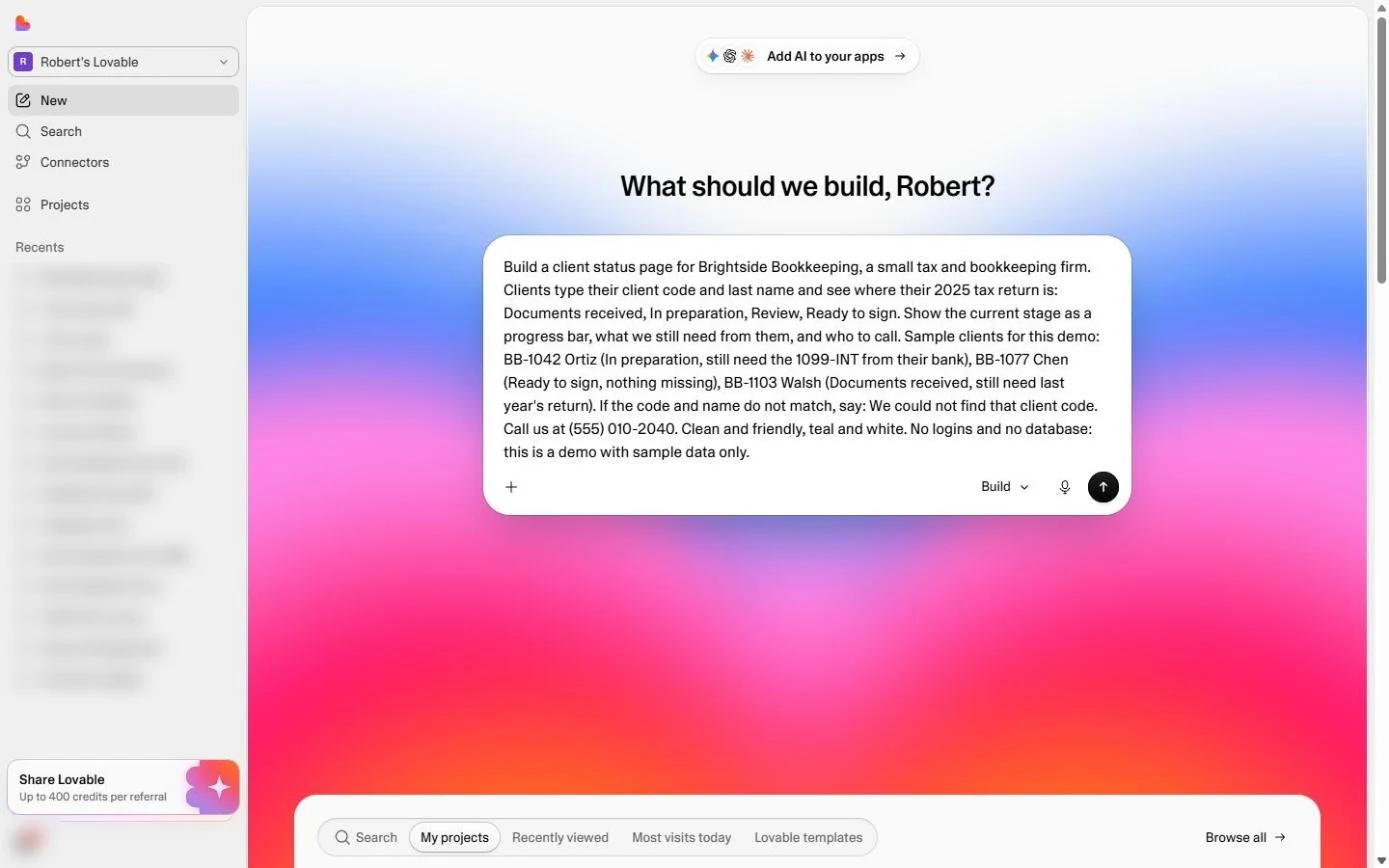
- Describe the status page. Paste the description. It names the four stages, what the client types, what they see, three sample clients, the exact wording when nothing matches, and the limit: a demo with sample data only.
The four stages, what the client types and sees, three sample clients, the exact wording when nothing matches, and the limit. A demo, with sample data only.
Build a client status page for Brightside Bookkeeping, a small tax and bookkeeping firm. Clients type their client code and last name and see where their 2025 tax return is: Documents received, In preparation, Review, Ready to sign. Show the current stage as a progress bar, what we still need from them, and who to call. Sample clients for this demo: BB-1042 Ortiz (In preparation, still need the 1099-INT from their bank), BB-1077 Chen (Ready to sign, nothing missing), BB-1103 Walsh (Documents received, still need last year's return). If the code and name do not match, say: We could not find that client code. Call us at (555) 010-2040. Clean and friendly, teal and white. No logins and no database: this is a demo with sample data only.
- Send it. Click the round arrow. Ours was ready in about a minute and a half.
Ours was ready in about a minute and a half.
3. Look yourself up
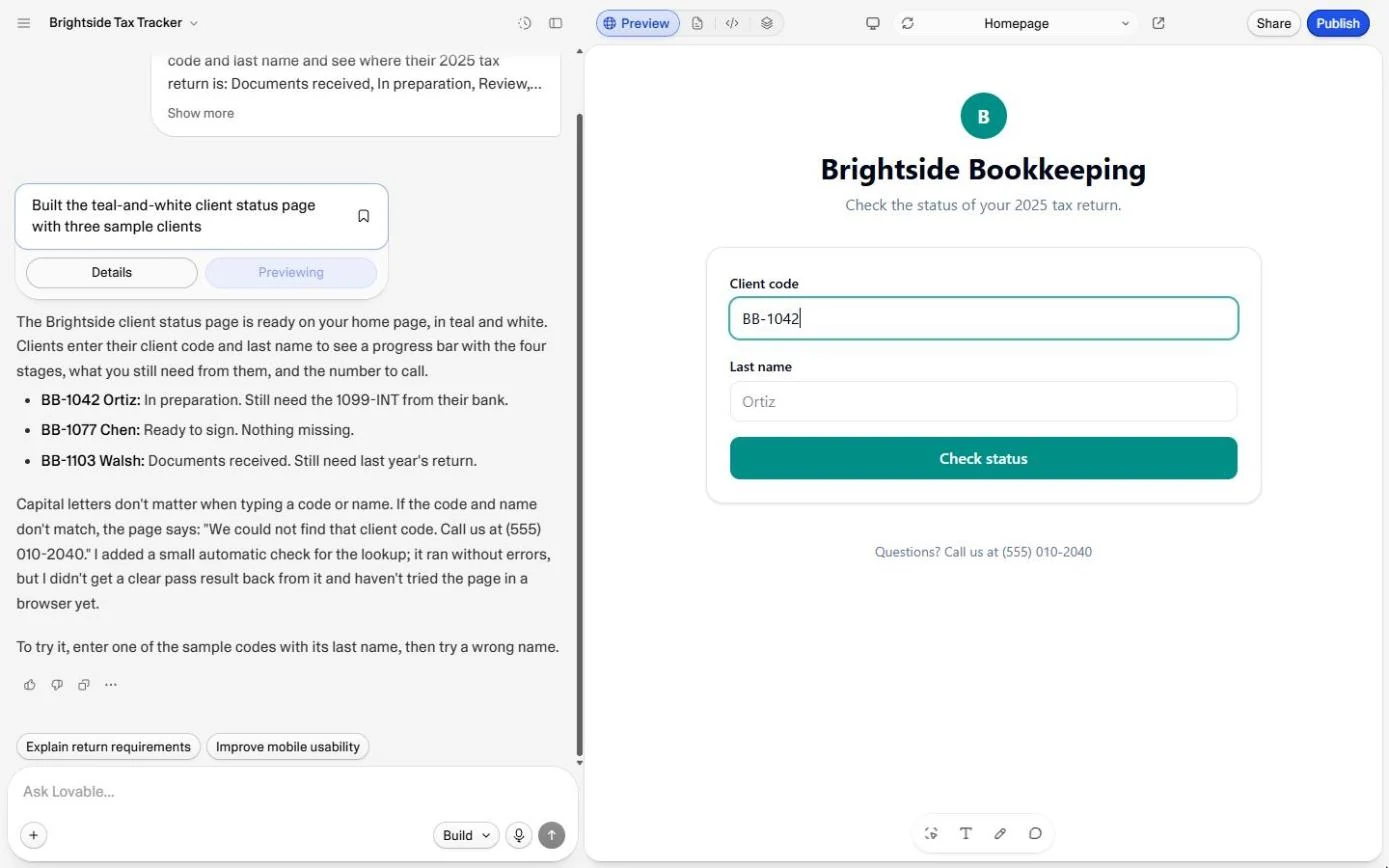
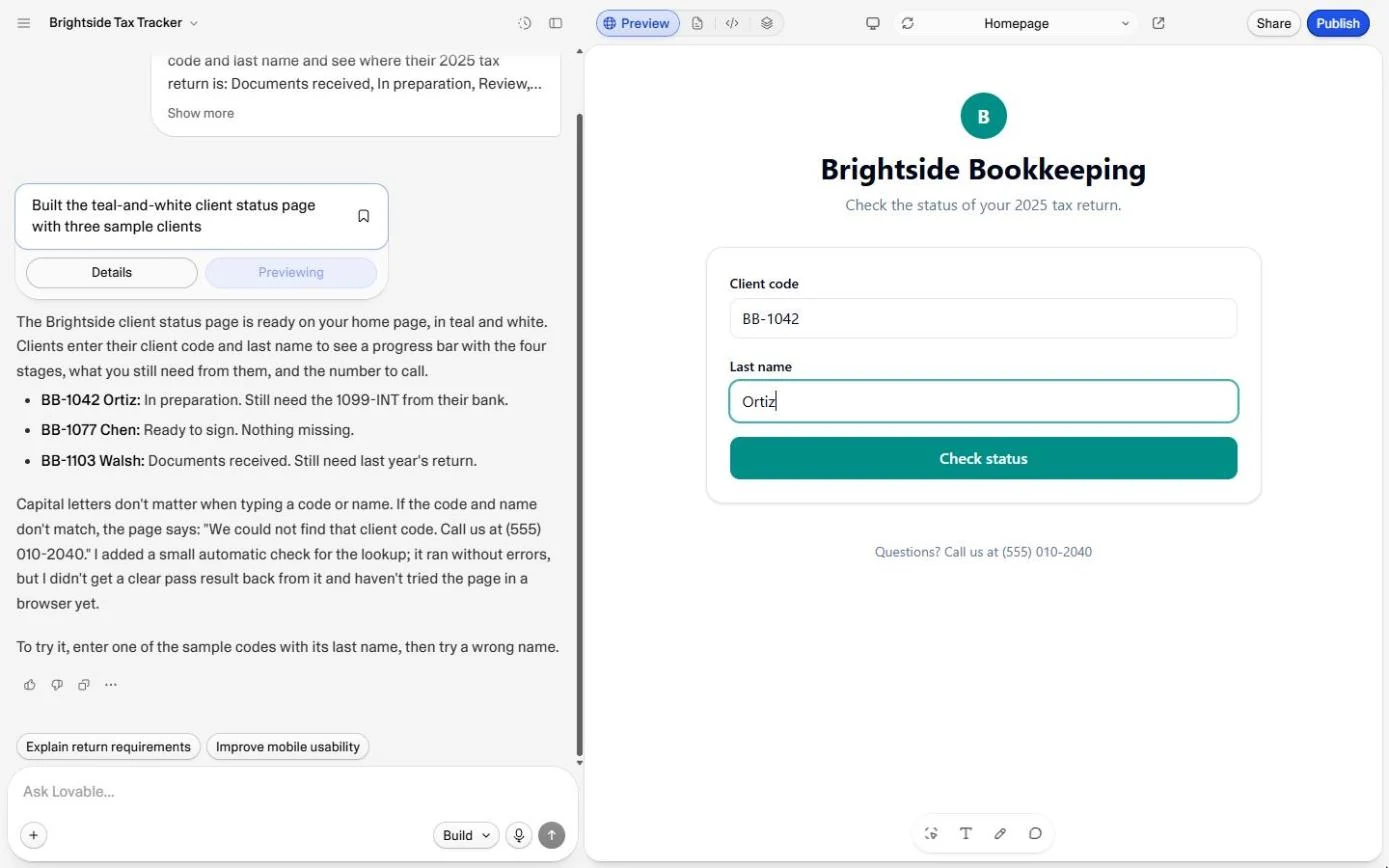
- Type a client code. Lovable lists the three sample clients on the left and suggests a test: a right code and name, then a wrong one. In the preview, click Client code and type BB-1042.
Lovable lists the three sample clients, and suggests a test. In the preview, type the client code, B B dash one oh four two.
- Type the last name. Click Last name and type Ortiz.
Last name, Ortiz.
- Check the status. Click Check status (in our second run Lovable called it Check my status).
4. Try it the wrong way
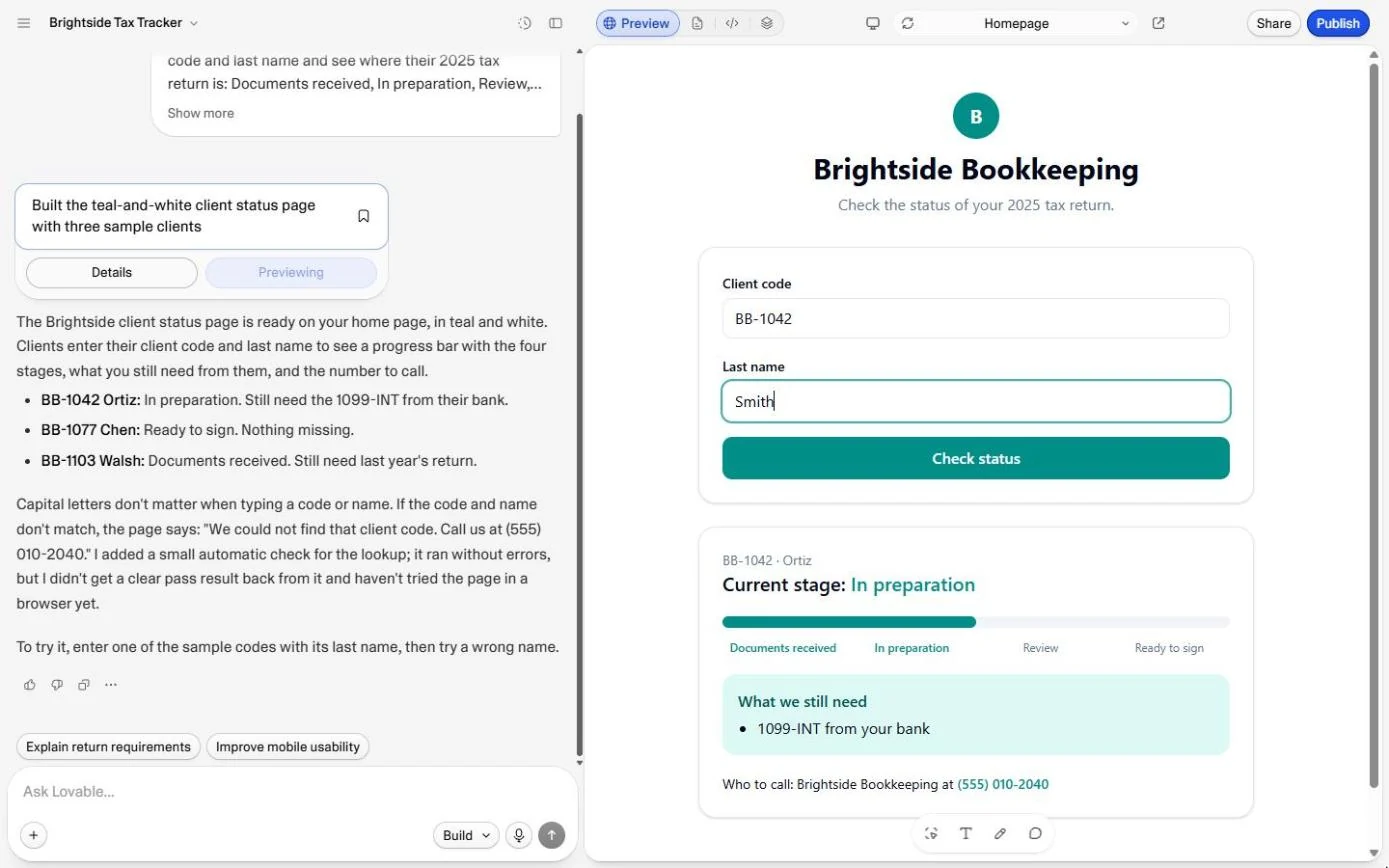
- Now pretend to be someone else. There it is: In preparation on the progress bar, 1099-INT from your bank under What we still need, and the number to call. Now the important test: select the last name and type Smith over it, with the same code.
There's Mrs Ortiz's return. In preparation, and the bank form is still missing. Now the important test. Replace the last name with Smith.
- Check again. Click Check status.
- Read the message. Nothing about Ortiz shows. Instead you get the exact sentence from the prompt: We could not find that client code. Call us at (555) 010-2040. Click the message.
Nothing about Ortiz shows. Just the message you asked for, with the phone number.
5. What you have, and what is missing
- See what you have. A working demo for 1 credit. Read the Not safe yet line before you show anyone: the clients are written into the page, and a code plus a surname is all it takes. Click What one prompt gave Brightside.
A working demo, for one credit. But read the last line. The clients are written into the page itself.
- Up next. Next you open this same project and do the three checks before sharing any vibe-coded app. Click Up next.
Next, the three checks before you share any app you build.
Screenshots
More Lovable tutorials
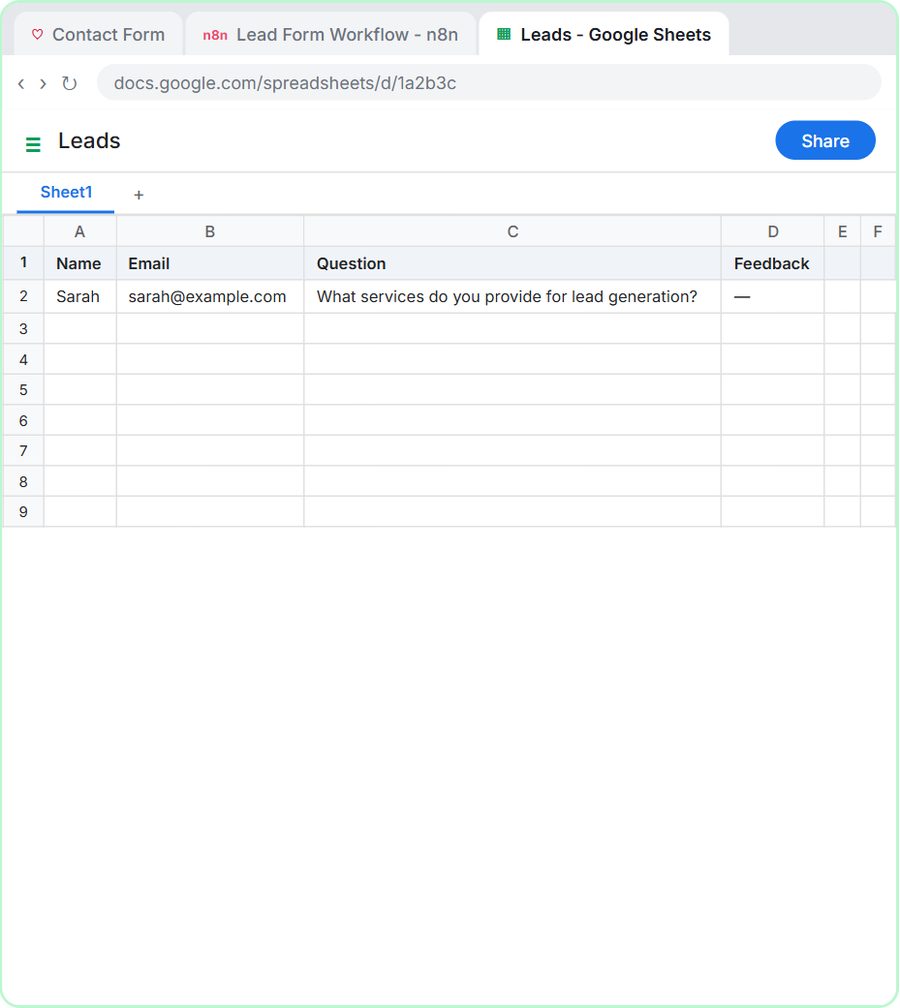 Lovable + n8n: Build a Web App with an AI Backend
Build a contact form in Lovable and connect it to an n8n workflow — webhook trigger, AI Agent, Google Sheets, Gmail, and a Respond node that ties it all together.
Free · Live ~15 min Advanced
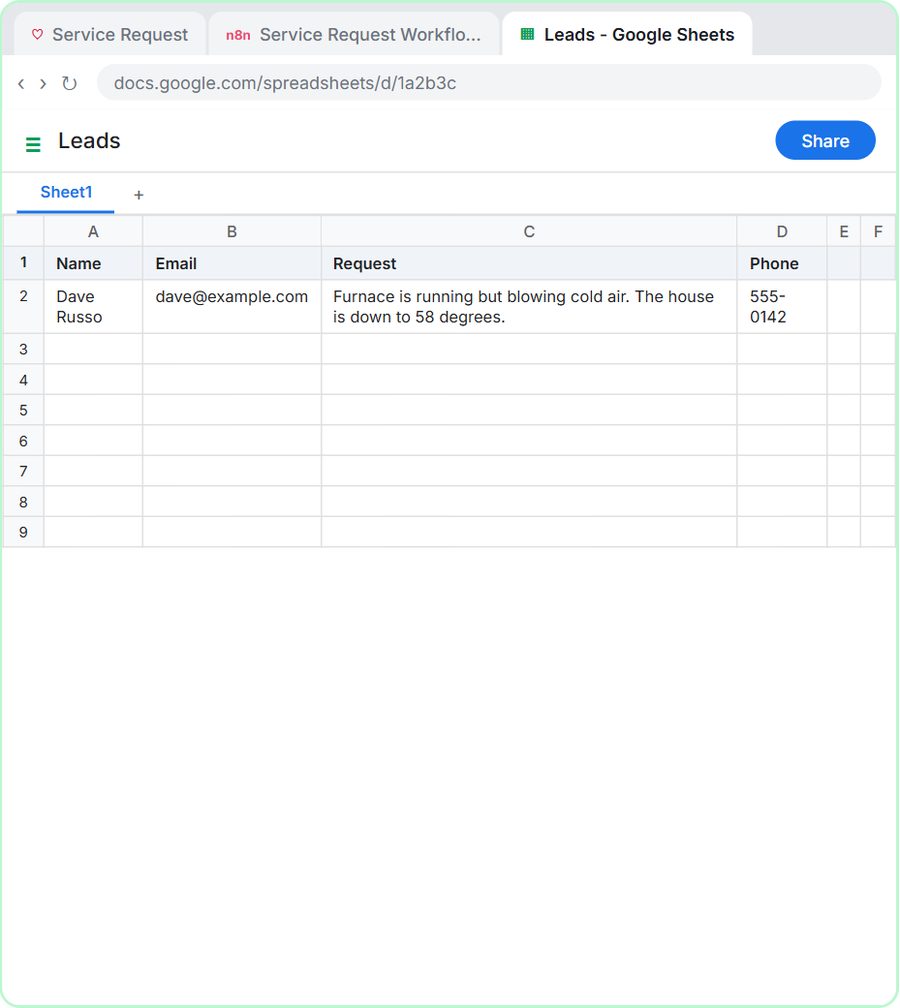 Build an AI Service Request Form for Your HVAC Company
Build a service request form in Lovable for Cedar Ridge Heating & Air and connect it to n8n — the AI agent sorts each job into repair, maintenance, install or…
Free · Live ~15 min Advanced
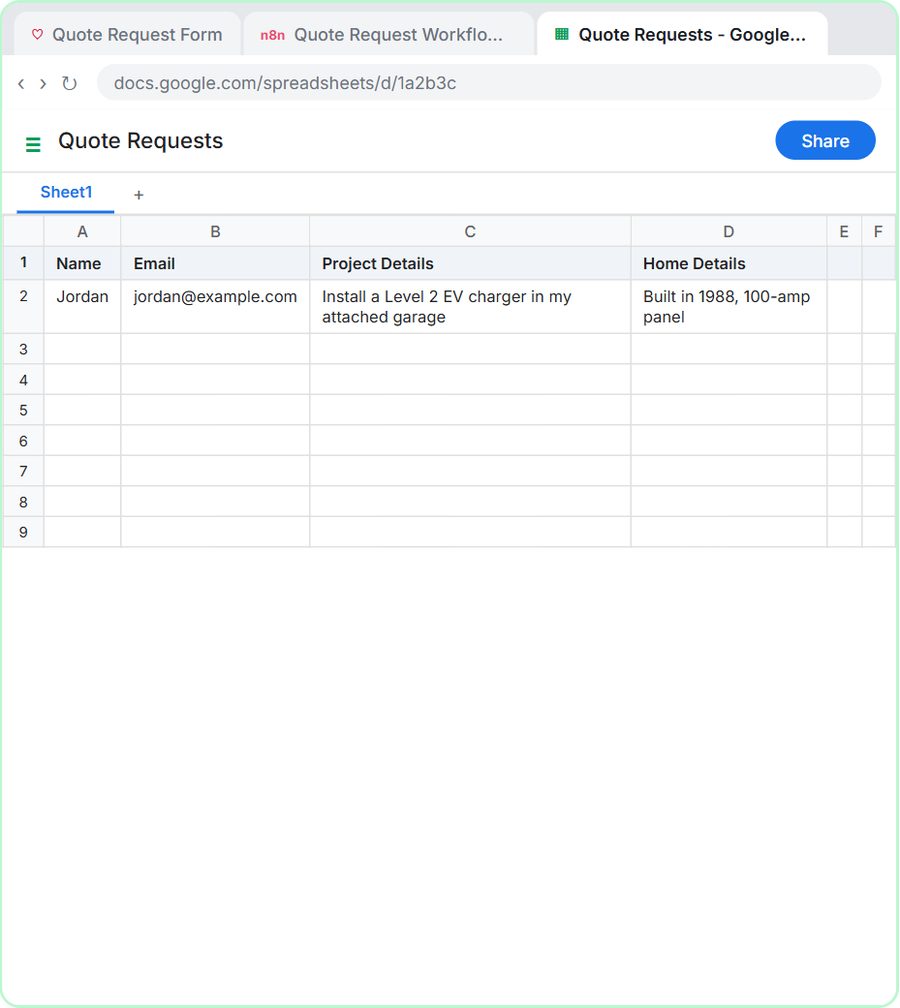 Build an AI Quote Request Form for Electrical Contractors
Build a quote request form in Lovable and connect it to an n8n workflow — webhook trigger, an AI Agent that drafts an initial estimate note, Google Sheets, Gmail, and a…
Free · Live ~15 min Advanced
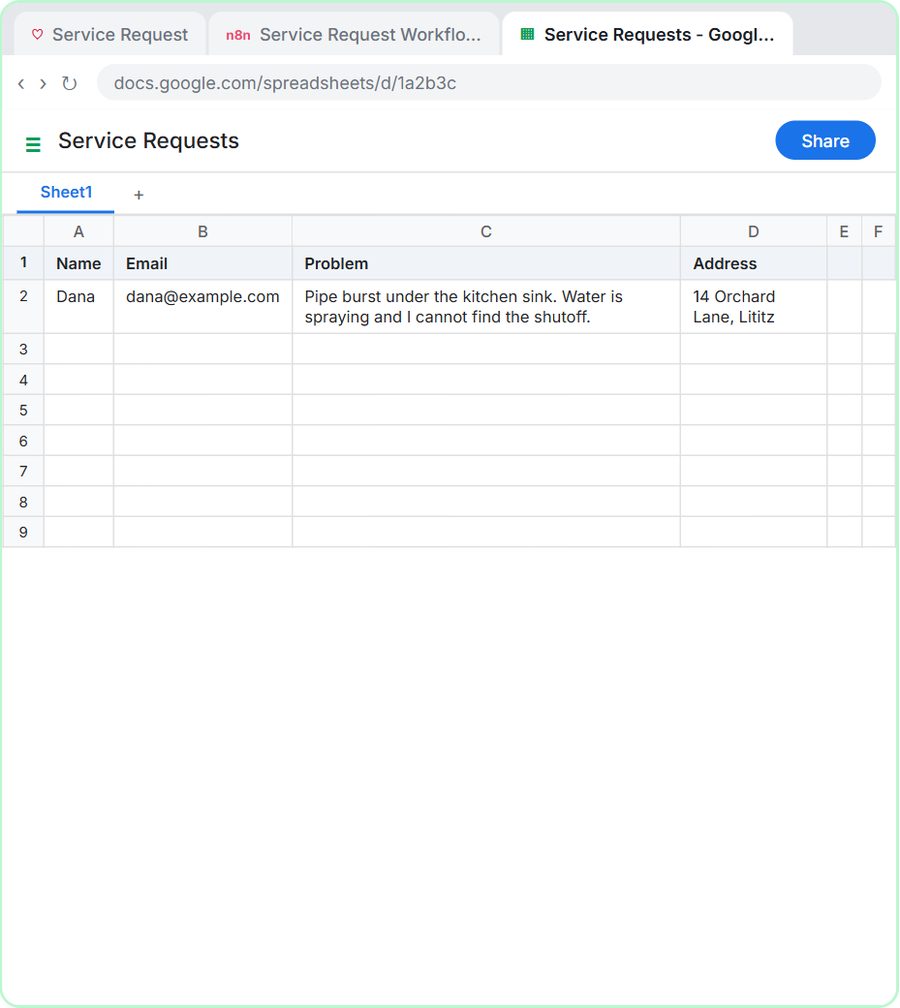 Build an AI Emergency Request Form for Your Plumbing Company
Build an emergency service-request form in Lovable and connect it to an n8n workflow — webhook trigger, AI Agent that prioritizes the job, Google Sheets, Gmail, and a…
Free · Live ~15 min Advanced
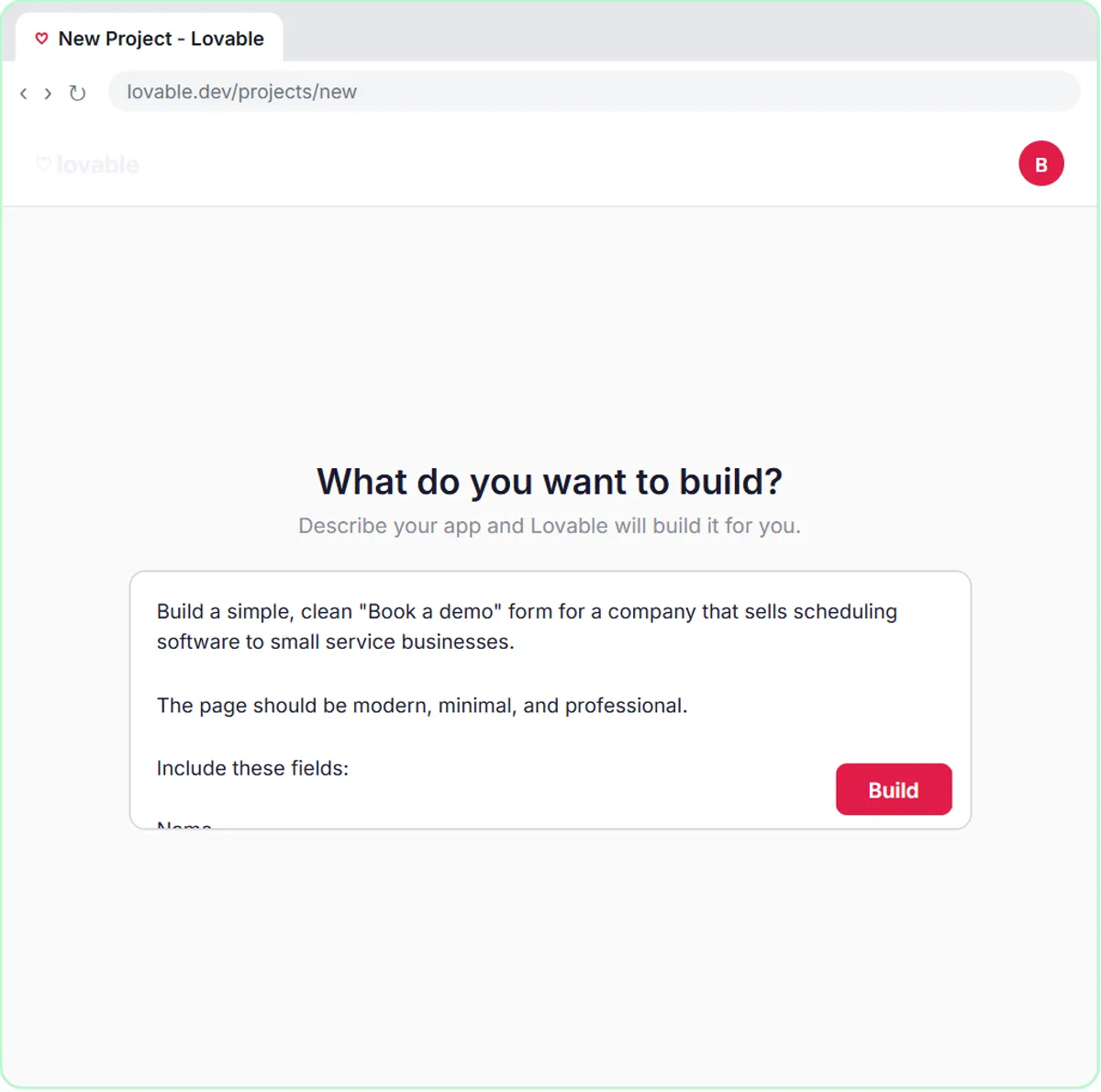 Build an AI Demo Request Form That Qualifies Leads
Build a "Book a demo" form in Lovable for Northwind Scheduling Software and connect it to n8n — the AI agent rates each lead hot, warm or nurture, saves it to Google…
Free · Live ~15 min Advanced
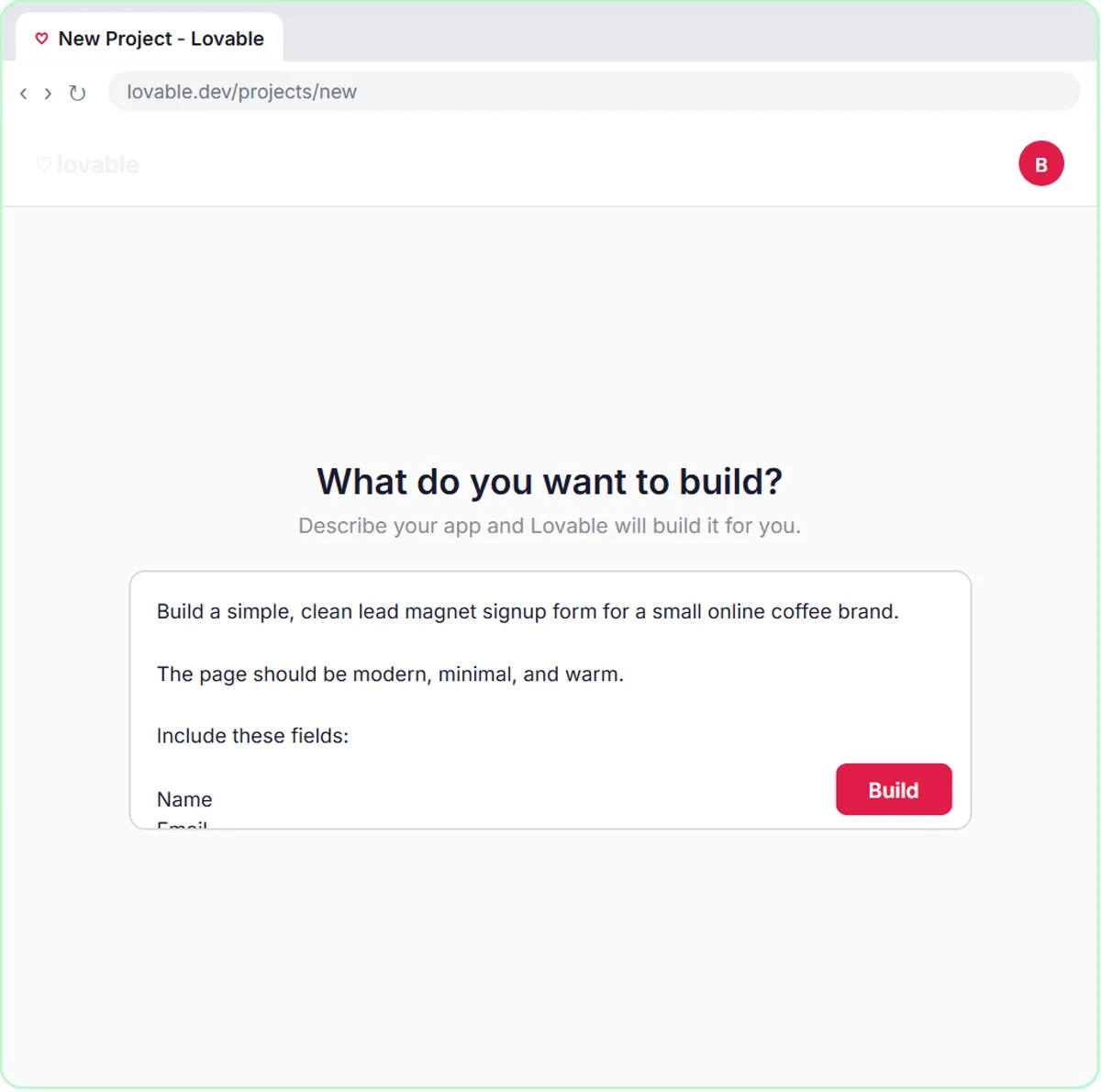 Build a Lead Magnet Signup Form with an AI Welcome Email
Build a "Get the free guide" signup form in Lovable for Harbor & Pine Coffee Roasters and connect it to n8n — the AI agent tags each lead by interest, saves it to…
Free · Live ~15 min Advanced
Free cheat sheet
Print it or save the PDF: the key steps and checks from this lesson on one page, free.
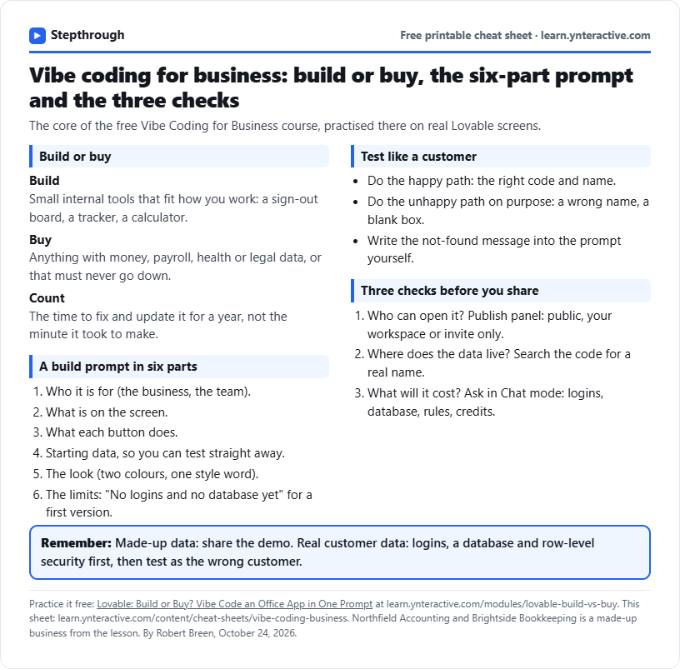
All free printable cheat sheets
Terms in this lesson
Plain-English definitions, each with an example from a free lesson.