What is row-level security?
Quick answer
Row-level security (RLS) is a set of rules inside a database that decides, row by row, who may read or change each record. With it, a customer who is signed in to a portal can read only the rows that belong to them, even though every customer's data sits in the same table.
Last updated
Take the free module →Module 10 of the free Vibe Coding for Business course, about 10 minutes. No account needed.
Updated · By Robert Breen
Why it matters for a small business
A customer portal needs three things: logins (who is this?), a database (the records live off the page) and rules (what may this person see?). Row-level security is the third. Without it, any signed-in customer could ask the database for every other customer's record.
App builders such as Lovable use databases (Lovable Cloud is built on Supabase) where RLS is how access is controlled. When you ask for logins and a database, also ask for row-level security and then test it by signing in as two different customers.
In a real lesson: Lovable: Check Logins, Data and Cost Before You Share an App
In the free shipping safely lesson, a bookkeeping firm (made up) checks its client status demo before sharing it. Search code finds all three clients written into the page itself, although the security scan says no issues.
Asked in Chat mode what a safe version needs, Lovable answers: client logins, the records in a Lovable Cloud database, and row-level security so each client can only query their own return while staff can see everyone.
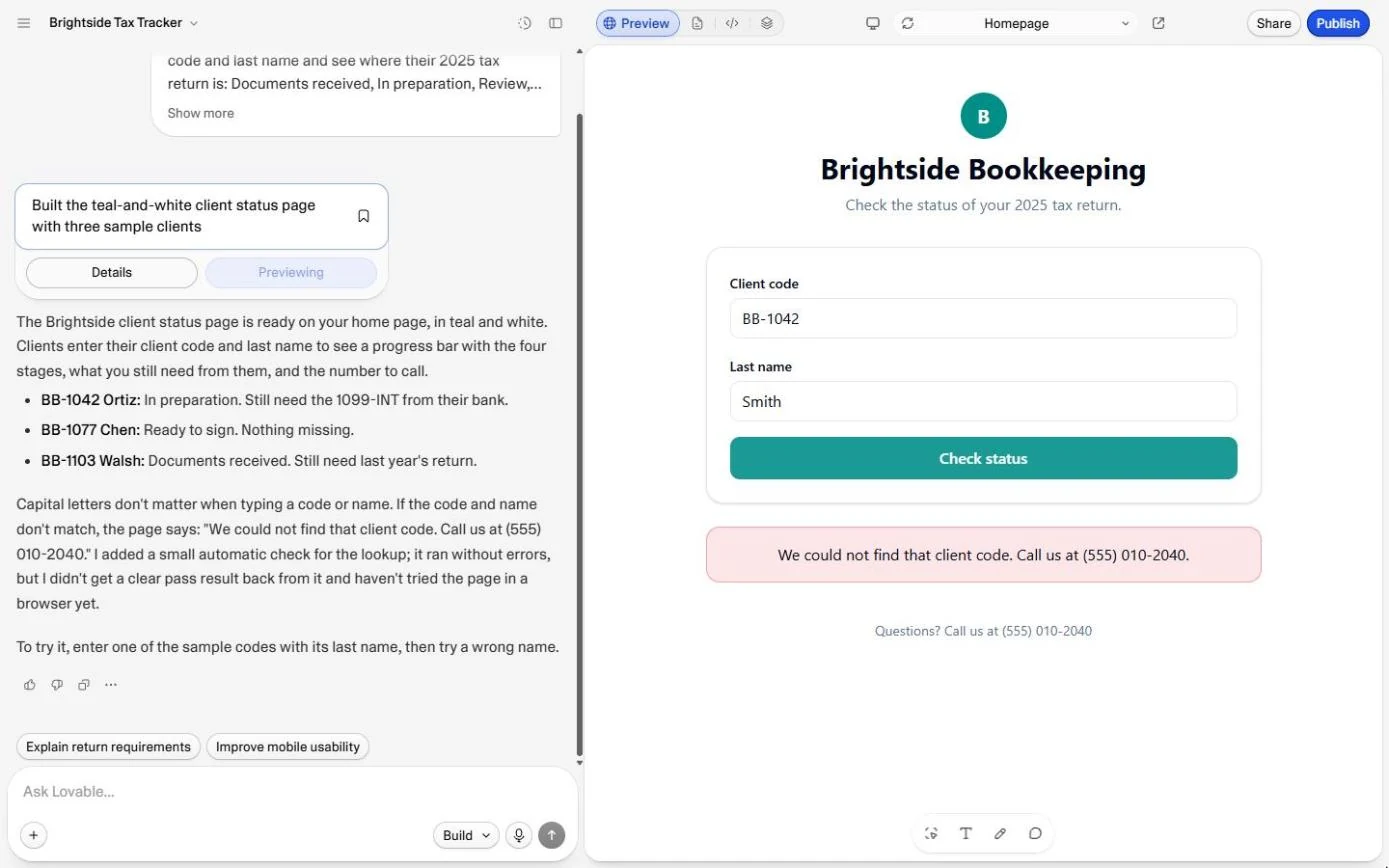
Try this lesson free or read the step-by-step guide.
Common confusions
RLS vs a login
A login proves who someone is. RLS decides what that person may read. A portal with logins but no RLS still lets any signed-in client read every record.
RLS vs hiding things on the screen
Hiding a record on the page does not protect it: the browser still received it. RLS stops the database from sending it at all.
Tips
- Ask for RLS in the same prompt as logins and the database, not as an afterthought.
- Test with two accounts: each should see only its own records, and a signed-out visitor should see nothing.
- Never put real customer data in the page code to "start quickly".
Related terms
More Web apps terms
Where you use it: free lessons
- Lovable: Check Logins, Data and Cost Before You Share an App (Lovable, 10 min)
- Lovable: Cut "Where's My Return?" Calls with a Status Page (Lovable, 9 min)
- Add a Contact Form That Saves to a Database in Lovable (Lovable, 8 min)
- Build a Private Dashboard from Your Data in Lovable (Lovable, 9 min)
Frequently asked questions
- Do I need row-level security for an internal tool?
- If everyone who can sign in may see everything, simple logins can be enough. As soon as different people should see different records, such as clients or staff in different teams, you need RLS.
- Does a security scan check row-level security?
- Scans flag common problems such as tables with no rules at all. They cannot know which person should see which record; only you can, so test it with two accounts.
- What does RLS cost?
- Nothing extra: it is a feature of the database. In Lovable, adding logins, tables and RLS rules uses build credits, and the database runs on Lovable Cloud credits (20 free a month on every plan in October 2026).