Vibe coding for business: build or buy, the six-part prompt and the three checks
Free one-page vibe coding cheat sheet for office teams: build or buy, a six-part build prompt, testing like a customer, and three checks before you share.
Vibe coding for business: build or buy, the six-part prompt and the three checks
The core of the free Vibe Coding for Business course, practised there on real Lovable screens.
Build or buy
- Build
- Small internal tools that fit how you work: a sign-out board, a tracker, a calculator.
- Buy
- Anything with money, payroll, health or legal data, or that must never go down.
- Count
- The time to fix and update it for a year, not the minute it took to make.
A build prompt in six parts
- Who it is for (the business, the team).
- What is on the screen.
- What each button does.
- Starting data, so you can test straight away.
- The look (two colours, one style word).
- The limits: "No logins and no database yet" for a first version.
Test like a customer
- Do the happy path: the right code and name.
- Do the unhappy path on purpose: a wrong name, a blank box.
- Write the not-found message into the prompt yourself.
Three checks before you share
- Who can open it? Publish panel: public, your workspace or invite only.
- Where does the data live? Search the code for a real name.
- What will it cost? Ask in Chat mode: logins, database, rules, credits.
Remember: Made-up data: share the demo. Real customer data: logins, a database and row-level security first, then test as the wrong customer.
Practice it free: Lovable: Build or Buy? Vibe Code an Office App in One Prompt at learn.ynteractive.com/modules/lovable-build-vs-buy. This sheet: learn.ynteractive.com/content/cheat-sheets/vibe-coding-business. Northfield Accounting and Brightside Bookkeeping is a made-up business from the lesson. By Robert Breen, October 24, 2026.
Practice it in the free lesson
Lovable: Build or Buy? Vibe Code an Office App in One Prompt. What vibe coding is, and when building beats buying: describe an equipment sign-out board to Lovable in one prompt, use it in the preview, open the real code it wrote and check what it cost. Real… You do every step yourself in a practice copy of Lovable, it checks your work as you go, and “Do it for me” finishes any step you get stuck on. Free, and nothing touches your real accounts.
Start the free lessonLessons on this sheet
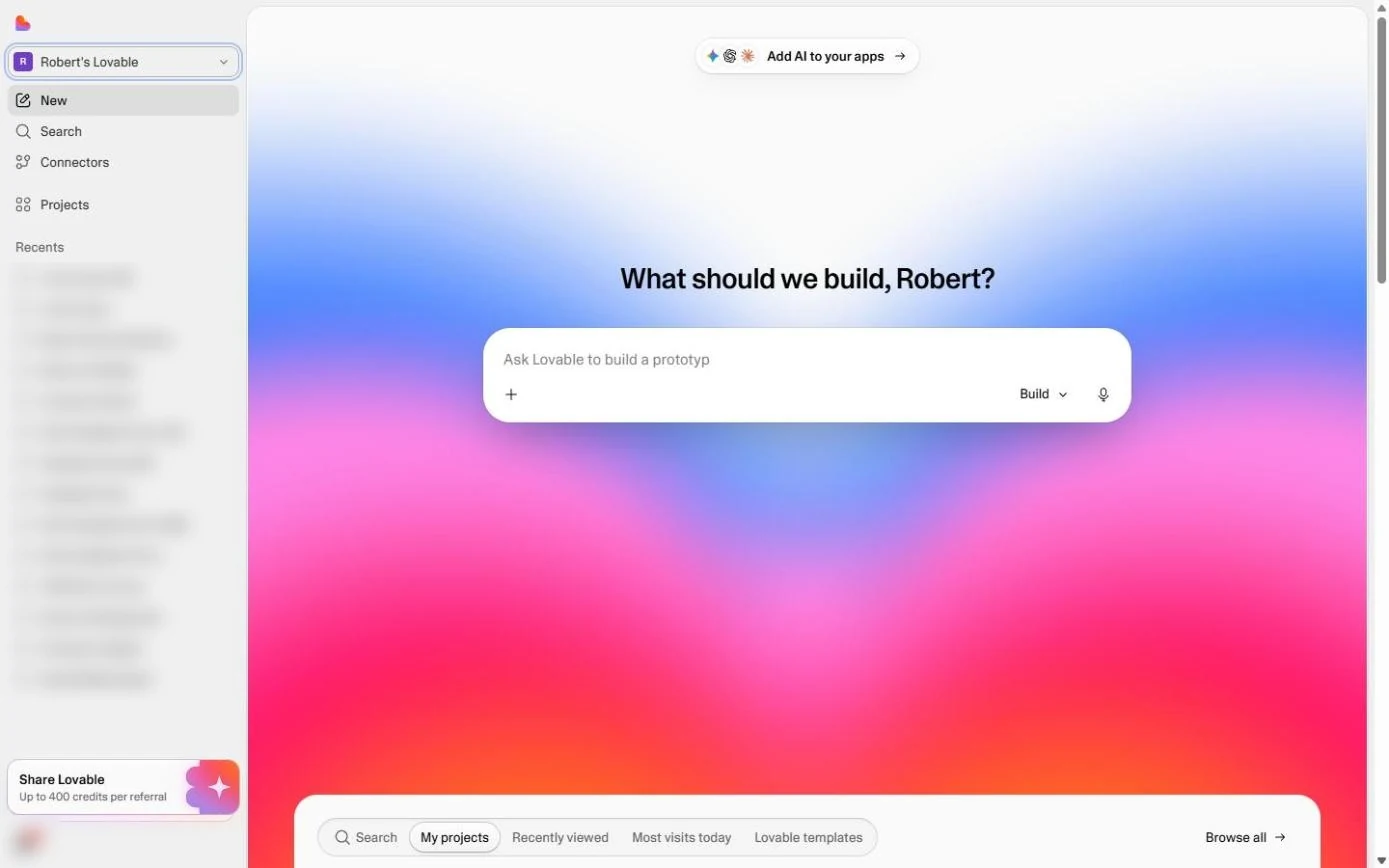 Lovable: Build or Buy? Vibe Code an Office App in One Prompt
What vibe coding is, and when building beats buying: describe an equipment sign-out board to Lovable in one prompt, use it in the preview, open the real code it wrote…
Free · Live ~10 min Beginner
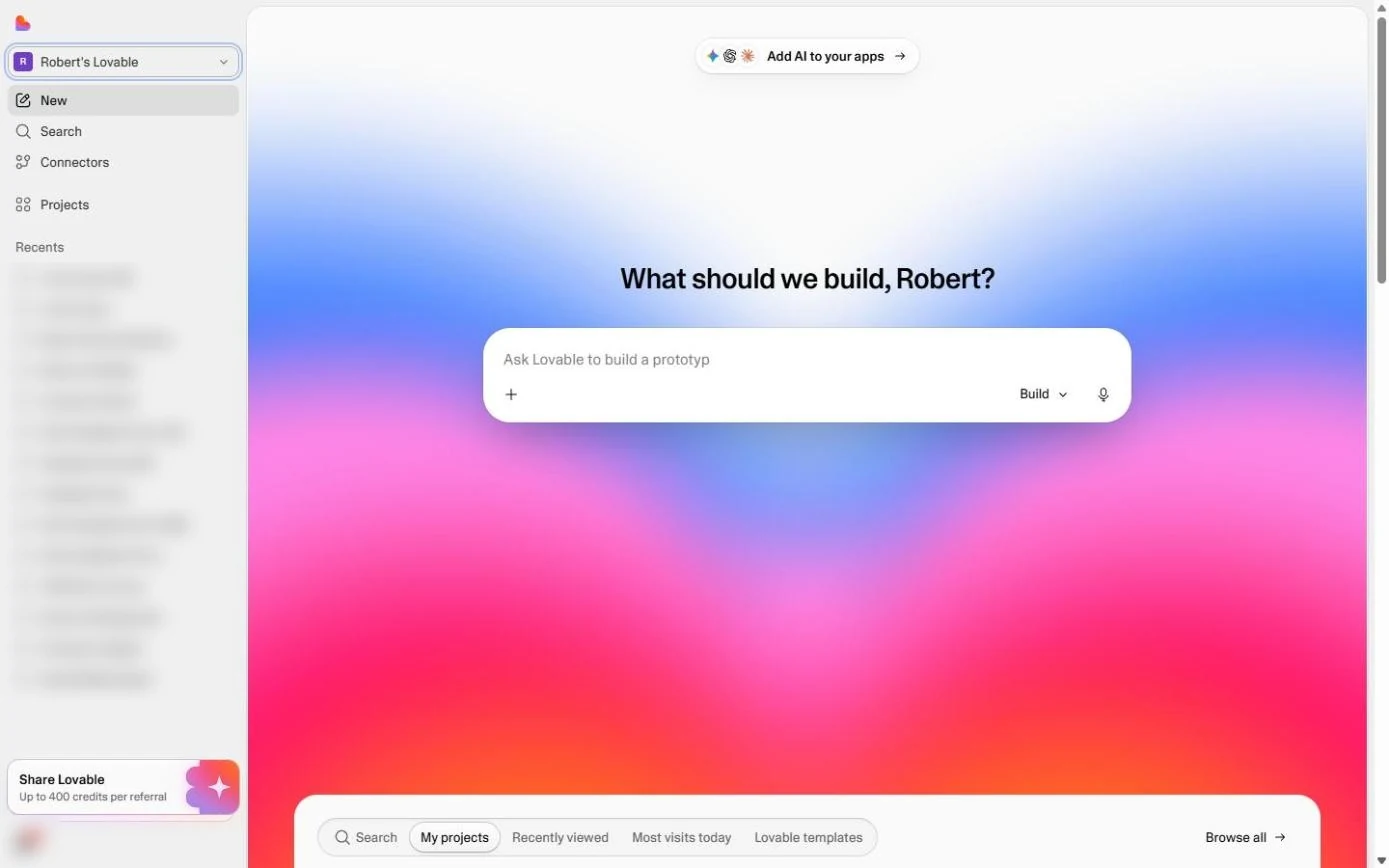 Lovable: Cut "Where's My Return?" Calls with a Status Page
A simple customer portal for a small firm: describe a client status page to Lovable (code + last name, a progress bar, what is still missing), then test a right and a…
Free · Live ~9 min Beginner
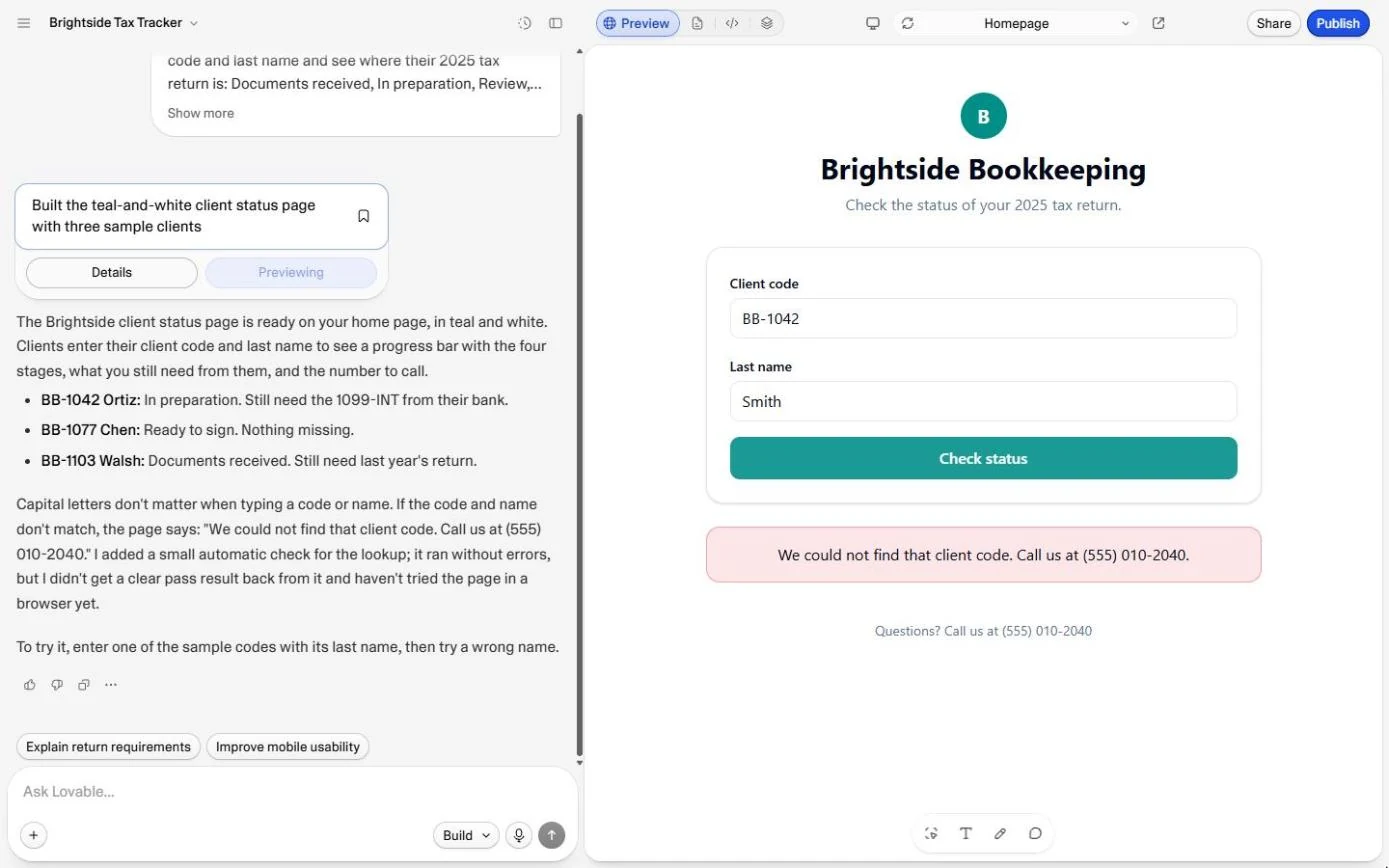 Lovable: Check Logins, Data and Cost Before You Share an App
Three checks before you share anything you build with an AI app builder: who can open it, where the data lives, and what it will cost. Open the Publish panel without…
Free · Live ~10 min Beginner
Related terms
Plain-English definitions, each with an example from a free lesson.
More cheat sheets
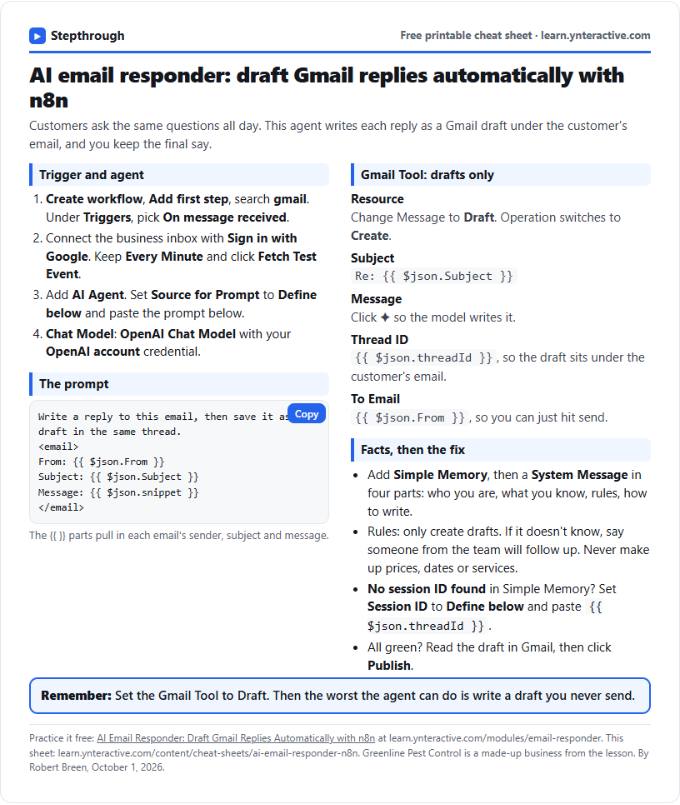 AI Email Responder in n8n Cheat Sheet
A free one-page cheat sheet: n8n watches Gmail, an AI agent reads each customer email and saves a reply as a draft in the same thread.
Lesson cheat sheet Free PDF
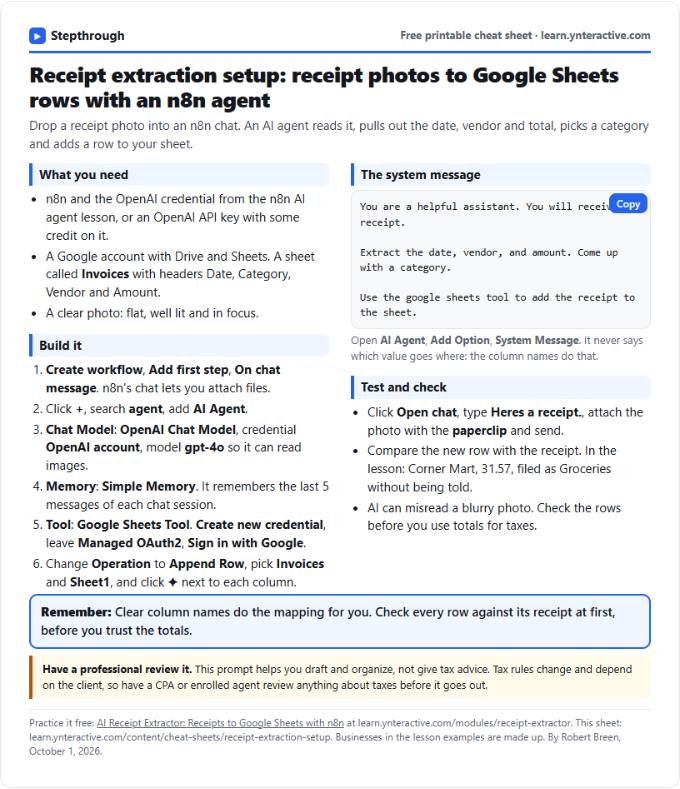 AI Receipt Extractor in n8n Cheat Sheet
A free one-page cheat sheet: attach a receipt photo in n8n chat, and an AI agent pulls the date, vendor and amount into a Google Sheets row.
Lesson cheat sheet Free PDF
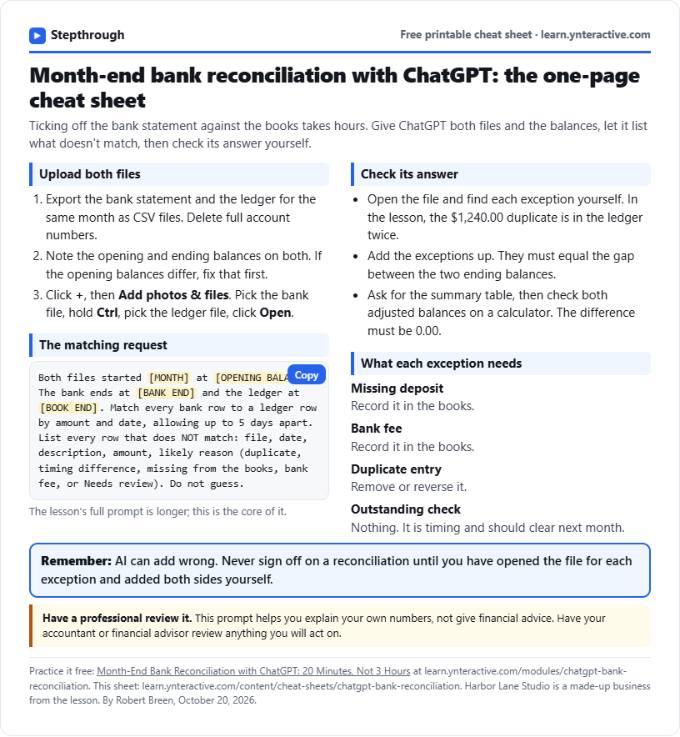 ChatGPT Bank Reconciliation Cheat Sheet
A free one-page cheat sheet: match a bank statement CSV to the ledger with ChatGPT, list the exceptions, build the summary and check the math yourself.
Lesson cheat sheet Free PDF