Receipt extraction setup: receipt photos to Google Sheets rows with an n8n agent
A free one-page cheat sheet: attach a receipt photo in n8n chat, and an AI agent pulls the date, vendor and amount into a Google Sheets row.
Receipt extraction setup: receipt photos to Google Sheets rows with an n8n agent
Drop a receipt photo into an n8n chat. An AI agent reads it, pulls out the date, vendor and total, picks a category and adds a row to your sheet.
What you need
- n8n and the OpenAI credential from the n8n AI agent lesson, or an OpenAI API key with some credit on it.
- A Google account with Drive and Sheets. A sheet called Invoices with headers Date, Category, Vendor and Amount.
- A clear photo: flat, well lit and in focus.
Build it
- Create workflow, Add first step, On chat message. n8n's chat lets you attach files.
- Click +, search agent, add AI Agent.
- Chat Model: OpenAI Chat Model, credential OpenAI account, model gpt-4o so it can read images.
- Memory: Simple Memory. It remembers the last 5 messages of each chat session.
- Tool: Google Sheets Tool. Create new credential, leave Managed OAuth2, Sign in with Google.
- Change Operation to Append Row, pick Invoices and Sheet1, and click ✦ next to each column.
The system message
You are a helpful assistant. You will receive a receipt.

Extract the date, vendor, and amount. Come up with a category.

Use the google sheets tool to add the receipt to the sheet.
Open AI Agent, Add Option, System Message. It never says which value goes where: the column names do that.
Test and check
- Click Open chat, type Heres a receipt., attach the photo with the paperclip and send.
- Compare the new row with the receipt. In the lesson: Corner Mart, 31.57, filed as Groceries without being told.
- AI can misread a blurry photo. Check the rows before you use totals for taxes.
Remember: Clear column names do the mapping for you. Check every row against its receipt at first, before you trust the totals.
Have a professional review it. This prompt helps you draft and organize, not give tax advice. Tax rules change and depend on the client, so have a CPA or enrolled agent review anything about taxes before it goes out.
Practice it free: AI Receipt Extractor: Receipts to Google Sheets with n8n at learn.ynteractive.com/modules/receipt-extractor. This sheet: learn.ynteractive.com/content/cheat-sheets/receipt-extraction-setup. Businesses in the lesson examples are made up. By Robert Breen, October 1, 2026.
Practice it in the free lesson
AI Receipt Extractor: Receipts to Google Sheets with n8n. Drop a photo of a receipt into an n8n chat. An AI agent reads it, pulls out the date, vendor and amount, picks a category, and adds a row to Google Sheets. You do every step yourself in a practice copy of n8n, it checks your work as you go, and “Do it for me” finishes any step you get stuck on. Free, and nothing touches your real accounts.
Start the free lessonRelated terms
Plain-English definitions, each with an example from a free lesson.
Related prompts
- Receipt details extraction prompt: Pull date, vendor, tax, total and job from receipt photos into a table, with "Unreadable" instead of guesses and a check that…
- Expense categorization prompt: Sort a batch of expenses into your own categories, with a short note each and a Needs Review bucket for anything unclear…
- Expense report summary prompt: Summarize a month of expense or reimbursement rows for the owner: totals by category and status, what's waiting, and flags to…
- Google Sheets columns plan prompt: Plan the Google Sheets columns for an n8n automation: header names, what goes in each, who fills it, and which must match your…
More cheat sheets
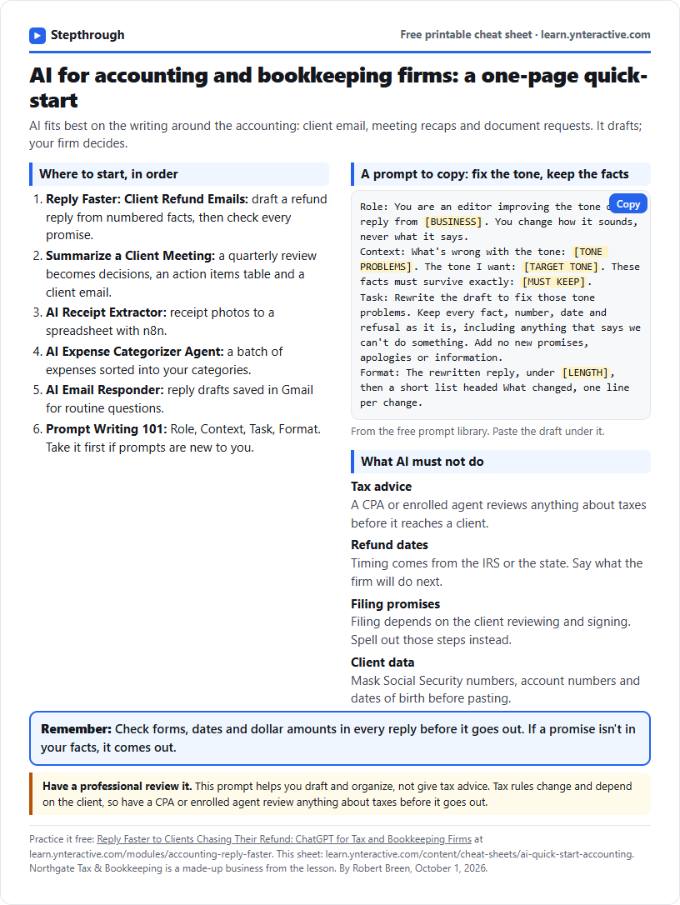 AI Quick-Start for Accounting Firms: Cheat Sheet
A free one-page cheat sheet for accounting firms: the free AI lessons in order, a tone-fix prompt and what AI must never promise a client.
Industry quick-start Free PDF
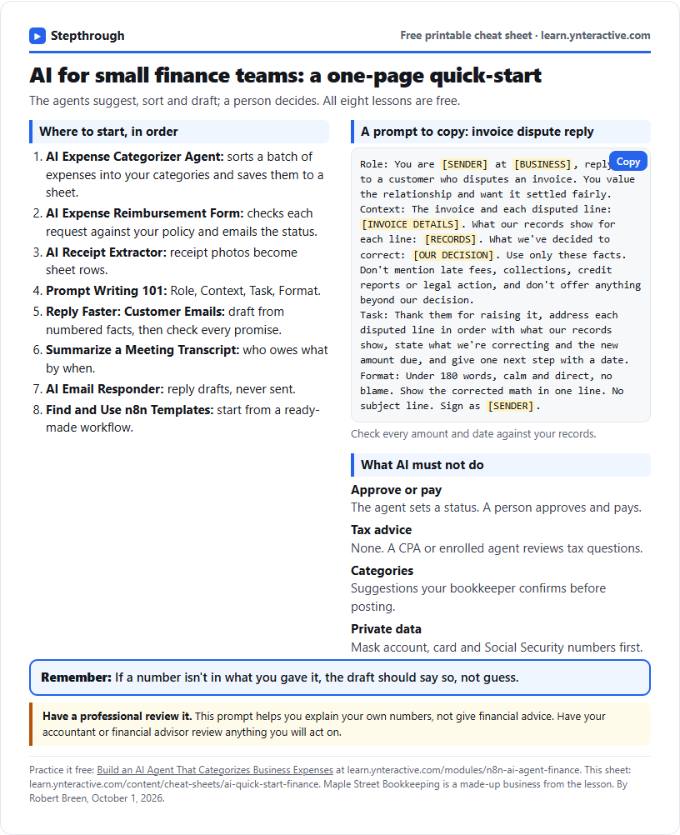 AI Quick-Start for Finance Teams: Cheat Sheet
A free one-page cheat sheet for finance teams: the free AI lessons in order, an invoice dispute prompt and what AI must never approve.
Industry quick-start Free PDF
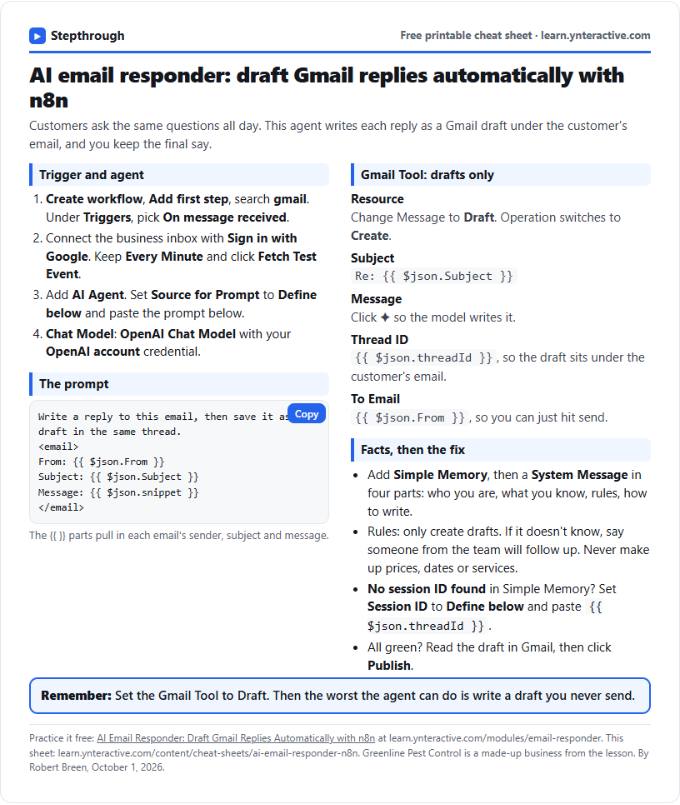 AI Email Responder in n8n Cheat Sheet
A free one-page cheat sheet: n8n watches Gmail, an AI agent reads each customer email and saves a reply as a draft in the same thread.
Lesson cheat sheet Free PDF