Build an AI Quote Request Form for Electrical Contractors
Homeowners asking about an EV charger want a ballpark before they book a site visit. In this free lesson you build a quote request form for Oak & Wire Electric in Lovable and connect it to an n8n AI agent that logs the request and emails the customer an initial estimate note with a typical price range.
What you will build
A Request a Free Quote page built in Lovable with four fields: Name, Email, Project Details and an optional Home Details field for things like home age and panel size. Behind it sits an n8n workflow: a webhook trigger, an AI Agent, a Google Sheets tool that saves the request to a Quote Requests sheet, a Gmail tool that emails the customer, and a Respond to Webhook node.
In the test, Jordan asks for a Level 2 EV charger in an attached garage, in a house built in 1988 with a 100-amp panel. The agent saves the row and emails Jordan an initial estimate note.
Who this is for
Electrical contractors who get quote requests through their website and lose jobs because nobody answers until the next evening. It is the third electrical lesson, after the bid writer and the job follow-up agent. No coding, but the follow-up agent lesson is a good warm-up.
You need nothing for the lesson itself, since it runs in a practice copy. For the real build you need accounts with Lovable, n8n and OpenAI, plus a Google account for Sheets and Gmail. If you did the follow-up agent lesson, you can reuse the same OpenAI key and Google connection.
Step by step: what you do
- Build the form: start a Lovable project with a prompt that describes the four fields, the submit states and validation, then click Build.
- Webhook trigger: in n8n, add On webhook call and set it to respond with a Respond to Webhook node.
- AI Agent: switch the prompt source to Define below, paste a template that pulls name, email, project and home details from the form, and paste the system message.
- Chat model: connect OpenAI with your key and pick gpt-5-mini.
- Sheets tool: create Quote Requests with Name, Email, Project Details and Home Details columns, connect Google and map the columns.
- Gmail tool: add Gmail and approve the email permissions.
- Respond node and publish: add Respond to Webhook and publish the workflow.
- Add the secret: copy the production webhook URL into Lovable as N8N_WEBHOOK_URL.
- Test the form: preview, fill with test data, click Request Quote, and check the sheet.
What the agent says in the estimate email
The system message tells the agent to thank the customer, restate the project, and give a typical range if the job is a standard service: panel upgrade $2,800 to $4,200, Level 2 EV charger $900 to $1,800, whole-home surge protector $350 to $600. It mentions that permits and inspections are included where required and explains that the final price is confirmed after a free site visit. It never promises a fixed price and never uses emojis.
Why it works
A range sets expectations early, so the site visits you book are with people who are ready for the price. The optional Home Details field gives the office useful clues before anyone drives out; an old home with a 100-amp panel hints that a charger may need more than a new circuit. The webhook URL stays in a Lovable secret, so the form and the workflow can change independently.
What the customer sees
The page is plain: a Request a Free Quote heading, a line saying you will email an initial estimate, and the four fields. Name, Email and Project Details are required and the email format is checked. Home Details is optional, so a customer who does not know their panel size can still send the form. The button reads Sending while it works, then the page shows a thank-you and says the request was received. If the webhook fails, the customer sees a short, friendly error instead of a blank screen.
Then the estimate email arrives. For Jordan, that means a thank-you, a restatement of the EV charger project, the typical $900 to $1,800 range, a note that permits and inspections are included where required, and a clear line that the final price is set after a free site visit. It is the answer most people wanted when they filled out the form, delivered while they are still thinking about the project.
How to use this in your electrical business
Swap in your own services and ranges, and add the jobs you get asked about most, like generator hookups or lighting retrofits, if you want the agent to quote them. Put the form on your website and on your Google Business Profile. Every request is logged in one sheet you can sort by project type, so you can see how many EV charger and panel leads come in each month and plan crew time. When a request mentions an older home and a small panel, the office knows to plan the site visit around a possible panel upgrade, not just a new circuit.
Frequently asked questions
- Will the AI give customers a firm price?
- No. It gives a typical range for standard services and says the final price is confirmed after a free site visit. It is told never to promise a fixed price.
- Can I change the price ranges?
- Yes. The ranges live in the system message, so you edit them in one place.
- Is it free?
- The Stepthrough lesson is free. For real use you need your own Lovable, n8n, OpenAI and Google accounts, and some of these charge for ongoing use. Check their current pricing.
- How does the interactive lesson work?
- Each step is shown to you first on the left (Watch). Then you do it yourself in a practice copy on the right (Your turn), and every click is checked. If you get stuck, press Do it for me. It is a practice copy, so no real accounts are touched.
- Do I need to write code?
- No. Lovable builds the form from a written prompt, and n8n is set up by clicking and pasting. The lesson is 87 steps and about 15 minutes.
More in AI Automation for Electricians
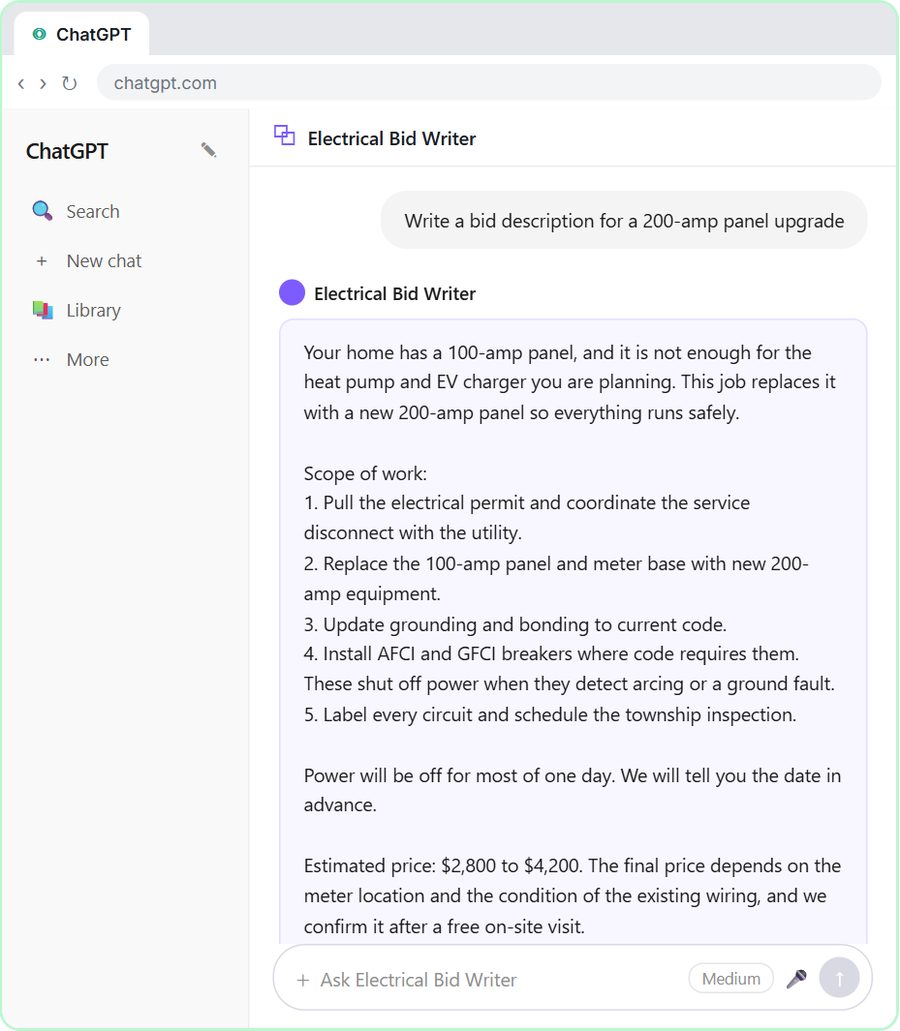 ChatGPT for Electricians: Build an Electrical Bid Writer
Build a Custom GPT that writes electrical bids with your scope, permit steps and price ranges. A free, step-by-step ChatGPT lesson for electricians.
Free · Live
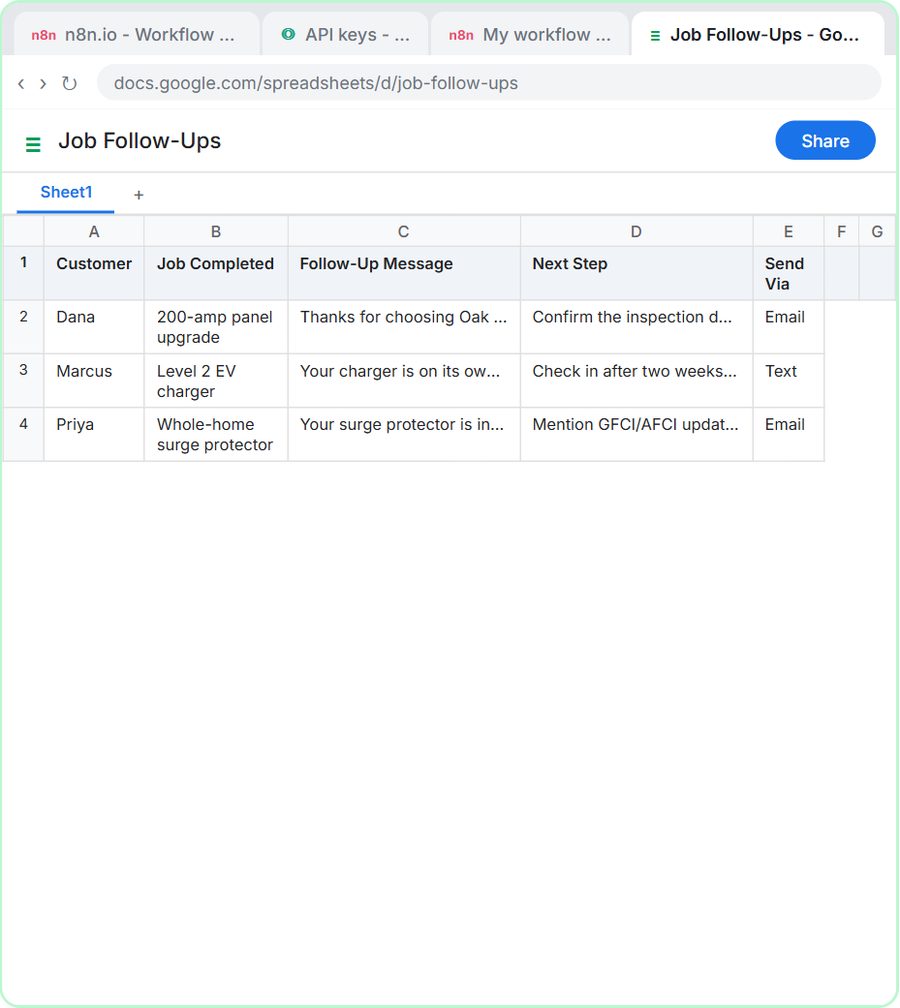 Build an AI Job Follow-Up Agent for Electricians
Build an n8n AI agent that writes a follow-up after each finished electrical job, with next steps, and saves it to Google Sheets. Free, step by step, no code.
Free · Live