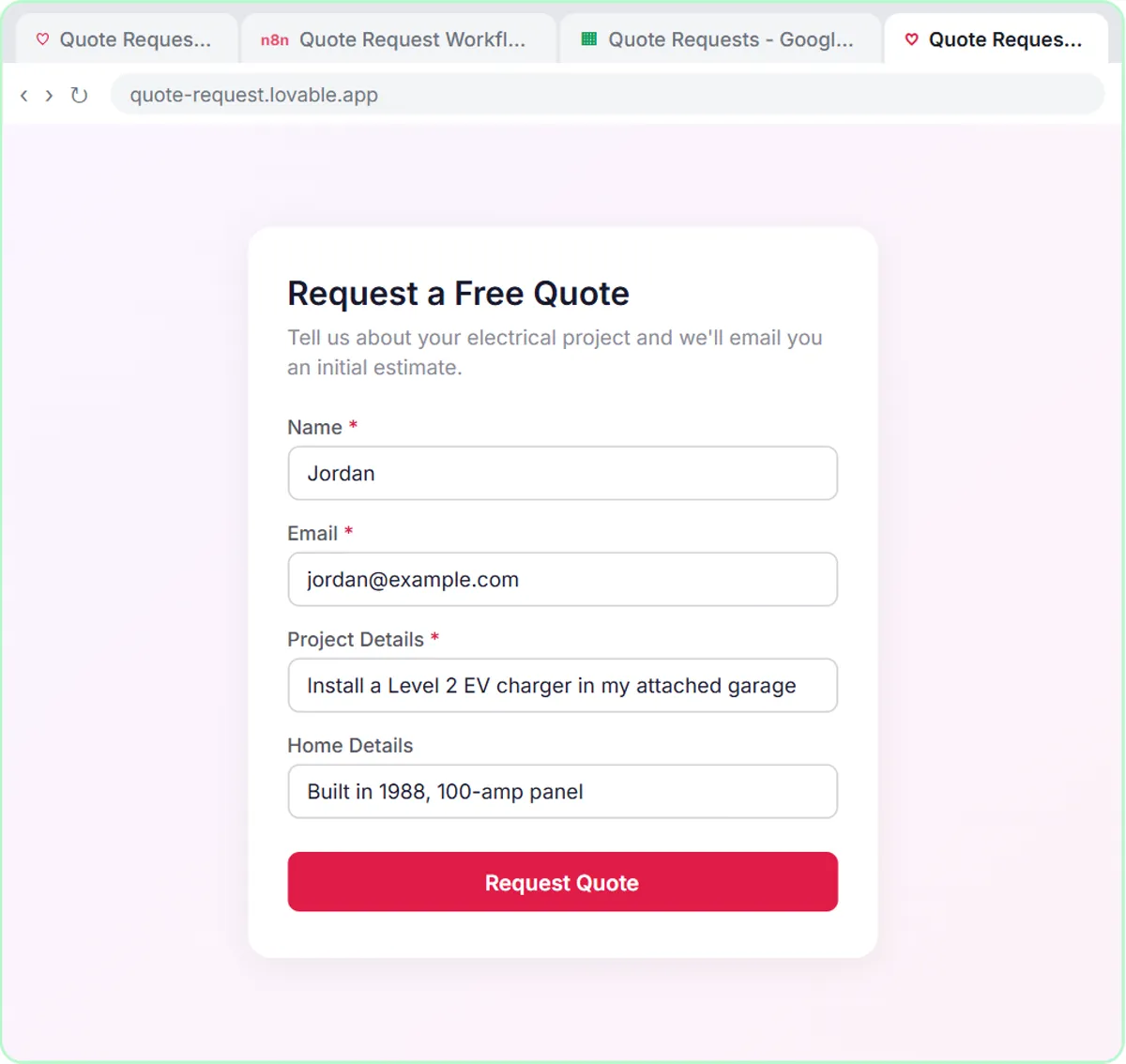
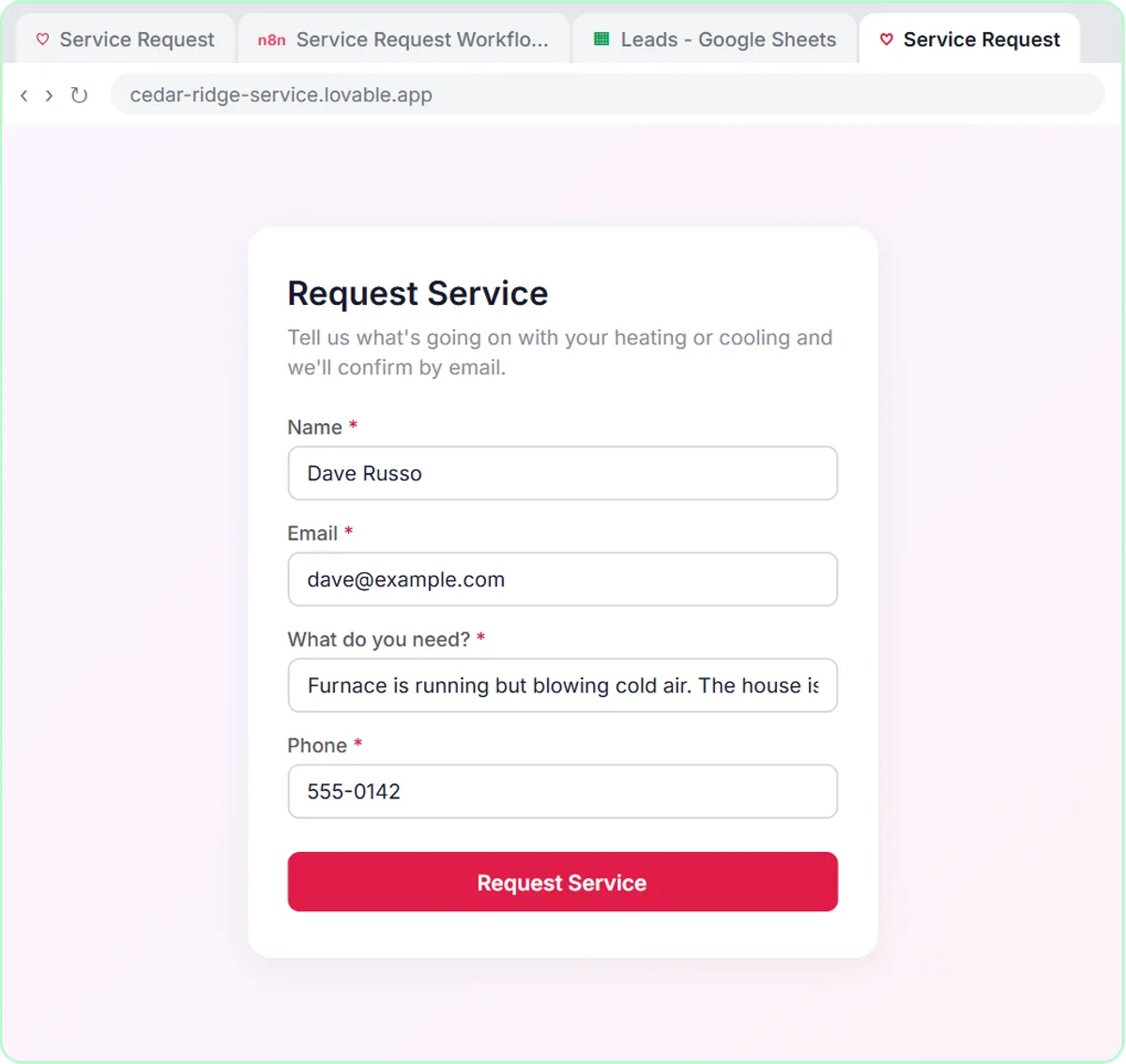
Contractors who own an HVAC, plumbing or electrical business should start with AI where the office loses the most time: website requests that sit unanswered, the morning job list for the techs, or follow-ups that never get sent. This guide is for trade-business owners, and it matches each of those problems to a free hands-on lesson, starting with the AI Service Request Form built for a made-up heating and air company.
You don't need every tool at once. Pick the problem that costs you the most each week, build one fix, and add the next one once the first runs on its own.
Which AI project should a contractor start with?
Start with the problem you feel every day. Each one below has a lesson of 10 to 15 minutes that runs in a practice copy, so you can see the whole build before paying for anything.
| If this is your problem | Start with | What it builds | Time |
|---|---|---|---|
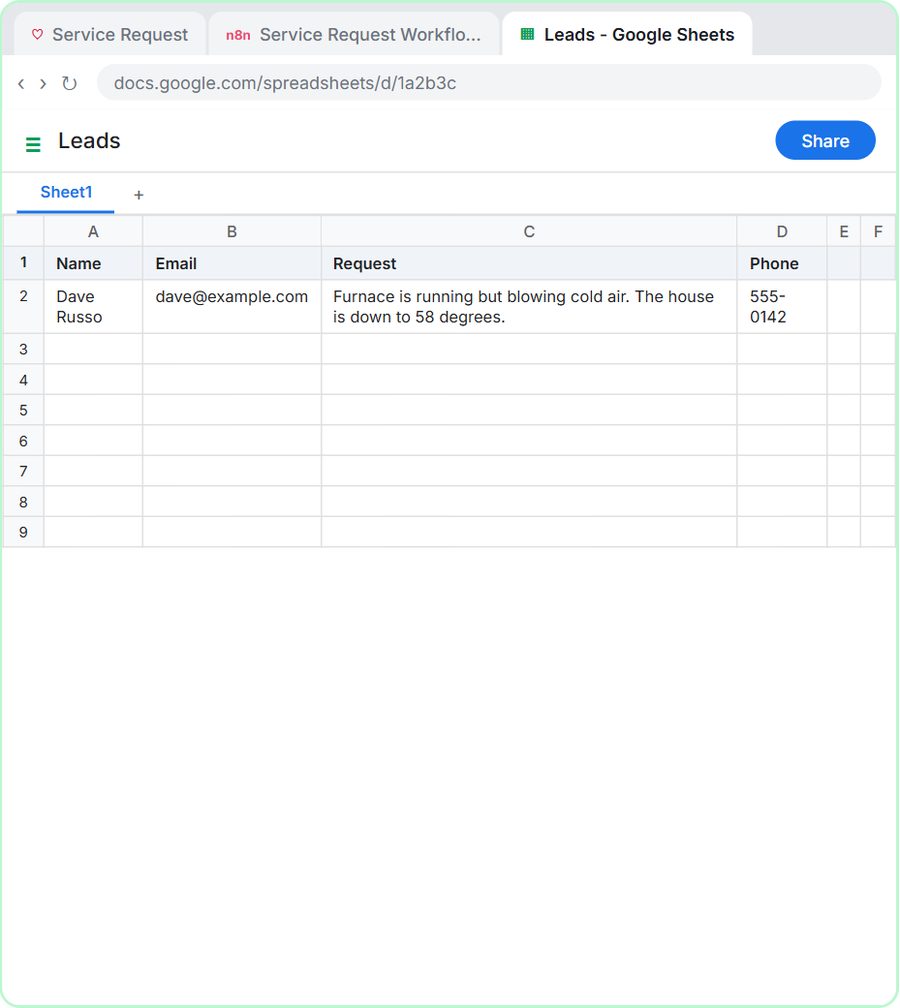
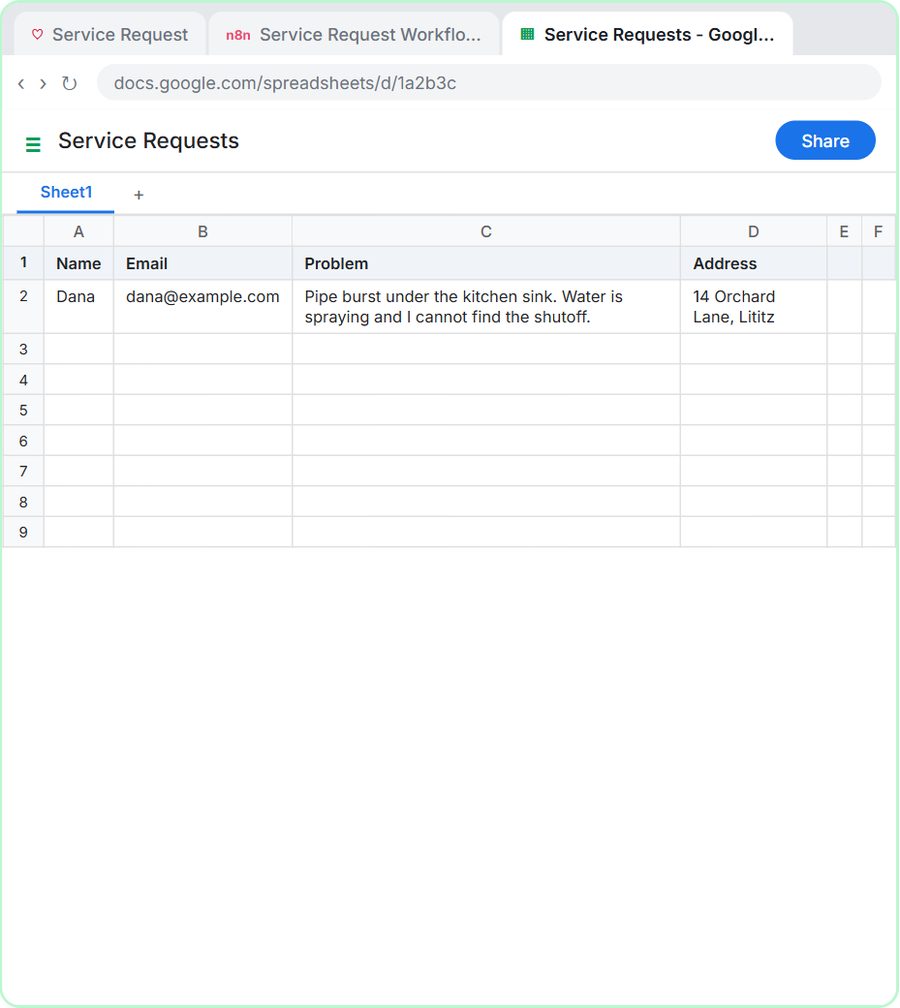
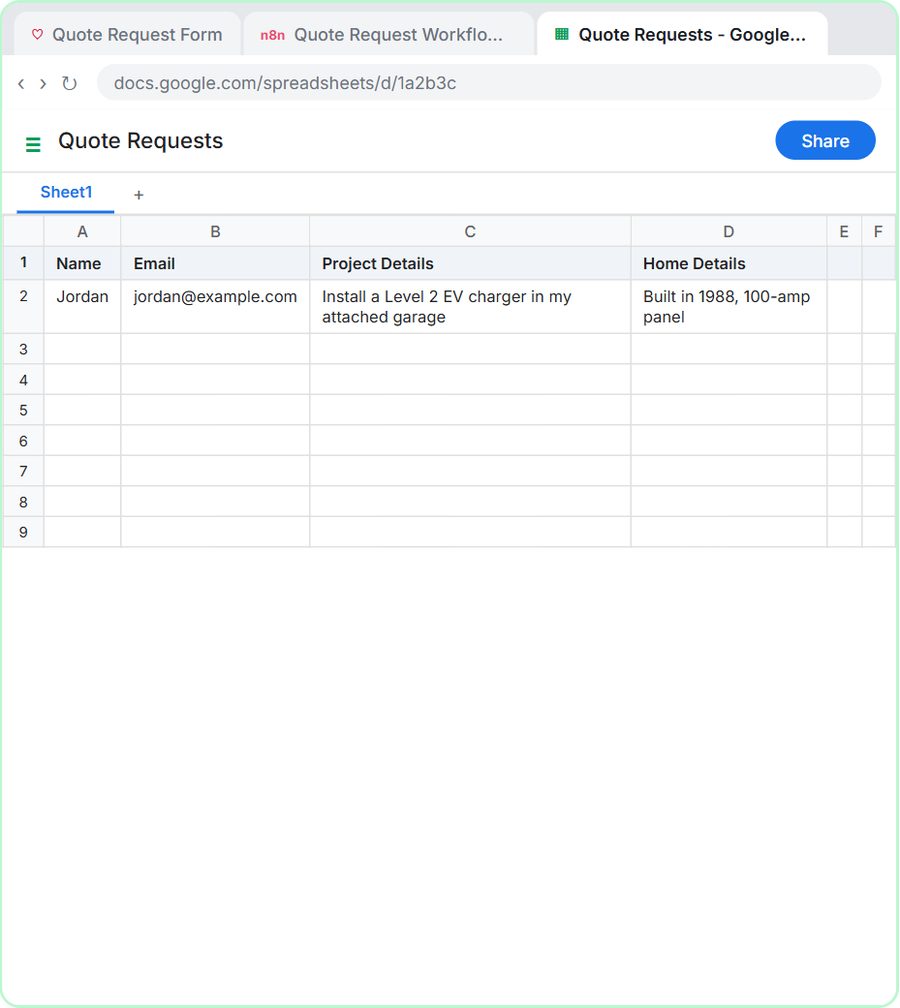
| Web requests wait until someone checks the inbox | AI Service Request Form, AI Emergency Request Form or AI Quote Request Form | A web form whose AI agent sorts each request, logs it and emails the customer | 15 min |
| Someone copies jobs into texts or emails every morning | Daily Job Alerts | A 7am email to each tech with their jobs, no AI | 10 min |
| Follow-ups after a job depend on someone remembering | AI Service Follow-Up Agent | An agent that writes a follow-up for each finished job and saves it to a sheet for review | 12 min |
The examples use made-up companies: Cedar Ridge Heating & Air, Blue Maple Plumbing, Oak & Wire Electric and Rapid Flow Plumbing. Swap in your own trade; the builds are the same.
What if web requests sit until someone checks the inbox?
Build a request form whose AI agent reads each request, sorts it, logs it in Google Sheets and emails the customer right away. The form is built in Lovable from a written prompt, and the work behind it happens in n8n.
Each trade lesson sorts requests the way that trade thinks:
- HVAC: the Cedar Ridge agent sorts each request into Repair, Maintenance, Install or Emergency, and "No heat, no cooling in extreme heat, or water leaking from the system counts as Emergency."
- Plumbing: the Blue Maple agent sets a priority of Emergency, Same-day or Scheduled. A burst pipe is an emergency; no hot water is same-day.
- Electrical: the Oak & Wire agent emails a typical price range for standard jobs and says the final price is confirmed after a free site visit.
The trade guides go deeper: AI for HVAC Companies, AI for Plumbing Companies and AI for Electricians.
What if the office spends every morning sending techs their jobs?
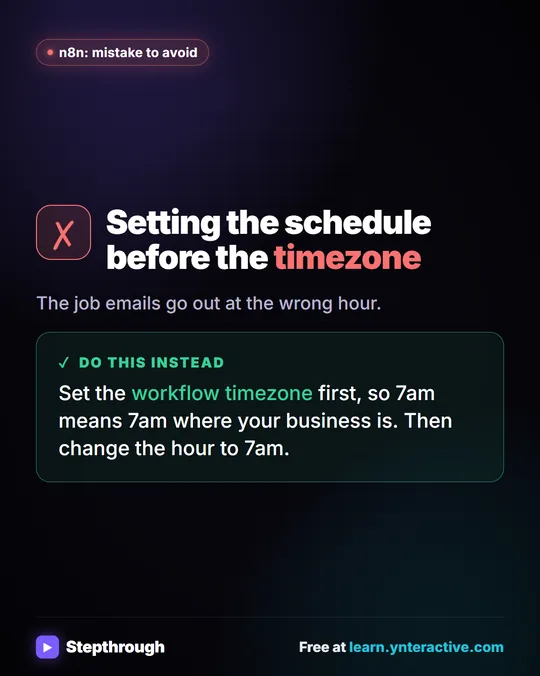
Build the Daily Job Alerts workflow: at 7am, n8n reads today's jobs from a Google Sheet, skips any job with no tech, and emails each job to its tech. There's no AI in it, so it costs nothing beyond n8n itself.
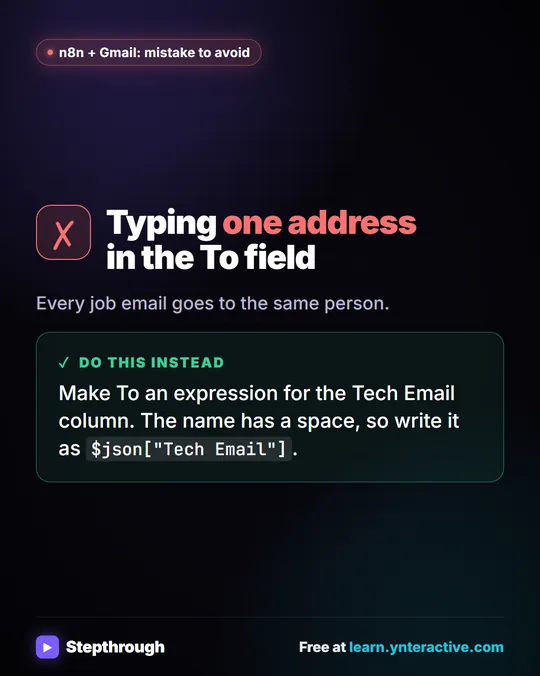
In the lesson, the office at Rapid Flow Plumbing keeps a sheet with Customer, Address, Job, Time, Tech and Tech Email columns. Six jobs go in, the Filter drops the one with no tech, and five emails go out. To reassign a job, the office changes the name in the sheet, and the next morning's email goes to the new tech. Email Each Tech Their Jobs Every Morning with n8n has the full build, including the timezone setting that catches most people.
What if follow-ups after a job never happen?
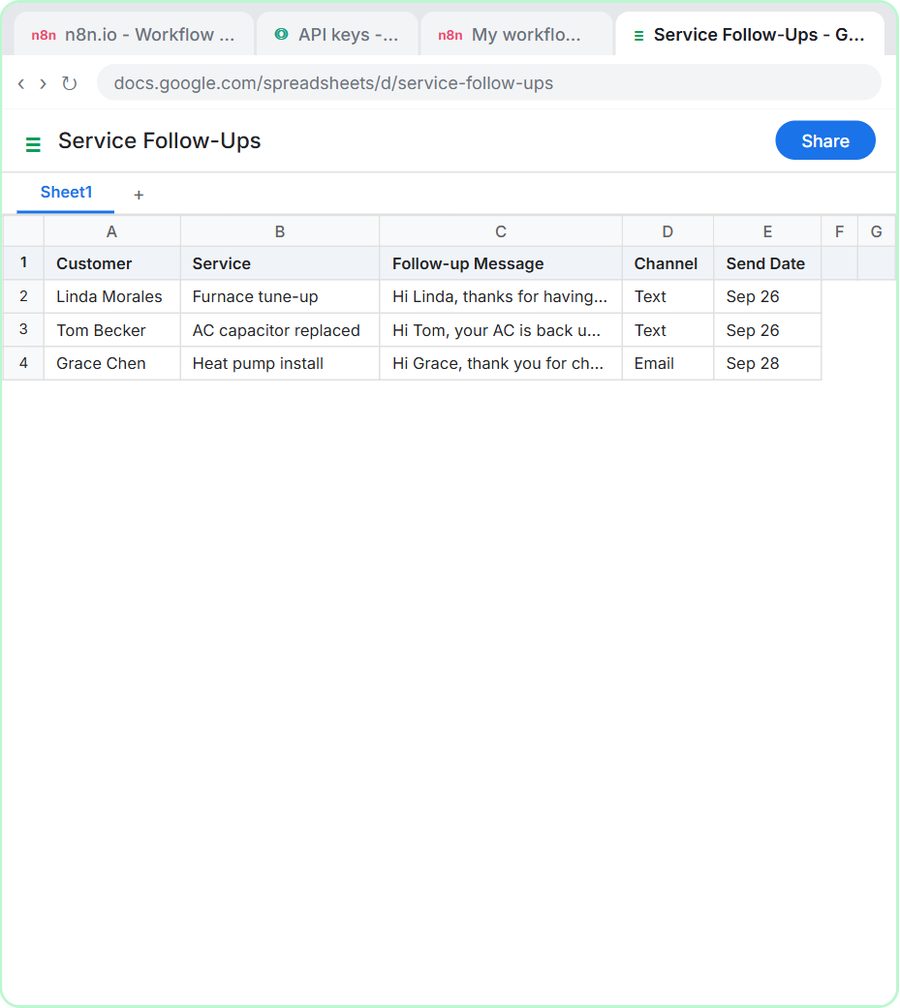
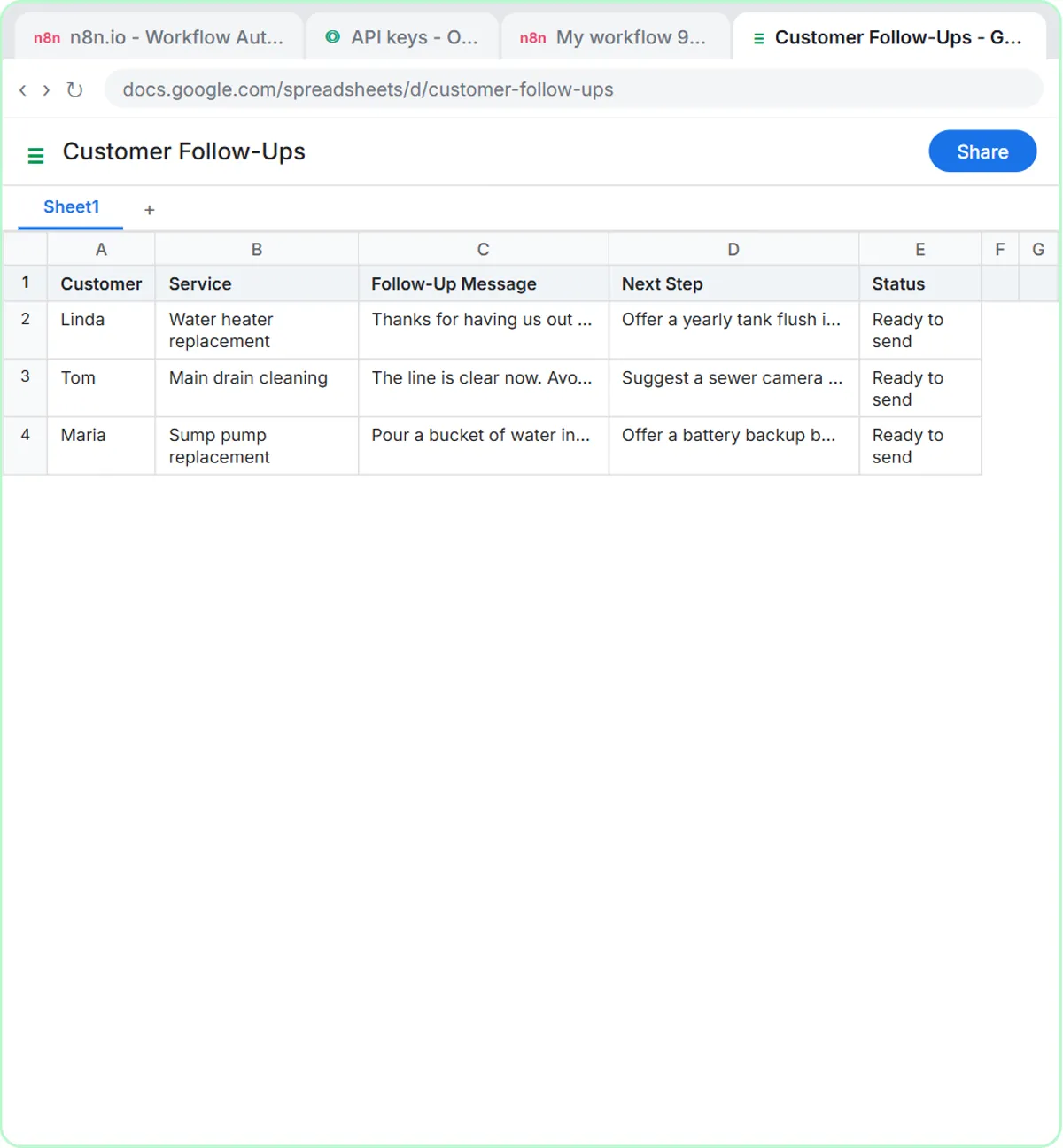
Build a follow-up agent: you paste the day's finished jobs into a chat, and an n8n AI agent writes one message per customer and saves them to a Google Sheet for someone to review and send. Nothing goes out on its own.
In the HVAC version, each message thanks the customer by first name, names the work, adds one practical tip (filters, thermostat, keeping the outdoor unit clear) and invites them to call if anything seems off. The tone line is "Sound like the office manager, not a salesperson", and the rule is "Do not invent prices, discounts or warranty terms." Plumbing and electrical versions of the lesson exist too; Automate Customer Follow-Ups After Every Service Call compares all three.
Try it free, step by step
Build an AI Service Request Form for Your HVAC Company. Build a service request form in Lovable for Cedar Ridge Heating & Air and connect it to n8n — the AI agent sorts each job into repair, maintenance, install or emergency, saves the lead to Google… You do every step yourself in a practice copy of Lovable and n8n, it checks your work as you go, and “Do it for me” finishes any step you get stuck on. Free, and nothing touches your real accounts.
Start the free lessonWhen should a trade business set up AI?
Set it up during a slower stretch, not in the middle of a rush. Building and testing takes an afternoon or two, and that's hard to find when the phones won't stop.
For many plumbing and electrical shops, late fall and winter are a good time to get ready before spring work picks up. Heating companies are often busiest in the first cold weeks, so the weeks after that first rush may suit them better. The point is to have the form, the job emails or the follow-ups running and tested before the next busy season, so the season itself goes smoother.
What should stay with a person?
Anything involving safety, prices or the schedule should stay in your hands, and the lessons build that in.
- Safety wording is fixed, not improvised. The HVAC agent is told that if a customer mentions a gas smell, it tells them to leave the house and call the gas company from outside. The plumbing agent tells emergency callers how to shut off their main water valve. Use your own approved wording; this post isn't safety or code advice.
- No firm prices by email. The electrical agent gives typical ranges and is told "Never promise a fixed price."
- People decide the schedule. The request form logs and confirms; your office still books the visit.
- Follow-ups get a read first. The follow-up agent writes to a sheet, and a person sends.
What does AI cost for a contractor?
The lessons are free and run in practice copies. A real build needs some paid tools, depending on which project you pick.
- Daily job emails: n8n (n8n Cloud is paid after a free trial, or self-host it) and the Google account you already use. No AI cost.
- Follow-up agent: n8n plus an OpenAI API key, which is pay-as-you-go and billed separately from ChatGPT plans. The lessons suggest $10 of credit to start.
- Request form: n8n, the OpenAI API, and Lovable, which has free and paid plans.
Check each vendor's pricing page for current prices. More lessons are on the HVAC, plumbing and electrical hubs.
Key takeaways
- Contractors should pick a first AI project by the problem that costs the most time: web requests, morning job lists or follow-ups.
- An AI request form can sort each request (for example Emergency, Same-day or Scheduled), log it in Google Sheets and email the customer within minutes.
- A 7am job email workflow in n8n needs no AI: it reads the jobs sheet, skips unassigned jobs and emails each tech.
- A follow-up agent writes a message per finished job into a sheet, and a person reviews it before anything is sent.
- Safety instructions, prices and the schedule stay under the business's control, with fixed wording the owner approves.
Frequently asked questions
- What is the easiest AI project for a contractor?
The Daily Job Alerts workflow is the simplest: no AI, about 10 minutes in the lesson, and it replaces a daily copy-and-paste job. The request forms take longer but answer customers fastest.
- Will the AI book appointments or quote fixed prices?
Not in these lessons. The request forms log each request and email a confirmation or a typical range, and your office still books the visit and sets the final price.
- Do these lessons work for other trades, like roofing or landscaping?
The builds are the same for any trade that takes requests and sends crews out. Change the categories, safety lines, tips and price ranges to fit your work.
- Do I need to know how to code?
No. Lovable builds the form from a written prompt, and the n8n steps are added by clicking and pasting short expressions.