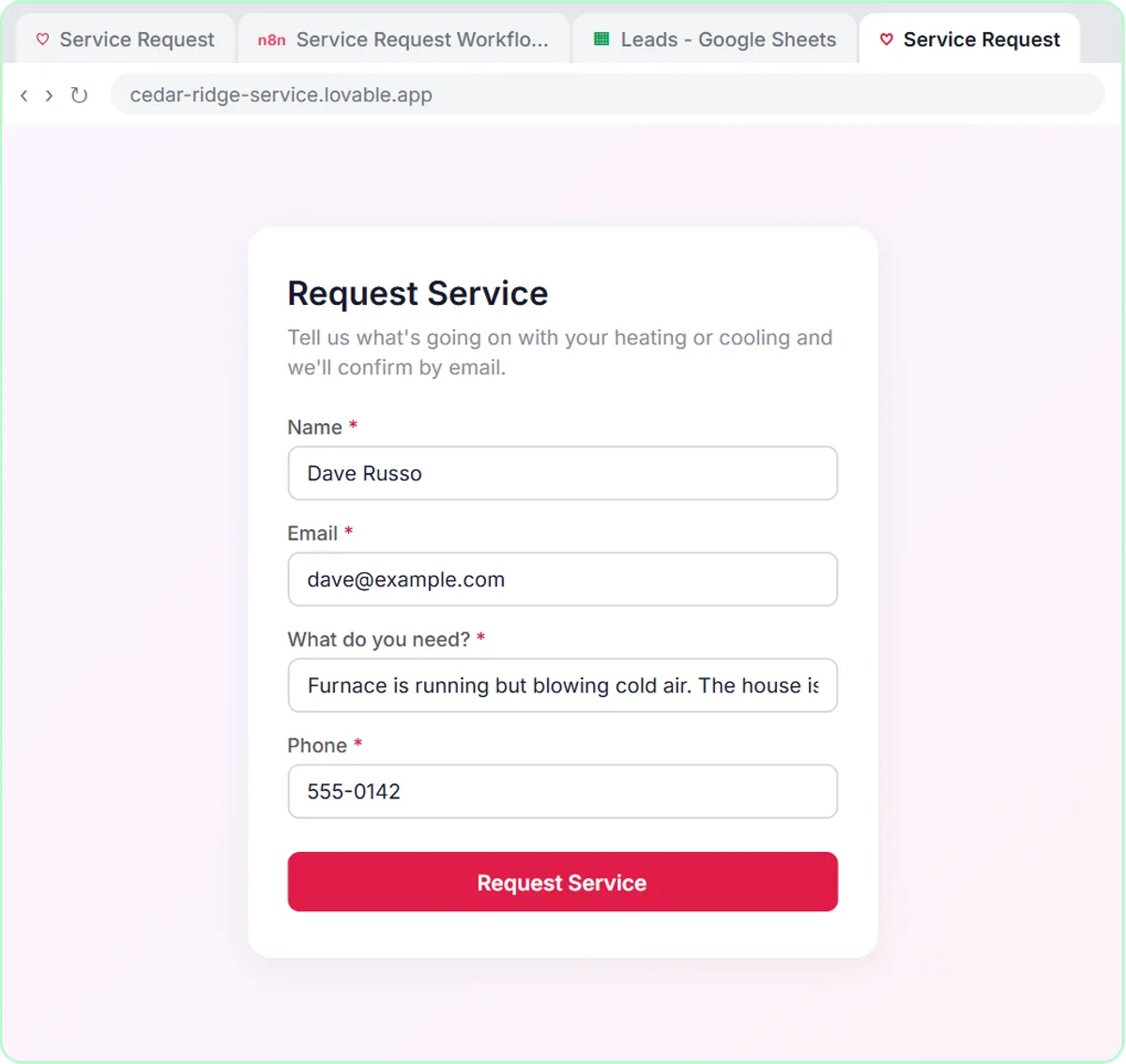
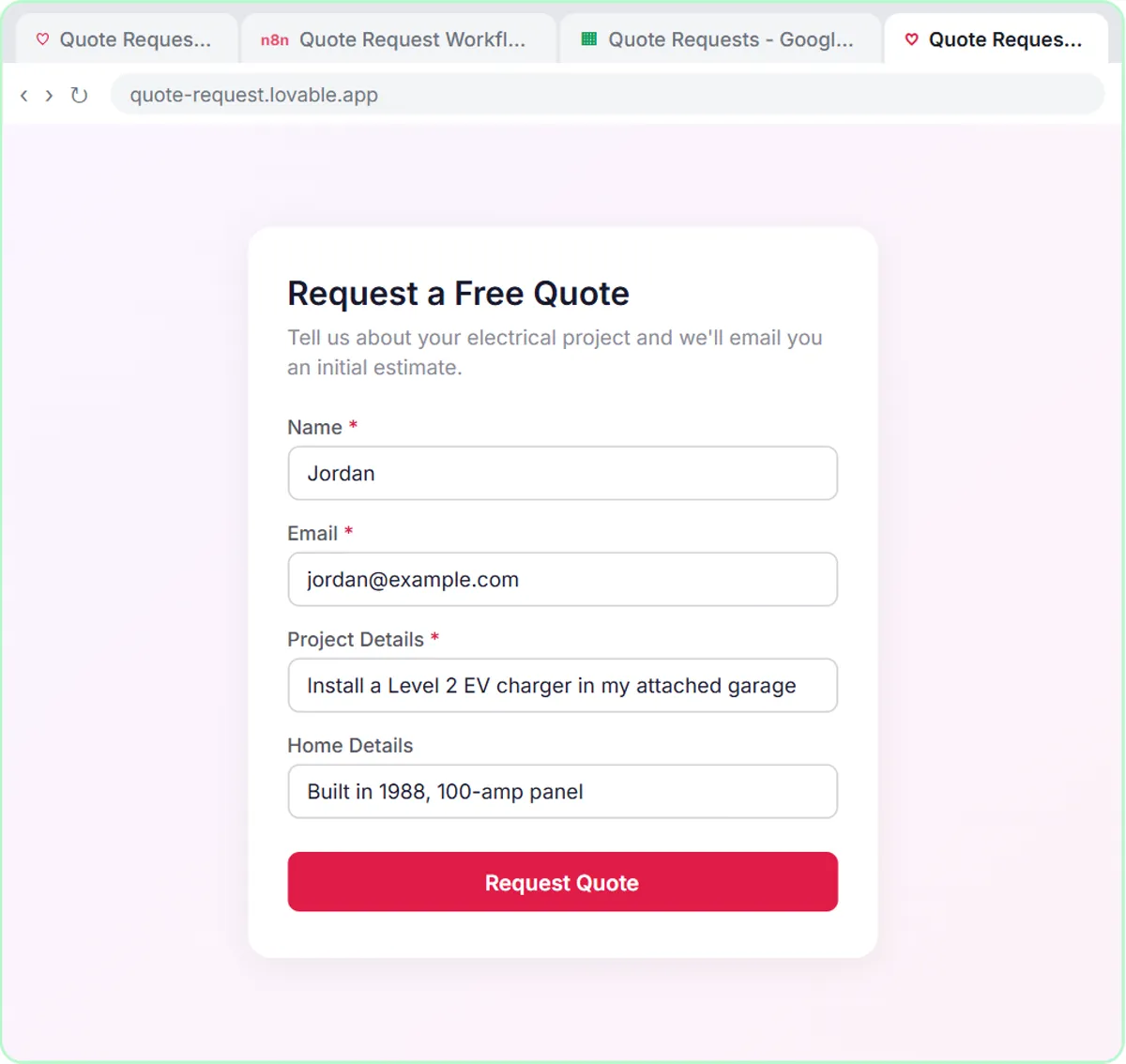
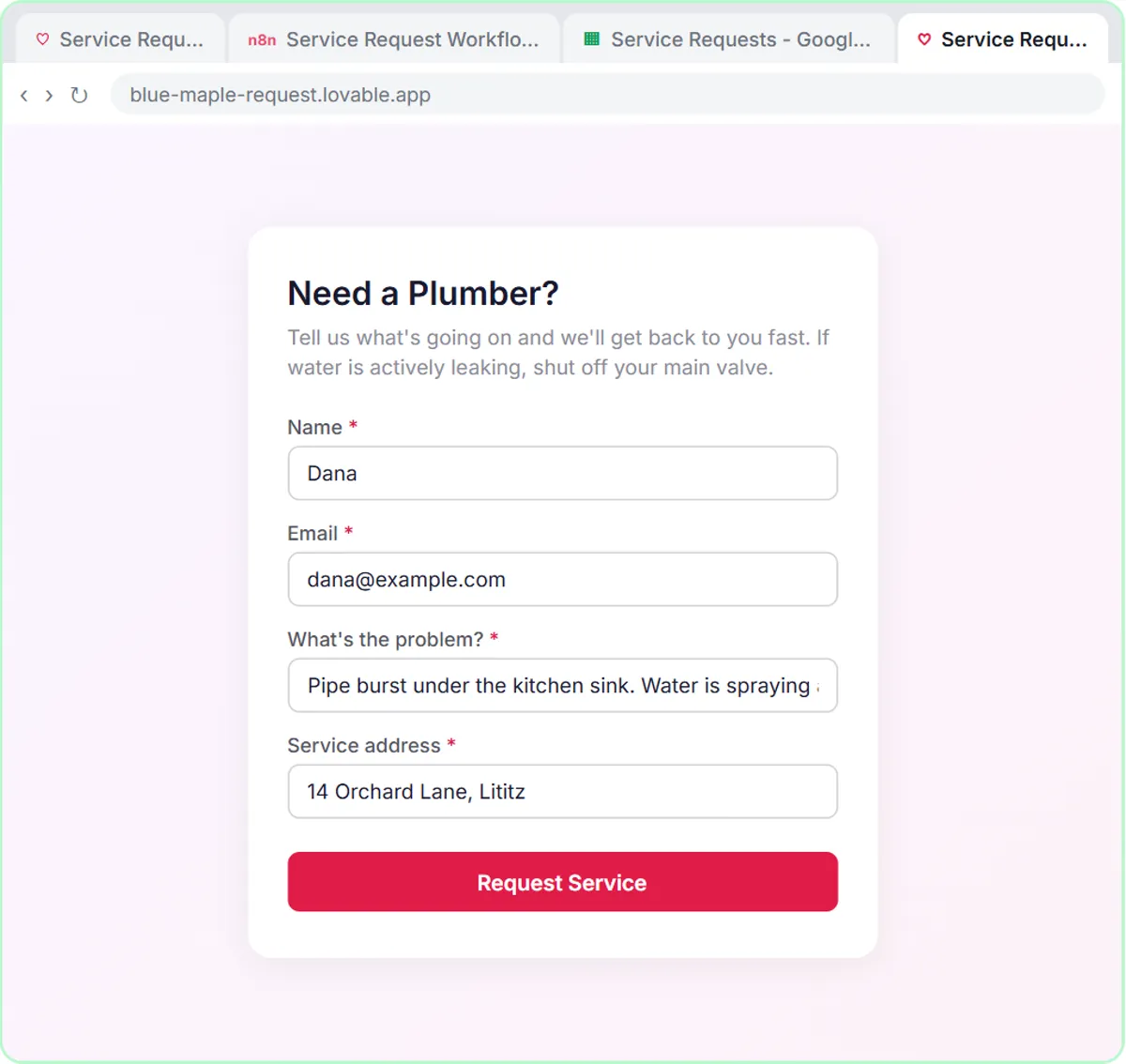
Plumbing, electrical and HVAC businesses can automate the customer follow-up after a service call with an n8n AI agent that drafts a message for every finished job and saves the drafts to a Google Sheet for review. Owners and office managers can build the agent in a free, 12-minute lesson for their trade: plumbing, electrical or HVAC.
The day after the job is the best time to earn a repeat customer, yet follow-ups written one at a time at the end of a long day vanish on busy weeks.
Why do follow-ups after a service call matter?
A follow-up after a service call thanks the customer, heads off a callback with a tip for that exact job, and sets up future work honestly. The job-specific tip is what makes a follow-up worth reading, and it is also the hardest part to write in bulk.
A good follow-up does three jobs:
- Thank the customer by name and say what was done.
- Prevent a callback with one practical care tip for that job.
- Set up future work without a hard sell, such as an inspection, a check-in or a maintenance visit.
How does an n8n AI agent write follow-ups in bulk?
You paste the day's finished jobs into a chat, the n8n AI agent writes a follow-up for each one, and when you say "save those," the agent writes each follow-up as a row in Google Sheets. All three trade lessons use the same n8n pieces; only the system prompt and the sheet's columns change.
The build in each lesson is 69 short steps:
- Click Create workflow and add the On chat message trigger.
- Add an AI Agent node, then + Add Option > System Message, and paste the company's system prompt.
- Add the OpenAI Chat Model and pick gpt-5-mini.
- Add Simple Memory, so "save those" refers to the follow-ups the agent just wrote.
- Add the Google Sheets Tool, choose Append Row and map each column.
- Click Open chat, send the jobs, then ask the agent to save them.
For a closer look at each agent piece, see n8n AI Agent Tutorial: Build Your First Agent.
What does the plumbing follow-up agent write?
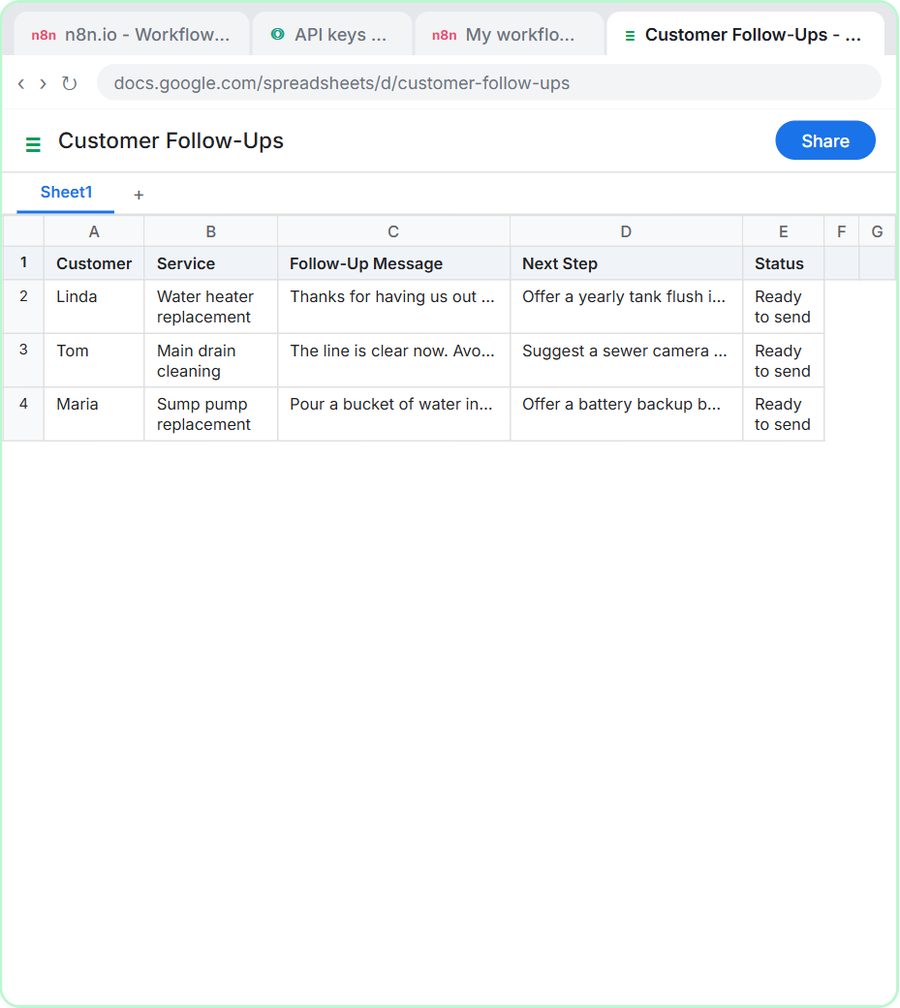
The plumbing agent writes a short text under 60 words for each call, with a care tip for that exact job and a next step for the office. The made-up company in the plumbing lesson is Blue Maple Plumbing, and the test calls are Linda (water heater replacement), Tom (main drain cleaning) and Maria (sump pump).
- Linda is told to give the new heater about an hour to heat up, keep the area around the tank clear, and call right away if she sees water on the floor.
- Tom is told to avoid flushing wipes, even the ones labeled flushable.
- Maria is told to pour a bucket of water into the pit before the next big storm to make sure the pump kicks on.
The next steps are a yearly tank flush in 12 months, a sewer camera inspection if the drain clogs again, and a battery backup before storm season. The Customer Follow-Ups sheet has five columns: Customer, Service, Follow-Up Message, Next Step and Status.
What does the electrical follow-up agent track?
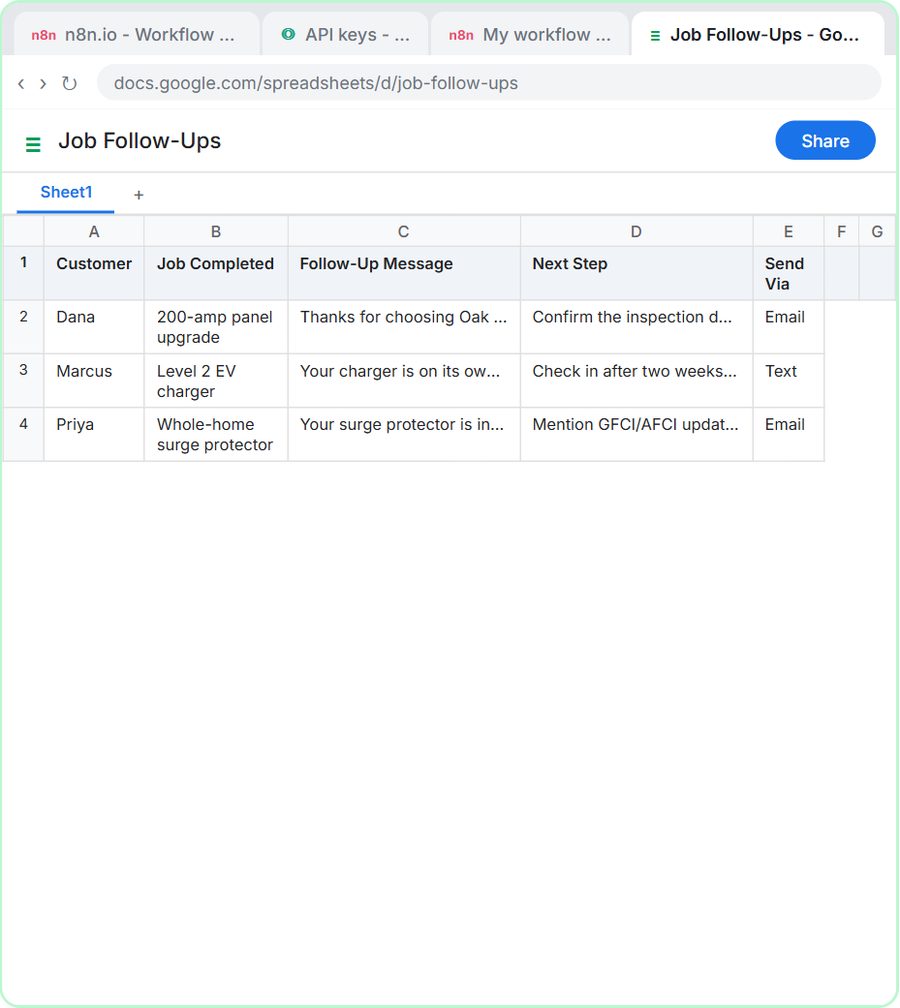
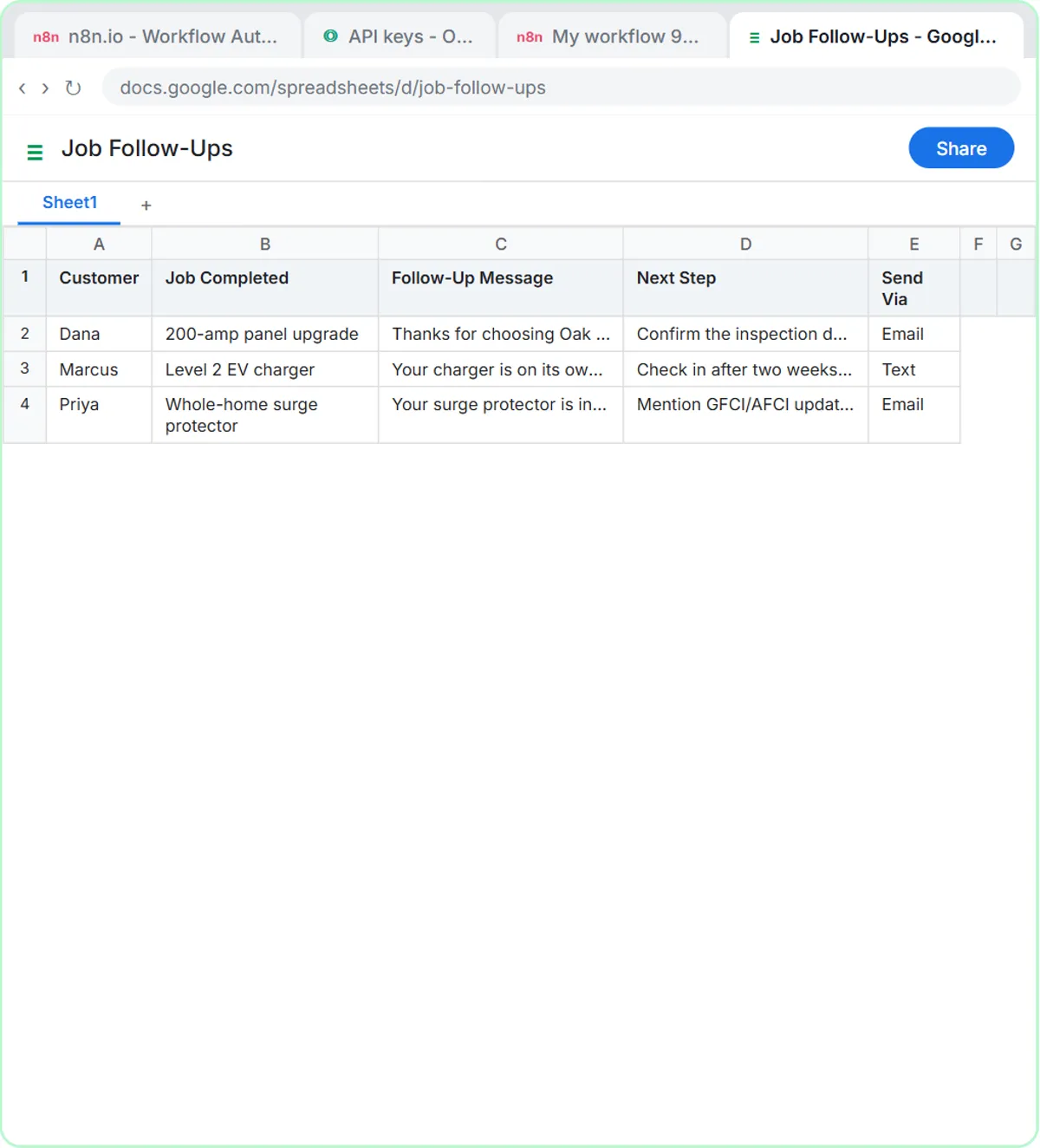
The electrical agent writes a follow-up for each finished job and records a Next Step, so open inspections and check-ins live in one sheet instead of in someone's head. The made-up company in the electrical lesson is Oak & Wire Electric, and the test jobs are Dana's 200-amp panel upgrade, Marcus's Level 2 EV charger and Priya's whole-home surge protector.
- Dana's email says her panel is installed and labeled and that the township inspection is the last step; the next step is to confirm the date once it is scheduled.
- Marcus gets a text saying his charger is on its own 240-volt circuit and to check the breaker labeled EV Charger if it ever stops charging, with a check-in planned after two weeks.
- Priya's email explains the indicator light on her surge protector, and the next step flags GFCI/AFCI updates for the next visit.
The Job Follow-Ups sheet has Customer, Job Completed, Follow-Up Message, Next Step and Send Via columns. The Oak & Wire system prompt says never to invent prices, dates or inspection results.
What does the HVAC follow-up agent add?
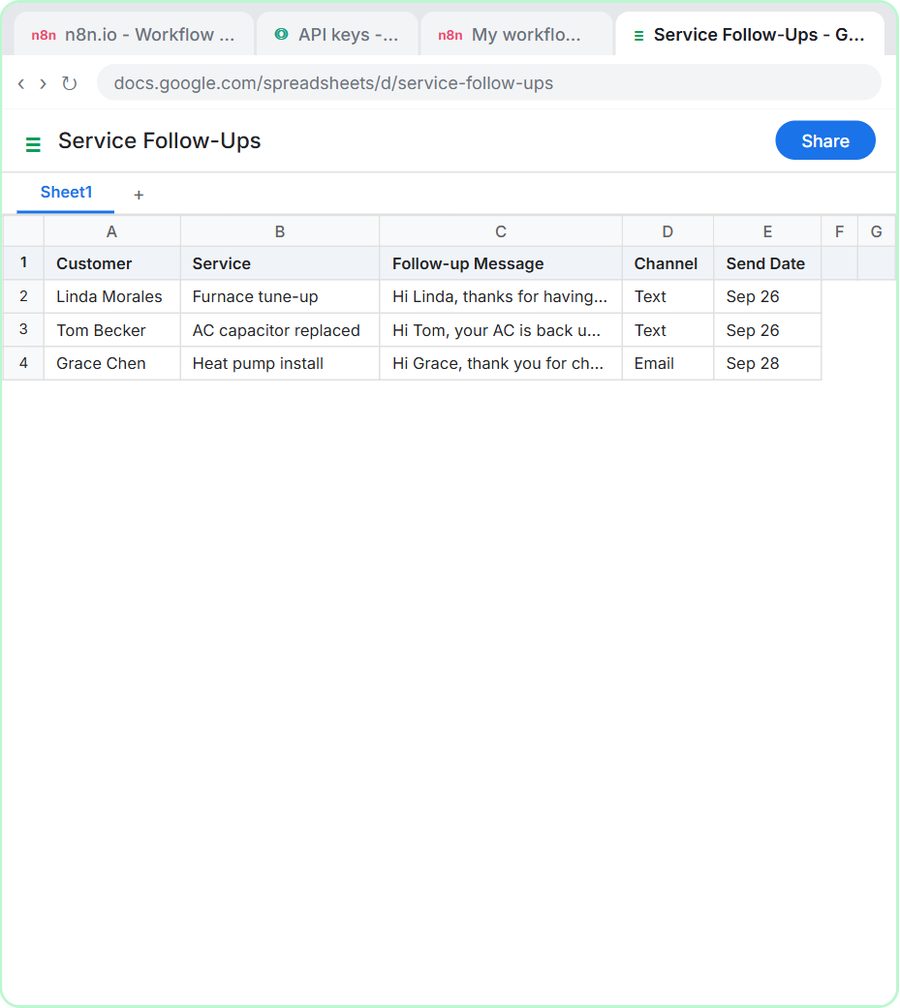
The HVAC agent picks a channel and a send date for every follow-up. The made-up company in the HVAC lesson is Cedar Ridge Heating & Air: texts stay under 300 characters, installs get an email, and the Comfort Club maintenance plan is mentioned only after a repair, and only once. The Service Follow-Ups sheet has Customer, Service, Follow-up Message, Channel and Send Date columns.
For how the HVAC follow-up agent fits with a service request form, see AI for HVAC Companies. The other trades have their own overviews: AI for Plumbing Companies and AI for Electricians.
Try it free, step by step
Build an AI Customer Follow-Up Agent for Plumbers. Build an AI agent for Blue Maple Plumbing that writes personalized follow-up messages after service calls and tracks them in Google Sheets — chat trigger, AI Agent, system prompt, model, memory, and… You do every step yourself in a practice copy of n8n, it checks your work as you go, and “Do it for me” finishes any step you get stuck on. Free, and nothing touches your real accounts.
Start the free lessonWhy should a person review follow-ups before sending?
None of the three follow-up agents send anything; the agents write drafts and save them to Google Sheets, and a person decides what goes out. A follow-up goes to a real customer under your company's name, so someone should read it first.
The sheet gives the office one place to read every message, fix a tip that doesn't fit, or hold one back because the customer called with a complaint an hour ago. The plumbing lesson marks every row "Ready to send," but that status is a label, not a send button. The system prompts forbid invented prices, discounts and warranty terms (and, for electrical, dates and inspection results), and reading the sheet is how you confirm the agent followed those rules.
What mistakes should you avoid?
The common mistakes are mismatched columns, missing memory and oversharing customer data.
- Columns that drift from the prompt. The five sheet columns must match the five fields in the system prompt, or the agent won't know where each piece goes.
- Skipping Simple Memory. Without memory, the agent forgets which follow-ups "save those" refers to.
- Pasting more than the agent needs. A first name and the job are enough. Leave out addresses, phone numbers and payment details, and follow your company's policy on customer data.
How do you use a follow-up agent in your business?
Pick the lesson for your trade, rewrite the system prompt with your company name, services, tone and tips, and keep the "don't invent prices" rule. Run the agent at the end of each day, or on Friday for the week as the electrical lesson suggests, then review the sheet and send.
Related lessons are on the plumbing, electrical and HVAC hubs.
What does a follow-up agent cost?
The Stepthrough lessons are free and run in a practice copy. A real build needs n8n (n8n Cloud has a free trial and then paid plans, or you can self-host), a Google account for Sheets, and an OpenAI API key. The OpenAI API is pay-per-use and billed separately from ChatGPT; you add credit at platform.openai.com first, and the lessons suggest $10. Check each tool's current pricing.
Key takeaways
- An n8n AI agent can draft a customer follow-up for every finished service call and save the drafts to Google Sheets.
- The plumbing, electrical and HVAC follow-up lessons use the same n8n nodes: On chat message, AI Agent, OpenAI Chat Model, Simple Memory and the Google Sheets Tool.
- A job-specific care tip is what makes a trade follow-up useful, and the tips belong in the agent's system prompt.
- The follow-up agents never send messages, so a person reviews every draft in the sheet before it reaches a customer.
- The lessons are free on Stepthrough; n8n and the OpenAI API have their own costs for real use.
Frequently asked questions
- Does the follow-up agent send messages for me?
No. In all three lessons, the n8n agent writes each follow-up and saves it to Google Sheets. Someone at the office reviews the sheet and sends the messages.
- Can the follow-up agent make up a price or an inspection date?
The system prompts tell the agent not to invent prices, discounts or warranty terms, and the electrical prompt adds dates and inspection results. Reviewing the sheet confirms the agent followed those rules.
- Are Blue Maple Plumbing, Oak & Wire Electric and Cedar Ridge real companies?
No. Blue Maple Plumbing, Oak & Wire Electric and Cedar Ridge Heating & Air are made-up examples used in the lessons.