Build an AI Follow-Up Agent for HVAC Service Calls
Most HVAC companies mean to follow up after every call and rarely do. In this free lesson you build an AI agent in n8n for Cedar Ridge Heating & Air that takes a list of the day's completed calls, writes a follow-up for each one with a tip that fits the job, and saves them to a Google Sheet the office can review.
What you will build
You build a working AI agent inside n8n, a tool that connects apps into automated workflows. You type the day's finished calls into a chat: Linda Morales, furnace tune-up. Tom Becker, replaced AC capacitor. Grace Chen, new heat pump install. The agent writes three follow-ups. Linda gets a text with a filter reminder for heating season. Tom gets a text about keeping plants two feet from the outdoor unit, plus one mention of the Comfort Club maintenance plan, because his was a repair. Grace gets an email, because installs get email, with a tip about picking a steady thermostat setting.
Then you say 'Yes, save those follow-ups to the sheet' and the agent writes each one as a row in a spreadsheet called Service Follow-Ups, with columns for Customer, Service, Follow-up Message, Channel and Send Date.
Who this is for
Owners and office managers at small residential HVAC companies who know follow-ups bring in reviews, repeat work and maintenance plan sign-ups, but never find the time to write them. It is also a good second step if you finished the HVAC estimate writer lesson and want AI to do work without you copying and pasting.
Step by step: what you do
- Get n8n: start at n8n.io and walk through sign-up.
- API key: add credit to an OpenAI account, then create a secret key named n8n agent and copy it.
- New workflow and chat trigger: create a workflow and start it with On chat message.
- AI Agent and system prompt: add an AI Agent node and paste a system message that describes Cedar Ridge, the tone, the rules and the five fields to return.
- Chat model: add the OpenAI Chat Model, save your key as a credential and pick gpt-5-mini.
- Memory: add Simple Memory so the agent remembers which follow-ups you mean when you say 'save those'.
- Sheets tool: add the Google Sheets Tool, create the Service Follow-Ups spreadsheet with its five headers, sign in with Google, choose Append Row, pick the sheet and map each column.
- Test the agent: open the chat, send the day's calls, then ask it to save them.
The rules that keep follow-ups on brand
The system prompt tells the agent to sound like the office manager, not a salesperson. Every message thanks the customer by first name, names the work, adds one practical tip that fits the job, and invites them to reply or call. The Comfort Club plan is mentioned only after a repair, and only once, so tune-up customers who already have the plan are not pitched again. Texts stay under 300 characters. Installs go by email. The agent is told never to invent prices, discounts or warranty terms.
Why it works
An agent is different from a chatbot because it can act. The Google Sheets tool is what lets it write rows instead of just talking. Memory is what makes the second message work. Without it, 'save those follow-ups' means nothing. The spreadsheet gives the office a place to check every message before it goes out, which matters when a message is going to a homeowner who just paid you.
What a good HVAC follow-up looks like
A follow-up is not a sales email. The best ones are short, personal and useful, and the tip is what makes them useful. A furnace tune-up customer hears about changing the filter every one to three months in heating season. A repair customer with a failed capacitor hears about keeping the outdoor unit clear so it can breathe. A new heat pump owner hears that big thermostat swings make the system work harder, which heads off the classic 'my heat pump isn't keeping up' call in the first cold week.
The channel matters too. A quick text suits a tune-up or a small repair. A new install is a big purchase, so it gets a longer email that points to the warranty registration details in the install paperwork. The send date spaces them out: texts the next day, the install email a few days later, after the family has lived with the new system. Those small choices are written into the system prompt once, and the agent applies them to every call you give it.
How to use this in your HVAC business
Swap in your own company details, tips and maintenance plan name. At the end of the day, paste in the completed calls from your dispatch board and let the agent draft the batch. In spring and fall, when tune-ups stack up, one prompt can cover a full day of calls. After the first cold snap or heat wave, the same agent helps you thank every emergency customer and point repair customers toward a maintenance plan. The lesson covers writing and saving the messages; sending them is a step you add later.
Frequently asked questions
- What does it cost to run this agent?
- Stepthrough is free. For real use you need your own n8n and OpenAI accounts, and OpenAI charges per request. The lesson suggests adding ten dollars of credit, and a batch of short follow-ups uses a small fraction of that. Check each tool's current pricing.
- Does the agent send the texts and emails for me?
- Not in this lesson. It writes each follow-up and saves it to Google Sheets with a channel and send date, so the office can review before anything goes out.
- Do I need to code to build an n8n AI agent?
- No. You click nodes onto a canvas and paste a system prompt. The lesson is 69 short steps and takes about 12 minutes.
- How does the interactive lesson work?
- Each step is shown to you first on the left (Watch). Then you do it yourself in a practice copy on the right (Your turn), and every click is checked. If you get stuck, press Do it for me. It is a practice copy, so no real accounts are touched.
- Will it push the maintenance plan on every customer?
- No. The system prompt says to mention the Comfort Club plan only after a repair, and only once.
More in AI Automation for HVAC
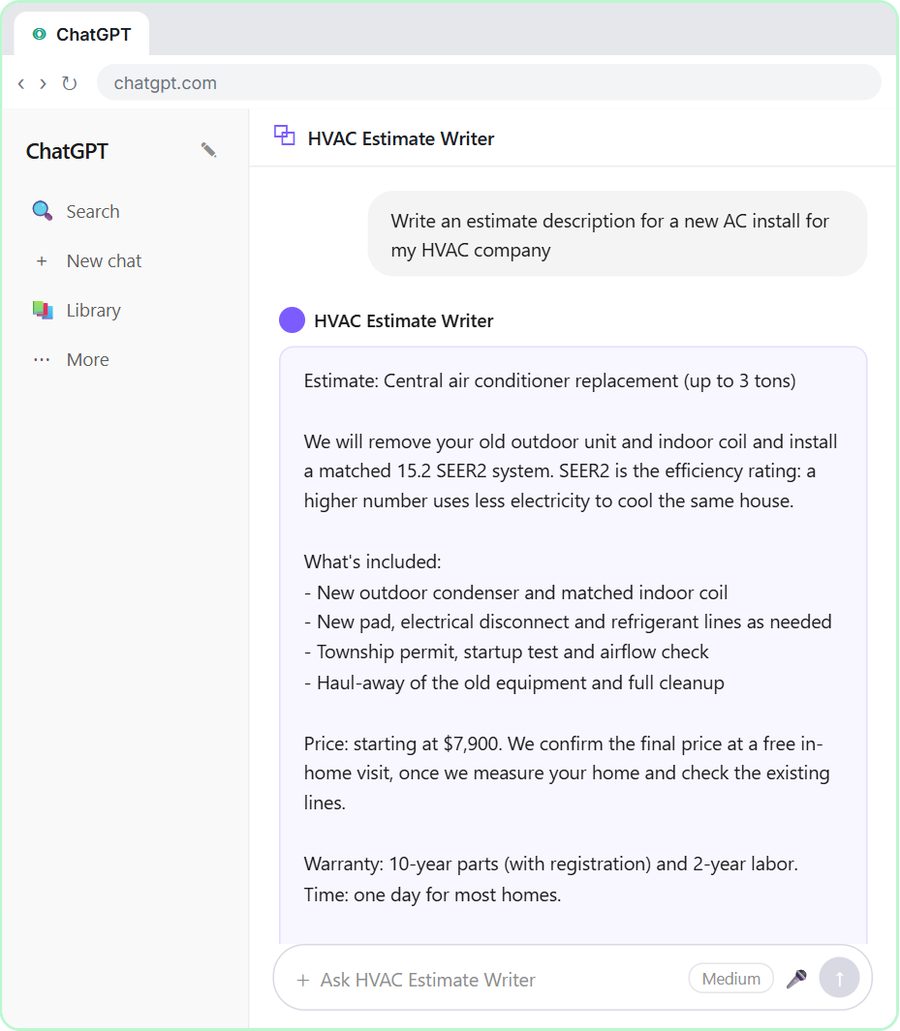 Build an AI Estimate Writer for Your HVAC Company
Build a Custom GPT that turns tech notes into clear HVAC estimates from your own price list. A free, step-by-step ChatGPT lesson for HVAC company owners.
Free · Live
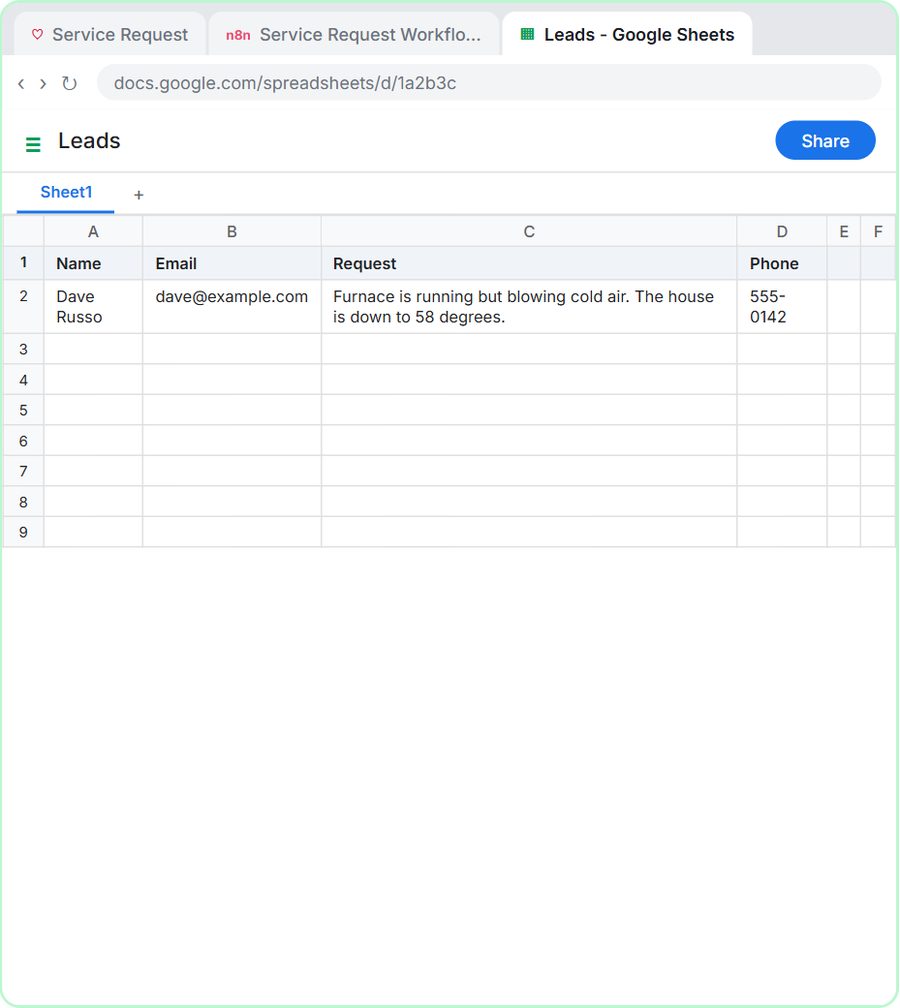 Build an AI Service Request Form for Your HVAC Company
Build an HVAC service request form that sorts each job into repair, maintenance, install or emergency, logs the lead and emails a reply. Free, step by step.
Free · Live