Build an AI Job Follow-Up Agent for Electricians
An electrical job is not really done when the crew leaves. There is an inspection to schedule, a new breaker to explain and a customer who will need you again. In this free lesson you build an AI agent in n8n for Oak & Wire Electric that writes a follow-up for each finished job and tracks the next step in Google Sheets.
What you will build
An AI agent you talk to in a chat window. You paste the week's finished jobs: Dana, 200-amp panel upgrade. Marcus, Level 2 EV charger. Priya, whole-home surge protector. The agent writes a message for each one and a next step for the office.
Dana's email says her panel is installed and labeled and that the township inspection is the last step, with the next step to confirm the date once it is scheduled. Marcus gets a text saying his charger is on its own 240-volt circuit and to check the breaker labeled EV Charger if it ever stops charging, with a check-in planned after two weeks. Priya's email explains the indicator light on her surge protector, and the next step flags GFCI/AFCI updates for the next visit. When you say 'save those', the agent writes each one to a sheet called Job Follow-Ups with Customer, Job Completed, Follow-Up Message, Next Step and Send Via columns.
Who this is for
Owners and office managers at small electrical contractors, residential or light commercial, who lose track of open inspections and never get around to checking in after an install. It builds on the electrical bid writer lesson, but you can start here.
Step by step: what you do
- Get n8n: walk through signing up at n8n.io.
- API key: add a small credit balance at OpenAI, create a secret key named n8n agent and copy it.
- New workflow and chat trigger: create a workflow and add On chat message.
- AI Agent and system prompt: add the AI Agent and paste the Oak & Wire system message.
- Chat model: add the OpenAI Chat Model, save the key as a credential and pick gpt-5-mini.
- Memory: add Simple Memory so follow-up requests make sense.
- Sheets tool: add the Google Sheets Tool, create the Job Follow-Ups sheet and its five headers, sign in with Google, choose Append Row, pick the sheet and map the columns.
- Test the agent: send the week's jobs, then ask it to save the follow-ups.
What the system prompt tells the agent
It describes Oak & Wire's real services: panel upgrades, EV chargers, surge protection, GFCI/AFCI updates, lighting retrofits and troubleshooting. It says the customers are homeowners and small business owners, and the tone should be that of the electrician who did the work. Each message thanks the customer, confirms what was done, mentions anything they should know, such as when the inspection is scheduled or how to reset a GFCI, and invites questions. Most important for an electrical company: never invent prices, dates or inspection results. The agent only uses details you give it.
Why it works
The Next Step column turns follow-ups into a to-do list. Open inspections, two-week check-ins and future upgrade opportunities are all in one place instead of in someone's head. The Google Sheets tool is what lets the agent act instead of just chat, and Simple Memory lets you say 'save those' without repeating the list.
Why electrical jobs need a different kind of follow-up
An HVAC or plumbing follow-up is mostly a thank-you and a care tip. An electrical job often has loose ends after the crew leaves. A panel upgrade is not finished until the township inspection passes. A new EV charger raises the question of what to do when it stops charging, and the answer is usually a tripped breaker, not a service call. A surge protector has an indicator light the customer should know about.
That is why this agent returns a Next Step for every job, not just a message. It tells the office what still needs doing: confirm the inspection date, check in after two weeks, raise GFCI/AFCI updates at the next visit. The Send Via column lets the agent match the channel to the job, with a quick text for a charger that is ready to use and an email for a panel upgrade with an inspection still pending. Because the system prompt forbids made-up dates and results, the message about the inspection says you will be in touch once it is on the calendar, rather than guessing.
How to use this in your electrical business
Swap in your services and your safety tips. On Friday, paste in the week's closed jobs and let the agent draft the batch. Panel upgrades get a reminder about the inspection. EV charger customers get the breaker tip that saves you a service call. Commercial customers can get email while homeowners get text. The sheet becomes the list you work from when you call back about inspections and future work.
Frequently asked questions
- Can the agent make up an inspection date?
- It is told not to. The system prompt says never invent prices, dates or inspection results and only use details the user gives it.
- What do I need to build this for real?
- Your own n8n account, an OpenAI API key with some credit (the lesson suggests ten dollars, charged per request) and a Google account. Stepthrough itself is free. Check each tool's current pricing.
- Is this an n8n tutorial for beginners?
- Yes. It is 69 short steps, about 12 minutes, and every long prompt is pasted for you.
- How does the interactive lesson work?
- Each step is shown to you first on the left (Watch). Then you do it yourself in a practice copy on the right (Your turn), and every click is checked. If you get stuck, press Do it for me. It is a practice copy, so no real accounts are touched.
- Does it send the messages?
- No. It writes them, picks text or email, and saves them to Google Sheets for you to review and send.
More in AI Automation for Electricians
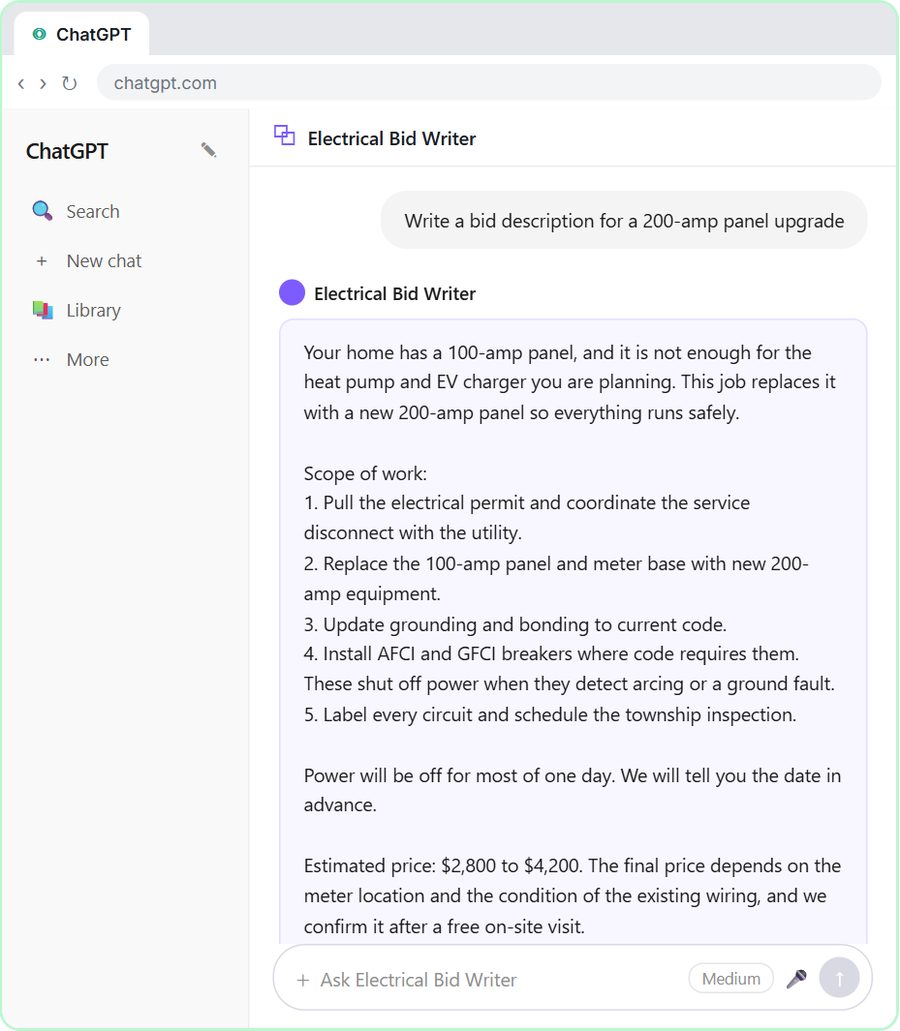 ChatGPT for Electricians: Build an Electrical Bid Writer
Build a Custom GPT that writes electrical bids with your scope, permit steps and price ranges. A free, step-by-step ChatGPT lesson for electricians.
Free · Live
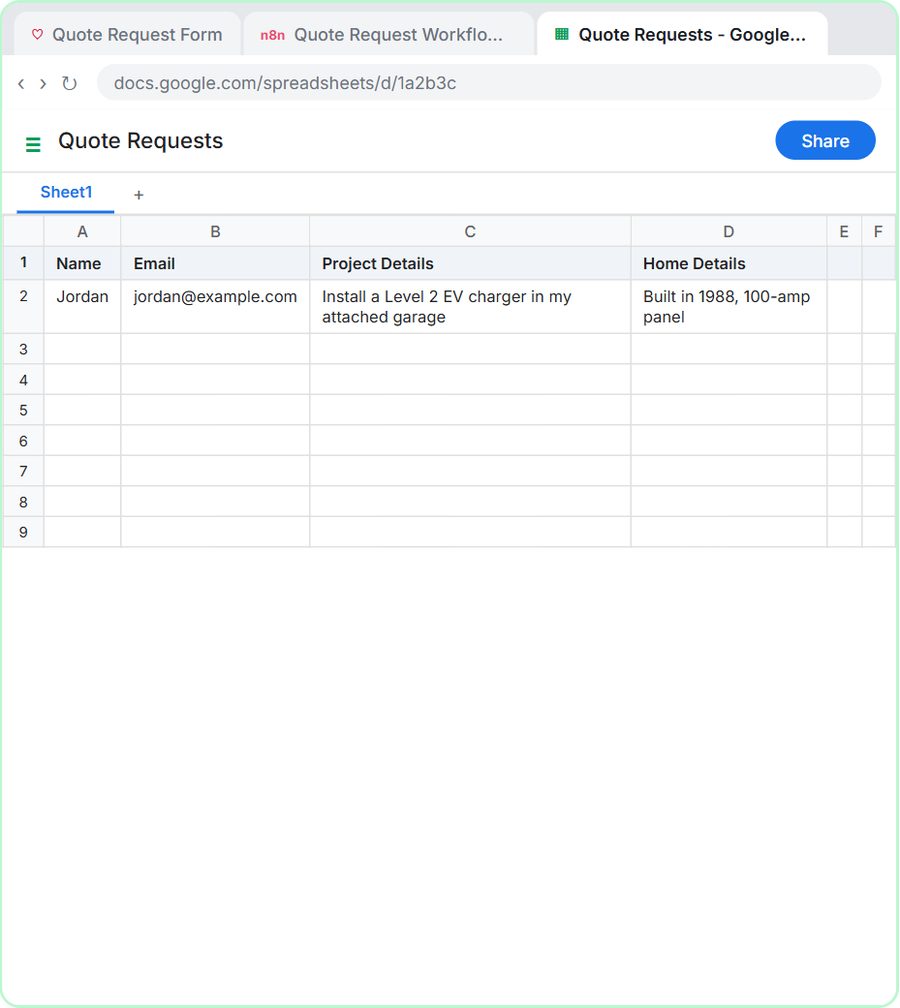 Build an AI Quote Request Form for Electrical Contractors
Build a quote request form that logs each electrical job and emails the customer an initial estimate range within minutes. Free, step by step, no coding.
Free · Live