What is a web form?
Updated · By Robert Breen
A web form is a set of fields on a web page, like name, email and a message box, that a visitor fills in and submits. On submit, the page sends the answers somewhere: an inbox, a database or an automation's webhook.
Why it matters for a small business
For most small businesses, the web form is the front door for new work: quote requests, service calls, demo bookings, signups. A good form asks only what you need to act on, and gets each submission somewhere it can't be forgotten.
Forms also shape the data you get. A free-text box gives rich but messy answers; a required "Team size" field gives you something you can sort on. Validation (required fields, a real email format) stops half-empty submissions before they reach you. And the confirmation message is customer service too: it tells the person what happens next.
In a real lesson: Build an AI Demo Request Form That Qualifies Leads
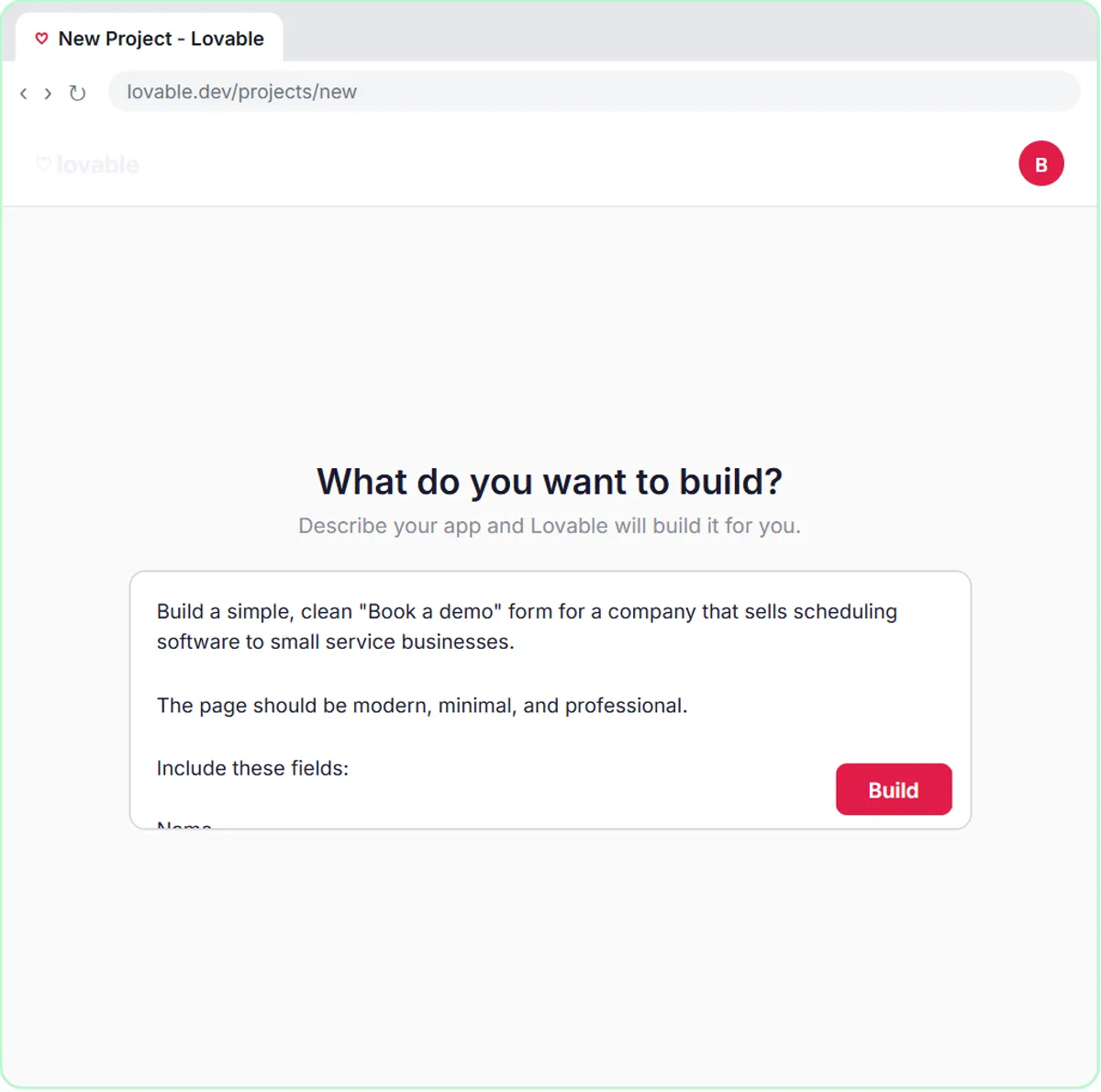
The demo request form lesson builds a "Book a Demo" form for Northwind Scheduling Software, a made-up company. The Lovable prompt lists four fields: Name, Email, "What do you need help with?" and Team size, under the line "Tell us about your team and we'll email you the next step." Under VALIDATION, all four are required and the email format is checked.
The prompt also spells out what the visitor sees at each stage: "Sending..." while it submits, "Request received! Check your email for your next step." on success, and a friendly error if the request fails. Each submission goes to n8n as JSON with the keys name, email, need and teamSize.
The team size field earns its place: the agent's System Message uses it to rate the lead. Five or more staff and switching within a month is Hot, a clear need with no timeline is Warm, and just looking is Nurture.
Try this lesson free or read the step-by-step guide.
Common confusions
Lovable form vs n8n form
n8n has its own form trigger, used in the templates lesson for Hillside Pet Grooming's bookings. It's quick but plain. A Lovable form is a full page you design, which then sends its data to n8n through a webhook.
Web form vs web app
A form is one feature. A web app can have many screens, logins and saved data. A one-form Lovable project is a very small web app.
Tips
- Ask only for fields you'll use. Every extra field loses some visitors.
- Include at least one field you can act on, like team size or service address, not just a free-text box.
- Write the error message for real life: "Please call us instead" beats a dead end.
Related terms
Where you use it: free lessons
- Build an AI Demo Request Form That Qualifies Leads (Lovable and n8n, 15 min)
- Lovable + n8n: Build a Web App with an AI Backend (Lovable and n8n, 15 min)
- Find and Use n8n Templates (n8n, 9 min)
Prompt templates that use it
Frequently asked questions
- What should a small business contact form ask for?
- Name, email and the one or two details you need to respond well, like the service needed or the address. Make only the essentials required.
- Where does web form data go?
- Wherever the form sends it. In the lessons, each submission goes to an n8n webhook, which saves it to Google Sheets and emails the person.
- How do I stop fake or empty form submissions?
- Required fields and email format checks catch honest mistakes. For spam, add protection such as a CAPTCHA or checks in the backend.