What is an HTTP status code?
Updated · By Robert Breen
An HTTP status code is the three-digit number a server sends back with every web response to say how the request went: 2xx means success, 4xx means something was wrong with the request, and 5xx means the server or workflow failed.
Why it matters for a small business
When one app calls another (a form posting to a webhook, n8n calling an API), the status code is how the caller knows what happened. Your form decides whether to show "Thanks" or "Something went wrong" based on it. When an automation fails, the code is often the fastest clue to why.
A handful of codes cover most small-business debugging: 200 (OK), 401 or 403 (not allowed, often a bad key or expired credential), 404 (nothing at that address, often a webhook that isn't listening), 429 (too many requests, a rate limit) and 500 (the server, or your workflow, hit an error).
In a real lesson: Build an AI Quote Request Form for Electrical Contractors
In the quote request form lesson for Oak & Wire Electric, a made-up contractor, the Lovable prompt says that if the webhook request fails, the form shows "Something went wrong. Please try again." That rule depends on status codes: the form treats a success code as success and anything else as failure.
On the n8n side, the Webhook node's Respond setting decides when the code is sent. You change it to Using 'Respond to Webhook' Node, so n8n waits while the AI Agent saves the request to Google Sheets and emails the customer an initial estimate note. The Respond to Webhook node at the end sends the success response. If the agent fails first, the form gets an error code instead of a false "Thanks! Your quote request has been received."
The other everyday failure is a 404: the form is posting to the test URL, or the workflow isn't published, so nothing is listening at that address.
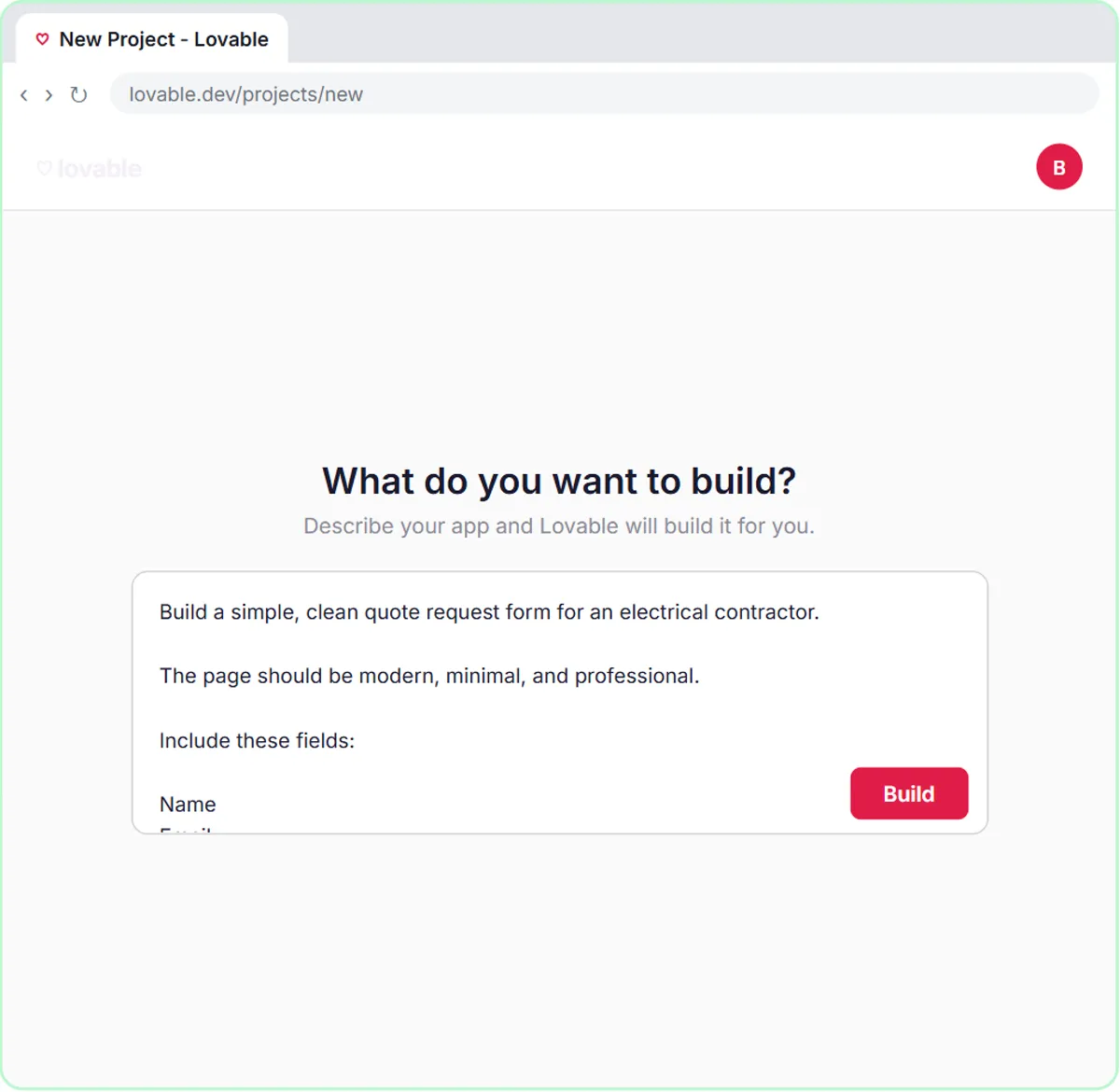
Try this lesson free or read the step-by-step guide.
Common confusions
Status code vs response body
The code is the short verdict (200, 404). The body is the content that comes with it, like JSON data or an error message. Read both when debugging.
200 vs "the work is done"
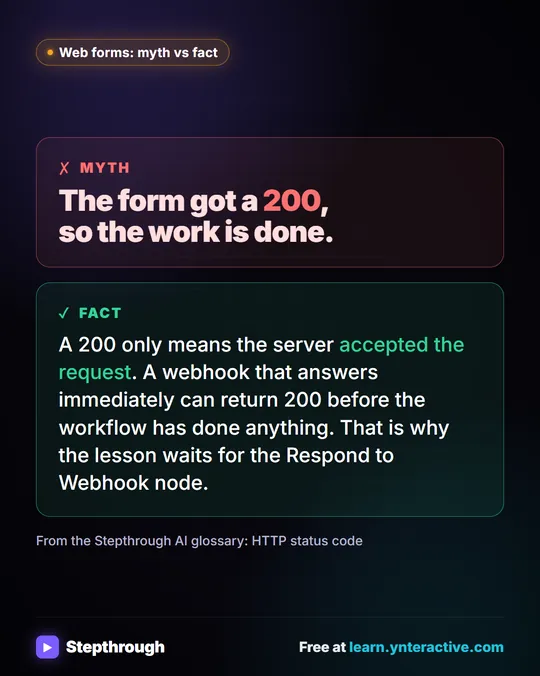
A 200 only means the server accepted the request. A webhook that answers immediately can return 200 before the workflow has done anything, which is why the lesson waits for the Respond to Webhook node.
Tips
- In n8n, a failed HTTP Request node usually shows the code in its error; read it before changing anything.
- Getting 401 or 403 on something that used to work? Check whether a key was revoked or a credential needs reconnecting.
- The Respond to Webhook node can return a specific response code if the calling app needs one.
Related terms
Where you use it: free lessons
- Build an AI Quote Request Form for Electrical Contractors (Lovable and n8n, 15 min)
- Lovable + n8n: Build a Web App with an AI Backend (Lovable and n8n, 15 min)
Visual guide
HTTP status code in a few slides, with the same guide written out as text.
Frequently asked questions
- What does a 404 from an n8n webhook mean?
- Nothing is listening at that URL. Usually the app is using the test URL, or the workflow isn't published. Publish it and use the production URL.
- What does a 500 error mean for a workflow?
- Something failed on the server side. For an n8n webhook, open the workflow's executions to see which node failed and why.
- Do I need to memorize status codes?
- No. Know the first digit: 2 is success, 4 is a problem with the request, and 5 is a problem on the server.