Build a Custom GPT Social Media Assistant
Most people type one line into ChatGPT, get a generic post full of emojis, and decide AI is not that useful. In this free Custom GPT tutorial you see why that happens, then build a Social Media Assistant that knows your brand voice, follows your writing rules and reads your brand guide. Same prompt, very different result.
What you will build
You will build a Custom GPT called Social Media Assistant for Ynteractive, a small digital marketing agency in Lancaster, PA. A Custom GPT is your own version of ChatGPT with instructions and knowledge built in, so you do not have to explain who you are every time you open a chat.
The lesson starts with a before-and-after test. First you ask plain ChatGPT to "Write a social media post for my digital marketing agency." What comes back is the kind of post everyone has seen: emojis in every line, a dozen hashtags, words like elevate and crush, and a blank where the agency name should be. Then you build the GPT and send it the exact same prompt, word for word. The only thing that changes is the context the GPT has, and the post that comes back leads with a real result, tells a short story and ends with one call to action.
Who this Custom GPT tutorial is for
This module is for business owners, marketers and office staff who already use ChatGPT a little and feel the answers are bland. You do not need to know how to code, and you do not need a ChatGPT account to practice. If you write posts, emails or ads for a business and you are tired of rewriting what AI gives you, this is the right first step.
It is also the first module in the AI Automation for Beginners section, so it sets up ideas you will use again: give the AI a role, give it rules, and give it reference material.
Step by step: what you do
The module has 16 steps across six short chapters. Each one mirrors a real screen in ChatGPT.
- Ask ChatGPT: click the message box, paste the bare prompt about a social media post for a digital marketing agency, and send it. Read the generic answer.
- Explore GPTs: open More in the sidebar, choose GPTs, and click Create to open the GPT builder.
- Name your GPT: type Social Media Assistant into the Name field.
- Add instructions: paste a full set of brand rules. They cover voice and tone, banned words (synergy, leverage, disrupt, hustle and more), no emojis, at most two hashtags, a post structure that leads with a number, a 150-word limit, and the services the agency really offers.
- Upload knowledge: click Upload files, open Google Drive, preview the Ynteractive-Brand-Voice.pdf guide, and click Select to attach it.
- Test your GPT: click the preview message box, paste the same prompt as before, send it, and compare the two answers.
Why a Custom GPT writes better posts
ChatGPT is not bad at writing. It just has nothing to go on. With a one-line prompt it has to guess your business, your audience and your tone, so it falls back on the most average marketing post it can produce. A Custom GPT fixes that by giving it three things every time: a role (you write for this agency), rules (how to sound, what to avoid, how long to be) and knowledge (a document it can check).
The instructions do most of the work. Rules like "lead with the most interesting number" and "never promise guaranteed results" are specific enough that the model can follow them. The brand voice PDF adds examples and a sample post, so the GPT can copy a style instead of inventing one. That is why the second post reads like it came from a real six-person agency and not a template.
How to use this in your business
Swap in your own business. Write down how you want to sound, the words you never use, the services you actually sell and a few posts you were proud of. Put the rules in the Instructions box and the examples in a document you upload as knowledge. Then share the GPT with anyone on your team who writes posts, so everyone starts from the same voice.
The same pattern works well beyond social media. A GPT with your price list can draft quotes. A GPT with your FAQ can draft customer replies. Once you see how much a few clear rules change the output, you will start noticing every place you retype the same background information into ChatGPT.
How the interactive lesson works
Every step is shown first on the left, in the Watch panel, with a short voice-over. Then you do it yourself on the right, in Your turn, on a practice copy of ChatGPT. Each click is checked, so you know right away if you picked the right button. If you get stuck, press Do it for me and the step is done for you. Nothing touches a real account, so you can make mistakes freely, then go build it for real.
Frequently asked questions
- What is a Custom GPT?
- A Custom GPT is a version of ChatGPT you set up with your own name, instructions and uploaded files. It follows those instructions in every chat, so you do not have to repeat your background each time.
- Do I need a paid ChatGPT plan to make a Custom GPT?
- Not to practice here, because the lesson uses a practice copy. To build one in real ChatGPT, check OpenAI's current plans, since which plans can create GPTs has changed over time.
- Is this course really free?
- Yes. Stepthrough is completely free, and the practice copy needs no accounts. To build it for real you need your own ChatGPT accounts, and some of those cost money once you use them for real work.
- What should I put in the Instructions box?
- Your role, your tone, words to avoid, how posts should be structured, length limits and the services you really offer. Specific rules work far better than general ones like "be professional."
- Are Custom GPTs going away?
- OpenAI is moving toward ChatGPT Skills. The core idea you learn here, giving the AI instructions and reference material, carries straight over. A Brand Voice Skill module is coming soon in the Prompt Writing section.
More in AI Automation for Beginners
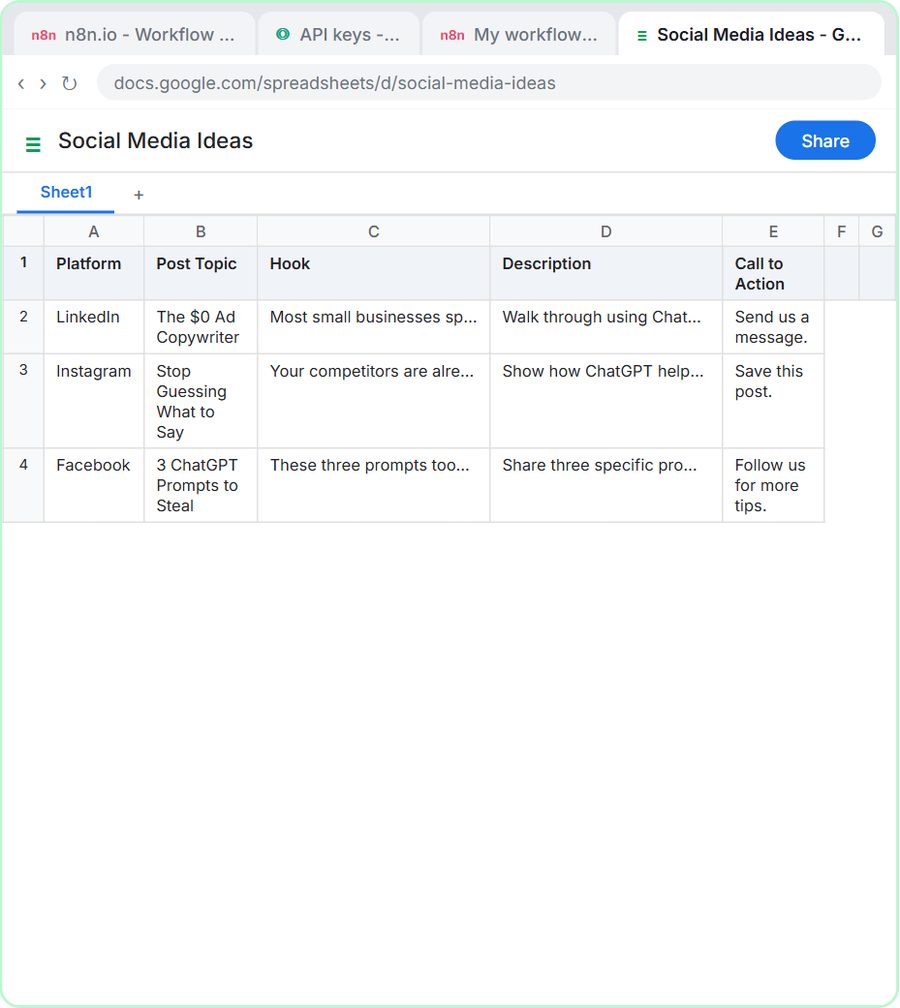 n8n AI Agent Tutorial: Save Social Media Ideas to Google Sheets
Build your first n8n AI agent: chat trigger, system prompt, OpenAI model, memory and a Google Sheets tool that saves post ideas. Free and step by step.
Free · Live
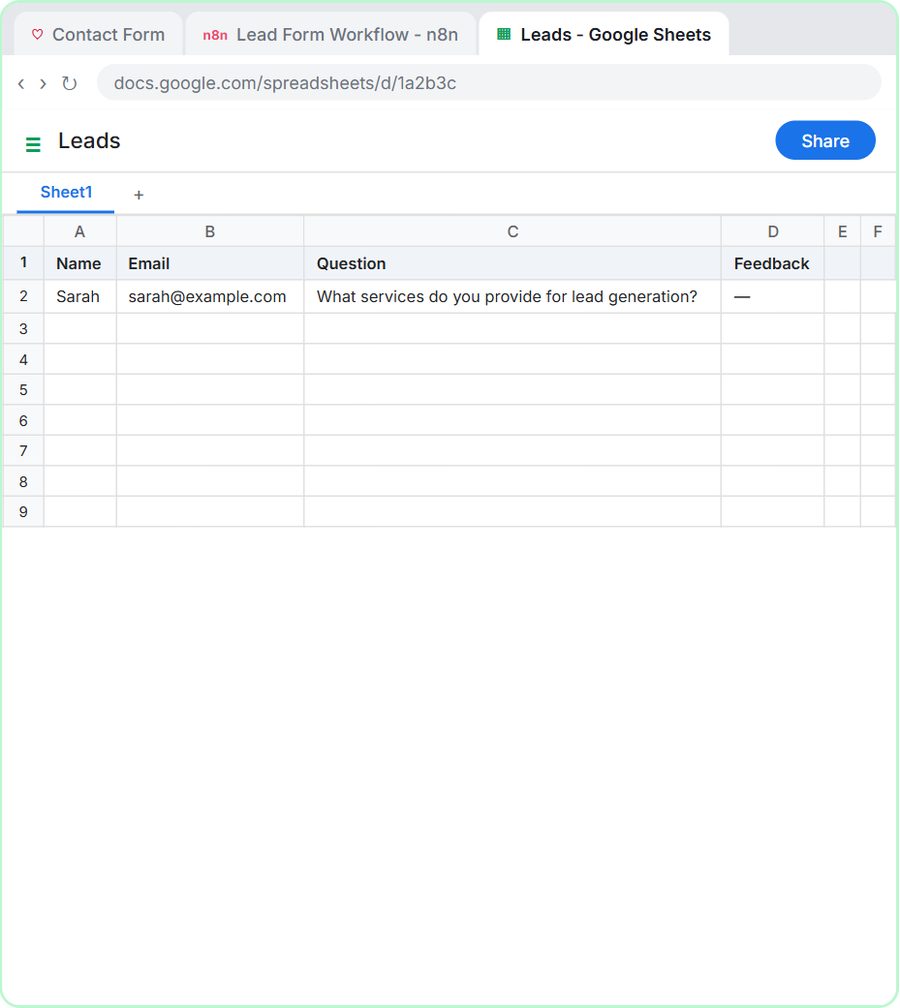 Lovable + n8n: Build a Web App with an AI Backend
Build a contact form in Lovable and connect it to an n8n webhook, AI agent, Google Sheets and Gmail. A free, interactive, no-code step by step tutorial.
Free · Live