Updated . Built against the tool’s current screens and checked step by step. How we check this lesson
The problem: the weekly operations review keeps raising the same late deliveries, shortages and backlogs, because it ends with "let's keep an eye on it" and nobody writes down who does what by when. And a vendor's "should be back next week" quietly becomes "back next week" by the time it reaches customers. In this free, interactive lesson you hand the meeting transcript to ChatGPT with one clear request and get back a summary, the decisions, the next steps with owners and dates, the open questions and the risks to watch, with every vendor date that isn't in writing marked Not confirmed. Then you send the team a recap before lunch.
At a glance
| Question | Answer |
|---|---|
| What you build | Turn a weekly operations and vendor review into the decisions, the next steps with owners and dates, the risks to watch and a team recap, without turning a vendor's "should" into a promise. |
| Tools | ChatGPT |
| Time | About 7 minutes, 17 steps in 4 parts |
| Level | Beginner, no coding needed |
| Cost | Free |
| Ways to learn it | Practice it step by step |
The 4 parts, in short
- Copy the transcript: Open the Edit menu, Select all, Open the Edit menu again, Copy it.
- Ask for a summary: Switch to ChatGPT, Click the message box, Paste your request, Paste the transcript, and 1 more step.
- Check the details: Check the next steps, Click the message box, Fill in the gaps, Send it.
- Write the follow-up: Click the message box, Ask for the follow-up email, Send it, Copy the email.
Start here first: Summarize a Meeting Transcript with ChatGPT. This Operations version follows the same build with its own example business, Fairline Supply Co..
Part of: AI for Operations Teams (step 8 of 22). Next up: Check a Contract for Red Flags with Claude
The example: late freight, a box shortage and 140 returns
You're Imani, the operations manager at Fairline Supply Co., a made-up office-supply distributor, just out of the Monday ops and vendor review with Grace in purchasing, Carlos in the warehouse and Owen, who leads customer service.
The freight carrier delivered 8% of orders late against a 3% target, for the second week running, and complaints doubled. The packaging vendor is out of the medium box and its rep said it "should" be back next week, with nothing in writing. Returns are backed up at 140 items with one person out, and the carrier has announced a rate increase on November 1 with no numbers yet. The team decides to ship in the large box with extra fill for about 40 cents more an order, to tell customers "larger boxes for now" with no date, and to test a second carrier if the late deliveries don't improve.
What you need before you start
- A ChatGPT account. Free works; if your company has a business plan, use that for real vendor and customer details.
- A transcript or typed notes of the meeting. Google Meet, Zoom and Teams can save one on some plans.
- Your task tracker or shared sheet, so the next steps have somewhere to go.
- Nothing at all for the practice copy in this lesson: it needs no account.
Why a vendor's "should" stays "not confirmed"
Most customer-facing mistakes in operations start as a hopeful sentence in an internal meeting. A rep says stock "should" be back next week, the recap says "back next week", the customer team repeats it, and when the date slips it's your company that broke a promise, not the vendor. AI summaries make this worse, because they tidy up hedged language into clean statements. So the request tells ChatGPT to mark anything a vendor hasn't confirmed in writing as Not confirmed, and the email ask forbids giving any vendor date as fact.
The risks section does the rest of the work. Each risk gets the number behind it and what would make it worse (late deliveries if Wednesday's call brings no fix, the large box running short too), so next week's review starts from the same list instead of from memory.
Who this lesson is for
Operations managers, supply chain and purchasing leads, office managers and team leads who run a weekly review with vendors, warehouse or customer service. It works for any recurring internal meeting with owners, dates and risks. No AI experience needed.
Ways to use it after the lesson
- Save the five-part request and reuse it every week, then paste the next steps straight into your tracker.
- Start next week's review by pasting last week's table and asking which items are still open.
- Ask for a two-line customer-team update from the same chat, with only the confirmed facts.
- Swap part 5 for "vendor commitments and whether each is in writing" when the meeting is mostly about suppliers.
How the interactive lesson works
Each step plays first in the Watch panel with a short voice-over, then you do it yourself in Your turn on a practice copy of Google Docs and ChatGPT. Nothing touches a real account and no email is sent. The company, vendors, people and numbers are made up.
Try it yourself, free
Reading the steps is a start. Doing them is how it sticks. The interactive module walks you through every click in a practice copy of ChatGPT, checks each step, and never touches your real accounts.
Start “Run a Weekly Ops Review Where Every Task Has an Owner using ChatGPT”Step by step: Run a Weekly Ops Review Where Every Task Has an Owner using ChatGPT
All 17 steps of the interactive module, in order. In the module you watch each one, then do it yourself in a practice copy that checks your work.
1. Copy the transcript
- Open the Edit menu. This is the transcript Google Meet saved after the weekly ops and vendor review at Fairline Supply Co. Click Edit in the menu bar.
Here's the transcript of a weekly operations review. You're Imani, the operations manager at Fairline Supply, an office supply distributor, and this week it's late deliveries, a box shortage and a pile of returns. Let's copy the whole thing.
- Select all. Click Select all.
On a keyboard, that's Control A.
- Open the Edit menu again. The whole transcript is highlighted. Click Edit again.
The whole transcript is highlighted.
- Copy it. Click Copy.
That's Control C. The transcript is now on your clipboard.
2. Ask for a summary
- Switch to ChatGPT. Click the ChatGPT tab at the top.
Now switch over to ChatGPT.
- Click the message box. Click the message box.
Before you paste the transcript, tell ChatGPT what you want out of it. Otherwise you'll just get a vague recap.
- Paste your request. Paste in the request. It asks for five things: a short summary, the decisions, a next steps table with owner and due date, open questions, and the risks to watch.
Here's the request. It asks for five things: a three sentence summary, the decisions, a table of next steps with an owner and a due date, any open questions, and the risks to watch. The last lines matter most: if a vendor said something should happen but didn't confirm it in writing, mark it not confirmed, and write not stated when an owner or date is missing.
You're my operations assistant. I'm Imani, the operations manager at Fairline Supply Co. Below is the transcript of this morning's weekly ops and vendor review with Grace, Carlos and Owen. Give me:
1. A three-sentence summary
2. The decisions we made
3. The next steps as a table: task, owner, due date
4. Open questions
5. Risks to watch, with what would make each one worse
Only use what's in the transcript. If a vendor said something "should" happen but didn't confirm it in writing, mark it "Not confirmed". If an owner or date isn't said, write "Not stated".
- Paste the transcript. Now paste the transcript under the request. Paste in the transcript. (In real ChatGPT, press Shift+Enter for a new line first, then Ctrl+V. Plain Enter would send the message.)
In real ChatGPT, press Shift and Enter to start a new line first, because Enter on its own sends the message. Then Control V to paste.
00:00:02
Imani Brooks: Morning, everyone. Three things this week: deliveries, boxes and returns. Grace, start with deliveries?

00:00:09
Grace Liu: Northline Freight delivered eight percent of our orders late last week. Our target is three percent.

00:00:16
Imani Brooks: That's the second week in a row. I'll call their account manager by Wednesday. If it doesn't improve, we test a second carrier on the Midwest routes.

00:00:26
Owen Price: Customers are noticing. Late-delivery complaints doubled.

00:00:31
Grace Liu: Boxes next. Boxwell Packaging is out of our medium box. Their rep said it should be back in stock next week, but, um, nothing in writing.

00:00:41
Imani Brooks: Then it's not a date yet. Grace, get a written restock date from them by Tuesday.

00:00:47
Carlos Mendez: Meanwhile we can ship in the large box with extra fill. Costs about forty cents more per order.

00:00:54
Imani Brooks: Do it. Forty cents beats a missed shipment. Owen, customers will see bigger boxes, so draft a short notice for the customer team.

00:01:03
Owen Price: Sure. Can I say the medium box is back next week?

00:01:07
Imani Brooks: No. Say we're using larger boxes for now. No date until Boxwell confirms it.

00:01:13
Imani Brooks: Carlos, returns?

00:01:15
Carlos Mendez: A hundred and forty items waiting. One person is out this week, so it's slow. I'll get through them.

00:01:22
Imani Brooks: Okay. Last thing: Northline sent a note about a rate increase on November first. Does anyone know how much?

00:01:28
Grace Liu: Not yet. They said details are coming.

00:01:32
Imani Brooks: Then that's an open question. Thanks, everyone.
- Send it. Click Send.
Request on top, transcript below.
3. Check the details
- Check the next steps. Read the summary and the risks. Then click the next steps table: two due dates say Not stated.
A weekly review, boiled down to a summary, three decisions, four next steps, two open questions and four risks. Look at the box restock date: it says not confirmed, because the vendor only said should. Now check the next steps table. Two due dates say not stated: nobody said when the returns would be cleared or when the customer notice was due.
- Click the message box. You know the missing dates. Click the message box to tell ChatGPT.
You were in the meeting, so you can fill in the gaps.
- Fill in the gaps. Type the missing dates (or Paste in the dates): Carlos will clear the returns backlog by Friday, and Owen will send the customer notice draft by Tuesday noon.
Tell it the missing dates: Carlos will clear the returns by Friday, and Owen will send the customer notice draft by Tuesday noon.
- Send it. Click Send.
4. Write the follow-up
- Click the message box. Every action item has an owner and a date now. Click the message box.
Now every task has an owner and a date. Because ChatGPT still has the whole meeting in this chat, you don't need to paste anything again. Just ask for the next thing.
- Ask for the follow-up email. Paste in the request to ask for a short recap email to the team, with no vendor date given as confirmed.
Now the recap to the team. Ask for a short, direct email with the decisions, the next steps and the risks, and no vendor date given as confirmed.
Now write a short recap email from me to the team with the decisions, the next steps and the risks. Plain and direct, under 150 words. Don't give any vendor date as confirmed.
- Send it. Click Send.
- Copy the email. Read the email. Then click the Copy button. (In real ChatGPT the email comes in its own card, with the copy icon at its top right.)
There's your team recap: the decisions, who does what by when, and the risks. Notice the box restock date says not confirmed, so nobody passes a vendor's guess on to a customer. Read it once, change anything that doesn't sound like you, then click copy. In real ChatGPT the email shows up in its own card, and the copy icon is at the top right of that card.
Frequently asked questions
- Can ChatGPT write action items from an operations meeting?
- Yes. Paste the transcript under a request for a summary, decisions, next steps with owners and dates, open questions and risks. Tell it to write Not stated when an owner or date is missing, then fill those in yourself before you send the recap.
- How do I stop AI from turning a vendor's estimate into a promise?
- Say so in the request: anything a vendor said "should" happen but didn't confirm in writing gets marked Not confirmed. In the lesson the box restock date stays Not confirmed in the summary, the risks and the team email.
- What should a risks section in a meeting recap include?
- The risk, the number behind it, and what would make it worse. That turns a vague worry into something the next meeting can check.
- Is it safe to paste vendor details into ChatGPT?
- Follow your company's rules. Use a business plan if you have one, and leave out contract prices or terms you're not allowed to share.
- Is it free?
- Yes. Stepthrough is free and the practice copy needs no account. To do it for real you need your own ChatGPT account.
More in AI Automation for Operations
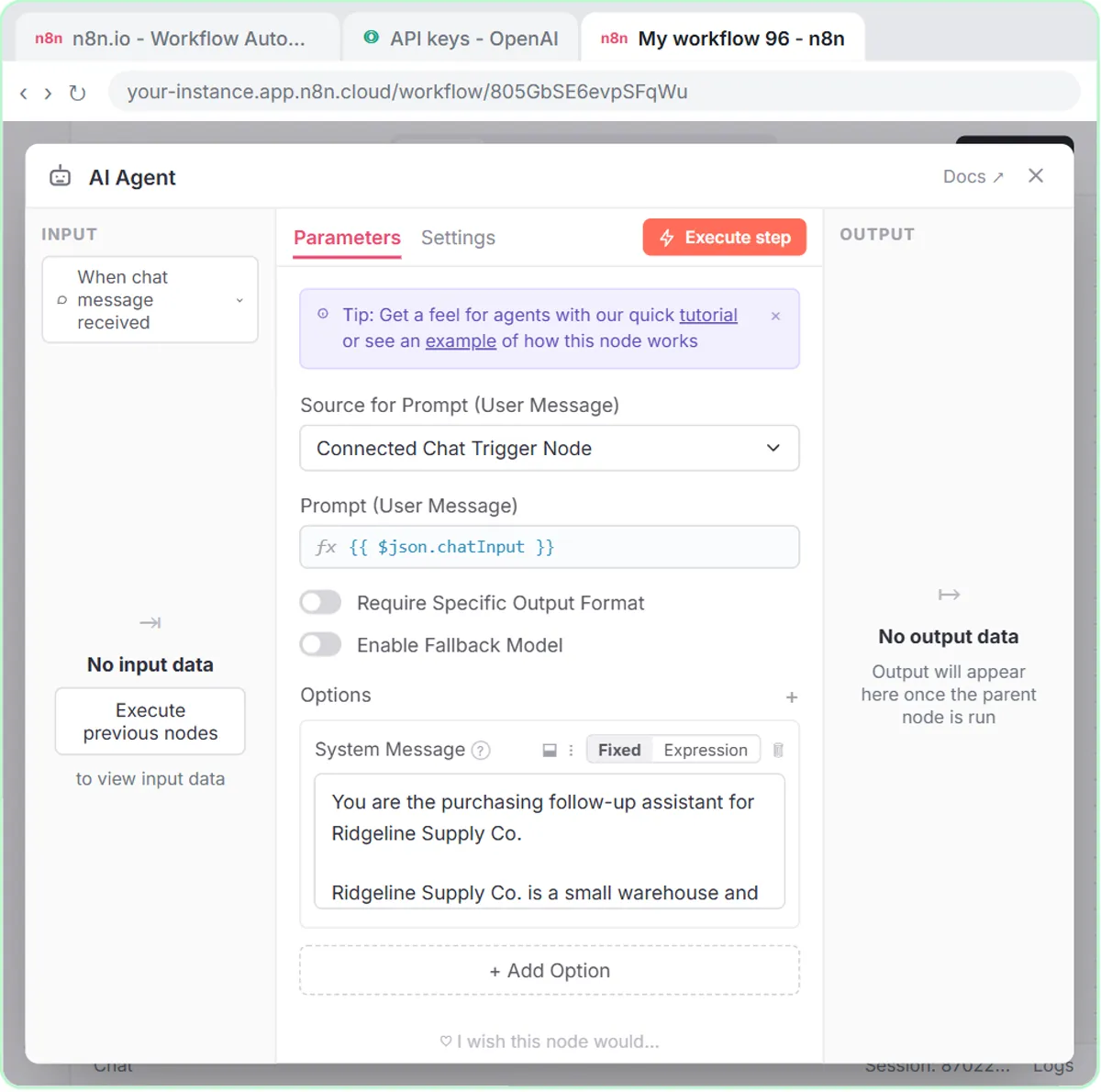 Build an AI Vendor Follow-Up Agent in n8n
Build an AI agent for Ridgeline Supply Co. that writes follow-up messages for late or pending purchase orders and saves them to Google Sheets — chat trigger, AI Agent…
Free · Live ~12 min Intermediate
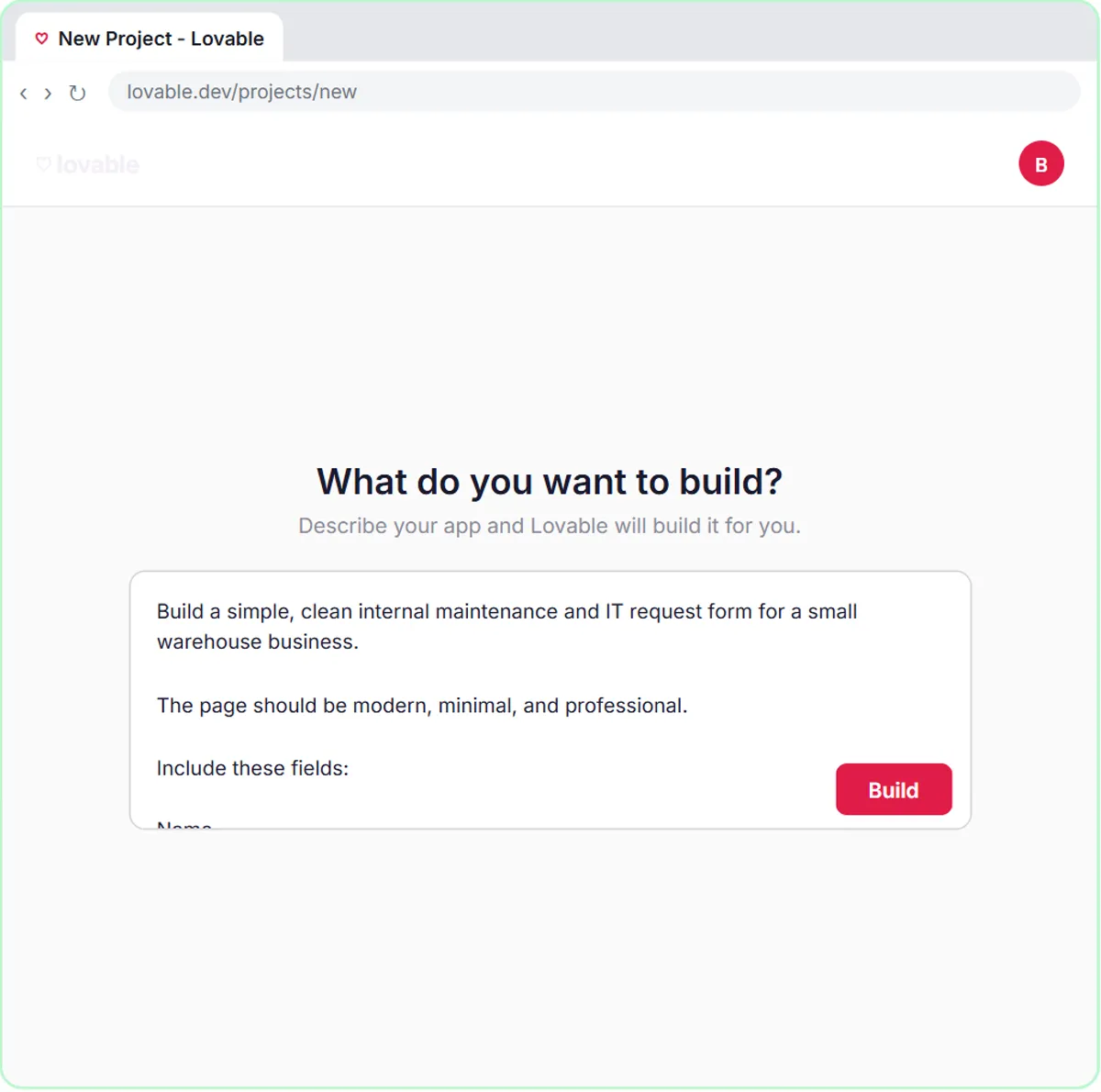 Build an AI Maintenance and IT Request Form
Build an internal maintenance and IT request form in Lovable for Ridgeline Supply Co. and connect it to n8n — the AI agent sets the priority, assigns a team, saves the…
Free · Live ~15 min Advanced
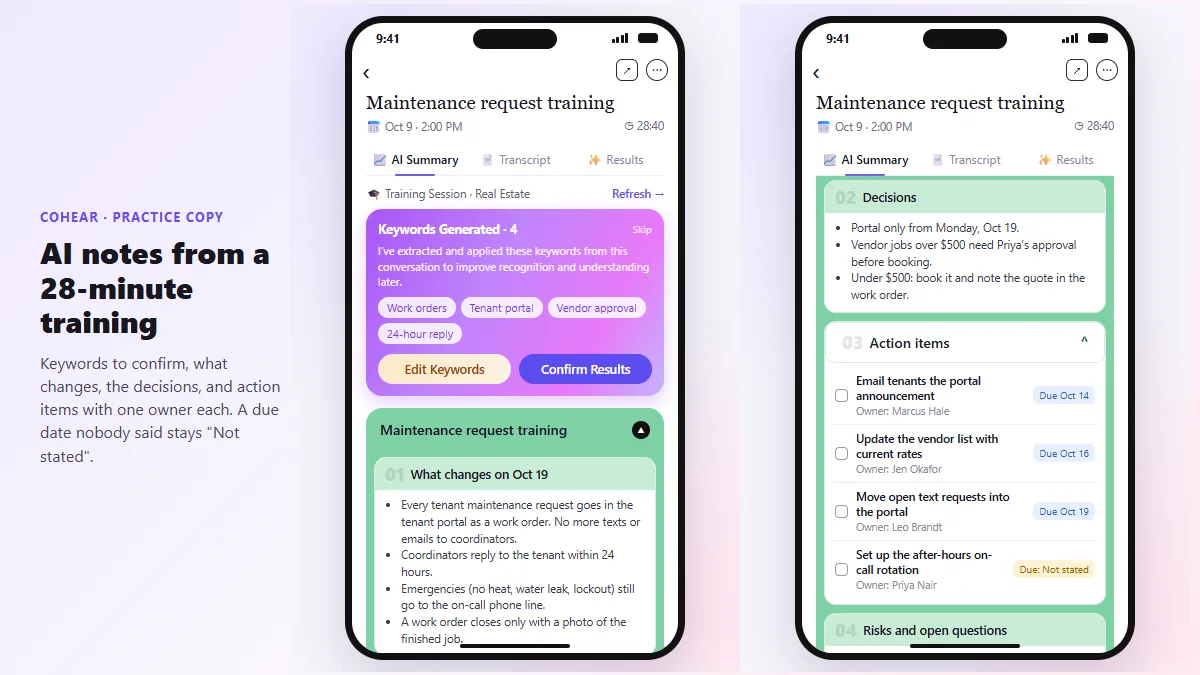 CoHear: AI Meeting Notes from a Team Training Session
Record a team training session on your iPhone with CoHear, check the AI notes and action items against the transcript, make a one-page handout and share it behind a…
Free · Live ~8 min Intermediate
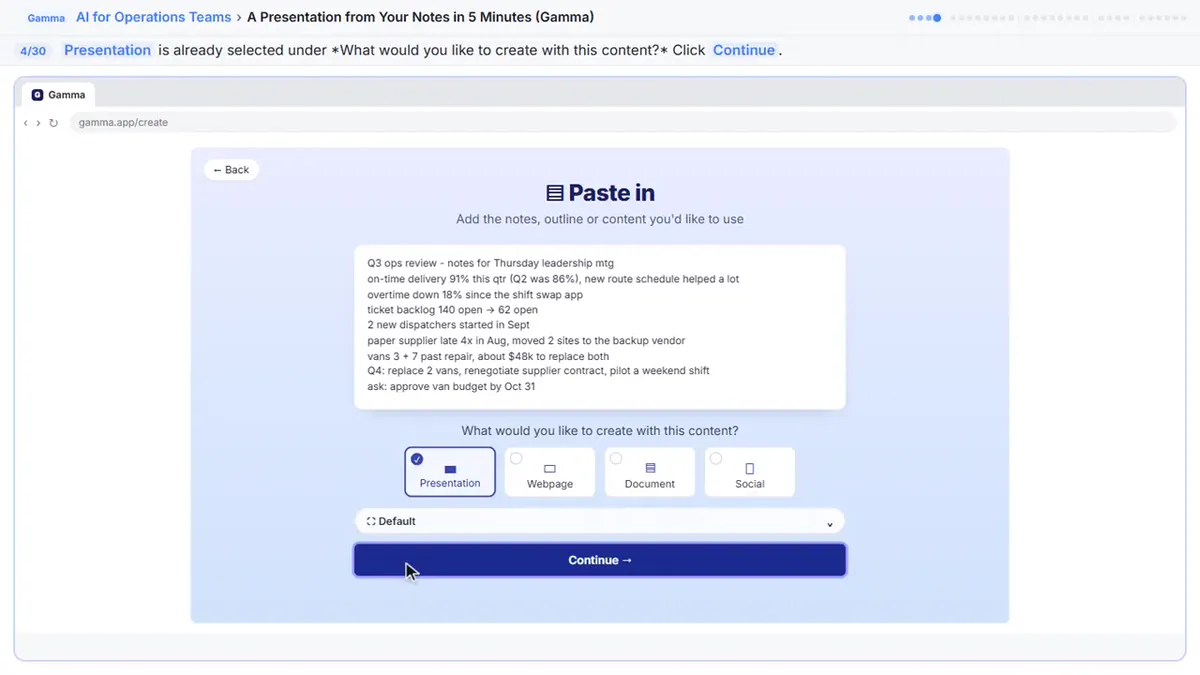 A Presentation from Your Notes in 5 Minutes (Gamma)
Paste rough meeting notes into Gamma, pick a theme, fix one slide by chatting with its AI, and export the deck to PowerPoint and PDF.
Free · Live ~9 min Intermediate
 Answer Employee Policy Questions Instantly Using Airia
HR answers the same time-off and benefits questions all day. Give Airia your handbook, build a no-code agent that answers from it, test it, then share it with your team.
Free · Live ~10 min Intermediate
◷Review a Client Contract in 10 Minutes using Foxit AISkimmed contracts hide auto-renewals, late fees and liability caps. Upload one to Foxit Workspace, get a plain-English summary and every renewal and exit date, check…
Free · Live ~10 min Beginner
All 9 modules in AI Automation for Operations
More ChatGPT tutorials
 Get On-Brand Social Posts Every Time using a ChatGPT Custom GPT
See why generic prompts give generic results, then build a Custom GPT loaded with your brand voice and watch the output transform.
Free · Live ~8 min Beginner
 Prompt Writing 101: Role, Context, Task, Format
Ask ChatGPT for the same customer email twice, once vaguely and once with a four-part prompt, and see exactly why structure gets a better answer.
Free · Live ~8 min Beginner
◷Send a Same-Day Follow-up After Every Discovery Call using ChatGPTTurn a discovery call transcript into the decisions, the next steps with owners and dates, deal notes for your CRM, and a follow-up email the prospect gets the same…
Free · Live ~7 min Beginner
◷Hold Your Price When a Prospect Asks for a Discount using ChatGPTA prospect wants 30% off and a free month to sign this week. Give ChatGPT the thread and your pricing rules, catch the discount you can't approve, and send a reply that…
Free · Live ~9 min Beginner
 Get Your Business Recommended by ChatGPT
Ask ChatGPT who it recommends in your town, see which pages it trusts, then use it to write an FAQ page and Business Profile copy that answer real customer questions.
Free · Live ~10 min Intermediate
 Reply Faster: Turn a Messy Customer Email Thread into a Clear, Friendly Reply
Turn a messy customer email thread into a clear, friendly reply: give ChatGPT the thread and your facts, check every promise, fix the tone, and send it from Gmail.
Free · Live ~9 min Beginner
Visual guides
This lesson’s key ideas as quick visual guides: swipe through the slides, or read the same guide as text.
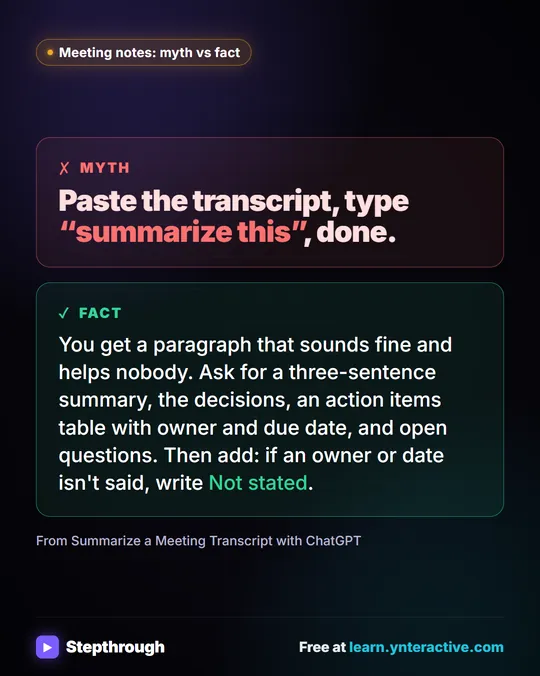 Meeting notes myth: “summarize this” is all ChatGPT needs
Myth: paste a transcript, type “summarize this”, done. Fact: ask for the decisions, an action items table with owners and dates, and open questions.
Myth vs fact One graphic
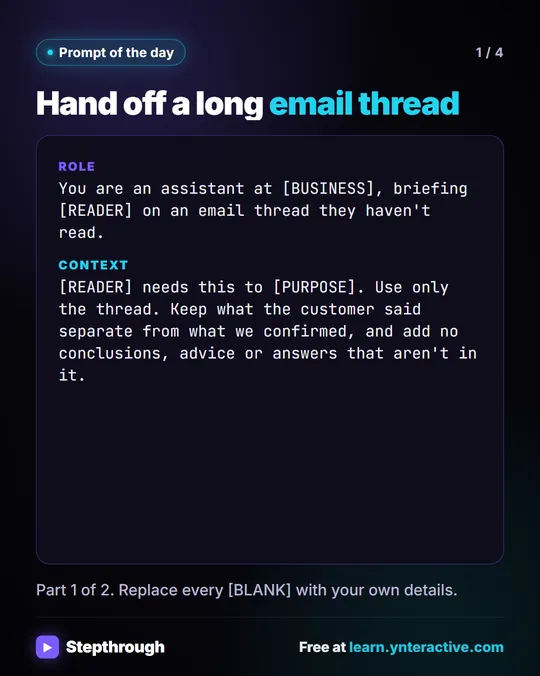 Prompt of the Day: Summarize an Email Thread for a Handoff
A visual prompt card: turn a long email thread into a short handoff with the situation, what was promised and each question marked Answered or Open.
Prompt to copy 4 slides
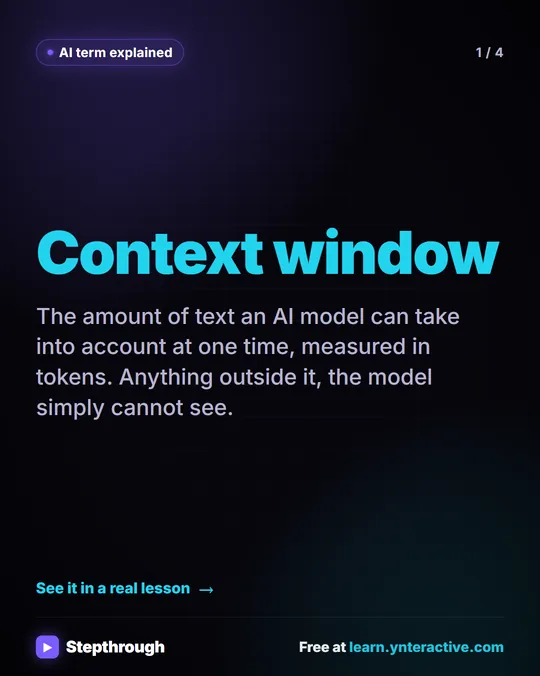 What Is a Context Window? A Visual Guide
A visual guide to the context window: how much text an AI model can see at once, shown with a real ChatGPT meeting summary lesson.
AI term explained 4 slides
Free cheat sheets
Print it or save the PDF: the key steps and checks from this lesson on one page, free.
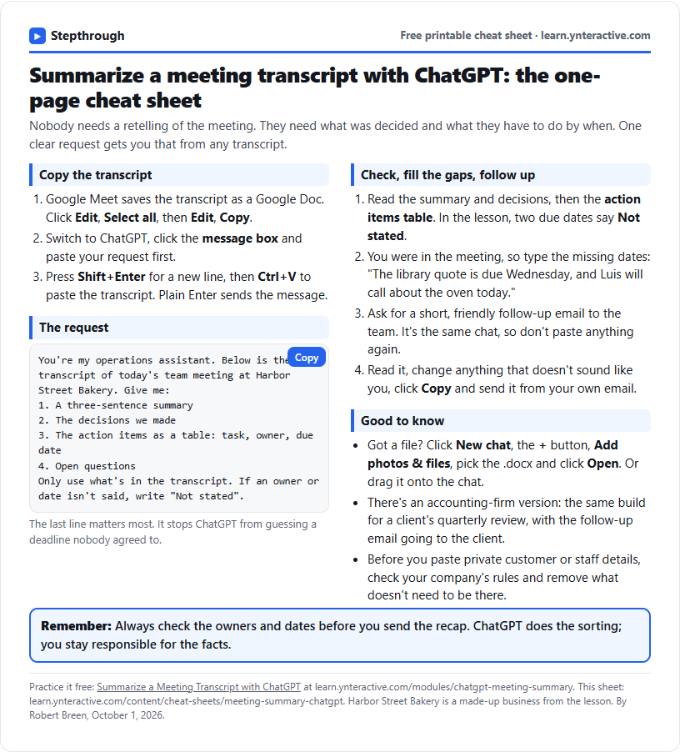 Summarize a Meeting with ChatGPT Cheat Sheet
A free one-page cheat sheet: turn a meeting transcript into decisions, an action items table with owners and dates, and a follow-up email.
Lesson cheat sheet Free PDF
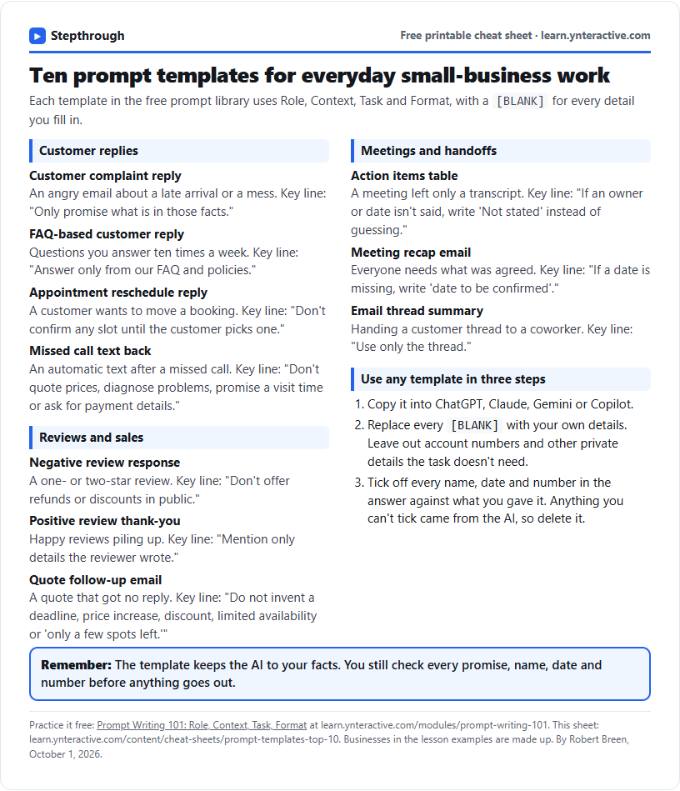 Top 10 Prompt Templates for Small Business: Cheat Sheet
A free one-page cheat sheet of ten copy-ready AI prompt templates: customer replies, reviews, quote follow-ups, meeting recaps and handoffs.
Topic cheat sheet Free PDF
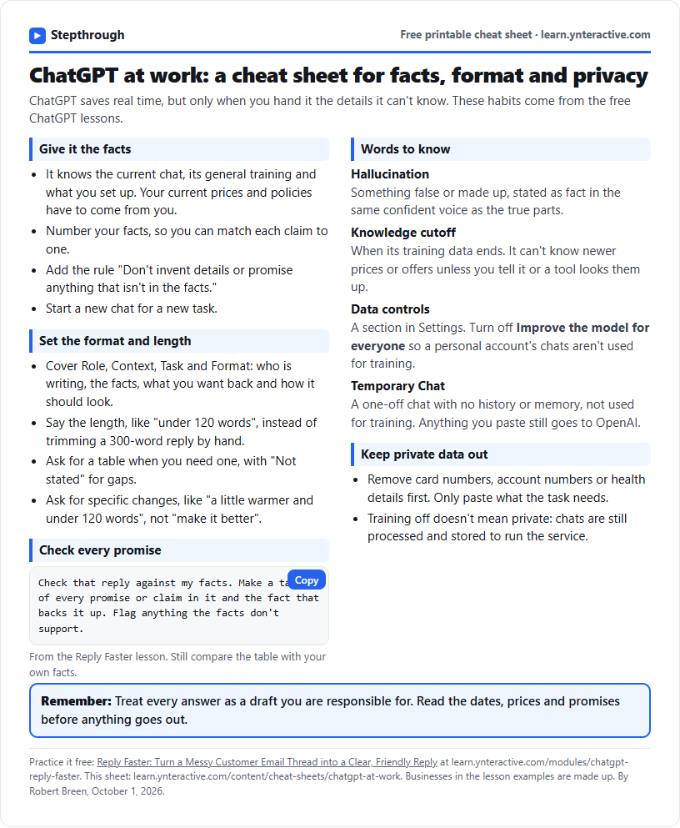 ChatGPT at Work Cheat Sheet: Facts, Format, Privacy
A free one-page cheat sheet for ChatGPT at work: give it facts, set the format and length, check every promise and keep private data out.
Tool cheat sheet Free PDF
All free printable cheat sheets
Terms in this lesson
Plain-English definitions, each with an example from a free lesson.
Related prompts
- Action items table prompt: Paste a meeting transcript or rough notes and get a table of every task, owner and due date, with "Not stated" wherever nobody…
- Feedback conversation script prompt: Plan a short, direct feedback talk with a teammate: the specific moment, why it mattered, a question to hear their side and one…
- Meeting agenda prompt: Turn a list of topics into a timed meeting agenda where every item has an owner, a question to settle and minutes that add up to…
- Performance review notes prompt: Turn a year of scattered manager notes into dated, factual examples for a performance review. A free ChatGPT prompt that keeps…