Updated . Built against the tool’s current screens and checked step by step. How we check this lesson
Long PDFs get skimmed, and the terms that cost small offices money are the ones nobody reads: the automatic renewal with a 90-day window, the late fee that compounds, the cap on what the other side owes you. In this free lesson you upload a four-page services agreement to Foxit Workspace, ask its AI for a plain-English summary, pull out every renewal and termination deadline, click a citation to check the answer against the contract itself, and finish with a one-page watch list you can hand to your boss. It is a first read, not legal advice.
At a glance
| Question | Answer |
|---|---|
| What you build | Skimmed contracts hide auto-renewals, late fees and liability caps. Upload one to Foxit Workspace, get a plain-English summary and every renewal and exit date, check them against the PDF, and hand your boss a one-page watch list. |
| Tools | Foxit |
| Time | About 10 minutes, 16 steps in 4 parts |
| Level | Beginner, no coding needed |
| Cost | Free |
| Ways to learn it | Practice it step by step |
The 4 parts, in short
- Set up the review: Create a project, Name the project, Add the contract, Create it.
- Get the plain-English version: Ask for a plain-English summary, Check one claim at its source, Compare with the PDF, then close.
- Pull out renewal and exit terms: Ask for every renewal and exit term, Open the full table, Verify the 90-day row, Close the preview.
- Hand your boss one page: Ask for a one-page handout, Open the handout, Accept the draft, Open the menu, and 1 more step.
Start here first: Build an AI Vendor Follow-Up Agent in n8n (module 1 of AI Automation for Operations)
Part of: AI for Law Firms (step 6 of 11). Next up: Claude: Compare Two Versions of a Document and See What Changed
Part of: AI for Operations Teams (step 10 of 22). Next up: Claude: Compare Two Versions of a Document and See What Changed
Part of: AI for Finance Teams (step 7 of 13). Next up: AI Agent vs Chatbot vs Automation: One Job Done Three Ways
Part of: AI Apps Worth Knowing (step 2 of 21). Next up: Plan a Week of Social Posts in One Sitting using SocialBee
The business case: what a skimmed contract costs
Picture the office manager of a 15-person company. A vendor sends a four-page services agreement on Monday and wants it signed by Friday. The owner is travelling, nobody has an hour to read every clause, so it gets a quick skim and a signature. That is how most small-business contracts are signed, and it is how the expensive sentences get through.
Three kinds of sentence cause most of the pain. An automatic renewal that needs notice 90 days before the term ends: miss the date and you are in for another year. A late-fee clause that compounds monthly. A liability cap that limits what the vendor owes you to three months of fees, however large the mistake. None of them is hidden. They are just buried in the middle of a page, in the part of the document a tired person scrolls past.
What changes: Foxit's AI reads the whole PDF in seconds, gives you a plain-English summary with the fees and the dates, and lists every renewal and termination term with the section number and the deadline. Each claim carries a citation icon that opens the contract at the exact sentence, so checking costs a click, not a reread. The whole review, including checking the answers, takes about ten minutes. You still decide whether to sign; you just decide knowing what is in it.
The example: Harborview's bookkeeping agreement
Harborview Facilities Group is a made-up company that looks after office buildings. Northgate Bookkeeping Partners, also made up, wants a 12-month agreement at $3,850 a month for bookkeeping, accounts payable, payroll journals and month-end close. You play Harborview's office manager.
The contract is four pages and has the clauses real ones have: an automatic renewal with a 90-day notice window, a 1.5% monthly late fee compounded monthly plus a flat $75 charge, a 50% early-exit fee, a liability cap of three months' fees and a signature block left blank. It is planted so you can check every answer.
Download the sample and follow along in your own Foxit account: [Sample-Services-Agreement.pdf](/content/files/foxit-contract-review/Sample-Services-Agreement.pdf). It is a plain PDF with made-up companies, so it is safe to upload anywhere.
Who this lesson is for
Office managers, operations coordinators, bookkeepers and small-firm owners who sign vendor, client and service agreements without a legal department. You don't need a legal background, and you don't need a Foxit account to practise here. It sits next to the lessons on [checking a contract for red flags with Claude](/content/check-a-contract-for-red-flags-with-claude) and presenting results with [Gamma](/content/gamma-presentation-from-notes).
What Foxit found, and how we checked it
In the real run (Foxit Workspace, 12 October 2026) every figure in the summary matched the PDF: the $3,850 monthly fee ($46,200 for the first year), the 1.5% monthly late fee plus $75 per invoice, the 6% maximum price increase with 120 days' notice, the 90-day non-renewal window, the 60-day exit notice with a fee of 50% of the monthly fee for each remaining month ($1,925 a month), and the three-month liability cap. The renewal-and-termination table listed seven terms with the correct sections: 2, 5 and 6.
The check that matters is the citation. Click the icon after the 90-day row and the contract opens at section 2 with the exact sentence highlighted. That is the habit to build: the AI points, you verify.
One thing worth knowing: the preview Foxit shows is a reflowed reading view of your PDF, with large text and no page layout. It does not have highlight or comment tools in Workspace, so this lesson does not use them; the one-page watch list is the hand-off instead.
What this saves you
The first read of a four-page agreement drops from an hour of squinting to about ten minutes, and the three expensive clauses (the renewal date, the early-exit fee and the late fee) end up on one page with their deadlines. Put the 90-day date in the calendar the day you sign; that single entry is worth more than the rest of the review.
Next business case: turn the watch list into calendar reminders for each deadline, and keep one project per client so you can ask "which of our contracts renew this quarter?" across the whole pile.
Signing it: eSign is a separate product
Reviewing and signing are two jobs. Foxit has a separate product, Foxit eSign, for sending a document for signature. It is not part of Foxit Workspace and it is not covered in this lesson, and we did not test it. If you use any e-signature tool, prepare the document and send it only to the people who should sign, after the review above.
Gotchas worth knowing
- It is a first read, not legal advice. For anything large, long or unusual, have a lawyer read it, and use the AI's list to ask better questions.
- Always click through at least the clauses that matter. Foxit's answers carry citations precisely so that you can check them; the 90-day row and the early-exit fee are the two to open every time.
- Credits are limited. A free account includes 300 AI credits a month. In the real run the summary used 64 and the renewal table used 29, and building the handout used more, so a long contract can use a good share of a month. Check your balance before you start. Paid plans add credits; this lesson did not need one.
- Check before you upload. Only upload contracts your company allows you to share with an AI service. When you first open Foxit Workspace, it asks you to accept an AI-use notice that says your content is processed by Microsoft Azure OpenAI; read it before you accept.
- Scanned PDFs may read less well than text-based ones. If a citation points at a garbled passage, open the original PDF and read that clause yourself.
What you need
- A Foxit account. Foxit Workspace has a free account with 300 AI credits a month. Open it at ai.foxit.com/workspace.
- The contract as a PDF, Word file or text file. The sample on this page works.
- A lawyer for anything large or unusual. The review helps you ask better questions; it doesn't replace legal advice.
Links
- Foxit Workspace (affiliate link): the AI document tool this lesson teaches. It has a free account with 300 AI credits a month.
Disclosure: links marked "affiliate link" are partner links. If you sign up through one, Stepthrough may earn a commission at no extra cost to you. The lesson is free either way and does not depend on it.
Try it yourself, free
Reading the steps is a start. Doing them is how it sticks. The interactive module walks you through every click in a practice copy of Foxit, checks each step, and never touches your real accounts.
Start “Review a Client Contract in 10 Minutes using Foxit AI”Step by step: Review a Client Contract in 10 Minutes using Foxit AI
All 16 steps of the interactive module, in order. In the module you watch each one, then do it yourself in a practice copy that checks your work.
1. Set up the review
- Create a project. You're the office manager at Harborview Facilities Group. Northgate Bookkeeping sent a four-page services agreement and wants it signed this week. On the Foxit Workspace home page, click Create Project.
You're the office manager at Harborview Facilities Group. A bookkeeping firm sent you a services agreement, and they want it signed this week. Nobody has time to read every line, and the lines you skip are the ones that cost money later. Let's have Foxit's AI read it with you. On the Foxit Workspace home page, click Create Project.
- Name the project. Type Northgate agreement review in Project Name.
Give the project a name you will recognise next month.
- Add the contract. Under Sources, click the box that says *Upload PDFs, Office documents, web pages, text files, or images* and choose Sample-Services-Agreement.pdf. It's the sample agreement you downloaded from this lesson's page.
Under Sources, click the upload box and pick the sample agreement, the PDF you downloaded from this lesson. Real contracts from your own office go in exactly the same way.
- Create it. The file is listed. Click OK. Foxit opens the project and reads the PDF, which takes a few seconds.
The file is listed. Foxit opens the project and reads the whole PDF, which takes a few seconds.
2. Get the plain-English version
- Ask for a plain-English summary. In the message box, ask: Summarize this contract in plain English for an office manager. List the fees, the term, and anything I should be careful about. Then press Enter.
Now ask for what you actually need: a plain-English summary, the fees, the term, and anything to be careful about. Notice that you tell it who you are, an office manager, so it doesn't answer like a lawyer.
- Check one claim at its source. Foxit answers in about 40 seconds. Don't trust it blindly: under Things to be careful about, find *Calendar the renewal dates now* and click the small Foxit icon at the end of that paragraph.
In about forty seconds, you have a summary. Now the habit that matters: check it. Find Calendar the renewal dates now, and click the small Foxit icon at the end of that paragraph. Every answer carries one of these citations.
- Compare with the PDF, then close. The contract opens beside the chat with the cited sentence highlighted in section 2: renewal is automatic unless someone gives notice at least 90 days before the term ends. That matches what Foxit said. Click ✕ to close the preview.
The contract opens next to the chat, with the exact sentence highlighted. Section 2: it renews automatically unless someone gives notice at least ninety days before the term ends. That matches what Foxit said, so you can trust that line. Close the preview.
3. Pull out renewal and exit terms
- Ask for every renewal and exit term. Type: Find every renewal and termination term. Give the section number and the deadline for each. and press Enter.
Next, the two things that trap small offices: how the contract renews, and how you get out. Ask for every renewal and termination term, with the section number and the deadline for each.
- Open the full table. Foxit returns a table of seven terms. Click Expand table to see every row.
You get a table with seven terms.
- Verify the 90-day row. Read the *Stop automatic renewal* row: 90 days before the term ends. Click the small Foxit icon at the end of that row to see the sentence in the contract.
Read the row for stopping the automatic renewal: ninety days before the term ends.
- Close the preview. Same sentence, same 90 days. Put the date in your calendar. Click ✕ to close the preview.
Same sentence, same ninety days. That is the date to put in your calendar. Close the preview.
4. Hand your boss one page
- Ask for a one-page handout. Type: Create a one-page Document called Contract Watch List with the key dates, fees and red flags from this contract, so I can hand it to my boss. and press Enter. Foxit takes about a minute to build it.
Your boss will not read a chat. So ask Foxit to turn it into one page: key dates, fees, and red flags. It takes about a minute to build.
- Open the handout. A card appears with a document called Contract Watch List. Click Open.
A card appears with a document called Contract Watch List.
- Accept the draft. The page is a draft until you accept it: Foxit shows Reject All, Accept All and View changes. Skim it, then click Accept All.
The page is a draft until you accept it. Skim it: key dates, the fees at a glance, and the red flags.
- Open the menu. Click the ⋯ menu at the top of the document.
- Download it. The menu offers *Version history*, *Open related chat*, *Export as*, Download, *Delete* and *Details*. Click Download to save the handout and hand it to your boss.
The menu has version history, export, and download. Before anything gets signed, a person still reads the contract. Foxit just made sure you read the right parts first.
Frequently asked questions
- How does the interactive lesson work?
- Each step is shown to you first on the left (Watch). Then you do it yourself in a practice copy on the right (Your turn), and every click is checked. If you get stuck, press Do it for me. It is a practice copy, so no real accounts are touched.
- Is this free?
- Stepthrough is completely free. Foxit Workspace has a free account with 300 AI credits a month; a long contract can use a good share of them, and paid plans add credits.
- Can I trust the summary?
- Treat it as a first read. Every answer carries citation icons that open your contract at the cited sentence, so you can check any claim in one click. For large or unusual contracts, have a lawyer read it.
- Does Foxit Workspace let me highlight or comment on the PDF?
- Not in the Workspace preview we tested: it is a reading view. The lesson ends with a one-page Contract Watch List that the AI builds, which you can download and share instead.
- Can I use this to sign the contract?
- No. Signing is a different job, handled by a separate Foxit product, Foxit eSign. This lesson covers the review before you sign.
More in AI Automation for Operations
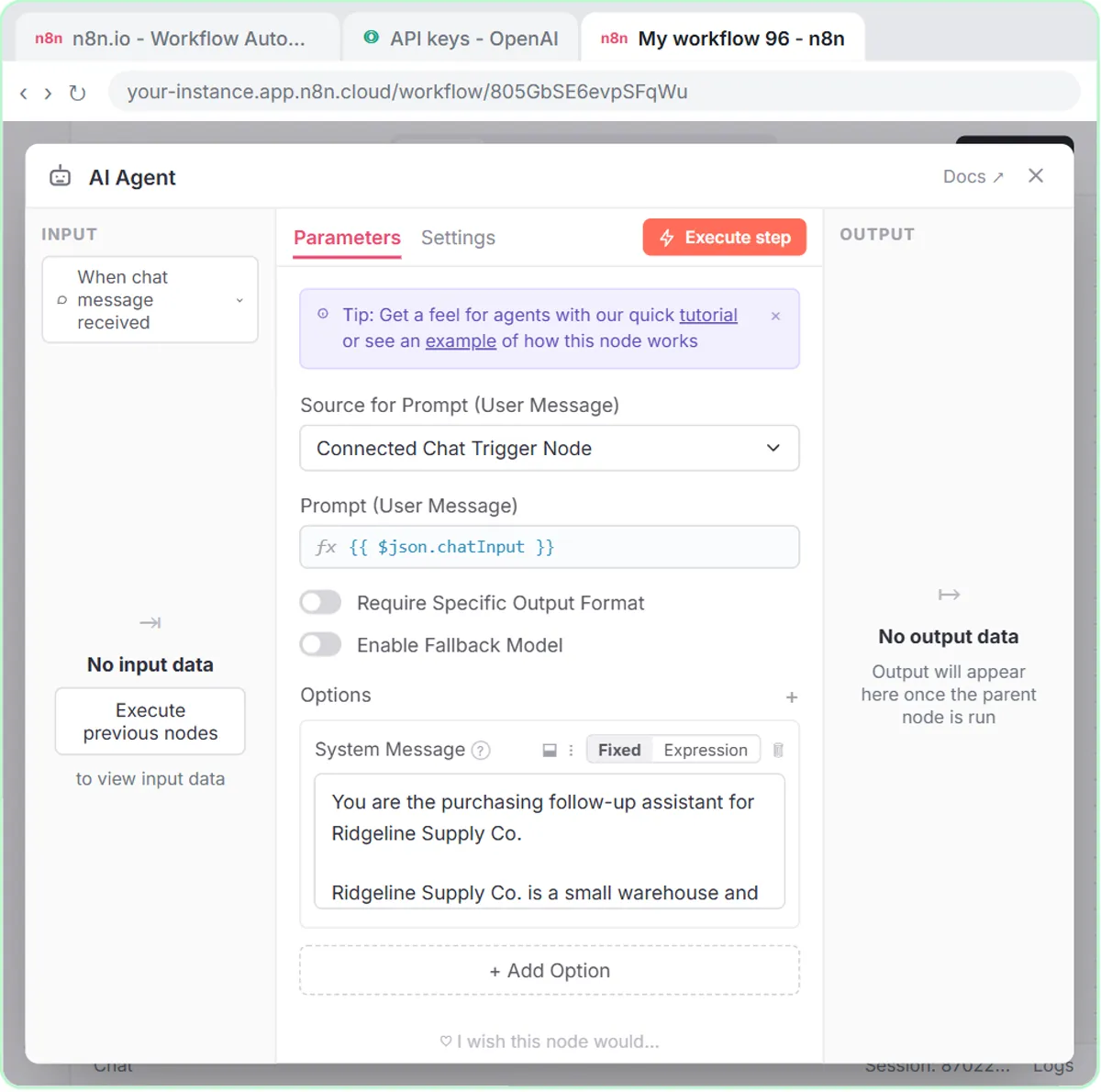 Build an AI Vendor Follow-Up Agent in n8n
Build an AI agent for Ridgeline Supply Co. that writes follow-up messages for late or pending purchase orders and saves them to Google Sheets — chat trigger, AI Agent…
Free · Live ~12 min Intermediate
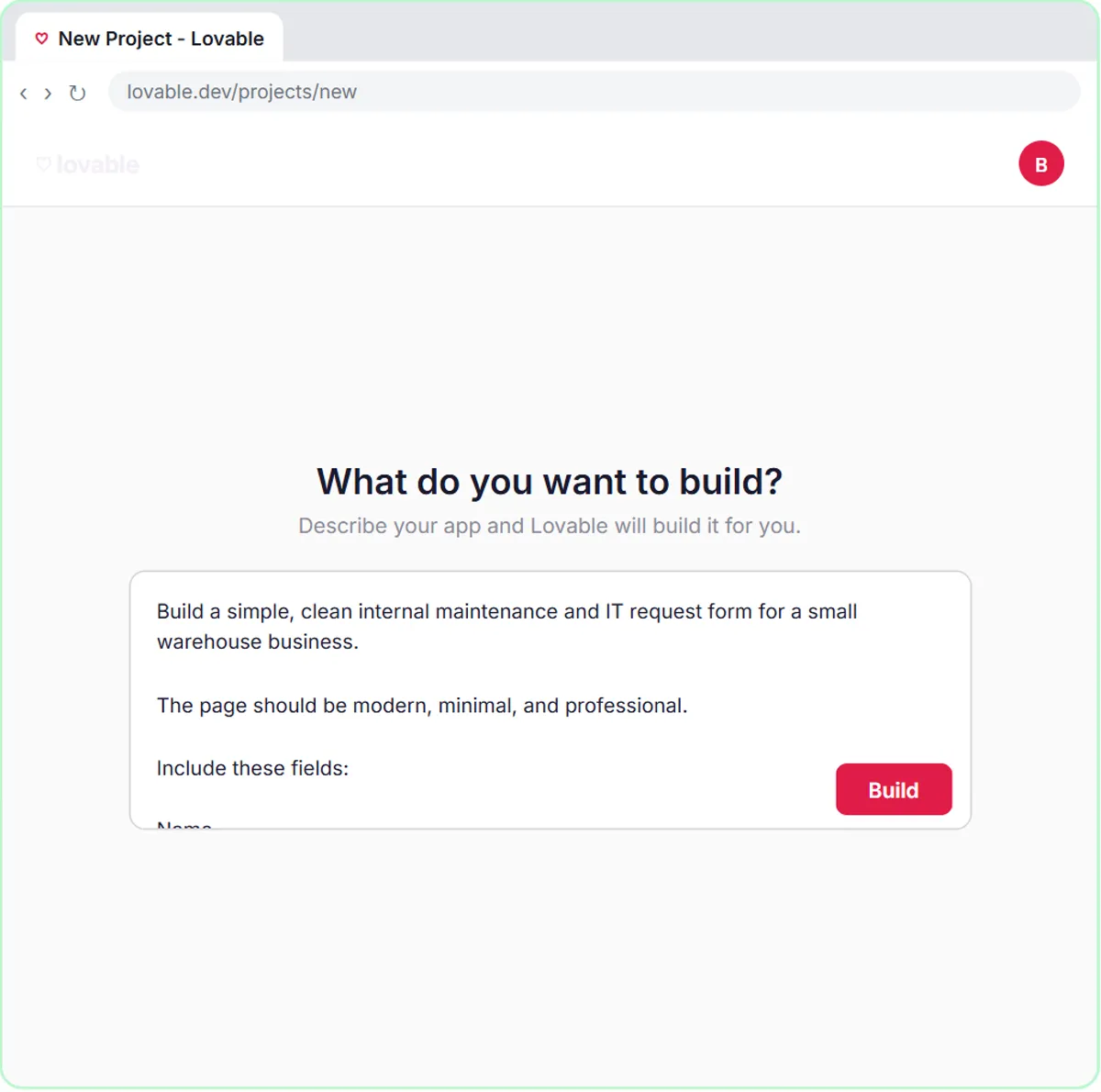 Build an AI Maintenance and IT Request Form
Build an internal maintenance and IT request form in Lovable for Ridgeline Supply Co. and connect it to n8n — the AI agent sets the priority, assigns a team, saves the…
Free · Live ~15 min Advanced
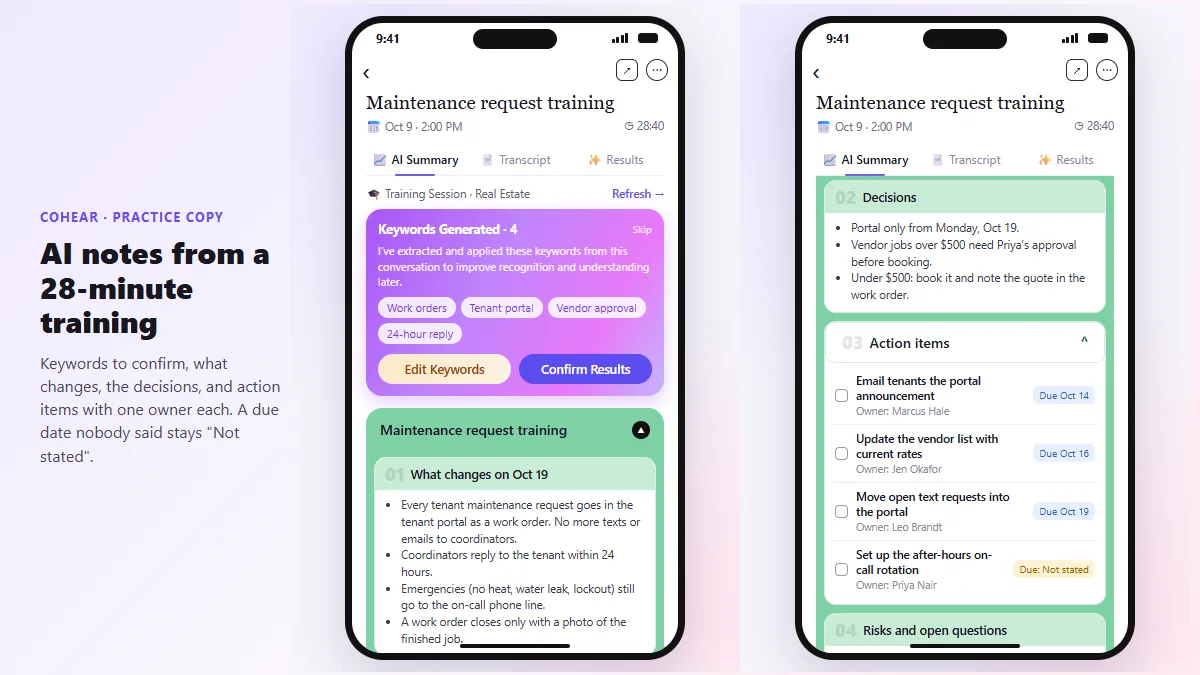 CoHear: AI Meeting Notes from a Team Training Session
Record a team training session on your iPhone with CoHear, check the AI notes and action items against the transcript, make a one-page handout and share it behind a…
Free · Live ~8 min Intermediate
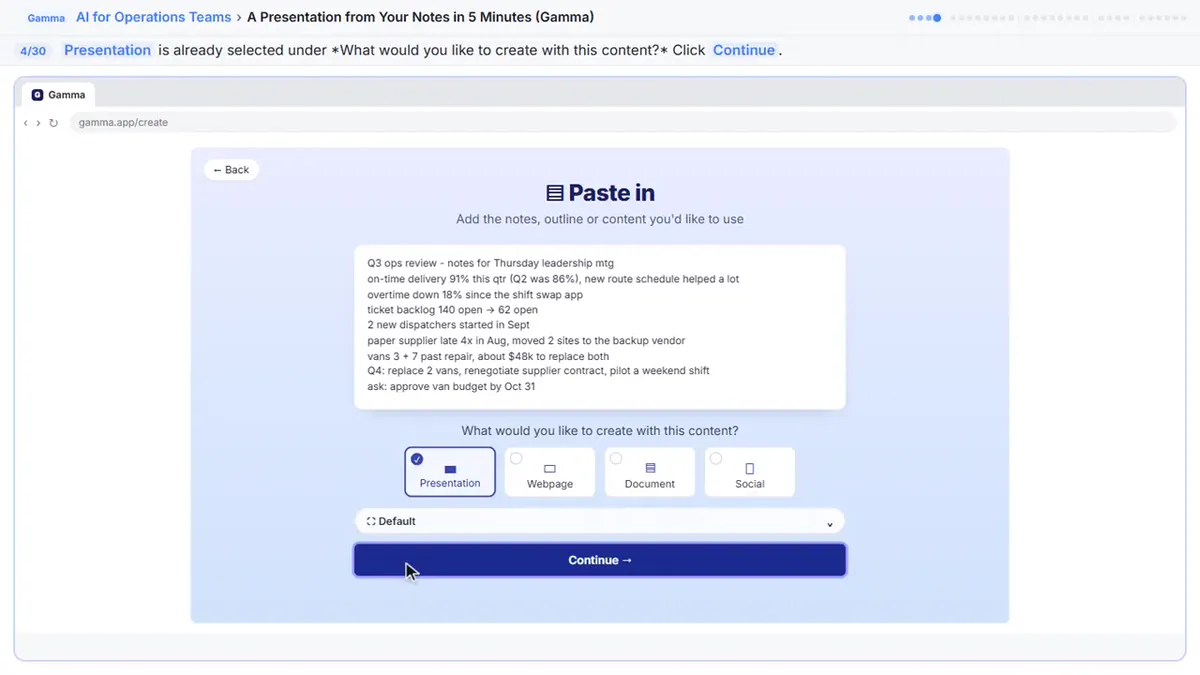 A Presentation from Your Notes in 5 Minutes (Gamma)
Paste rough meeting notes into Gamma, pick a theme, fix one slide by chatting with its AI, and export the deck to PowerPoint and PDF.
Free · Live ~9 min Intermediate
◷Run a Weekly Ops Review Where Every Task Has an Owner using ChatGPTTurn a weekly operations and vendor review into the decisions, the next steps with owners and dates, the risks to watch and a team recap, without turning a vendor's…
Free · Live ~7 min Beginner
◷Meeting to Action: Recap, Tracker Rows and a Kickoff Deck (ChatGPT, n8n, Gamma)Turn rough meeting notes into a checked recap in ChatGPT, four action-item rows in a Google Sheet through n8n, and a five-slide kickoff deck in Gamma.
Free · Live ~14 min Intermediate
All 9 modules in AI Automation for Operations
Terms in this lesson
Plain-English definitions, each with an example from a free lesson.